Kimi K3 in Kimi Code CLI 2.1.0
skills off
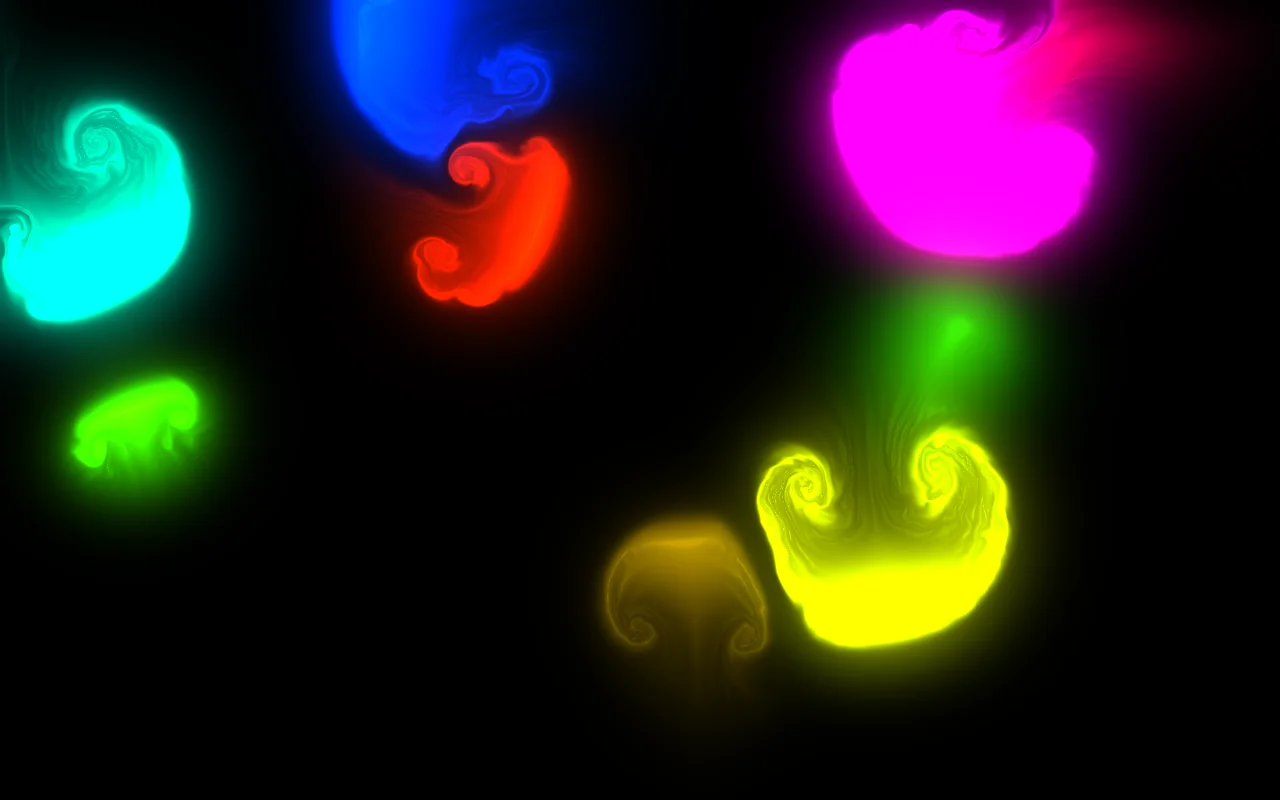
The model's own page, run in a sandboxed frame only when you ask (a page that needs its own origin opens in a new tab on a separate demo site). Phones get a full-screen player capped at 1.5x pixel density (2x on larger screens) so it stays smooth; the original page runs uncapped. It starts in its auto-tour (T switches to play mode on a keyboard).
Recorded from the live demo (stepped clock). Preview video recorded by this site from the live demo. The moving picture above is that preview; the button runs the real page.
Wall time 57m 02sCost $2.29 estimated
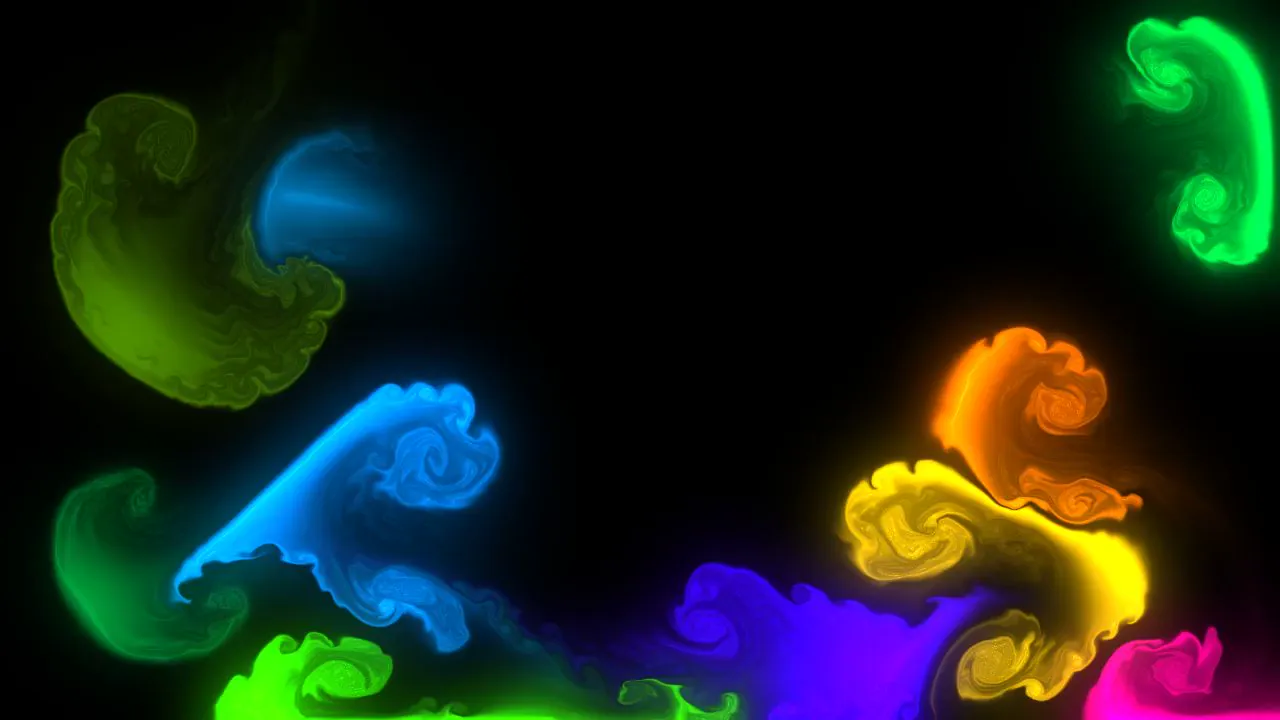
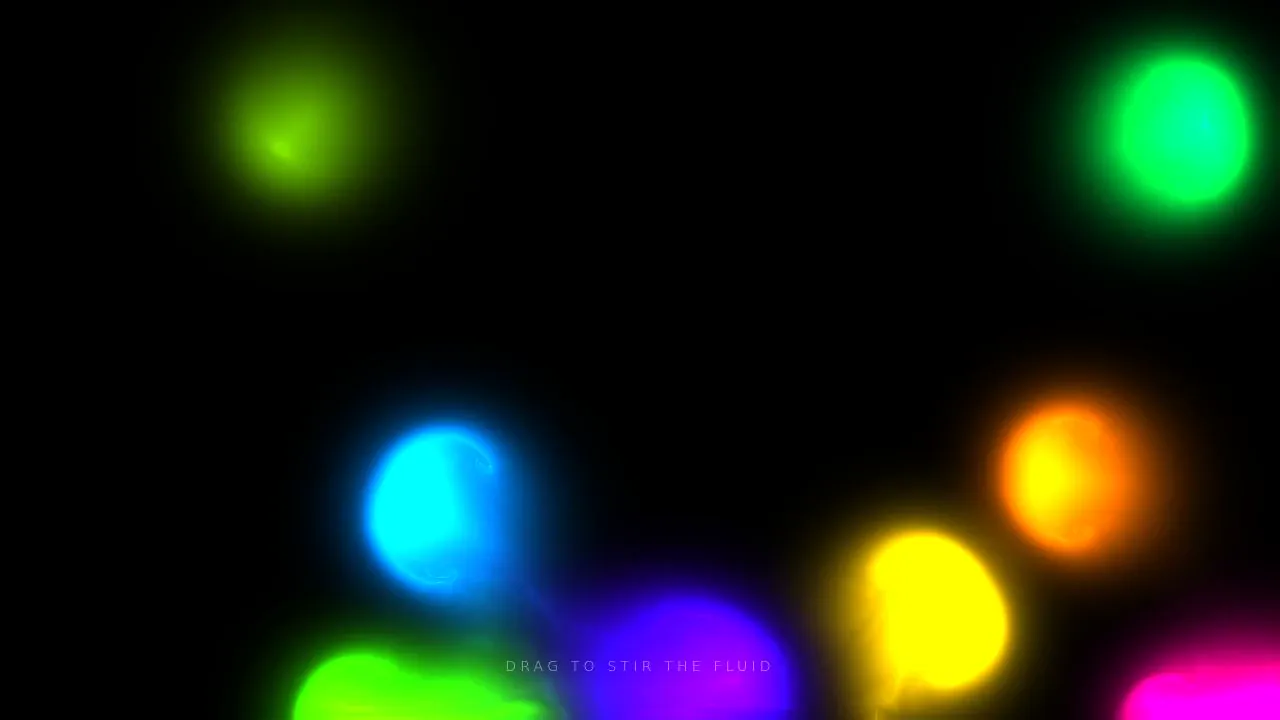
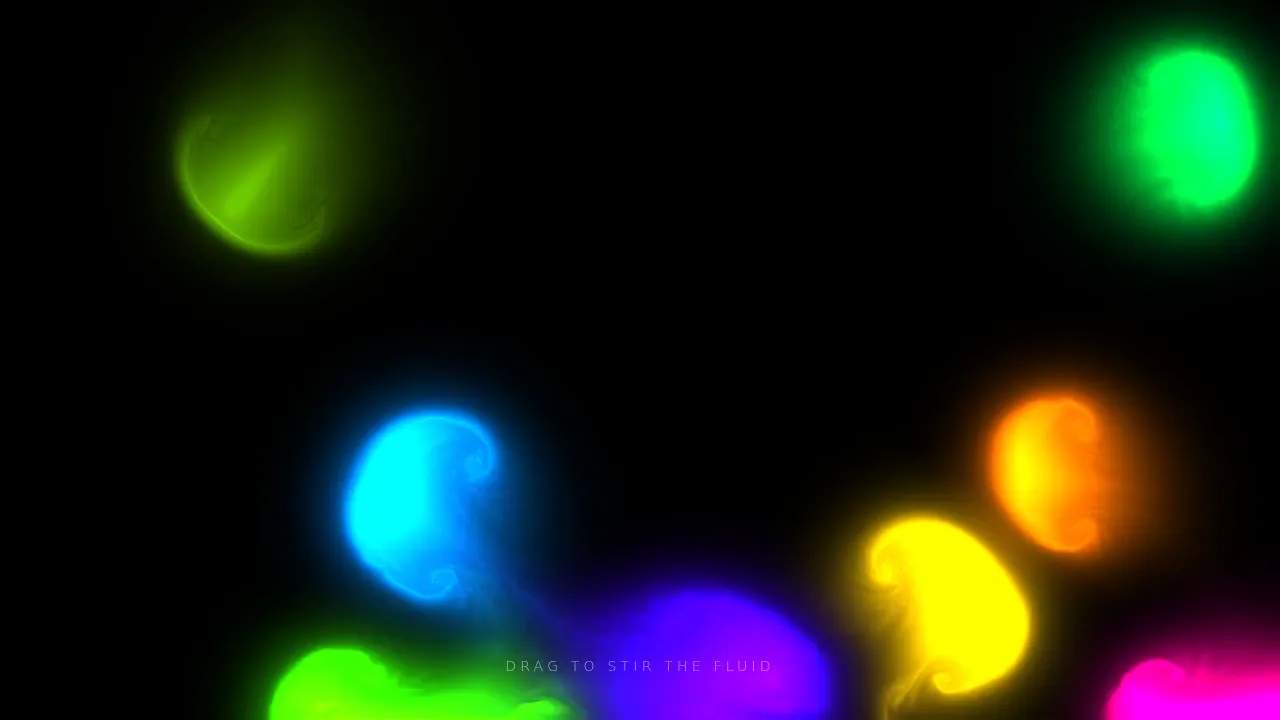
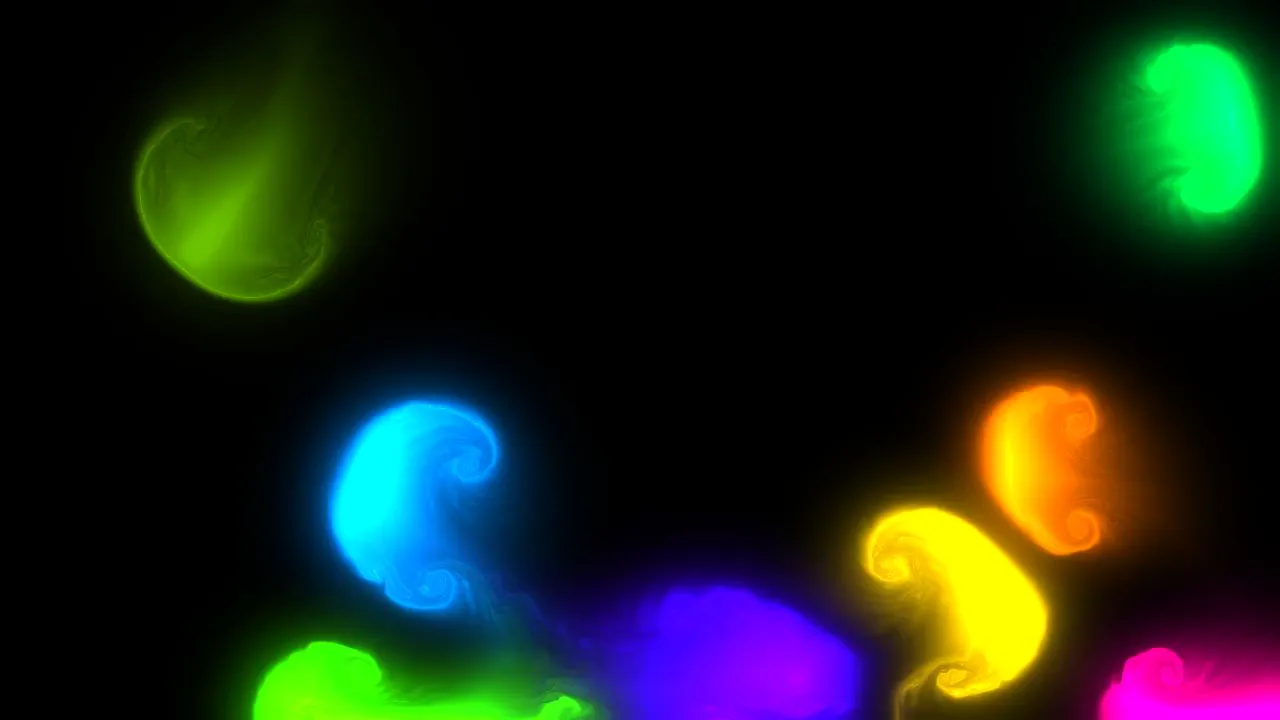
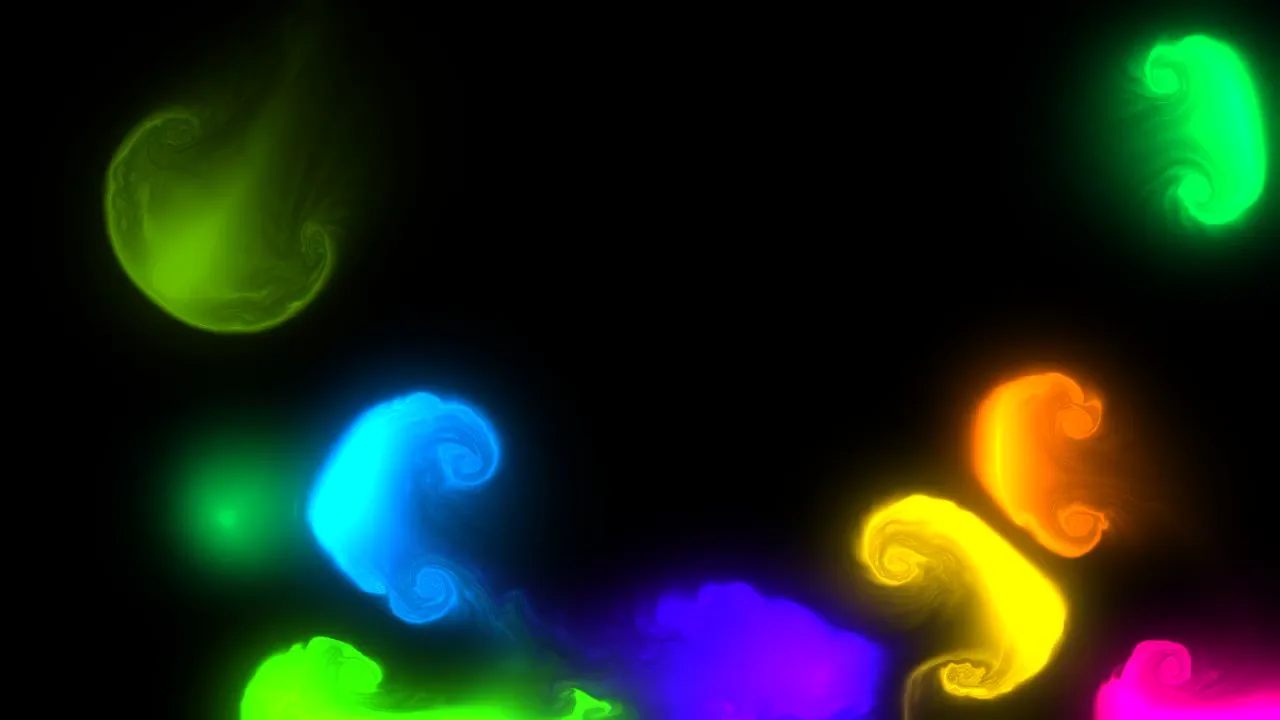
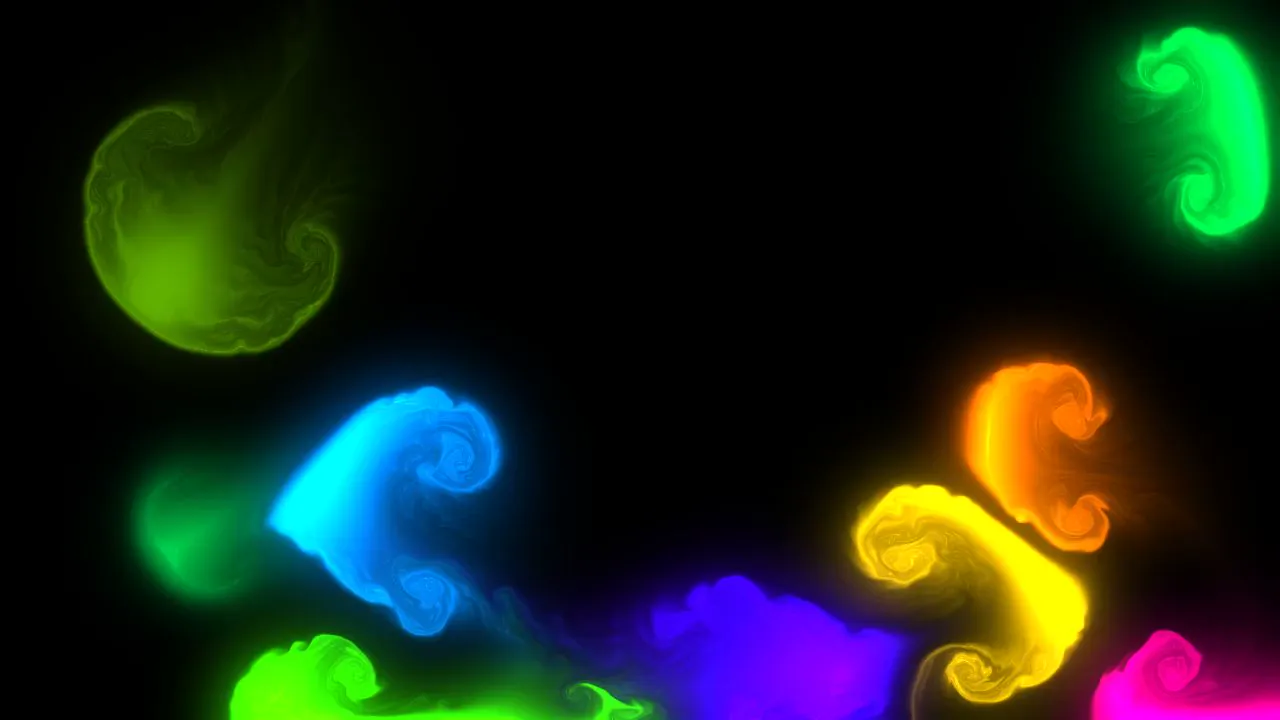
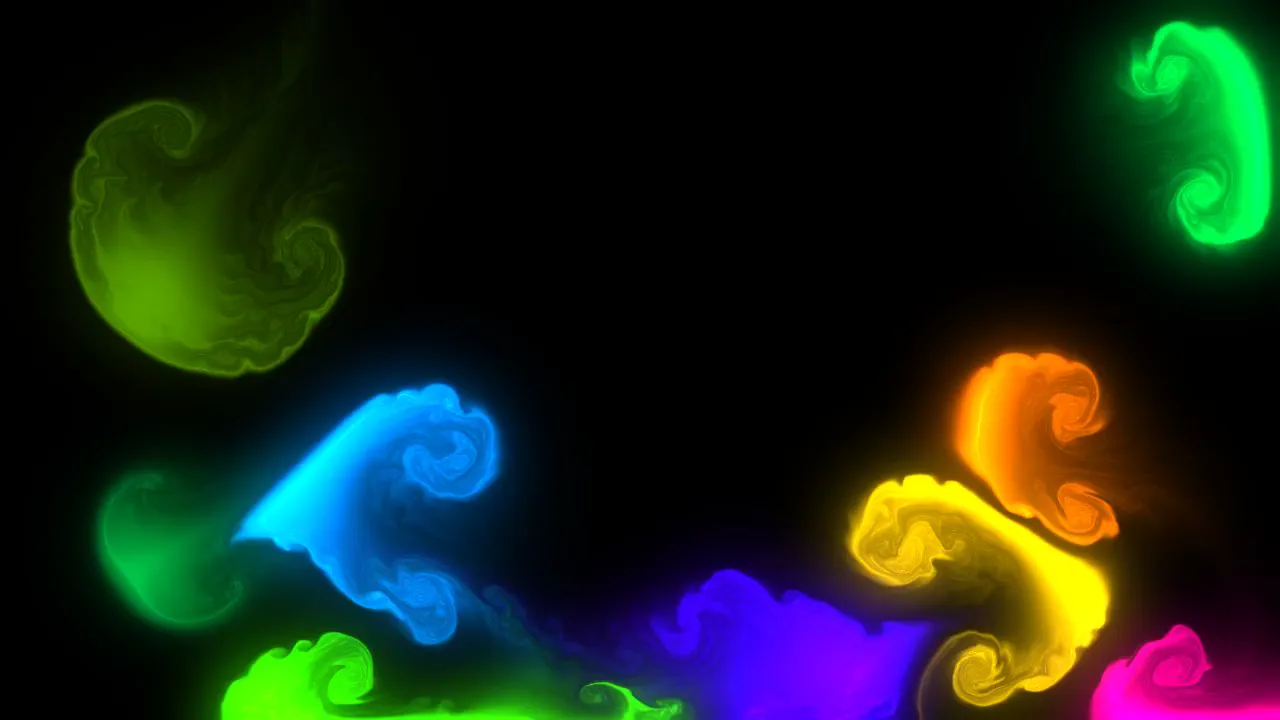
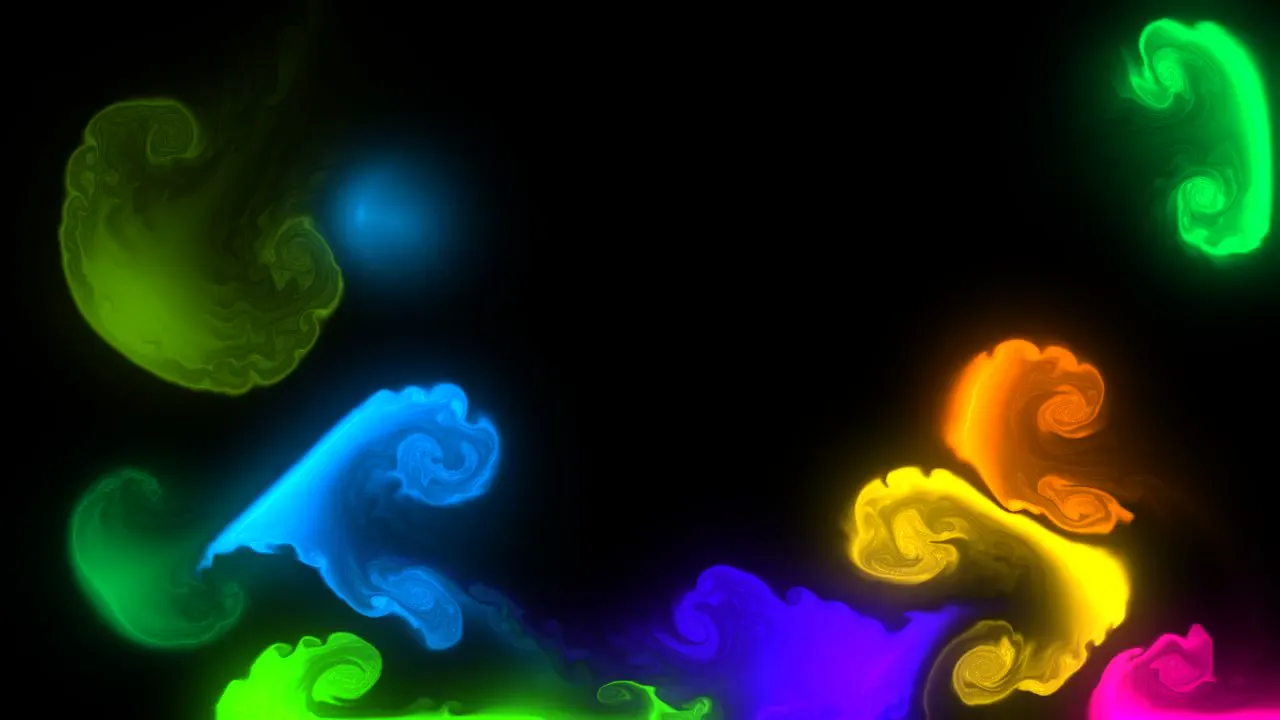
Generation timelapse
Generation timelapse (the agent's screen during the run, sped up). This is not the finished video. Download video (1.2 MB).
Review
No verdict yet.
The full review
Stopped by us. Stopped by us (box row cap reached (3704s); stopped by the box lane so the run ships as partial); not a model failure.
Attempt 2 of 2
Every try of this model in this harness on this prompt, oldest first. This run is the cell's result.
- Attempt 1 ended in an infrastructure failure, not a model result2026-09-26
- Attempt 2 Stopped by us this run57m 02s$2.292026-09-26
Scores
Not scored: only runs that finished on their own are scored.
Downloads
Files actually published for this run. Original output, site-made previews and post-run conversions are labelled separately.
The exact prompt
as run, 664 characters. Every result for this prompt
Build a GPU-accelerated fluid simulation in a single HTML file using WebGL, no external libraries. Dragging the mouse or a finger should push colorful dye through the fluid, with a soft glow. Make it look stunning and run smoothly.

Build it as a self-contained index.html in the current directory, with WebGL/WebGL2 shaders you write yourself; no libraries and no CDNs; interactive with mouse or touch input. You may serve it locally and open it in headless chromium (/usr/bin/chromium, software WebGL, no GPU) to screenshot and inspect your own output, and iterate on your own before finishing. Close any browser you open as soon as you've taken your screenshot.
How it was made
Versions saved during the run
19 intermediate outputs, in the order the model wrote them.


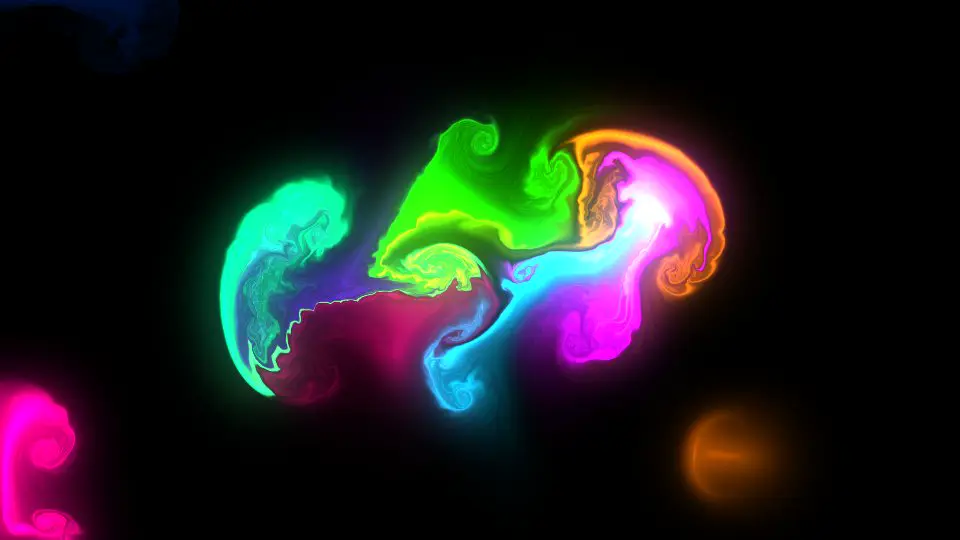
Step by step
The prompt, every agent turn and tool call (tool name and a one-line summary; inputs and outputs are not shown), then the final message. The full transcript is 2.9 MB; it is published as a scrubbed, compressed download rather than shown on the page.
Show all 2 steps
Loading the timeline…
Download the full transcript transcript, 173 KB, gzip. Scrubbed: anything that looks like a key, token, e-mail address or phone number is replaced, and account details and the test machine's file paths are removed.
Cost breakdown
Headline cost $2.29, estimated from the token counts at list price.
| Tokens by type | Tokens | $ per 1M | Cost |
|---|---|---|---|
| Input (uncached) | 94,116 | $3.00 | $0.2823 |
| Cache write | 0 | $3.00 | $0 |
| Cache read | 4,109,162 | $0.30 | $1.2327 |
| Output | 51,918 | $15.00 | $0.7788 |
| of which reasoning | not recorded | billed as output |
- Total computed from tokens
- $2.2939
- Total reported by the harness
- none
Computed from harness-reported token counts x list prices. Kimi Code prints no dollar figure.
Prices: https://platform.kimi.ai/docs/pricing/chat, 2026-09-24.
Run notes
- frozen prompt (written): engine/prompts_written/gpu_fluid_sim.txt: Voxyz's own prompt verbatim (x.com/Voxyz_ai/status/2103088468762960378) + our fixed inputs (self-contained index.html, own WebGL/WebGL2 shaders, no libraries/CDNs, mouse/touch input) (supervisor 725c3fc2 05:53Z; zero results)
- Kimi Code on Node 22.23.3 through the per-run credential relay
- Mode: interactive TUI in tmux (160x48), inside bubblewrap sandbox
- Isolation audit: outside paths seen