Balanced trees
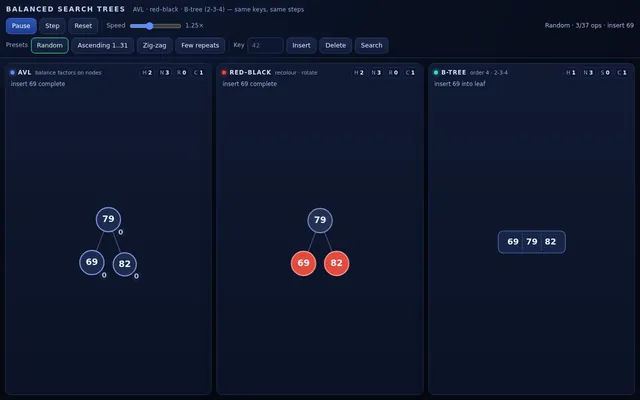
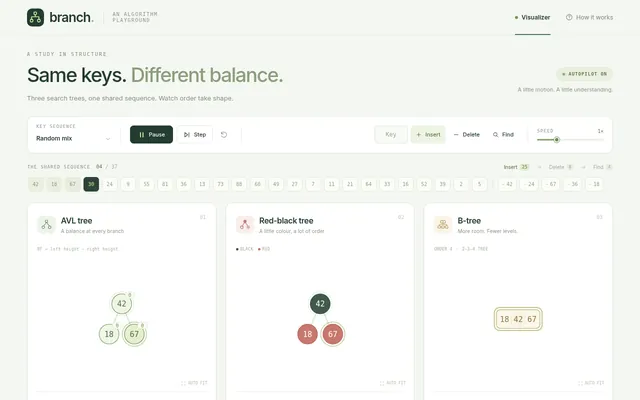
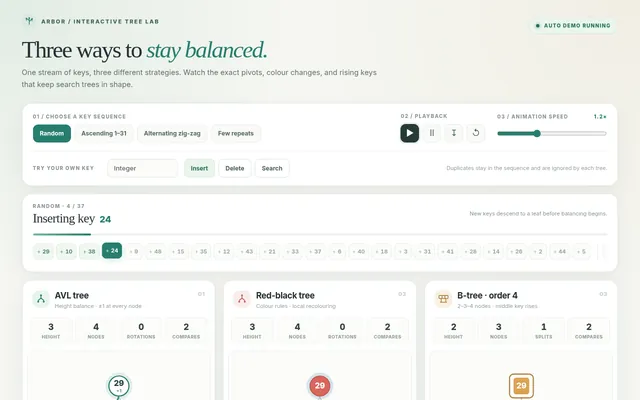
Build a balanced search tree visualizer: three trees side by side (stacked on narrow screens) receive the same sequence of integer keys at the same time: an…
More
1 test · 3 finished runs (3 agent, 0 raw one-shot) · 3 live demos
The prompt
Build a balanced search tree visualizer: three trees side by side (stacked on narrow screens) receive the same sequence of integer keys at the same time: an AVL tree, a red-black tree and a B-tree of order 4 (2-3-4 tree). Insert one key per step and animate every structural change honestly: nodes sliding to new positions, AVL single and double rotations with the pivot highlighted and balance factors shown on each node, red-black recolouring and rotations with node colours, B-tree node splits with the middle key rising to the parent. Lay each tree out cleanly so it never overlaps, and scale to fit its panel as it grows. Show height, node count, rotations or splits so far, and the number of comparisons for the last operation in every panel. After 25 inserts, perform 8 deletions with their own rebalancing animations, then search for 4 keys showing the comparison path. Controls: key sequence presets (random, ascending 1..31 which wrecks a naive tree, alternating zig-zag, few repeats), type a key to insert, delete or search, speed slider, play, pause, step, reset. So the page is alive without input, on load it runs the random preset automatically, then waits 3 seconds and runs the next preset, forever, until the user touches a control. Make it elegant, with smooth motion that makes rotations finally make sense. Save it as index.html in the current directory: one self-contained file with inline CSS and JavaScript only, no libraries or frameworks, and no external requests of any kind (no CDNs, web fonts, images or audio files). It must work when opened directly from disk, fit any window from a 390 px wide phone to a desktop, and run without console errors. You may serve it locally and open it in headless chromium (/usr/bin/chromium, software WebGL, no GPU) to screenshot and inspect your own output, and iterate on your own before finishing. Close any browser you open as soon as you've taken your screenshot.
Same prompt, all models: step through 3 runsIn the gallery: one player, arrow keys or swipe.