Edit distance dp
Build a dynamic programming visualizer centred on edit distance (Levenshtein).
More
1 test · 3 finished runs (3 agent, 0 raw one-shot) · 3 live demos
The prompt
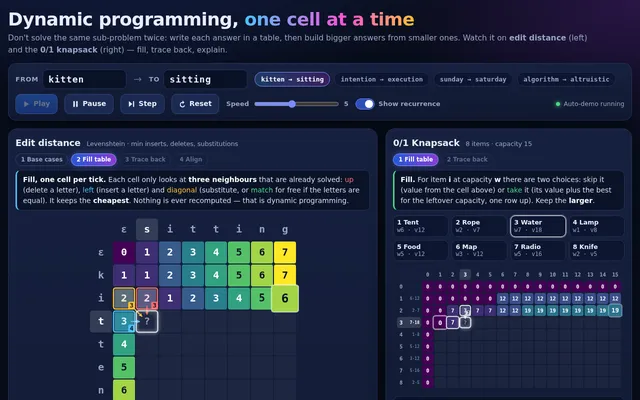
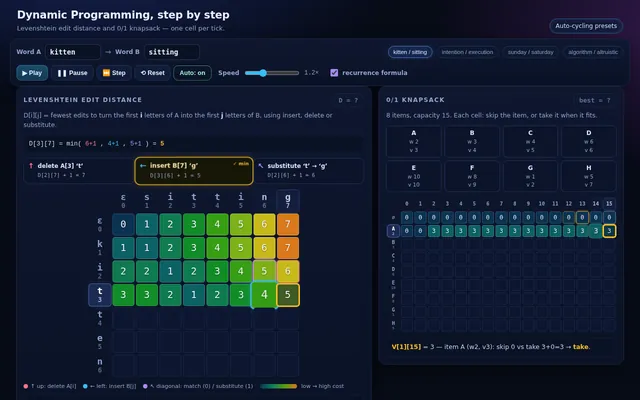
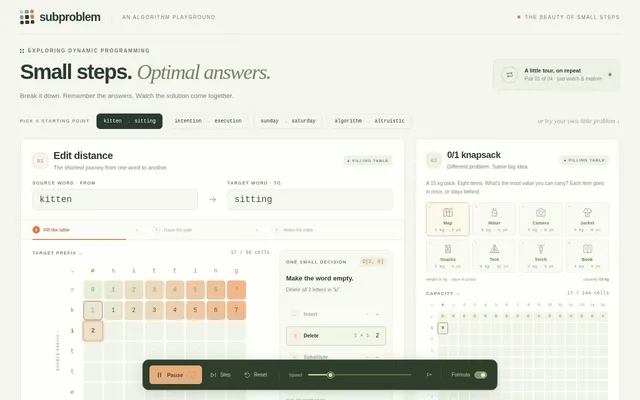
Build a dynamic programming visualizer centred on edit distance (Levenshtein). Show two words and the full DP table between them; fill it one cell per tick, for each cell highlighting the three neighbours it reads (left, up, diagonal), showing the candidate costs for insert, delete and substitute or match, and writing the minimum with a small pop. Colour the table as a heatmap as it fills. When the table is complete, trace back the optimal path from the bottom-right corner with a glowing line, then animate the alignment below: the first word morphing into the second letter by letter, with insertions, deletions and substitutions coloured and labelled, ending on the final distance. Beside it show a second, smaller panel solving the 0/1 knapsack problem (8 items, capacity 15) with the same cell-by-cell filling and a traceback that lights up the chosen items. Controls: two text inputs for the words, word-pair presets (kitten/sitting, intention/execution, sunday/saturday, algorithm/altruistic), speed slider, play, pause, step, reset, and a toggle to show the recurrence formula for the current cell. So the page is alive without input, on load it starts solving the first preset automatically and then cycles through the presets with a 3 second pause between them, forever, until the user touches a control. Make it the clearest explanation of dynamic programming anyone has seen. Save it as index.html in the current directory: one self-contained file with inline CSS and JavaScript only, no libraries or frameworks, and no external requests of any kind (no CDNs, web fonts, images or audio files). It must work when opened directly from disk, fit any window from a 390 px wide phone to a desktop, and run without console errors. You may serve it locally and open it in headless chromium (/usr/bin/chromium, software WebGL, no GPU) to screenshot and inspect your own output, and iterate on your own before finishing. Close any browser you open as soon as you've taken your screenshot.
Same prompt, all models: step through 3 runsIn the gallery: one player, arrow keys or swipe.