Maze generate and solve
Build a maze generation and solving show: four panels side by side (a grid on narrow screens) each carve the same-size 31 x 21 maze with a different generato…
More
1 test · 7 finished runs (7 agent, 0 raw one-shot) · 7 live demos
The prompt
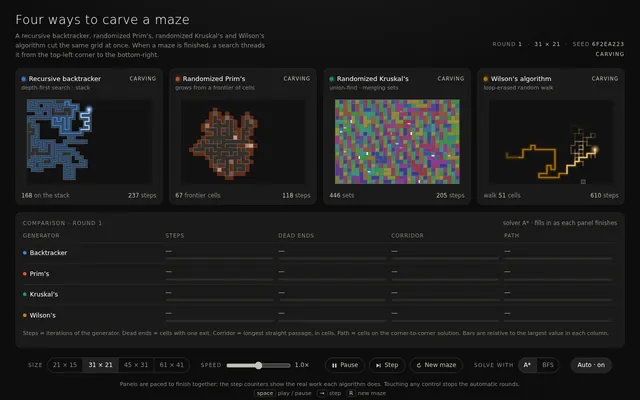
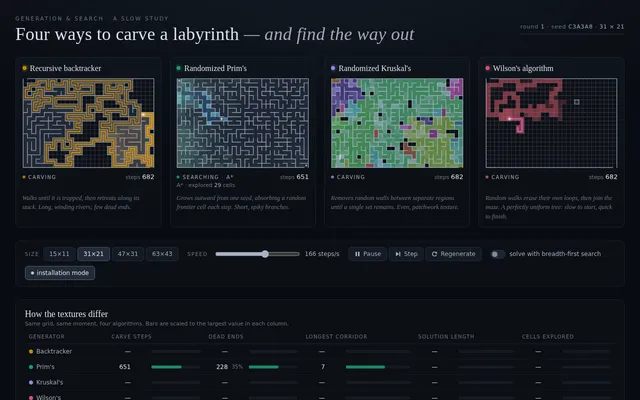
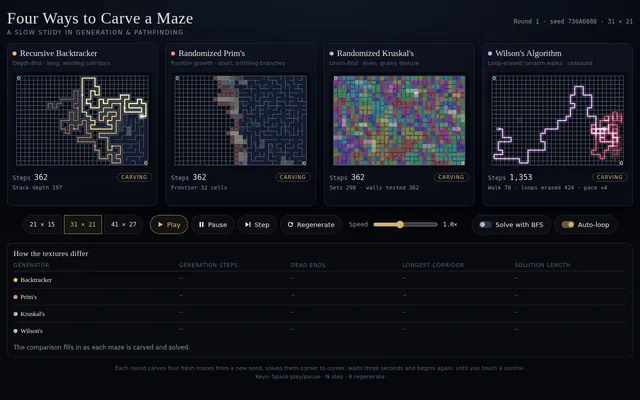
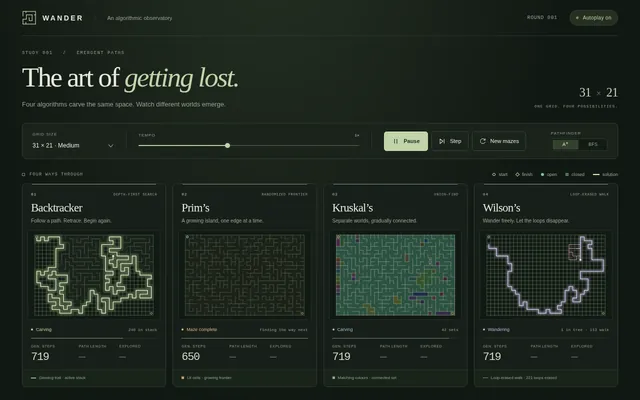
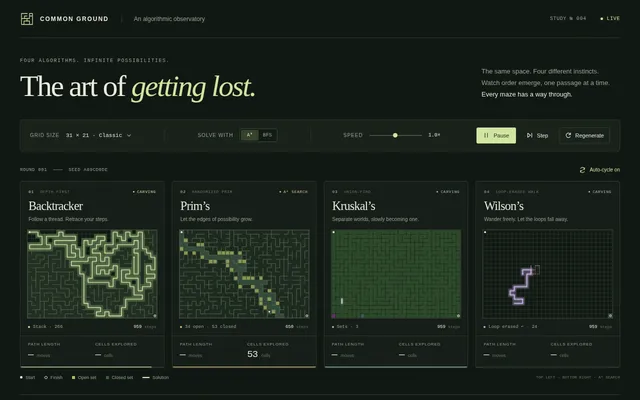
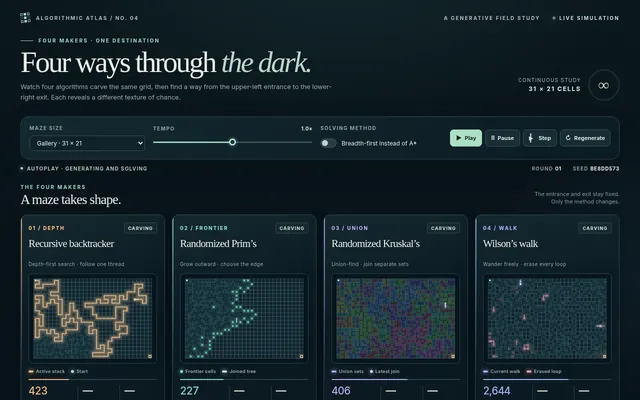
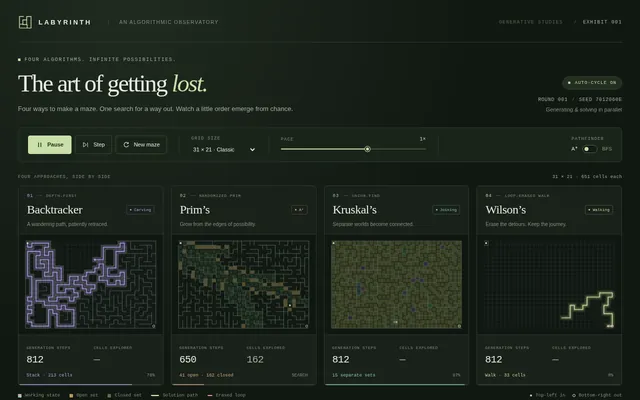
Build a maze generation and solving show: four panels side by side (a grid on narrow screens) each carve the same-size 31 x 21 maze with a different generator at the same time: recursive backtracker (depth-first), randomized Prim's, randomized Kruskal's with union-find, and Wilson's loop-erased random walk. Show each generator's working state honestly: the backtracker's stack as a glowing trail, Prim's frontier cells, Kruskal's sets as distinct colours that merge as walls fall, Wilson's wandering walk with its loops being erased. Count steps per panel. When a maze is complete, solve it in the same panel with A* from the top-left to the bottom-right corner, drawing the open set, the closed set and the final path as a bright line, and show path length and cells explored. Then display a small comparison (generation steps, dead ends, longest corridor, solution length) so viewers see how the generators produce different textures of maze. Controls: maze size presets, speed slider, play, pause, single step, regenerate, and a toggle to solve with breadth-first search instead of A*. So the page is alive without input, on load it generates and solves automatically, then waits 3 seconds and starts a new round with a fresh seed, forever, until the user touches a control. Make it feel like a calm, hypnotic museum installation. Save it as index.html in the current directory: one self-contained file with inline CSS and JavaScript only, no libraries or frameworks, and no external requests of any kind (no CDNs, web fonts, images or audio files). It must work when opened directly from disk, fit any window from a 390 px wide phone to a desktop, and run without console errors. You may serve it locally and open it in headless chromium (/usr/bin/chromium, software WebGL, no GPU) to screenshot and inspect your own output, and iterate on your own before finishing. Close any browser you open as soon as you've taken your screenshot.
Same prompt, all models: step through 7 runsIn the gallery: one player, arrow keys or swipe.