Chart morph (bars, line, donut)
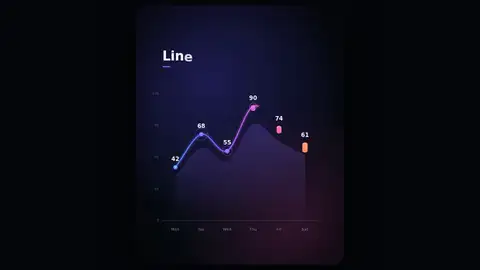
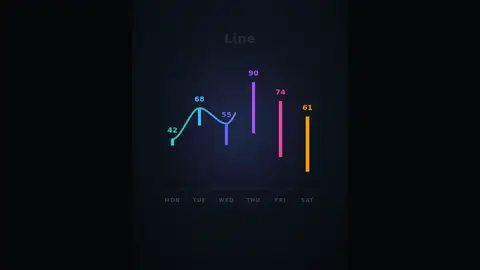
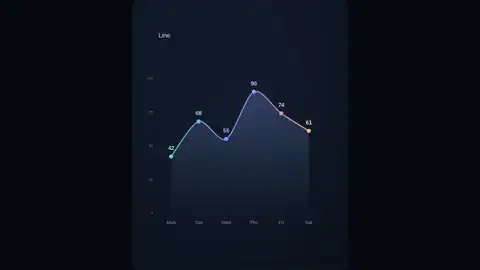
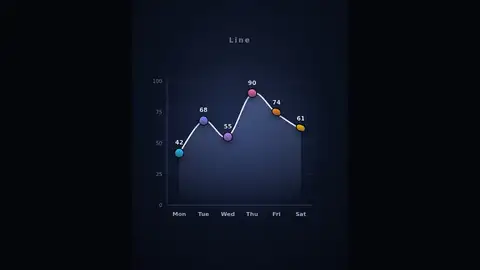
One six-value dataset morphs from a bar chart into a line chart, then a donut chart and back, every element travelling between states, in a loop of about 14…
More
1 test · 4 finished runs (0 agent, 4 raw one-shot) · 4 live demos
The prompt
Create a single self-contained HTML file (inline CSS and JavaScript only; SVG for all graphics; no canvas, no external libraries, fonts or network requests) that plays a polished motion graphic, like a studio-made data animation. The motion: one dataset of 6 values (Mon-Sat: 42, 68, 55, 90, 74, 61) morphs through three chart states in a continuous loop: 1. Bar chart: 6 bars grow up from the baseline, with axis, gridlines and value labels. 2. The bars smoothly morph into a line chart: each bar collapses into a point at its top, the points connect with a line that draws itself, and an area fill fades in beneath it. 3. The line chart morphs into a donut chart: the 6 values become 6 coloured arcs that sweep around a ring, with the total counting up in the centre. 4. The donut morphs back into the bar chart and the loop repeats. Each state holds for about 2 seconds and each transition takes about 1.5 seconds, so one loop is about 14 seconds. Every element must visibly travel from one state to the next (true morphing, not a crossfade). Each state shows a small label naming it ("Bars", "Line", "Donut"), and labels animate in and out. Requirements: - Use expressive easing (ease-in-out, overshoot, staggered delays between the 6 elements). - Dark, modern design with a cohesive colour palette; portrait 4:5 layout, scaled to fit the browser window and centred. - Motion starts immediately at page load: something is already moving in the first half second. - Drive all animation with requestAnimationFrame and performance.now; no user interaction needed. - No other text, titles, buttons or UI beyond the chart labels, values and state labels. Reply with only the complete HTML file.
Same prompt, all models: step through 4 runsIn the gallery: one player, arrow keys or swipe.