DNF
The model did not finish, so there is no output.
Create a single self-contained SVG illustration of an acoustic guitar in front view with a sound hole rosette, six strings, tuning pegs, frets and a wood grain body. Use viewBox="0 0 1200 900" with width="1200" height="900". No external assets, no raster images, no external fonts (generic font families such as sans-serif are fine), no scripts. Output ONLY the complete SVG code, starting with <svg and ending with </svg>, with no explanation or markdown fences.
Create a single self-contained SVG illustration of a retro twin-bell alarm clock ringing, shown shaking with motion lines, a hammer between the bells and the hands at seven o'clock. Use viewBox="0 0 1200 900" with width="1200" height="900". No external assets, no raster images, no external fonts (generic font families such as sans-serif are fine), no scripts. Output ONLY the complete SVG code, starting with <svg and ending with </svg>, with no explanation or markdown fences.
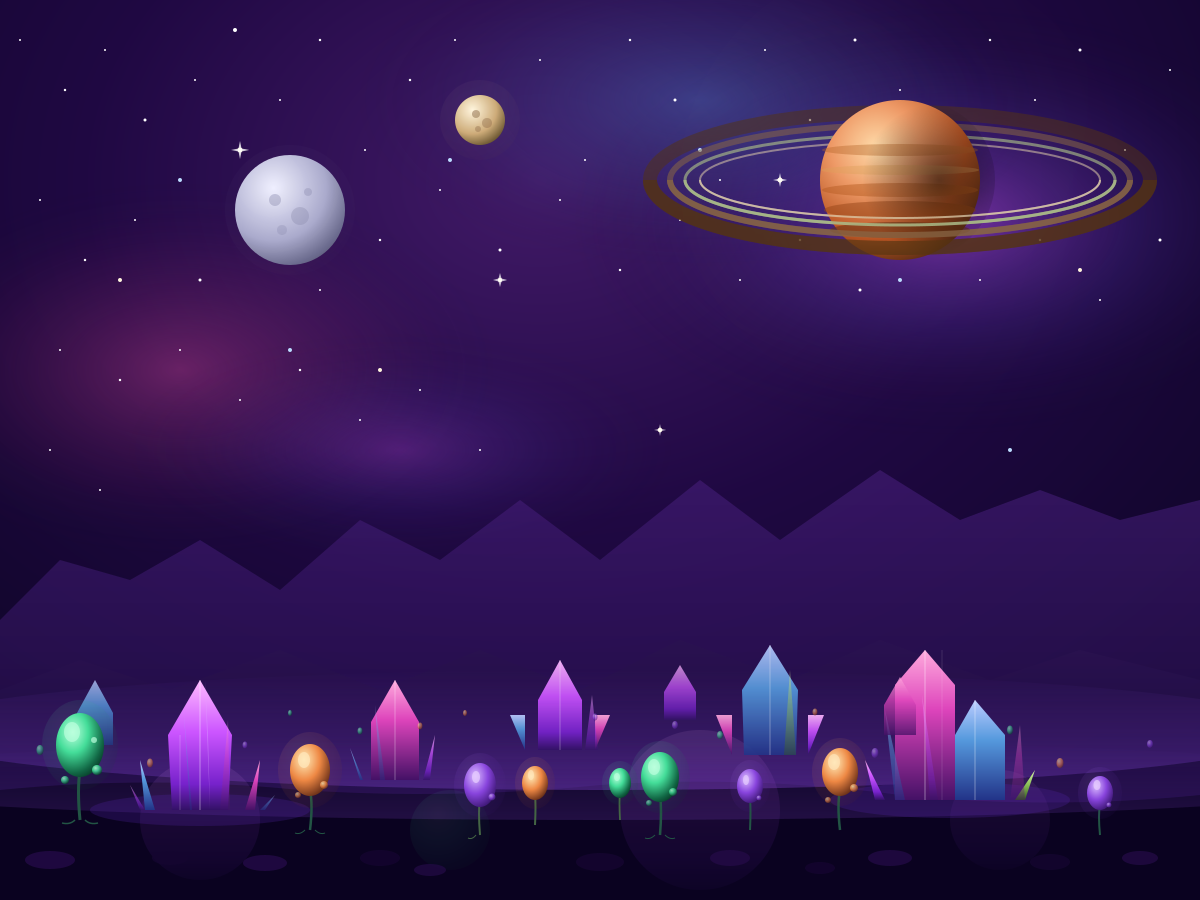
Create a single self-contained SVG illustration of an alien planet surface with purple crystal formations, strange bulb-shaped plants and two moons plus a ringed planet in the sky. Use viewBox="0 0 1200 900" with width="1200" height="900". No external assets, no raster images, no external fonts (generic font families such as sans-serif are fine), no scripts. Output ONLY the complete SVG code, starting with <svg and ending with </svg>, with no explanation or markdown fences.
Create a single self-contained SVG illustration of the letters A, B and C drawn as large decorative capitals, each formed from an animal: an alligator, a bear and a cat. Use viewBox="0 0 1200 900" with width="1200" height="900". No external assets, no raster images, no external fonts (generic font families such as sans-serif are fine), no scripts. Output ONLY the complete SVG code, starting with <svg and ending with </svg>, with no explanation or markdown fences.
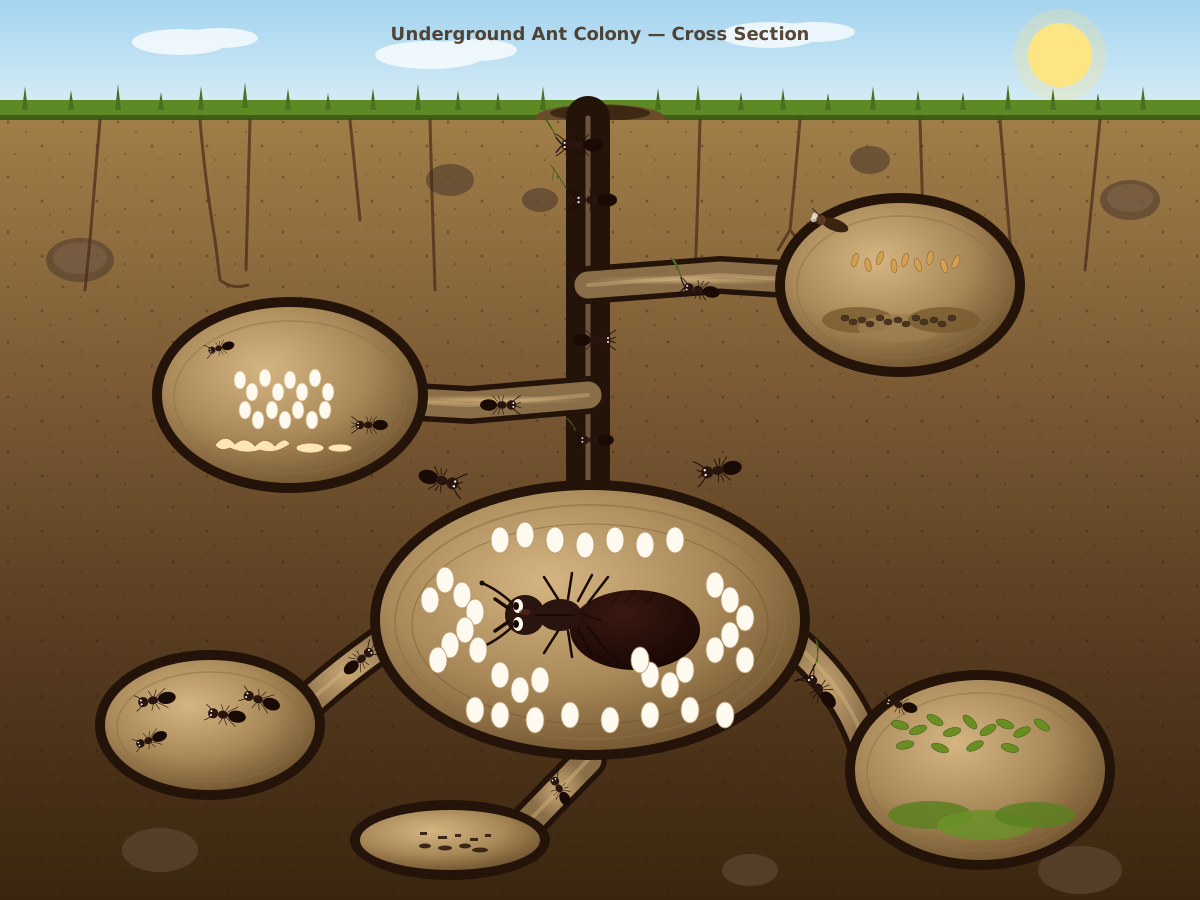
Create a single self-contained SVG illustration of a cross-section of an underground ant colony showing tunnels, a queen chamber with eggs, food storage rooms and worker ants carrying leaves. Use viewBox="0 0 1200 900" with width="1200" height="900". No external assets, no raster images, no external fonts (generic font families such as sans-serif are fine), no scripts. Output ONLY the complete SVG code, starting with <svg and ending with </svg>, with no explanation or markdown fences.
Create a single self-contained SVG illustration of a grid of nine flat rounded-square app icons for camera, mail, music, maps, notes, calendar, settings, weather and photos, in a consistent style. Use viewBox="0 0 1200 900" with width="1200" height="900". No external assets, no raster images, no external fonts (generic font families such as sans-serif are fine), no scripts. Output ONLY the complete SVG code, starting with <svg and ending with </svg>, with no explanation or markdown fences.
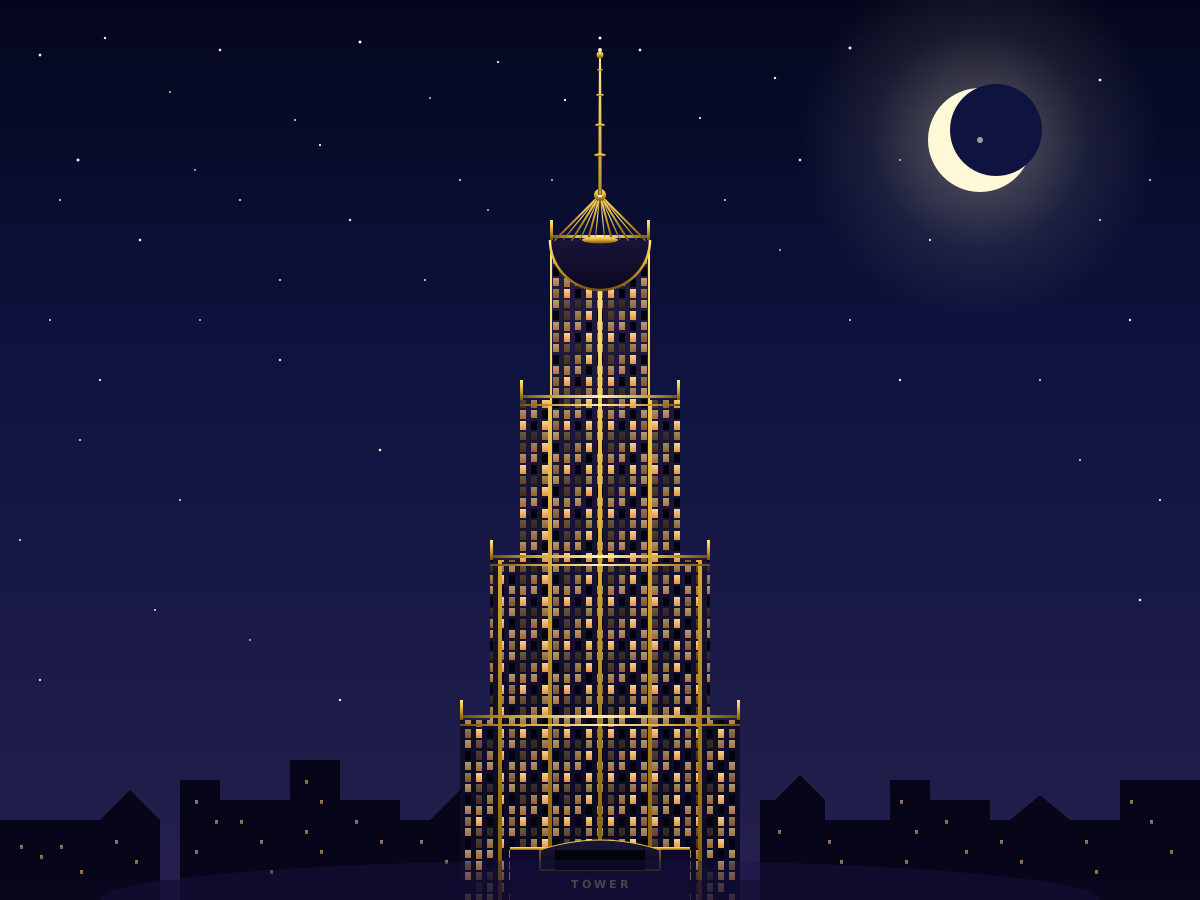
Create a single self-contained SVG illustration of a tall art deco skyscraper with a stepped crown, sunburst spire and vertical gold stripes against a night sky. Use viewBox="0 0 1200 900" with width="1200" height="900". No external assets, no raster images, no external fonts (generic font families such as sans-serif are fine), no scripts. Output ONLY the complete SVG code, starting with <svg and ending with </svg>, with no explanation or markdown fences.
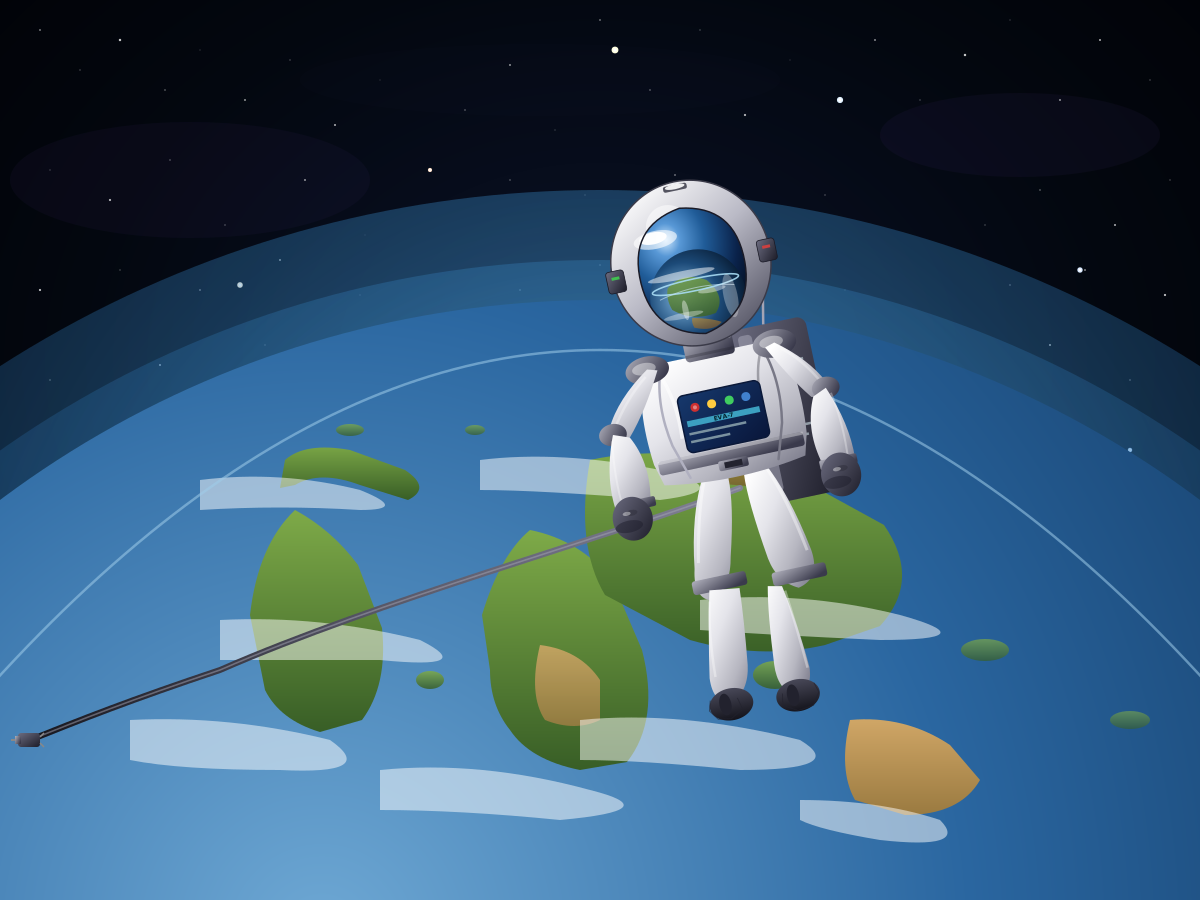
Create a single self-contained SVG illustration of an astronaut in a white spacesuit floating untethered above Earth, the visor reflecting the planet and a tether drifting loose. Use viewBox="0 0 1200 900" with width="1200" height="900". No external assets, no raster images, no external fonts (generic font families such as sans-serif are fine), no scripts. Output ONLY the complete SVG code, starting with <svg and ending with </svg>, with no explanation or markdown fences.
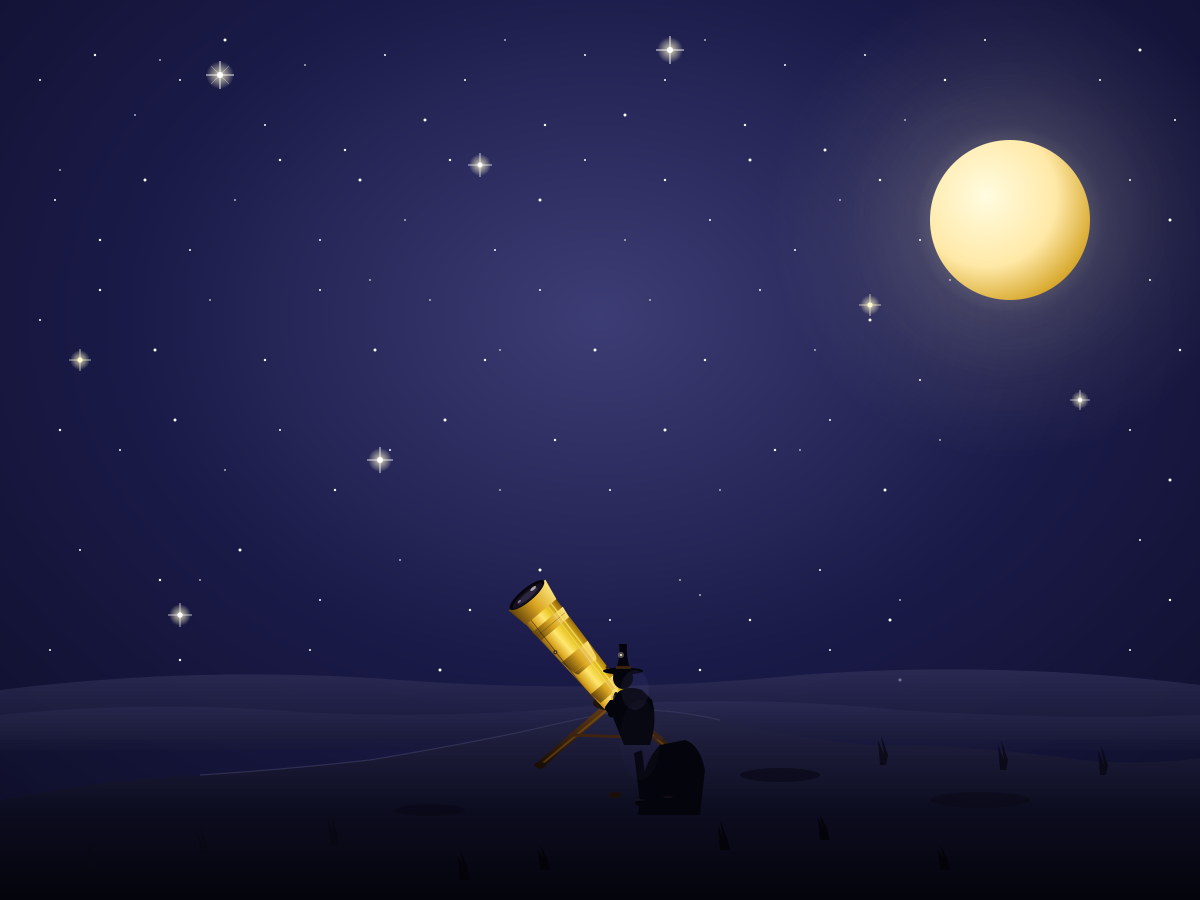
Create a single self-contained SVG illustration of a person on a hilltop at night looking through a brass telescope on a tripod, surrounded by a starry sky and a crescent moon. Use viewBox="0 0 1200 900" with width="1200" height="900". No external assets, no raster images, no external fonts (generic font families such as sans-serif are fine), no scripts. Output ONLY the complete SVG code, starting with <svg and ending with </svg>, with no explanation or markdown fences.
Create a single self-contained SVG illustration of a Bohr model of a carbon atom with a nucleus of six protons and six neutrons and six electrons on two orbital shells, labelled. Use viewBox="0 0 1200 900" with width="1200" height="900". No external assets, no raster images, no external fonts (generic font families such as sans-serif are fine), no scripts. Output ONLY the complete SVG code, starting with <svg and ending with </svg>, with no explanation or markdown fences.
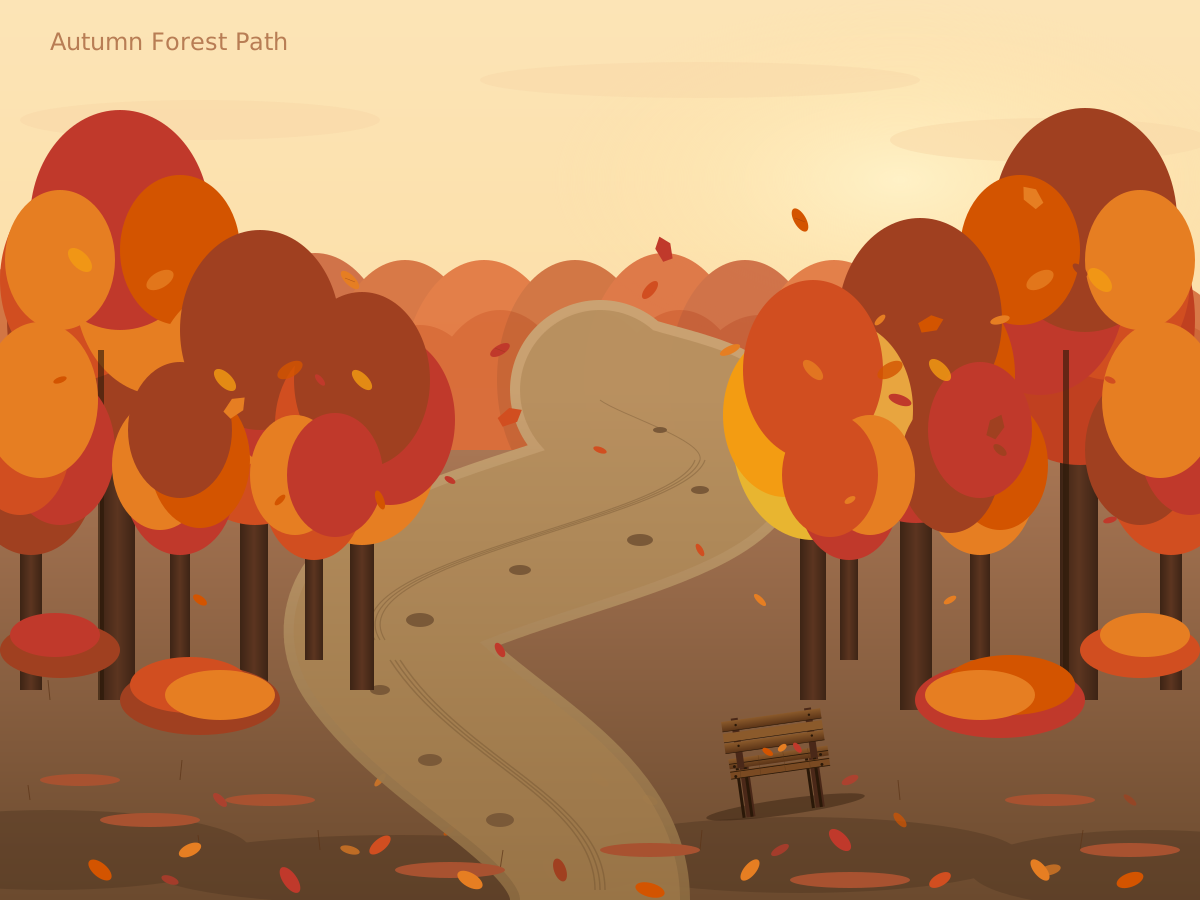
Create a single self-contained SVG illustration of a winding path through a forest in peak autumn colour, with orange and red leaves falling and a wooden bench along the way. Use viewBox="0 0 1200 900" with width="1200" height="900". No external assets, no raster images, no external fonts (generic font families such as sans-serif are fine), no scripts. Output ONLY the complete SVG code, starting with <svg and ending with </svg>, with no explanation or markdown fences.
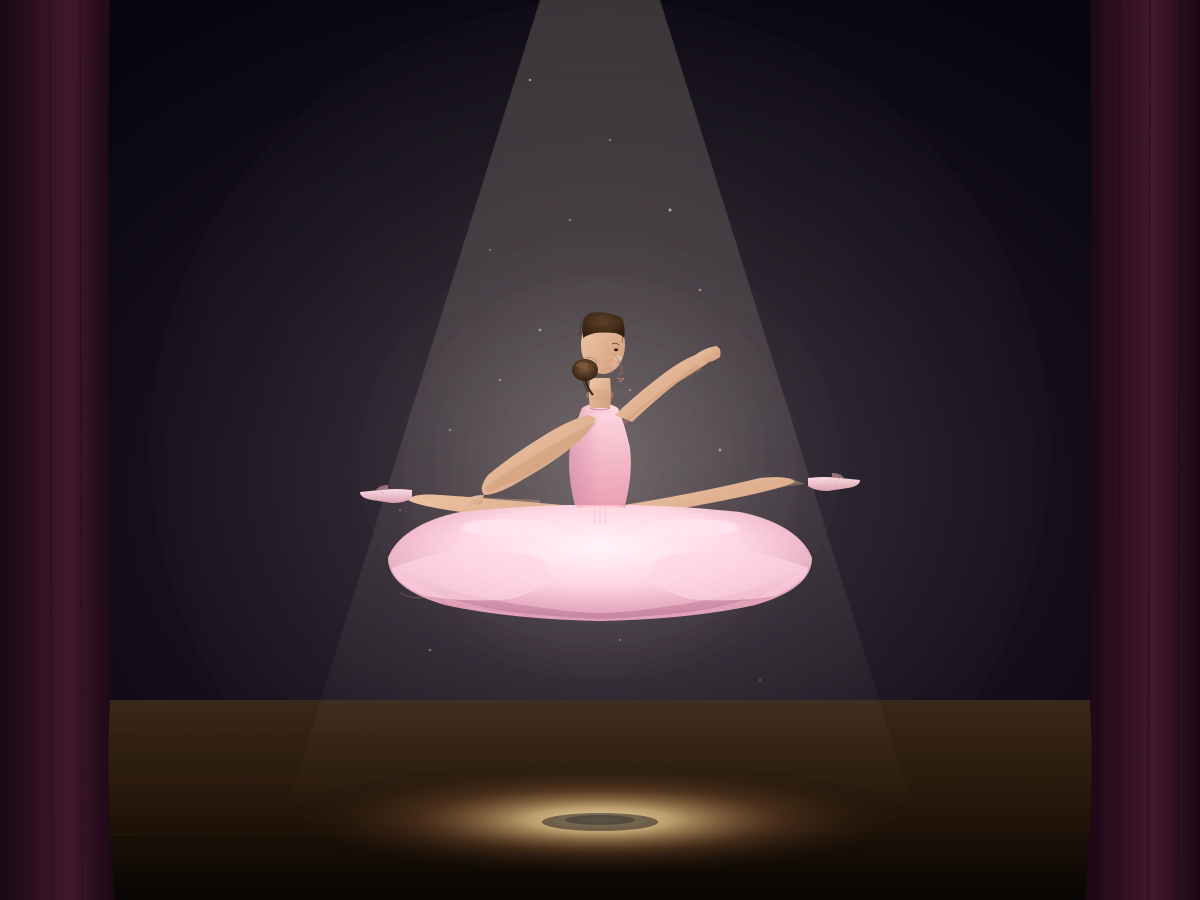
Create a single self-contained SVG illustration of a ballet dancer frozen mid-leap in a grand jeté, wearing a pale pink tutu, on a stage lit by a single spotlight. Use viewBox="0 0 1200 900" with width="1200" height="900". No external assets, no raster images, no external fonts (generic font families such as sans-serif are fine), no scripts. Output ONLY the complete SVG code, starting with <svg and ending with </svg>, with no explanation or markdown fences.
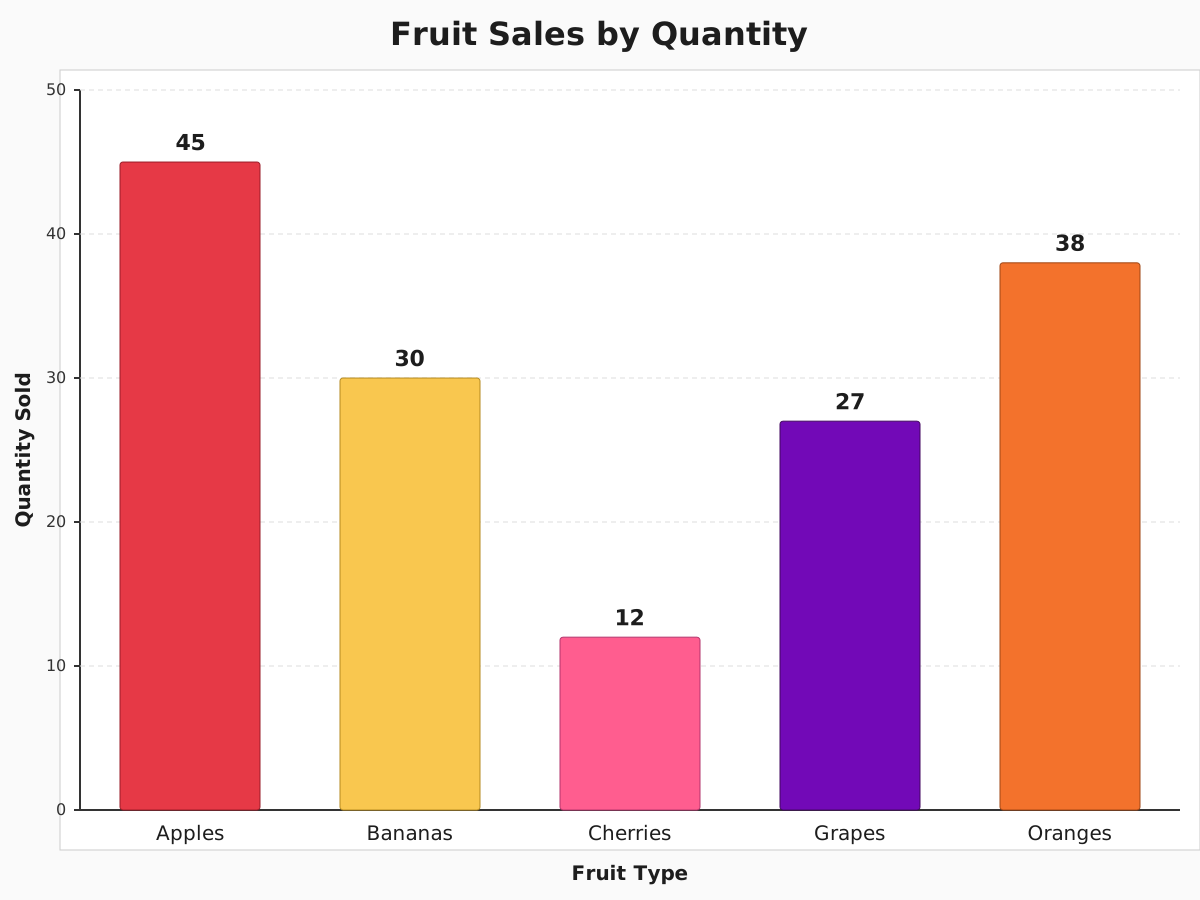
Create a single self-contained SVG illustration of a bar chart of fruit sales with labelled axes: apples 45, bananas 30, cherries 12, grapes 27 and oranges 38, each bar a different colour. Use viewBox="0 0 1200 900" with width="1200" height="900". No external assets, no raster images, no external fonts (generic font families such as sans-serif are fine), no scripts. Output ONLY the complete SVG code, starting with <svg and ending with </svg>, with no explanation or markdown fences.
Create a single self-contained SVG illustration of a barn owl flying straight toward the viewer with wings fully spread, heart-shaped white face and talons forward over a moonlit field. Use viewBox="0 0 1200 900" with width="1200" height="900". No external assets, no raster images, no external fonts (generic font families such as sans-serif are fine), no scripts. Output ONLY the complete SVG code, starting with <svg and ending with </svg>, with no explanation or markdown fences.

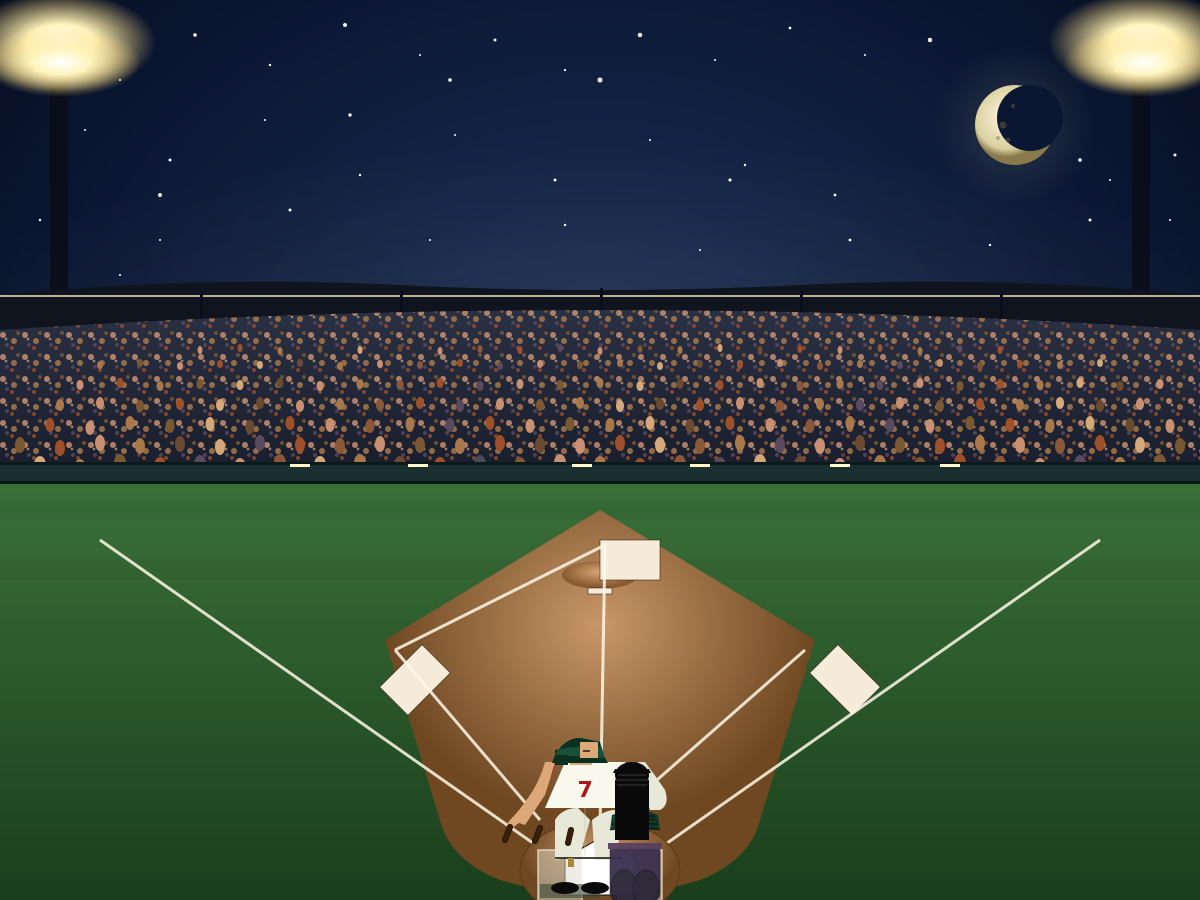
Create a single self-contained SVG illustration of a baseball stadium at night from behind home plate with a green diamond, packed stands, floodlights and a batter ready to swing. Use viewBox="0 0 1200 900" with width="1200" height="900". No external assets, no raster images, no external fonts (generic font families such as sans-serif are fine), no scripts. Output ONLY the complete SVG code, starting with <svg and ending with </svg>, with no explanation or markdown fences.
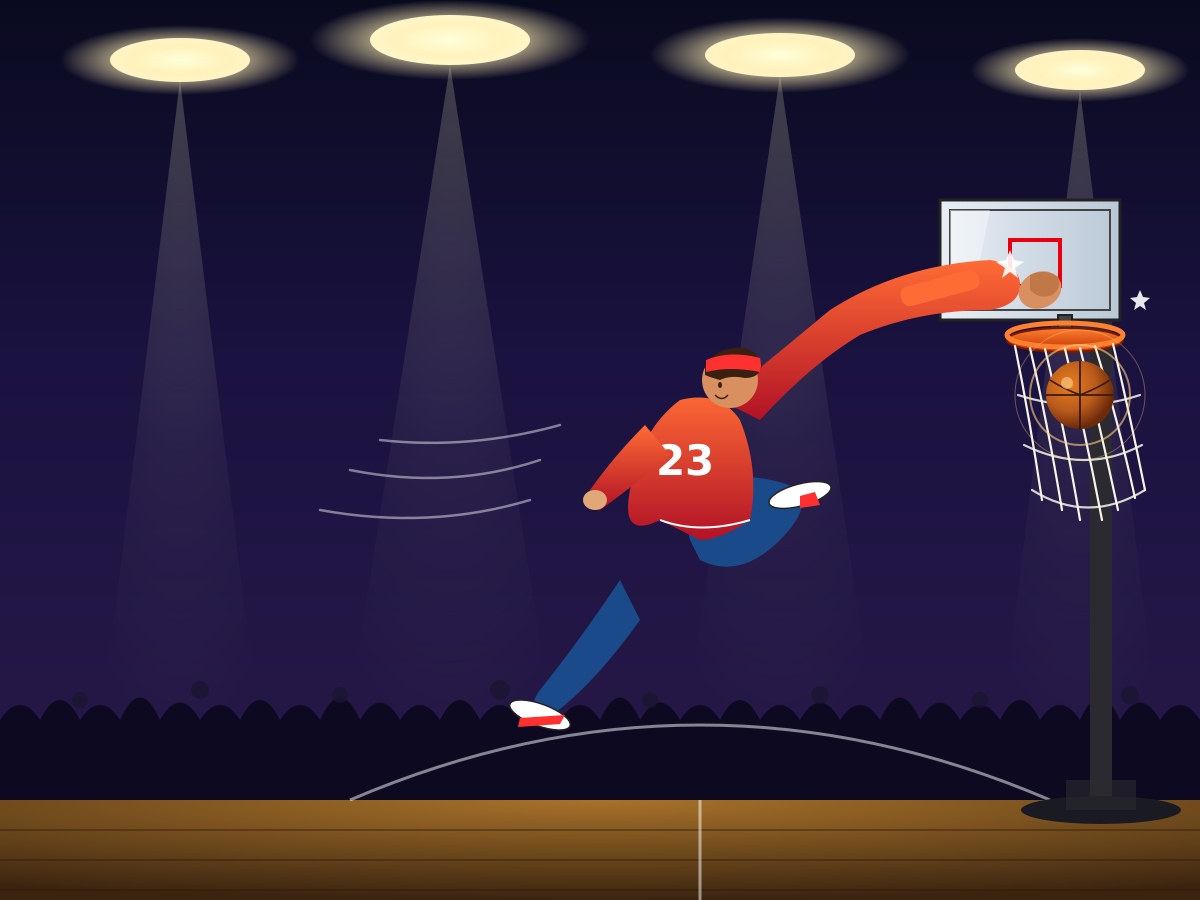
Create a single self-contained SVG illustration of a stylised basketball player mid-air dunking the ball into a hoop, the net swinging and arena lights behind. Use viewBox="0 0 1200 900" with width="1200" height="900". No external assets, no raster images, no external fonts (generic font families such as sans-serif are fine), no scripts. Output ONLY the complete SVG code, starting with <svg and ending with </svg>, with no explanation or markdown fences.
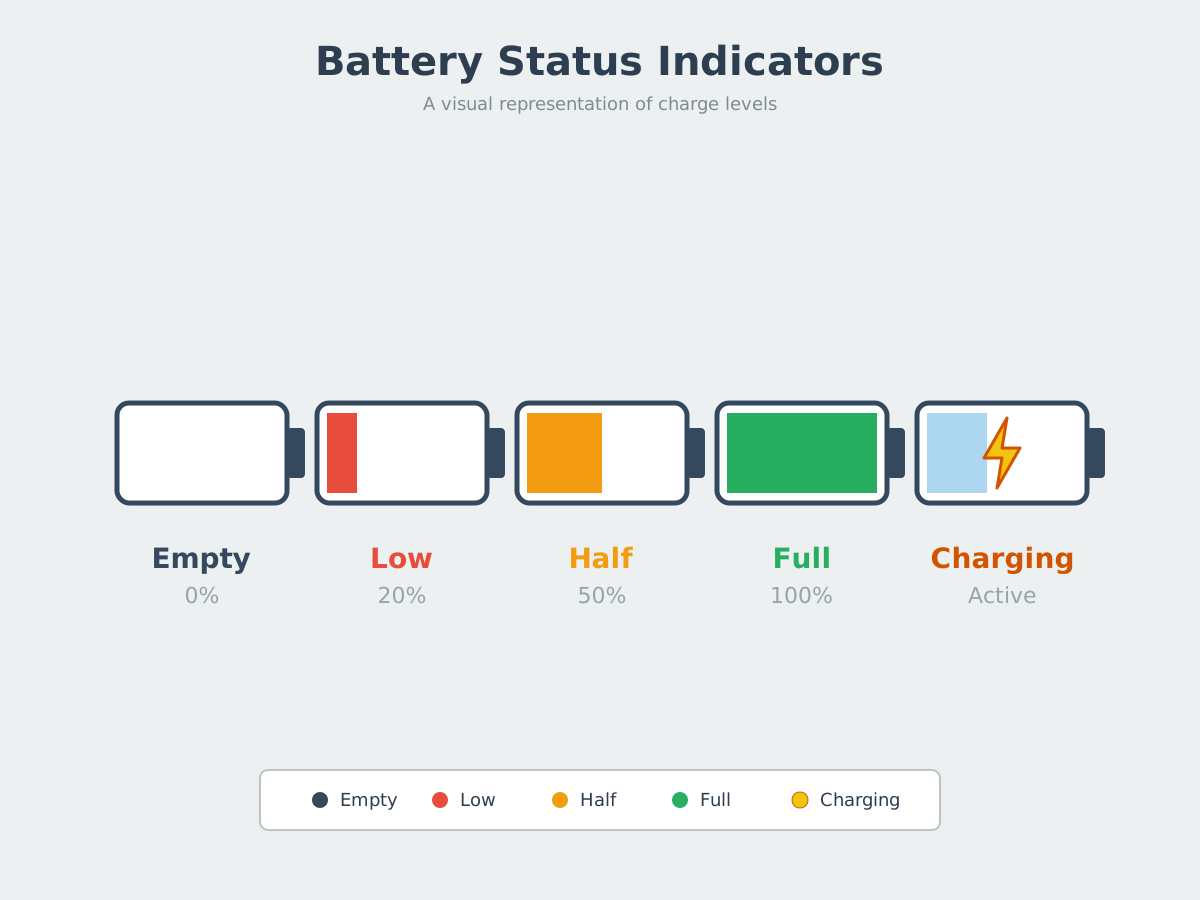
Create a single self-contained SVG illustration of a row of five battery icons showing empty, low in red, half, full in green and charging with a lightning bolt. Use viewBox="0 0 1200 900" with width="1200" height="900". No external assets, no raster images, no external fonts (generic font families such as sans-serif are fine), no scripts. Output ONLY the complete SVG code, starting with <svg and ending with </svg>, with no explanation or markdown fences.
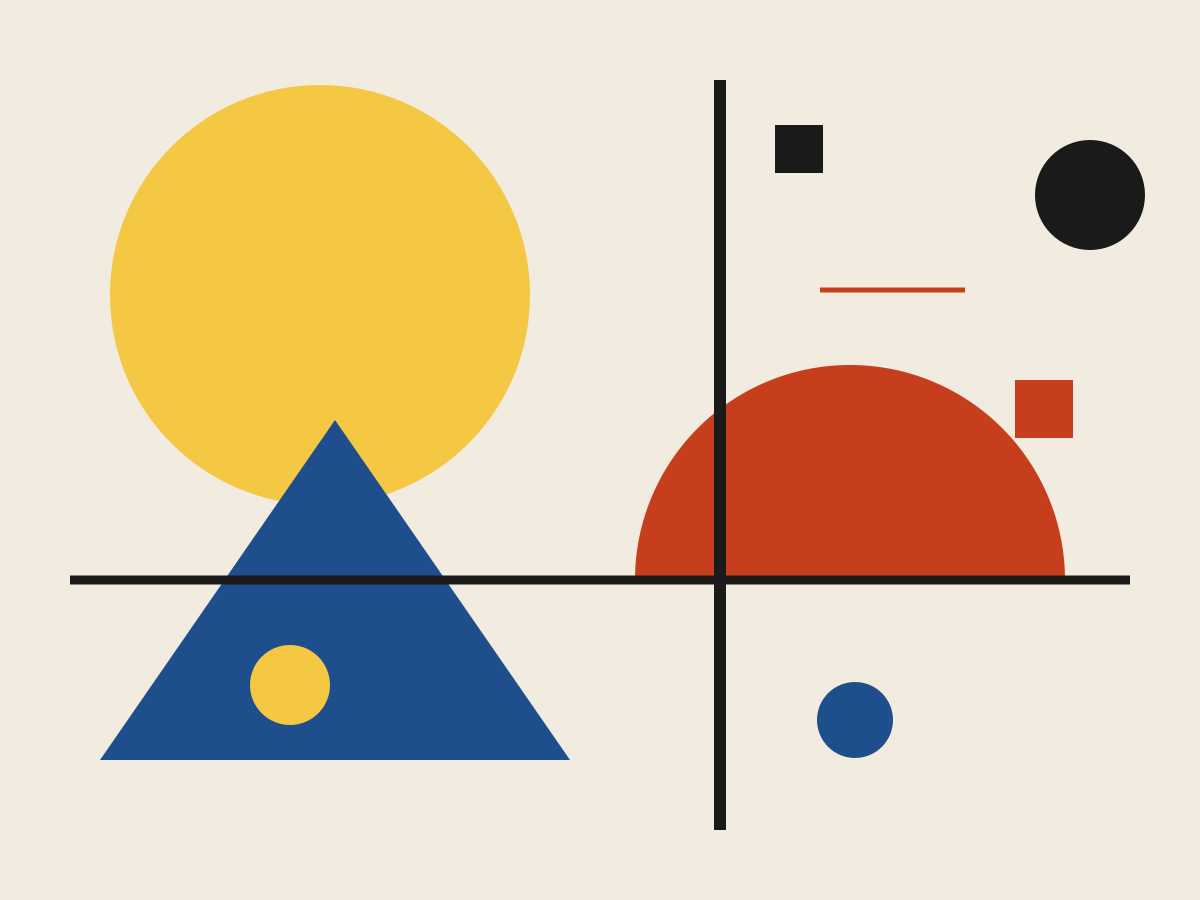
Create a single self-contained SVG illustration of a Bauhaus-style abstract composition of circles, half-circles, triangles and bold lines in red, yellow, blue and black on off-white. Use viewBox="0 0 1200 900" with width="1200" height="900". No external assets, no raster images, no external fonts (generic font families such as sans-serif are fine), no scripts. Output ONLY the complete SVG code, starting with <svg and ending with </svg>, with no explanation or markdown fences.
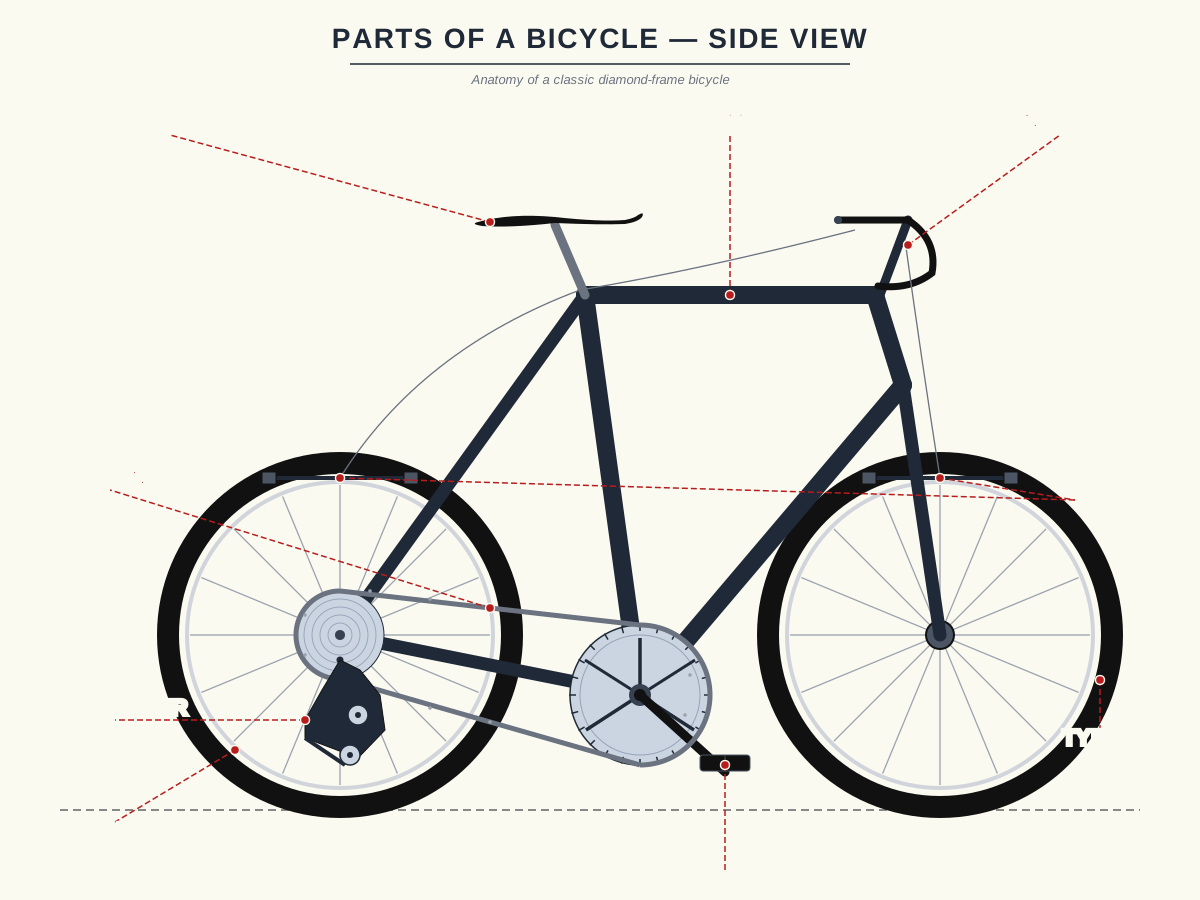
Create a single self-contained SVG illustration of a side-view labelled diagram of a bicycle with callout lines naming the frame, saddle, handlebars, chain, pedals, derailleur, brakes, spokes and tyres. Use viewBox="0 0 1200 900" with width="1200" height="900". No external assets, no raster images, no external fonts (generic font families such as sans-serif are fine), no scripts. Output ONLY the complete SVG code, starting with <svg and ending with </svg>, with no explanation or markdown fences.
Create a single self-contained SVG illustration of an empty boxing ring under spotlights with red and blue corners, taut ropes, a stool in each corner and a pair of gloves hanging. Use viewBox="0 0 1200 900" with width="1200" height="900". No external assets, no raster images, no external fonts (generic font families such as sans-serif are fine), no scripts. Output ONLY the complete SVG code, starting with <svg and ending with </svg>, with no explanation or markdown fences.
Create a single self-contained SVG illustration of a cast-iron skillet with two sunny-side-up eggs, sizzling bacon strips, cherry tomatoes and toast on the side. Use viewBox="0 0 1200 900" with width="1200" height="900". No external assets, no raster images, no external fonts (generic font families such as sans-serif are fine), no scripts. Output ONLY the complete SVG code, starting with <svg and ending with </svg>, with no explanation or markdown fences.

Create a single self-contained SVG illustration of a clear plastic cup of brown sugar milk tea with dark tapioca pearls at the bottom, a sealed top and a wide striped straw. Use viewBox="0 0 1200 900" with width="1200" height="900". No external assets, no raster images, no external fonts (generic font families such as sans-serif are fine), no scripts. Output ONLY the complete SVG code, starting with <svg and ending with </svg>, with no explanation or markdown fences.
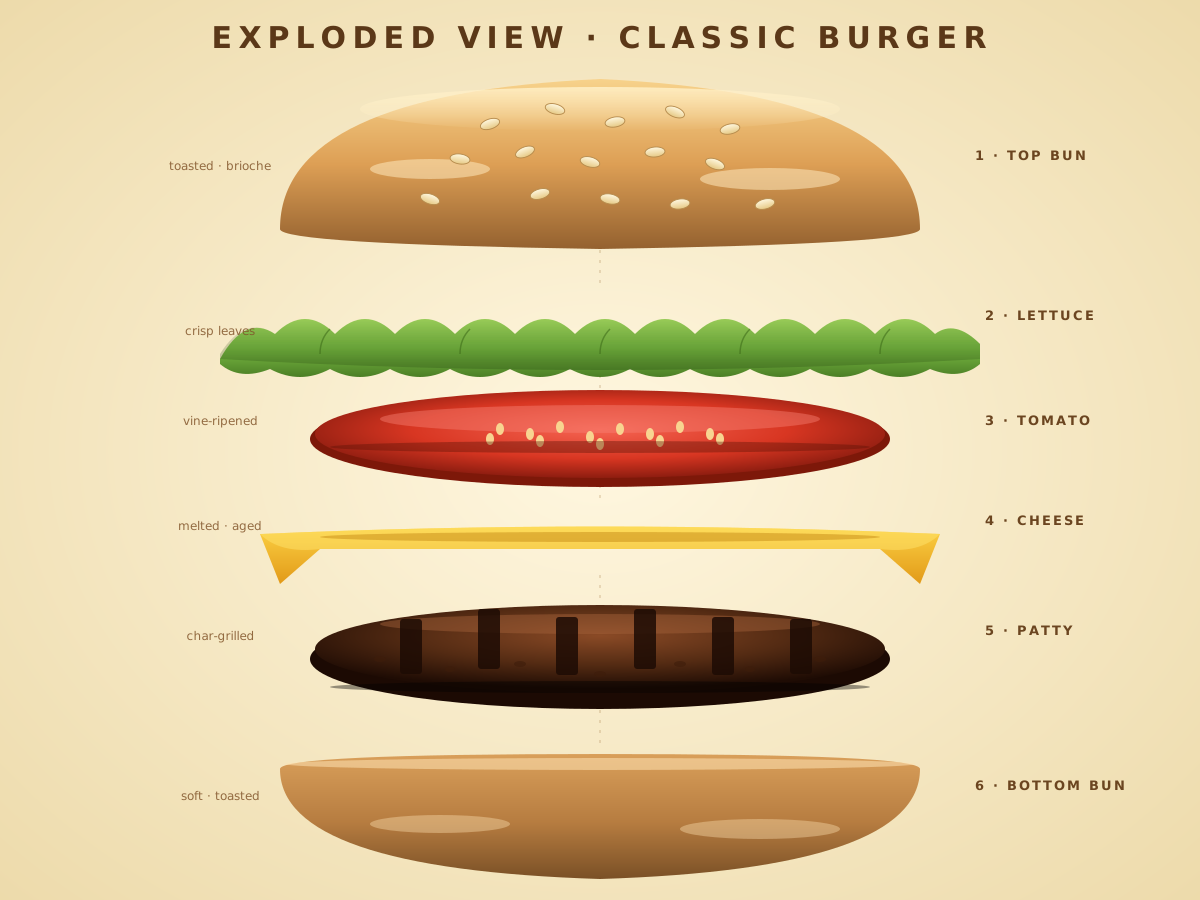
Create a single self-contained SVG illustration of an exploded vertical view of a burger with each layer floating apart: bun top, sesame seeds, lettuce, tomato, cheese, patty and bottom bun. Use viewBox="0 0 1200 900" with width="1200" height="900". No external assets, no raster images, no external fonts (generic font families such as sans-serif are fine), no scripts. Output ONLY the complete SVG code, starting with <svg and ending with </svg>, with no explanation or markdown fences.
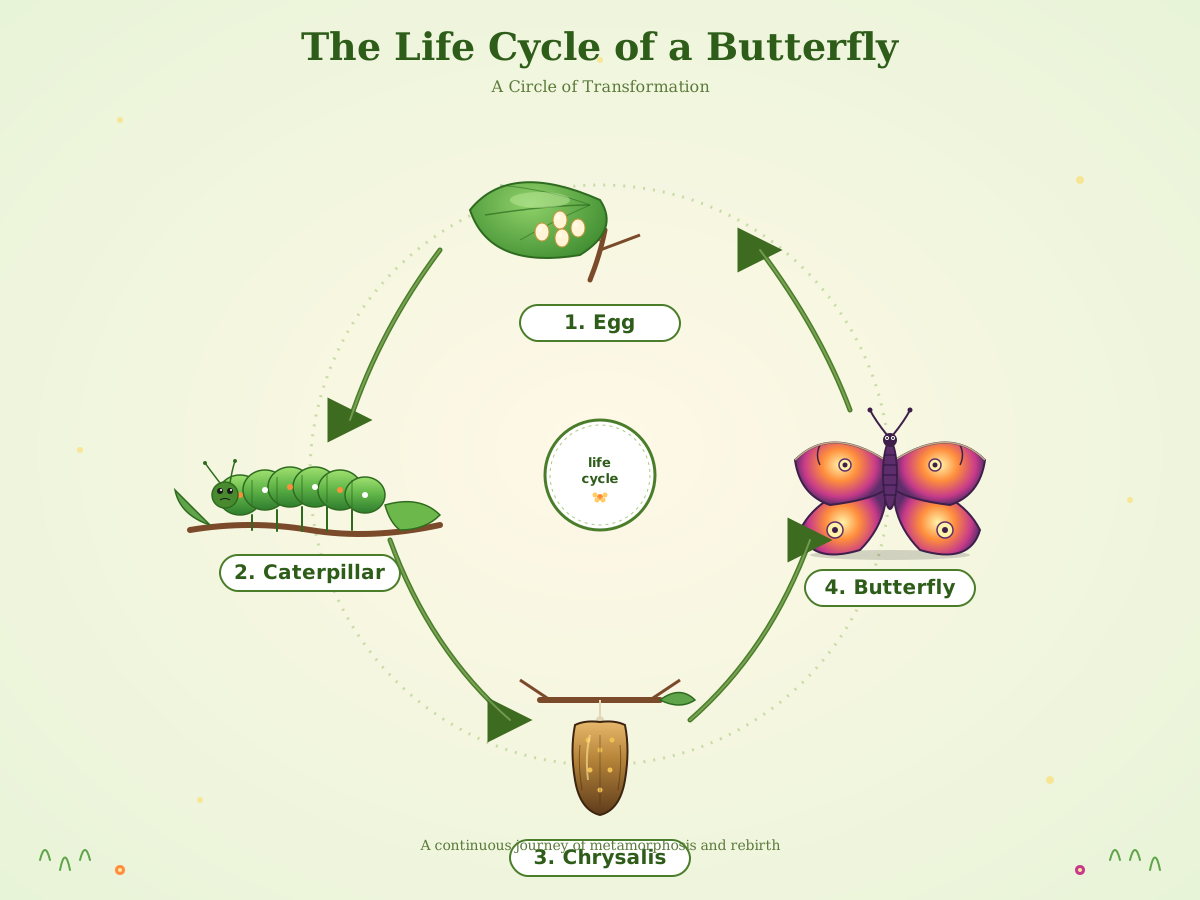
Create a single self-contained SVG illustration of a circular diagram of a butterfly's life cycle: egg on a leaf, caterpillar, chrysalis and adult butterfly, with arrows between the stages. Use viewBox="0 0 1200 900" with width="1200" height="900". No external assets, no raster images, no external fonts (generic font families such as sans-serif are fine), no scripts. Output ONLY the complete SVG code, starting with <svg and ending with </svg>, with no explanation or markdown fences.
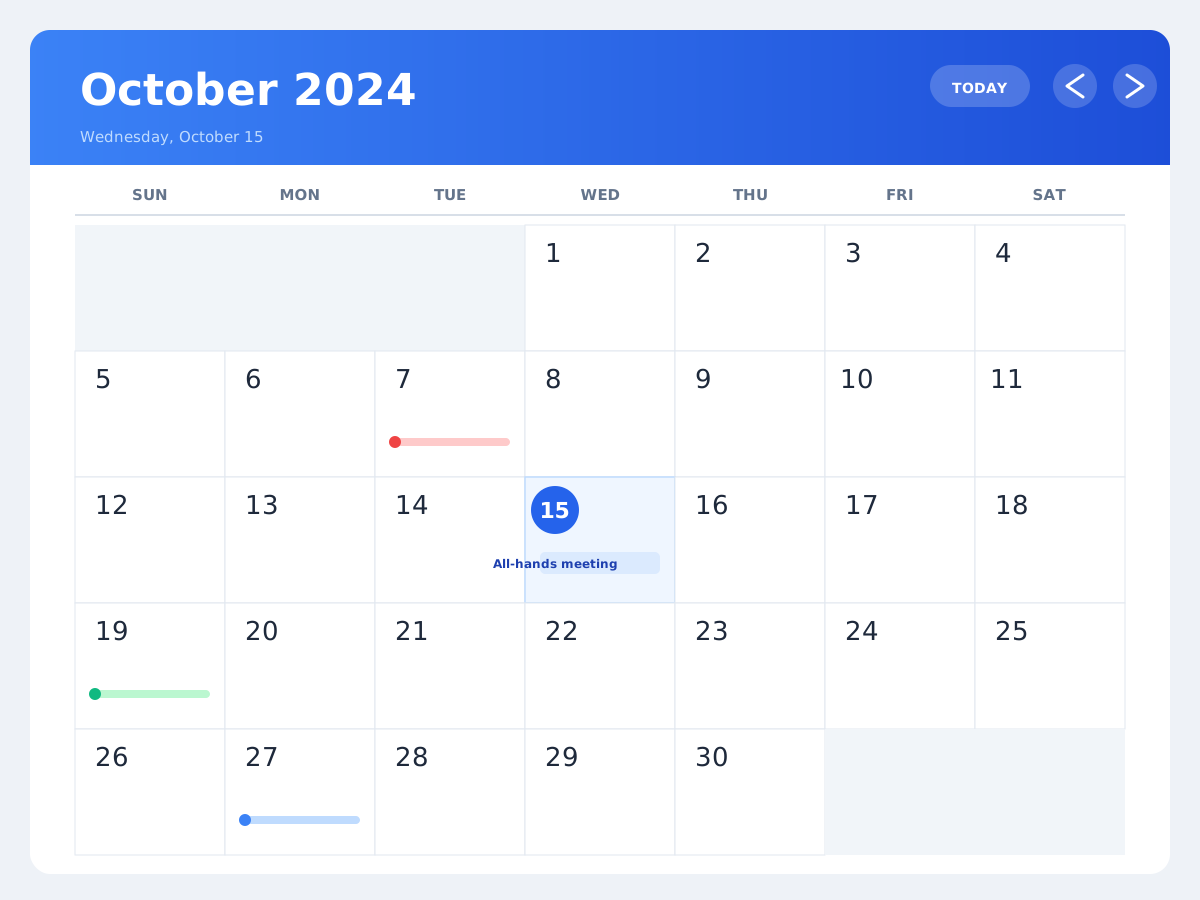
Create a single self-contained SVG illustration of a calendar month view for a 30-day month starting on a Wednesday, with today highlighted in a circle and three coloured event dots. Use viewBox="0 0 1200 900" with width="1200" height="900". No external assets, no raster images, no external fonts (generic font families such as sans-serif are fine), no scripts. Output ONLY the complete SVG code, starting with <svg and ending with </svg>, with no explanation or markdown fences.
Create a single self-contained SVG illustration of a simple campus wayfinding map with numbered buildings, a library, parking lots, footpaths, a legend and a you-are-here pin. Use viewBox="0 0 1200 900" with width="1200" height="900". No external assets, no raster images, no external fonts (generic font families such as sans-serif are fine), no scripts. Output ONLY the complete SVG code, starting with <svg and ending with </svg>, with no explanation or markdown fences.
Create a single self-contained SVG illustration of a deep red-rock canyon with layered striped walls and a winding green river at the bottom, seen from the rim at golden hour. Use viewBox="0 0 1200 900" with width="1200" height="900". No external assets, no raster images, no external fonts (generic font families such as sans-serif are fine), no scripts. Output ONLY the complete SVG code, starting with <svg and ending with </svg>, with no explanation or markdown fences.
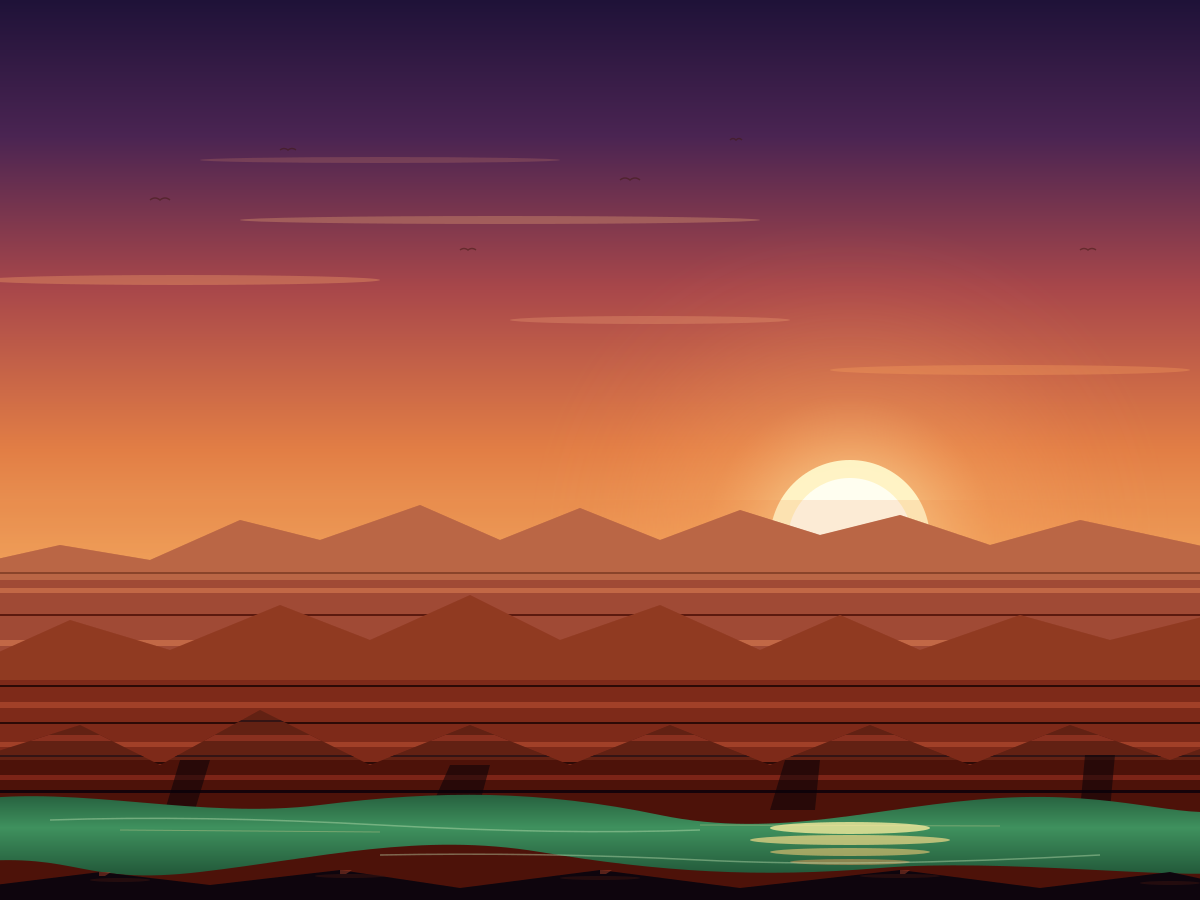
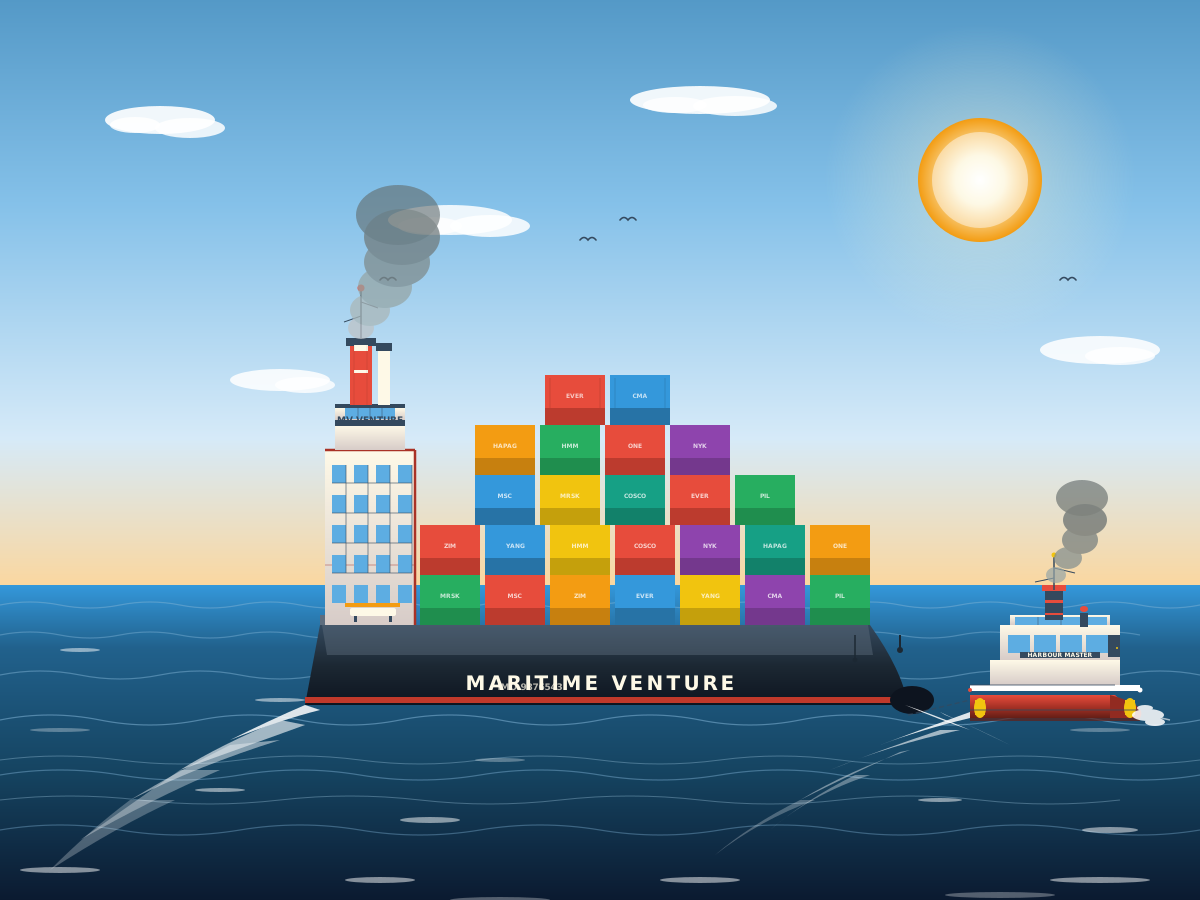
Create a single self-contained SVG illustration of a large cargo ship stacked with colourful shipping containers sailing across the ocean, with a tugboat guiding it. Use viewBox="0 0 1200 900" with width="1200" height="900". No external assets, no raster images, no external fonts (generic font families such as sans-serif are fine), no scripts. Output ONLY the complete SVG code, starting with <svg and ending with </svg>, with no explanation or markdown fences.
Create a single self-contained SVG illustration of a chameleon gripping a twisted branch with its curled tail, one eye swivelled forward and its long tongue shooting out to catch a fly. Use viewBox="0 0 1200 900" with width="1200" height="900". No external assets, no raster images, no external fonts (generic font families such as sans-serif are fine), no scripts. Output ONLY the complete SVG code, starting with <svg and ending with </svg>, with no explanation or markdown fences.
Create a single self-contained SVG illustration of a messaging app screen with alternating grey and blue speech bubbles, a timestamp, a typing indicator and a text input bar with a send button. Use viewBox="0 0 1200 900" with width="1200" height="900". No external assets, no raster images, no external fonts (generic font families such as sans-serif are fine), no scripts. Output ONLY the complete SVG code, starting with <svg and ending with </svg>, with no explanation or markdown fences.
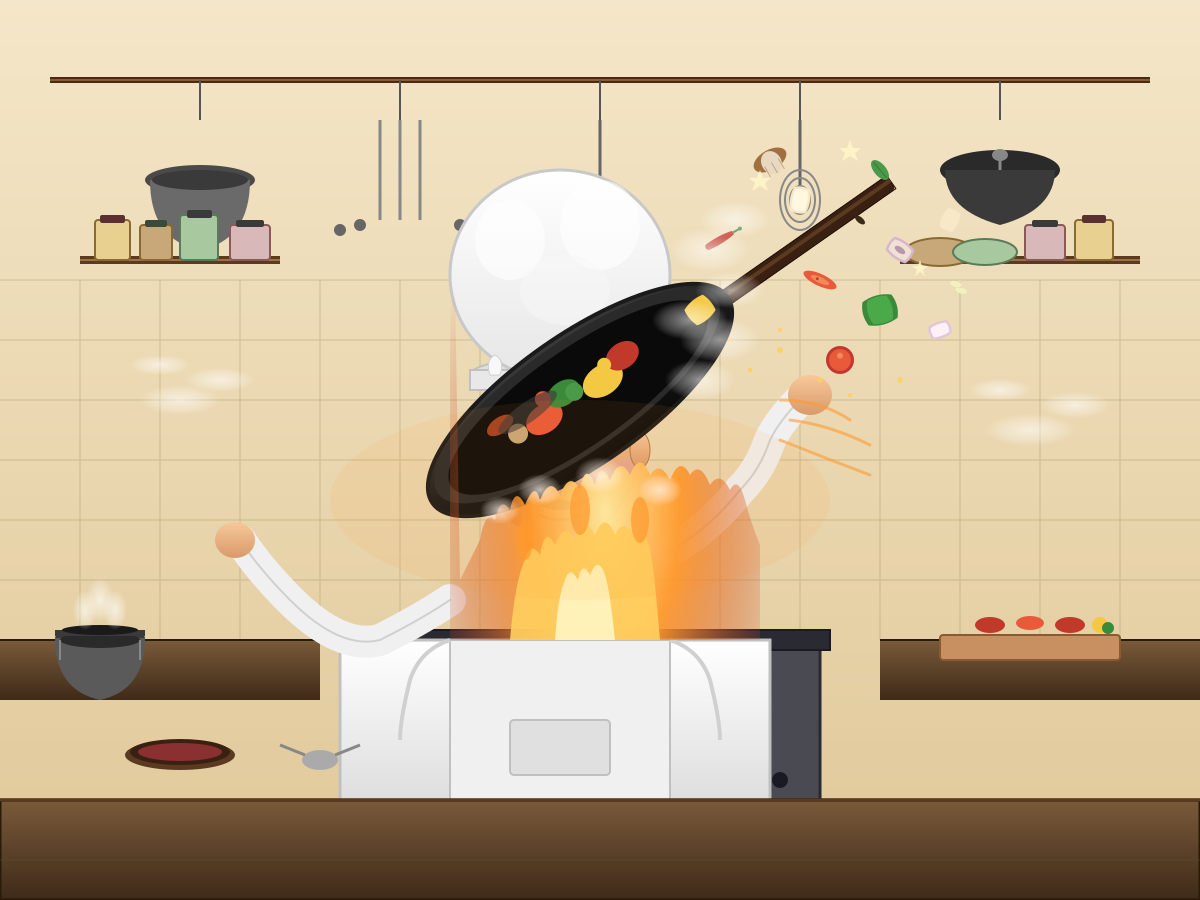
Create a single self-contained SVG illustration of a stylised chef in a tall white hat flipping vegetables in a flaming wok, mid-air ingredients and a busy kitchen behind. Use viewBox="0 0 1200 900" with width="1200" height="900". No external assets, no raster images, no external fonts (generic font families such as sans-serif are fine), no scripts. Output ONLY the complete SVG code, starting with <svg and ending with </svg>, with no explanation or markdown fences.
Create a single self-contained SVG illustration of a chessboard seen from a low angle in the middle of a game, with at least ten different pieces placed on correct squares and one captured piece beside. Use viewBox="0 0 1200 900" with width="1200" height="900". No external assets, no raster images, no external fonts (generic font families such as sans-serif are fine), no scripts. Output ONLY the complete SVG code, starting with <svg and ending with </svg>, with no explanation or markdown fences.
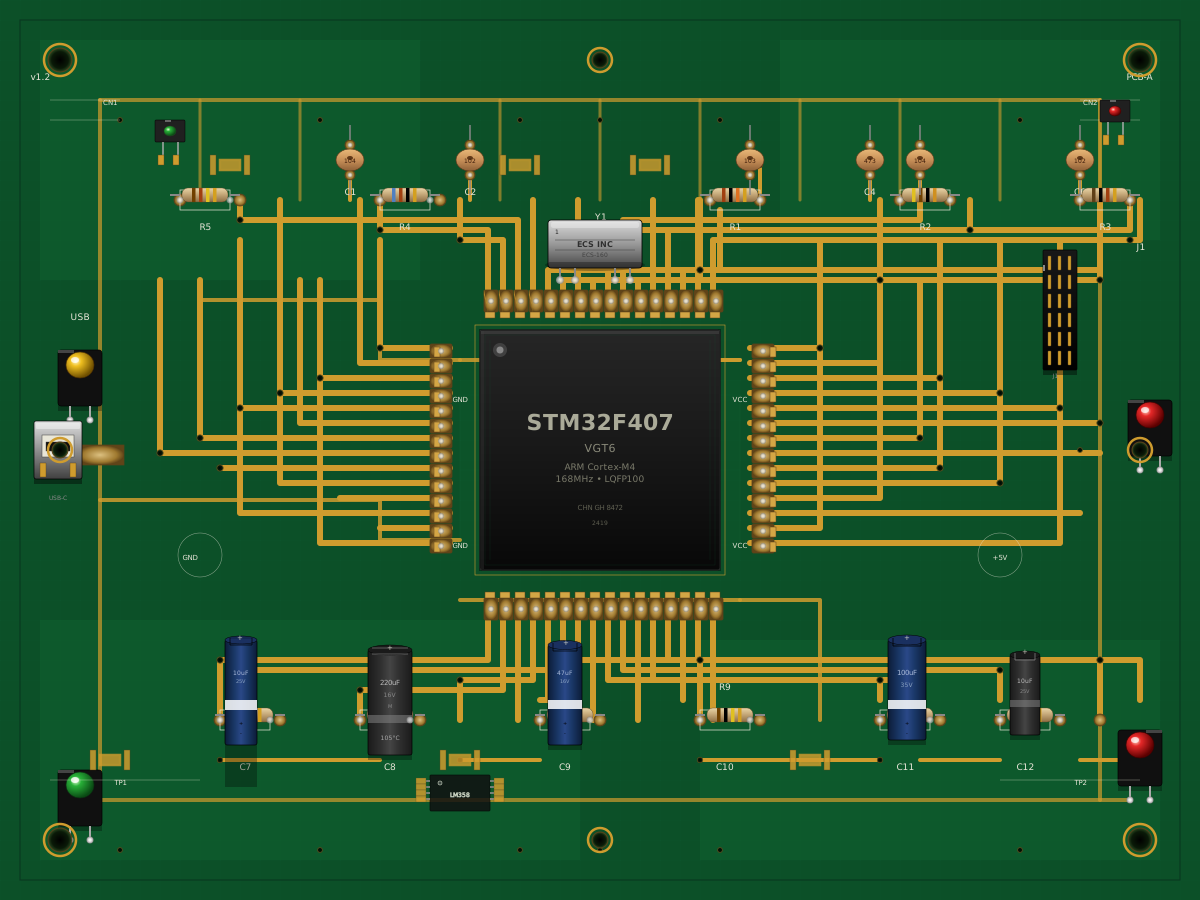
Create a single self-contained SVG illustration of a close-up of a green printed circuit board with a central chip, resistors, capacitors, copper traces and solder points. Use viewBox="0 0 1200 900" with width="1200" height="900". No external assets, no raster images, no external fonts (generic font families such as sans-serif are fine), no scripts. Output ONLY the complete SVG code, starting with <svg and ending with </svg>, with no explanation or markdown fences.
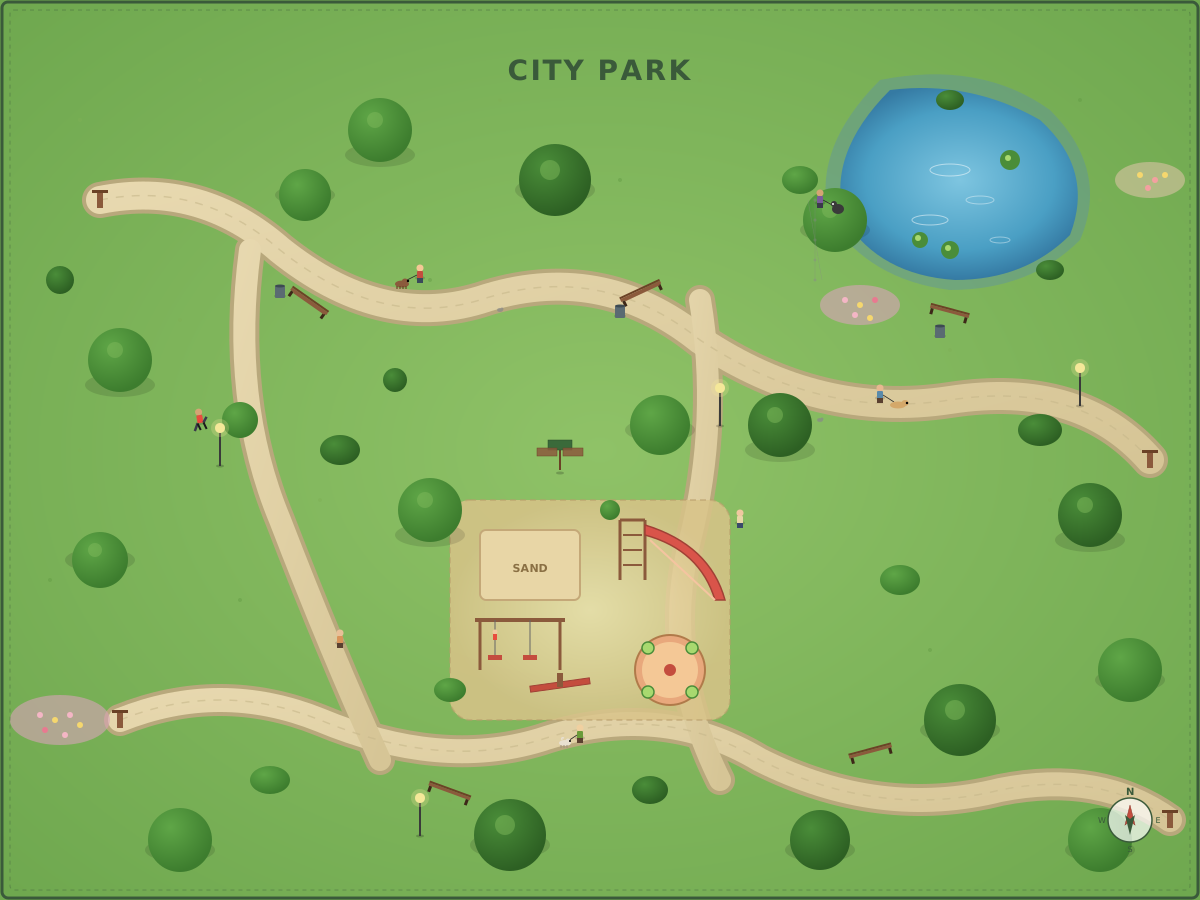
Create a single self-contained SVG illustration of a top-down map-style illustration of a city park with a pond, winding paths, a playground, trees, benches and people walking dogs. Use viewBox="0 0 1200 900" with width="1200" height="900". No external assets, no raster images, no external fonts (generic font families such as sans-serif are fine), no scripts. Output ONLY the complete SVG code, starting with <svg and ending with </svg>, with no explanation or markdown fences.
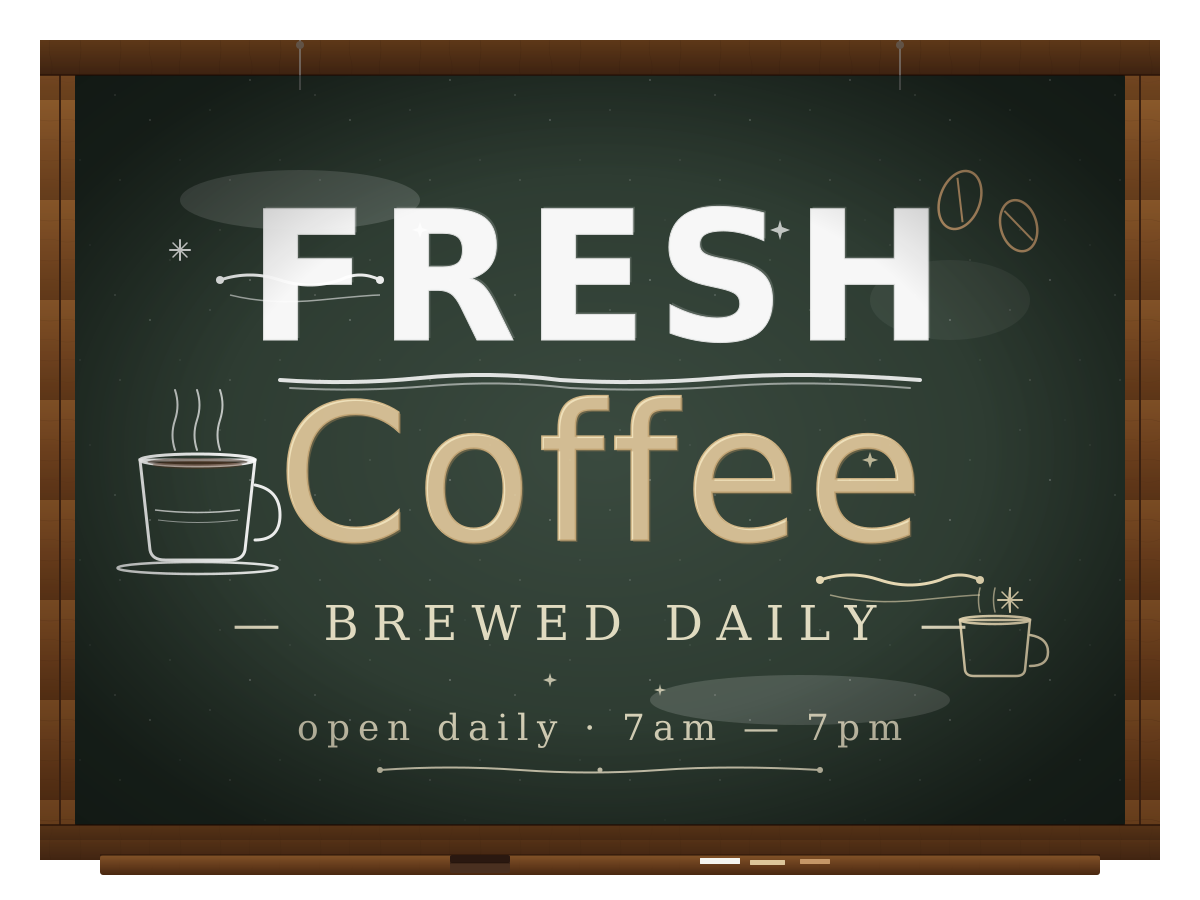
Create a single self-contained SVG illustration of a chalkboard sign reading FRESH COFFEE with mixed hand-lettered styles, decorative flourishes, a small coffee cup doodle and chalk texture. Use viewBox="0 0 1200 900" with width="1200" height="900". No external assets, no raster images, no external fonts (generic font families such as sans-serif are fine), no scripts. Output ONLY the complete SVG code, starting with <svg and ending with </svg>, with no explanation or markdown fences.
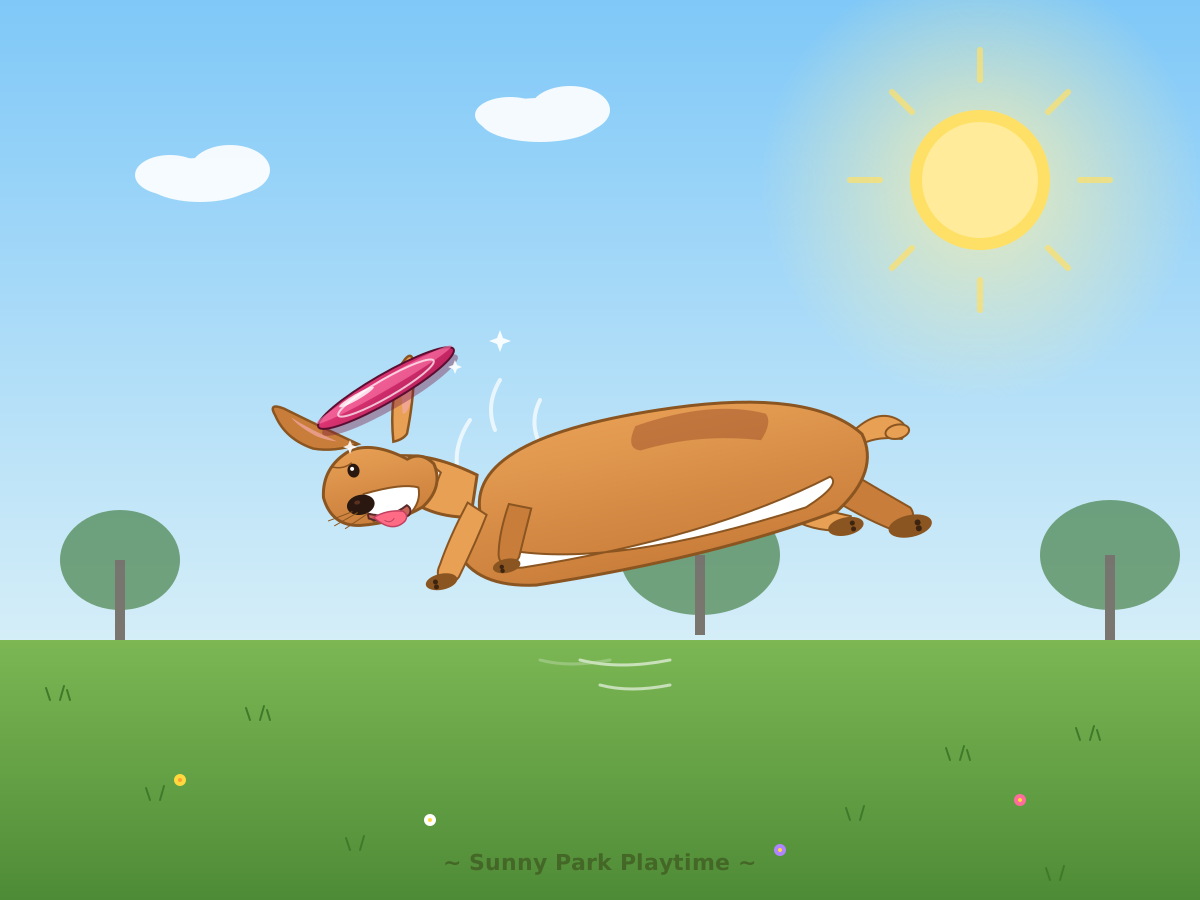
Create a single self-contained SVG illustration of a short-legged corgi leaping in mid-air to catch a bright frisbee in a sunny park, ears flopping and tongue out. Use viewBox="0 0 1200 900" with width="1200" height="900". No external assets, no raster images, no external fonts (generic font families such as sans-serif are fine), no scripts. Output ONLY the complete SVG code, starting with <svg and ending with </svg>, with no explanation or markdown fences.
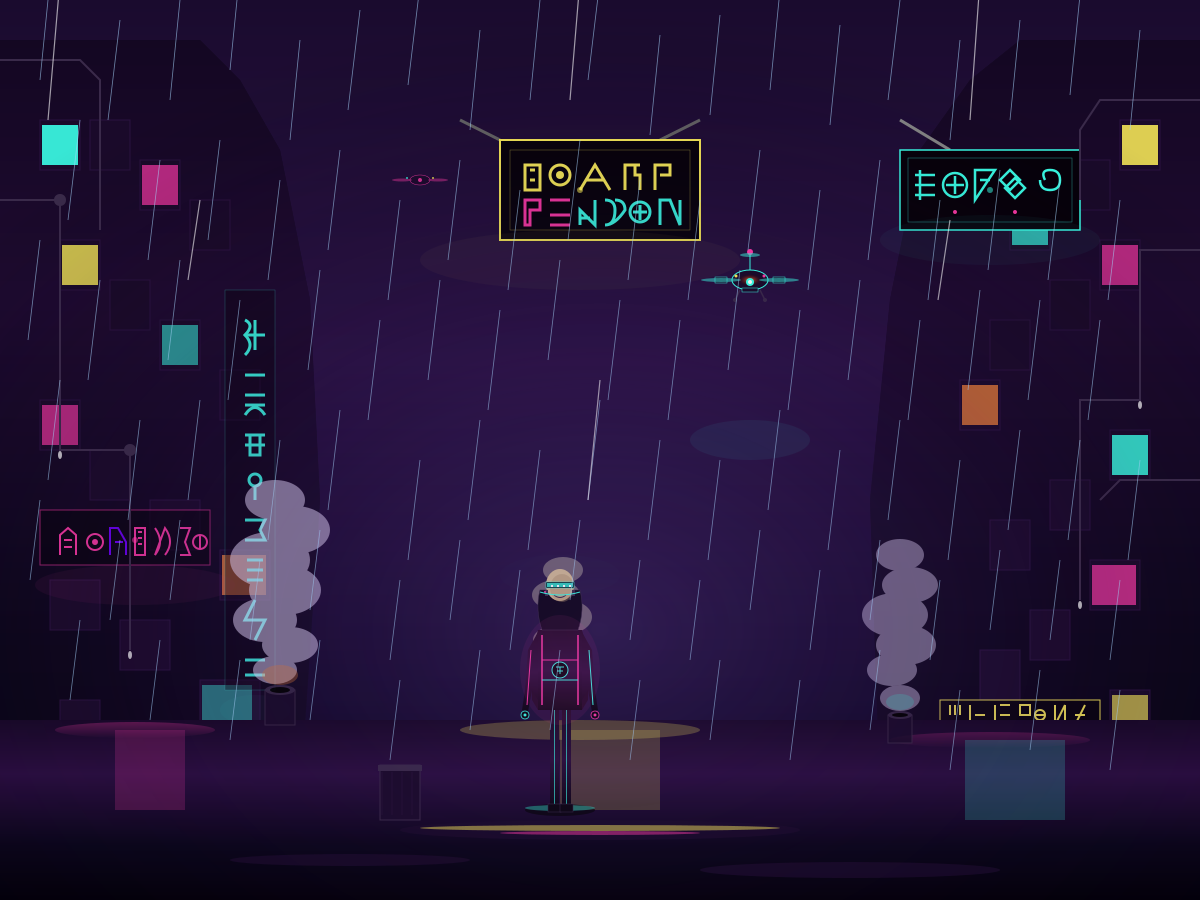
Create a single self-contained SVG illustration of a rainy cyberpunk alley with neon signs in invented glyphs, steam vents, a hovering drone and a figure in a glowing jacket. Use viewBox="0 0 1200 900" with width="1200" height="900". No external assets, no raster images, no external fonts (generic font families such as sans-serif are fine), no scripts. Output ONLY the complete SVG code, starting with <svg and ending with </svg>, with no explanation or markdown fences.
Create a single self-contained SVG illustration of a peloton of road cyclists in colourful jerseys racing along a winding mountain road with spectators cheering. Use viewBox="0 0 1200 900" with width="1200" height="900". No external assets, no raster images, no external fonts (generic font families such as sans-serif are fine), no scripts. Output ONLY the complete SVG code, starting with <svg and ending with </svg>, with no explanation or markdown fences.
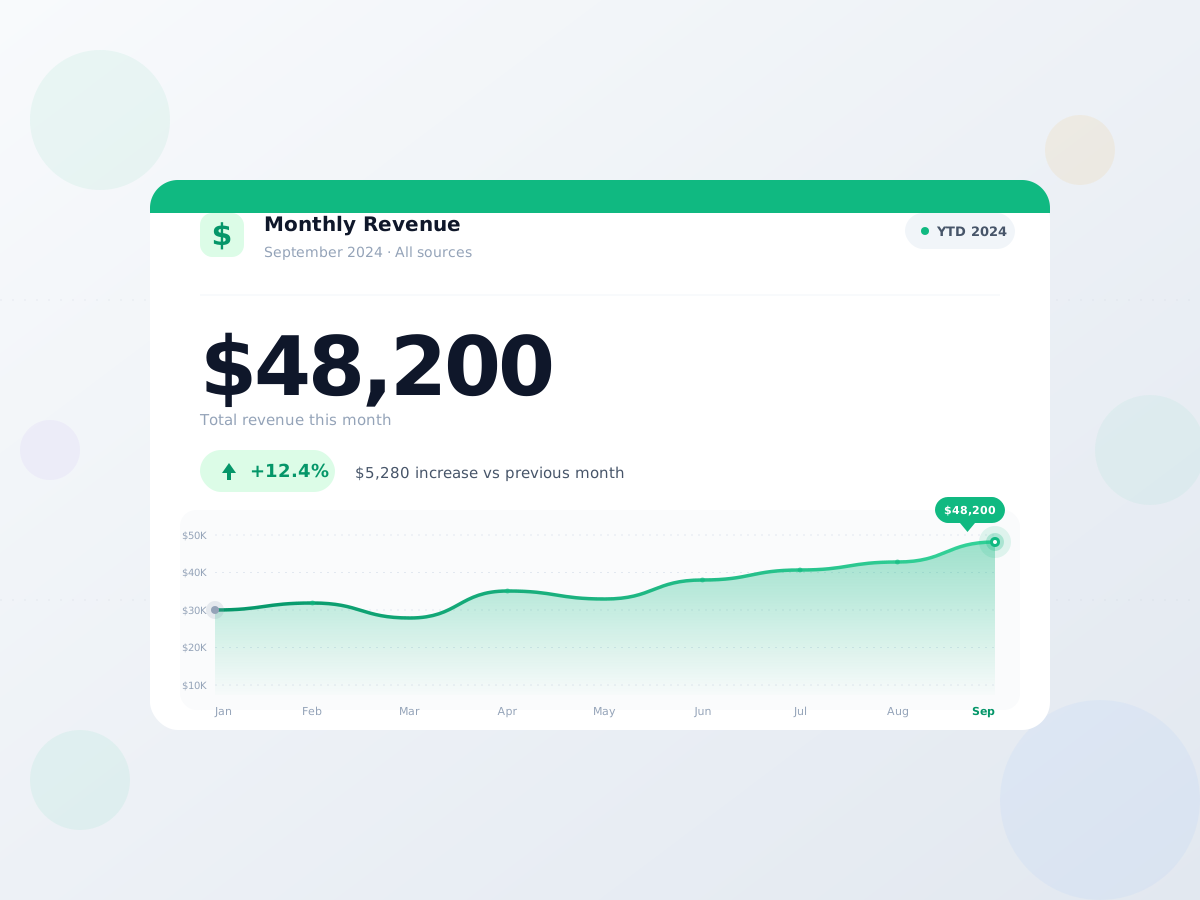
Create a single self-contained SVG illustration of a dashboard card titled Monthly Revenue showing 48,200 dollars, a green up arrow with 12 percent and a small line sparkline beneath. Use viewBox="0 0 1200 900" with width="1200" height="900". No external assets, no raster images, no external fonts (generic font families such as sans-serif are fine), no scripts. Output ONLY the complete SVG code, starting with <svg and ending with </svg>, with no explanation or markdown fences.
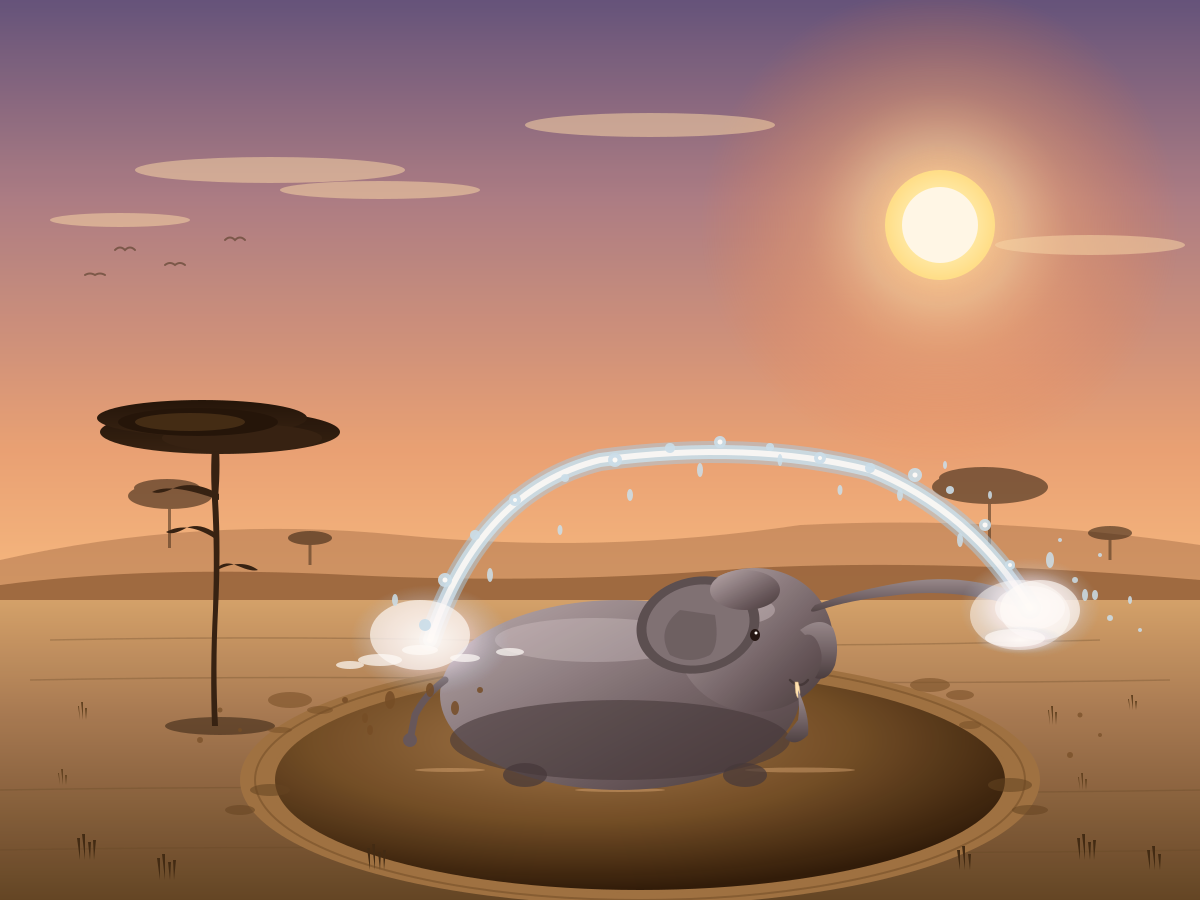
Create a single self-contained SVG illustration of a baby elephant spraying water from its trunk over its back in a muddy watering hole, with a savanna acacia tree and warm late-afternoon light. Use viewBox="0 0 1200 900" with width="1200" height="900". No external assets, no raster images, no external fonts (generic font families such as sans-serif are fine), no scripts. Output ONLY the complete SVG code, starting with <svg and ending with </svg>, with no explanation or markdown fences.
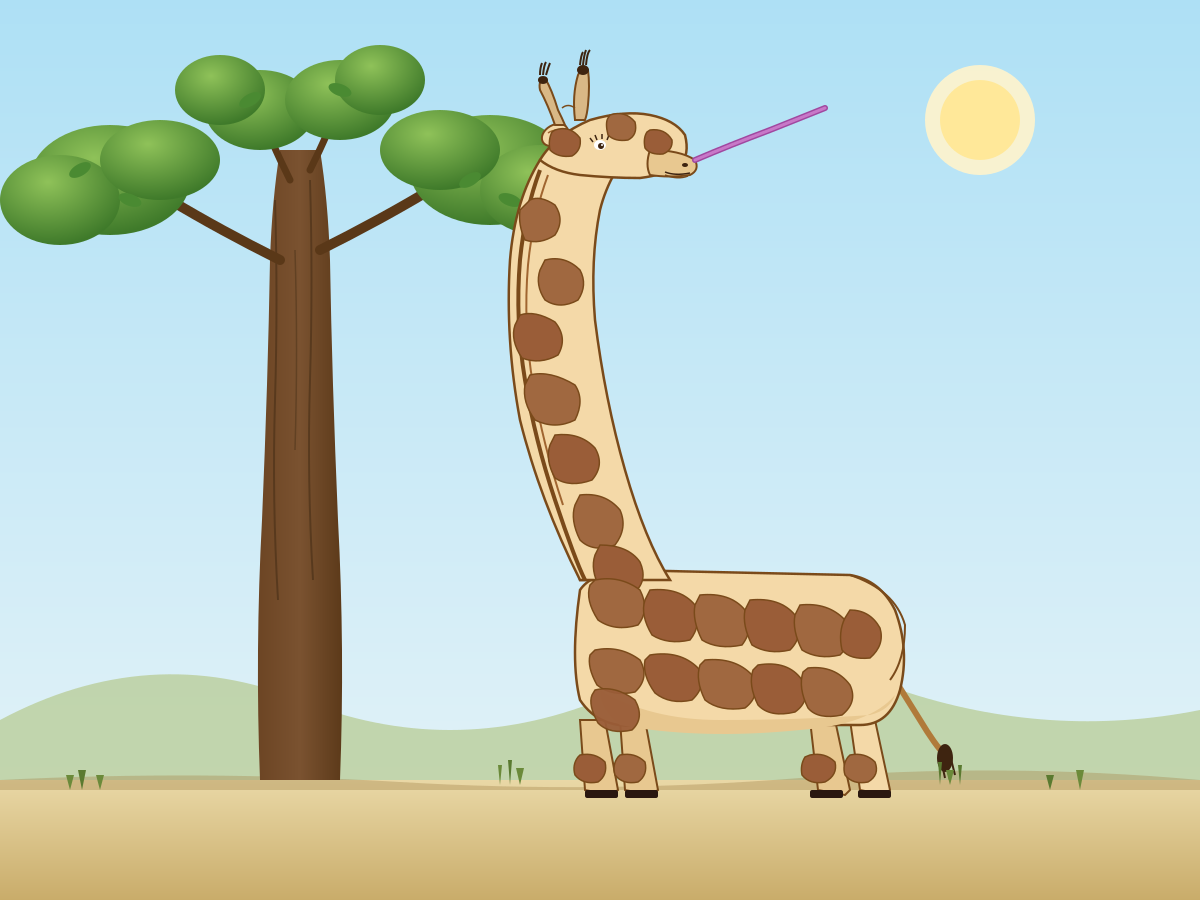
Create a single self-contained SVG illustration of a full-body side view of a giraffe reaching up to eat leaves from a tall tree, with accurate patchwork coat pattern and ossicones. Use viewBox="0 0 1200 900" with width="1200" height="900". No external assets, no raster images, no external fonts (generic font families such as sans-serif are fine), no scripts. Output ONLY the complete SVG code, starting with <svg and ending with </svg>, with no explanation or markdown fences.
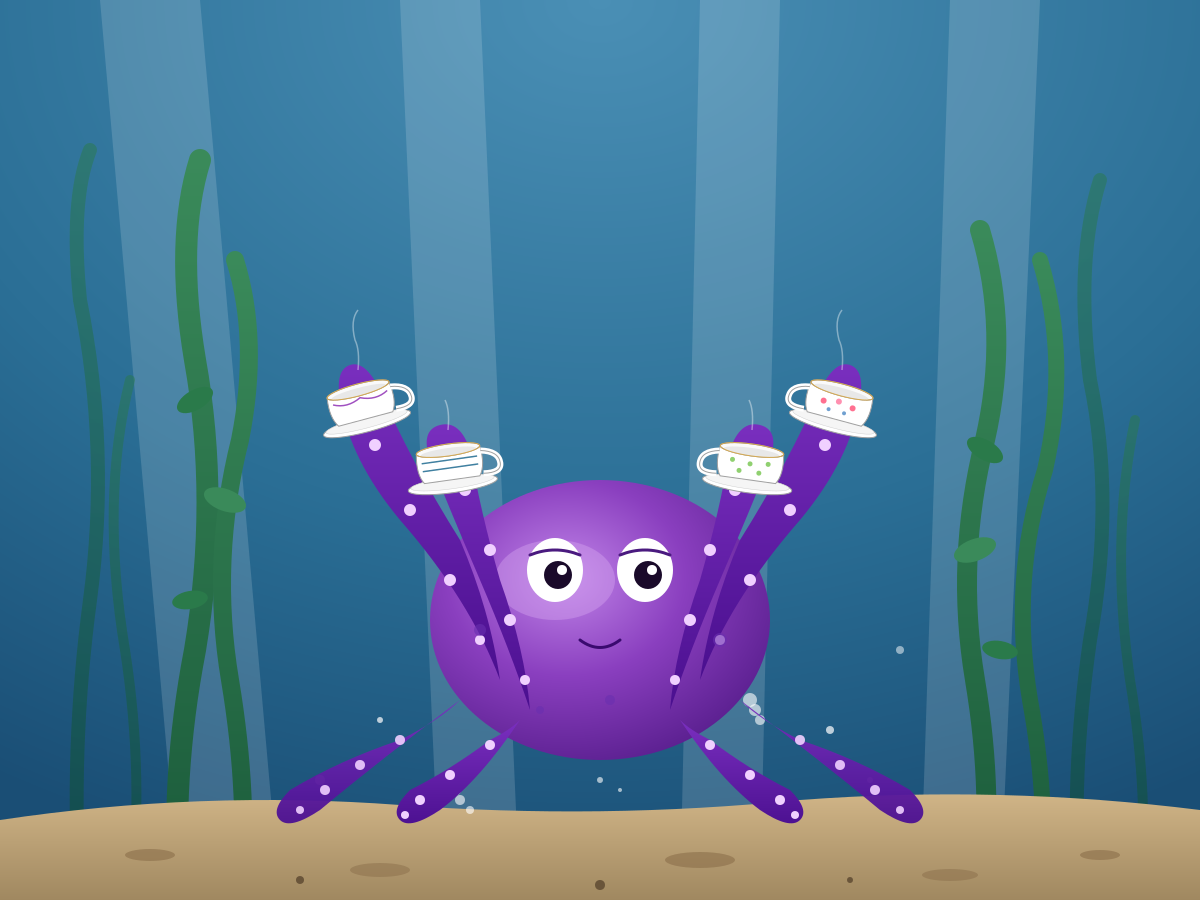
Create a single self-contained SVG illustration of a purple octopus on the seafloor juggling four porcelain teacups with different tentacles, small bubbles rising and seaweed swaying behind it. Use viewBox="0 0 1200 900" with width="1200" height="900". No external assets, no raster images, no external fonts (generic font families such as sans-serif are fine), no scripts. Output ONLY the complete SVG code, starting with <svg and ending with </svg>, with no explanation or markdown fences.
Create a single self-contained SVG illustration of a red fox mid-pounce diving headfirst into a snowbank, tail streaming behind, with pine trees and falling snowflakes in a muted winter palette. Use viewBox="0 0 1200 900" with width="1200" height="900". No external assets, no raster images, no external fonts (generic font families such as sans-serif are fine), no scripts. Output ONLY the complete SVG code, starting with <svg and ending with </svg>, with no explanation or markdown fences.
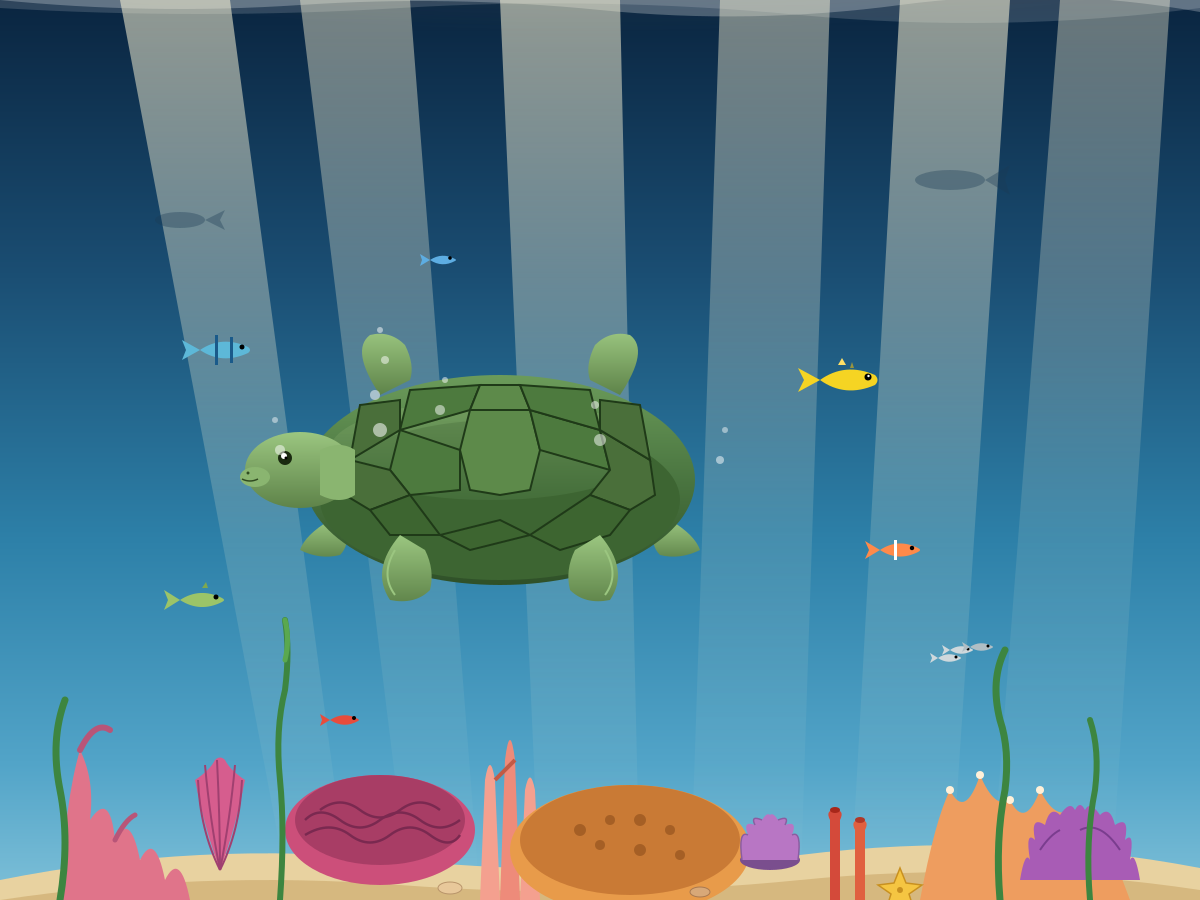
Create a single self-contained SVG illustration of a green sea turtle gliding through clear blue water above a coral reef, sunlight rays filtering from the surface and a few small fish nearby. Use viewBox="0 0 1200 900" with width="1200" height="900". No external assets, no raster images, no external fonts (generic font families such as sans-serif are fine), no scripts. Output ONLY the complete SVG code, starting with <svg and ending with </svg>, with no explanation or markdown fences.
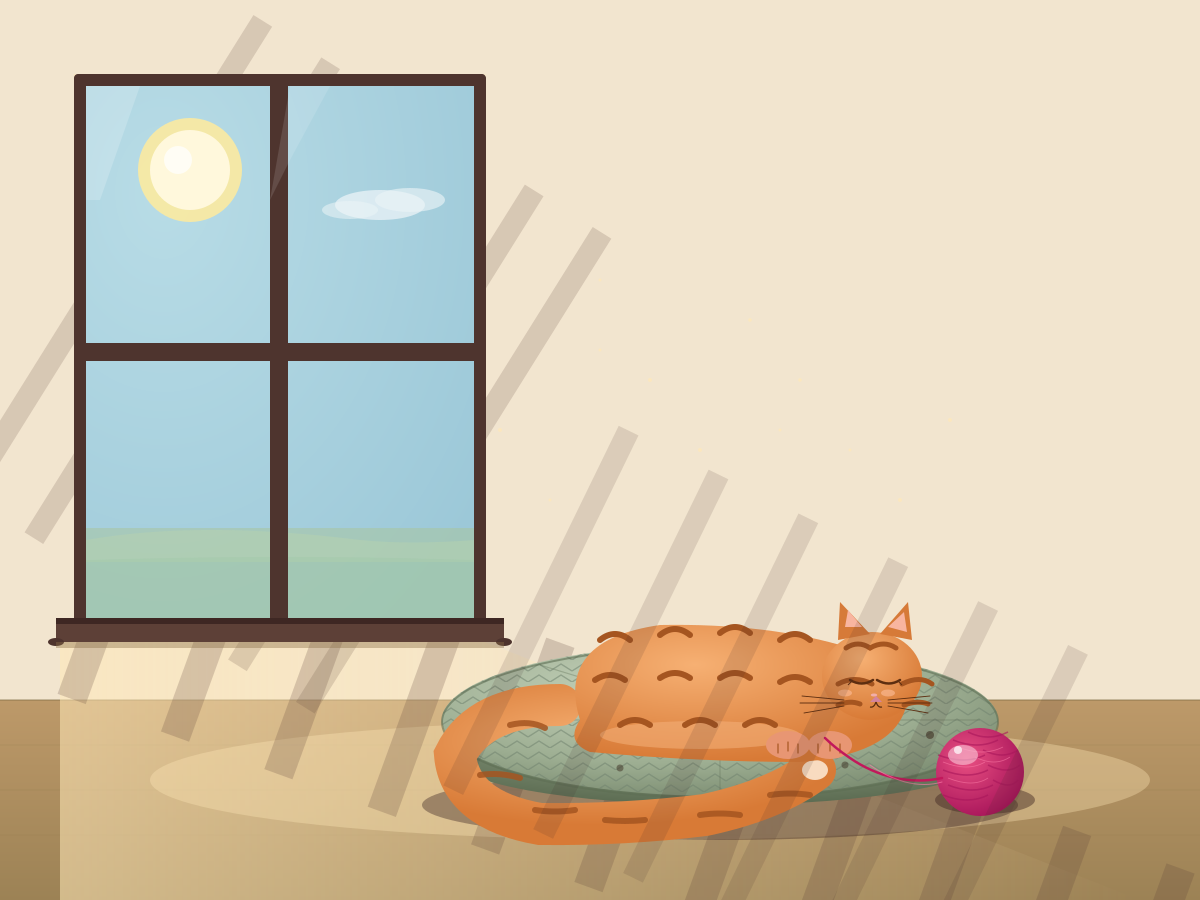
Create a single self-contained SVG illustration of an orange striped cat curled asleep on a round knitted cushion beside a sunny window, with a ball of yarn and soft shadow stripes from the blinds. Use viewBox="0 0 1200 900" with width="1200" height="900". No external assets, no raster images, no external fonts (generic font families such as sans-serif are fine), no scripts. Output ONLY the complete SVG code, starting with <svg and ending with </svg>, with no explanation or markdown fences.
ok here it is - my first Opus 5.5 vibecoded threejs 3D experience

my God!! Opus is creative!!

I made a road that forgets which way is down.

It folds 90° up a yellow wall, runs upside down across a ceiling, and turns into sheet music: steer through the notes to play each street's melody.

Watercolour. Ink. A radio on the roof.

#vibejam Build it as index.html (plus any local asset files you create) in the current directory. Three.js may load from a pinned CDN. You may serve it locally and open it in headless chromium (/usr/bin/chromium, software WebGL, no GPU) to screenshot and inspect your own output, and iterate on your own before finishing. Close any browser you open as soon as you've taken your screenshot.
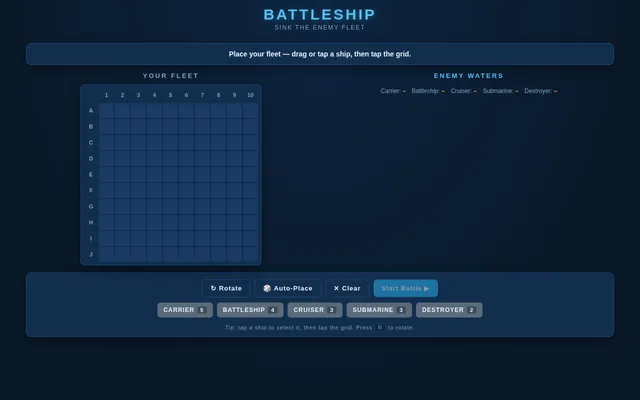
Build a complete, polished Battleship game playable in the browser (index.html plus any JS/CSS, no build step). Player vs computer on 10x10 grids: ship placement (drag or click, with rotate), a computer opponent with a sensible hunt/target strategy, hit/miss/sunk feedback with animation and sound, turn indicator, win/lose screen and restart. It must work with mouse and touch and look good on desktop and phone. Write everything into the working directory and finish with a short README.md.
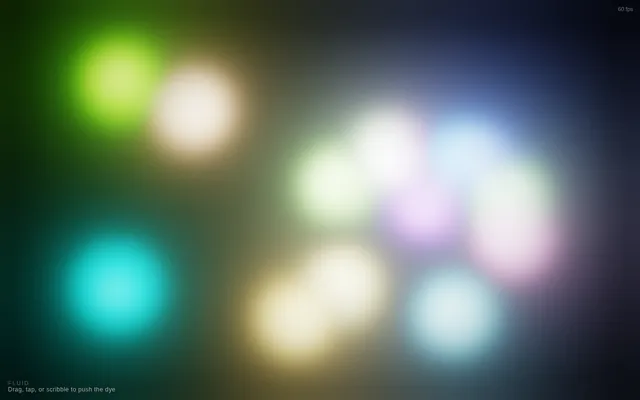
Build a GPU-accelerated fluid simulation in a single HTML file using WebGL, no external libraries. Dragging the mouse or a finger should push colorful dye through the fluid, with a soft glow. Make it look stunning and run smoothly.

Build it as a self-contained index.html in the current directory, with WebGL/WebGL2 shaders you write yourself; no libraries and no CDNs; interactive with mouse or touch input. You may serve it locally and open it in headless chromium (/usr/bin/chromium, software WebGL, no GPU) to screenshot and inspect your own output, and iterate on your own before finishing. Close any browser you open as soon as you've taken your screenshot.
Make a complete playable game in ONE html file under 13 KB (minified size reported in a corner): the visuals are rendered entirely by one fragment shader (raymarched or 2D SDF). Arcade loop: dodge/collect, score, increasing speed, game over + restart. Keyboard and touch controls. No libraries, no assets. IDLE AUTO-PLAY: with no input, the page starts animating immediately and runs an automatic demo (camera motion, preset or seed cycling, or an AI player) so a headless capture shows constant motion. Must render on WebGL/WebGL2 with no WebGPU required. Save the main page as index.html in the current directory (plus any local asset files you create), with no build step. You may serve it locally and open it in headless chromium (/usr/bin/chromium, software WebGL, no GPU, no WebGPU) to screenshot and inspect your own output, and iterate on your own before finishing. Close any browser you open as soon as you've taken your screenshot. Finish with a short README.md describing the controls.
# Test: threejs_artwork_style_pass

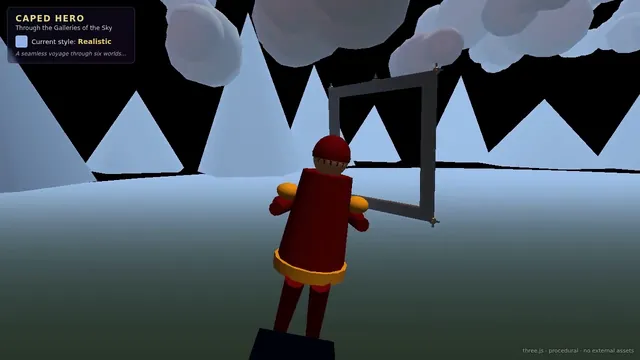
Build a real-time 3D scene in three.js: a **caped flying hero** flies through a row of **large framed artworks**, and each time he passes through a frame **his rendering style changes to match that artwork's style**.

- The hero is an original, generic caped flyer (your own design, not any existing or trademarked character): a stylised humanoid in a flying pose, fists forward, with a cape that flutters and ripples in the wind as he flies.
- A row of at least **five big picture frames** stands along his flight path, spaced out, each with a gilded frame and a procedurally generated canvas in a different style, for example: **oil painting** (thick brush strokes), **ukiyo-e woodblock** (flat colours, bold outlines, wave pattern), **pixel art**, **comic book / halftone** (dots, ink outlines), **watercolour** (soft bleeding washes). More styles are welcome.
- As he flies **through** each frame, the hero's look switches to that artwork's style (custom shaders / materials / post-processing, e.g. toon shading + outlines, halftone dots, pixelation, painterly noise, paper texture), ideally with a short visible transition at the moment he crosses the frame plane. Optionally the world around him can also take on the style.
- Motion must be **smooth and continuous** (no teleporting or snapping): he flies along a gentle curved path through all frames, and the whole sequence loops seamlessly.
- The **camera follows** him smoothly (chase camera with slight lag), keeping both the hero and the next frame in view.
- Good lighting, sky/background and atmosphere; aim for a polished, showcase-quality look.


Deliverable: reply with exactly one complete, self-contained `index.html` file in a single ```html code block. Requirements:
- Use three.js (r160 or newer) loaded from a CDN through an `<script type="importmap">` (e.g. jsDelivr or unpkg); addons such as OrbitControls may be imported from the same CDN via the import map.
- No other files: no external textures, models, fonts or images. Generate any textures procedurally in code.
- It must run by simply opening index.html in a modern desktop browser, fill the window, and handle resize.
- Animate with requestAnimationFrame and a clock, so it looks right at any frame rate.
- No explanation is needed outside the code block.
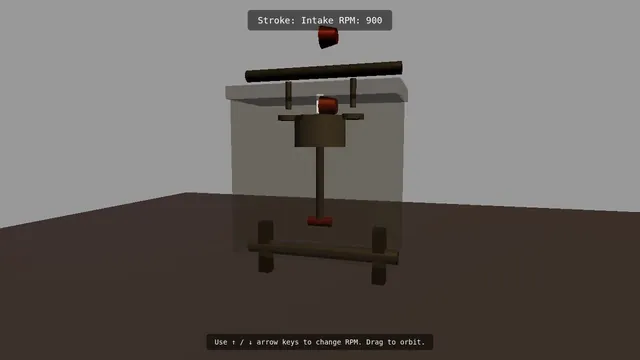
Build a Three.js scene: A single-cylinder engine is shown in a half-transparent steel block, with crankshaft, connecting rod, piston and two cam-driven poppet valves animating in sync through intake, compression, power and exhaust. Fuel-air mix is shown as blue particles, the spark as a white flash, and exhaust as grey smoke particles. The up and down arrow keys change RPM, and a floating label names the current stroke. The camera orbits on drag with a workshop-grey backdrop and warm key light. Everything is built in code from Three.js geometry, materials and shaders; no external models, textures or fonts. The scene must visibly animate from the moment it loads and run in a browser with software WebGL (no GPU). Deliver ONE self-contained HTML file; load Three.js only through an import map from https://cdn.jsdelivr.net/npm/three@0.170.0/build/three.module.js (addons from https://cdn.jsdelivr.net/npm/three@0.170.0/examples/jsm/), with no other external requests. Output ONLY the complete HTML file, starting with <!DOCTYPE html> and ending with </html>, with no explanation or markdown fences.
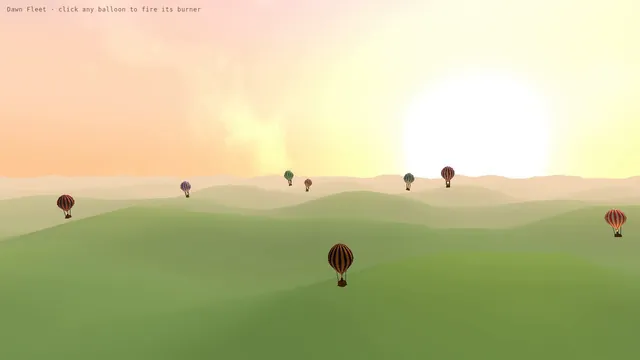
Build a Three.js scene: A dozen hot air balloons with striped procedural envelopes rise at different rates over rolling green fields, their burners flaring orange and lifting them in pulses. Clicking a balloon fires its burner, so it visibly glows and climbs faster. Balloons drift with a gentle wind field and the camera slowly rises with the fleet. The sky is a pale dawn gradient with soft volumetric-looking haze bands. Everything is built in code from Three.js geometry, materials and shaders; no external models, textures or fonts. The scene must visibly animate from the moment it loads and run in a browser with software WebGL (no GPU). Deliver ONE self-contained HTML file; load Three.js only through an import map from https://cdn.jsdelivr.net/npm/three@0.170.0/build/three.module.js (addons from https://cdn.jsdelivr.net/npm/three@0.170.0/examples/jsm/), with no other external requests. Output ONLY the complete HTML file, starting with <!DOCTYPE html> and ending with </html>, with no explanation or markdown fences.
Build a real-time 3D world in Three.js that looks like a living impressionist oil painting (one HTML file, CDN imports only, no external assets or textures; everything procedural). The whole frame must read as painted, not as a 3D render with a filter: a brush-stroke post-process (oriented, varied-size strokes that follow surface direction and color, visible canvas grain), a painterly sky with broken-color clouds, water with dappled reflections of the sky and shore, and a small landscape (garden, footbridge or shoreline, trees, flowers). Add falling snow that is painted too, and flocks of birds flying through the scene. Include two or three painted figures; clicking one opens a short in-world dialogue in a hand-lettered caption style. Interactive camera (orbit plus a gentle walk mode), a time-of-day slider that shifts the palette from cool morning to warm dusk, and a toggle that compares the painted view with the plain render. Must stay smooth on a laptop and usable on a phone (touch controls, adaptive quality). It should feel like stepping into a painting.
Build a real-time 3D diorama in Three.js of a small, cosy island valley with a clear mountain stream running through it (one HTML file, CDN imports only, no external assets or textures; everything procedural). The stream is the hero: shallow, crystal-clear water you can see the pebbled bed through, with animated flow, caustic light patterns on the stones underneath, sparkling sun glints on the surface, foam and small rapids where it runs over rocks, and soft rounded river boulders of varied size partly submerged with wet darkening at the waterline. Around it: lush stylised grass and ferns that sway, a few broad-leaf trees, wildflowers, an arched stone bridge or culvert the stream flows through, stepping stones, and a small timber cottage on the bank whose windows glow warmly at night. Lighting presets in a small on-screen pill menu: Morning, Afternoon, Sunset, Blue hour, Night (night shows moonlight on the water and lit windows); transitions animate smoothly. Camera: a slow cinematic auto-fly along the stream by default, free orbit on drag, and a top-down view toggle. Ambient life: drifting petals or fireflies at night, small fish darting under the surface. Gentle procedural water ambience via Web Audio after the first click, with a mute toggle. A title card in the corner names the place. Target 60 fps on a mid-range laptop; include a quality toggle (low/high). Deliver index.html.
# Test: threejs_mechanical_bee

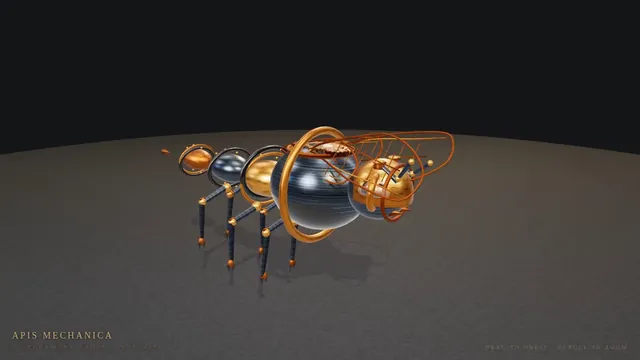
Build a real-time 3D scene in three.js of an animated **mechanical (clockwork) bee**.

- The bee is built from many distinct parts: a segmented abdomen, thorax, head with compound-eye lenses, antennae, six jointed legs and two pairs of wings.
- Materials are physically based (MeshStandardMaterial or MeshPhysicalMaterial): polished and aged **brass**, brushed **steel**, a little dark enamel or glass, with believable metalness/roughness. Use an environment map (e.g. RoomEnvironment with PMREMGenerator) so the metal reflects.
- The **wings beat fast** (a visible blur-like flutter, thin translucent panels with a metal frame/veins).
- Several visible **gears turn** inside the body (meshing gears turn in opposite directions at speeds consistent with their tooth counts).
- The whole bee **hovers with a gentle bob and slight sway loop** in mid-air; legs and antennae move a little.
- **OrbitControls** let the viewer orbit, zoom and pan around the bee, with damping.
- **Nice lighting**: a key light with soft shadows, a fill and a rim light, tone mapping (ACES or AgX) and sRGB output; a tasteful backdrop or ground so the shadow reads.
- Aim for a polished, showcase-quality look.


Deliverable: reply with exactly one complete, self-contained `index.html` file in a single ```html code block. Requirements:
- Use three.js (r160 or newer) loaded from a CDN through an `<script type="importmap">` (e.g. jsDelivr or unpkg); addons such as OrbitControls may be imported from the same CDN via the import map.
- No other files: no external textures, models, fonts or images. Generate any textures procedurally in code.
- It must run by simply opening index.html in a modern desktop browser, fill the window, and handle resize.
- Animate with requestAnimationFrame and a clock, so it looks right at any frame rate.
- No explanation is needed outside the code block.
Build a complete, polished mobile-first 3D arcade game in Three.js as one self-contained index.html (no external assets; all geometry, textures and sound procedural). Portrait orientation, touch controls (swipe/drag and tap) with keyboard fallback for desktop. Include a title screen, at least 3 increasing difficulty phases, score and best-score persistence in localStorage, juicy feedback (screen shake, particles, procedural Web Audio sfx), pause/resume when the tab is hidden, and a game-over screen with restart. Must hold 60 fps on a mid-range phone; keep draw calls low with instancing.

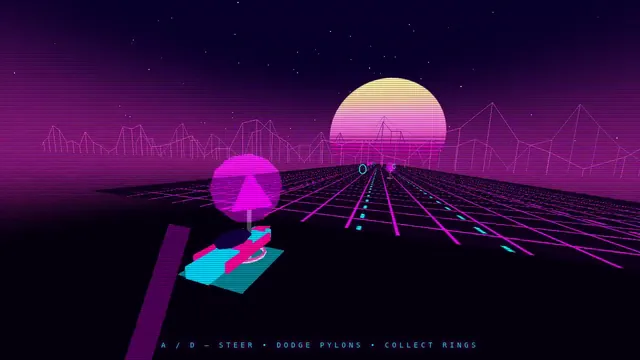
Build a Three.js scene: A synthwave hover-bike race down an infinite grid highway beneath a striped magenta sunset sun and wireframe mountains. Steer between three lanes with A and D to dodge glowing pylons and collect cyan energy rings while speed slowly increases. The chase camera tilts into turns with a bloom-like glow, and a distance score is shown in retro chrome lettering. Everything is built in code from Three.js geometry, materials and shaders; no external models, textures or fonts. The scene must visibly animate from the moment it loads and run in a browser with software WebGL (no GPU). Deliver ONE self-contained HTML file; load Three.js only through an import map from https://cdn.jsdelivr.net/npm/three@0.170.0/build/three.module.js (addons from https://cdn.jsdelivr.net/npm/three@0.170.0/examples/jsm/), with no other external requests. Output ONLY the complete HTML file, starting with <!DOCTYPE html> and ending with </html>, with no explanation or markdown fences.
Build a Three.js scene: A night train crossing a landscape. A passenger train of a locomotive and at least four carriages with warm, glowing lit windows travels along a track that winds through rolling hills, over a bridge across a river and past a small village with a few lit houses. A full moon lights the scene with cool blue light and casts soft shadows; stars fill the sky, the river reflects the moon, and the locomotive's headlight throws a beam ahead of the train. The train moves continuously and loops forever along the track, its wheels turning and a faint trail of steam or exhaust drifting behind it. The camera slowly follows the train by default; OrbitControls let the viewer take over, and a button switches between the follow camera and a free camera. Everything is built in code from Three.js geometry, materials and shaders; no external models, textures or fonts. The scene must visibly animate from the moment it loads and run in a browser with software WebGL (no GPU). Deliver ONE self-contained HTML file; load Three.js only through an import map from https://cdn.jsdelivr.net/npm/three@0.170.0/build/three.module.js (addons from https://cdn.jsdelivr.net/npm/three@0.170.0/examples/jsm/), with no other external requests (no image, texture, model, font or audio files): build every shape and texture in code. It must work when opened directly from disk in a current desktop or mobile browser, fit the window responsively, and run without console errors. Output ONLY the complete HTML file, starting with <!DOCTYPE html> and ending with </html>, with no explanation or markdown fences.
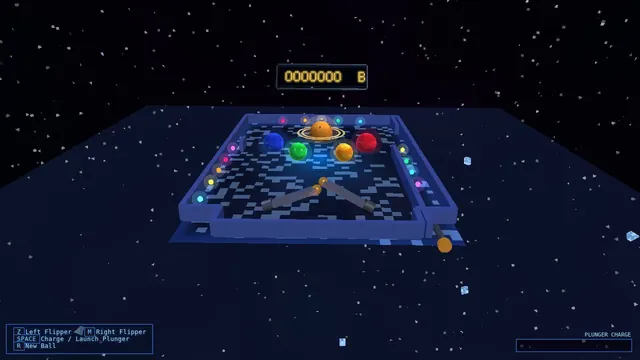
Build a Three.js scene: A full 3D pinball table themed as outer space, with planet-shaped bumpers, a ringed-Saturn spinner and LED-like emissive lane lights. The Z and M keys flip the left and right flippers, and Space pulls and releases the plunger with a held power charge. Bumpers flash and bounce the steel ball, the score shows on a floating dot-matrix panel, and the camera sits at a classic tilted player view. Everything is built in code from Three.js geometry, materials and shaders; no external models, textures or fonts. The scene must visibly animate from the moment it loads and run in a browser with software WebGL (no GPU). Deliver ONE self-contained HTML file; load Three.js only through an import map from https://cdn.jsdelivr.net/npm/three@0.170.0/build/three.module.js (addons from https://cdn.jsdelivr.net/npm/three@0.170.0/examples/jsm/), with no other external requests. Output ONLY the complete HTML file, starting with <!DOCTYPE html> and ending with </html>, with no explanation or markdown fences.
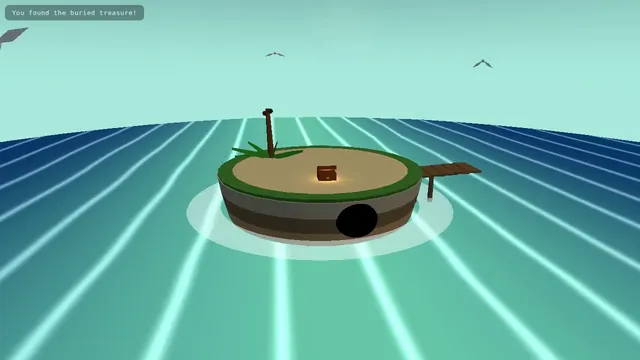
Build a Three.js scene: A small floating diorama chunk of island with a cliff cross-section shows layered rock, a palm tree, a wooden pier, a beached rowboat and a hidden treasure cave lit by a lantern. Waves lap the shore via a shader, gulls circle, and the palm sways. Click the X-marked sand to dig: sand particles fly and a chest rises and opens with a golden glow; the camera slowly orbits the floating base against a teal sky gradient. Everything is built in code from Three.js geometry, materials and shaders; no external models, textures or fonts. The scene must visibly animate from the moment it loads and run in a browser with software WebGL (no GPU). Deliver ONE self-contained HTML file; load Three.js only through an import map from https://cdn.jsdelivr.net/npm/three@0.170.0/build/three.module.js (addons from https://cdn.jsdelivr.net/npm/three@0.170.0/examples/jsm/), with no other external requests. Output ONLY the complete HTML file, starting with <!DOCTYPE html> and ending with </html>, with no explanation or markdown fences.
Build a one-page scroll-driven WebGL story in the style of an award-winning Codrops demo: 'The life of a raindrop', in 5 scroll chapters (cloud, fall, river, ocean, evaporation). Each chapter has a distinct shader-driven scene (Three.js, WebGPU renderer with WebGL fallback), with smooth transitions tied to scroll position (no scroll hijack jank), crisp typography overlays, and a progress indicator. Must hold 60 fps on a mid-range laptop and degrade gracefully on phones. Procedural visuals only, no external images or video. One self-contained index.html plus inline JS/CSS.
Ink Bloom Garden: A dark canvas where every click plants an ink-drop flower that grows outward in branching, feathered petals over three seconds using layered translucent strokes. Petal colour drifts with the mouse's horizontal position. Space clears the canvas with a slow fade; S saves the current canvas as a PNG.

Build it as ONE self-contained HTML file: inline CSS and JavaScript only, no libraries or frameworks, and no external requests of any kind (no CDNs, web fonts, images or audio files); anything visual or audible is made in code (HTML/CSS, SVG, Canvas, WebGL or WebAudio). It must work when opened directly from disk, fit the browser window responsively, and run without console errors. Output ONLY the complete HTML file, starting with <!DOCTYPE html> and ending with </html>, with no explanation or markdown fences.
Pendulum Wave: Fifteen pendulums hung side by side, each with a slightly different period so that together they form travelling waves, snakes and brief alignments that repeat every 60 seconds. Show a slider for playback speed, a reset button, and draw a faint trail behind each bob.

Build it as ONE self-contained HTML file: inline CSS and JavaScript only, no libraries or frameworks, and no external requests of any kind (no CDNs, web fonts, images or audio files); anything visual or audible is made in code (HTML/CSS, SVG, Canvas, WebGL or WebAudio). It must work when opened directly from disk, fit the browser window responsively, and run without console errors. Output ONLY the complete HTML file, starting with <!DOCTYPE html> and ending with </html>, with no explanation or markdown fences.
Orbital Coffee Landing: A landing page for an invented specialty coffee roaster: a full-height hero with a CSS-drawn steaming cup, three origin cards that tilt in 3D toward the cursor, a scroll-triggered brew timeline, and a sticky header that shrinks after 80px of scrolling. Fully responsive down to 360px.

Build it as ONE self-contained HTML file: inline CSS and JavaScript only, no libraries or frameworks, and no external requests of any kind (no CDNs, web fonts, images or audio files); anything visual or audible is made in code (HTML/CSS, SVG, Canvas, WebGL or WebAudio). It must work when opened directly from disk, fit the browser window responsively, and run without console errors. Output ONLY the complete HTML file, starting with <!DOCTYPE html> and ending with </html>, with no explanation or markdown fences.
Brick Breaker Neon: A neon brick-breaker: a paddle follows the mouse or arrow keys, the ball bounces off six rows of glowing bricks, and destroyed bricks burst into particles. Include three lives, a score, a level-two layout after clearing, a pause on P, and a game-over screen with restart.

Build it as ONE self-contained HTML file: inline CSS and JavaScript only, no libraries or frameworks, and no external requests of any kind (no CDNs, web fonts, images or audio files); anything visual or audible is made in code (HTML/CSS, SVG, Canvas, WebGL or WebAudio). It must work when opened directly from disk, fit the browser window responsively, and run without console errors. Output ONLY the complete HTML file, starting with <!DOCTYPE html> and ending with </html>, with no explanation or markdown fences.
Koi Pond Garden: A calm, interactive Japanese garden seen from above at a gentle three-quarter angle, centred on a koi pond. The water must read as clear and refractive: you can see the pebbled pond floor and the koi through it, distorted by soft ripples, with caustic light patterns moving across the bottom and a subtle surface reflection and sheen. At least seven koi with detailed, varied patterned skin (kohaku, showa, ogon, tancho and similar), flowing fins and tails, swim naturally in smooth, unhurried curves, avoid each other and the pond edge, and occasionally rise near the surface. Surround the pond with natural stones and mossy rocks of varied shapes and textures, grasses, a few plants and flowers, floating lily pads (some with blossoms), and at least one small stone lantern or similar garden detail. Lighting should be warm and soft, with believable shadows.

Interaction: clicking or tapping the water drops a few food pellets that splash, float and slowly sink; nearby koi notice them, swarm toward them and visibly eat them (each pellet disappears when a fish reaches it), then disperse. At least two frogs sit on lily pads; clicking or tapping a frog makes it leap in an arc to another pad or into the water with a splash and rings of ripples. Clicking the water anywhere also sends out ripples. The camera can be orbited gently with a drag and zoomed within limits, but must not flip under the ground.

Build it as ONE self-contained HTML file with inline CSS and JavaScript. You may load three.js (and its addons) from a public CDN via an import map or script tag; no other external requests (no image, texture, model or audio files): make every texture and shape in code (procedural canvas textures, shaders or geometry). It must work when opened directly from disk in a current desktop or mobile browser, support both mouse and touch, fit the window responsively, keep a smooth frame rate, and run without console errors. Output ONLY the complete HTML file, starting with <!DOCTYPE html> and ending with </html>, with no explanation or markdown fences.
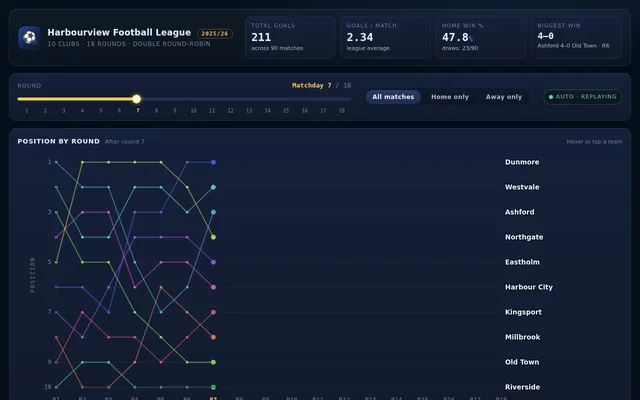
Build an interactive football league season dashboard from the exact dataset below (CSV: every match of a 10-team double round-robin season, 18 rounds, with home and away team and goals). Embed the data in the page verbatim and compute every number from it; do not invent or alter any value. Use 3 points for a win and 1 for a draw; rank by points, then goal difference, then goals scored, then team name.

round,home,away,home_goals,away_goals
1,Harbour City,Dunmore,1,0
1,Northgate,Eastholm,1,0
1,Riverside,Westvale,1,4
1,Old Town,Millbrook,3,1
1,Kingsport,Ashford,1,4
2,Harbour City,Eastholm,1,1
2,Dunmore,Westvale,1,0
2,Northgate,Millbrook,3,0
2,Riverside,Ashford,0,0
2,Old Town,Kingsport,0,1
3,Harbour City,Westvale,0,0
3,Eastholm,Millbrook,1,0
3,Dunmore,Ashford,0,0
3,Northgate,Kingsport,2,2
3,Riverside,Old Town,2,2
4,Harbour City,Millbrook,0,1
4,Westvale,Ashford,3,0
4,Eastholm,Kingsport,1,0
4,Dunmore,Old Town,3,0
4,Northgate,Riverside,4,1
5,Harbour City,Ashford,1,0
5,Millbrook,Kingsport,2,0
5,Westvale,Old Town,1,0
5,Eastholm,Riverside,2,0
5,Dunmore,Northgate,1,0
6,Harbour City,Kingsport,1,1
6,Ashford,Old Town,4,0
6,Millbrook,Riverside,0,0
6,Westvale,Northgate,1,1
6,Eastholm,Dunmore,1,2
7,Harbour City,Old Town,1,1
7,Kingsport,Riverside,4,2
7,Ashford,Northgate,2,0
7,Millbrook,Dunmore,1,1
7,Westvale,Eastholm,1,1
8,Harbour City,Riverside,1,0
8,Old Town,Northgate,2,2
8,Kingsport,Dunmore,1,2
8,Ashford,Eastholm,3,0
8,Millbrook,Westvale,1,3
9,Harbour City,Northgate,1,3
9,Riverside,Dunmore,1,0
9,Old Town,Eastholm,0,2
9,Kingsport,Westvale,0,1
9,Ashford,Millbrook,1,1
10,Dunmore,Harbour City,3,1
10,Eastholm,Northgate,1,1
10,Westvale,Riverside,1,0
10,Millbrook,Old Town,1,1
10,Ashford,Kingsport,3,1
11,Eastholm,Harbour City,1,2
11,Westvale,Dunmore,2,2
11,Millbrook,Northgate,0,4
11,Ashford,Riverside,3,0
11,Kingsport,Old Town,3,1
12,Westvale,Harbour City,2,1
12,Millbrook,Eastholm,3,2
12,Ashford,Dunmore,4,0
12,Kingsport,Northgate,1,1
12,Old Town,Riverside,0,0
13,Millbrook,Harbour City,1,0
13,Ashford,Westvale,1,0
13,Kingsport,Eastholm,2,0
13,Old Town,Dunmore,0,1
13,Riverside,Northgate,0,1
14,Ashford,Harbour City,2,1
14,Kingsport,Millbrook,2,0
14,Old Town,Westvale,0,0
14,Riverside,Eastholm,0,2
14,Northgate,Dunmore,2,0
15,Kingsport,Harbour City,4,1
15,Old Town,Ashford,2,1
15,Riverside,Millbrook,0,1
15,Northgate,Westvale,1,3
15,Dunmore,Eastholm,0,2
16,Old Town,Harbour City,1,0
16,Riverside,Kingsport,2,4
16,Northgate,Ashford,0,1
16,Dunmore,Millbrook,0,0
16,Eastholm,Westvale,0,0
17,Riverside,Harbour City,1,0
17,Northgate,Old Town,2,0
17,Dunmore,Kingsport,0,3
17,Eastholm,Ashford,1,1
17,Westvale,Millbrook,2,0
18,Northgate,Harbour City,4,2
18,Dunmore,Riverside,0,3
18,Eastholm,Old Town,0,1
18,Westvale,Kingsport,3,1
18,Millbrook,Ashford,0,2

The dashboard needs: the final league table (played, won, drawn, lost, goals for, goals against, goal difference, points, and a form guide of the last five results as coloured chips); a position-by-round bump chart showing every team's league position after each round, with a team highlighted on hover or tap; a round slider that recomputes the table as it stood after any round; home versus away performance bars per team; a results matrix (home team rows by away team columns) with scores and win/draw/loss colouring; KPI cards for total goals, goals per match, home win percentage and the biggest win; a team detail panel with its points trajectory and results list; and filters for home-only or away-only tables. Make it look like a premium sports data site. So the page is alive without input, on load it animates the bump chart round by round with the table re-ordering live as the round slider advances from 1 to 18, then spotlights the champion, the biggest climber and the biggest win, and restarts, forever, until the user touches a control.

Save it as index.html in the current directory: one self-contained file with inline CSS and JavaScript only, no libraries or frameworks, and no external requests of any kind (no CDNs, web fonts, images or audio files). It must work when opened directly from disk, fit any window from a 390 px wide phone to a desktop, and run without console errors. You may serve it locally and open it in headless chromium (/usr/bin/chromium, software WebGL, no GPU) to screenshot and inspect your own output, and iterate on your own before finishing. Close any browser you open as soon as you've taken your screenshot.
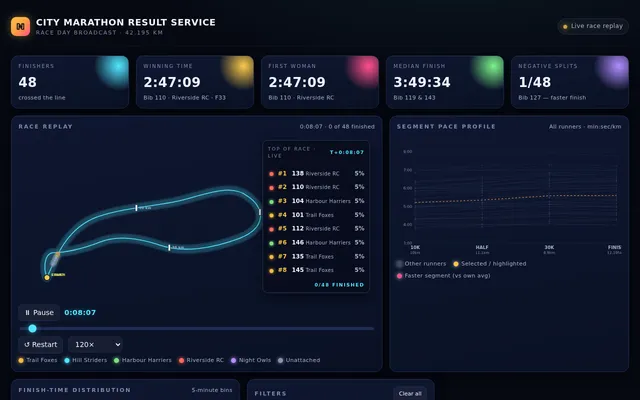
Build an interactive race results dashboard for a city marathon from the exact dataset below (CSV: one row per finisher with bib number, running club, gender, age, and cumulative split times at 10 km, 21.1 km, 30 km and the finish, as h:mm:ss). Embed the data in the page verbatim and compute every number from it; do not invent or alter any value.

bib,club,gender,age,split_10k,split_21k,split_30k,finish
101,Trail Foxes,M,42,0:38:49,1:23:18,2:00:42,2:53:35
102,Hill Striders,M,31,0:56:17,2:00:23,2:54:35,4:08:29
103,Trail Foxes,F,32,0:53:48,1:57:22,2:48:26,3:59:47
104,Harbour Harriers,F,34,0:38:43,1:22:03,1:58:26,2:50:16
105,Unattached,M,63,0:49:28,1:47:17,2:35:54,3:41:18
106,Harbour Harriers,F,47,0:43:01,1:33:33,2:15:02,3:10:08
107,Riverside RC,F,46,0:57:12,2:01:54,2:56:06,4:11:08
108,Hill Striders,F,65,0:58:44,2:04:07,2:59:04,4:14:16
109,Trail Foxes,M,23,0:47:00,1:41:05,2:27:59,3:33:42
110,Riverside RC,F,33,0:38:05,1:22:31,1:58:42,2:47:09
111,Hill Striders,F,24,0:49:32,1:46:25,2:33:20,3:36:35
112,Riverside RC,M,31,0:40:53,1:25:55,2:04:02,2:56:05
113,Hill Striders,F,23,0:59:57,2:07:30,3:05:48,4:24:21
114,Hill Striders,F,56,0:43:40,1:31:52,2:12:51,3:08:42
115,Night Owls,F,27,1:04:18,2:16:58,3:17:51,4:43:11
116,Trail Foxes,F,32,0:52:37,1:53:05,2:43:31,3:50:54
117,Riverside RC,F,61,0:58:21,2:06:34,3:03:57,4:21:53
118,Night Owls,M,56,1:09:04,2:29:52,3:35:02,5:03:19
119,Trail Foxes,F,41,0:51:51,1:50:44,2:39:58,3:48:28
120,Trail Foxes,M,46,0:50:39,1:47:19,2:33:58,3:37:12
121,Unattached,F,23,0:43:04,1:31:38,2:12:22,3:09:08
122,Night Owls,M,23,1:02:58,2:15:44,3:15:51,4:35:10
123,Harbour Harriers,M,20,1:00:07,2:08:57,3:05:52,4:23:52
124,Hill Striders,M,43,1:01:59,2:11:47,3:11:33,4:34:11
125,Riverside RC,F,22,0:50:26,1:48:00,2:33:34,3:36:33
126,Trail Foxes,F,39,0:58:33,2:04:49,3:00:44,4:19:12
127,Trail Foxes,M,46,0:54:21,1:56:35,2:45:20,3:52:00
128,Night Owls,F,64,0:45:32,1:37:06,2:21:19,3:22:05
129,Night Owls,M,65,1:11:26,2:30:42,3:41:16,5:16:12
130,Night Owls,M,52,0:49:55,1:45:53,2:31:22,3:31:47
131,Night Owls,M,60,1:03:35,2:15:31,3:13:10,4:33:22
132,Harbour Harriers,F,55,0:48:01,1:42:09,2:27:37,3:29:17
133,Riverside RC,M,43,1:00:00,2:10:39,3:06:46,4:24:18
134,Harbour Harriers,M,65,1:03:38,2:17:14,3:18:32,4:39:33
135,Trail Foxes,M,19,0:41:42,1:29:20,2:09:13,3:04:28
136,Unattached,F,47,1:08:22,2:25:56,3:30:25,4:56:39
137,Hill Striders,F,27,0:48:32,1:43:43,2:29:29,3:34:35
138,Riverside RC,F,35,0:37:55,1:20:58,1:58:03,2:49:59
139,Hill Striders,F,24,1:00:43,2:10:31,3:11:15,4:35:15
140,Harbour Harriers,F,67,0:52:15,1:52:16,2:45:10,3:58:17
141,Riverside RC,F,40,0:43:29,1:32:31,2:14:14,3:11:05
142,Unattached,M,31,0:57:26,2:02:30,2:58:16,4:18:08
143,Unattached,F,30,0:53:17,1:51:21,2:41:12,3:50:40
144,Hill Striders,F,28,0:44:48,1:37:12,2:20:19,3:19:02
145,Trail Foxes,F,34,0:42:36,1:31:24,2:10:59,3:03:51
146,Harbour Harriers,F,56,0:41:36,1:28:29,2:09:20,3:08:14
147,Unattached,F,57,0:52:02,1:49:55,2:40:54,3:53:11
148,Night Owls,F,56,0:45:58,1:36:48,2:18:55,3:15:52

The dashboard needs: a sortable, searchable results table with overall place, gender place, age group (under 30, 30-39, 40-49, 50-59, 60 and over), finish time and average pace per km; KPI cards for finishers, winning time, first woman, median finish time and the number of negative splits (second half faster than the first); a finish-time histogram with five-minute bins; a pace chart showing every runner's pace per segment as faint lines with the selected runner highlighted; a 'race replay' visual where every runner is a dot moving along a stylised course in proportion to their splits, with a time scrubber and leaderboard; club and age-group comparison bars; filters by gender, age group and club that update everything; and hover or tap details for any runner. Make it feel like a premium sports-broadcast graphic. So the page is alive without input, on load it plays the race replay from the gun to the last finisher on a loop with the leaderboard updating, then highlights the winner, the first woman and the runner with the strongest negative split in turn, forever, until the user touches a control.

Save it as index.html in the current directory: one self-contained file with inline CSS and JavaScript only, no libraries or frameworks, and no external requests of any kind (no CDNs, web fonts, images or audio files). It must work when opened directly from disk, fit any window from a 390 px wide phone to a desktop, and run without console errors. You may serve it locally and open it in headless chromium (/usr/bin/chromium, software WebGL, no GPU) to screenshot and inspect your own output, and iterate on your own before finishing. Close any browser you open as soon as you've taken your screenshot.
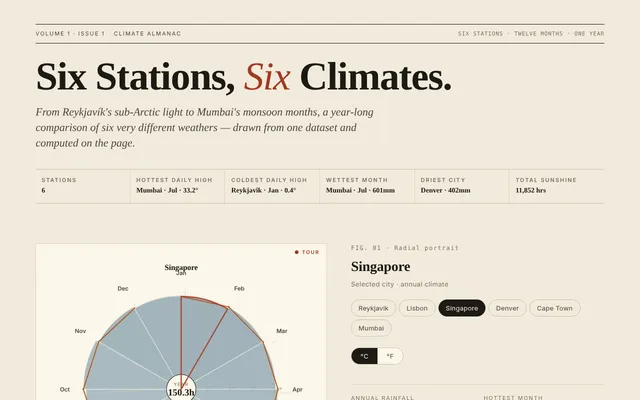
Build an interactive climate dashboard comparing six weather stations from the exact dataset below (CSV: one row per city and month with the average daily high temperature in Celsius, total rainfall in millimetres and sunshine hours). Embed the data in the page verbatim and compute every number from it; do not invent or alter any value.

city,month,avg_high_c,rain_mm,sun_hours
Reykjavik,Jan,0.4,77,54
Reykjavik,Feb,0.9,76,81
Reykjavik,Mar,3.8,67,116
Reykjavik,Apr,6.3,48,147
Reykjavik,May,10.1,32,221
Reykjavik,Jun,12.9,24,247
Reykjavik,Jul,13.2,24,274
Reykjavik,Aug,12.2,29,233
Reykjavik,Sep,9.9,37,214
Reykjavik,Oct,6.2,51,160
Reykjavik,Nov,3.1,59,103
Reykjavik,Dec,2.6,74,77
Lisbon,Jan,13.3,100,52
Lisbon,Feb,14.1,99,77
Lisbon,Mar,18.5,69,113
Lisbon,Apr,20.3,47,168
Lisbon,May,25.3,31,222
Lisbon,Jun,27.9,15,245
Lisbon,Jul,28.5,1,259
Lisbon,Aug,27.6,5,259
Lisbon,Sep,24.3,21,212
Lisbon,Oct,21.1,51,146
Lisbon,Nov,18.0,83,100
Lisbon,Dec,15.4,89,84
Singapore,Jan,29.6,254,152
Singapore,Feb,30.6,249,136
Singapore,Mar,30.4,223,151
Singapore,Apr,31.4,201,174
Singapore,May,31.6,183,132
Singapore,Jun,30.9,158,155
Singapore,Jul,31.8,164,167
Singapore,Aug,31.0,163,160
Singapore,Sep,30.8,182,130
Singapore,Oct,31.9,203,172
Singapore,Nov,30.7,235,129
Singapore,Dec,29.9,237,146
Denver,Jan,5.9,47,63
Denver,Feb,7.5,42,76
Denver,Mar,11.6,41,101
Denver,Apr,18.0,40,160
Denver,May,24.9,27,219
Denver,Jun,30.0,23,251
Denver,Jul,30.7,22,253
Denver,Aug,29.4,25,241
Denver,Sep,24.9,38,201
Denver,Oct,17.6,29,153
Denver,Nov,12.2,33,106
Denver,Dec,7.4,35,64
Cape Town,Jan,27.6,9,269
Cape Town,Feb,25.9,16,279
Cape Town,Mar,24.9,30,236
Cape Town,Apr,23.3,60,192
Cape Town,May,21.0,68,142
Cape Town,Jun,18.1,87,111
Cape Town,Jul,17.8,94,111
Cape Town,Aug,18.8,79,131
Cape Town,Sep,20.3,69,163
Cape Town,Oct,22.7,46,187
Cape Town,Nov,24.4,35,227
Cape Town,Dec,25.9,16,280
Mumbai,Jan,30.2,7,62
Mumbai,Feb,30.0,6,68
Mumbai,Mar,29.9,11,121
Mumbai,Apr,32.1,79,166
Mumbai,May,33.0,247,205
Mumbai,Jun,33.0,481,245
Mumbai,Jul,33.2,601,273
Mumbai,Aug,32.3,494,241
Mumbai,Sep,32.5,252,225
Mumbai,Oct,31.5,67,166
Mumbai,Nov,29.8,3,115
Mumbai,Dec,30.1,7,81

The dashboard needs: small-multiple climate charts, one per city, each with monthly temperature as a line over rainfall as bars and the two axes clearly labelled; a radial (polar) chart of the selected city's year with temperature as radius and rainfall as colour; a heatmap of temperature by city and month; KPI cards per city for annual rainfall, hottest and coldest month, temperature range and total sunshine; a 'best month to visit' calculator with sliders for preferred temperature range, maximum rain and minimum sunshine that scores every city-month and lists the top five; a Celsius and Fahrenheit toggle; hover or tap tooltips with exact values; and a short auto-written comparison panel computed from the data. Make it beautiful, editorial and calm, like a data feature in a great magazine. So the page is alive without input, on load the charts draw in and a tour cycles forever: it rotates the radial chart through each city, sweeps a highlight across the heatmap month by month, adjusts the visit calculator sliders to show the ranking change, and toggles units once per loop, until the user touches a control.

Save it as index.html in the current directory: one self-contained file with inline CSS and JavaScript only, no libraries or frameworks, and no external requests of any kind (no CDNs, web fonts, images or audio files). It must work when opened directly from disk, fit any window from a 390 px wide phone to a desktop, and run without console errors. You may serve it locally and open it in headless chromium (/usr/bin/chromium, software WebGL, no GPU) to screenshot and inspect your own output, and iterate on your own before finishing. Close any browser you open as soon as you've taken your screenshot.
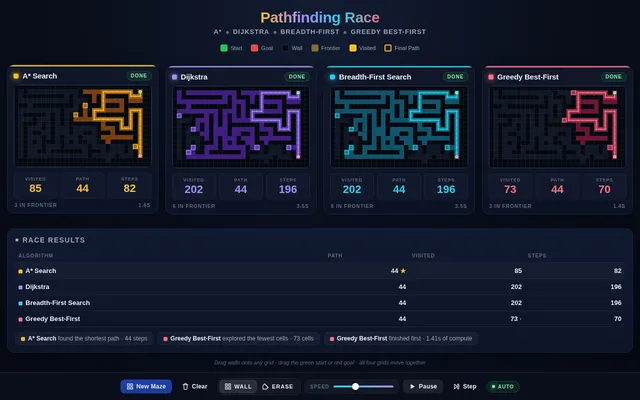
Build a pathfinding race visualizer: four copies of the same grid maze, side by side (stacked on a phone), where A*, Dijkstra, breadth-first search and greedy best-first search solve the same start-to-goal problem at the same time, step by step. Show each algorithm's frontier, visited cells and final path in distinct colours, and live counters for cells visited, path length and steps taken; when all four finish, show a small results table ranking them and say which found the shortest path and which explored the fewest cells. Controls: generate a new random maze (a perfect maze with some extra openings so paths differ), clear the grid, draw or erase walls by dragging on any grid (the edit applies to all four), move the start and goal by dragging them, a speed slider, play, pause and single step. Diagonal moves are off; every move costs 1. So the page is alive without input, on load it generates a maze and starts the race automatically, and when a race finishes it waits 3 seconds and runs a new maze, forever, until the user touches a control. Make it clear and beautiful, the kind of visual a teacher would put on a projector.

Save it as index.html in the current directory: one self-contained file with inline CSS and JavaScript only, no libraries or frameworks, and no external requests of any kind (no CDNs, web fonts, images or audio files). It must work when opened directly from disk, fit any window from a 390 px wide phone to a desktop, and run without console errors. You may serve it locally and open it in headless chromium (/usr/bin/chromium, software WebGL, no GPU) to screenshot and inspect your own output, and iterate on your own before finishing. Close any browser you open as soon as you've taken your screenshot.
Build a sorting algorithm race: six panels side by side (a grid on narrow screens), each sorting its own copy of the same 60-element array drawn as vertical bars, with bubble sort, insertion sort, selection sort, merge sort, quicksort and heapsort running at the same time, one comparison or write per tick. Highlight the bars being compared and the bars being written in each step, and show live counters for comparisons and array writes in every panel. When a panel finishes, play a quick sweep across its bars and stamp its finishing place (1st to 6th). Controls: input presets (random, nearly sorted, reversed, few unique values), a speed slider, play, pause, single step and reset; an optional soft tone per comparison through WebAudio that is off by default, with a mute toggle. After every race, show a small table of comparisons and writes per algorithm for that input. So the page is alive without input, on load it shuffles and starts a race on the random preset automatically, and after each finish it waits 3 seconds and races the next preset in turn, forever, until the user touches a control. Make it clear and beautiful, the kind of visual a teacher would put on a projector.

Save it as index.html in the current directory: one self-contained file with inline CSS and JavaScript only, no libraries or frameworks, and no external requests of any kind (no CDNs, web fonts, images or audio files). It must work when opened directly from disk, fit any window from a 390 px wide phone to a desktop, and run without console errors. You may serve it locally and open it in headless chromium (/usr/bin/chromium, software WebGL, no GPU) to screenshot and inspect your own output, and iterate on your own before finishing. Close any browser you open as soon as you've taken your screenshot.