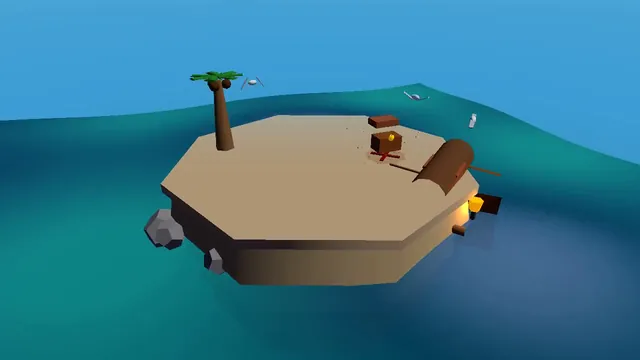
DNF
The model did not finish, so there is no output.
# Test: threejs_artwork_style_pass

Build a real-time 3D scene in three.js: a **caped flying hero** flies through a row of **large framed artworks**, and each time he passes through a frame **his rendering style changes to match that artwork's style**.

- The hero is an original, generic caped flyer (your own design, not any existing or trademarked character): a stylised humanoid in a flying pose, fists forward, with a cape that flutters and ripples in the wind as he flies.
- A row of at least **five big picture frames** stands along his flight path, spaced out, each with a gilded frame and a procedurally generated canvas in a different style, for example: **oil painting** (thick brush strokes), **ukiyo-e woodblock** (flat colours, bold outlines, wave pattern), **pixel art**, **comic book / halftone** (dots, ink outlines), **watercolour** (soft bleeding washes). More styles are welcome.
- As he flies **through** each frame, the hero's look switches to that artwork's style (custom shaders / materials / post-processing, e.g. toon shading + outlines, halftone dots, pixelation, painterly noise, paper texture), ideally with a short visible transition at the moment he crosses the frame plane. Optionally the world around him can also take on the style.
- Motion must be **smooth and continuous** (no teleporting or snapping): he flies along a gentle curved path through all frames, and the whole sequence loops seamlessly.
- The **camera follows** him smoothly (chase camera with slight lag), keeping both the hero and the next frame in view.
- Good lighting, sky/background and atmosphere; aim for a polished, showcase-quality look.


Deliverable: reply with exactly one complete, self-contained `index.html` file in a single ```html code block. Requirements:
- Use three.js (r160 or newer) loaded from a CDN through an `<script type="importmap">` (e.g. jsDelivr or unpkg); addons such as OrbitControls may be imported from the same CDN via the import map.
- No other files: no external textures, models, fonts or images. Generate any textures procedurally in code.
- It must run by simply opening index.html in a modern desktop browser, fill the window, and handle resize.
- Animate with requestAnimationFrame and a clock, so it looks right at any frame rate.
- No explanation is needed outside the code block.
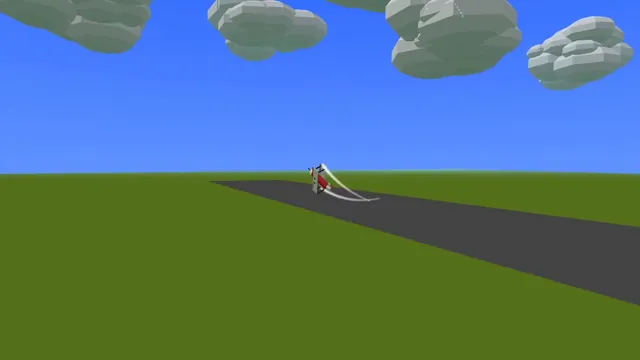
Build a Three.js scene: A red and cream vintage biplane performs loops, barrel rolls and a hammerhead over a grassy airfield, trailing white smoke ribbons that persist and slowly fade. Its propeller spins as a motion-blurred disc and the ailerons visibly deflect during rolls. Pressing keys 1-3 selects the next manoeuvre, and the camera tracks the plane from the ground like a spectator. Use a bright blue summer sky with puffy instanced clouds. Everything is built in code from Three.js geometry, materials and shaders; no external models, textures or fonts. The scene must visibly animate from the moment it loads and run in a browser with software WebGL (no GPU). Deliver ONE self-contained HTML file; load Three.js only through an import map from https://cdn.jsdelivr.net/npm/three@0.170.0/build/three.module.js (addons from https://cdn.jsdelivr.net/npm/three@0.170.0/examples/jsm/), with no other external requests. Output ONLY the complete HTML file, starting with <!DOCTYPE html> and ending with </html>, with no explanation or markdown fences.
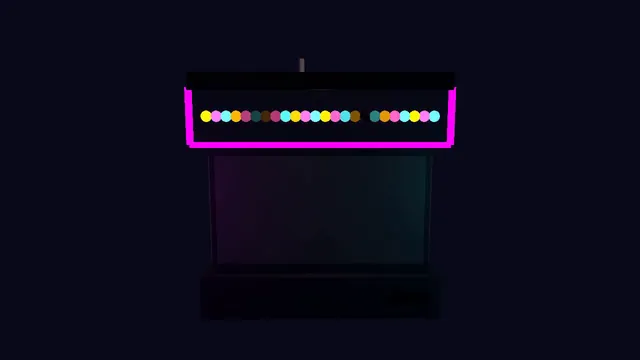
Build a Three.js scene: A retro arcade claw machine with a glass cabinet, chasing marquee lights and a pile of round pastel plush creatures stands in a dim arcade. Use the arrow keys to move the three-pronged claw over the pile and Space to drop it; the claw descends, closes, and may grip a plush that sometimes slips during the lift. A successful grab drops the plush down the prize chute with a burst of confetti; the camera is front-facing with slight mouse parallax. Everything is built in code from Three.js geometry, materials and shaders; no external models, textures or fonts. The scene must visibly animate from the moment it loads and run in a browser with software WebGL (no GPU). Deliver ONE self-contained HTML file; load Three.js only through an import map from https://cdn.jsdelivr.net/npm/three@0.170.0/build/three.module.js (addons from https://cdn.jsdelivr.net/npm/three@0.170.0/examples/jsm/), with no other external requests. Output ONLY the complete HTML file, starting with <!DOCTYPE html> and ending with </html>, with no explanation or markdown fences.
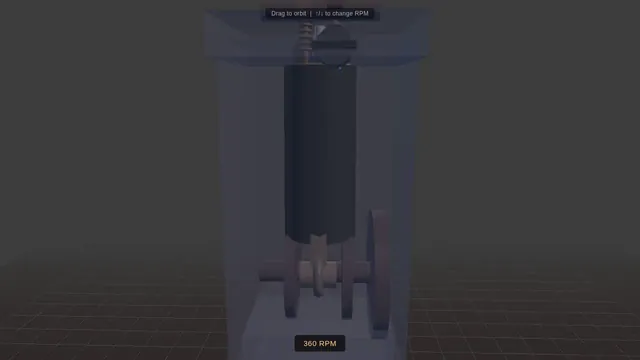
Build a Three.js scene: A single-cylinder engine is shown in a half-transparent steel block, with crankshaft, connecting rod, piston and two cam-driven poppet valves animating in sync through intake, compression, power and exhaust. Fuel-air mix is shown as blue particles, the spark as a white flash, and exhaust as grey smoke particles. The up and down arrow keys change RPM, and a floating label names the current stroke. The camera orbits on drag with a workshop-grey backdrop and warm key light. Everything is built in code from Three.js geometry, materials and shaders; no external models, textures or fonts. The scene must visibly animate from the moment it loads and run in a browser with software WebGL (no GPU). Deliver ONE self-contained HTML file; load Three.js only through an import map from https://cdn.jsdelivr.net/npm/three@0.170.0/build/three.module.js (addons from https://cdn.jsdelivr.net/npm/three@0.170.0/examples/jsm/), with no other external requests. Output ONLY the complete HTML file, starting with <!DOCTYPE html> and ending with </html>, with no explanation or markdown fences.
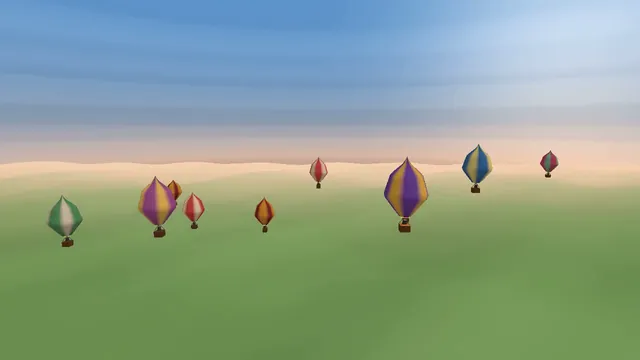
Build a Three.js scene: A dozen hot air balloons with striped procedural envelopes rise at different rates over rolling green fields, their burners flaring orange and lifting them in pulses. Clicking a balloon fires its burner, so it visibly glows and climbs faster. Balloons drift with a gentle wind field and the camera slowly rises with the fleet. The sky is a pale dawn gradient with soft volumetric-looking haze bands. Everything is built in code from Three.js geometry, materials and shaders; no external models, textures or fonts. The scene must visibly animate from the moment it loads and run in a browser with software WebGL (no GPU). Deliver ONE self-contained HTML file; load Three.js only through an import map from https://cdn.jsdelivr.net/npm/three@0.170.0/build/three.module.js (addons from https://cdn.jsdelivr.net/npm/three@0.170.0/examples/jsm/), with no other external requests. Output ONLY the complete HTML file, starting with <!DOCTYPE html> and ending with </html>, with no explanation or markdown fences.
# Test: threejs_mechanical_bee

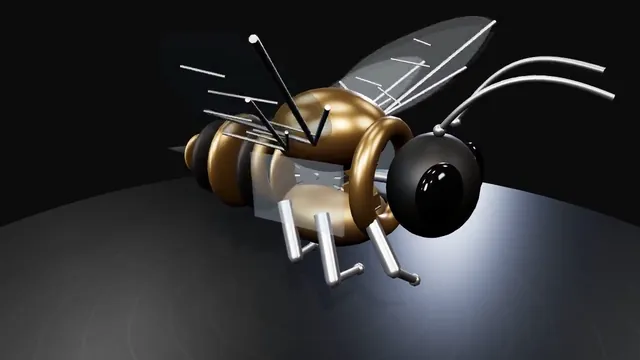
Build a real-time 3D scene in three.js of an animated **mechanical (clockwork) bee**.

- The bee is built from many distinct parts: a segmented abdomen, thorax, head with compound-eye lenses, antennae, six jointed legs and two pairs of wings.
- Materials are physically based (MeshStandardMaterial or MeshPhysicalMaterial): polished and aged **brass**, brushed **steel**, a little dark enamel or glass, with believable metalness/roughness. Use an environment map (e.g. RoomEnvironment with PMREMGenerator) so the metal reflects.
- The **wings beat fast** (a visible blur-like flutter, thin translucent panels with a metal frame/veins).
- Several visible **gears turn** inside the body (meshing gears turn in opposite directions at speeds consistent with their tooth counts).
- The whole bee **hovers with a gentle bob and slight sway loop** in mid-air; legs and antennae move a little.
- **OrbitControls** let the viewer orbit, zoom and pan around the bee, with damping.
- **Nice lighting**: a key light with soft shadows, a fill and a rim light, tone mapping (ACES or AgX) and sRGB output; a tasteful backdrop or ground so the shadow reads.
- Aim for a polished, showcase-quality look.


Deliverable: reply with exactly one complete, self-contained `index.html` file in a single ```html code block. Requirements:
- Use three.js (r160 or newer) loaded from a CDN through an `<script type="importmap">` (e.g. jsDelivr or unpkg); addons such as OrbitControls may be imported from the same CDN via the import map.
- No other files: no external textures, models, fonts or images. Generate any textures procedurally in code.
- It must run by simply opening index.html in a modern desktop browser, fill the window, and handle resize.
- Animate with requestAnimationFrame and a clock, so it looks right at any frame rate.
- No explanation is needed outside the code block.
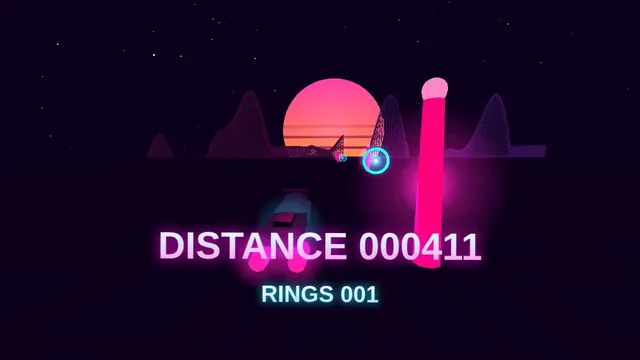
Build a Three.js scene: A synthwave hover-bike race down an infinite grid highway beneath a striped magenta sunset sun and wireframe mountains. Steer between three lanes with A and D to dodge glowing pylons and collect cyan energy rings while speed slowly increases. The chase camera tilts into turns with a bloom-like glow, and a distance score is shown in retro chrome lettering. Everything is built in code from Three.js geometry, materials and shaders; no external models, textures or fonts. The scene must visibly animate from the moment it loads and run in a browser with software WebGL (no GPU). Deliver ONE self-contained HTML file; load Three.js only through an import map from https://cdn.jsdelivr.net/npm/three@0.170.0/build/three.module.js (addons from https://cdn.jsdelivr.net/npm/three@0.170.0/examples/jsm/), with no other external requests. Output ONLY the complete HTML file, starting with <!DOCTYPE html> and ending with </html>, with no explanation or markdown fences.
Build a Three.js scene: A night train crossing a landscape. A passenger train of a locomotive and at least four carriages with warm, glowing lit windows travels along a track that winds through rolling hills, over a bridge across a river and past a small village with a few lit houses. A full moon lights the scene with cool blue light and casts soft shadows; stars fill the sky, the river reflects the moon, and the locomotive's headlight throws a beam ahead of the train. The train moves continuously and loops forever along the track, its wheels turning and a faint trail of steam or exhaust drifting behind it. The camera slowly follows the train by default; OrbitControls let the viewer take over, and a button switches between the follow camera and a free camera. Everything is built in code from Three.js geometry, materials and shaders; no external models, textures or fonts. The scene must visibly animate from the moment it loads and run in a browser with software WebGL (no GPU). Deliver ONE self-contained HTML file; load Three.js only through an import map from https://cdn.jsdelivr.net/npm/three@0.170.0/build/three.module.js (addons from https://cdn.jsdelivr.net/npm/three@0.170.0/examples/jsm/), with no other external requests (no image, texture, model, font or audio files): build every shape and texture in code. It must work when opened directly from disk in a current desktop or mobile browser, fit the window responsively, and run without console errors. Output ONLY the complete HTML file, starting with <!DOCTYPE html> and ending with </html>, with no explanation or markdown fences.
Build a Three.js scene: The Eiffel Tower and its surroundings in Paris, as an interactive 3D scene. The tower is recognisable, with its four curved lattice legs, the arches between them, the platforms at its levels and the tapering lattice up to the antenna, in its bronze-brown colour. Around it: the Champ de Mars lawns with rows of trees, the river Seine with a bridge and gently moving water, a few blocks of cream-coloured Haussmann-style buildings with grey mansard roofs, streets with a few lamp posts, and a sky with soft clouds. Lighting is a warm late-afternoon sun with long shadows; a toggle switches to night, when the tower lights up with warm golden lights and occasionally sparkles. OrbitControls to look around, limited so the camera stays above the ground. Everything is built in code from Three.js geometry, materials and shaders; no external models, textures or fonts. The scene must visibly animate from the moment it loads and run in a browser with software WebGL (no GPU). Deliver ONE self-contained HTML file; load Three.js only through an import map from https://cdn.jsdelivr.net/npm/three@0.170.0/build/three.module.js (addons from https://cdn.jsdelivr.net/npm/three@0.170.0/examples/jsm/), with no other external requests (no image, texture, model, font or audio files): build every shape and texture in code. It must work when opened directly from disk in a current desktop or mobile browser, fit the window responsively, and run without console errors. Output ONLY the complete HTML file, starting with <!DOCTYPE html> and ending with </html>, with no explanation or markdown fences.
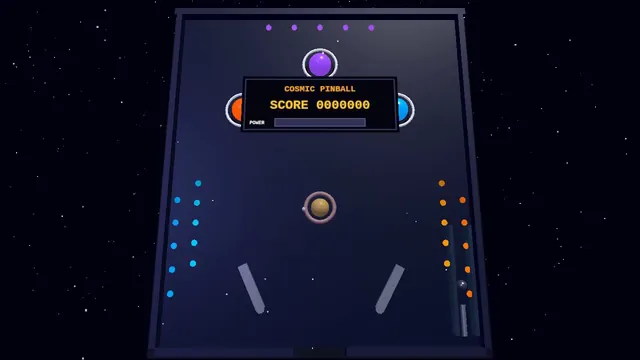
Build a Three.js scene: A full 3D pinball table themed as outer space, with planet-shaped bumpers, a ringed-Saturn spinner and LED-like emissive lane lights. The Z and M keys flip the left and right flippers, and Space pulls and releases the plunger with a held power charge. Bumpers flash and bounce the steel ball, the score shows on a floating dot-matrix panel, and the camera sits at a classic tilted player view. Everything is built in code from Three.js geometry, materials and shaders; no external models, textures or fonts. The scene must visibly animate from the moment it loads and run in a browser with software WebGL (no GPU). Deliver ONE self-contained HTML file; load Three.js only through an import map from https://cdn.jsdelivr.net/npm/three@0.170.0/build/three.module.js (addons from https://cdn.jsdelivr.net/npm/three@0.170.0/examples/jsm/), with no other external requests. Output ONLY the complete HTML file, starting with <!DOCTYPE html> and ending with </html>, with no explanation or markdown fences.
Build a Three.js scene: A small floating diorama chunk of island with a cliff cross-section shows layered rock, a palm tree, a wooden pier, a beached rowboat and a hidden treasure cave lit by a lantern. Waves lap the shore via a shader, gulls circle, and the palm sways. Click the X-marked sand to dig: sand particles fly and a chest rises and opens with a golden glow; the camera slowly orbits the floating base against a teal sky gradient. Everything is built in code from Three.js geometry, materials and shaders; no external models, textures or fonts. The scene must visibly animate from the moment it loads and run in a browser with software WebGL (no GPU). Deliver ONE self-contained HTML file; load Three.js only through an import map from https://cdn.jsdelivr.net/npm/three@0.170.0/build/three.module.js (addons from https://cdn.jsdelivr.net/npm/three@0.170.0/examples/jsm/), with no other external requests. Output ONLY the complete HTML file, starting with <!DOCTYPE html> and ending with </html>, with no explanation or markdown fences.