Raft consensus
Build an interactive visualization of the Raft consensus algorithm with five server nodes arranged in a circle.
More
1 test · 2 finished runs (2 agent, 0 raw one-shot) · 2 live demos
The prompt
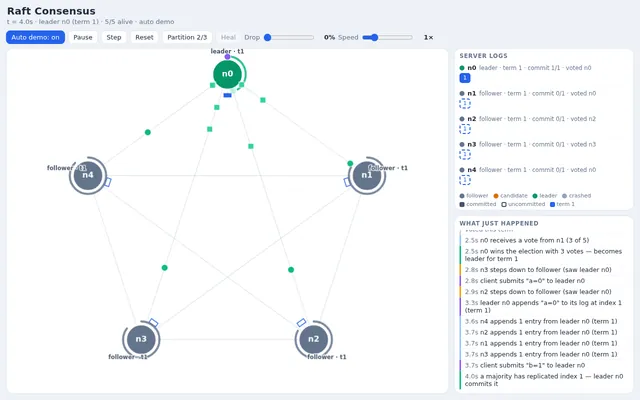
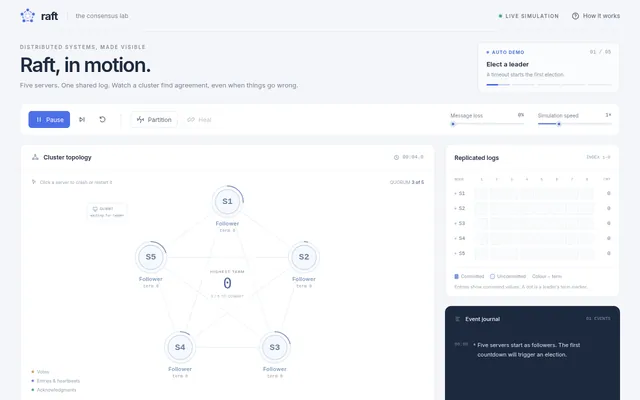
Build an interactive visualization of the Raft consensus algorithm with five server nodes arranged in a circle. Implement the real protocol logic in JavaScript: follower, candidate and leader states, randomized election timeouts drawn as shrinking rings around each node, terms, RequestVote and AppendEntries messages animated as packets travelling along the links with their contents readable on hover or tap, vote granting rules, heartbeats, and log replication with each node's log shown as a row of coloured entries (term colour, committed entries solid, uncommitted hollow) and the commit index advancing when a majority acknowledges. Clients submit commands to the leader at a steady rate. Show an event log panel describing what just happened in plain language. Controls: click or tap a node to crash or restart it, a button to create a network partition that splits the cluster 2 / 3 and another to heal it, message drop-rate slider, speed slider, play, pause, step, reset. So the page is alive without input, on load it runs an automatic scenario forever: a leader is elected, commands replicate, the leader crashes and a new election happens, a partition creates a minority and a majority, the partition heals and the stale leader steps down, then it starts again, until the user touches a control. Make it calm, clear and correct, the way a distributed systems course would want to show it. Save it as index.html in the current directory: one self-contained file with inline CSS and JavaScript only, no libraries or frameworks, and no external requests of any kind (no CDNs, web fonts, images or audio files). It must work when opened directly from disk, fit any window from a 390 px wide phone to a desktop, and run without console errors. You may serve it locally and open it in headless chromium (/usr/bin/chromium, software WebGL, no GPU) to screenshot and inspect your own output, and iterate on your own before finishing. Close any browser you open as soon as you've taken your screenshot.
Same prompt, all models: step through 2 runsIn the gallery: one player, arrow keys or swipe.