City maps navigator
Build a working maps app in one page in the spirit of a navigation app.
More
1 test · 6 finished runs (6 agent, 0 raw one-shot) · 6 live demos
The prompt
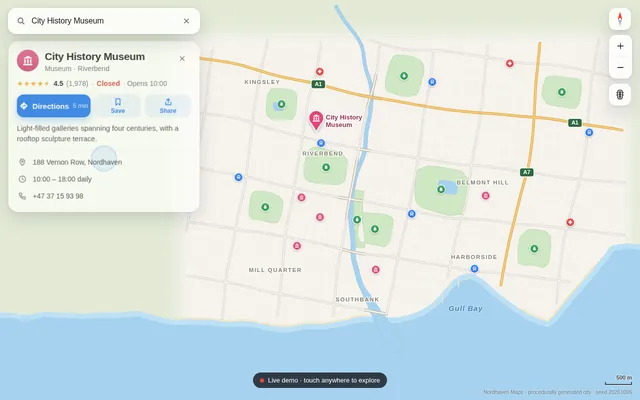
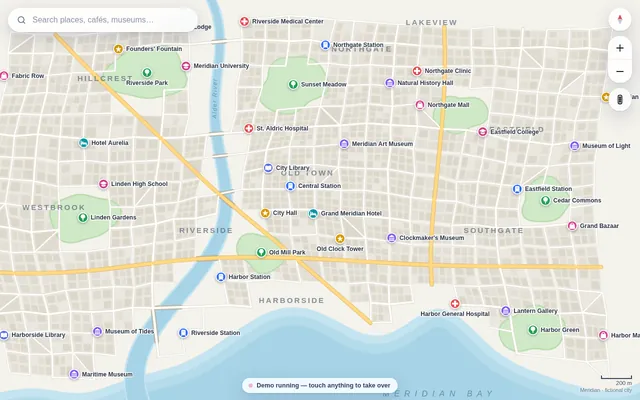
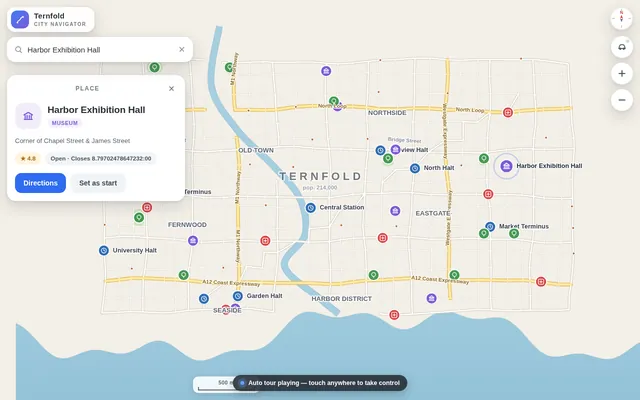
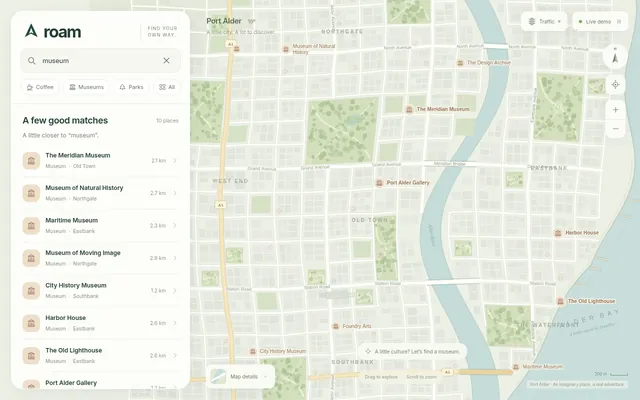
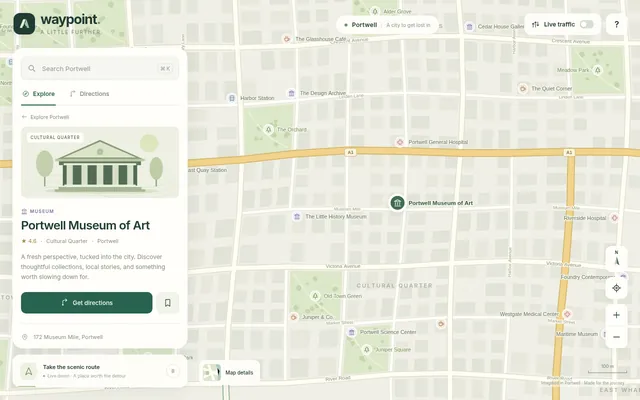
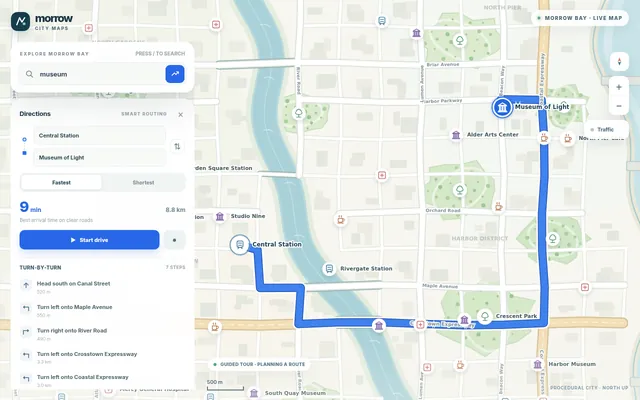
Build a working maps app in one page in the spirit of a navigation app. Generate a fictional city procedurally from a fixed seed: a coastline and river, parks, a road network with highways, main roads and side streets (each with a speed), named streets, and about 60 named places (cafes, museums, stations, parks, hospitals) with category icons drawn in code. Render it as a crisp vector map on canvas with smooth pan and zoom (mouse wheel, drag, pinch), level-of-detail labels that appear as you zoom, and a compass and scale bar. It needs: a search box with fuzzy matching over place names and categories; tapping a place opens a card; directions between any two places computed with A* on the road graph with a choice of fastest versus shortest route, the route drawn as a bold line with estimated time and distance and a step list of turn-by-turn instructions (turn left onto River Road, and so on) derived from the geometry; a simulated drive mode where a car marker follows the route and the map rotates and follows it; and a traffic toggle that slows some roads and recomputes the route. So the page is alive without input, on load it runs a scripted demo: searches for a museum, opens its card, requests directions from the central station, shows the step list, starts drive mode, turns traffic on mid-drive so the route reroutes, then picks a new pair of places and repeats, until the user touches anything. Make it look like a premium, modern map style. Save it as index.html in the current directory: one self-contained file with inline CSS and JavaScript only, no libraries or frameworks, and no external requests of any kind (no CDNs, web fonts, images or audio files). It must work when opened directly from disk, fit any window from a 390 px wide phone to a desktop, and run without console errors. You may serve it locally and open it in headless chromium (/usr/bin/chromium, software WebGL, no GPU) to screenshot and inspect your own output, and iterate on your own before finishing. Close any browser you open as soon as you've taken your screenshot.
Same prompt, all models: step through 6 runsIn the gallery: one player, arrow keys or swipe.