App clones
10 tests, 59 runs (59 finished). The same prompt for each model, side by side: tap a picture to run the page live.
More
Working apps in one HTML file (a retro desktop with windows, a spreadsheet with formulas): each test's models side by side, live.
10 tests · 59 finished runs (59 agent, 0 raw one-shot) · 59 live demos
Retro desktop Test page · 8 finished of 8
The prompt (the same for every model)
Build a working 1990s-style desktop operating system inside one web page. It needs a desktop with a wallpaper and icons, a taskbar with a start button, a start menu and a live clock, and real windows: each window can be dragged by its title bar, resized from its corner, minimised to the taskbar, maximised, restored and closed, and clicking a window brings it to the front. Include three working apps that open in those windows: a Notepad that edits text and saves to and reopens from localStorage under a file name; a Paint app with a pencil, brush sizes, a 16-colour palette, a flood fill and an eraser on a canvas; and a Calculator with the four operations, decimals, clear and a keyboard input path. Double-clicking a desktop icon or choosing an app from the start menu opens it. Several windows of the same app can be open at once. Everything is drawn with HTML and CSS (no images): bevelled grey buttons, a classic title-bar gradient and pixel-crisp borders. So the first view is not an empty desktop, on load the system shows a short boot screen (about 2 seconds) and then opens Notepad with a welcome note and the Calculator, cascaded. On a phone, windows open maximised and the taskbar stays usable. Save it as index.html in the current directory: one self-contained file with inline CSS and JavaScript only, no libraries or frameworks, and no external requests of any kind (no CDNs, web fonts, images or audio files). It must work when opened directly from disk, fit any window from a 390 px wide phone to a desktop, and run without console errors. You may serve it locally and open it in headless chromium (/usr/bin/chromium, software WebGL, no GPU) to screenshot and inspect your own output, and iterate on your own before finishing. Close any browser you open as soon as you've taken your screenshot.
Claude Fable 5.1 Claude Code 2.1.280
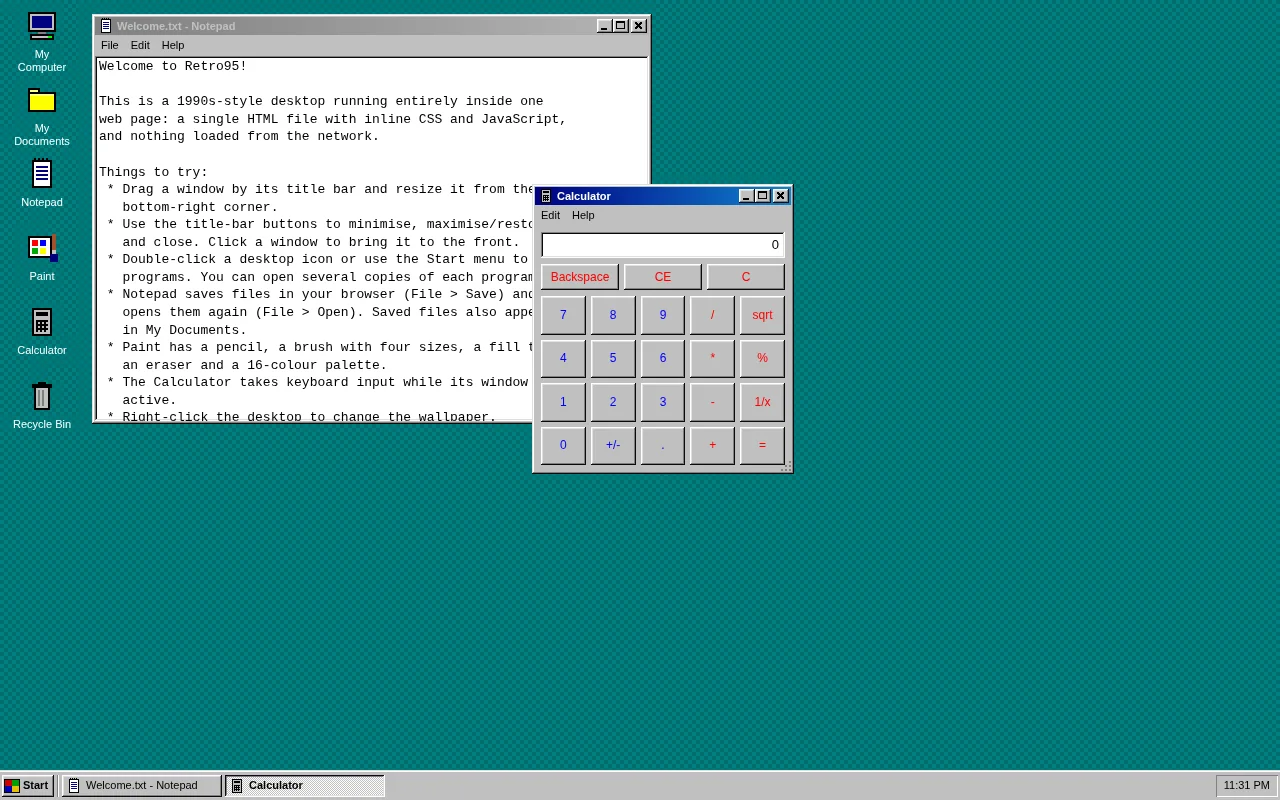
Open the live page in a new tab · Full result: prompt, transcript, cost and time
Claude Opus 5.5 Claude Code 2.1.280
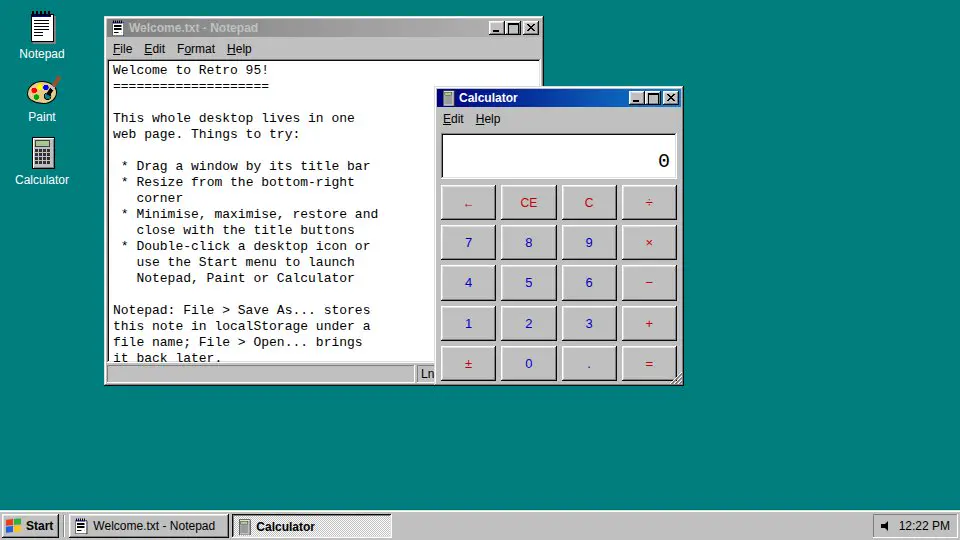
Open the live page in a new tab · Full result: prompt, transcript, cost and time
Claude Sonnet 5.5 Claude Code 2.1.280
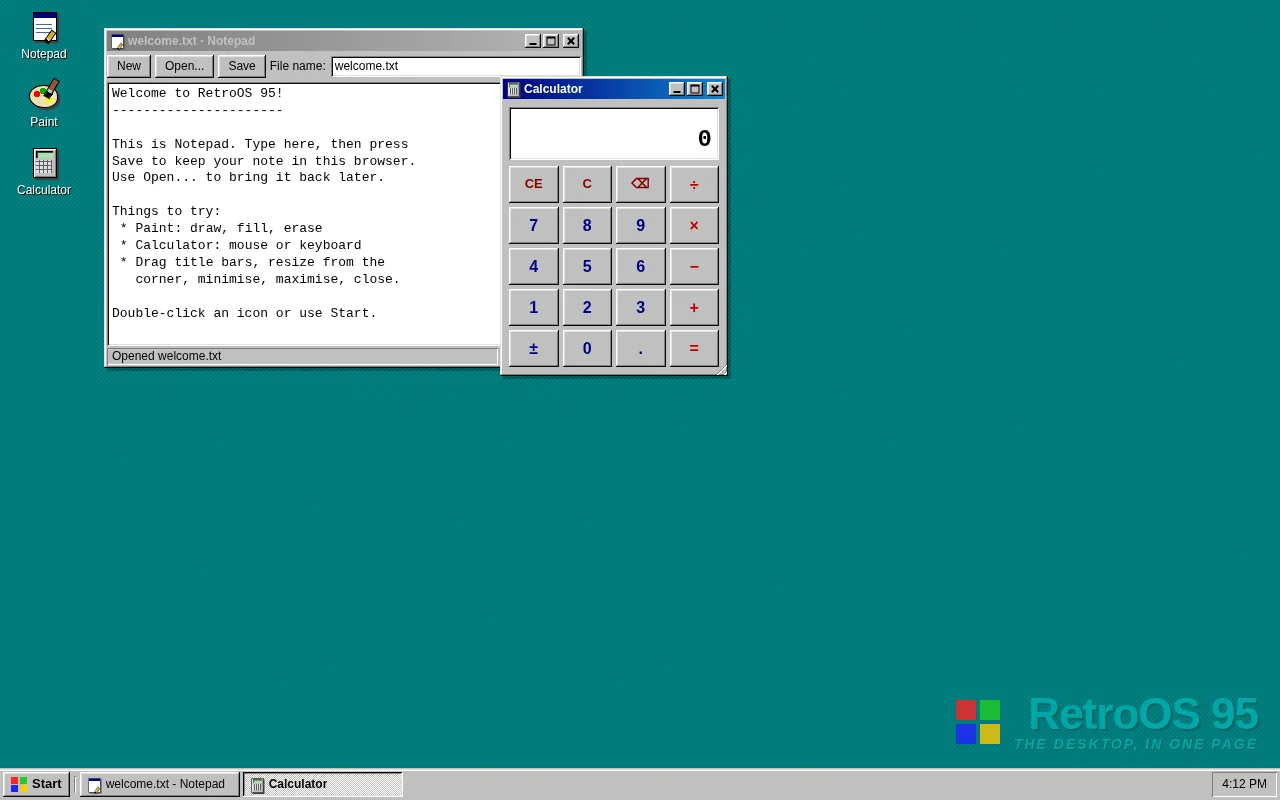
Open the live page in a new tab · Full result: prompt, transcript, cost and time
DeepSeek V4.1 Flash OpenCode 1.18.32
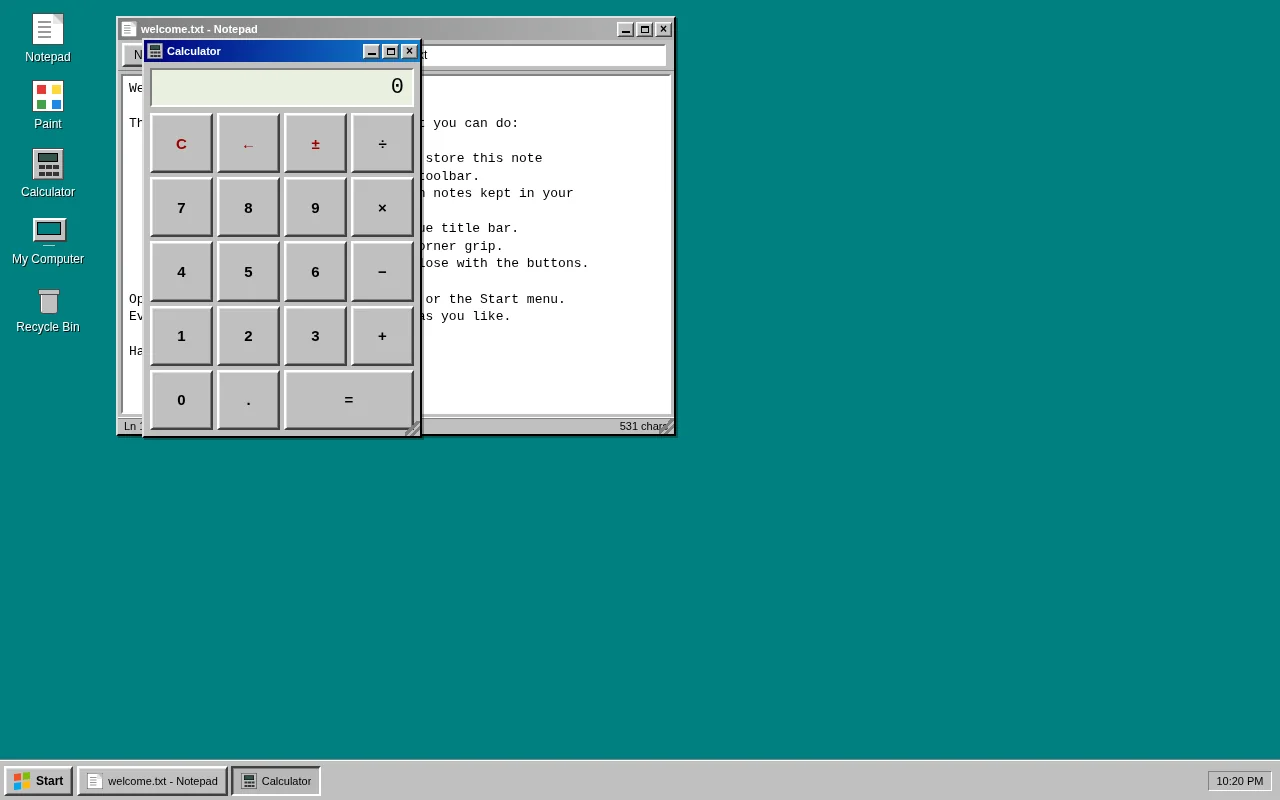
Open the live page in a new tab · Full result: prompt, transcript, cost and time
GPT-6 Astra Codex CLI 0.156.1
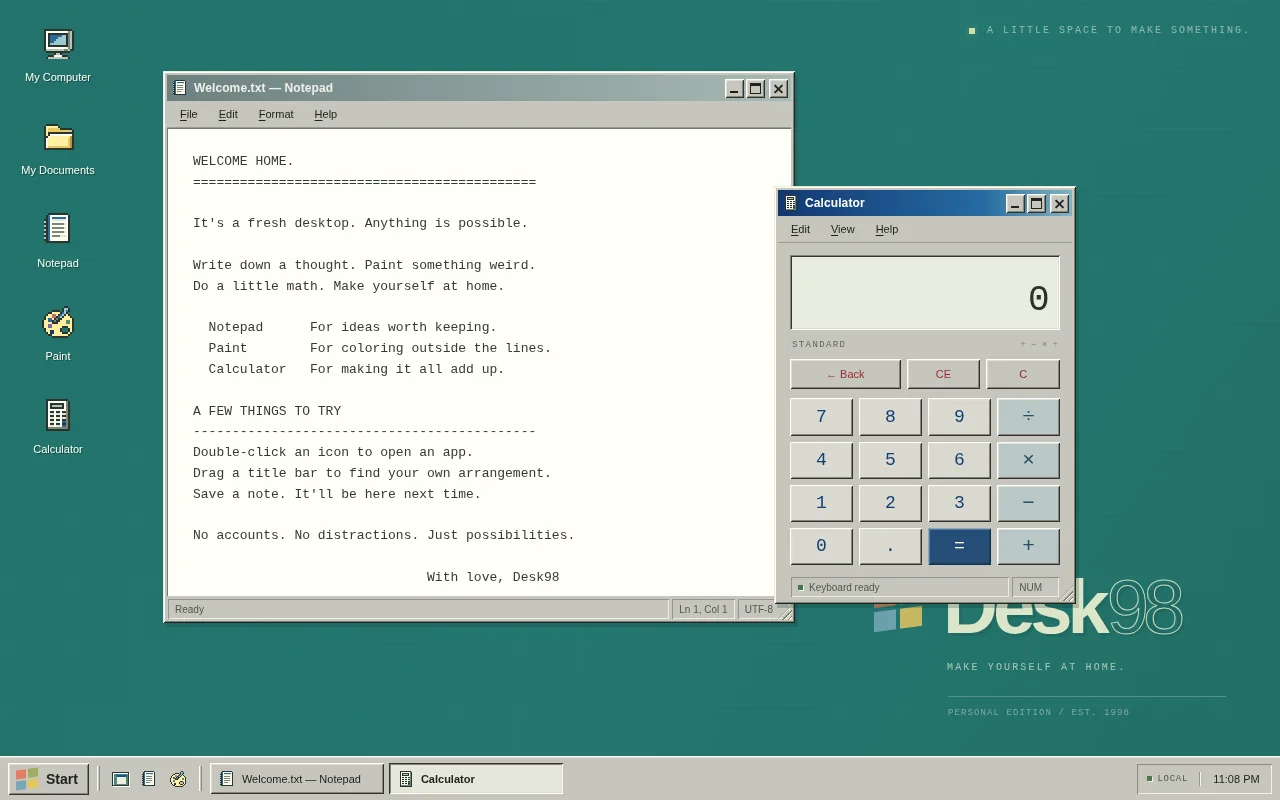
Open the live page in a new tab · Full result: prompt, transcript, cost and time
GPT-6 Astra OpenCode 1.18.32
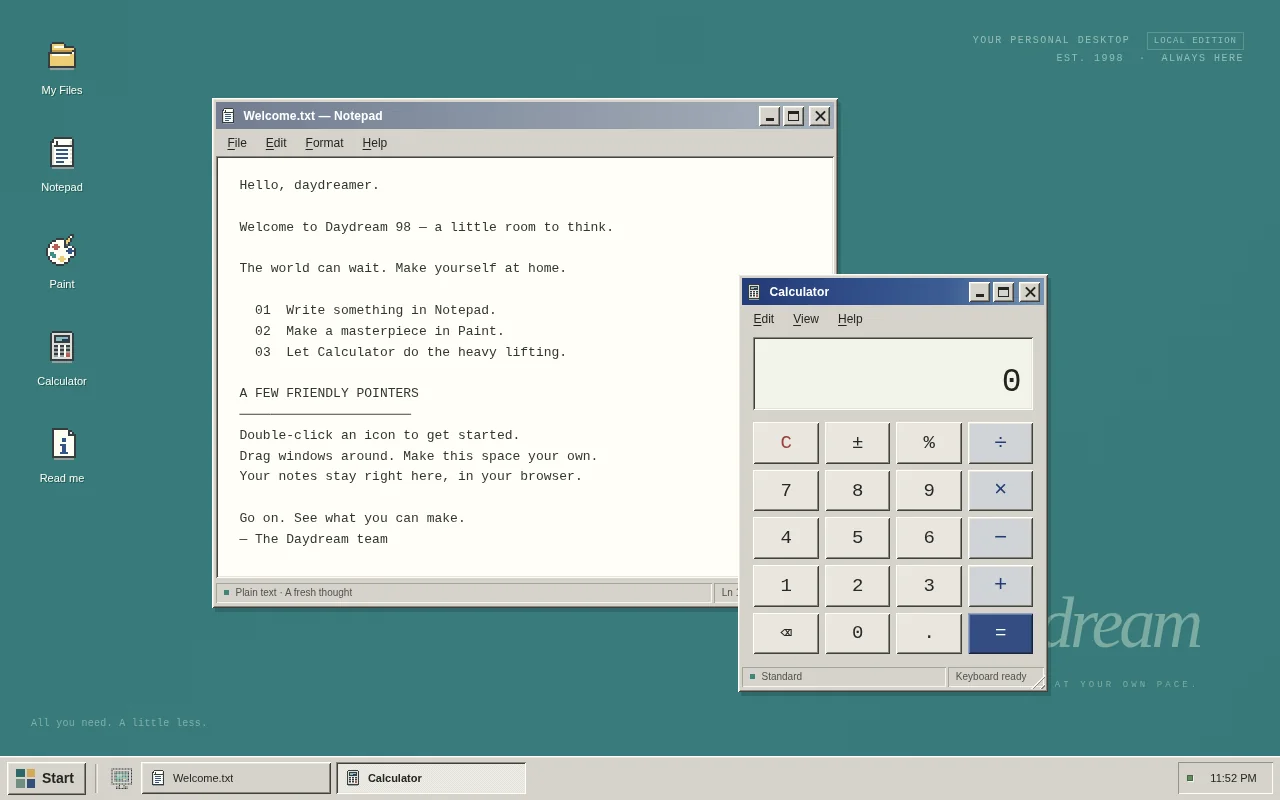
Open the live page in a new tab · Full result: prompt, transcript, cost and time
GPT-6 Sol Codex CLI 0.156.1
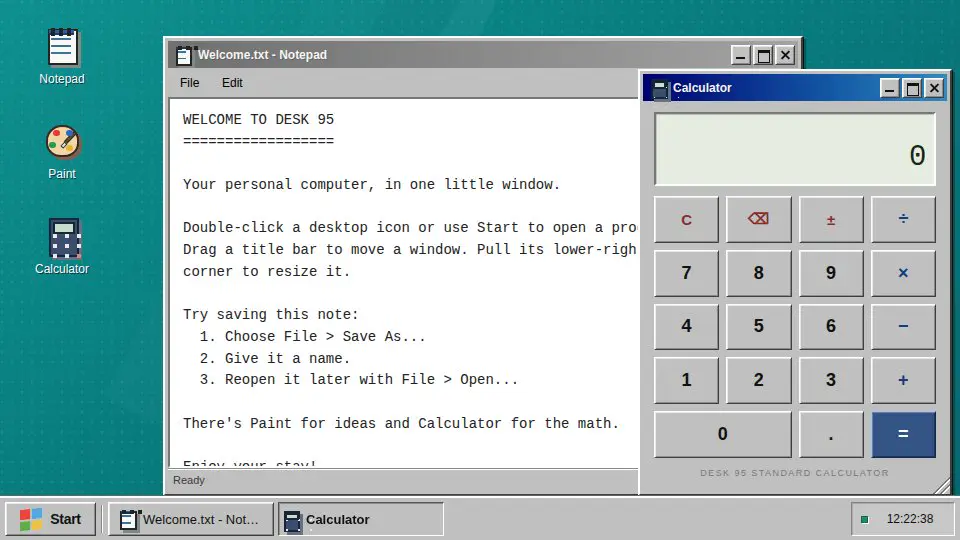
Open the live page in a new tab · Full result: prompt, transcript, cost and time
gpt-6.1-sol Codex CLI 0.156.1
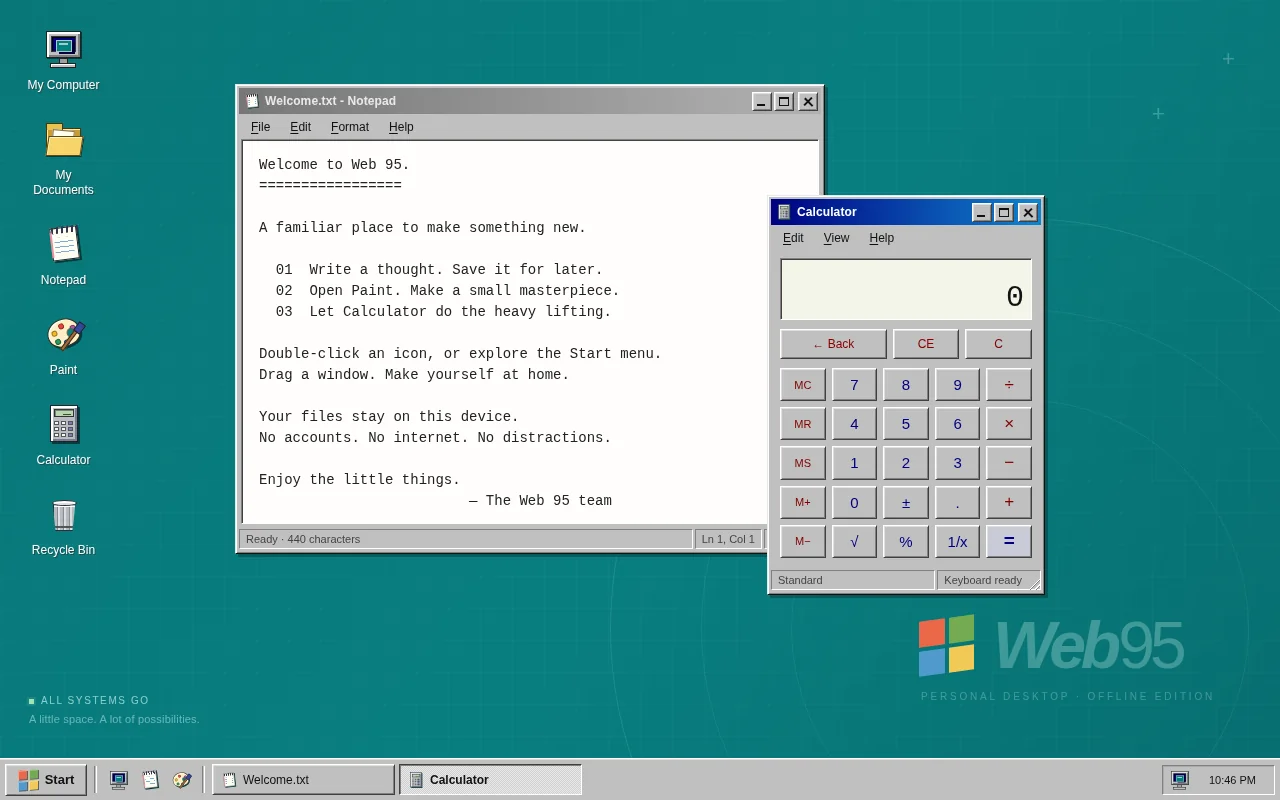
Open the live page in a new tab · Full result: prompt, transcript, cost and time
Spreadsheet Test page · 7 finished of 7
The prompt (the same for every model)
Build a working mini spreadsheet app in one web page. It needs a grid with column letters A to Z and row numbers 1 to 50, a formula bar that shows the raw content of the selected cell, and editing by typing or double-clicking (Enter commits and moves down, Tab moves right, Escape cancels, arrow keys move the selection). Cells hold numbers, text or formulas starting with =. Formulas support + - * / and parentheses, cell references (A1), ranges (A1:B5) and the functions SUM, AVERAGE, MIN, MAX and COUNT; every dependent cell recalculates instantly when a referenced cell changes. Show #REF! for a bad reference, #DIV/0! for division by zero and #CIRC! for a circular reference instead of hanging. Support selecting a rectangular range by dragging or shift-clicking, with a status bar showing that range's sum, average and count; copy and paste within the grid (references in pasted formulas shift relative to the move); bold and number-format buttons (plain, 2 decimals, currency, percent); and a save to and load from localStorage. So the first view is meaningful, on load the sheet opens with a household budget already filled in: twelve expense rows with monthly amounts, a total row and an average row built with formulas, and a percent-of-total column built with formulas, all computed live. Make it look like a clean modern spreadsheet that is usable on desktop and phone. Save it as index.html in the current directory: one self-contained file with inline CSS and JavaScript only, no libraries or frameworks, and no external requests of any kind (no CDNs, web fonts, images or audio files). It must work when opened directly from disk, fit any window from a 390 px wide phone to a desktop, and run without console errors. You may serve it locally and open it in headless chromium (/usr/bin/chromium, software WebGL, no GPU) to screenshot and inspect your own output, and iterate on your own before finishing. Close any browser you open as soon as you've taken your screenshot.
Claude Fable 5.1 Claude Code 2.1.280
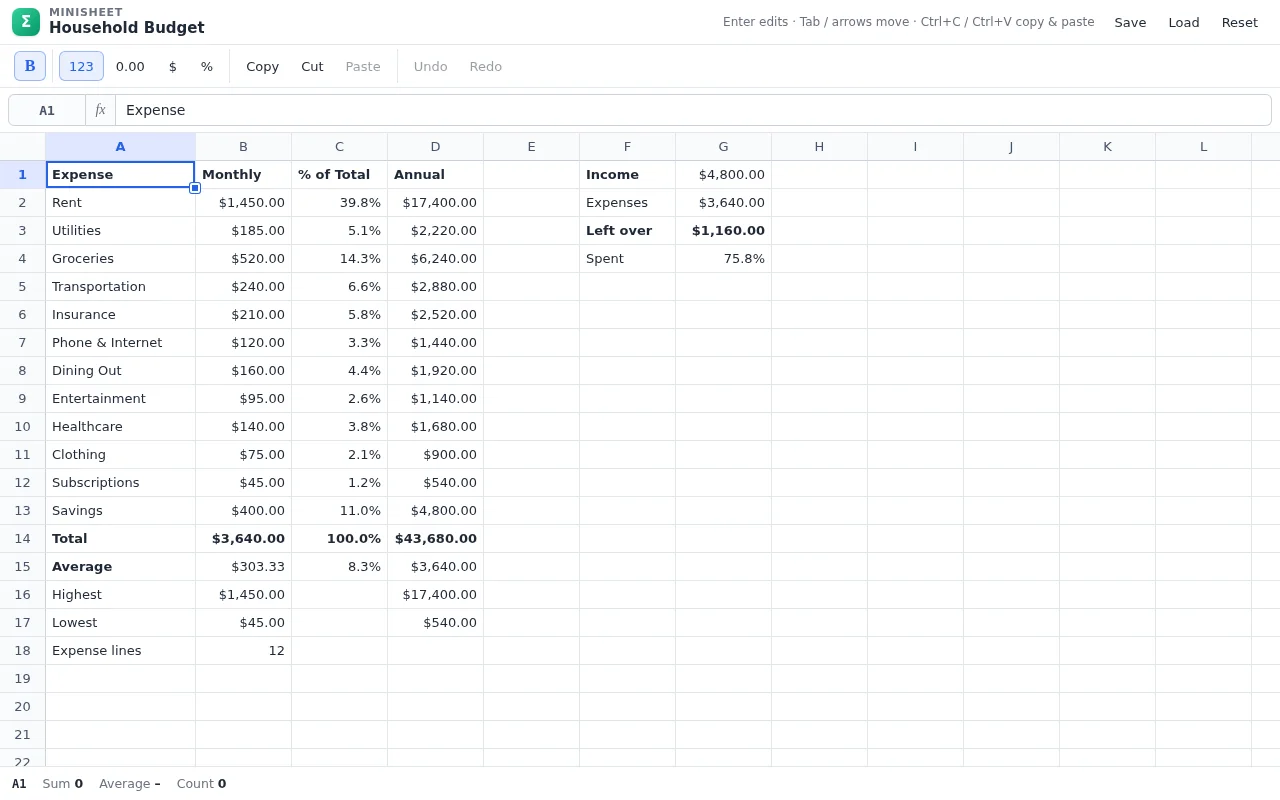
Open the live page in a new tab · Full result: prompt, transcript, cost and time
Claude Opus 5.5 Claude Code 2.1.280
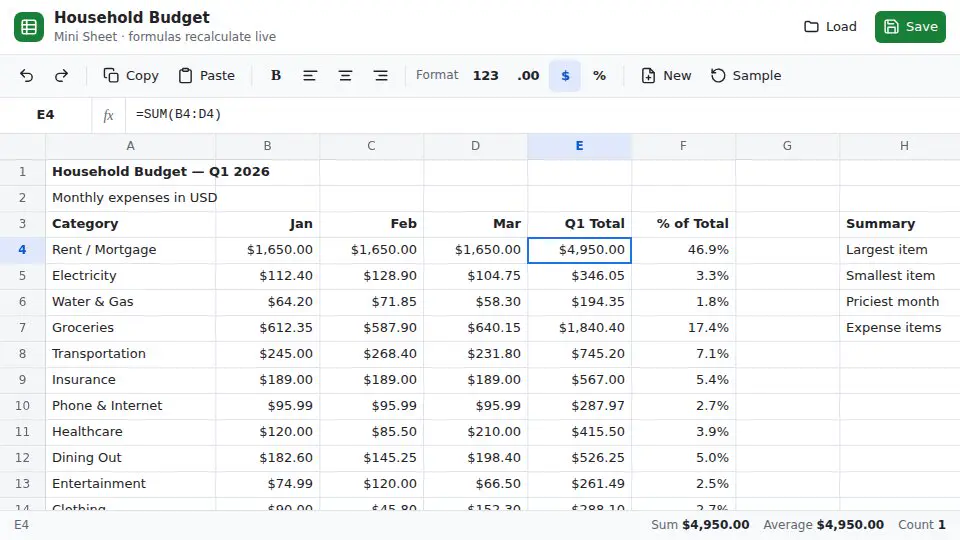
Open the live page in a new tab · Full result: prompt, transcript, cost and time
Claude Sonnet 5.5 Claude Code 2.1.280
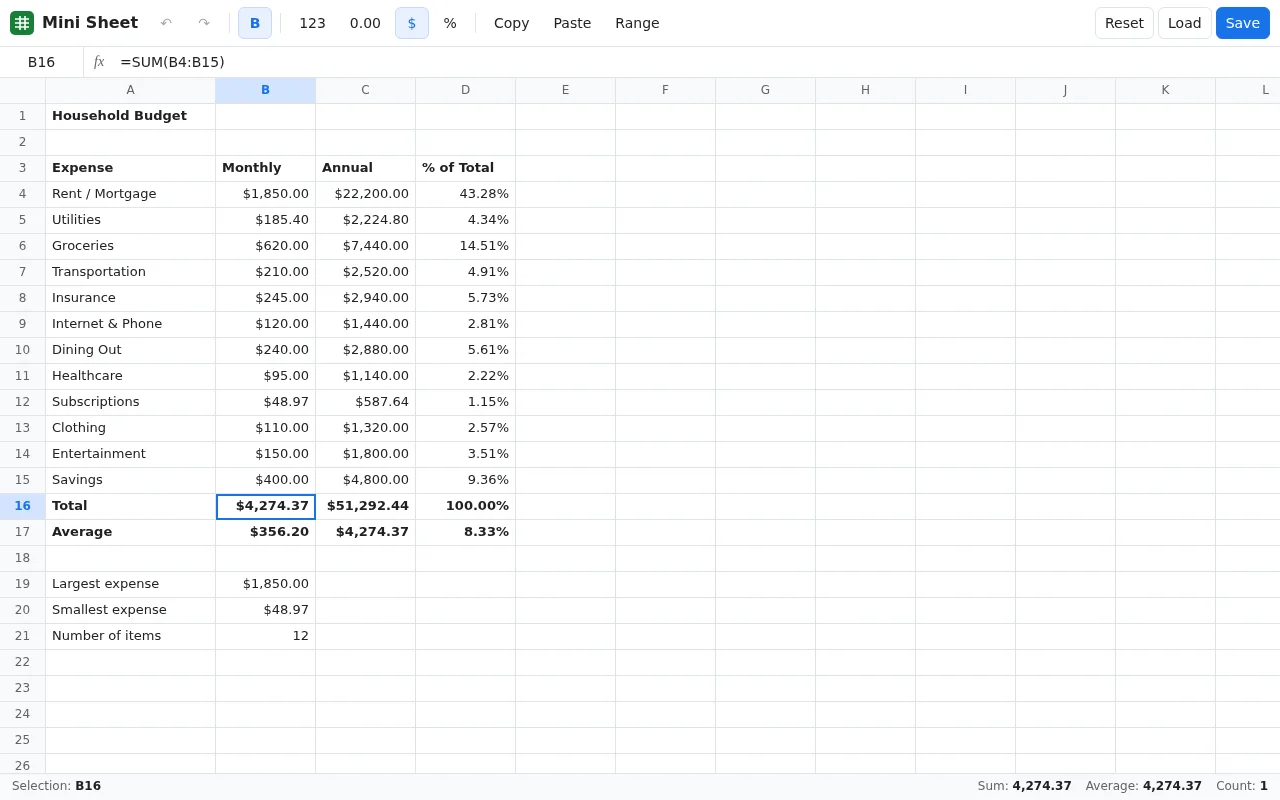
Open the live page in a new tab · Full result: prompt, transcript, cost and time
DeepSeek V4.1 Flash OpenCode 1.18.32
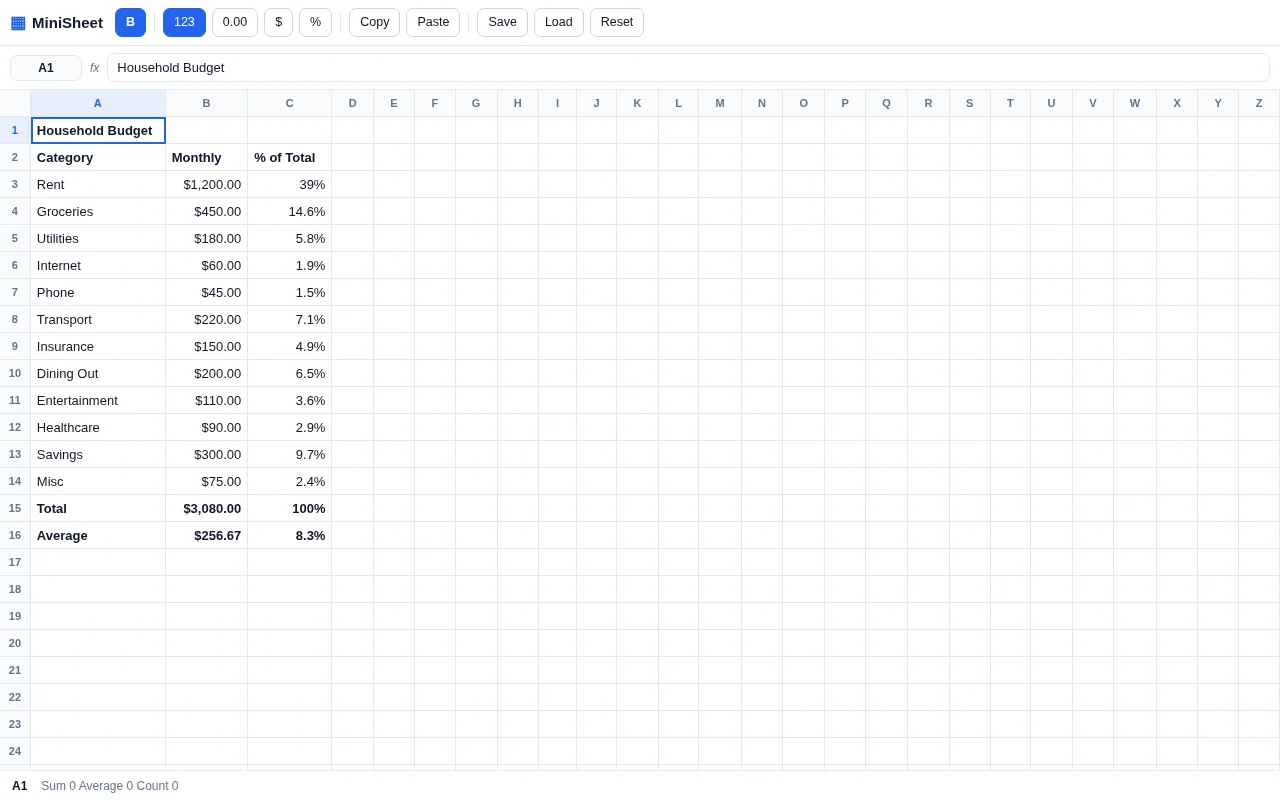
Open the live page in a new tab · Full result: prompt, transcript, cost and time
GPT-6 Astra Codex CLI 0.156.1
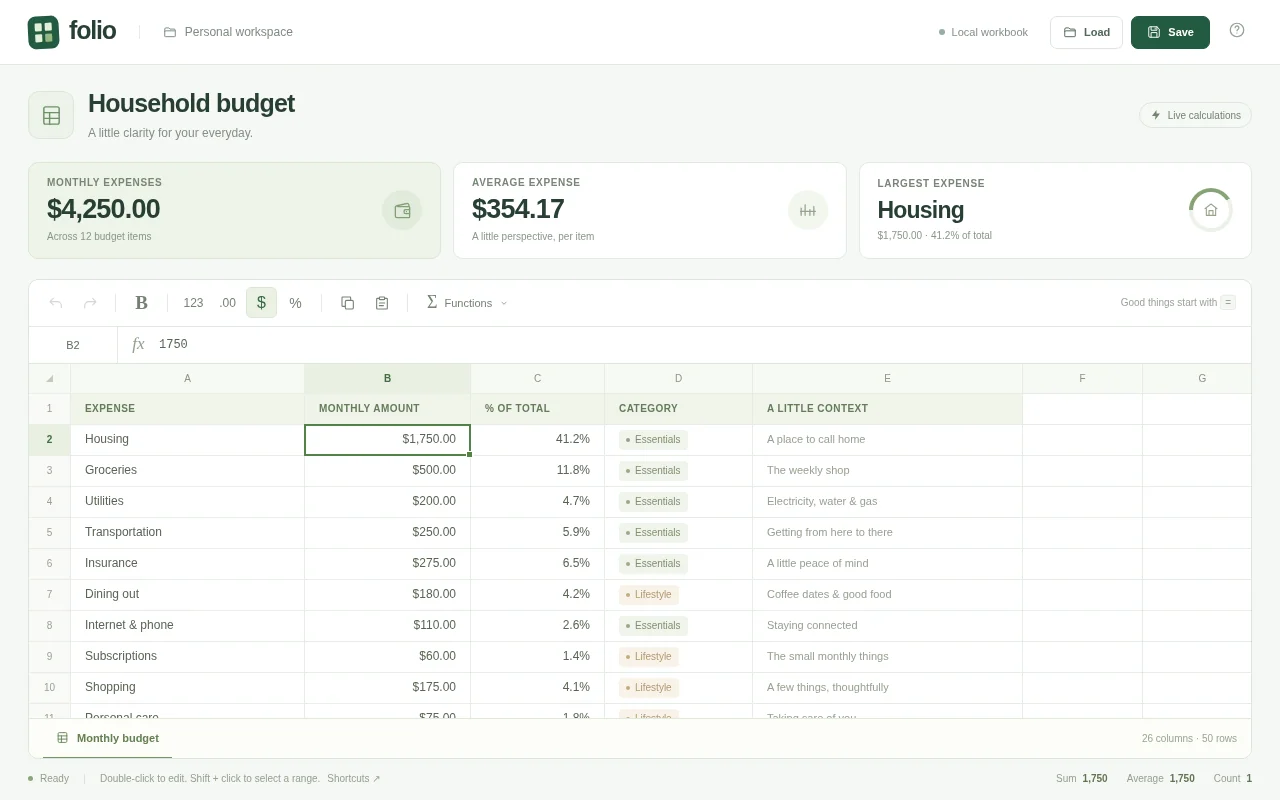
Open the live page in a new tab · Full result: prompt, transcript, cost and time
GPT-6 Astra OpenCode 1.18.32
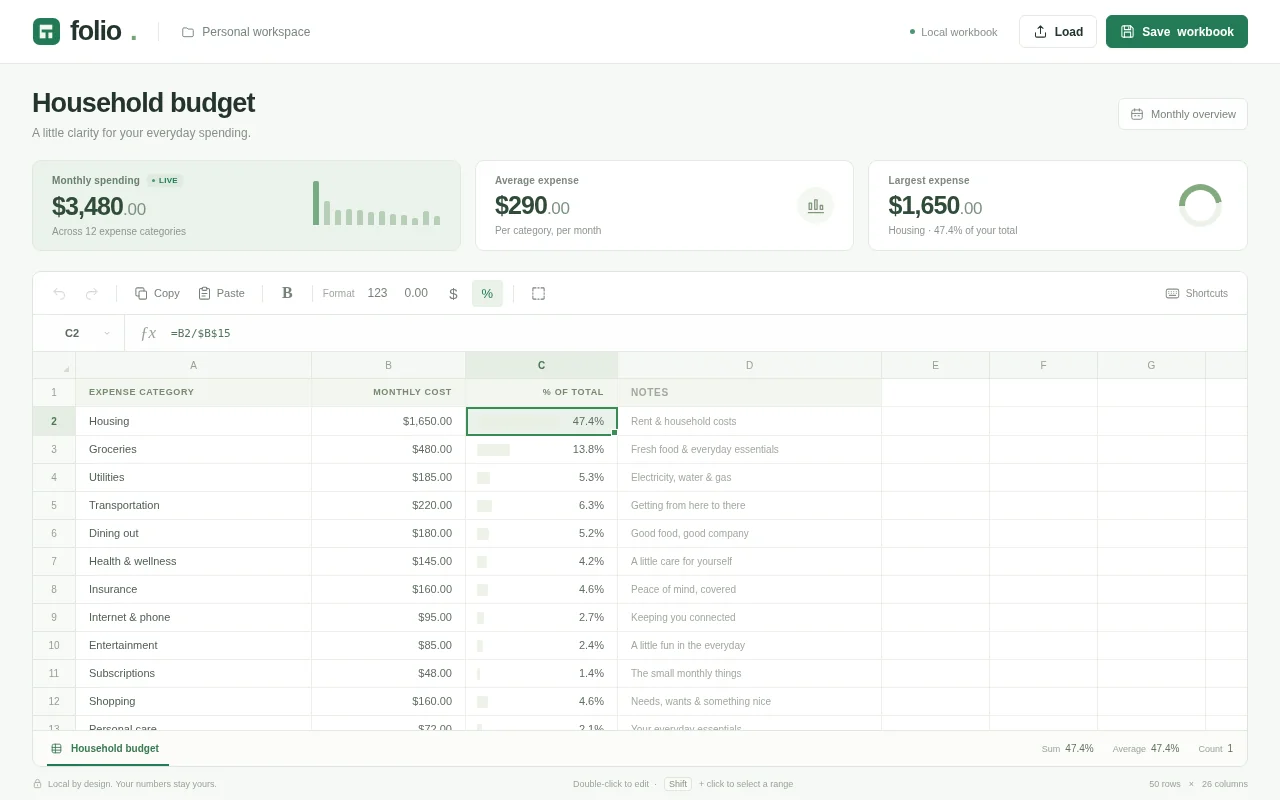
Open the live page in a new tab · Full result: prompt, transcript, cost and time
GPT-6 Sol Codex CLI 0.156.1
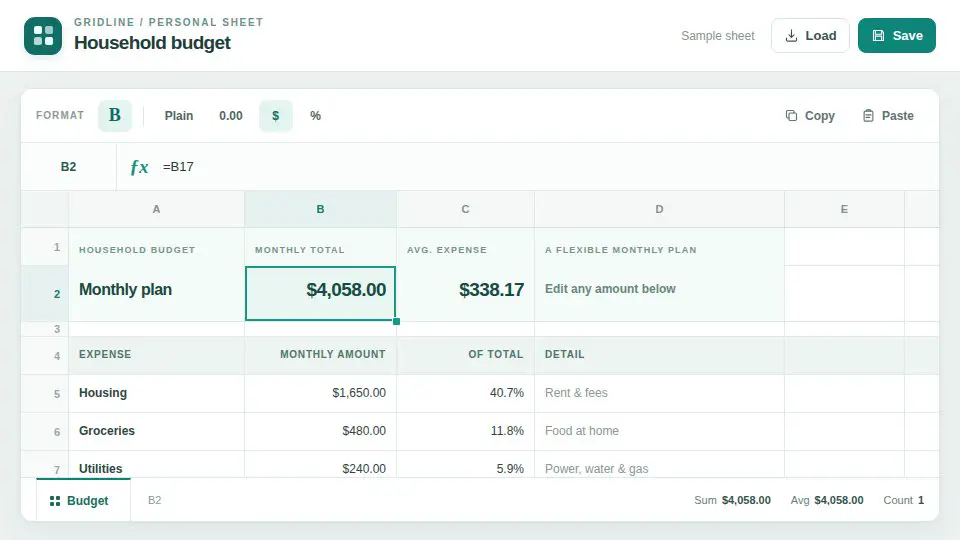
Open the live page in a new tab · Full result: prompt, transcript, cost and time
Calendar planner Test page · 5 finished of 5
The prompt (the same for every model)
Build a working calendar app in one page in the spirit of Google Calendar. It needs: day, week, month and agenda views with smooth transitions; a mini month picker; events created by dragging across time slots in day and week views, moved by dragging, resized by their bottom edge, and edited in a popover (title, time, colour, location, notes); correct side-by-side layout of overlapping events; all-day events in a top strip; recurring events (daily, weekly on chosen weekdays, monthly) with edit-this-or-all choices; a current-time line that moves; keyboard navigation (t today, d/w/m/a views, arrows for previous and next); multiple calendars with colour toggles in a sidebar; search across events; and persistence to localStorage with a reset-to-sample button. Seed two realistic weeks of events for a busy product manager around today's date. Compute dates correctly across month boundaries and leap years. So the page is alive without input, on load it runs a scripted demo: switches views, drags out a new meeting, resizes it, drags it to another day, creates a weekly recurring event, toggles a calendar off and on and searches for an event, then resets and repeats, until the user touches anything. Make it calm, clean and genuinely usable. Save it as index.html in the current directory: one self-contained file with inline CSS and JavaScript only, no libraries or frameworks, and no external requests of any kind (no CDNs, web fonts, images or audio files). It must work when opened directly from disk, fit any window from a 390 px wide phone to a desktop, and run without console errors. You may serve it locally and open it in headless chromium (/usr/bin/chromium, software WebGL, no GPU) to screenshot and inspect your own output, and iterate on your own before finishing. Close any browser you open as soon as you've taken your screenshot.
Claude Opus 5.5 Claude Code 2.1.280
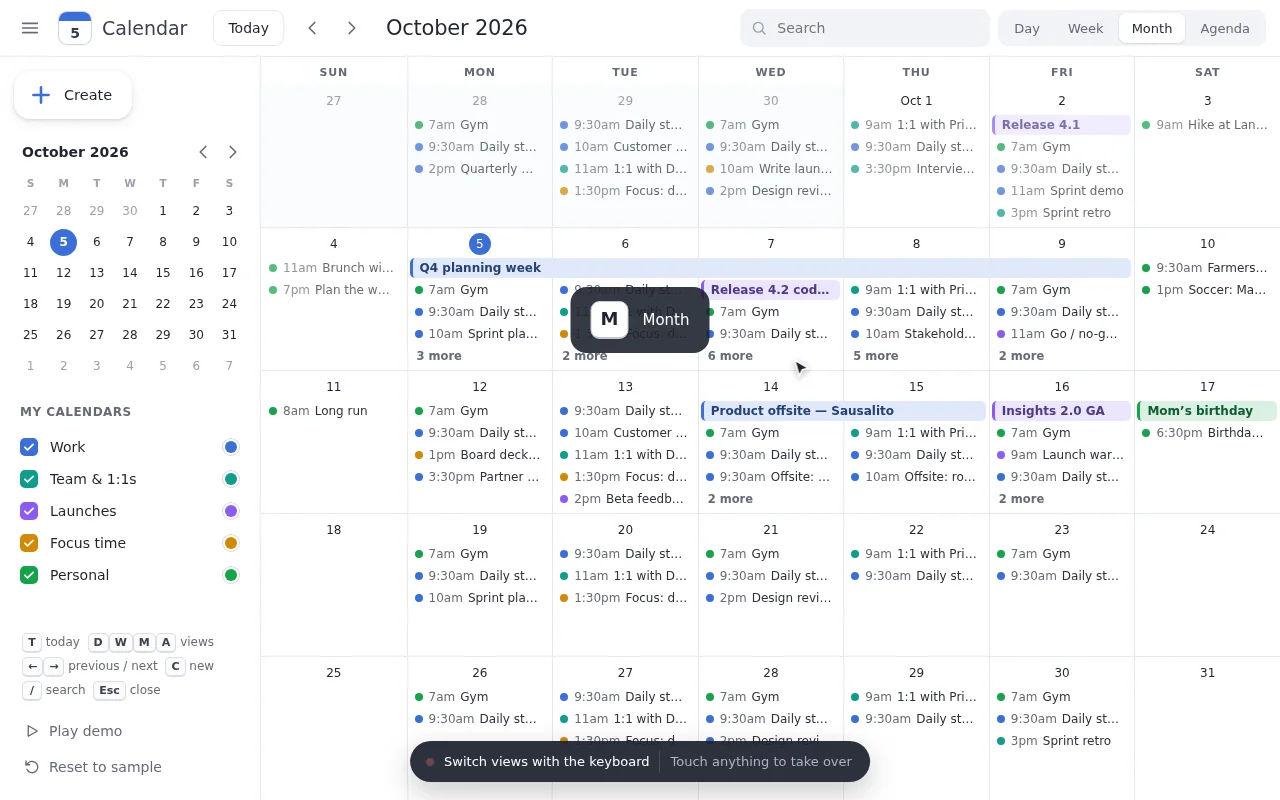
Open the live page in a new tab · Full result: prompt, transcript, cost and time
Claude Sonnet 5.5 Claude Code 2.1.280
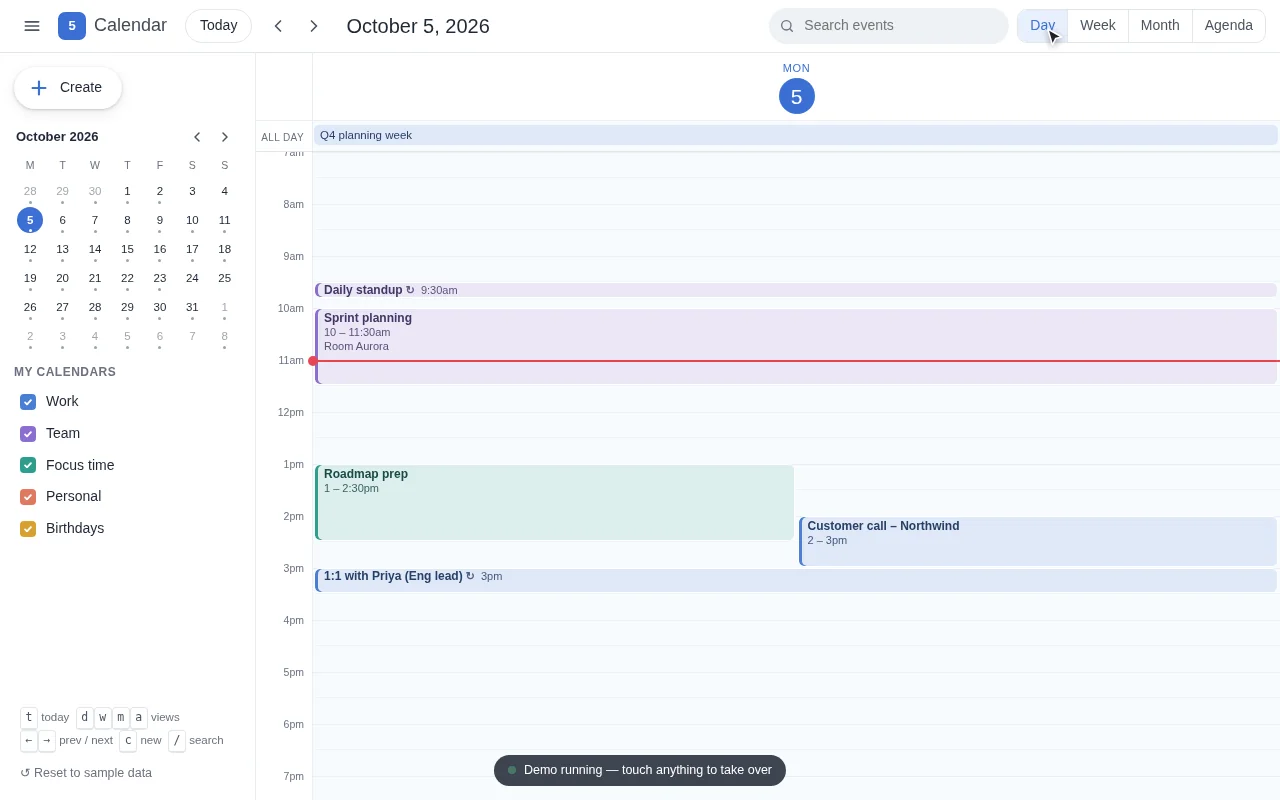
Open the live page in a new tab · Full result: prompt, transcript, cost and time
DeepSeek V4.1 Flash OpenCode 1.18.32
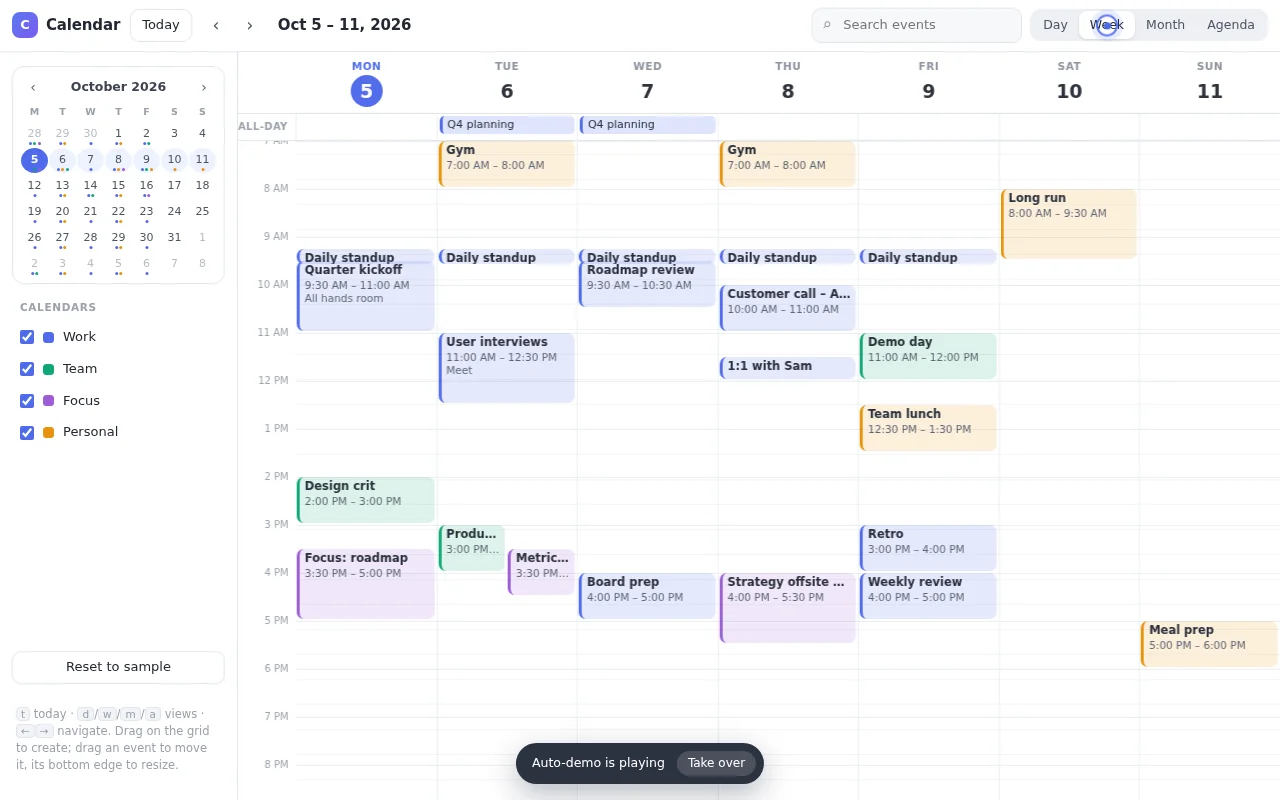
Open the live page in a new tab · Full result: prompt, transcript, cost and time
GPT-6 Astra Codex CLI 0.156.1
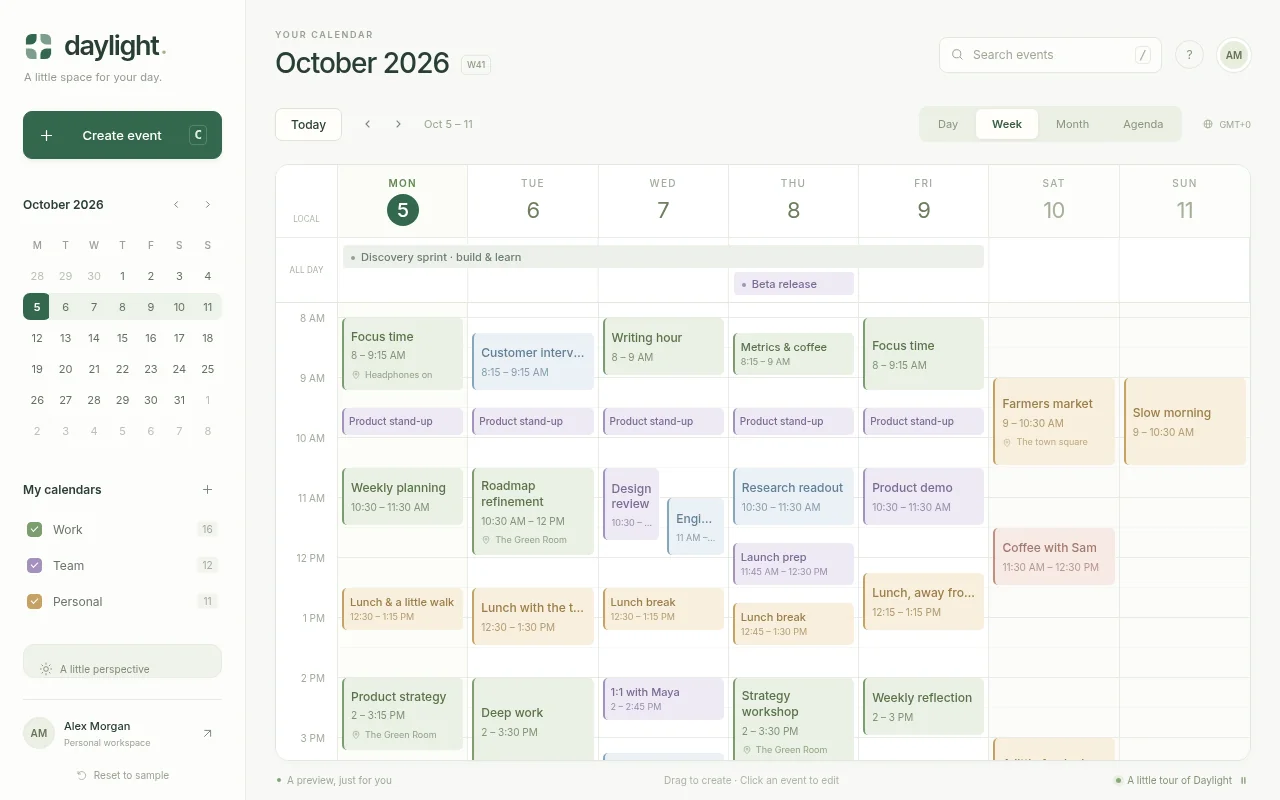
Open the live page in a new tab · Full result: prompt, transcript, cost and time
GPT-6 Astra OpenCode 1.18.32
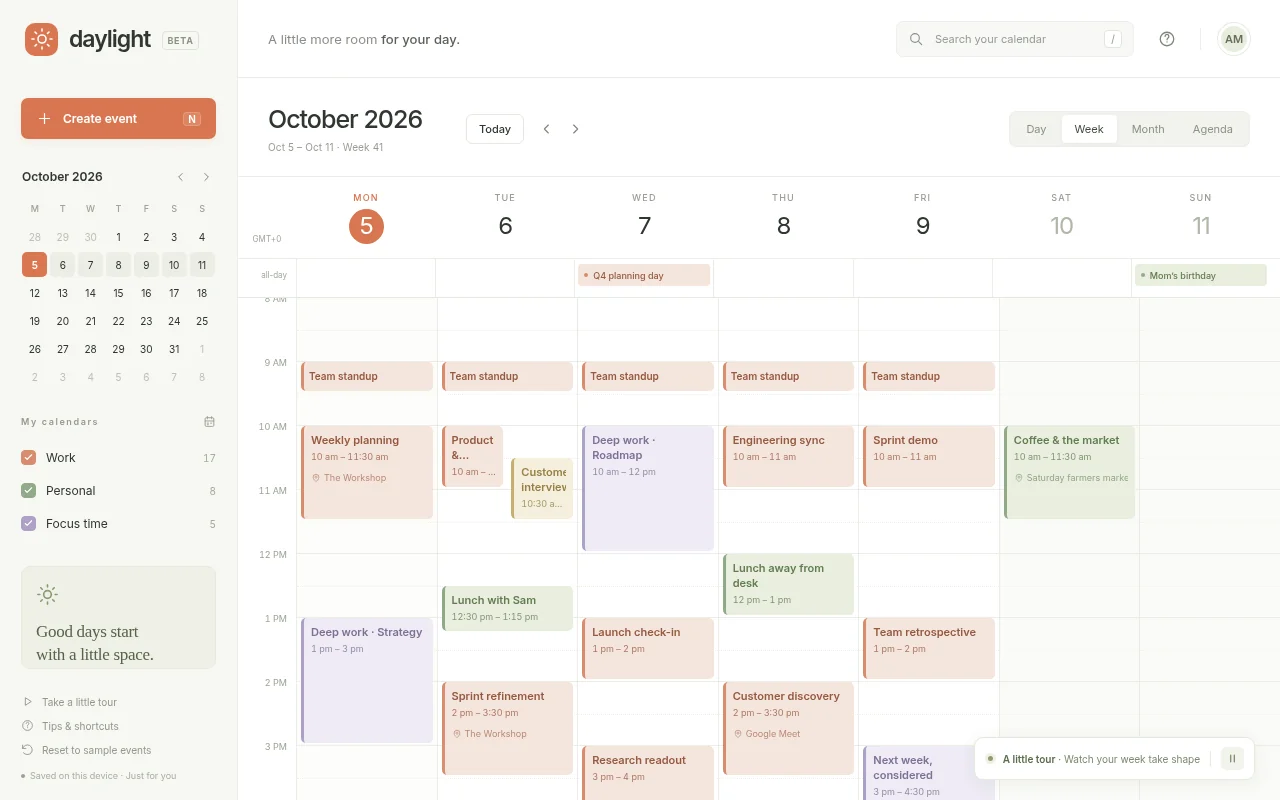
Open the live page in a new tab · Full result: prompt, transcript, cost and time
Code editor Test page · 6 finished of 6
The prompt (the same for every model)
Build a working code editor in one page in the spirit of a lightweight VS Code. It needs: a file explorer sidebar with a small seeded project (index.html, style.css, app.js, utils.js, README.md) where files can be created, renamed and deleted; tabs for open files with unsaved-change dots; an editor component you write yourself (no libraries) with line numbers, syntax highlighting for JavaScript, CSS, HTML and Markdown, auto-indent, bracket matching and auto-closing, multi-line indent and outdent of selected lines from the keyboard, current-line highlight, and a minimap; find and replace with match count and regex toggle; a command palette (Ctrl+Shift+P) with fuzzy search over commands and files; a run button that executes app.js in a sandboxed iframe with the project's HTML and CSS and shows its output plus console logs and errors in a bottom panel; light and dark themes; and persistence of the whole project to localStorage. So the page is alive without input, on load it runs a scripted demo: the cursor opens app.js, types a small function character by character with realistic pauses, autocloses brackets, uses find and replace to rename a variable, opens the command palette, runs the project so a little animation appears in the preview and a log line in the console, then reverts and repeats with a different snippet, until the user touches anything. Make it feel fast and professional. Save it as index.html in the current directory: one self-contained file with inline CSS and JavaScript only, no libraries or frameworks, and no external requests of any kind (no CDNs, web fonts, images or audio files). It must work when opened directly from disk, fit any window from a 390 px wide phone to a desktop, and run without console errors. You may serve it locally and open it in headless chromium (/usr/bin/chromium, software WebGL, no GPU) to screenshot and inspect your own output, and iterate on your own before finishing. Close any browser you open as soon as you've taken your screenshot.
Claude Opus 5.5 Claude Code 2.1.280
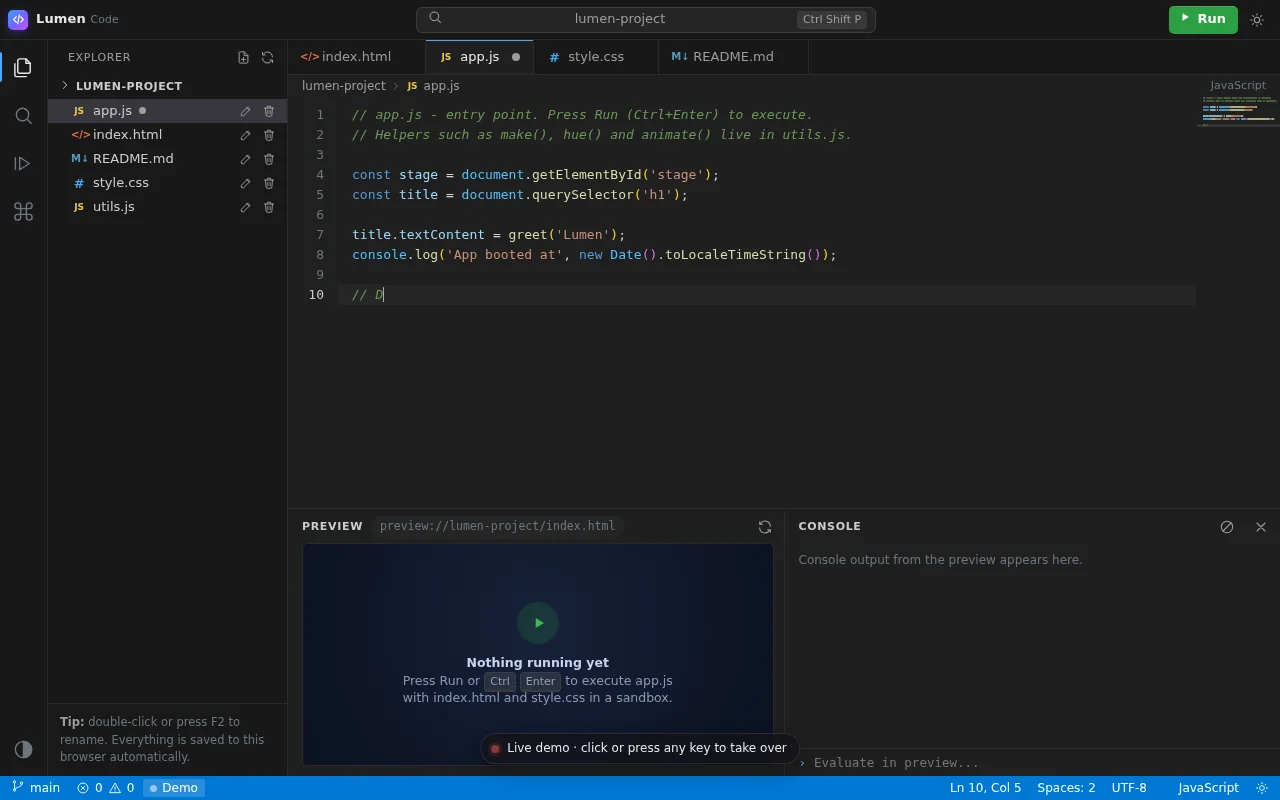
Open the live page in a new tab · Full result: prompt, transcript, cost and time
Claude Sonnet 5.5 Claude Code 2.1.280
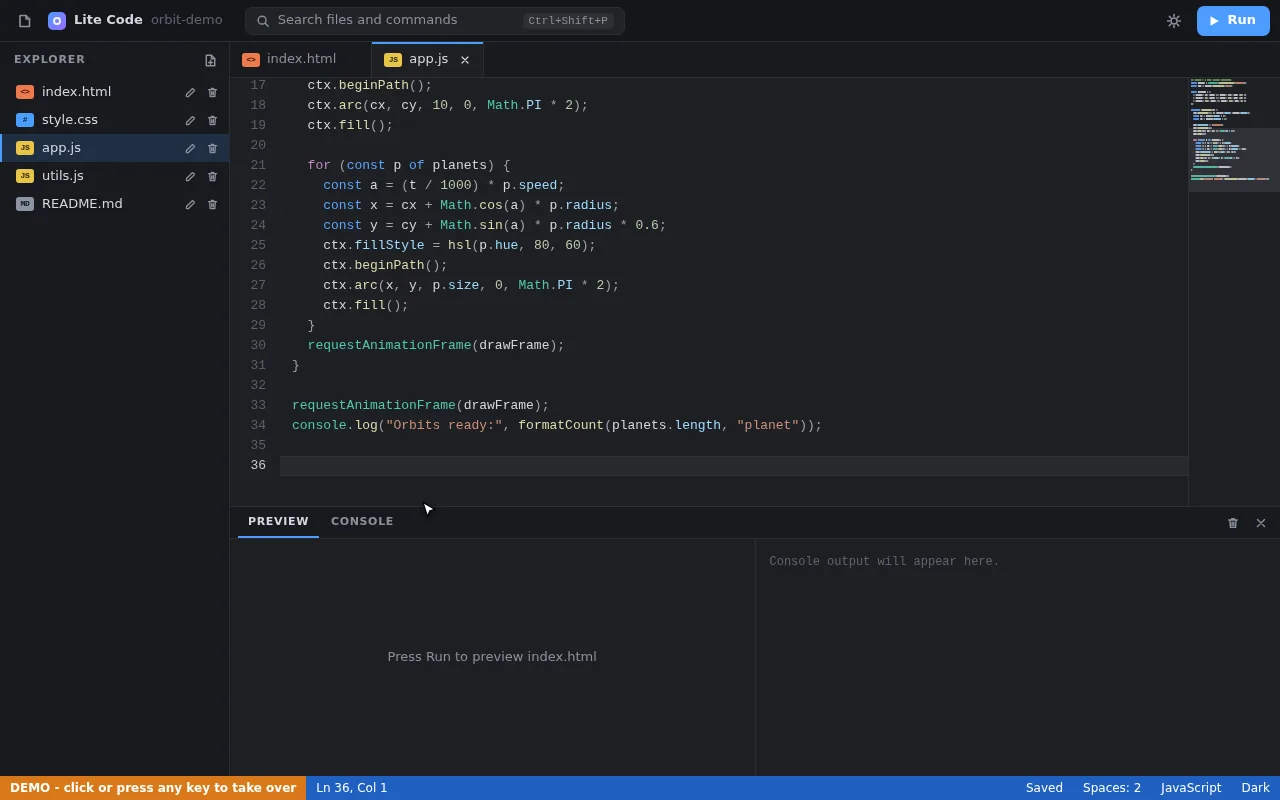
Open the live page in a new tab · Full result: prompt, transcript, cost and time
DeepSeek V4.1 Flash OpenCode 1.18.32
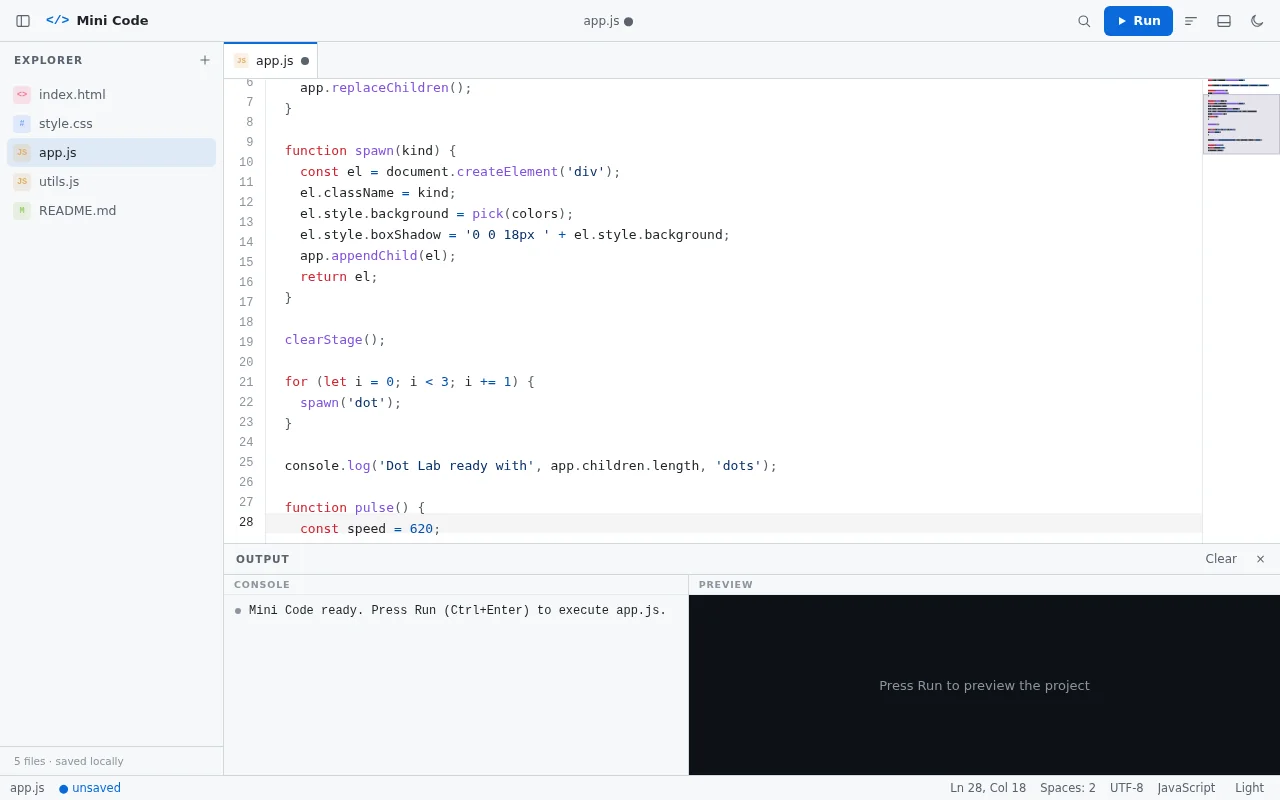
Open the live page in a new tab · Full result: prompt, transcript, cost and time
GPT-6 Astra Codex CLI 0.156.1
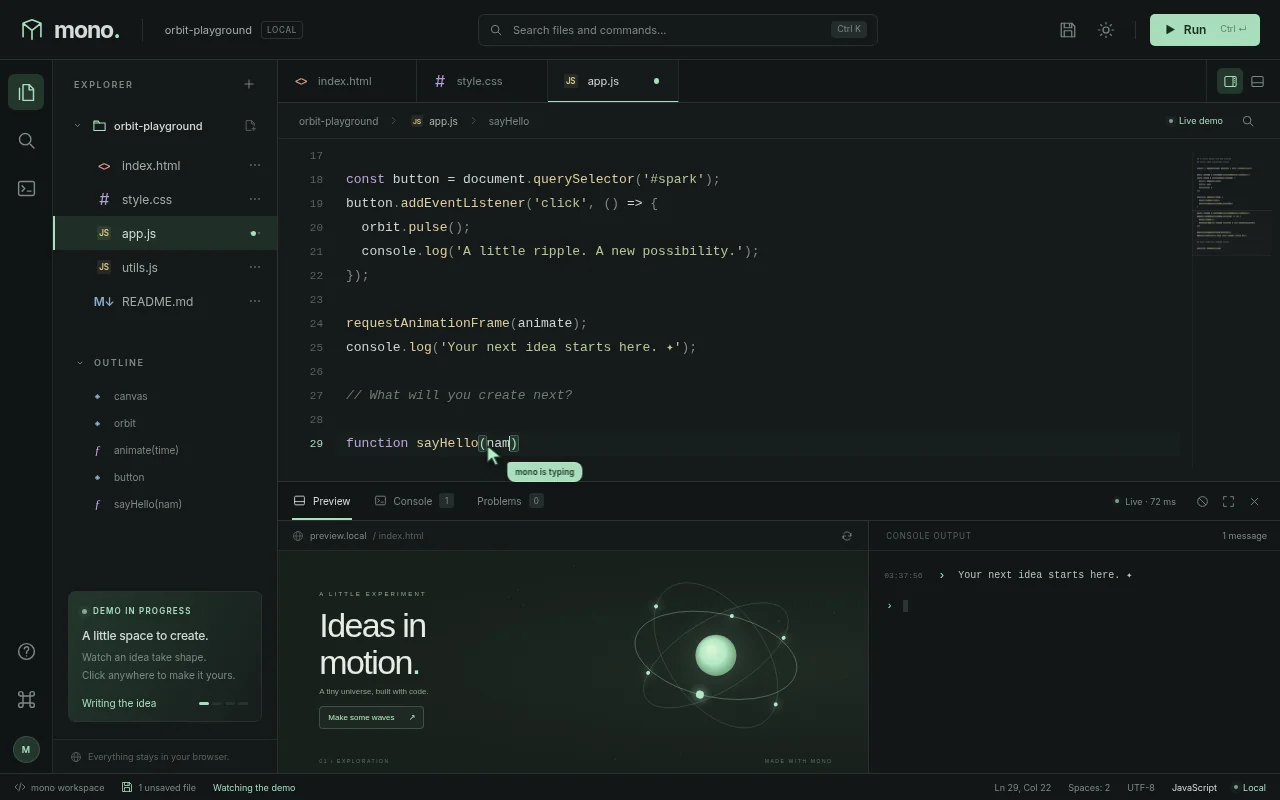
Open the live page in a new tab · Full result: prompt, transcript, cost and time
GPT-6 Astra OpenCode 1.18.32
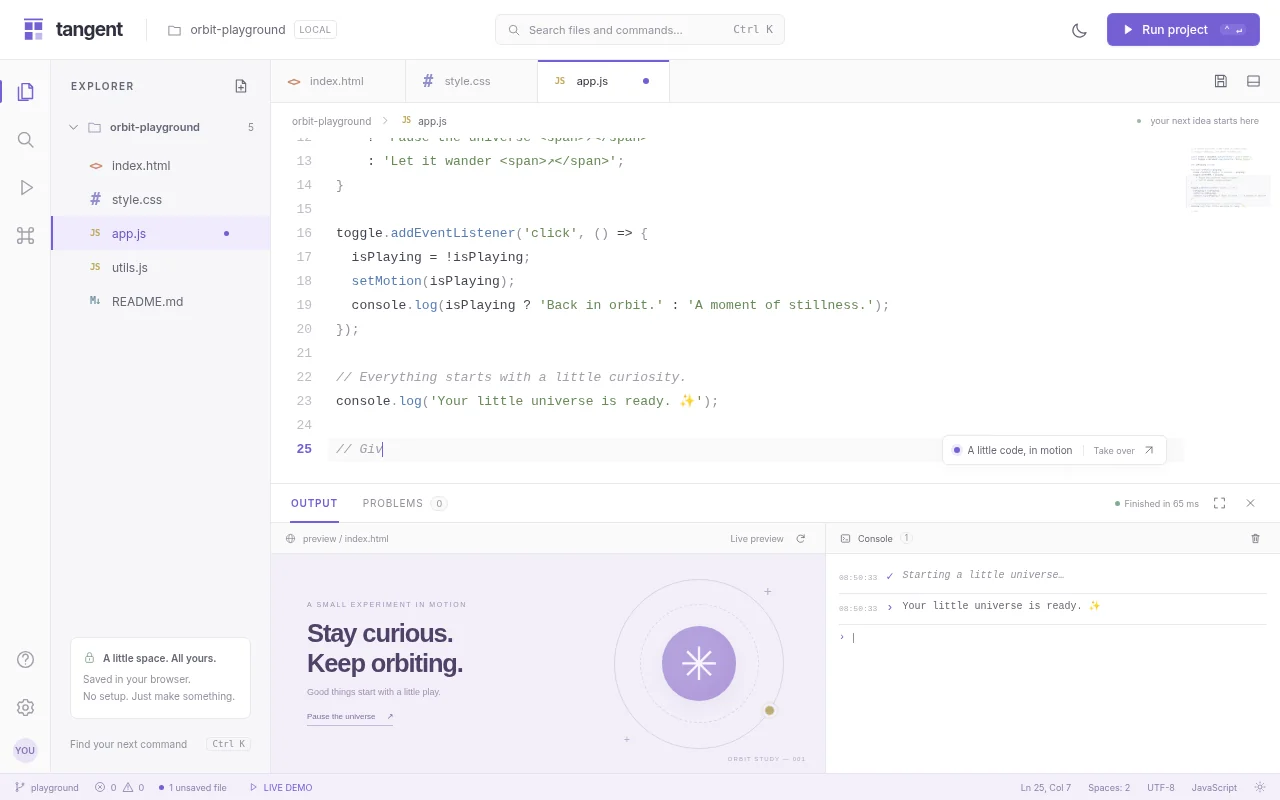
Open the live page in a new tab · Full result: prompt, transcript, cost and time
GPT-6 Sol Codex CLI 0.156.1
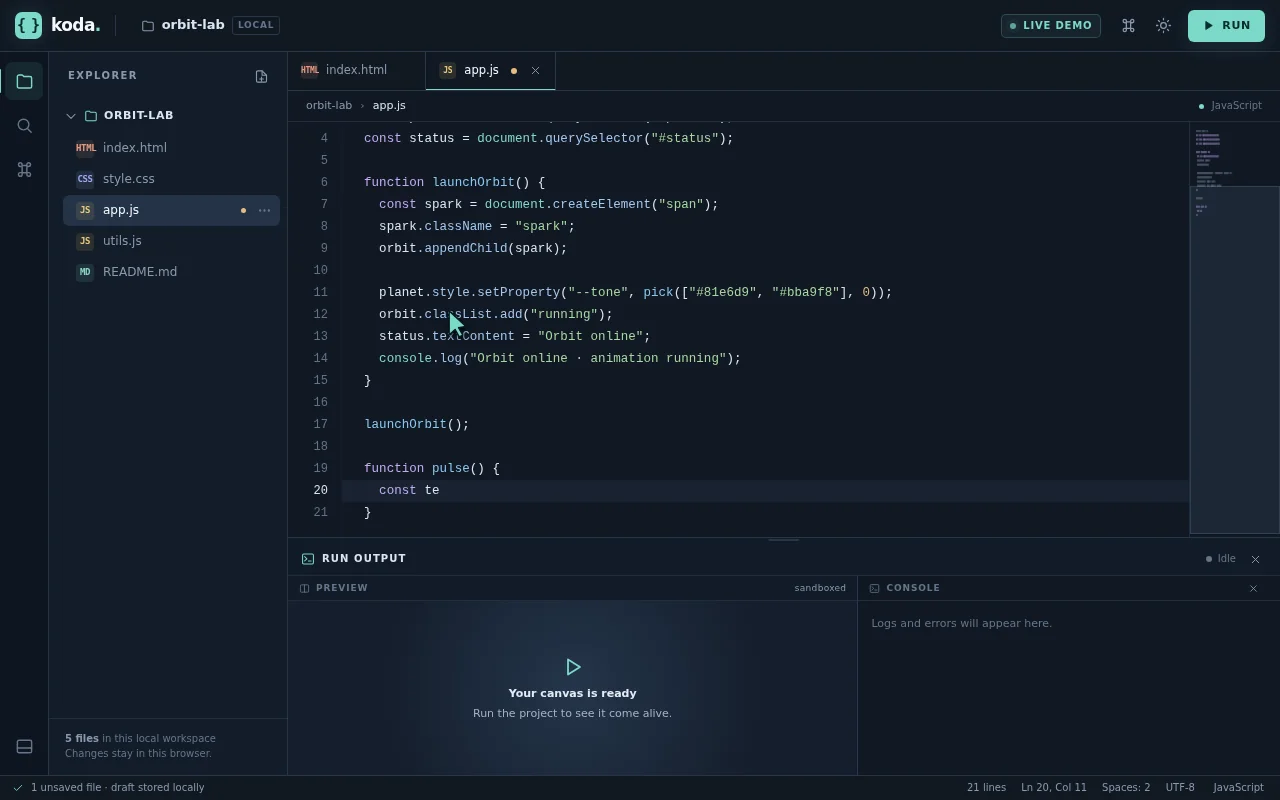
Open the live page in a new tab · Full result: prompt, transcript, cost and time
Drum machine daw Test page · 7 finished of 7
The prompt (the same for every model)
Build a working browser music studio in one page, in the spirit of a classic drum machine plus a tiny DAW. It needs: an 8-track by 16-step sequencer (kick, snare, closed hat, open hat, clap, tom, bass, lead) where every sound is synthesized with the Web Audio API (no samples); per-step velocity (click or tap cycles levels) and per-track mute, solo, volume, pan and a simple filter knob; a piano-roll editor for the bass and lead tracks over two octaves; tempo (60 to 180 BPM) and swing controls; four pattern slots A to D with a song arranger row to chain them; a master section with a compressor and a visual spectrum analyser and waveform scope driven by an AnalyserNode; transport with play, stop and a playhead that lights each step in time; and export of the current pattern as JSON plus import from JSON. Audio must start only after a user gesture (show a clear Start audio button), but the visuals must not wait for it. Seed it with four good-sounding patterns that make a short song. So the page is alive without input, on load it runs the sequencer silently in demo mode with the playhead moving, steps lighting, the scope and spectrum animating from the synthesized signal (route audio to the analyser but keep the output muted until the user presses Start audio), cycling through the four patterns and occasionally toggling steps as if someone were jamming, until the user touches anything. Make it look like premium music hardware: knobs, LEDs, tactile buttons. Save it as index.html in the current directory: one self-contained file with inline CSS and JavaScript only, no libraries or frameworks, and no external requests of any kind (no CDNs, web fonts, images or audio files). It must work when opened directly from disk, fit any window from a 390 px wide phone to a desktop, and run without console errors. You may serve it locally and open it in headless chromium (/usr/bin/chromium, software WebGL, no GPU) to screenshot and inspect your own output, and iterate on your own before finishing. Close any browser you open as soon as you've taken your screenshot.
Claude Fable 5.1 Claude Code 2.1.280
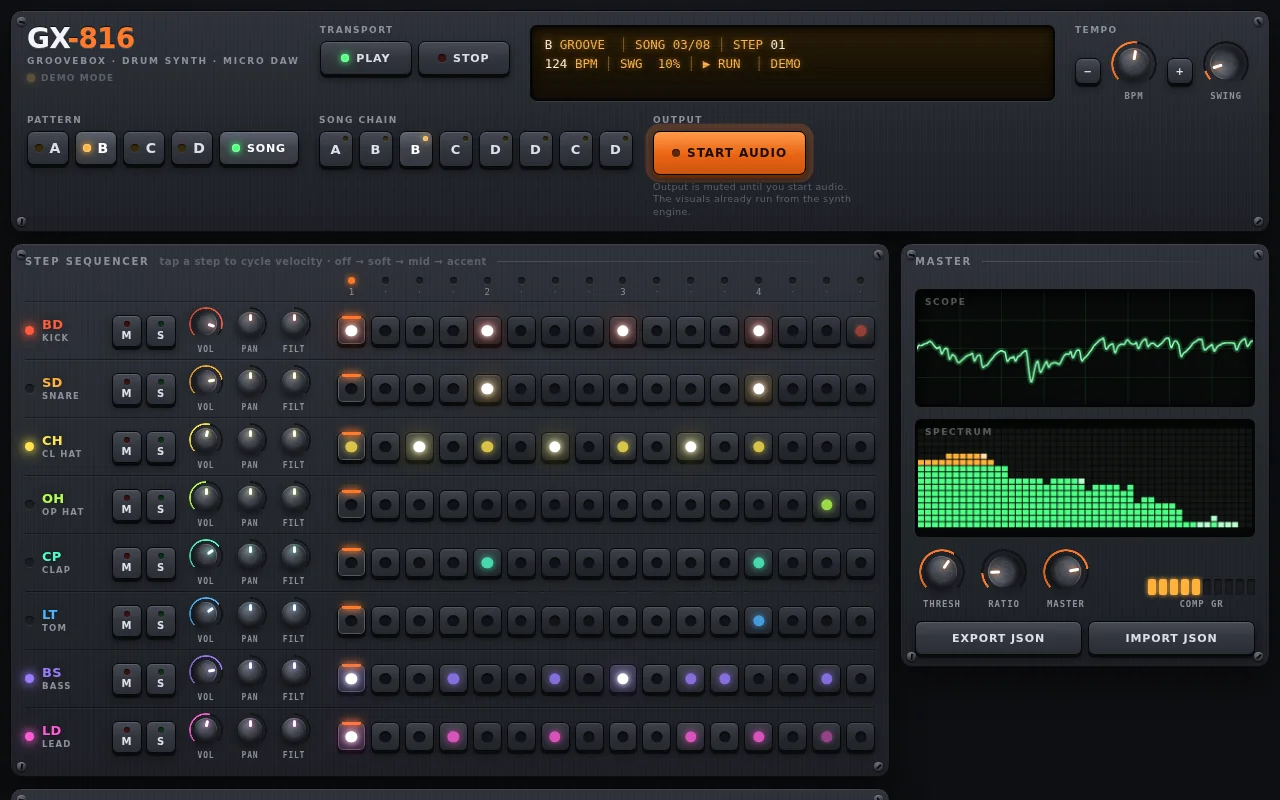
Open the live page in a new tab · Full result: prompt, transcript, cost and time
Claude Sonnet 5.5 Claude Code 2.1.280
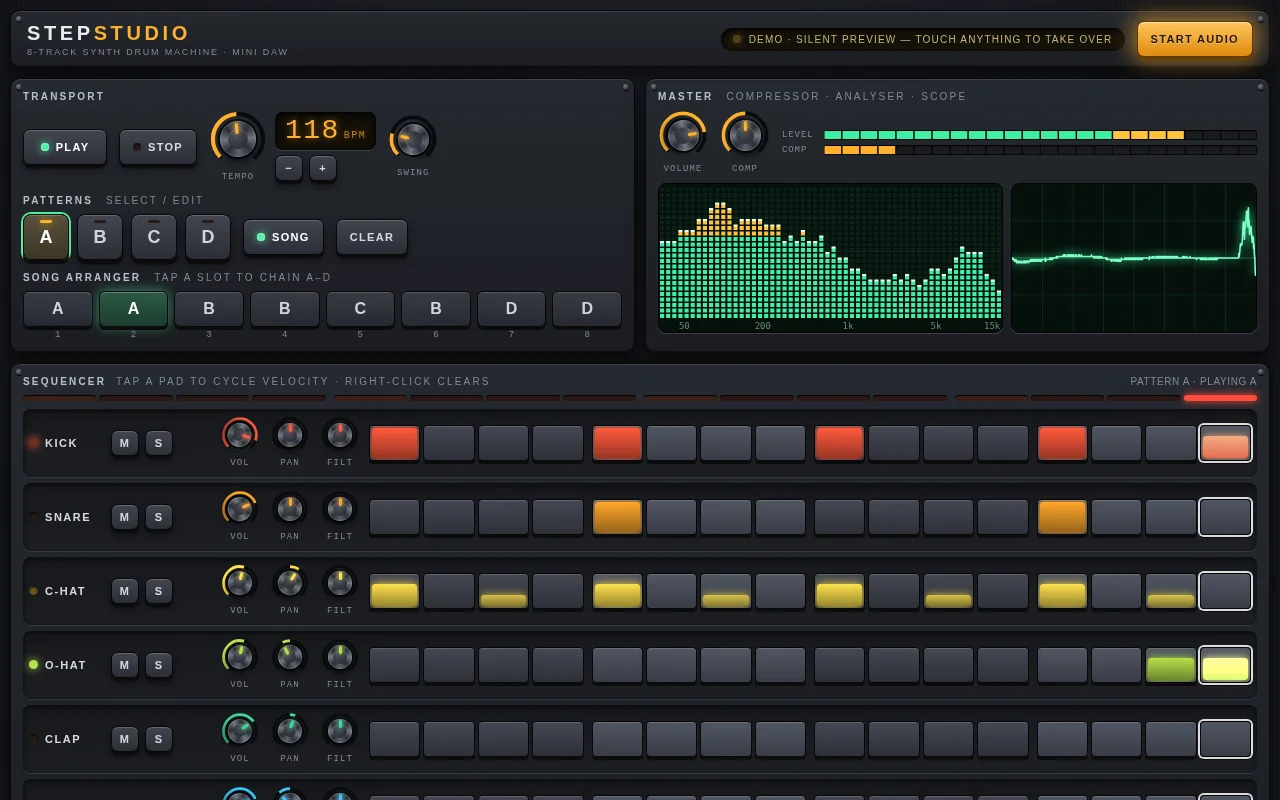
Open the live page in a new tab · Full result: prompt, transcript, cost and time
DeepSeek V4.1 Flash OpenCode 1.18.32
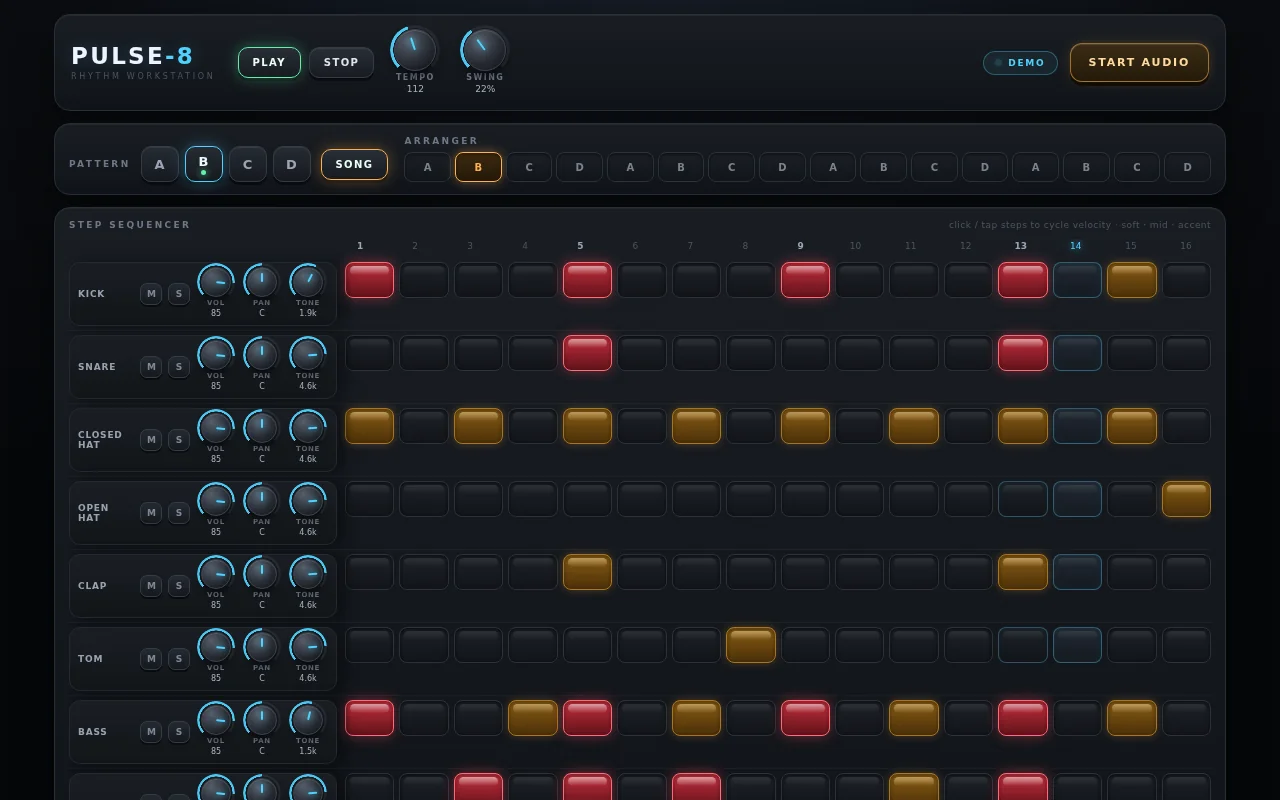
Open the live page in a new tab · Full result: prompt, transcript, cost and time
GPT-6 Astra Codex CLI 0.156.1
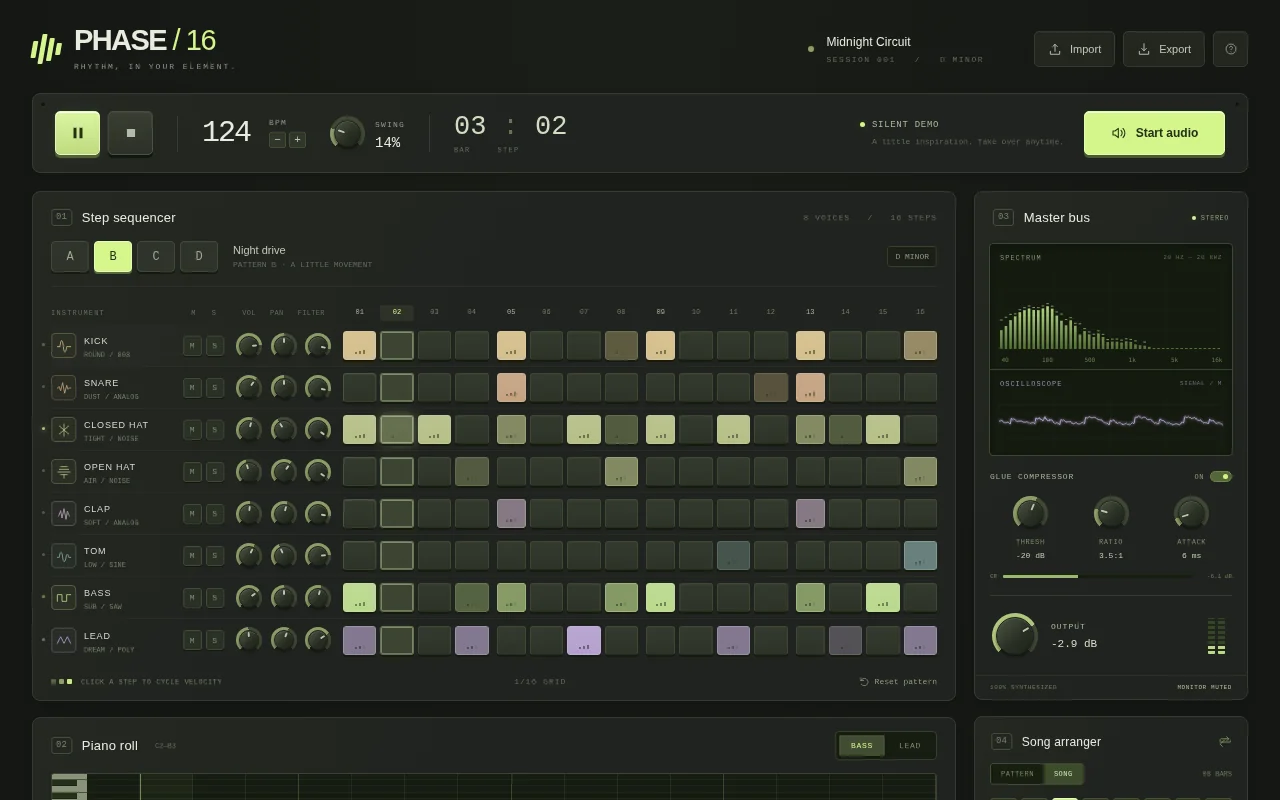
Open the live page in a new tab · Full result: prompt, transcript, cost and time
GPT-6 Astra OpenCode 1.18.32
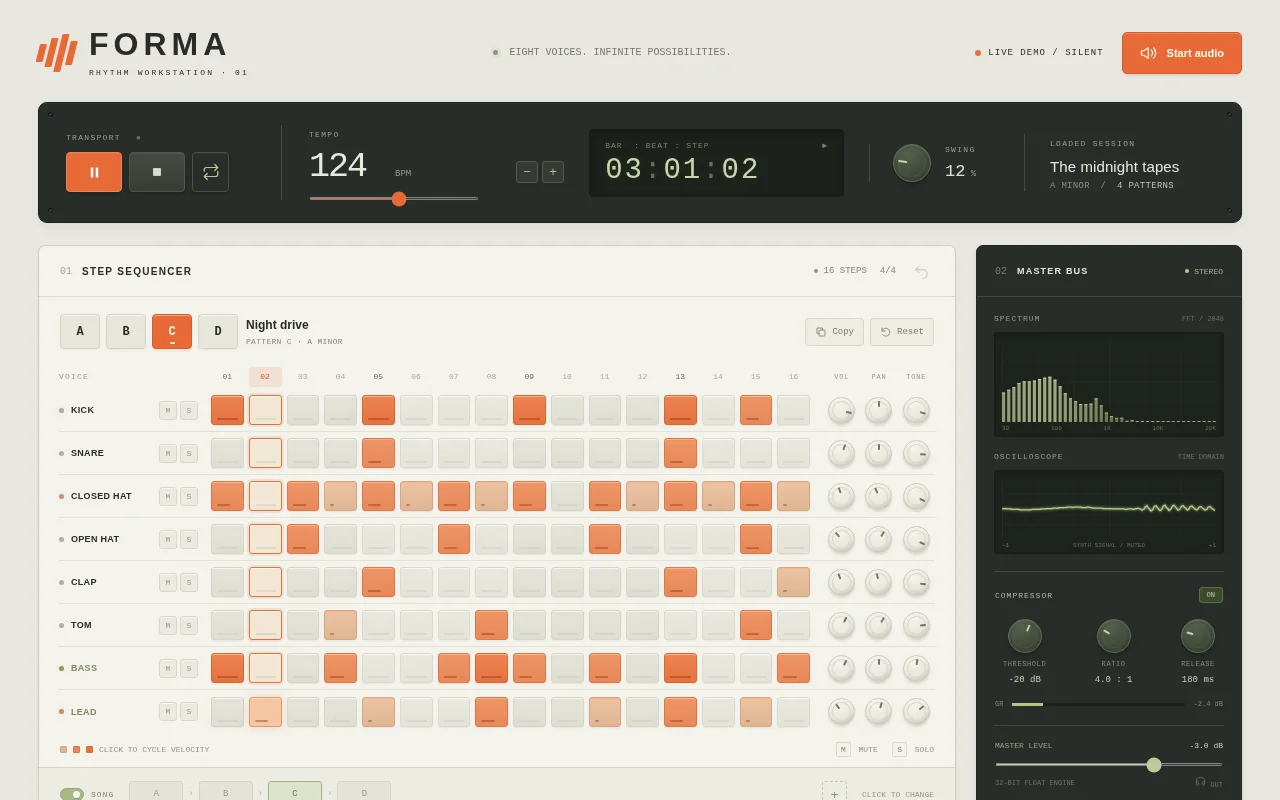
Open the live page in a new tab · Full result: prompt, transcript, cost and time
GPT-6 Sol Codex CLI 0.156.1
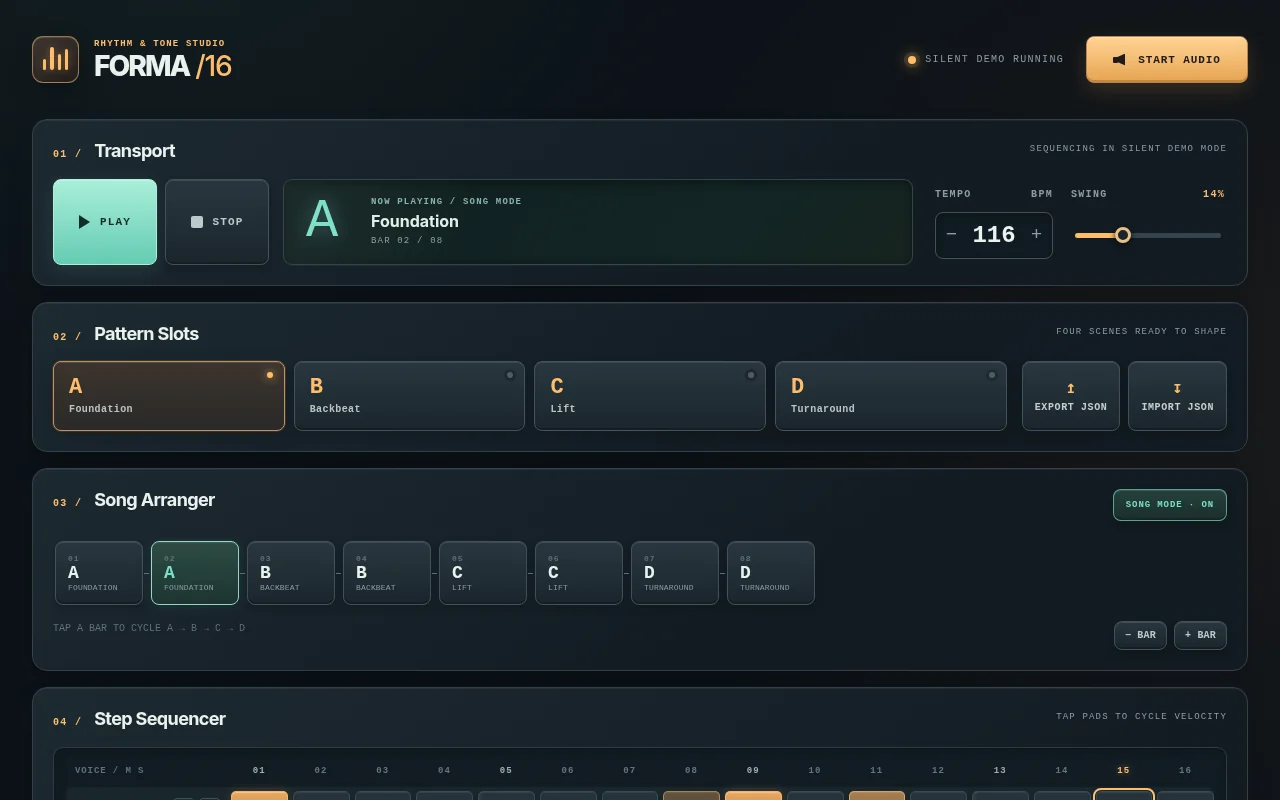
Open the live page in a new tab · Full result: prompt, transcript, cost and time
gpt-6.1-sol Codex CLI 0.156.1
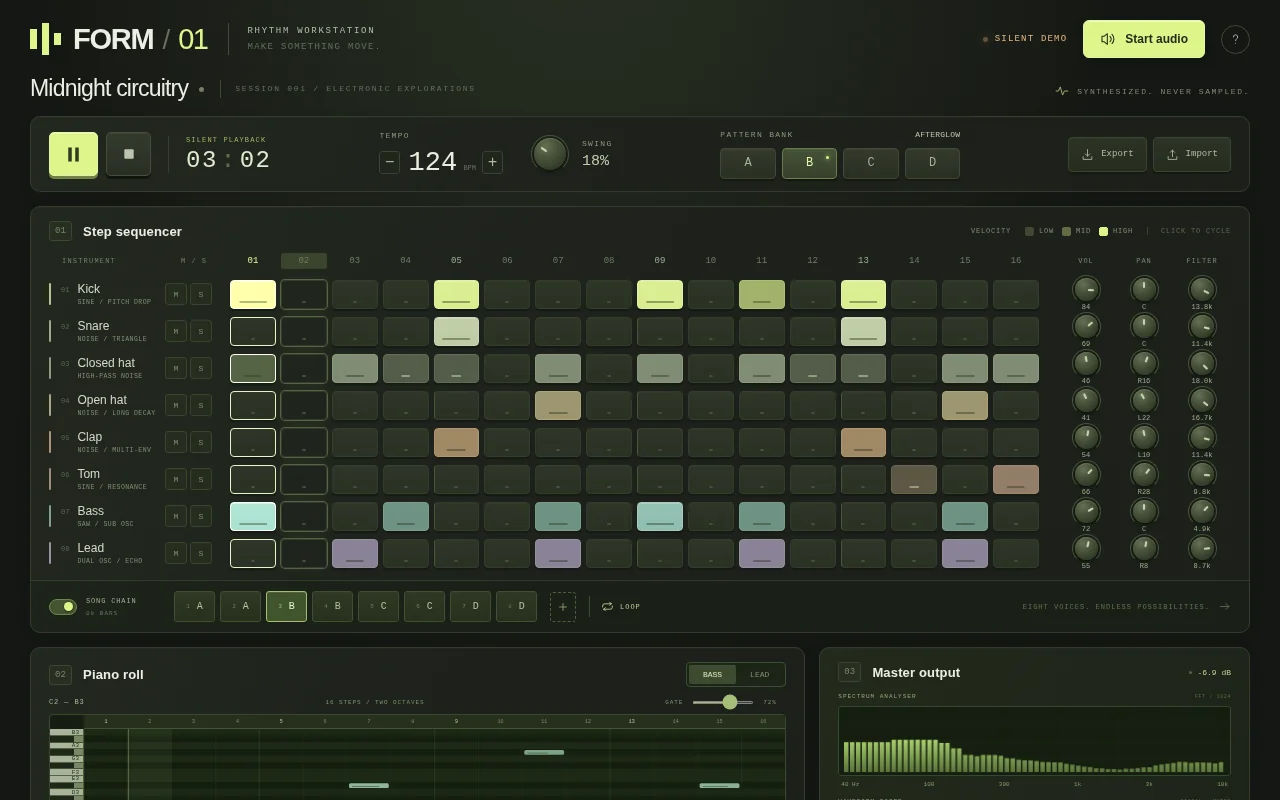
Open the live page in a new tab · Full result: prompt, transcript, cost and time
Kanban board Test page · 4 finished of 4
The prompt (the same for every model)
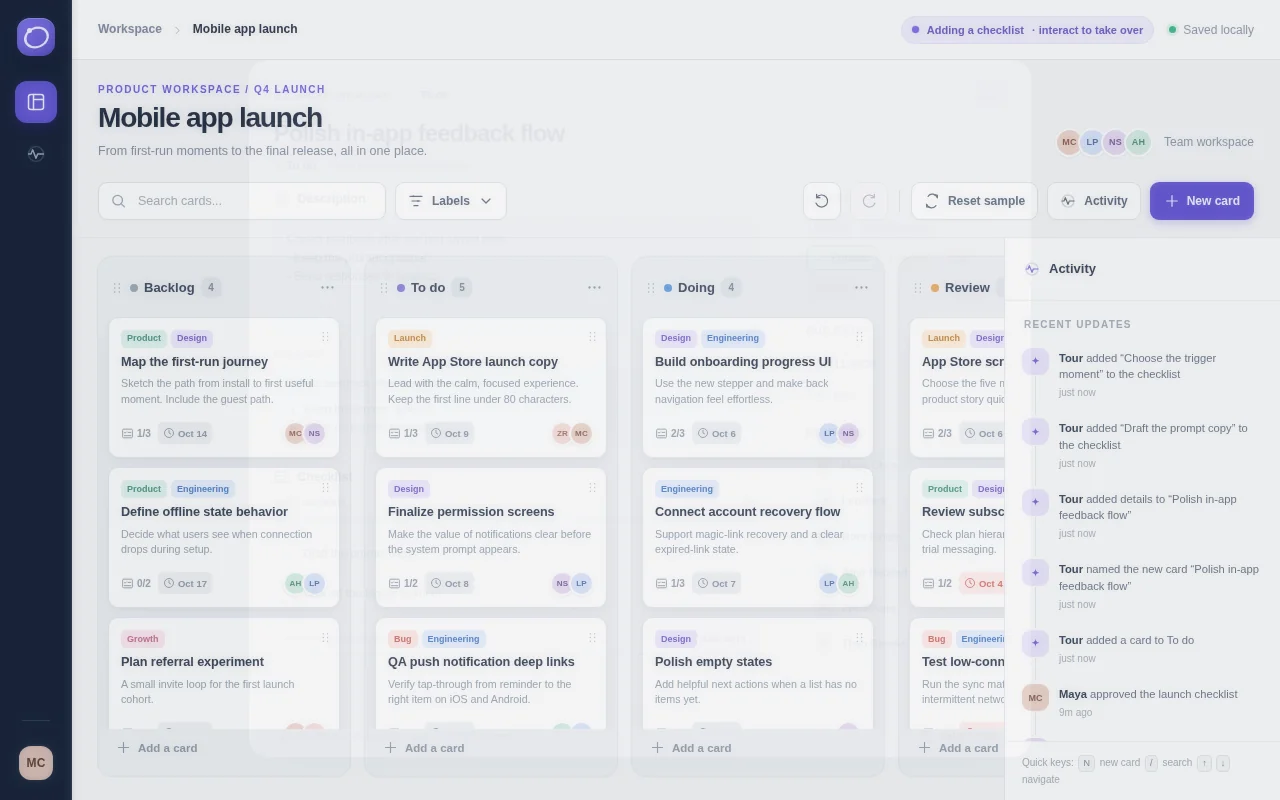
Build a working clone of a Trello-style kanban board app in one page. It needs: a board with lists (Backlog, To do, Doing, Review, Done) that can be added, renamed, reordered and deleted; cards that can be created, edited in a detail modal (title, description with simple markdown rendering, checklist with progress bar, coloured labels, due date with overdue styling, assignee avatars drawn as initials), and dragged between and within lists with smooth placeholder animation using pointer events so it works with mouse and touch; a search box and label filter that dim non-matching cards; undo and redo for every change (Ctrl+Z / Ctrl+Shift+Z plus buttons); keyboard shortcuts (n new card, / search, arrow keys to move focus); an activity sidebar logging each change; and persistence to localStorage with a reset-to-sample button. Seed the board with about 18 realistic cards for a small team shipping a mobile app. So the page is alive without input, on load it runs a scripted demo tour: it creates a card, types its title, adds a checklist, drags cards across lists, ticks checklist items, filters by a label, undoes a move, and then repeats with variations every 30 seconds, until the user touches anything, at which point the demo stops and the app is fully theirs. Make it look and feel like a polished commercial product, not a demo. Save it as index.html in the current directory: one self-contained file with inline CSS and JavaScript only, no libraries or frameworks, and no external requests of any kind (no CDNs, web fonts, images or audio files). It must work when opened directly from disk, fit any window from a 390 px wide phone to a desktop, and run without console errors. You may serve it locally and open it in headless chromium (/usr/bin/chromium, software WebGL, no GPU) to screenshot and inspect your own output, and iterate on your own before finishing. Close any browser you open as soon as you've taken your screenshot.
Claude Sonnet 5.5 Claude Code 2.1.280
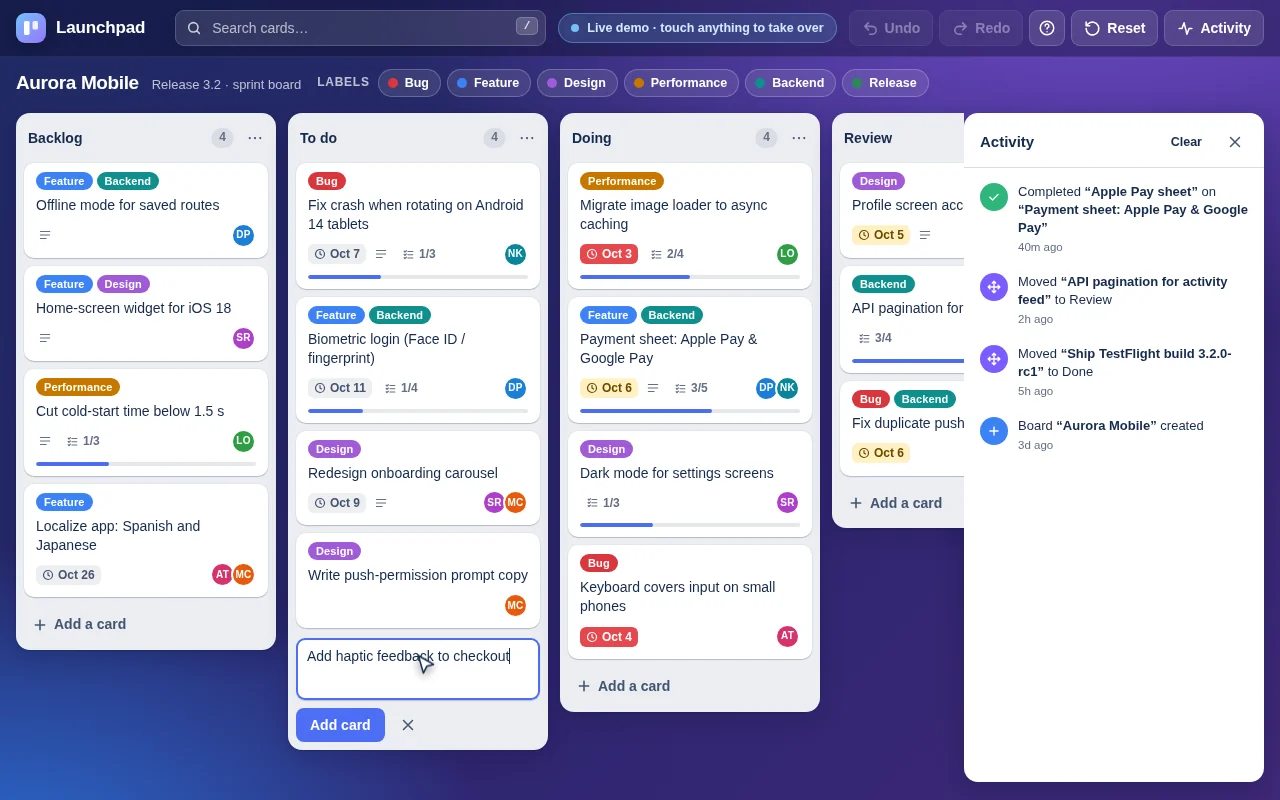
Open the live page in a new tab · Full result: prompt, transcript, cost and time
DeepSeek V4.1 Flash OpenCode 1.18.32
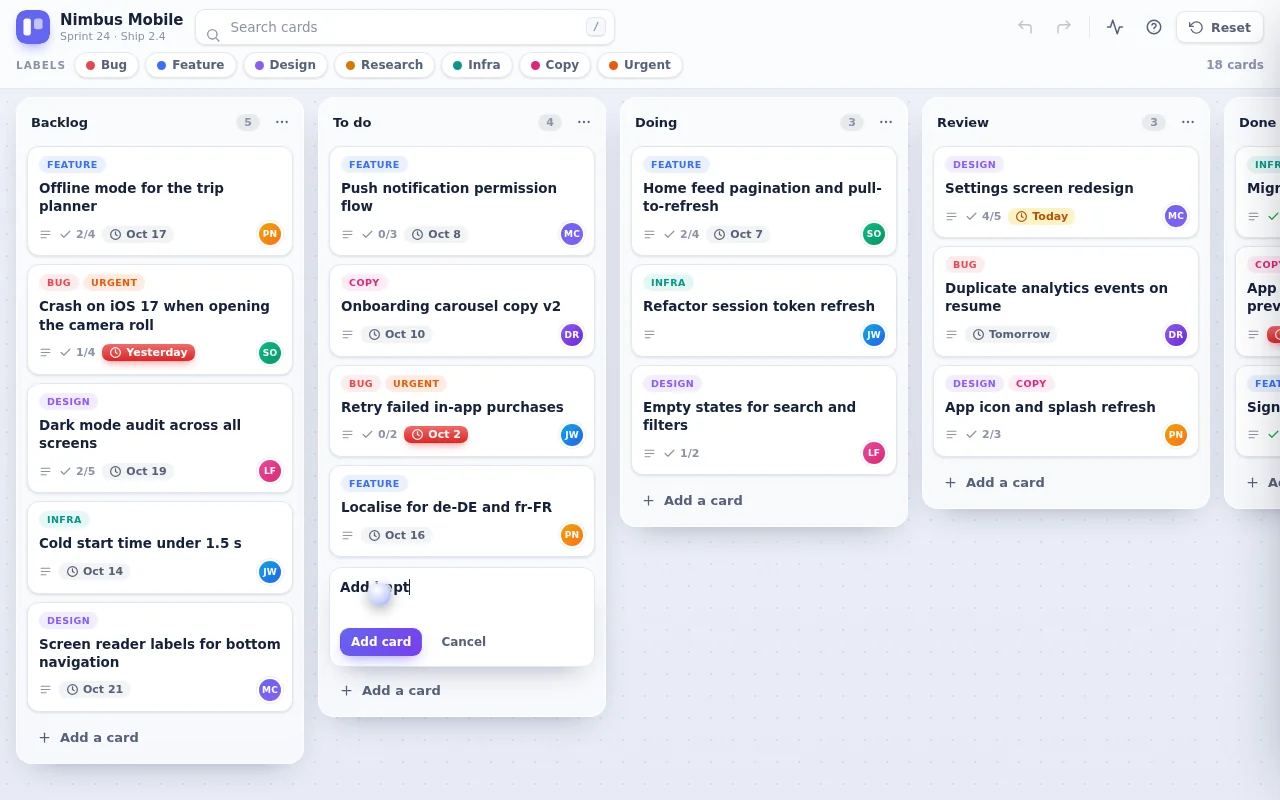
Open the live page in a new tab · Full result: prompt, transcript, cost and time
GPT-6 Astra Codex CLI 0.156.1
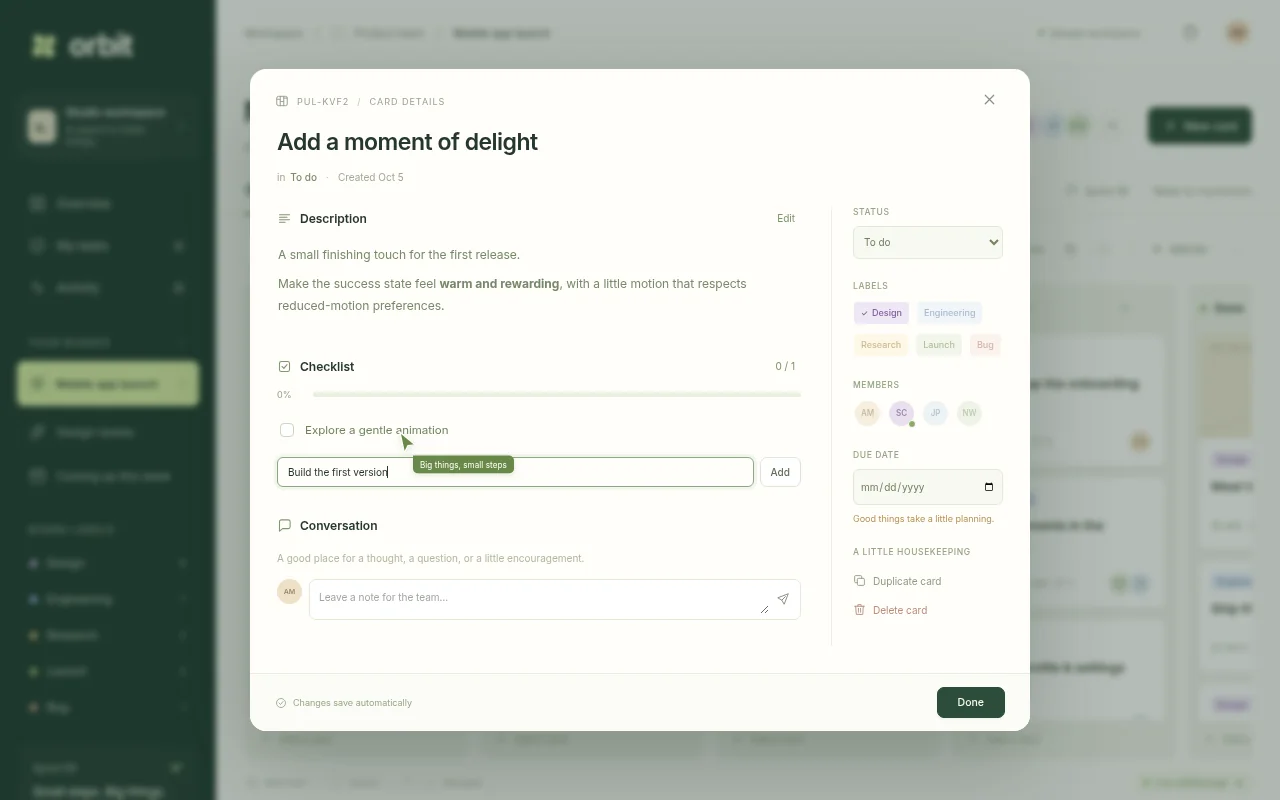
Open the live page in a new tab · Full result: prompt, transcript, cost and time
GPT-6 Sol Codex CLI 0.156.1
Open the live page in a new tab · Full result: prompt, transcript, cost and time
Team chat Test page · 5 finished of 5
The prompt (the same for every model)
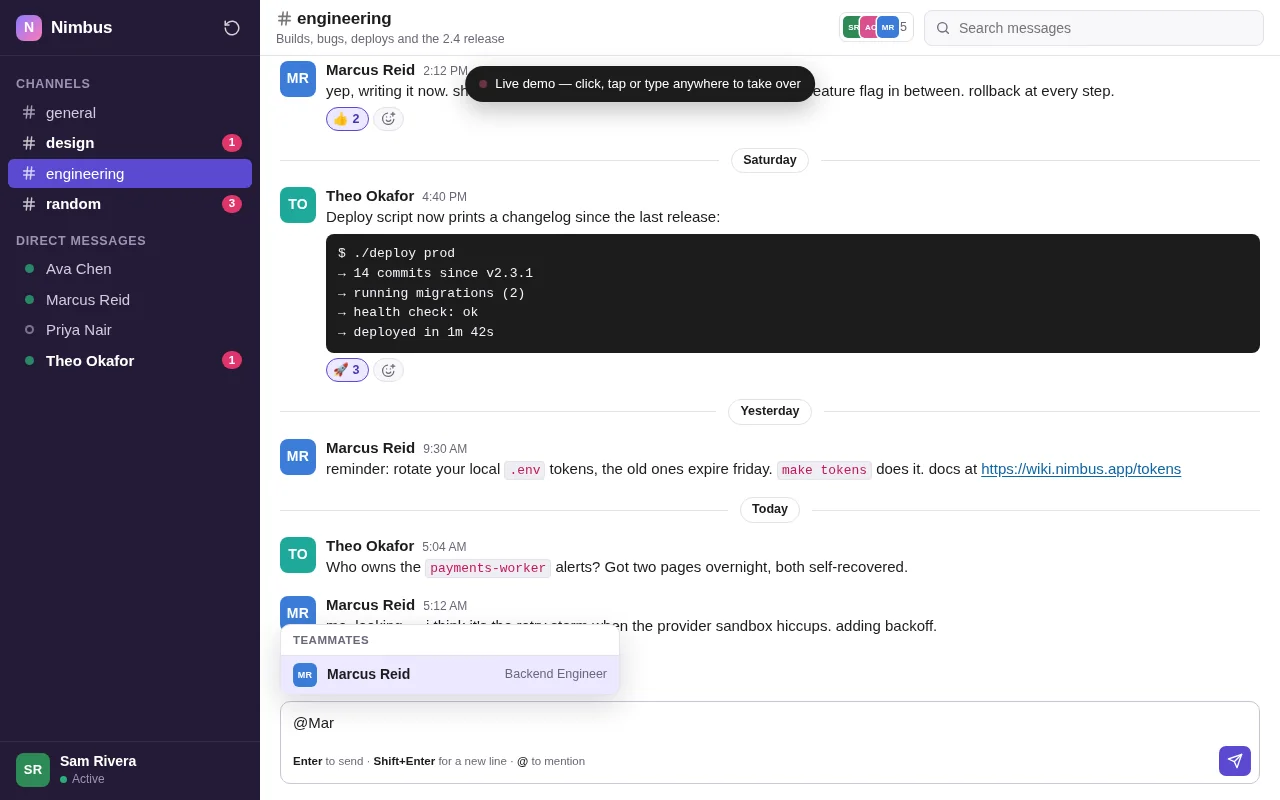
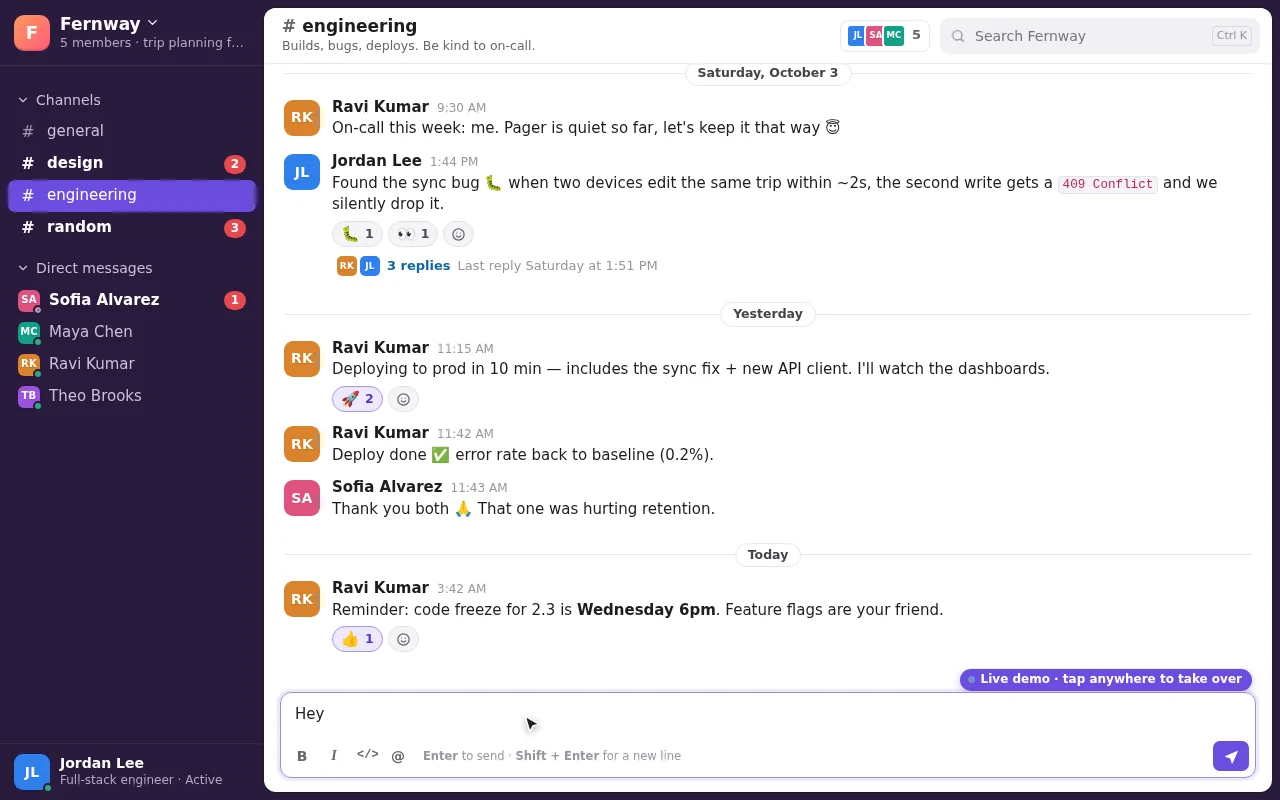
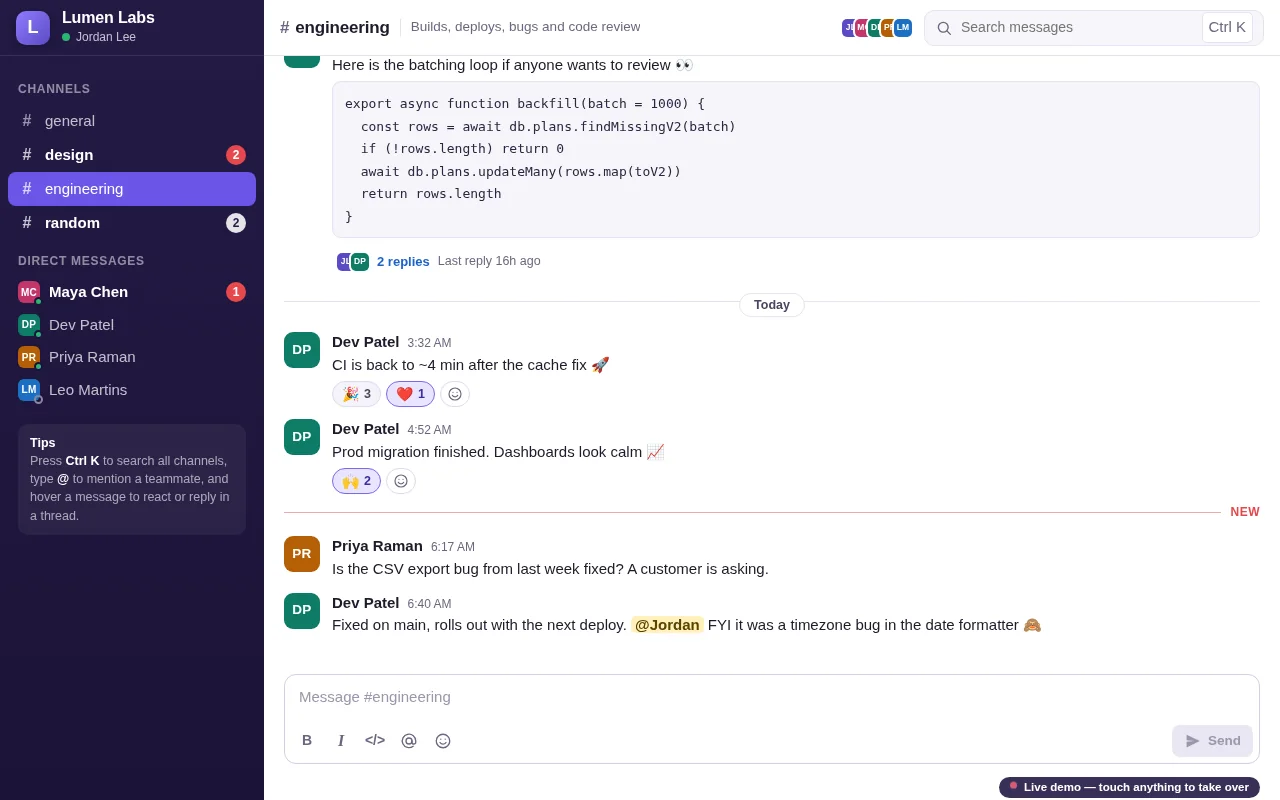
Build a working team chat app in one page in the spirit of Slack. It needs: a workspace sidebar with channels and direct messages, unread counts and bold unread channels; a message view with grouped messages by author and time, day dividers, avatars drawn as coloured initials, markdown-lite formatting (bold, italic, inline code, code blocks, links rendered as text), emoji reactions with counts that toggle on click or tap, threaded replies in a side panel, message editing and deletion, @mentions with an autocomplete popup, and a composer with Enter to send and Shift+Enter for a new line; a search box that finds messages across channels and jumps to them; typing indicators; and persistence to localStorage. Simulate four teammates as small scripted bots who reply in character after a delay when mentioned, react to messages, and occasionally start threads, so the workspace feels alive. Seed the workspace with realistic history for a small startup team (general, design, engineering, random channels). So the page is alive without input, on load it runs a scripted demo: switches channels, types and sends a message with a mention, a bot shows a typing indicator and replies, reactions appear, a thread opens and gets a reply, a search finds an older message, and the loop continues with new conversation every 30 seconds, until the user touches anything. Make it polished, friendly and fast. Save it as index.html in the current directory: one self-contained file with inline CSS and JavaScript only, no libraries or frameworks, and no external requests of any kind (no CDNs, web fonts, images or audio files). It must work when opened directly from disk, fit any window from a 390 px wide phone to a desktop, and run without console errors. You may serve it locally and open it in headless chromium (/usr/bin/chromium, software WebGL, no GPU) to screenshot and inspect your own output, and iterate on your own before finishing. Close any browser you open as soon as you've taken your screenshot.
Claude Fable 5.1 Claude Code 2.1.280
Open the live page in a new tab · Full result: prompt, transcript, cost and time
Claude Opus 5.5 Claude Code 2.1.280
Open the live page in a new tab · Full result: prompt, transcript, cost and time
Claude Sonnet 5.5 Claude Code 2.1.280
Open the live page in a new tab · Full result: prompt, transcript, cost and time
GPT-6 Astra OpenCode 1.18.32
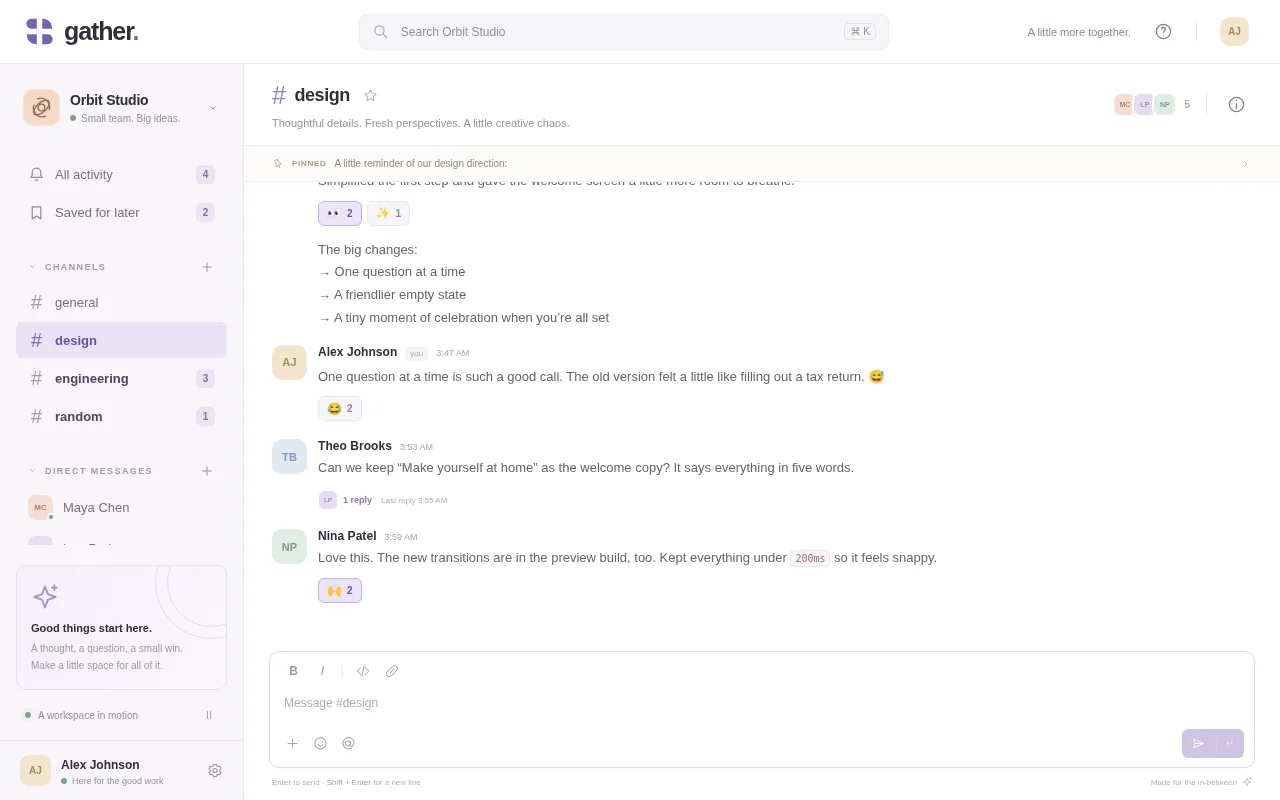
Open the live page in a new tab · Full result: prompt, transcript, cost and time
GPT-6 Sol Codex CLI 0.156.1
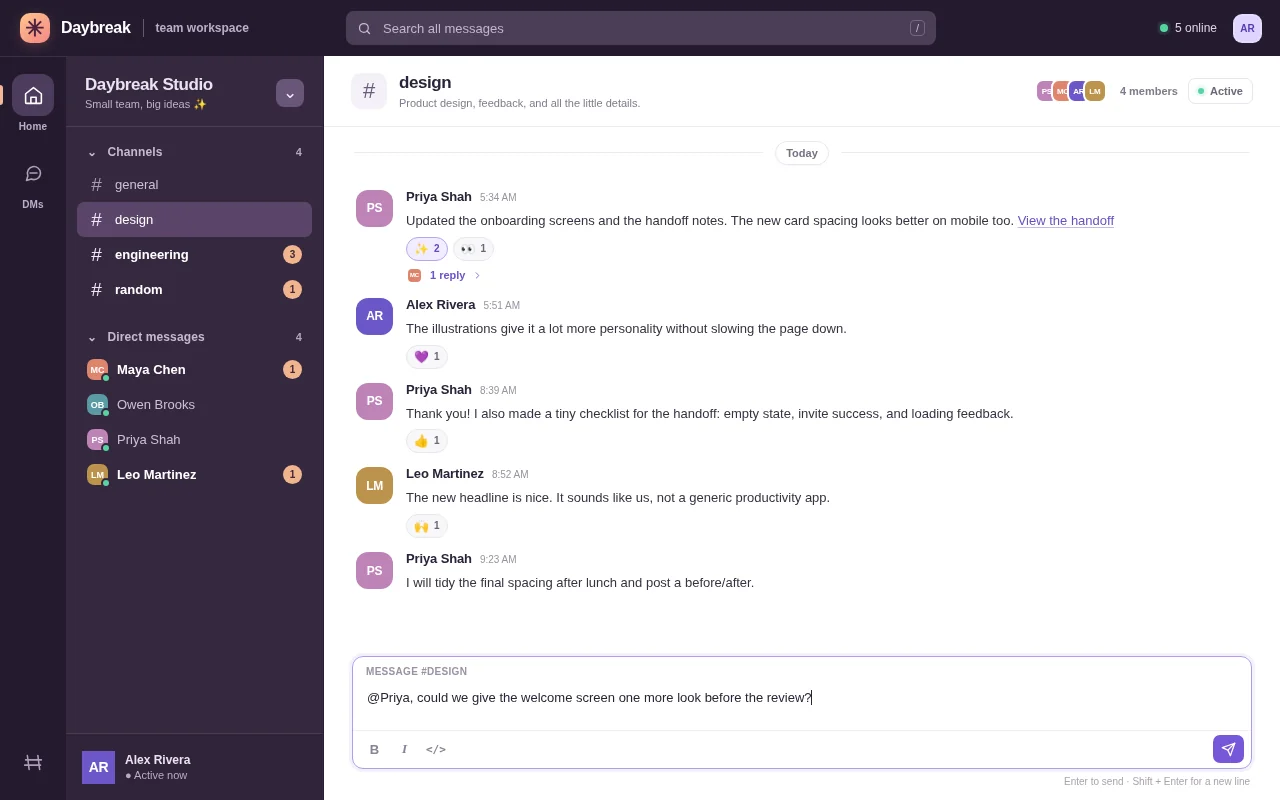
Open the live page in a new tab · Full result: prompt, transcript, cost and time
City maps navigator Test page · 6 finished of 6
The prompt (the same for every model)
Build a working maps app in one page in the spirit of a navigation app. Generate a fictional city procedurally from a fixed seed: a coastline and river, parks, a road network with highways, main roads and side streets (each with a speed), named streets, and about 60 named places (cafes, museums, stations, parks, hospitals) with category icons drawn in code. Render it as a crisp vector map on canvas with smooth pan and zoom (mouse wheel, drag, pinch), level-of-detail labels that appear as you zoom, and a compass and scale bar. It needs: a search box with fuzzy matching over place names and categories; tapping a place opens a card; directions between any two places computed with A* on the road graph with a choice of fastest versus shortest route, the route drawn as a bold line with estimated time and distance and a step list of turn-by-turn instructions (turn left onto River Road, and so on) derived from the geometry; a simulated drive mode where a car marker follows the route and the map rotates and follows it; and a traffic toggle that slows some roads and recomputes the route. So the page is alive without input, on load it runs a scripted demo: searches for a museum, opens its card, requests directions from the central station, shows the step list, starts drive mode, turns traffic on mid-drive so the route reroutes, then picks a new pair of places and repeats, until the user touches anything. Make it look like a premium, modern map style. Save it as index.html in the current directory: one self-contained file with inline CSS and JavaScript only, no libraries or frameworks, and no external requests of any kind (no CDNs, web fonts, images or audio files). It must work when opened directly from disk, fit any window from a 390 px wide phone to a desktop, and run without console errors. You may serve it locally and open it in headless chromium (/usr/bin/chromium, software WebGL, no GPU) to screenshot and inspect your own output, and iterate on your own before finishing. Close any browser you open as soon as you've taken your screenshot.
Claude Opus 5.5 Claude Code 2.1.280
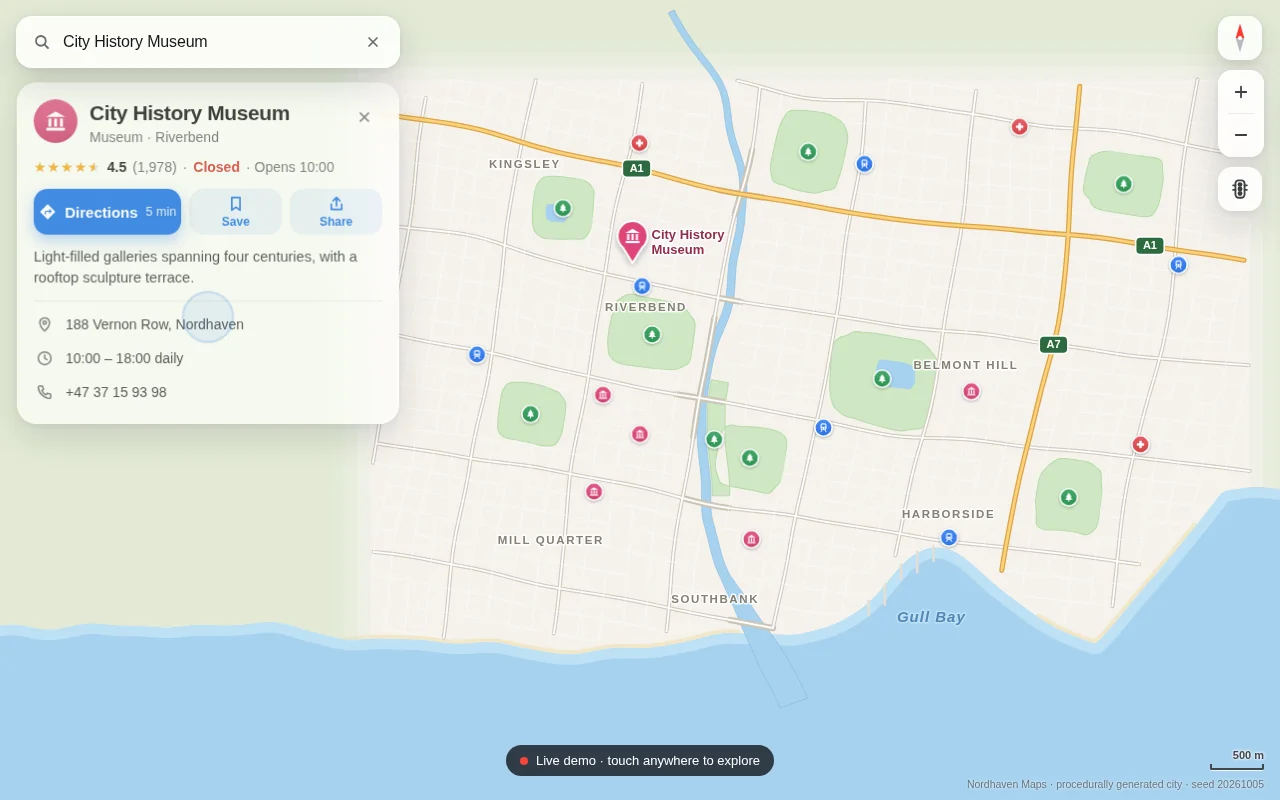
Open the live page in a new tab · Full result: prompt, transcript, cost and time
Claude Sonnet 5.5 Claude Code 2.1.280
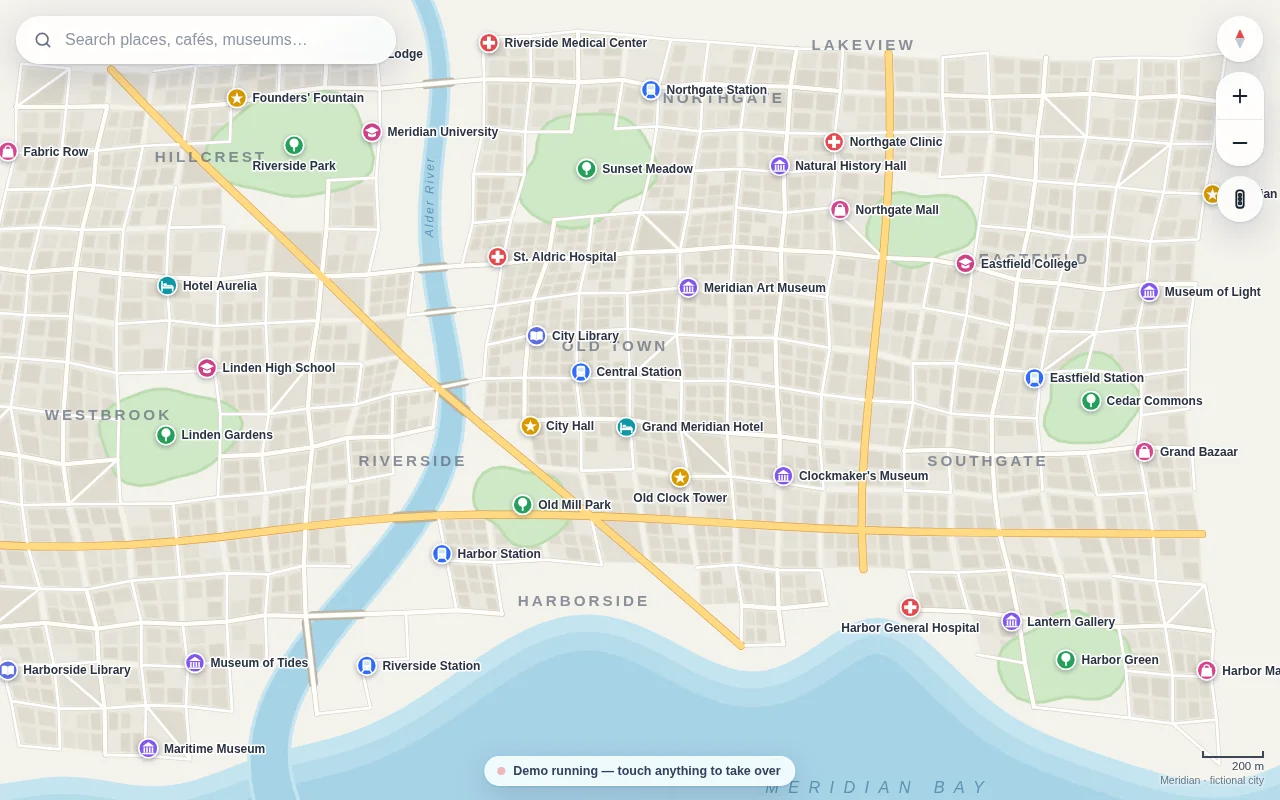
Open the live page in a new tab · Full result: prompt, transcript, cost and time
DeepSeek V4.1 Flash OpenCode 1.18.32
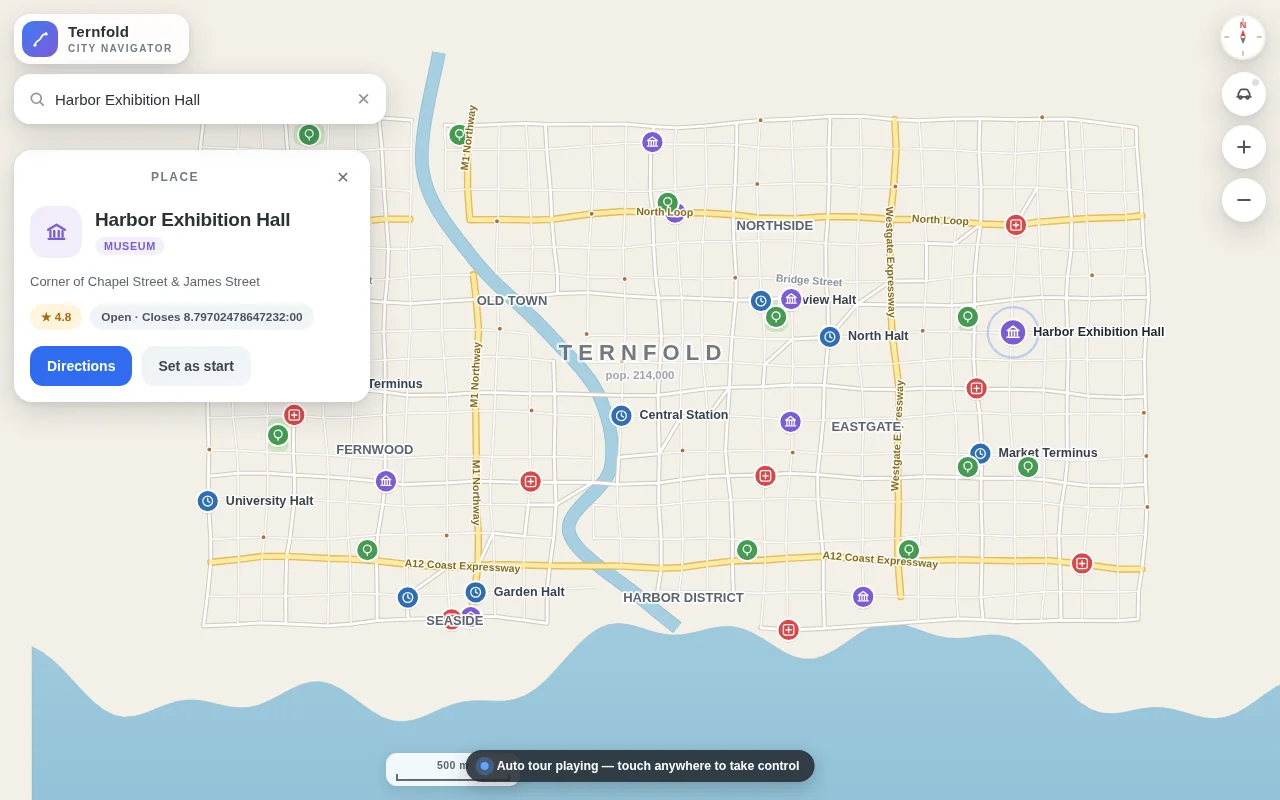
Open the live page in a new tab · Full result: prompt, transcript, cost and time
GPT-6 Astra Codex CLI 0.156.1
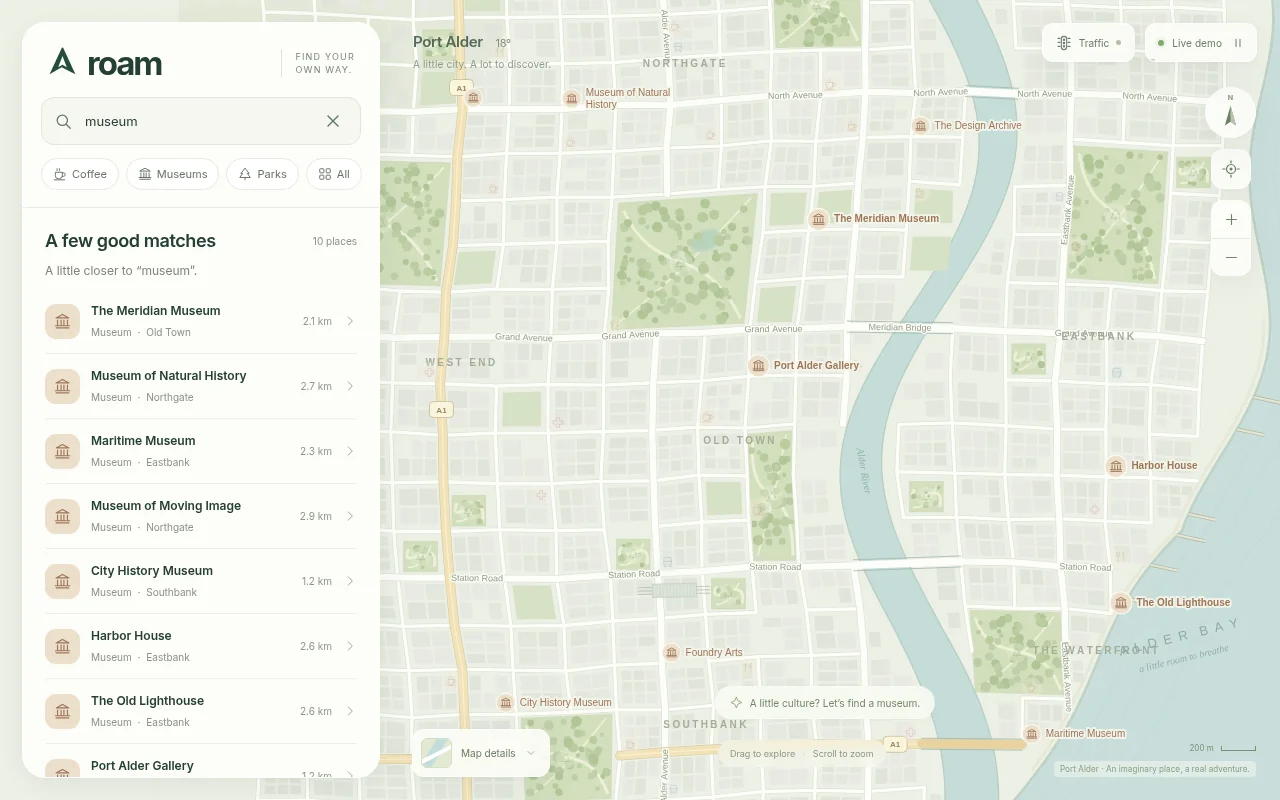
Open the live page in a new tab · Full result: prompt, transcript, cost and time
GPT-6 Astra OpenCode 1.18.32
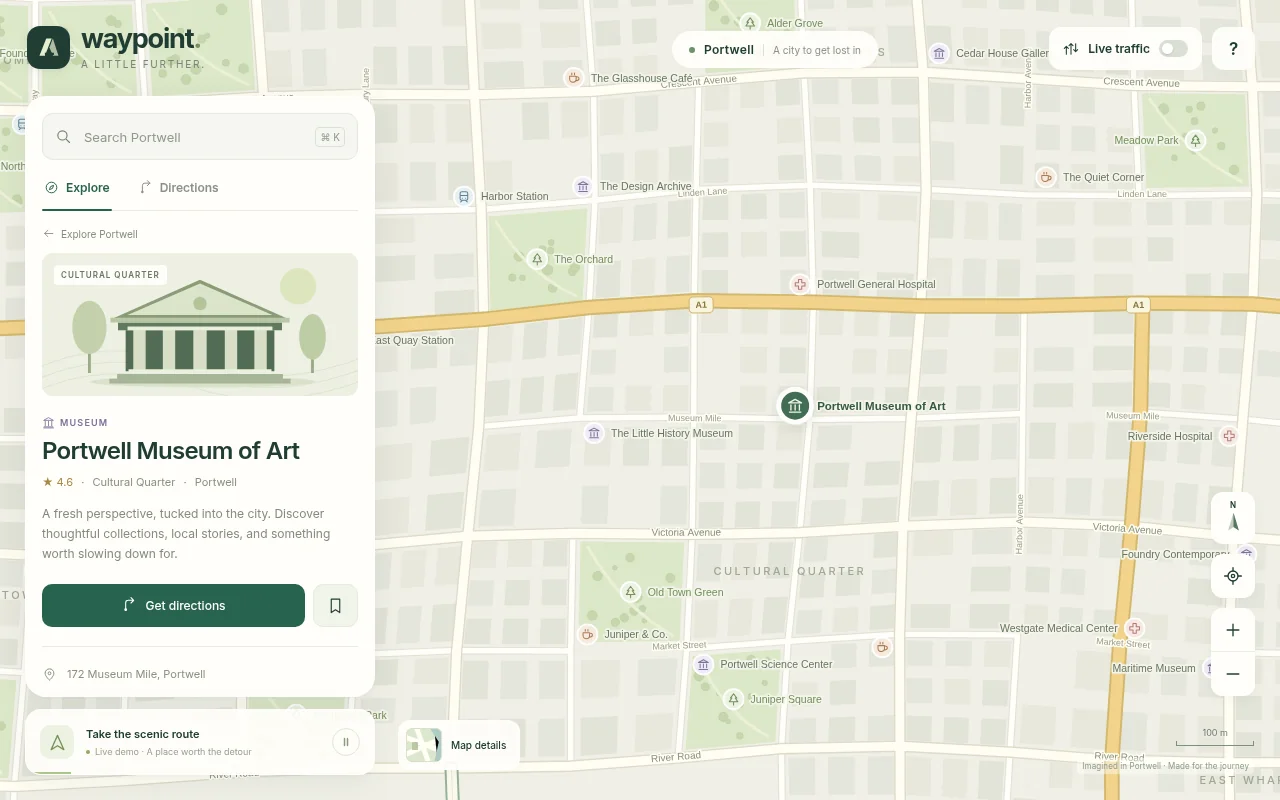
Open the live page in a new tab · Full result: prompt, transcript, cost and time
GPT-6 Sol Codex CLI 0.156.1
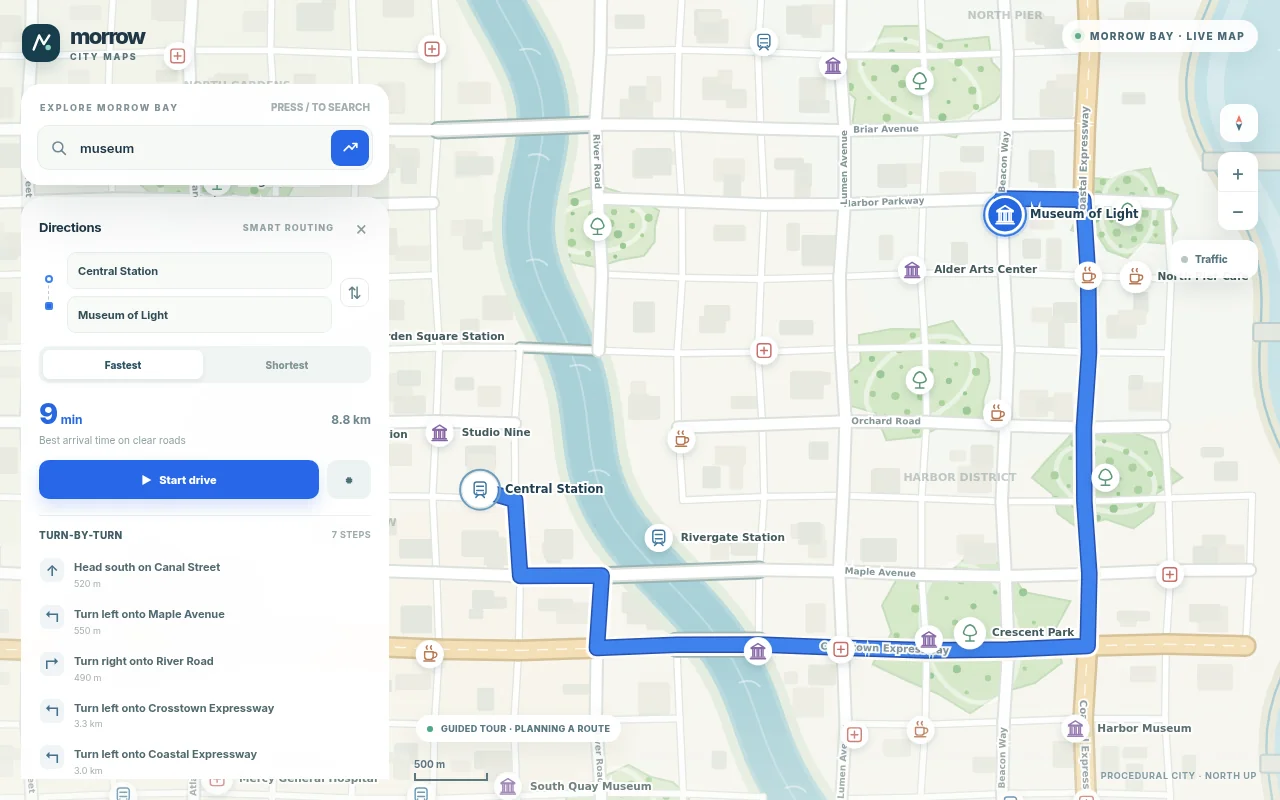
Open the live page in a new tab · Full result: prompt, transcript, cost and time
Paint studio Test page · 5 finished of 5
The prompt (the same for every model)
Build a working digital painting app in one page, a compact cross between MS Paint and Procreate. It needs: a large canvas with pressure-friendly smooth strokes using pointer events (mouse, touch and pen) with stroke smoothing; brushes (round, soft airbrush, marker, calligraphy nib whose width depends on direction, pixel pencil, eraser, smudge); a colour wheel with hue ring and saturation-value square, hex input and a palette of recent colours; flood fill with tolerance; shapes (line, rectangle, ellipse) with shift to constrain; layers panel with add, delete, reorder by drag, opacity, visibility, blend modes (normal, multiply, screen, overlay) and live thumbnails; unlimited undo and redo; pinch and wheel zoom plus pan with the space bar; and export of the flattened image as a PNG download. So the page is alive without input, on load it plays a scripted painting demo with a visible cursor: it paints a small landscape at dusk on several layers (sky gradient, mountains, a moon, trees with the calligraphy brush, smudged fog), changes blend modes, zooms in and out, undoes a stroke and redoes it, then clears and paints a different scene, looping until the user touches the canvas or any control. Make the interface sleek and dark, with the painting as the hero. Save it as index.html in the current directory: one self-contained file with inline CSS and JavaScript only, no libraries or frameworks, and no external requests of any kind (no CDNs, web fonts, images or audio files). It must work when opened directly from disk, fit any window from a 390 px wide phone to a desktop, and run without console errors. You may serve it locally and open it in headless chromium (/usr/bin/chromium, software WebGL, no GPU) to screenshot and inspect your own output, and iterate on your own before finishing. Close any browser you open as soon as you've taken your screenshot.
Claude Opus 5.5 Claude Code 2.1.280
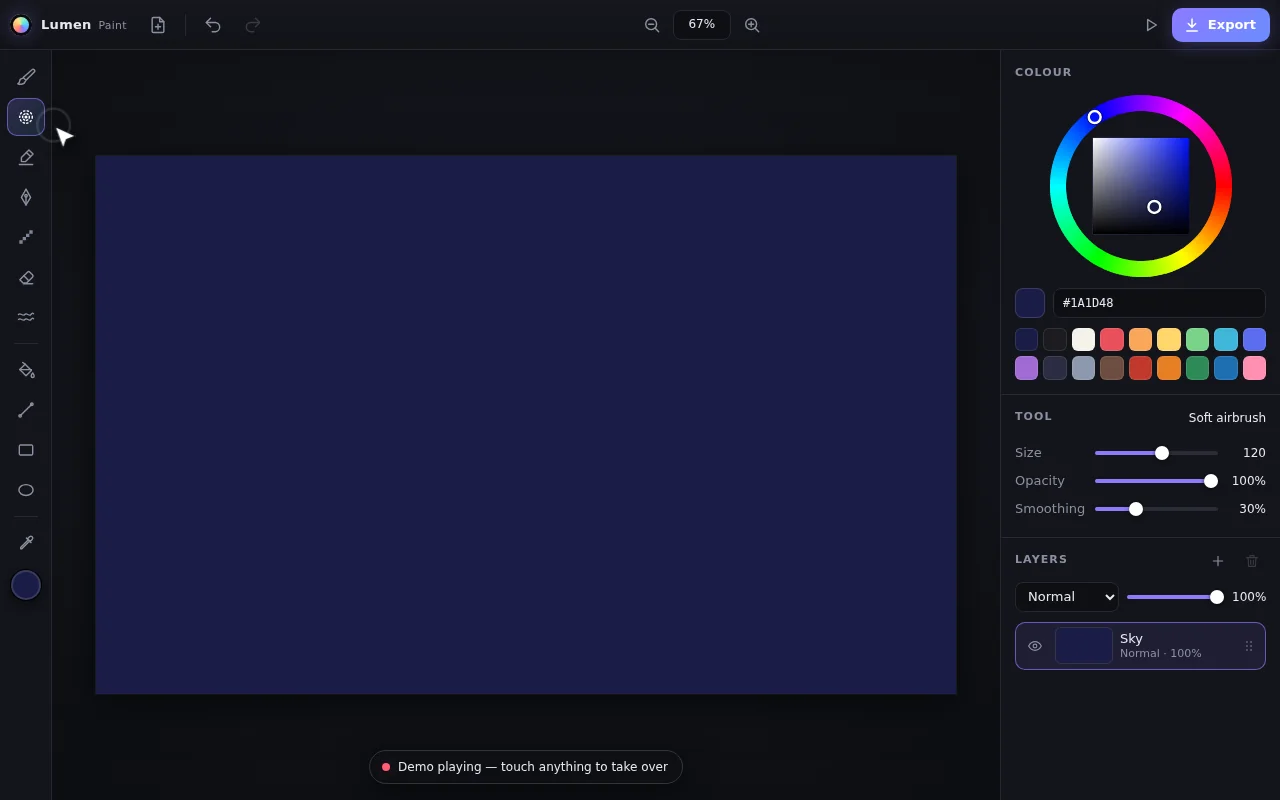
Open the live page in a new tab · Full result: prompt, transcript, cost and time
DeepSeek V4.1 Flash OpenCode 1.18.32
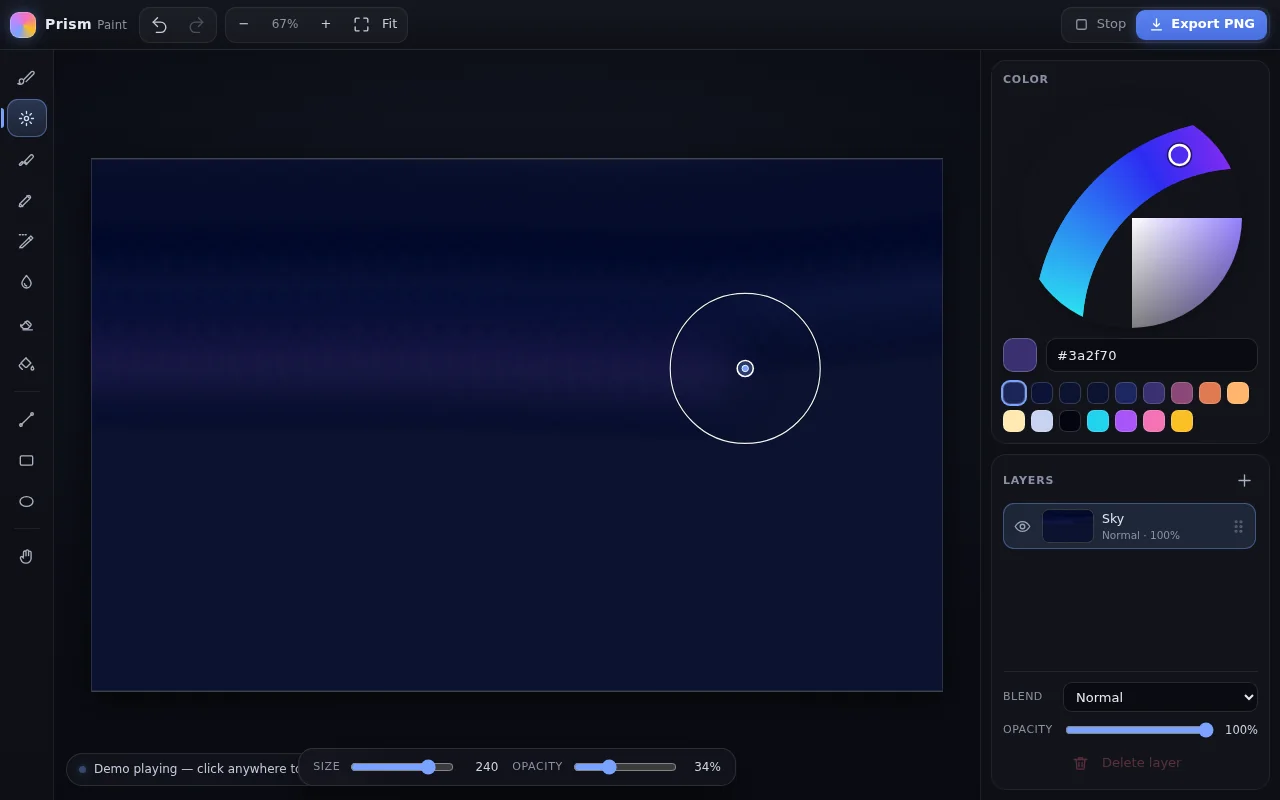
Open the live page in a new tab · Full result: prompt, transcript, cost and time
GPT-6 Astra Codex CLI 0.156.1
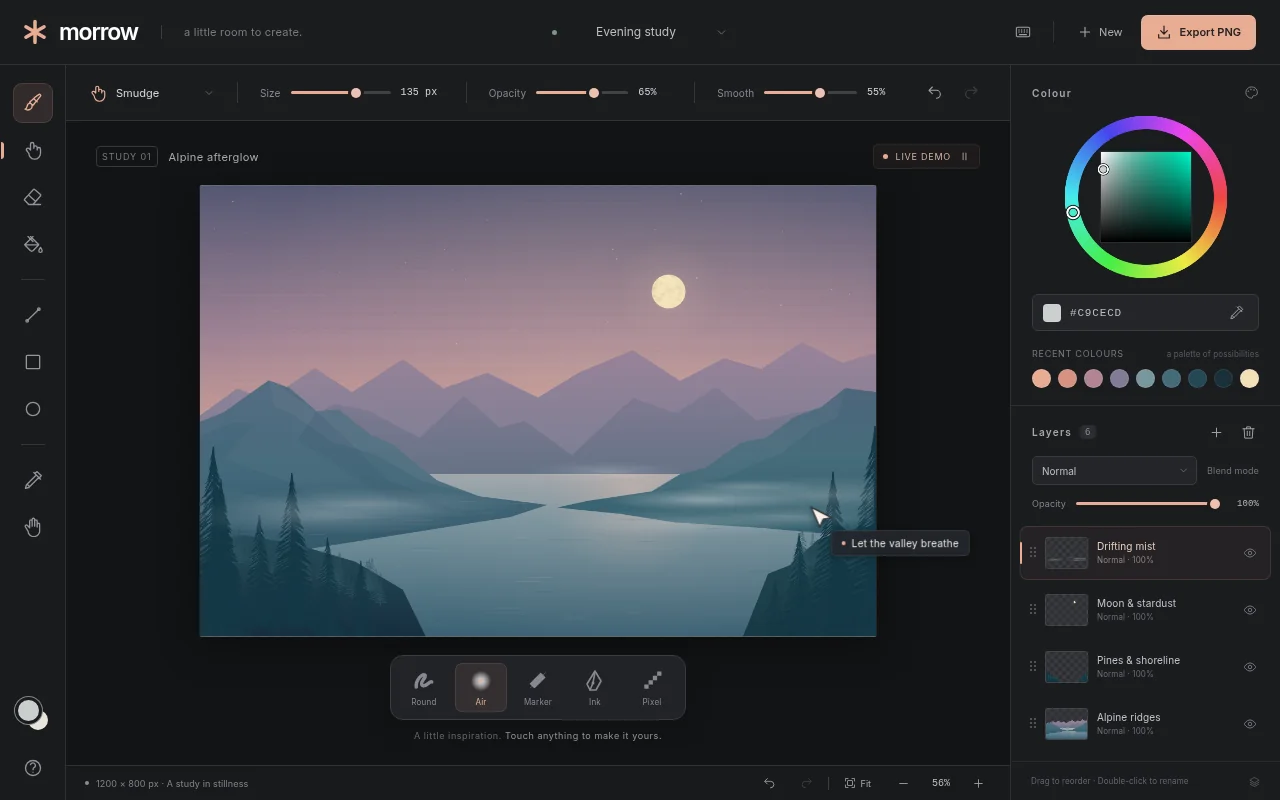
Open the live page in a new tab · Full result: prompt, transcript, cost and time
GPT-6 Astra OpenCode 1.18.32
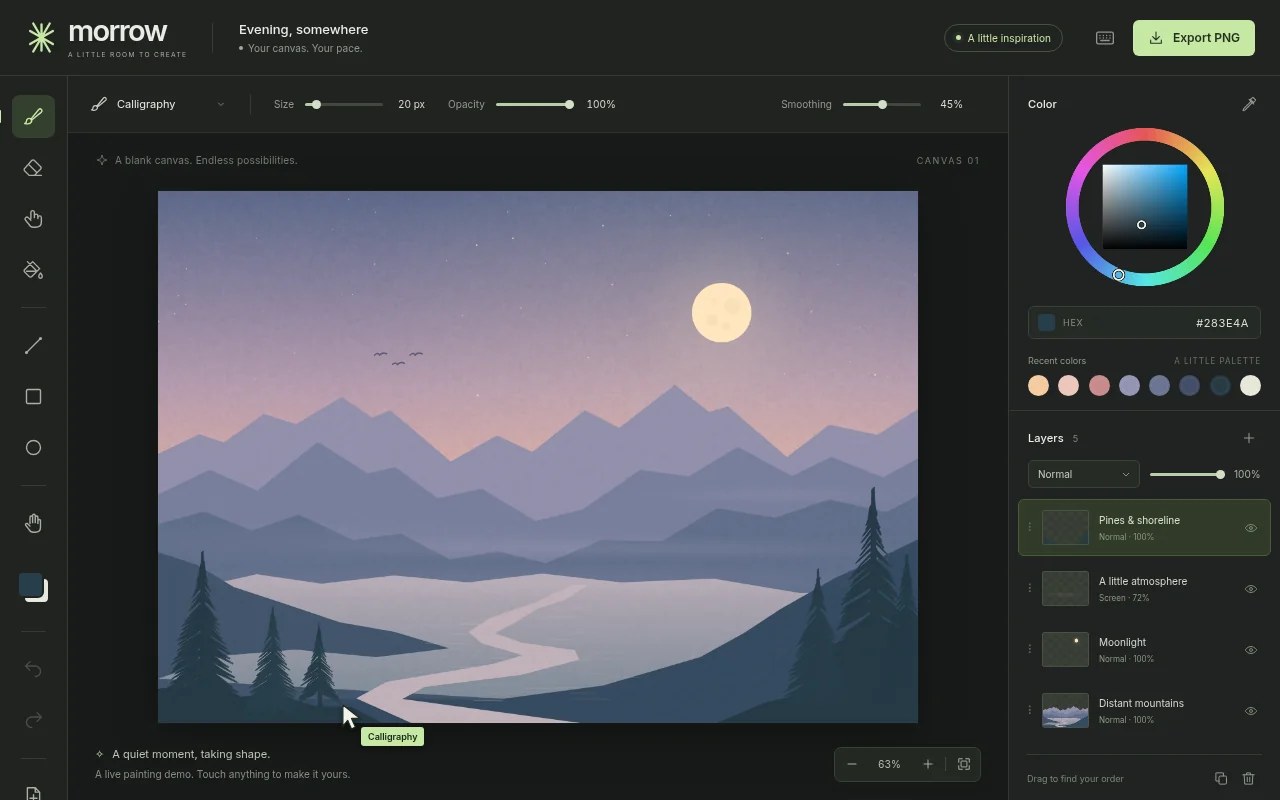
Open the live page in a new tab · Full result: prompt, transcript, cost and time
GPT-6 Sol Codex CLI 0.156.1
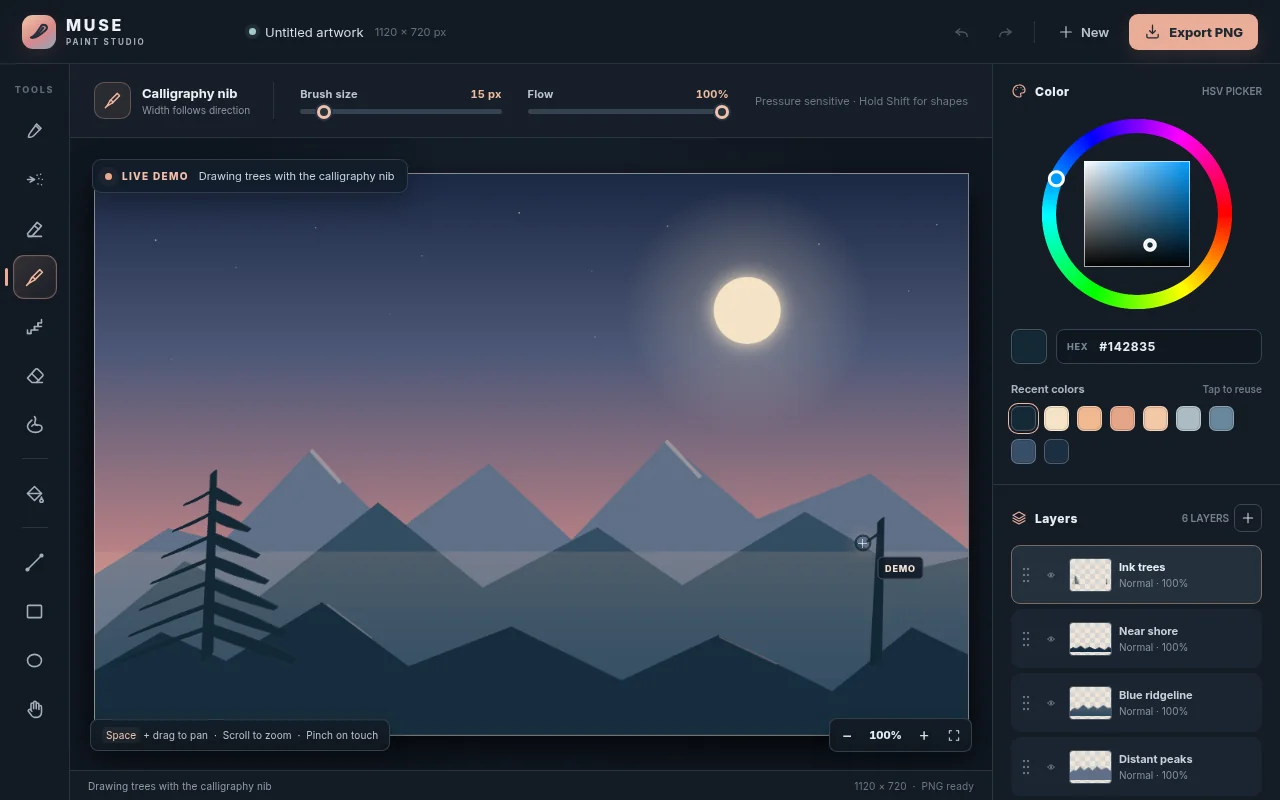
Open the live page in a new tab · Full result: prompt, transcript, cost and time
Photo editor Test page · 6 finished of 6
The prompt (the same for every model)
Build a working photo editor in one page in the spirit of Lightroom. Since no image files can be loaded from the network, first render a detailed photo-like scene procedurally onto a canvas (a mountain lake at golden hour with sky gradient, clouds, layered mountains, reflections, trees and noise grain), and also let the user open their own image file from disk. It needs non-destructive editing with a full adjustment panel: exposure, contrast, highlights, shadows, whites, blacks, temperature, tint, vibrance, saturation, clarity, a tone curve editor with draggable points per channel, HSL sliders per colour band, vignette and grain; crop and straighten with rule-of-thirds overlay and aspect presets; a live RGB histogram; a before and after split view with a draggable divider; preset looks (cinematic teal-orange, faded film, black and white high contrast, moody) that can be applied and then tweaked; full undo and redo history listing each step; and export to PNG. Processing must stay responsive: work on a preview-size buffer while dragging and render full resolution on release. So the page is alive without input, on load it runs a scripted demo: slides exposure and temperature, bends the tone curve, applies two presets, drags the before and after divider back and forth, crops, then resets and repeats with different settings, until the user touches anything. Make it look like a pro tool: dark UI, precise controls. Save it as index.html in the current directory: one self-contained file with inline CSS and JavaScript only, no libraries or frameworks, and no external requests of any kind (no CDNs, web fonts, images or audio files). It must work when opened directly from disk, fit any window from a 390 px wide phone to a desktop, and run without console errors. You may serve it locally and open it in headless chromium (/usr/bin/chromium, software WebGL, no GPU) to screenshot and inspect your own output, and iterate on your own before finishing. Close any browser you open as soon as you've taken your screenshot.
Claude Fable 5.1 Claude Code 2.1.280
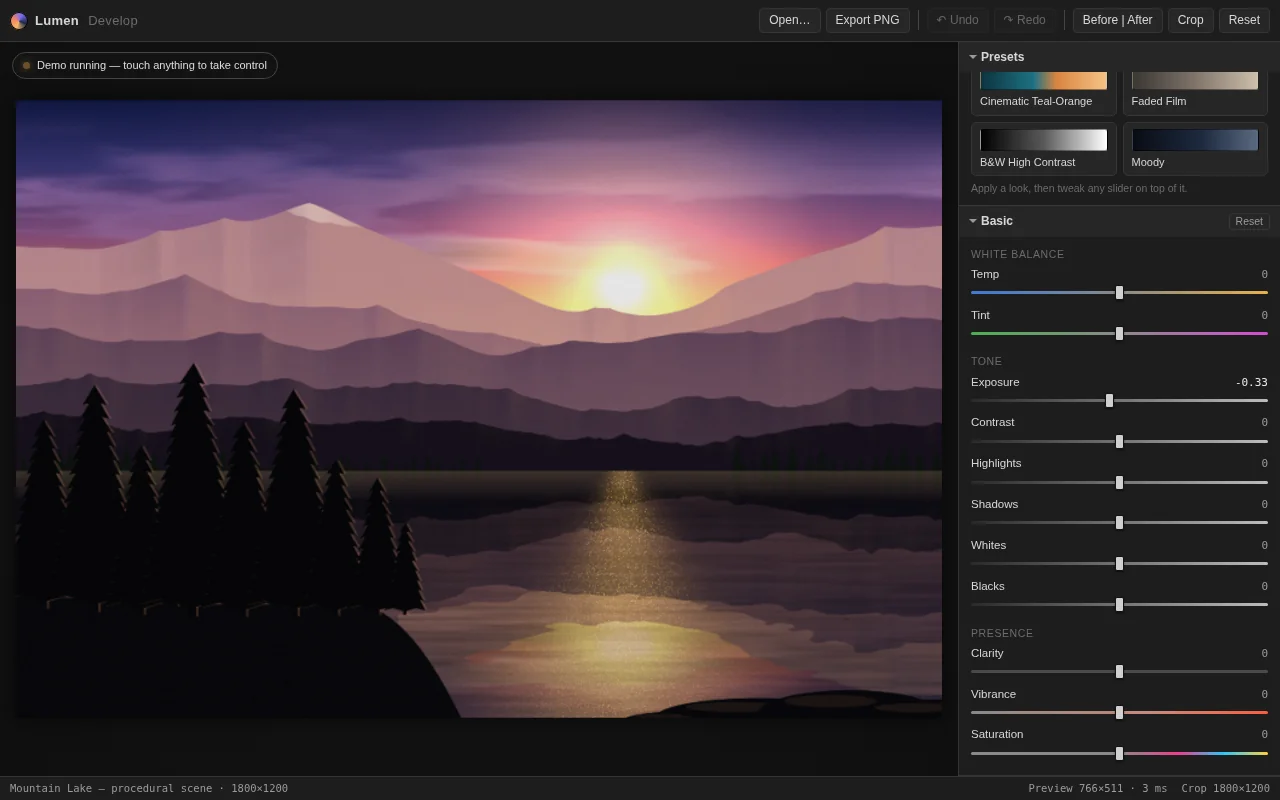
Open the live page in a new tab · Full result: prompt, transcript, cost and time
Claude Opus 5.5 Claude Code 2.1.280
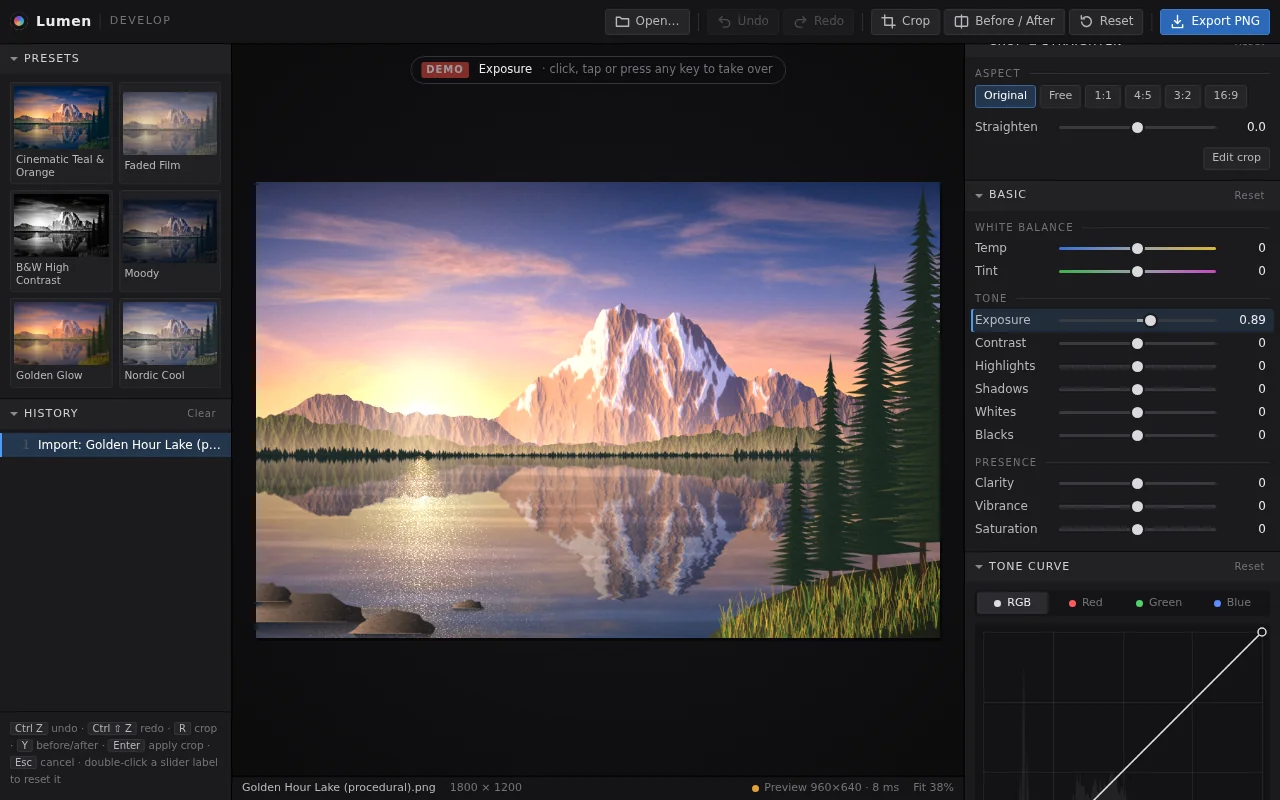
Open the live page in a new tab · Full result: prompt, transcript, cost and time
Claude Sonnet 5.5 Claude Code 2.1.280
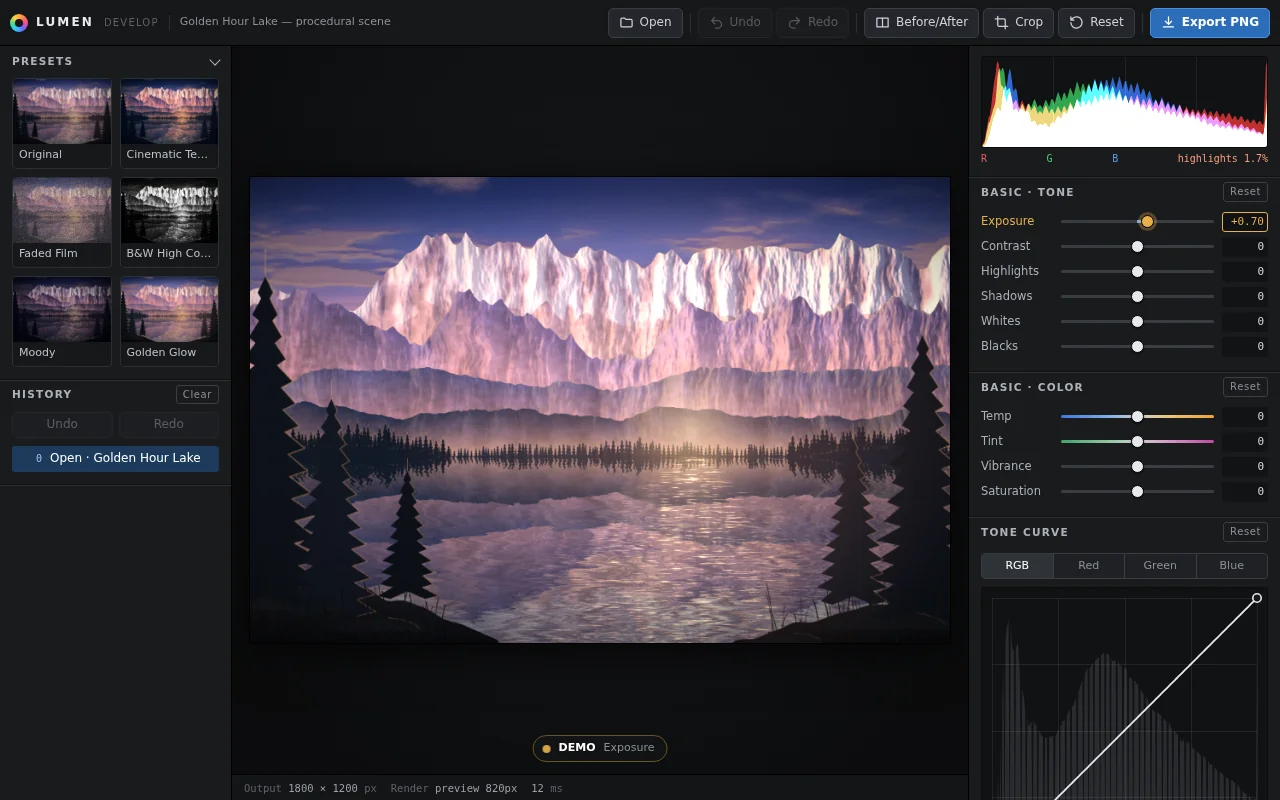
Open the live page in a new tab · Full result: prompt, transcript, cost and time
DeepSeek V4.1 Flash OpenCode 1.18.32
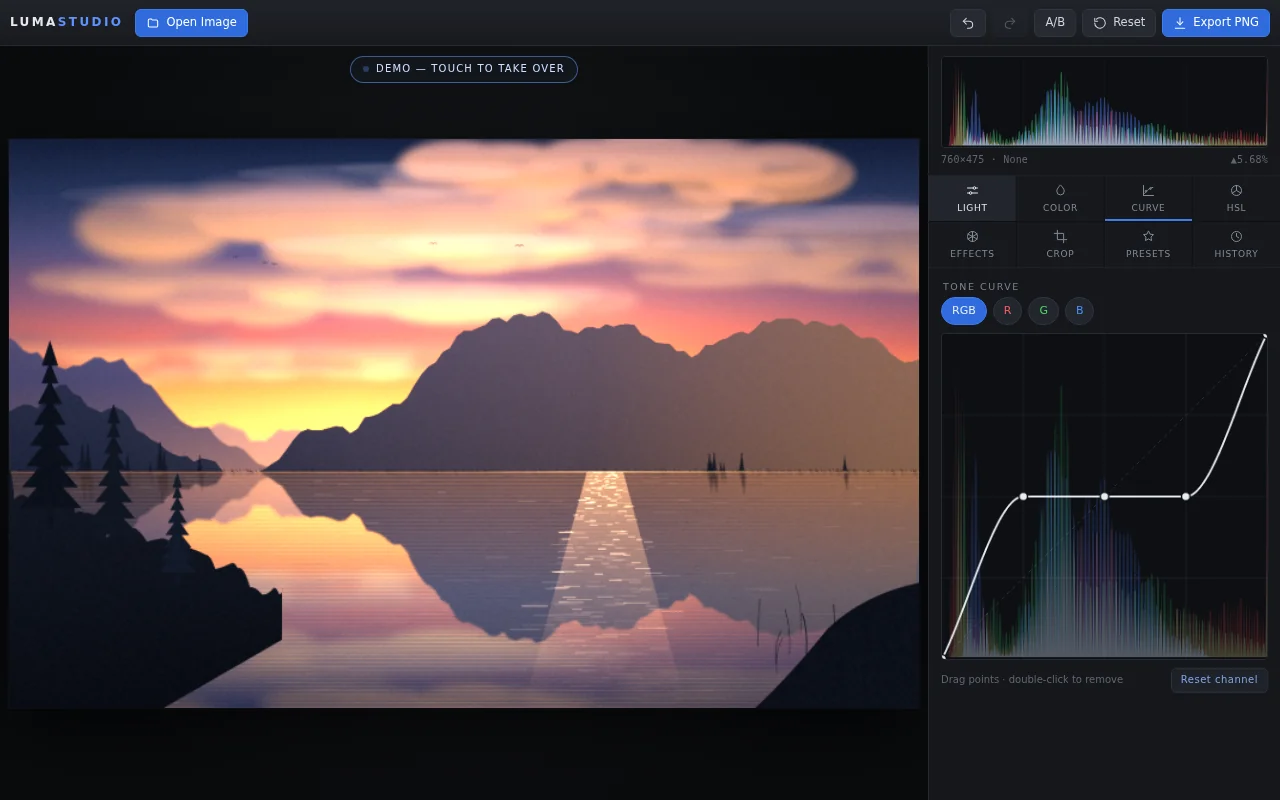
Open the live page in a new tab · Full result: prompt, transcript, cost and time
GPT-6 Astra OpenCode 1.18.32
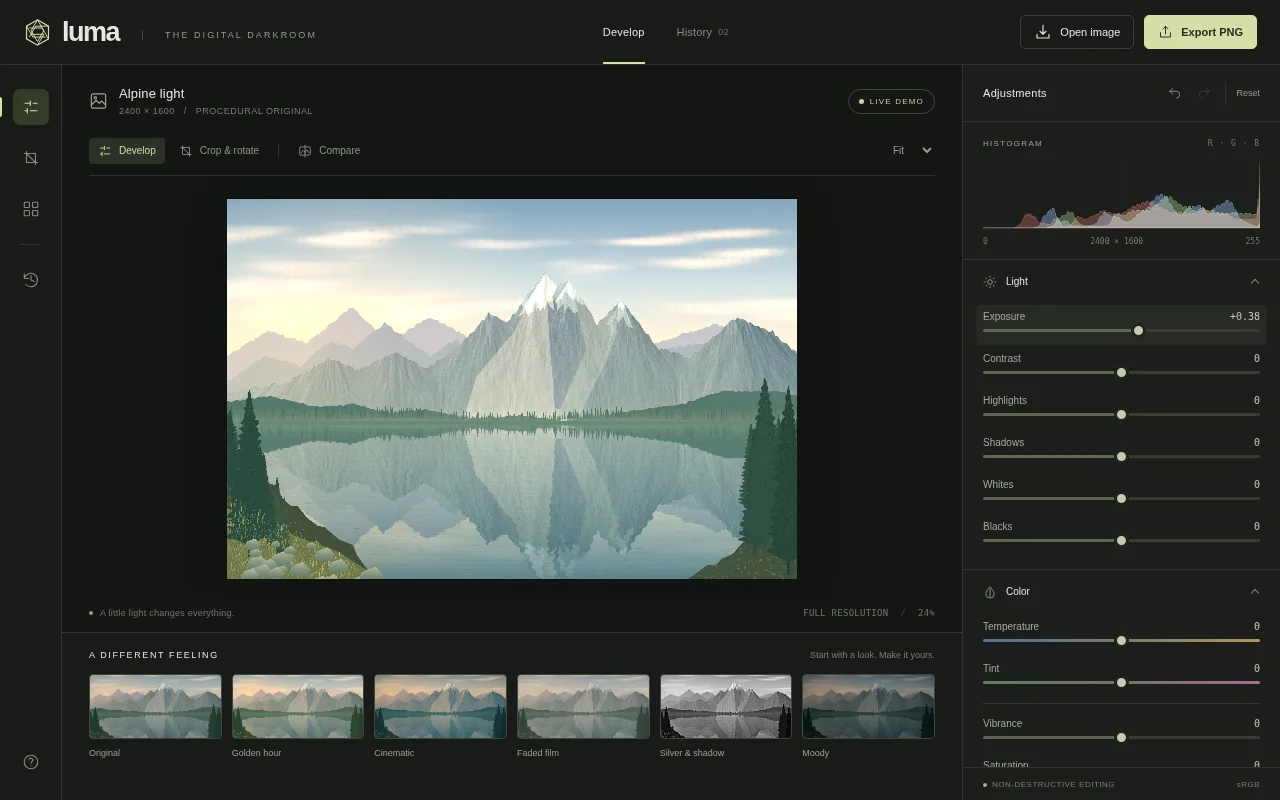
Open the live page in a new tab · Full result: prompt, transcript, cost and time
GPT-6 Sol Codex CLI 0.156.1
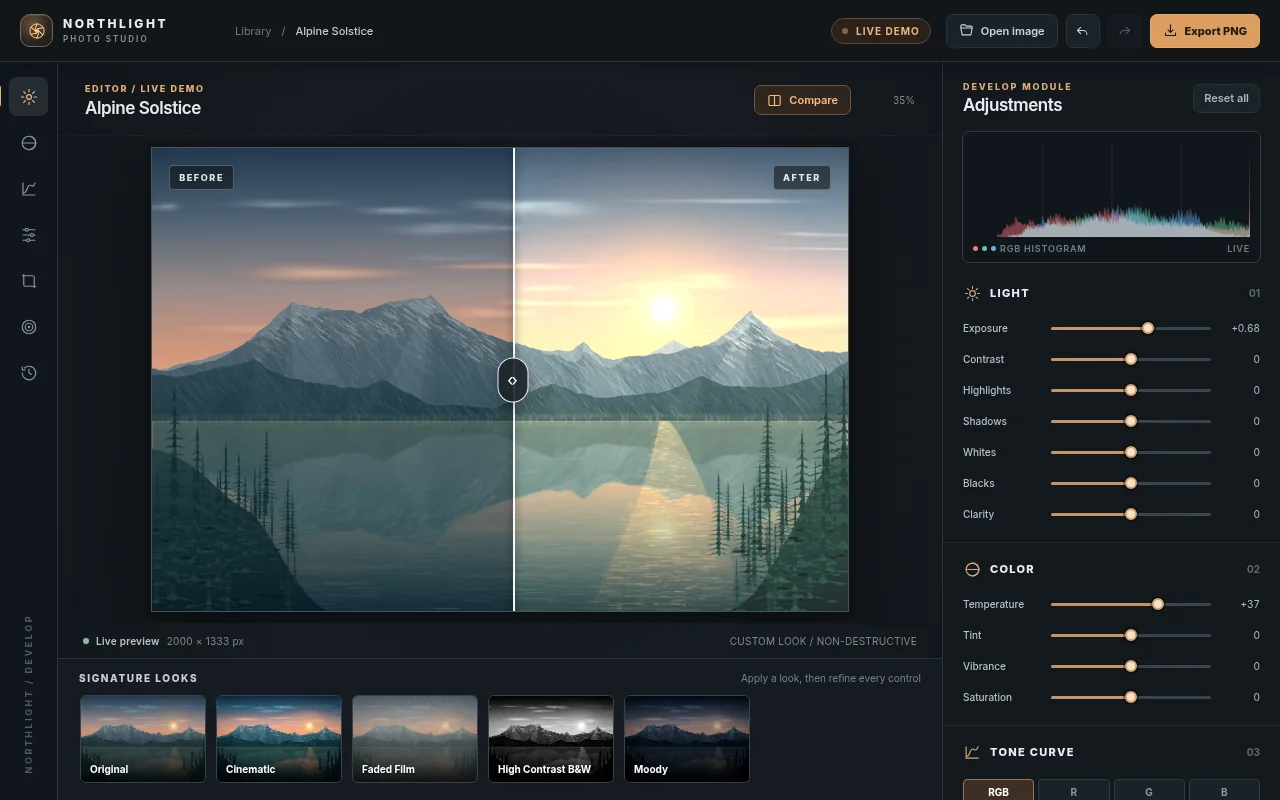
Open the live page in a new tab · Full result: prompt, transcript, cost and time