Photo editor
Build a working photo editor in one page in the spirit of Lightroom.
More
1 test · 6 finished runs (6 agent, 0 raw one-shot) · 6 live demos
The prompt
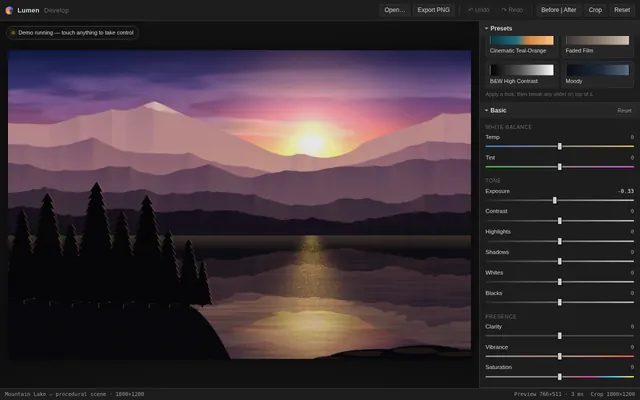
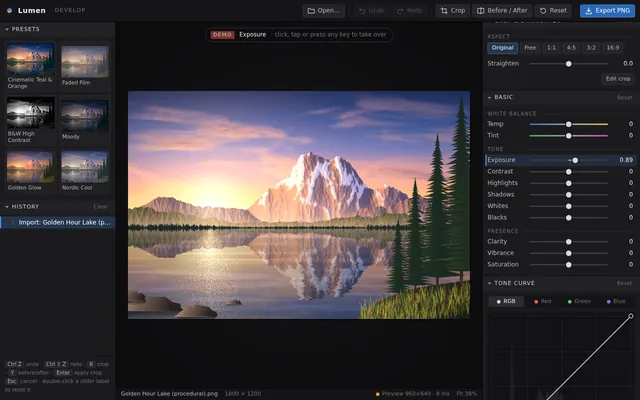
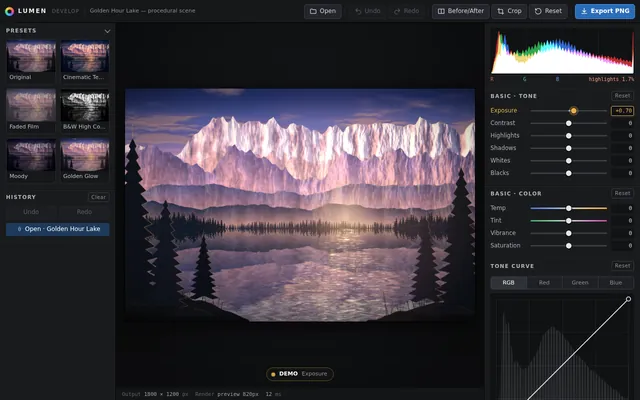
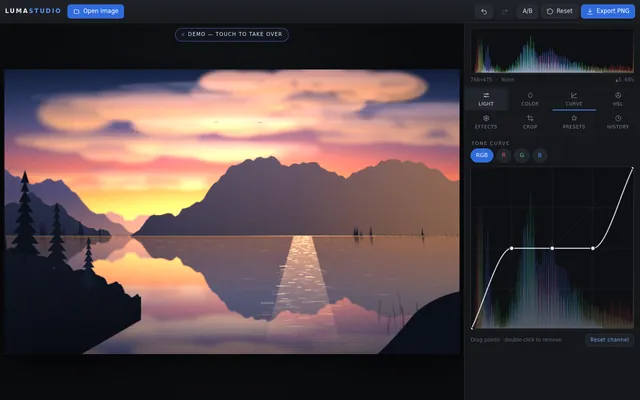
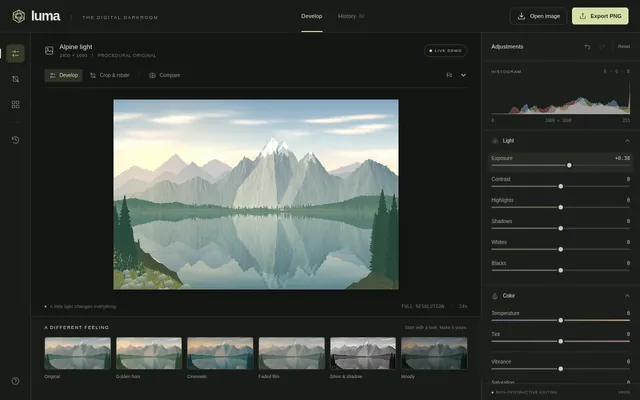
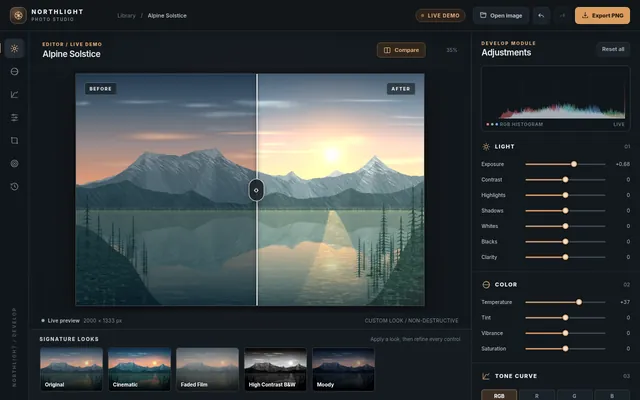
Build a working photo editor in one page in the spirit of Lightroom. Since no image files can be loaded from the network, first render a detailed photo-like scene procedurally onto a canvas (a mountain lake at golden hour with sky gradient, clouds, layered mountains, reflections, trees and noise grain), and also let the user open their own image file from disk. It needs non-destructive editing with a full adjustment panel: exposure, contrast, highlights, shadows, whites, blacks, temperature, tint, vibrance, saturation, clarity, a tone curve editor with draggable points per channel, HSL sliders per colour band, vignette and grain; crop and straighten with rule-of-thirds overlay and aspect presets; a live RGB histogram; a before and after split view with a draggable divider; preset looks (cinematic teal-orange, faded film, black and white high contrast, moody) that can be applied and then tweaked; full undo and redo history listing each step; and export to PNG. Processing must stay responsive: work on a preview-size buffer while dragging and render full resolution on release. So the page is alive without input, on load it runs a scripted demo: slides exposure and temperature, bends the tone curve, applies two presets, drags the before and after divider back and forth, crops, then resets and repeats with different settings, until the user touches anything. Make it look like a pro tool: dark UI, precise controls. Save it as index.html in the current directory: one self-contained file with inline CSS and JavaScript only, no libraries or frameworks, and no external requests of any kind (no CDNs, web fonts, images or audio files). It must work when opened directly from disk, fit any window from a 390 px wide phone to a desktop, and run without console errors. You may serve it locally and open it in headless chromium (/usr/bin/chromium, software WebGL, no GPU) to screenshot and inspect your own output, and iterate on your own before finishing. Close any browser you open as soon as you've taken your screenshot.
Same prompt, all models: step through 6 runsIn the gallery: one player, arrow keys or swipe.