Spreadsheet
Build a working mini spreadsheet app in one web page.
More
1 test · 7 finished runs (7 agent, 0 raw one-shot) · 7 live demos
The prompt
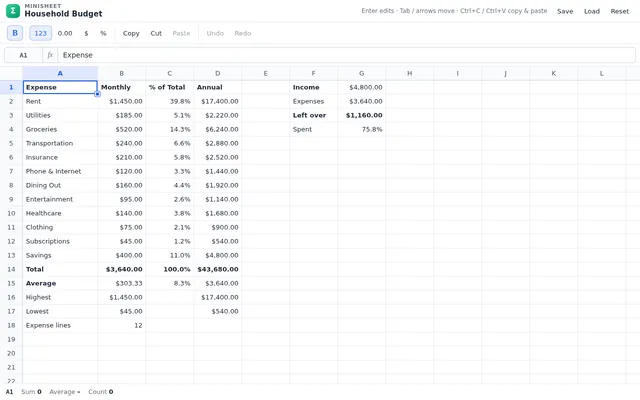
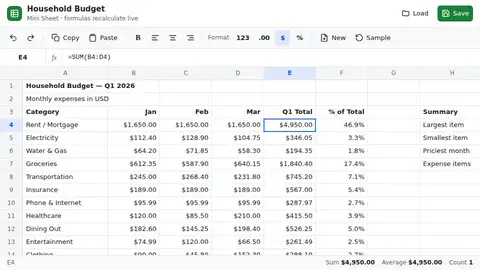
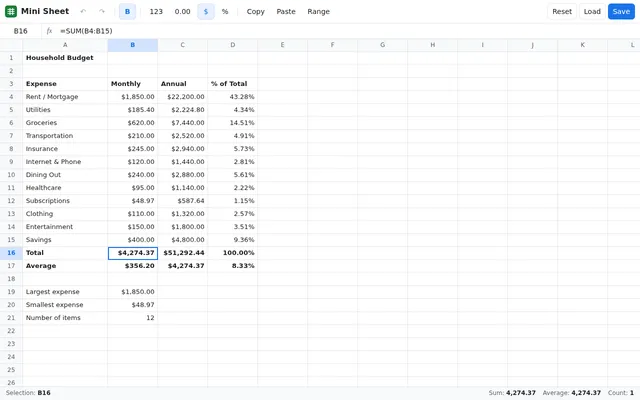
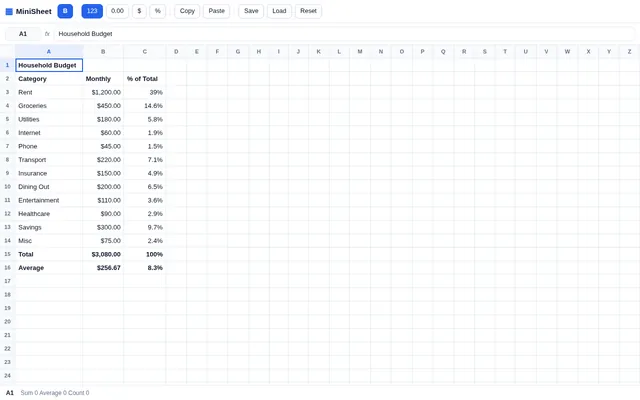
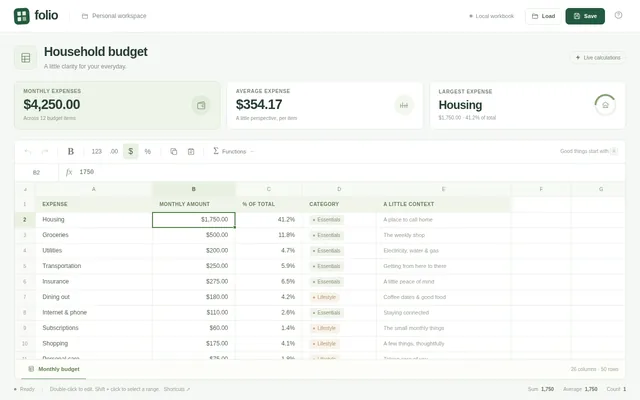
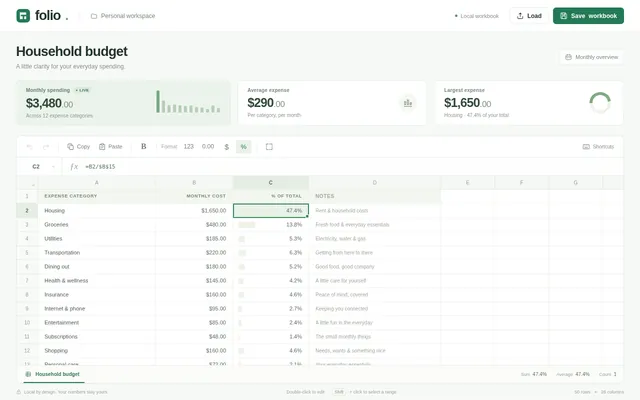
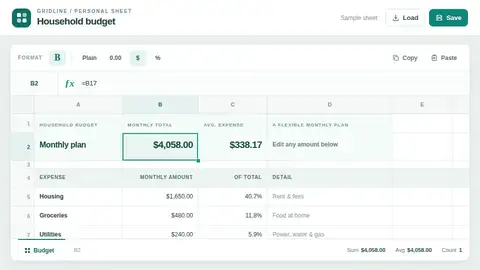
Build a working mini spreadsheet app in one web page. It needs a grid with column letters A to Z and row numbers 1 to 50, a formula bar that shows the raw content of the selected cell, and editing by typing or double-clicking (Enter commits and moves down, Tab moves right, Escape cancels, arrow keys move the selection). Cells hold numbers, text or formulas starting with =. Formulas support + - * / and parentheses, cell references (A1), ranges (A1:B5) and the functions SUM, AVERAGE, MIN, MAX and COUNT; every dependent cell recalculates instantly when a referenced cell changes. Show #REF! for a bad reference, #DIV/0! for division by zero and #CIRC! for a circular reference instead of hanging. Support selecting a rectangular range by dragging or shift-clicking, with a status bar showing that range's sum, average and count; copy and paste within the grid (references in pasted formulas shift relative to the move); bold and number-format buttons (plain, 2 decimals, currency, percent); and a save to and load from localStorage. So the first view is meaningful, on load the sheet opens with a household budget already filled in: twelve expense rows with monthly amounts, a total row and an average row built with formulas, and a percent-of-total column built with formulas, all computed live. Make it look like a clean modern spreadsheet that is usable on desktop and phone. Save it as index.html in the current directory: one self-contained file with inline CSS and JavaScript only, no libraries or frameworks, and no external requests of any kind (no CDNs, web fonts, images or audio files). It must work when opened directly from disk, fit any window from a 390 px wide phone to a desktop, and run without console errors. You may serve it locally and open it in headless chromium (/usr/bin/chromium, software WebGL, no GPU) to screenshot and inspect your own output, and iterate on your own before finishing. Close any browser you open as soon as you've taken your screenshot.
Same prompt, all models: step through 7 runsIn the gallery: one player, arrow keys or swipe.