Paint studio
Build a working digital painting app in one page, a compact cross between MS Paint and Procreate.
More
1 test · 5 finished runs (5 agent, 0 raw one-shot) · 5 live demos
The prompt
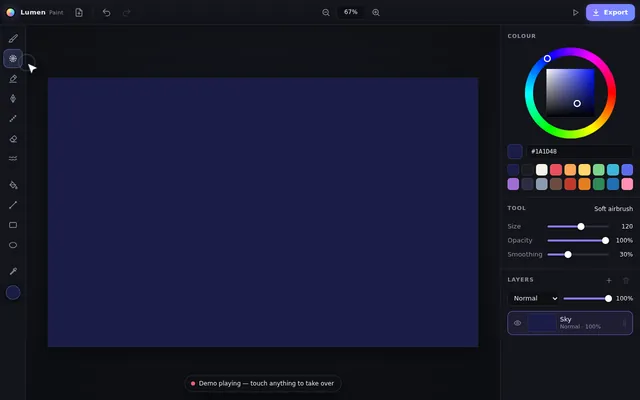
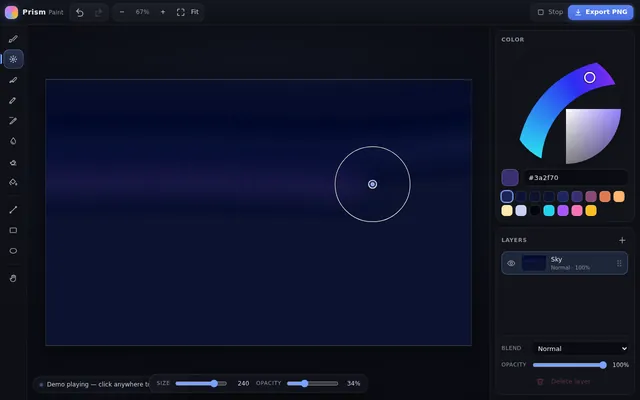
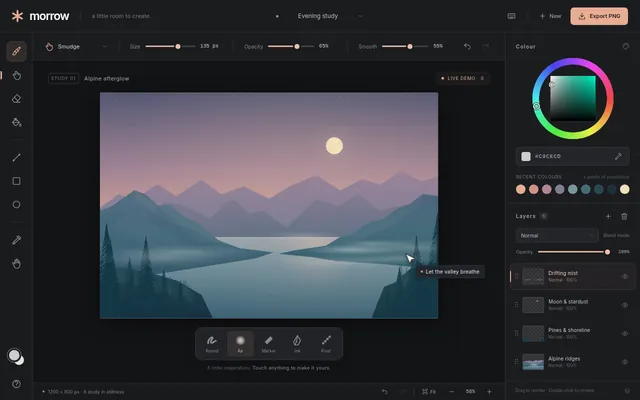
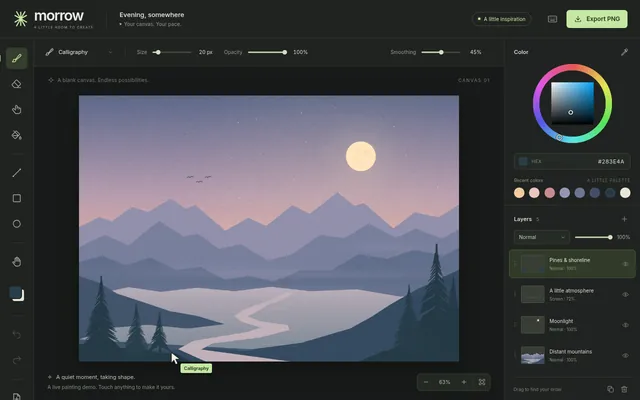
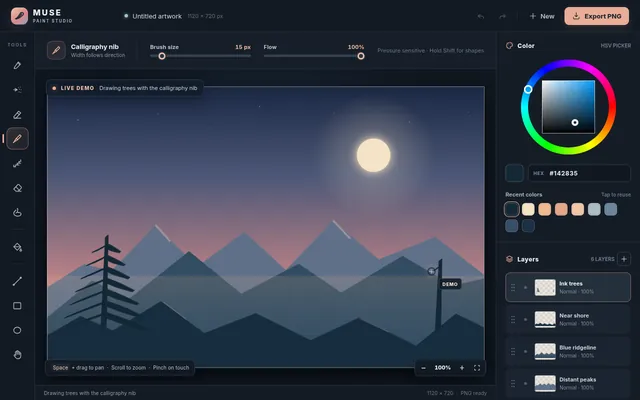
Build a working digital painting app in one page, a compact cross between MS Paint and Procreate. It needs: a large canvas with pressure-friendly smooth strokes using pointer events (mouse, touch and pen) with stroke smoothing; brushes (round, soft airbrush, marker, calligraphy nib whose width depends on direction, pixel pencil, eraser, smudge); a colour wheel with hue ring and saturation-value square, hex input and a palette of recent colours; flood fill with tolerance; shapes (line, rectangle, ellipse) with shift to constrain; layers panel with add, delete, reorder by drag, opacity, visibility, blend modes (normal, multiply, screen, overlay) and live thumbnails; unlimited undo and redo; pinch and wheel zoom plus pan with the space bar; and export of the flattened image as a PNG download. So the page is alive without input, on load it plays a scripted painting demo with a visible cursor: it paints a small landscape at dusk on several layers (sky gradient, mountains, a moon, trees with the calligraphy brush, smudged fog), changes blend modes, zooms in and out, undoes a stroke and redoes it, then clears and paints a different scene, looping until the user touches the canvas or any control. Make the interface sleek and dark, with the painting as the hero. Save it as index.html in the current directory: one self-contained file with inline CSS and JavaScript only, no libraries or frameworks, and no external requests of any kind (no CDNs, web fonts, images or audio files). It must work when opened directly from disk, fit any window from a 390 px wide phone to a desktop, and run without console errors. You may serve it locally and open it in headless chromium (/usr/bin/chromium, software WebGL, no GPU) to screenshot and inspect your own output, and iterate on your own before finishing. Close any browser you open as soon as you've taken your screenshot.
Same prompt, all models: step through 5 runsIn the gallery: one player, arrow keys or swipe.