Stopped (our timeout)
Our own timeout ended the run before any output. Not a model failure.
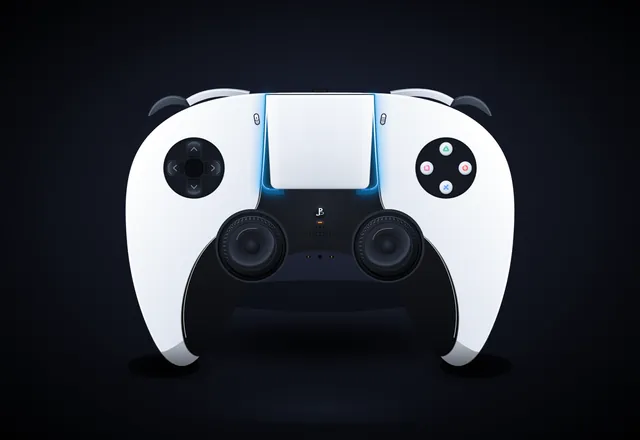
Create a single self-contained SVG illustration of the Sony PS5 Pro DualSense wireless controller at MAXIMUM fidelity. This is a showcase piece: take your time to plan the geometry carefully before writing it. Requirements: 1) Accurate DualSense silhouette and proportions: a wide body with the large, wide touchpad spanning the top centre, two flared, rounded grips sweeping down and outward, and a perfectly symmetrical left/right layout. White outer shell with the black central core section. 2) Face buttons on the right in the classic diamond: triangle (top), circle (right), cross (bottom), square (left), each drawn as clean PlayStation symbols in their real colours (green triangle, red circle, blue cross, pink square) in the modern outline style on light buttons, with subtle bevels. 3) D-pad on the left as FOUR separate arrow-shaped directional buttons (up, down, left, right), not a single cross. 4) Two black analog sticks with concave tops and a textured grip ring (fine radial or dotted texture) and shading. 5) The PlayStation logo button centred below the touchpad between the sticks, the small mic mute button with its orange-tinted indicator line just below it, the Create button (left) and Options button (right) flanking the touchpad. 6) The blue light-bar glow running along both side edges of the touchpad, with a soft bloom. Speaker grille holes on the black core. 7) Realistic product-render shading: gradients, specular highlights, soft ambient occlusion, a contact shadow beneath the controller. 8) A clean dark studio background with a subtle radial vignette. Front-on hero shot, centred and filling the frame well. Use viewBox="0 0 1600 1100" with width="1600" height="1100". No external assets, no raster images, no fonts, no scripts. Output ONLY the complete SVG code, starting with <svg and ending with </svg>, with no explanation or markdown fences. Save it as controller.svg in the current directory. You may render and inspect your own output (headless chromium is available at /usr/bin/chromium) and iterate on your own before finishing.
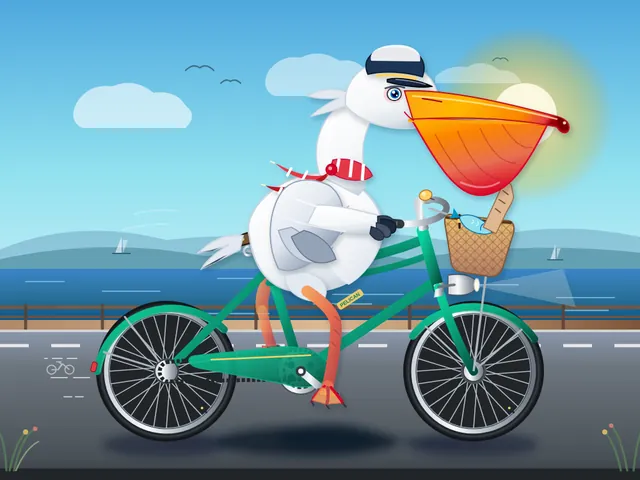
Generate an SVG of a pelican riding a bicycle. Save it as pelican.svg in the current directory. You may render and inspect your own output (headless chromium is available at /usr/bin/chromium) and iterate on your own before finishing.
Generate an SVG that looks like a realistic 3D render of a MacBook Pro 16" (opened, slight three-quarter view, screen glow, aluminum body). Use gradients and perspective to fake the 3D. Save it as macbook.svg in the current directory. You may render and inspect your own output (headless chromium is available at /usr/bin/chromium) and iterate on your own before finishing.
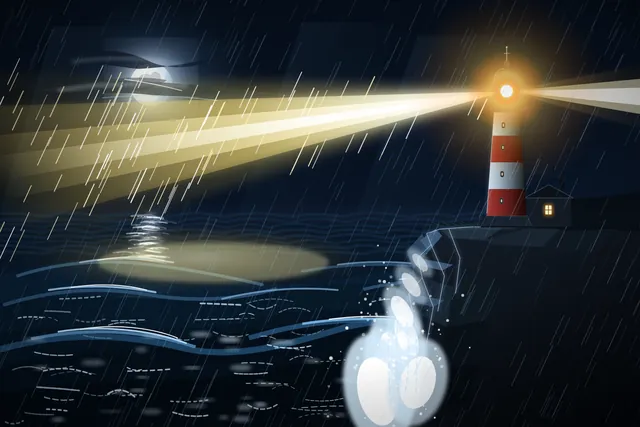
Create an SVG of a lighthouse on a rocky headland at night: stormy sea, the lighthouse beam cutting through rain and mist, moonlight on the waves, as atmospheric and painterly as you can. Save it as lighthouse.svg in the current directory. You may render and inspect your own output (headless chromium is available at /usr/bin/chromium) and iterate on your own before finishing.
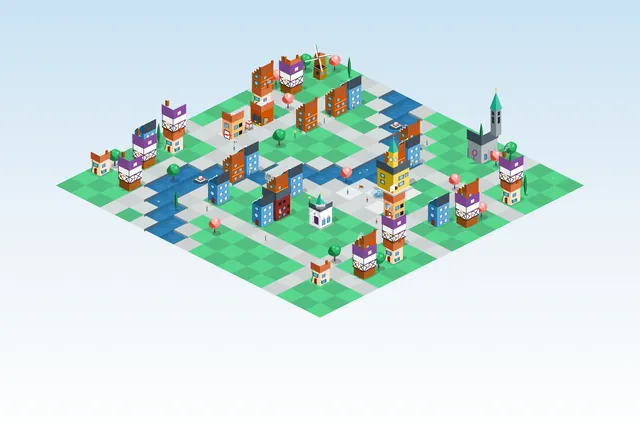
Create an isometric SVG town: first design a small sprite sheet of distinct buildings (in <defs>), then place 20+ of them on an isometric grid with roads, trees, a river and a bridge. Pick your own theme and palette. Save it as town.svg in the current directory. You may render and inspect your own output (headless chromium is available at /usr/bin/chromium) and iterate on your own before finishing.
Generate an animated SVG of a pelican riding a bicycle: the wheels and pedals turn, the legs pedal in sync, and it loops seamlessly. Use only SVG/SMIL or CSS inside the SVG, no JavaScript. Save it as pelican_animated.svg in the current directory. You may render and inspect your own output (headless chromium is available at /usr/bin/chromium) and iterate on your own before finishing.

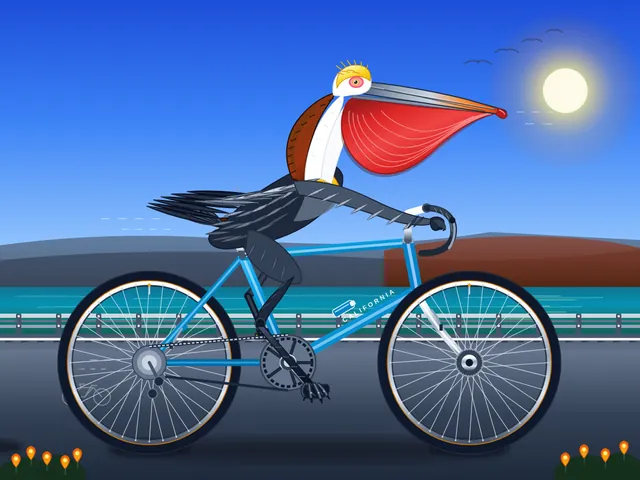
Generate an SVG of a California brown pelican riding a bicycle. The bicycle must have spokes and a correctly shaped bicycle frame. The pelican must have its characteristic large pouch, and there should be a clear indication of feathers. The pelican must be clearly pedaling the bicycle. The image should show the full breeding plumage of the California brown pelican. Save it as brown_pelican.svg in the current directory. You may render and inspect your own output (headless chromium is available at /usr/bin/chromium) and iterate on your own before finishing.
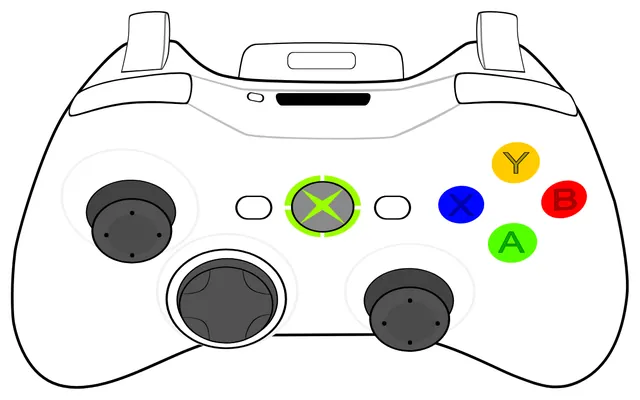
Create an SVG image of an Xbox 360 controller. Save it as xbox360.svg in the current directory. You may render and inspect your own output (headless chromium is available at /usr/bin/chromium) and iterate on your own before finishing.
Create a clean SVG illustration of a BMW M4 Competition in a side view. The image must follow a 4:3 aspect ratio. Use the original factory color of the BMW M4 Competition. Focus on coupe proportions and sporty stance. Use vector shapes without gradients. Save it as bmw_m4.svg in the current directory. You may render and inspect your own output (headless chromium is available at /usr/bin/chromium) and iterate on your own before finishing.
create an svg where a dolphin is riding a bicycle while using vlogging with a phone. Save it as dolphin.svg in the current directory. You may render and inspect your own output (headless chromium is available at /usr/bin/chromium) and iterate on your own before finishing.
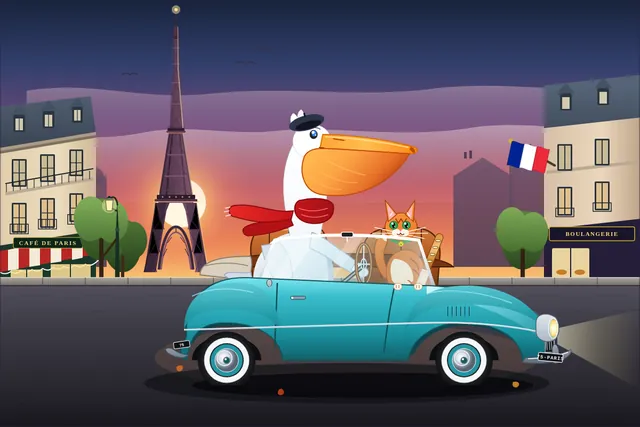
Generate an SVG of a pelican riding a car in France with a cat sitting beside it. Background has Eiffel tower. Save it as pelican_car.svg in the current directory. You may render and inspect your own output (headless chromium is available at /usr/bin/chromium) and iterate on your own before finishing.
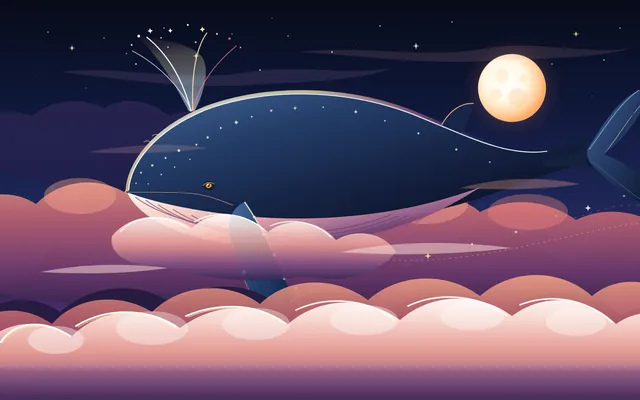
Create code for an SVG of a whale flying through the clouds. Save it as whale.svg in the current directory. You may render and inspect your own output (headless chromium is available at /usr/bin/chromium) and iterate on your own before finishing.