Claude Fable 5.1 · Harness lane
- 161 finished runs
- 143 prompts
- 1 model
- every prompt published
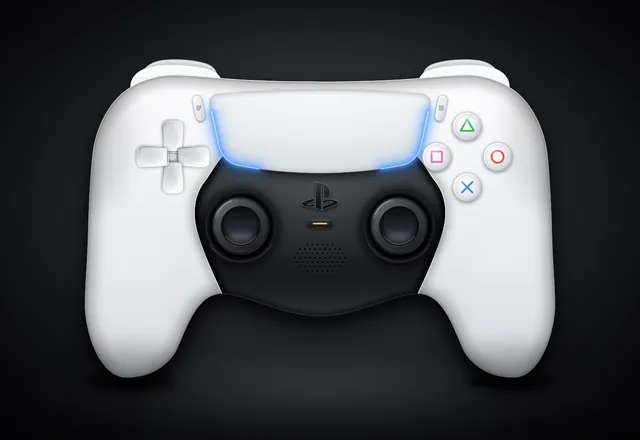
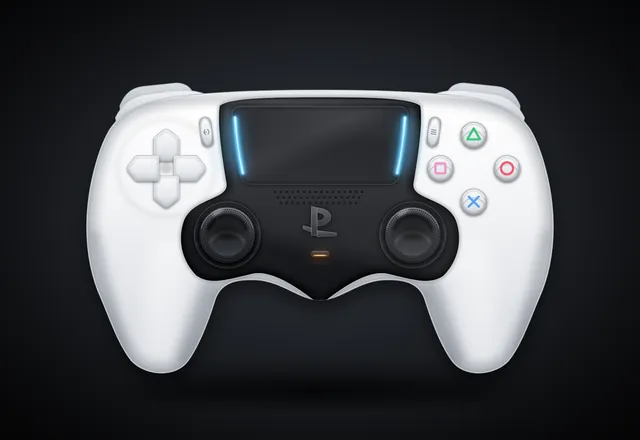
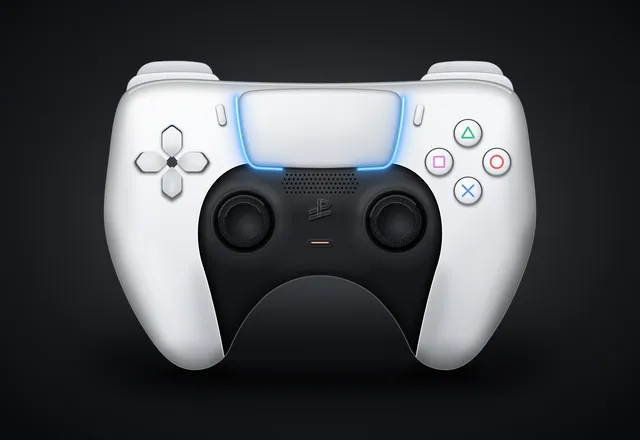
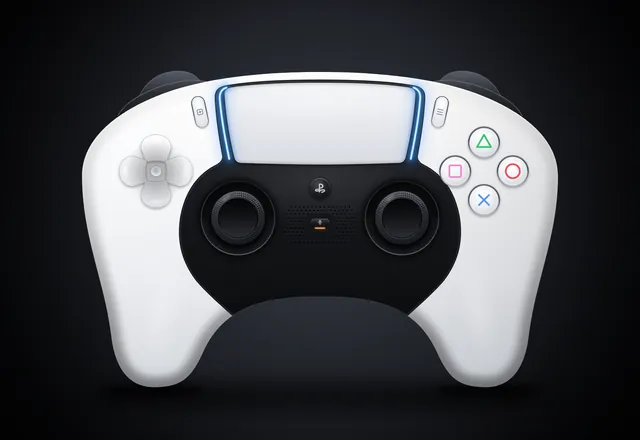
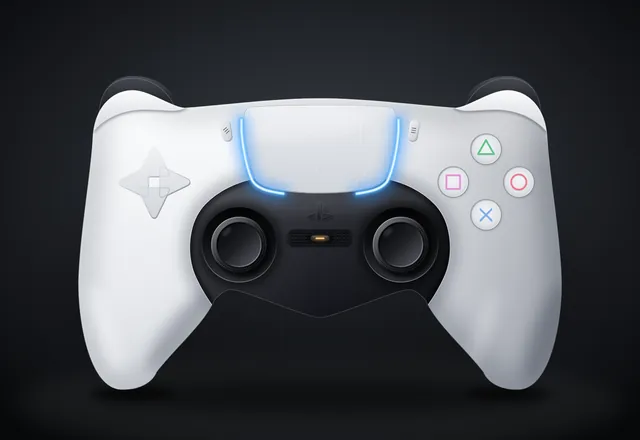
PS5 Pro DualSense controller (max-fidelity SVG)
harness
Create a single self-contained SVG illustration of the Sony PS5 Pro DualSense wireless controller at MAXIMUM fidelity. This is a showcase piece: take your time to plan the geometry carefully before writing it. Requirements: 1) Accurate DualSense silhouette and proportions: a wide body with the large, wide touchpad spanning the top centre, two flared, rounded grips sweeping down and outward, and a perfectly symmetrical left/right layout. White outer shell with the black central core section. 2) Face buttons on the right in the classic diamond: triangle (top), circle (right), cross (bottom), square (left), each drawn as clean PlayStation symbols in their real colours (green triangle, red circle, blue cross, pink square) in the modern outline style on light buttons, with subtle bevels. 3) D-pad on the left as FOUR separate arrow-shaped directional buttons (up, down, left, right), not a single cross. 4) Two black analog sticks with concave tops and a textured grip ring (fine radial or dotted texture) and shading. 5) The PlayStation logo button centred below the touchpad between the sticks, the small mic mute button with its orange-tinted indicator line just below it, the Create button (left) and Options button (right) flanking the touchpad. 6) The blue light-bar glow running along both side edges of the touchpad, with a soft bloom. Speaker grille holes on the black core. 7) Realistic product-render shading: gradients, specular highlights, soft ambient occlusion, a contact shadow beneath the controller. 8) A clean dark studio background with a subtle radial vignette. Front-on hero shot, centred and filling the frame well. Use viewBox="0 0 1600 1100" with width="1600" height="1100". No external assets, no raster images, no fonts, no scripts. Output ONLY the complete SVG code, starting with <svg and ending with </svg>, with no explanation or markdown fences. Save it as controller.svg in the current directory. You may render and inspect your own output (headless chromium is available at /usr/bin/chromium) and iterate on your own before finishing.
raw
Create a single self-contained SVG illustration of the Sony PS5 Pro DualSense wireless controller at MAXIMUM fidelity. This is a showcase piece: take your time to plan the geometry carefully before writing it. Requirements: 1) Accurate DualSense silhouette and proportions: a wide body with the large, wide touchpad spanning the top centre, two flared, rounded grips sweeping down and outward, and a perfectly symmetrical left/right layout. White outer shell with the black central core section. 2) Face buttons on the right in the classic diamond: triangle (top), circle (right), cross (bottom), square (left), each drawn as clean PlayStation symbols in their real colours (green triangle, red circle, blue cross, pink square) in the modern outline style on light buttons, with subtle bevels. 3) D-pad on the left as FOUR separate arrow-shaped directional buttons (up, down, left, right), not a single cross. 4) Two black analog sticks with concave tops and a textured grip ring (fine radial or dotted texture) and shading. 5) The PlayStation logo button centred below the touchpad between the sticks, the small mic mute button with its orange-tinted indicator line just below it, the Create button (left) and Options button (right) flanking the touchpad. 6) The blue light-bar glow running along both side edges of the touchpad, with a soft bloom. Speaker grille holes on the black core. 7) Realistic product-render shading: gradients, specular highlights, soft ambient occlusion, a contact shadow beneath the controller. 8) A clean dark studio background with a subtle radial vignette. Front-on hero shot, centred and filling the frame well. Use viewBox="0 0 1600 1100" with width="1600" height="1100". No external assets, no raster images, no fonts, no scripts. Output ONLY the complete SVG code, starting with <svg and ending with </svg>, with no explanation or markdown fences.
Harness-config failure (ours)
Our harness configuration killed the run before any output. Not a model failure.
Infrastructure DNF
The connection upstream of the harness dropped the run before any output. Not a model failure.
Stopped (our timeout)
Our own timeout ended the run before any output. Not a model failure.
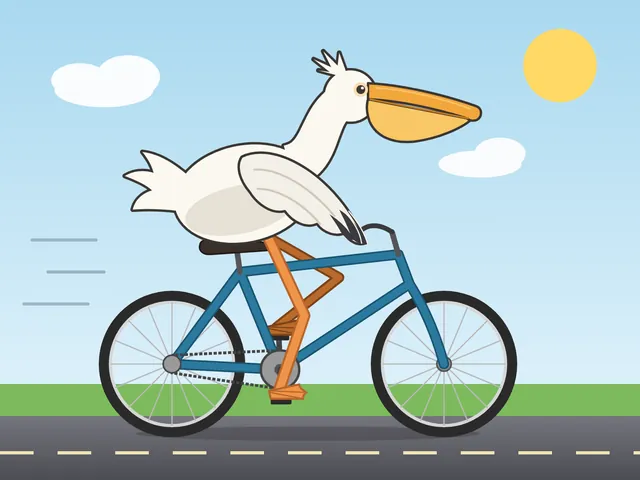
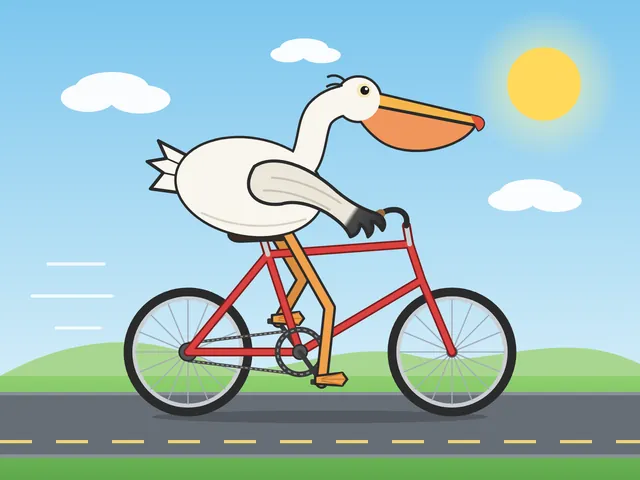
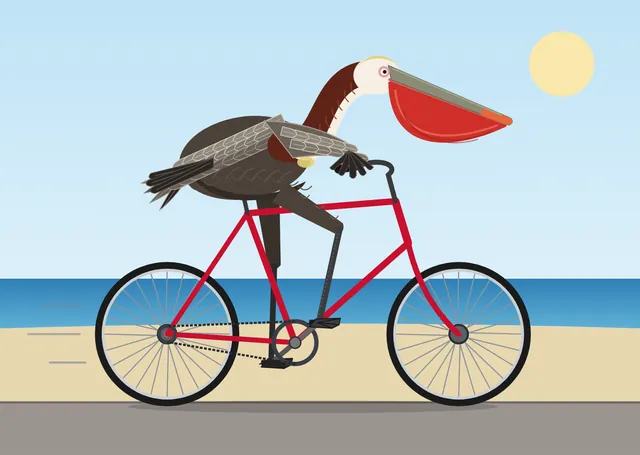
Pelican riding a bicycle (control)
Generate an SVG of a pelican riding a bicycle. Save it as pelican.svg in the current directory. You may render and inspect your own output (headless chromium is available at /usr/bin/chromium) and iterate on your own before finishing.
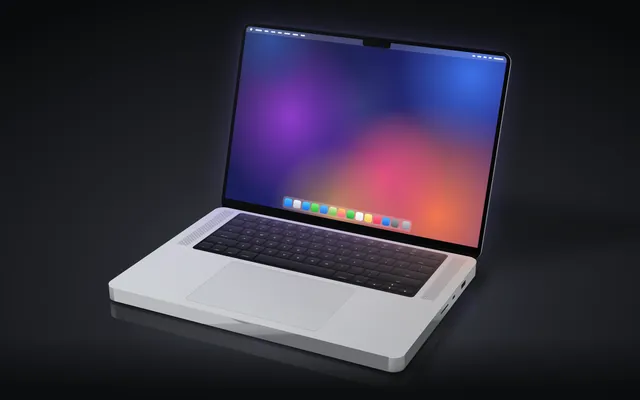
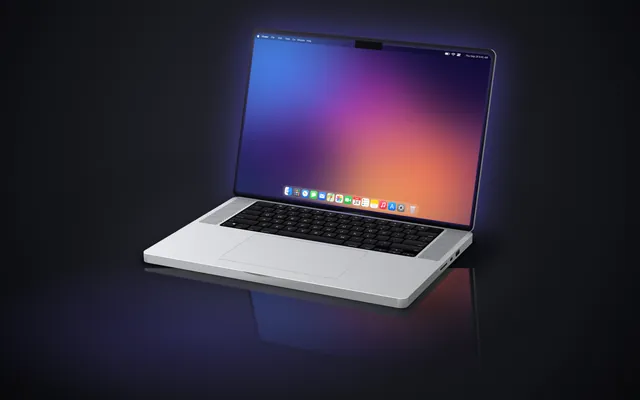
MacBook Pro 16" realistic 3D render (Playcode benchmark)
Generate an SVG that looks like a realistic 3D render of a MacBook Pro 16" (opened, slight three-quarter view, screen glow, aluminum body). Use gradients and perspective to fake the 3D. Save it as macbook.svg in the current directory. You may render and inspect your own output (headless chromium is available at /usr/bin/chromium) and iterate on your own before finishing.
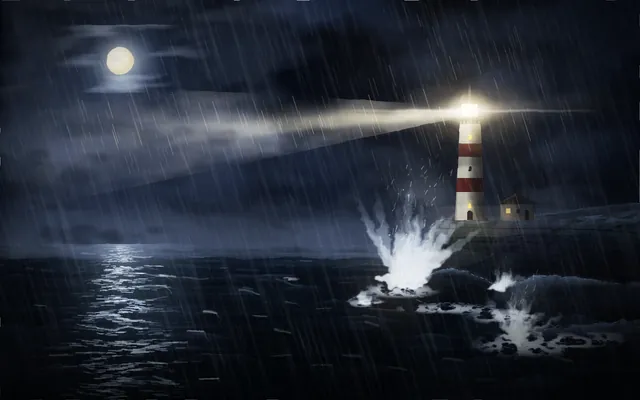
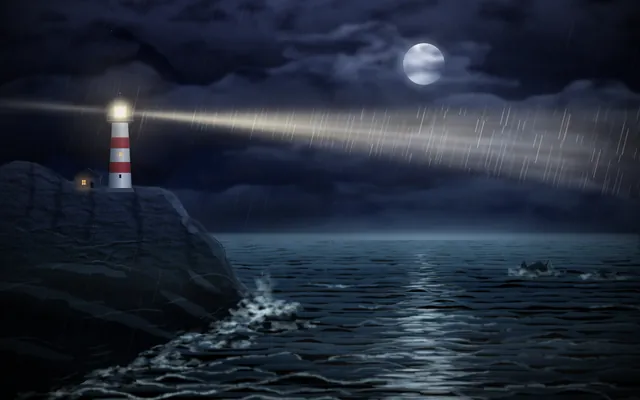
Lighthouse on a headland at night
Create an SVG of a lighthouse on a rocky headland at night: stormy sea, the lighthouse beam cutting through rain and mist, moonlight on the waves, as atmospheric and painterly as you can. Save it as lighthouse.svg in the current directory. You may render and inspect your own output (headless chromium is available at /usr/bin/chromium) and iterate on your own before finishing.
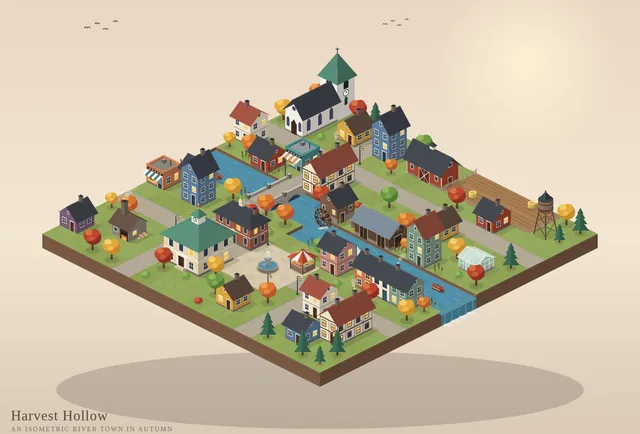
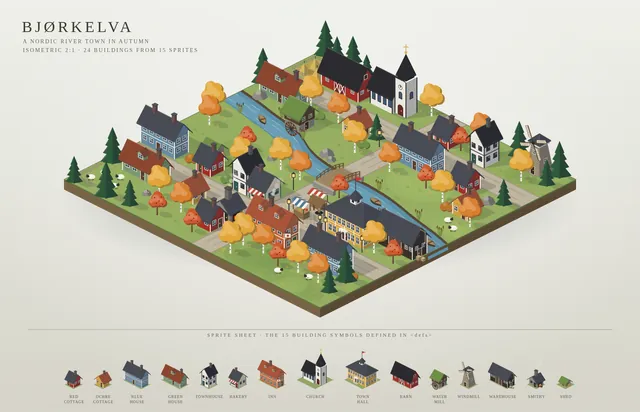
Isometric SVG town with sprite sheet
Create an isometric SVG town: first design a small sprite sheet of distinct buildings (in <defs>), then place 20+ of them on an isometric grid with roads, trees, a river and a bridge. Pick your own theme and palette. Save it as town.svg in the current directory. You may render and inspect your own output (headless chromium is available at /usr/bin/chromium) and iterate on your own before finishing.
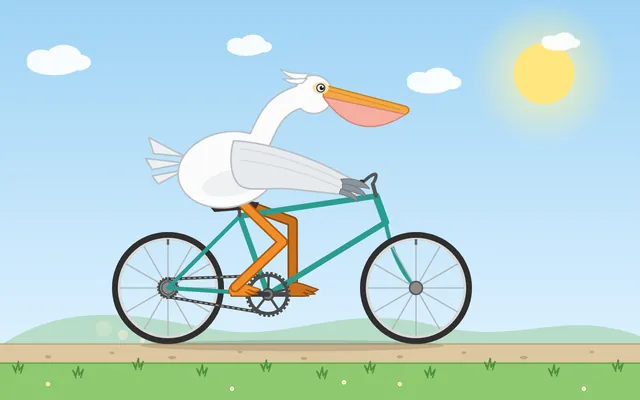
Animated pelican riding a bicycle (SMIL/CSS)
Generate an animated SVG of a pelican riding a bicycle: the wheels and pedals turn, the legs pedal in sync, and it loops seamlessly. Use only SVG/SMIL or CSS inside the SVG, no JavaScript. Save it as pelican_animated.svg in the current directory. You may render and inspect your own output (headless chromium is available at /usr/bin/chromium) and iterate on your own before finishing.
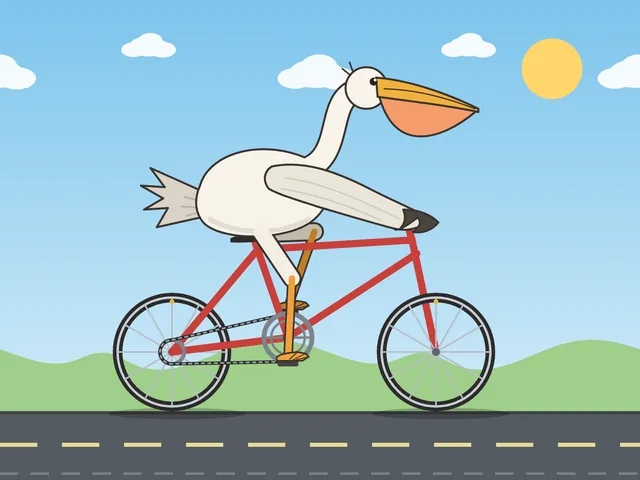
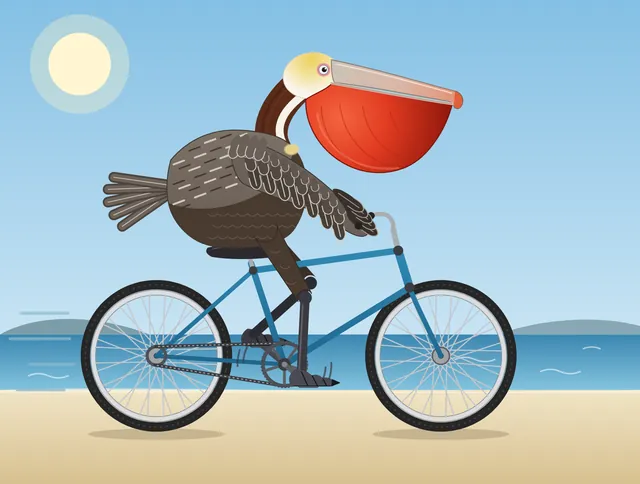
California brown pelican riding a bicycle (detailed spec)
Generate an SVG of a California brown pelican riding a bicycle. The bicycle must have spokes and a correctly shaped bicycle frame. The pelican must have its characteristic large pouch, and there should be a clear indication of feathers. The pelican must be clearly pedaling the bicycle. The image should show the full breeding plumage of the California brown pelican. Save it as brown_pelican.svg in the current directory. You may render and inspect your own output (headless chromium is available at /usr/bin/chromium) and iterate on your own before finishing.
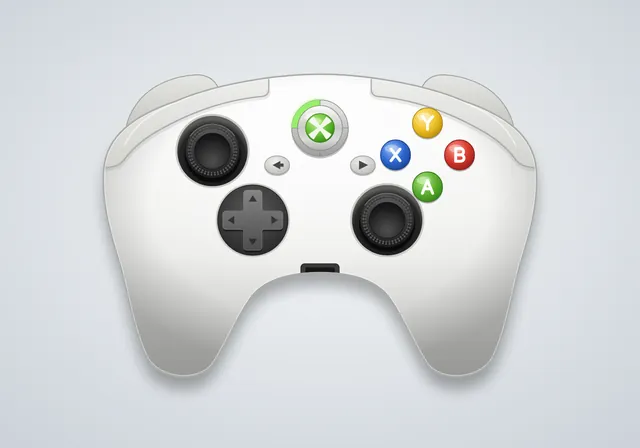
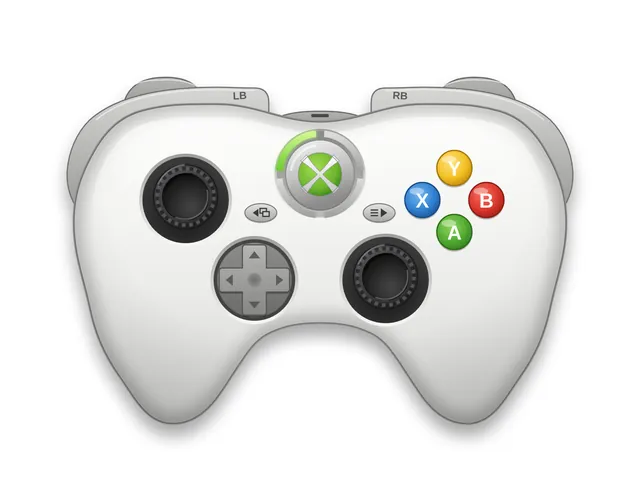
Xbox 360 controller
Create an SVG image of an Xbox 360 controller. Save it as xbox360.svg in the current directory. You may render and inspect your own output (headless chromium is available at /usr/bin/chromium) and iterate on your own before finishing.
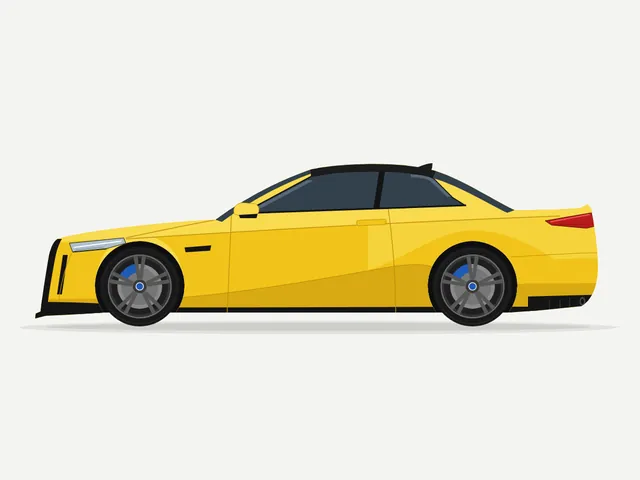
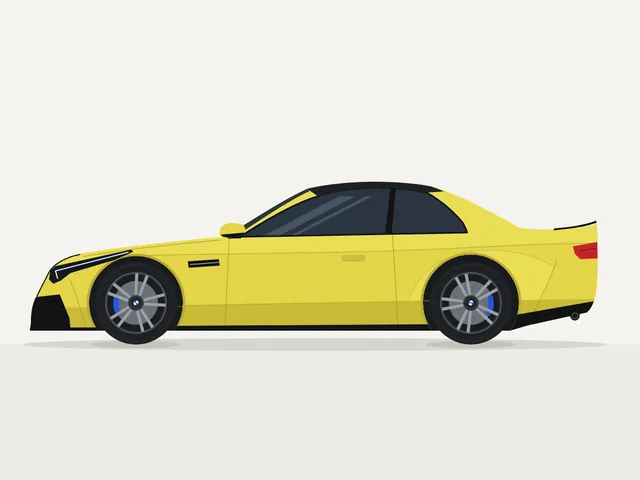
BMW M4 Competition, side view (flat vector)
Create a clean SVG illustration of a BMW M4 Competition in a side view. The image must follow a 4:3 aspect ratio. Use the original factory color of the BMW M4 Competition. Focus on coupe proportions and sporty stance. Use vector shapes without gradients. Save it as bmw_m4.svg in the current directory. You may render and inspect your own output (headless chromium is available at /usr/bin/chromium) and iterate on your own before finishing.
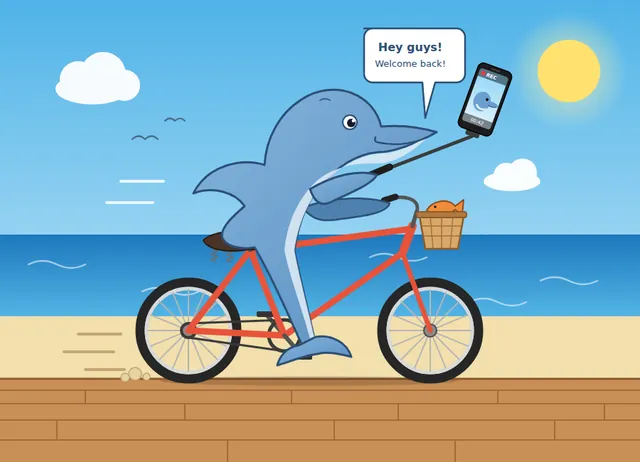
Dolphin vlog bicycle
create an svg where a dolphin is riding a bicycle while using vlogging with a phone. Save it as dolphin.svg in the current directory. You may render and inspect your own output (headless chromium is available at /usr/bin/chromium) and iterate on your own before finishing.
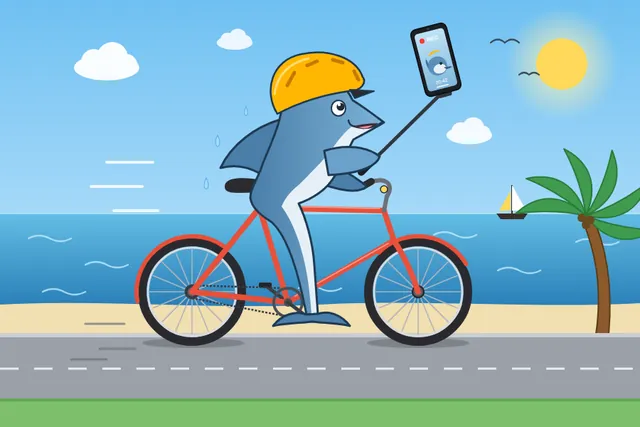
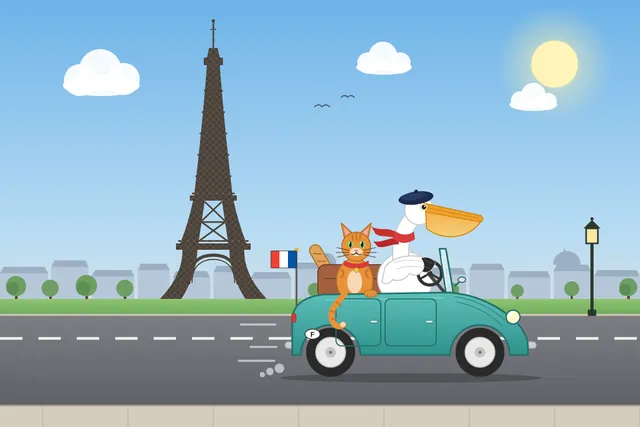
Pelican car france
Generate an SVG of a pelican riding a car in France with a cat sitting beside it. Background has Eiffel tower. Save it as pelican_car.svg in the current directory. You may render and inspect your own output (headless chromium is available at /usr/bin/chromium) and iterate on your own before finishing.

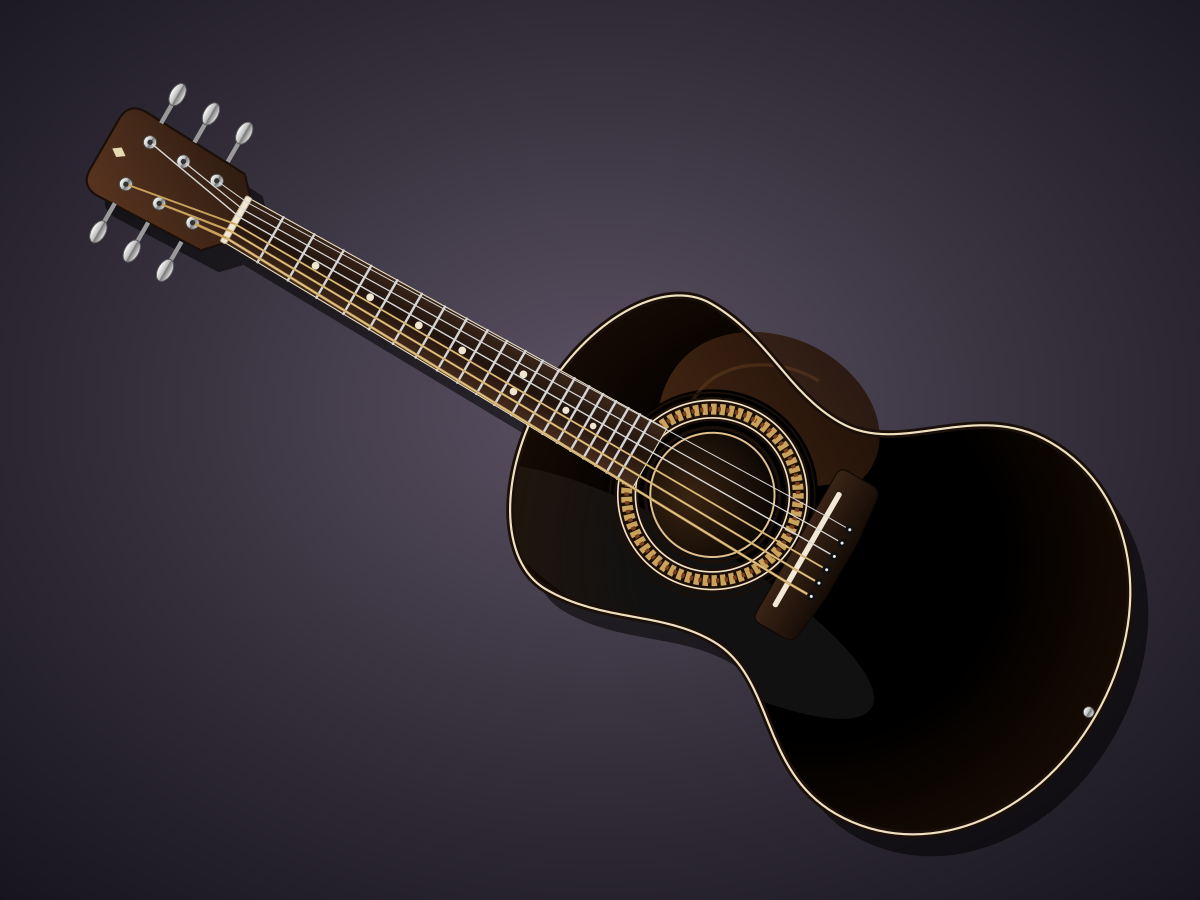
Acoustic Guitar
Create a single self-contained SVG illustration of an acoustic guitar in front view with a sound hole rosette, six strings, tuning pegs, frets and a wood grain body. Use viewBox="0 0 1200 900" with width="1200" height="900". No external assets, no raster images, no external fonts (generic font families such as sans-serif are fine), no scripts. Output ONLY the complete SVG code, starting with <svg and ending with </svg>, with no explanation or markdown fences.
Twin-Bell Alarm Clock
Create a single self-contained SVG illustration of a retro twin-bell alarm clock ringing, shown shaking with motion lines, a hammer between the bells and the hands at seven o'clock. Use viewBox="0 0 1200 900" with width="1200" height="900". No external assets, no raster images, no external fonts (generic font families such as sans-serif are fine), no scripts. Output ONLY the complete SVG code, starting with <svg and ending with </svg>, with no explanation or markdown fences.

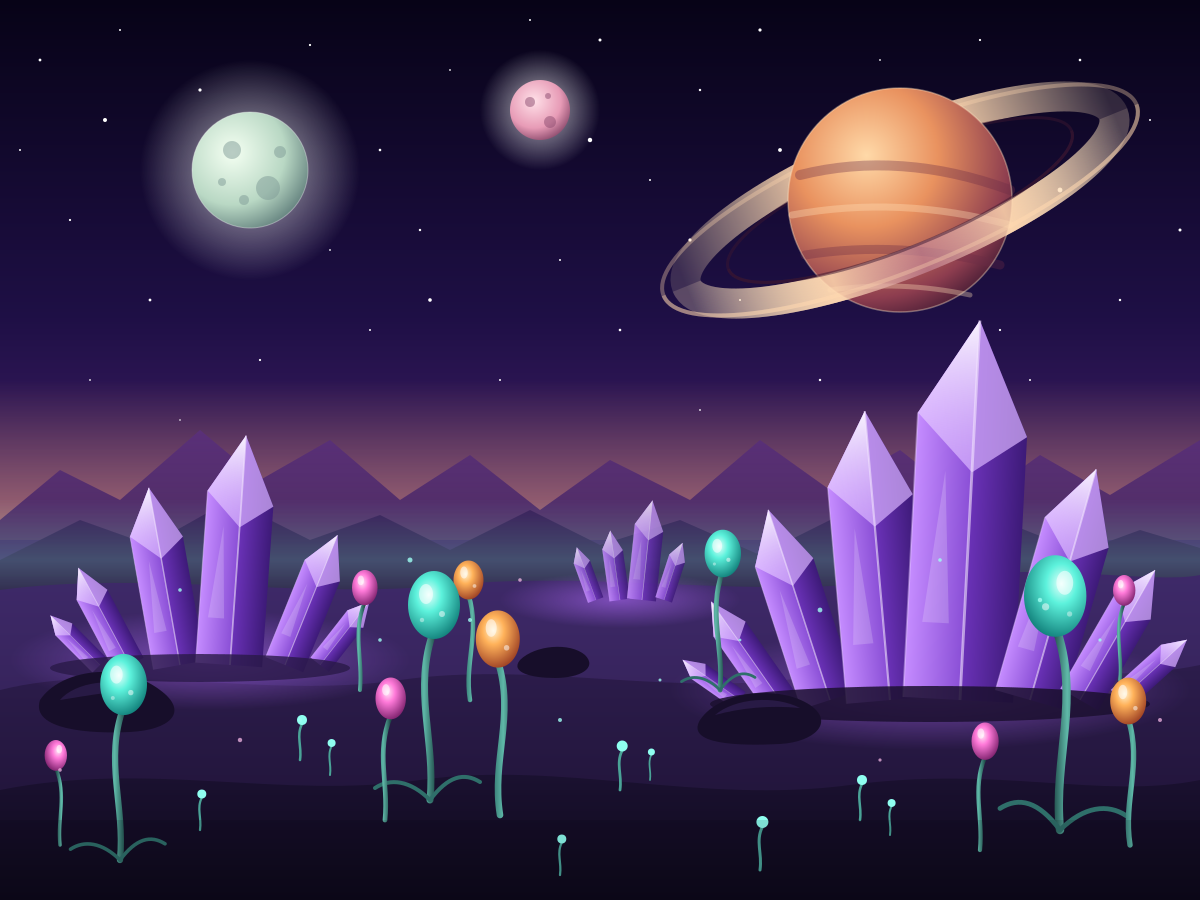
Alien Planet
Create a single self-contained SVG illustration of an alien planet surface with purple crystal formations, strange bulb-shaped plants and two moons plus a ringed planet in the sky. Use viewBox="0 0 1200 900" with width="1200" height="900". No external assets, no raster images, no external fonts (generic font families such as sans-serif are fine), no scripts. Output ONLY the complete SVG code, starting with <svg and ending with </svg>, with no explanation or markdown fences.
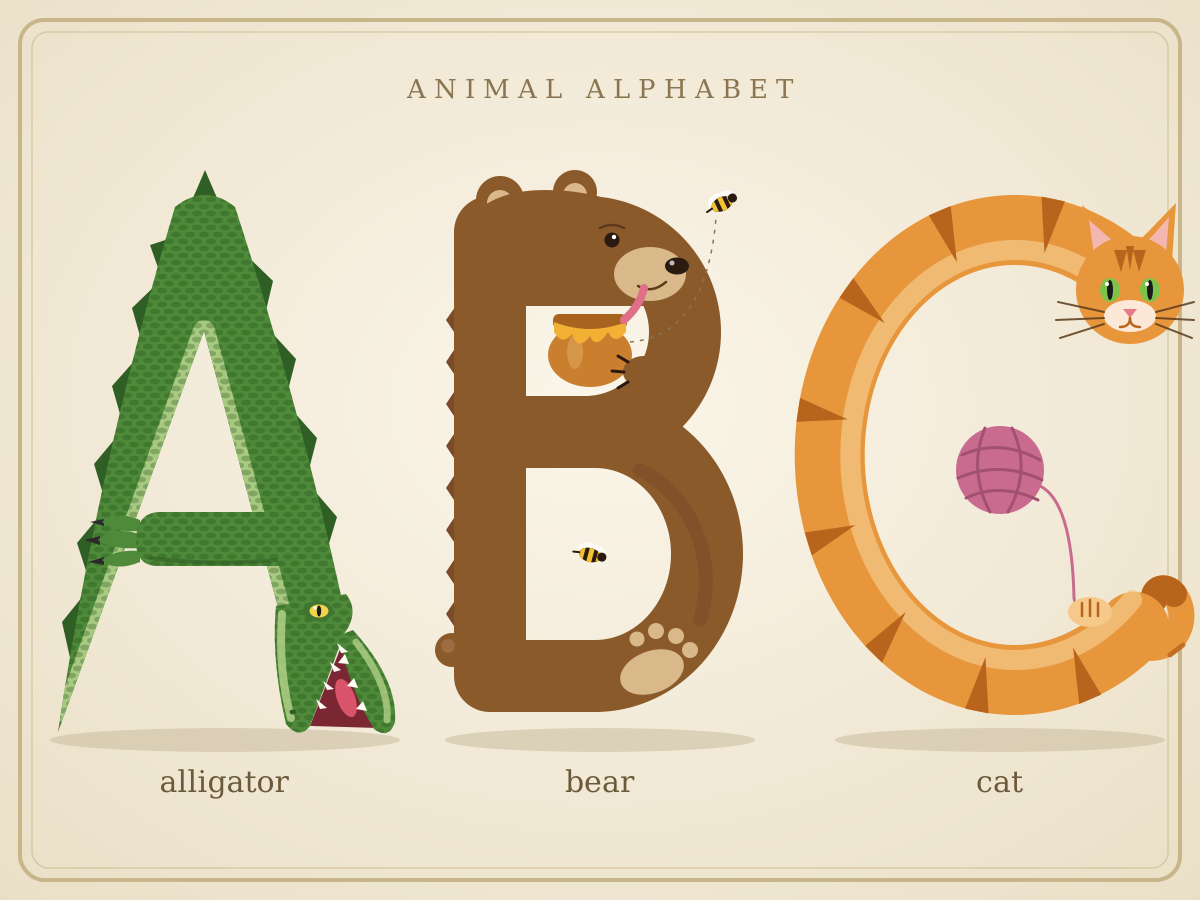
Illustrated Alphabet A B C
Create a single self-contained SVG illustration of the letters A, B and C drawn as large decorative capitals, each formed from an animal: an alligator, a bear and a cat. Use viewBox="0 0 1200 900" with width="1200" height="900". No external assets, no raster images, no external fonts (generic font families such as sans-serif are fine), no scripts. Output ONLY the complete SVG code, starting with <svg and ending with </svg>, with no explanation or markdown fences.
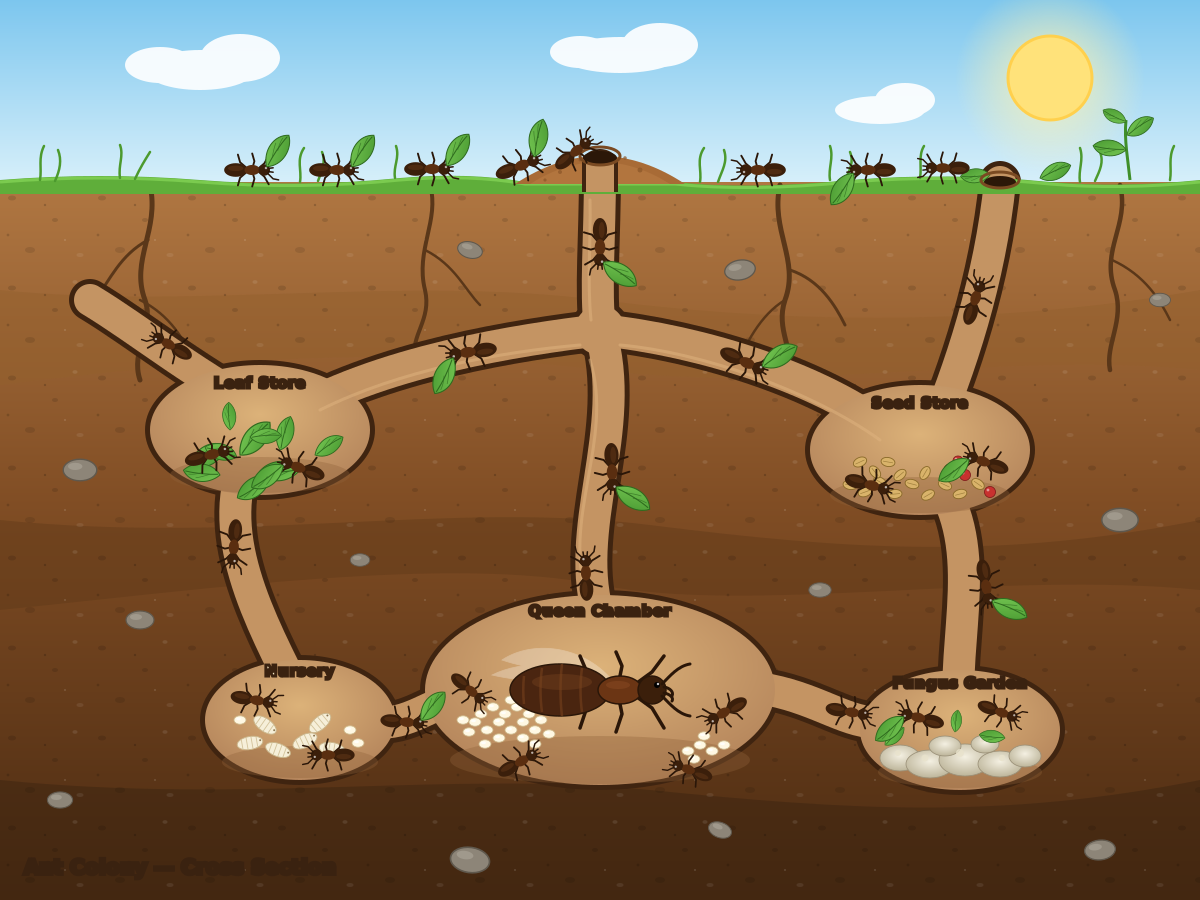
Ant Colony Cutaway
Create a single self-contained SVG illustration of a cross-section of an underground ant colony showing tunnels, a queen chamber with eggs, food storage rooms and worker ants carrying leaves. Use viewBox="0 0 1200 900" with width="1200" height="900". No external assets, no raster images, no external fonts (generic font families such as sans-serif are fine), no scripts. Output ONLY the complete SVG code, starting with <svg and ending with </svg>, with no explanation or markdown fences.
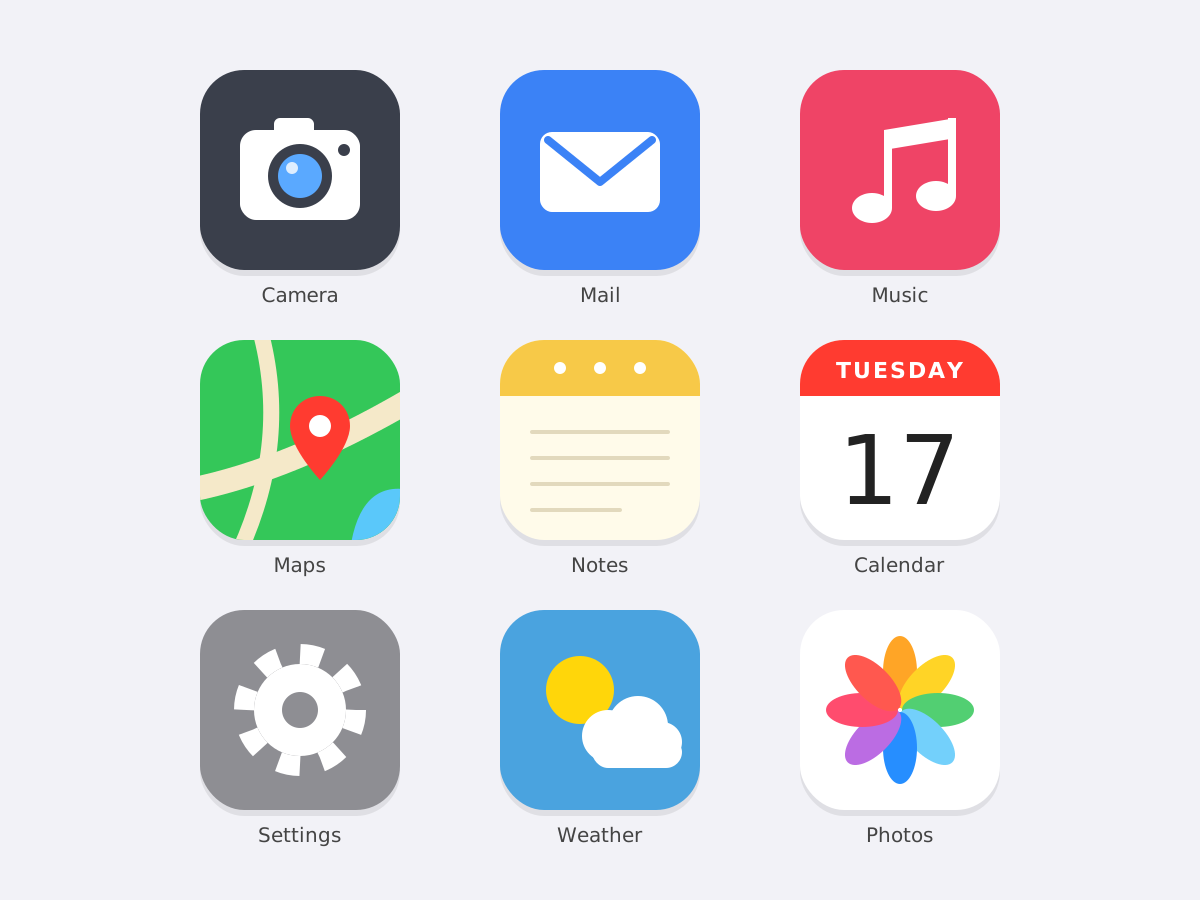
Flat App Icon Set
Create a single self-contained SVG illustration of a grid of nine flat rounded-square app icons for camera, mail, music, maps, notes, calendar, settings, weather and photos, in a consistent style. Use viewBox="0 0 1200 900" with width="1200" height="900". No external assets, no raster images, no external fonts (generic font families such as sans-serif are fine), no scripts. Output ONLY the complete SVG code, starting with <svg and ending with </svg>, with no explanation or markdown fences.
Art Deco Skyscraper
Create a single self-contained SVG illustration of a tall art deco skyscraper with a stepped crown, sunburst spire and vertical gold stripes against a night sky. Use viewBox="0 0 1200 900" with width="1200" height="900". No external assets, no raster images, no external fonts (generic font families such as sans-serif are fine), no scripts. Output ONLY the complete SVG code, starting with <svg and ending with </svg>, with no explanation or markdown fences.

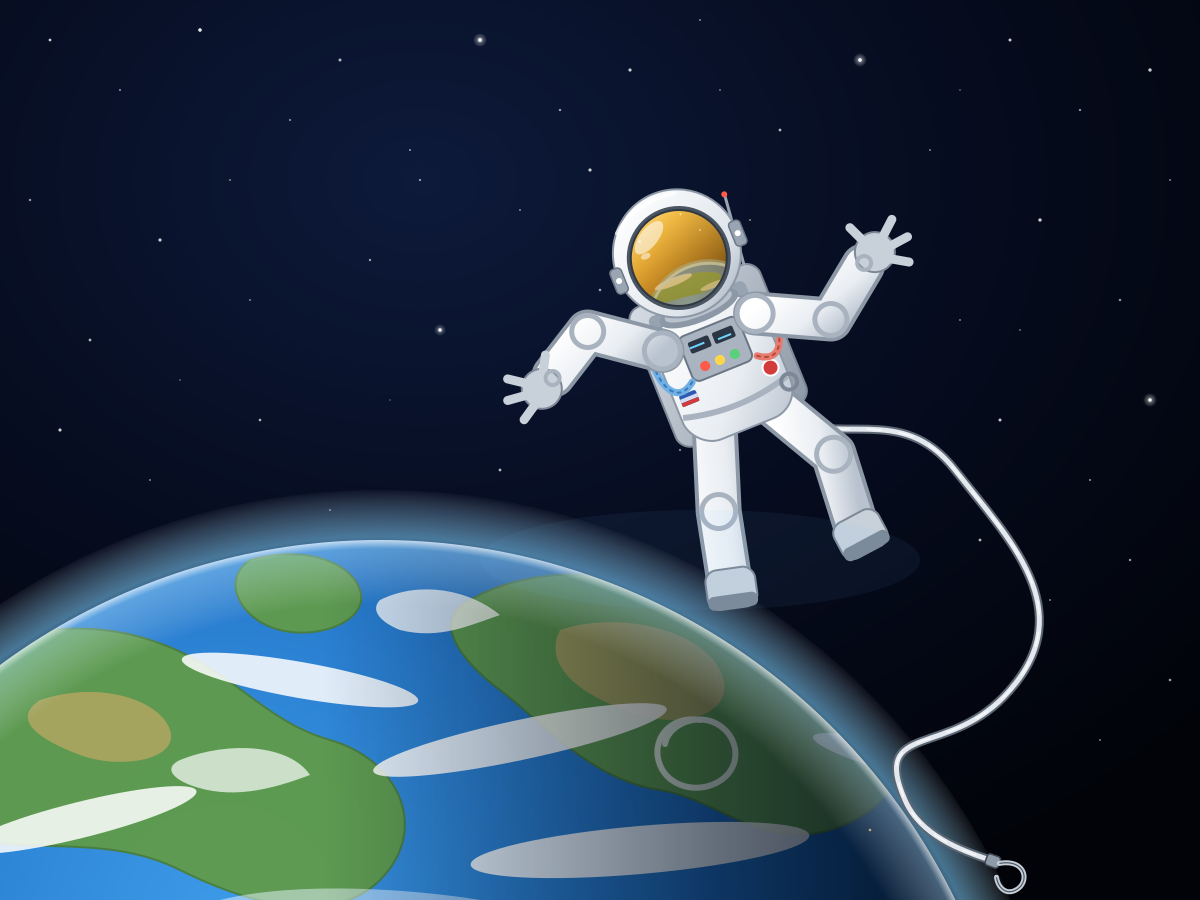
Floating Astronaut
Create a single self-contained SVG illustration of an astronaut in a white spacesuit floating untethered above Earth, the visor reflecting the planet and a tether drifting loose. Use viewBox="0 0 1200 900" with width="1200" height="900". No external assets, no raster images, no external fonts (generic font families such as sans-serif are fine), no scripts. Output ONLY the complete SVG code, starting with <svg and ending with </svg>, with no explanation or markdown fences.
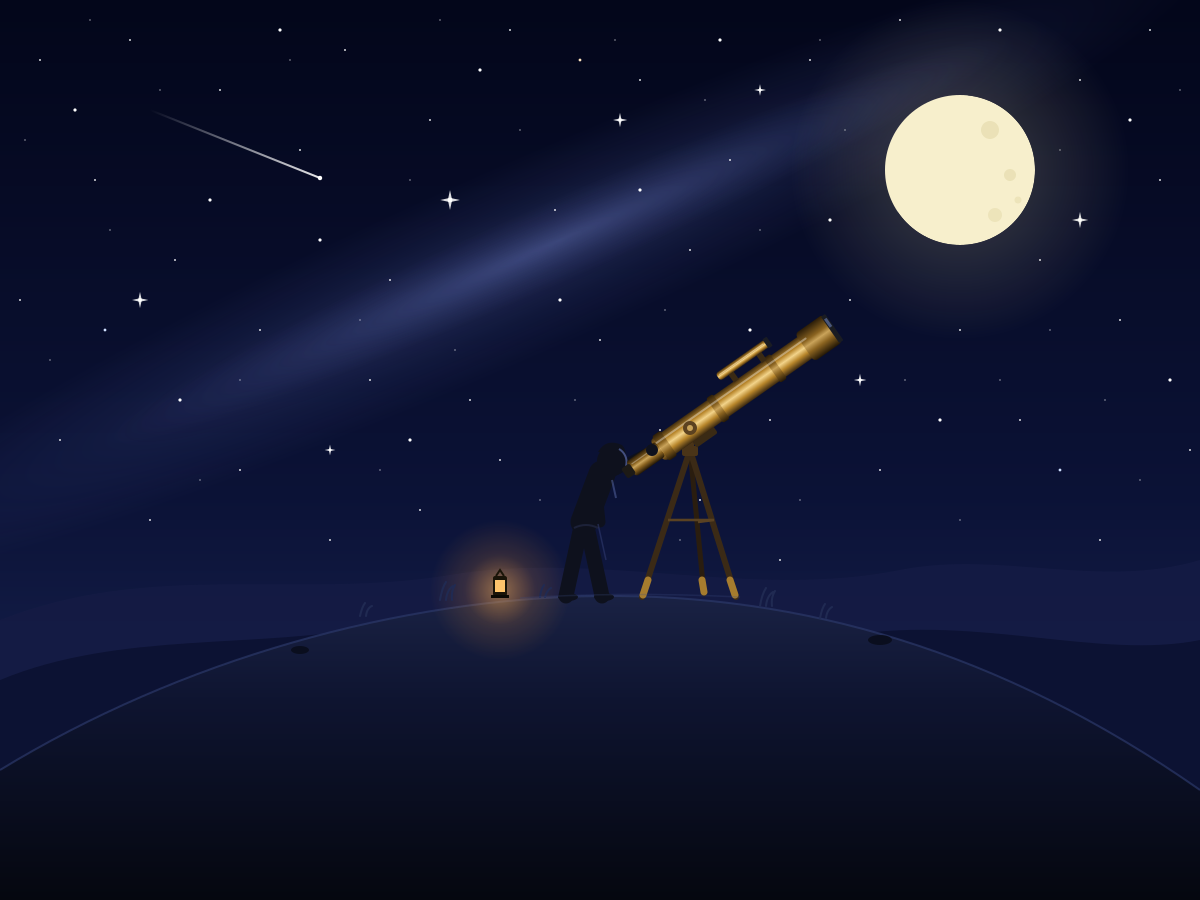
Stargazer with Telescope
Create a single self-contained SVG illustration of a person on a hilltop at night looking through a brass telescope on a tripod, surrounded by a starry sky and a crescent moon. Use viewBox="0 0 1200 900" with width="1200" height="900". No external assets, no raster images, no external fonts (generic font families such as sans-serif are fine), no scripts. Output ONLY the complete SVG code, starting with <svg and ending with </svg>, with no explanation or markdown fences.
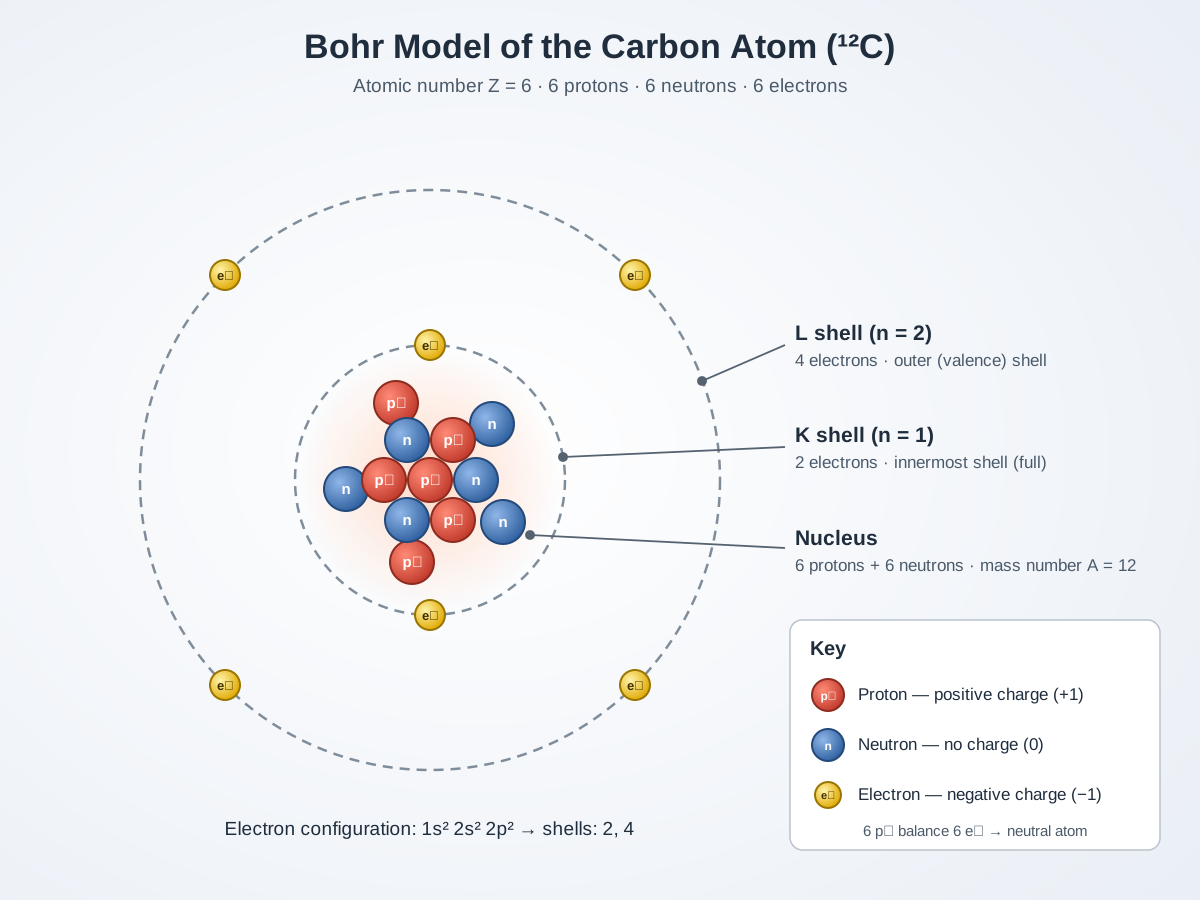
Bohr Model of an Atom
Create a single self-contained SVG illustration of a Bohr model of a carbon atom with a nucleus of six protons and six neutrons and six electrons on two orbital shells, labelled. Use viewBox="0 0 1200 900" with width="1200" height="900". No external assets, no raster images, no external fonts (generic font families such as sans-serif are fine), no scripts. Output ONLY the complete SVG code, starting with <svg and ending with </svg>, with no explanation or markdown fences.
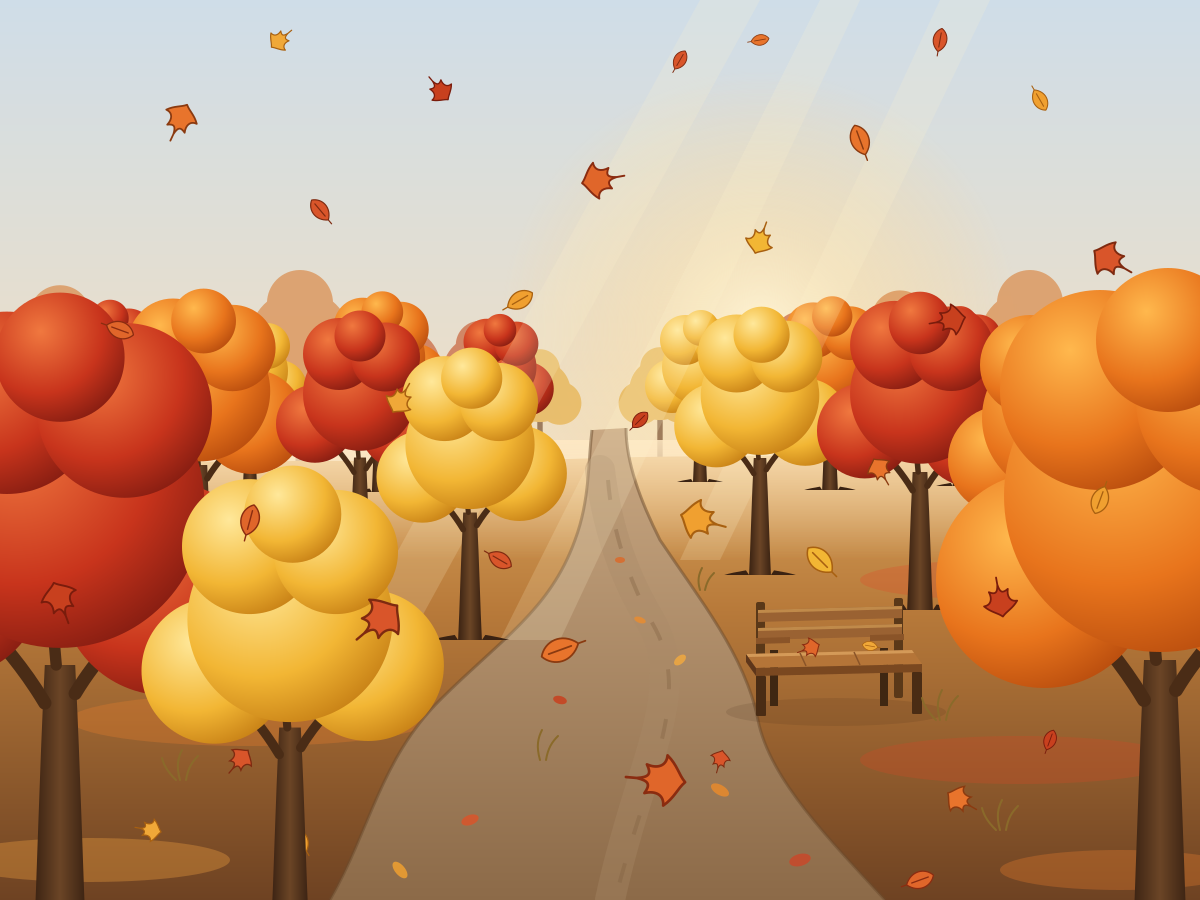
Autumn Forest Path
Create a single self-contained SVG illustration of a winding path through a forest in peak autumn colour, with orange and red leaves falling and a wooden bench along the way. Use viewBox="0 0 1200 900" with width="1200" height="900". No external assets, no raster images, no external fonts (generic font families such as sans-serif are fine), no scripts. Output ONLY the complete SVG code, starting with <svg and ending with </svg>, with no explanation or markdown fences.
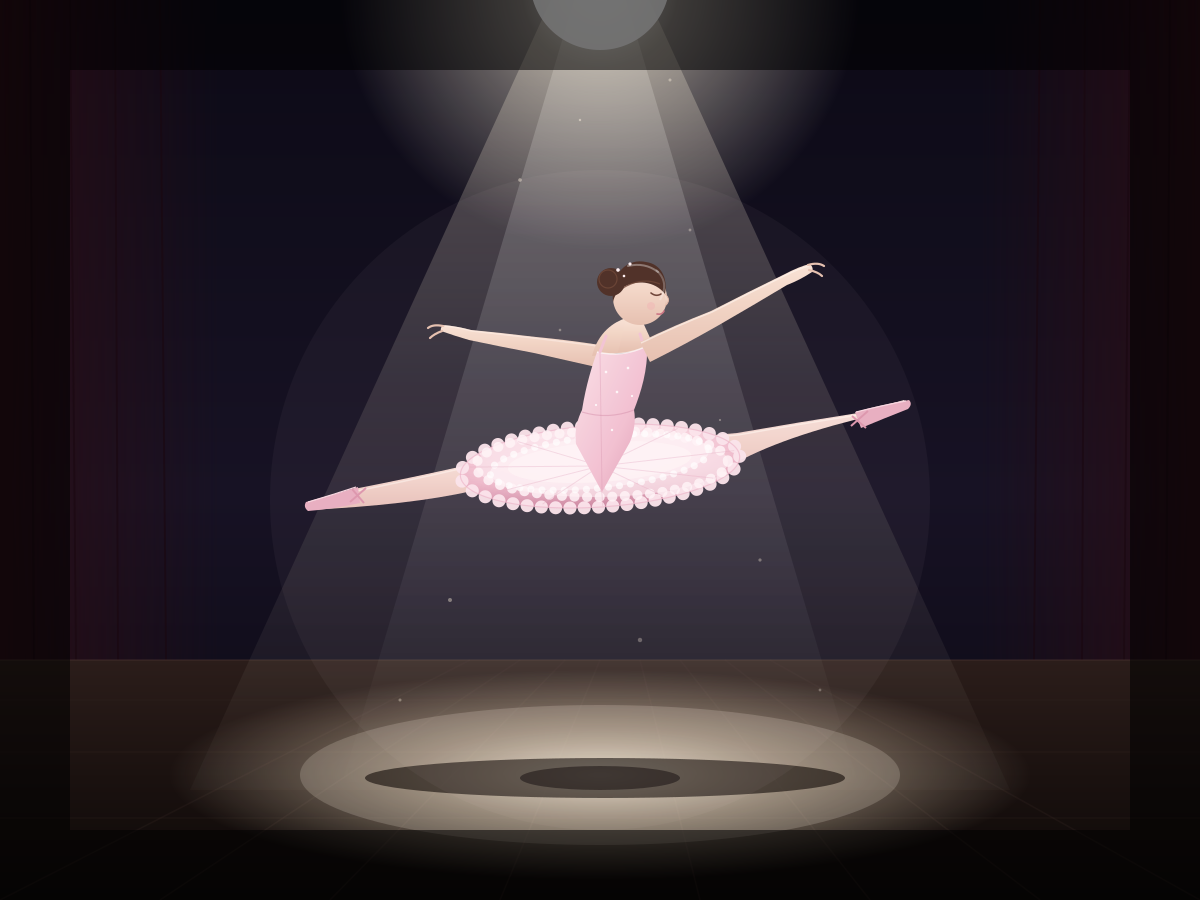
Ballet Dancer
Create a single self-contained SVG illustration of a ballet dancer frozen mid-leap in a grand jeté, wearing a pale pink tutu, on a stage lit by a single spotlight. Use viewBox="0 0 1200 900" with width="1200" height="900". No external assets, no raster images, no external fonts (generic font families such as sans-serif are fine), no scripts. Output ONLY the complete SVG code, starting with <svg and ending with </svg>, with no explanation or markdown fences.
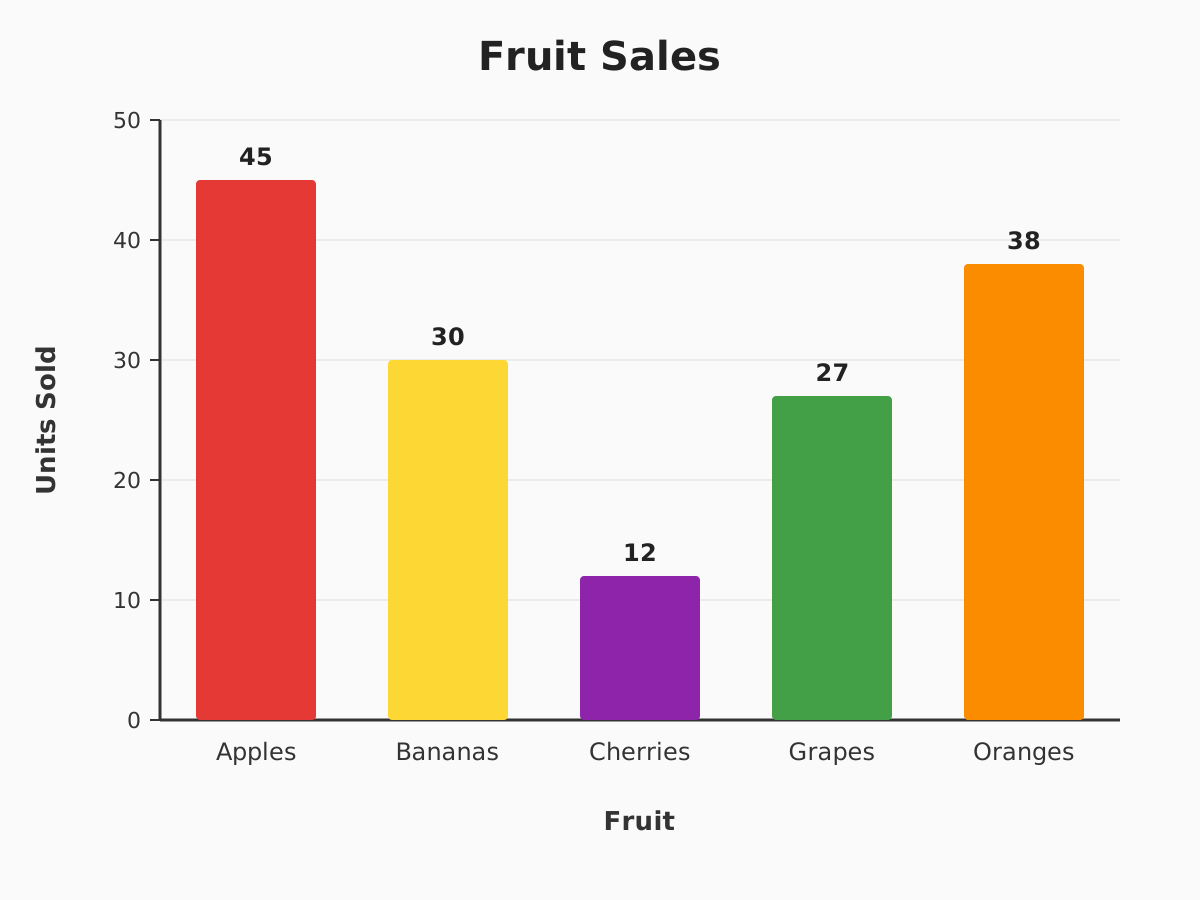
Fruit Sales Bar Chart
Create a single self-contained SVG illustration of a bar chart of fruit sales with labelled axes: apples 45, bananas 30, cherries 12, grapes 27 and oranges 38, each bar a different colour. Use viewBox="0 0 1200 900" with width="1200" height="900". No external assets, no raster images, no external fonts (generic font families such as sans-serif are fine), no scripts. Output ONLY the complete SVG code, starting with <svg and ending with </svg>, with no explanation or markdown fences.
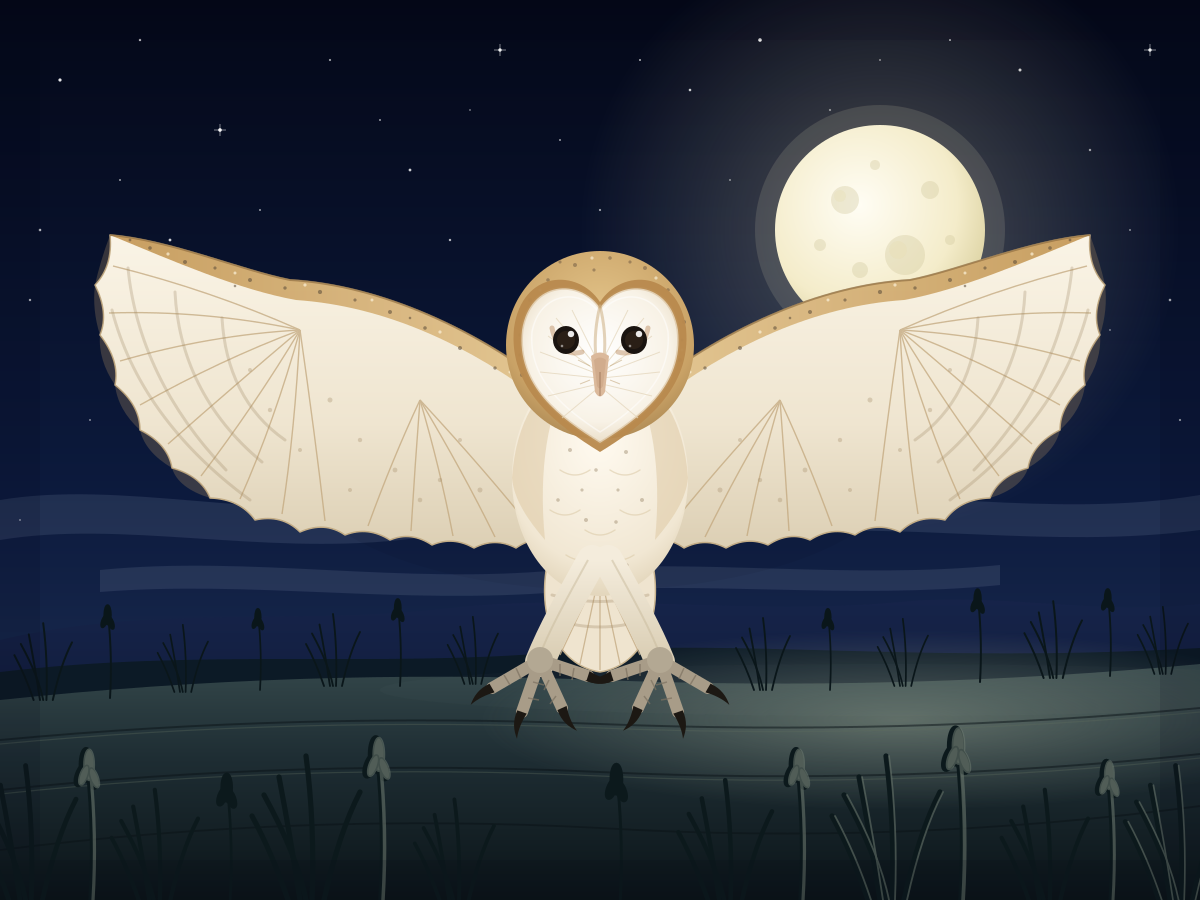
Barn Owl in Flight
Create a single self-contained SVG illustration of a barn owl flying straight toward the viewer with wings fully spread, heart-shaped white face and talons forward over a moonlit field. Use viewBox="0 0 1200 900" with width="1200" height="900". No external assets, no raster images, no external fonts (generic font families such as sans-serif are fine), no scripts. Output ONLY the complete SVG code, starting with <svg and ending with </svg>, with no explanation or markdown fences.
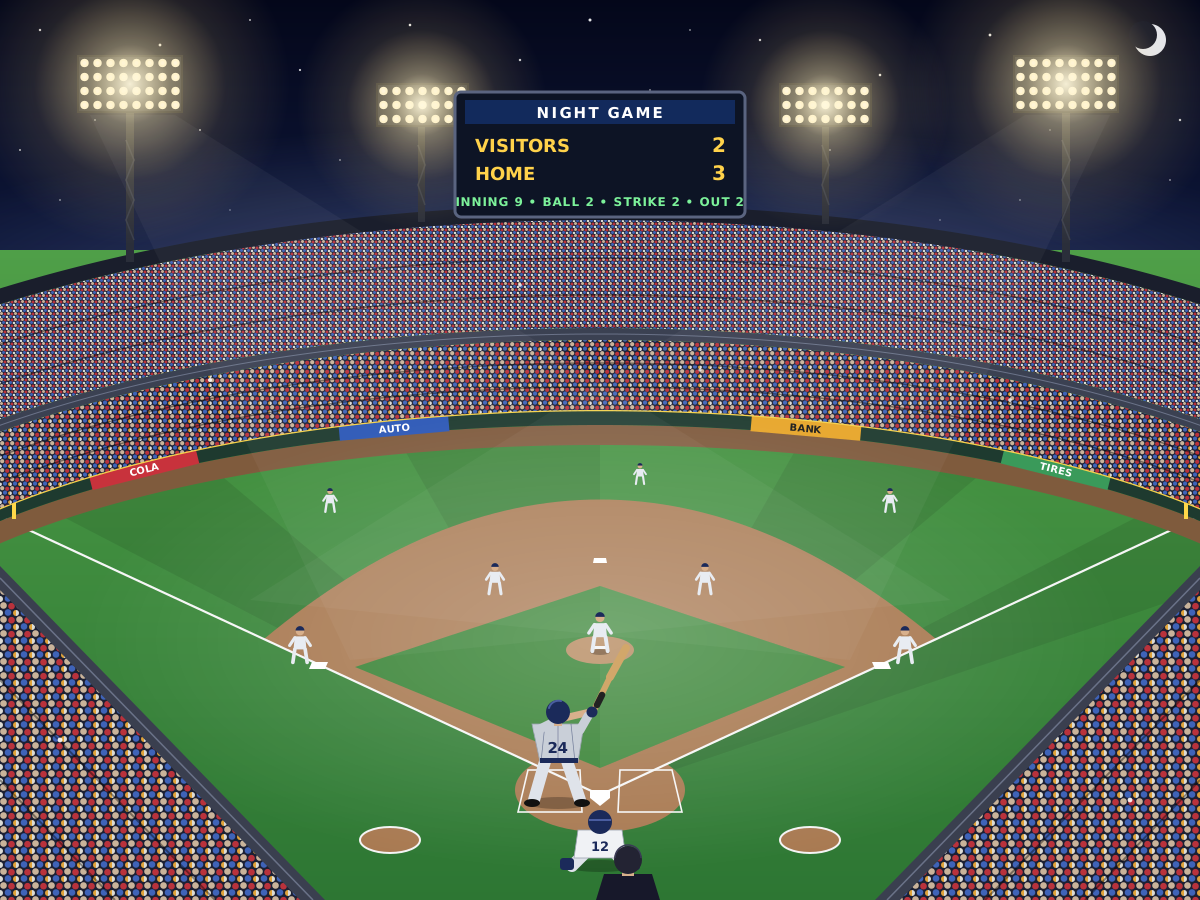
Baseball Stadium
Create a single self-contained SVG illustration of a baseball stadium at night from behind home plate with a green diamond, packed stands, floodlights and a batter ready to swing. Use viewBox="0 0 1200 900" with width="1200" height="900". No external assets, no raster images, no external fonts (generic font families such as sans-serif are fine), no scripts. Output ONLY the complete SVG code, starting with <svg and ending with </svg>, with no explanation or markdown fences.
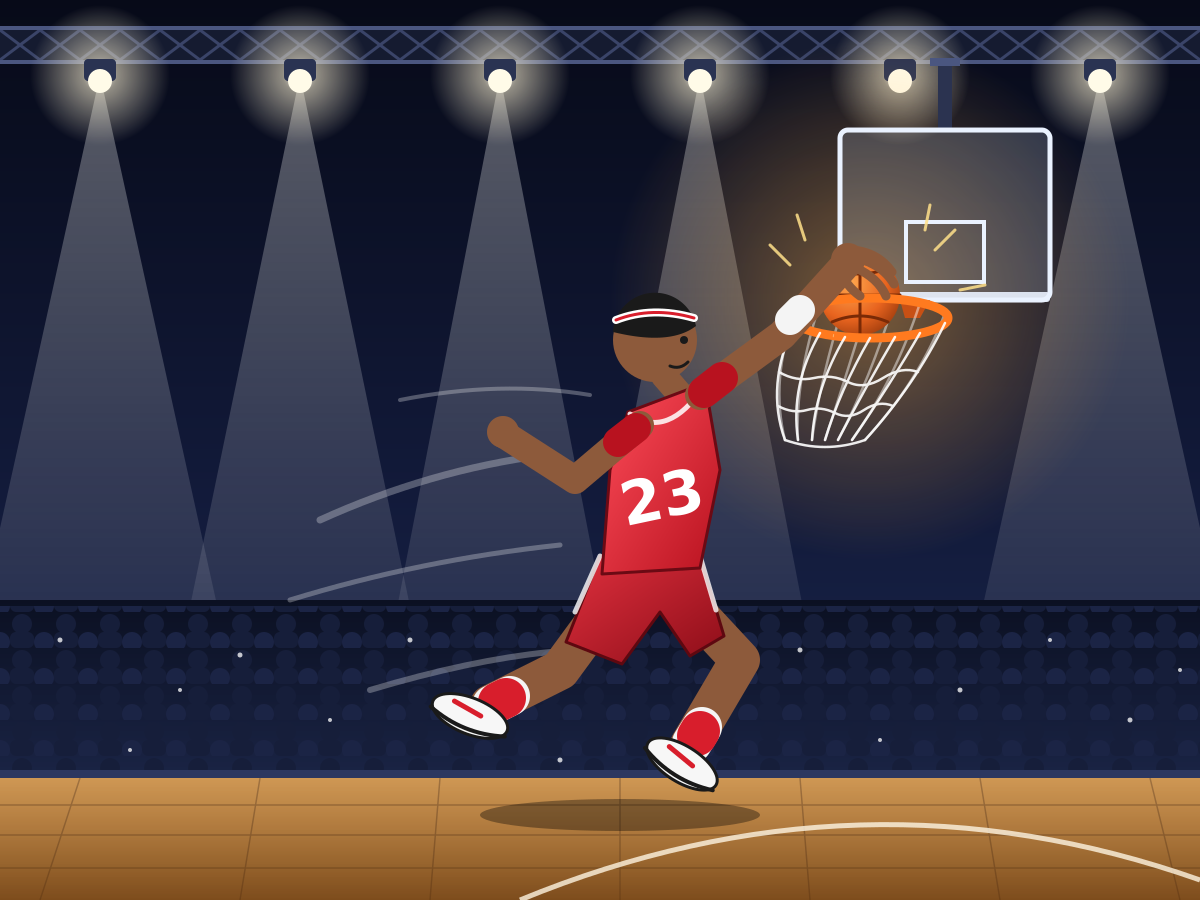
Basketball Slam Dunk
Create a single self-contained SVG illustration of a stylised basketball player mid-air dunking the ball into a hoop, the net swinging and arena lights behind. Use viewBox="0 0 1200 900" with width="1200" height="900". No external assets, no raster images, no external fonts (generic font families such as sans-serif are fine), no scripts. Output ONLY the complete SVG code, starting with <svg and ending with </svg>, with no explanation or markdown fences.
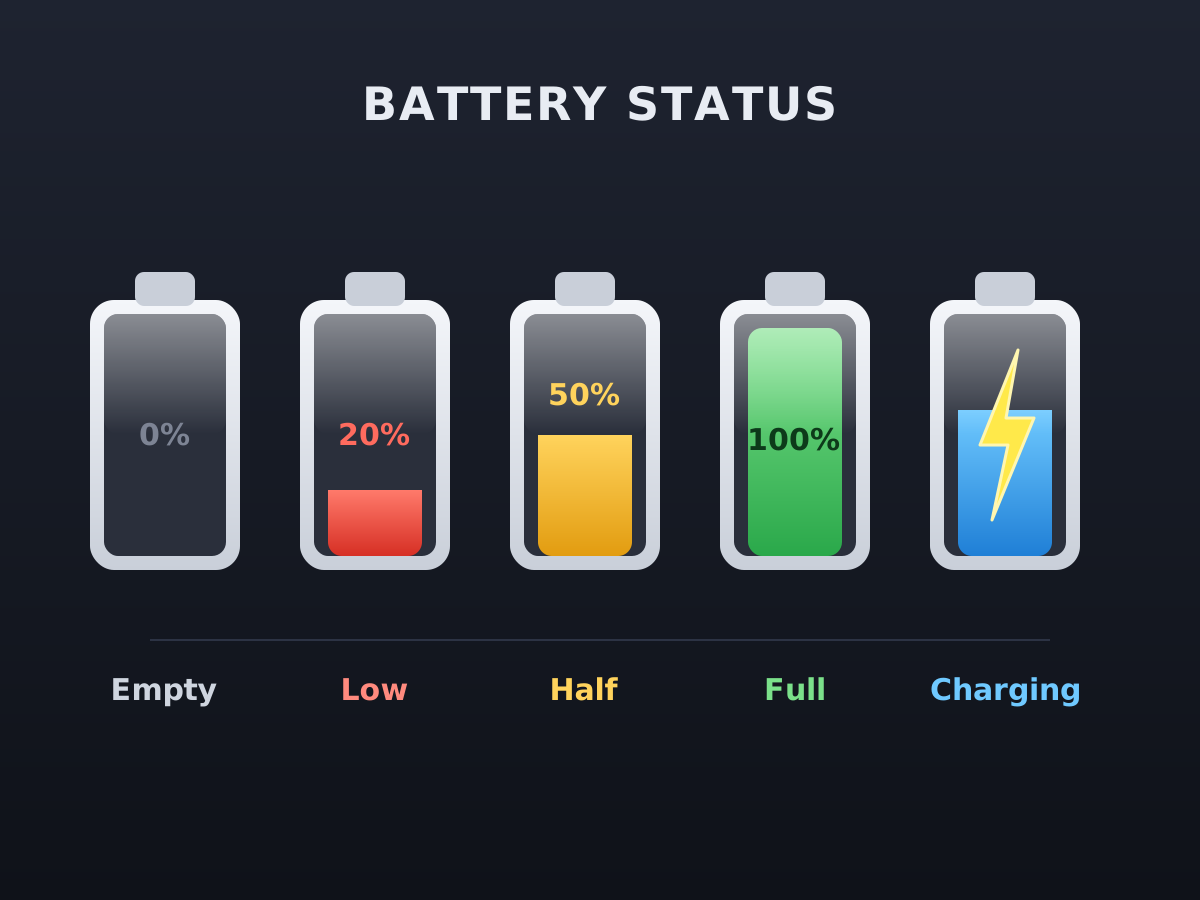
Battery Level Icons
Create a single self-contained SVG illustration of a row of five battery icons showing empty, low in red, half, full in green and charging with a lightning bolt. Use viewBox="0 0 1200 900" with width="1200" height="900". No external assets, no raster images, no external fonts (generic font families such as sans-serif are fine), no scripts. Output ONLY the complete SVG code, starting with <svg and ending with </svg>, with no explanation or markdown fences.
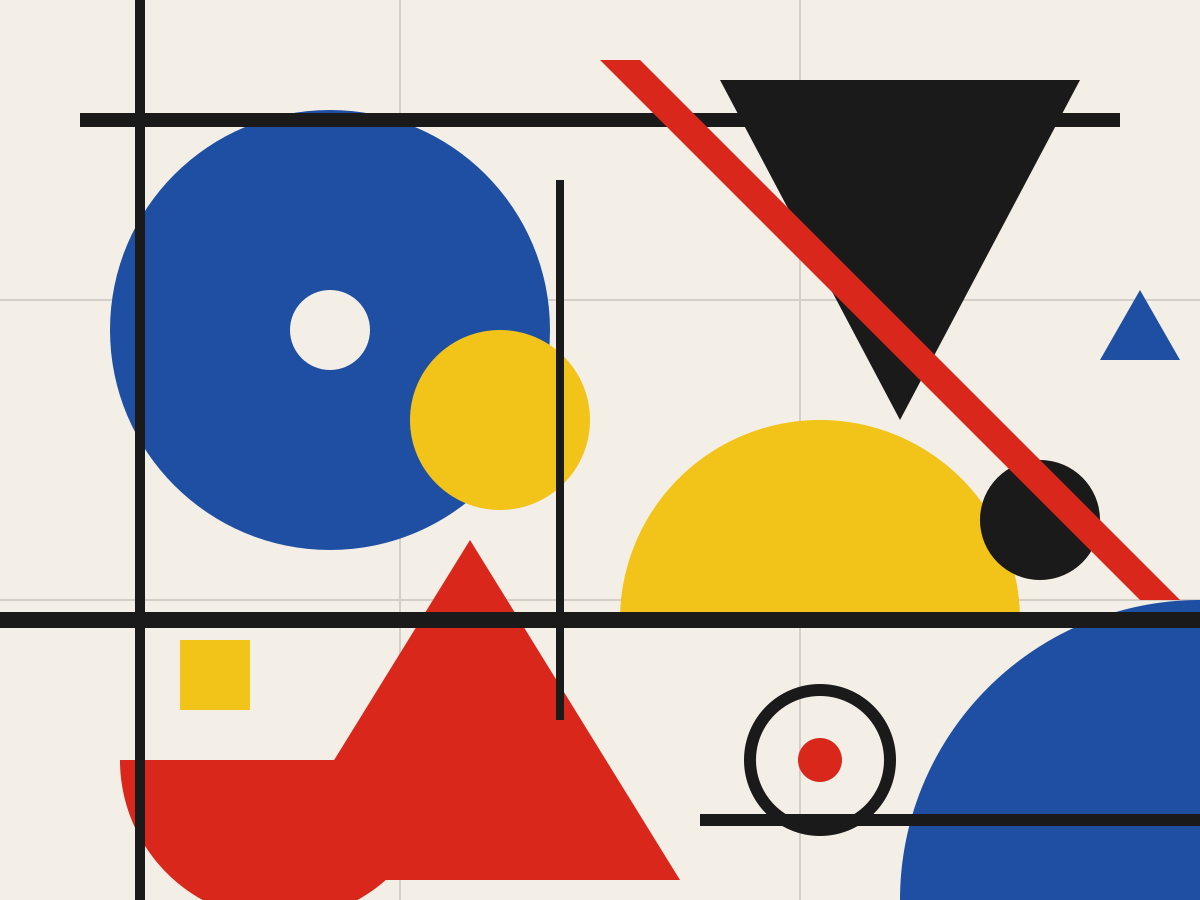
Bauhaus Composition
Create a single self-contained SVG illustration of a Bauhaus-style abstract composition of circles, half-circles, triangles and bold lines in red, yellow, blue and black on off-white. Use viewBox="0 0 1200 900" with width="1200" height="900". No external assets, no raster images, no external fonts (generic font families such as sans-serif are fine), no scripts. Output ONLY the complete SVG code, starting with <svg and ending with </svg>, with no explanation or markdown fences.
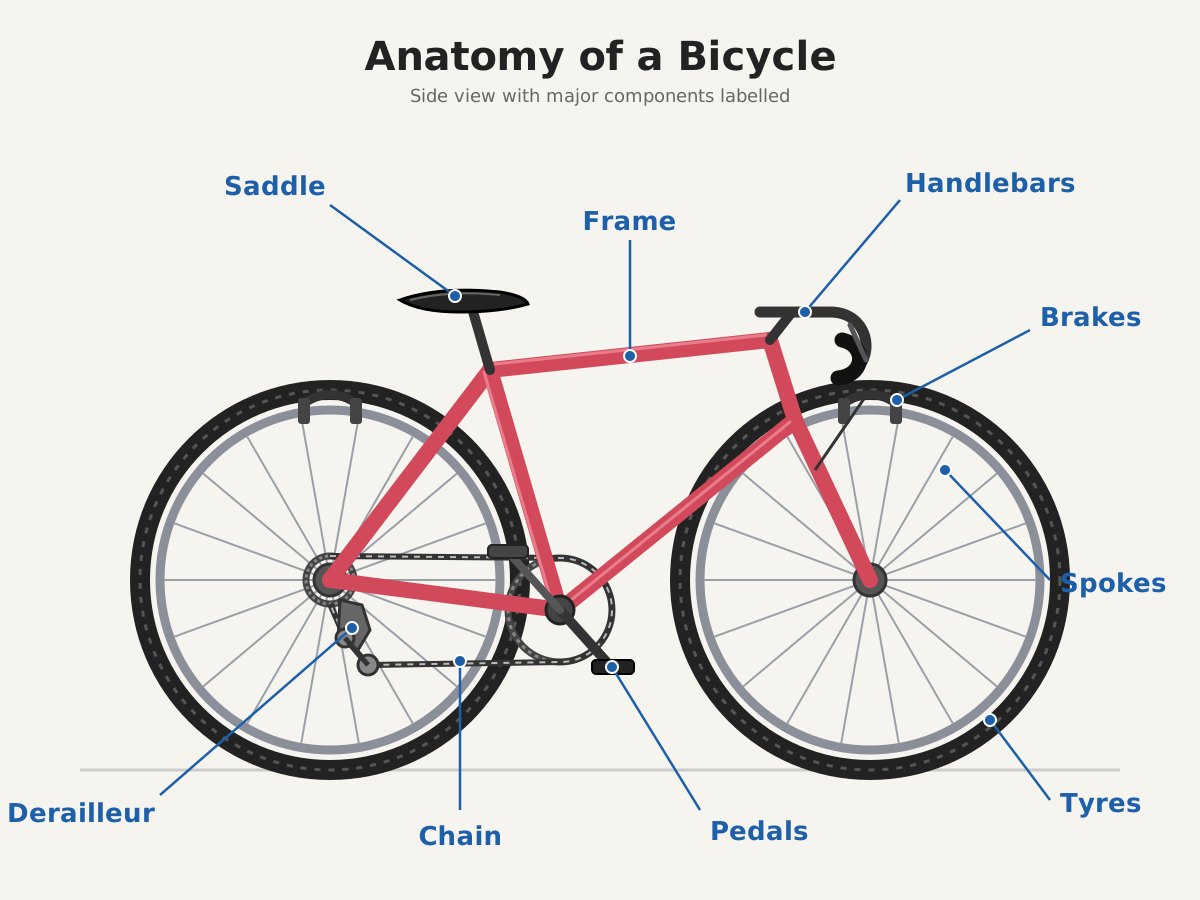
Labelled Bicycle Diagram
Create a single self-contained SVG illustration of a side-view labelled diagram of a bicycle with callout lines naming the frame, saddle, handlebars, chain, pedals, derailleur, brakes, spokes and tyres. Use viewBox="0 0 1200 900" with width="1200" height="900". No external assets, no raster images, no external fonts (generic font families such as sans-serif are fine), no scripts. Output ONLY the complete SVG code, starting with <svg and ending with </svg>, with no explanation or markdown fences.
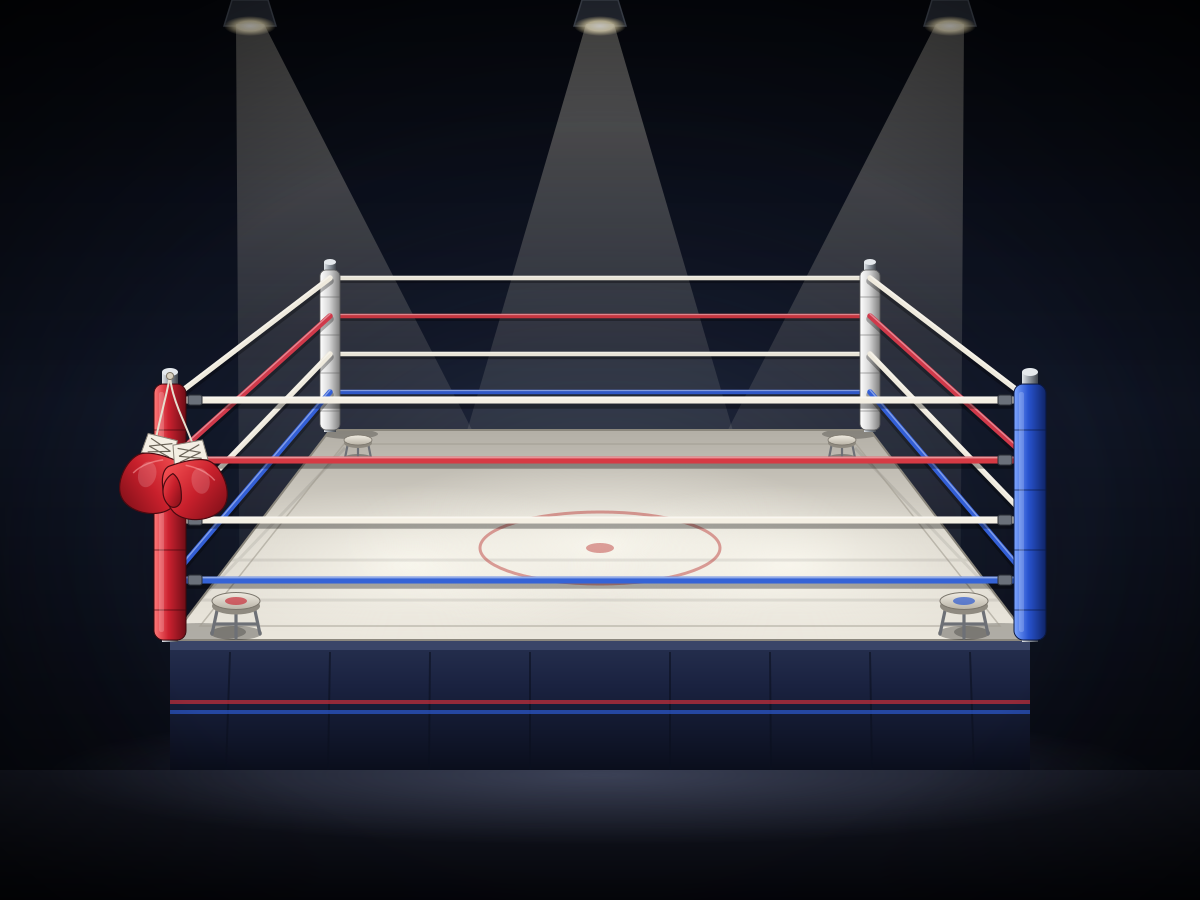
Boxing Ring
Create a single self-contained SVG illustration of an empty boxing ring under spotlights with red and blue corners, taut ropes, a stool in each corner and a pair of gloves hanging. Use viewBox="0 0 1200 900" with width="1200" height="900". No external assets, no raster images, no external fonts (generic font families such as sans-serif are fine), no scripts. Output ONLY the complete SVG code, starting with <svg and ending with </svg>, with no explanation or markdown fences.
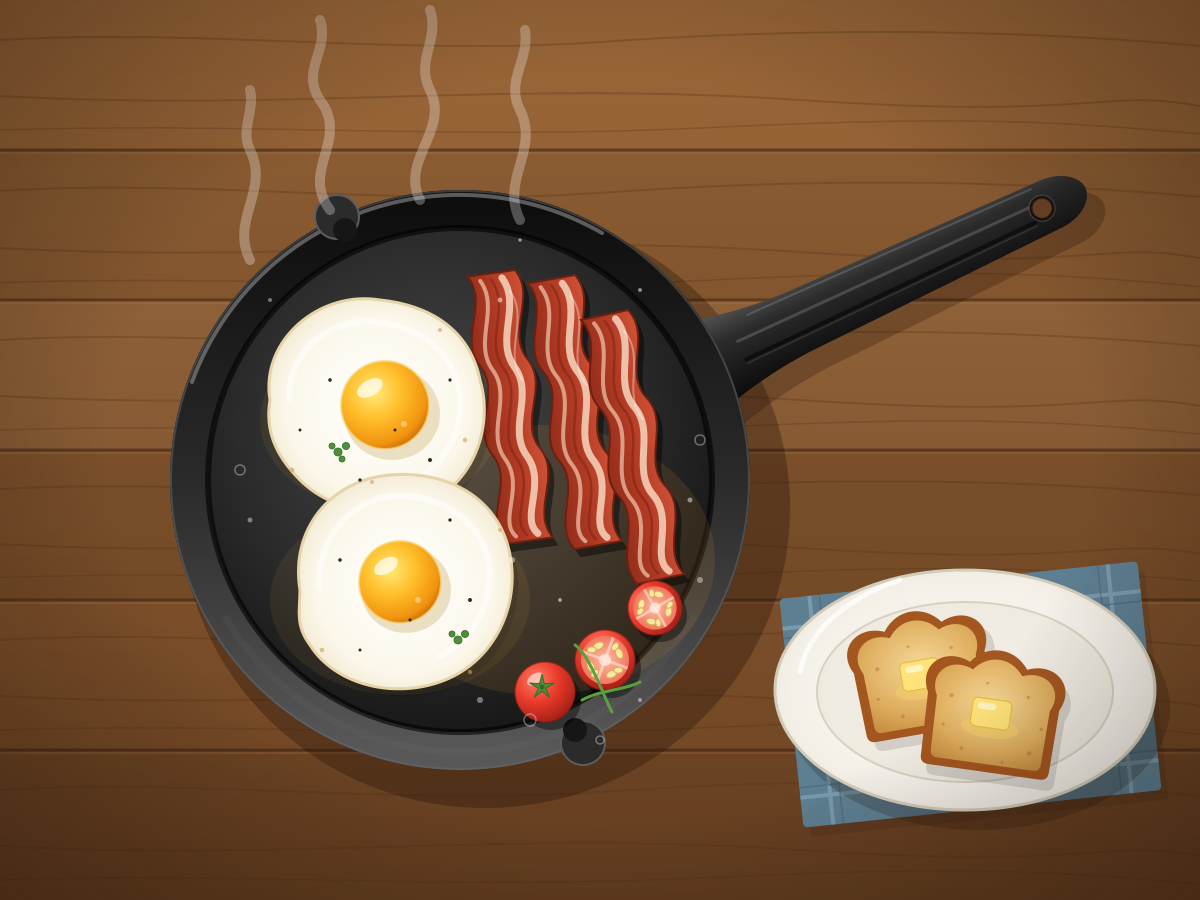
Breakfast Skillet
Create a single self-contained SVG illustration of a cast-iron skillet with two sunny-side-up eggs, sizzling bacon strips, cherry tomatoes and toast on the side. Use viewBox="0 0 1200 900" with width="1200" height="900". No external assets, no raster images, no external fonts (generic font families such as sans-serif are fine), no scripts. Output ONLY the complete SVG code, starting with <svg and ending with </svg>, with no explanation or markdown fences.
Bubble Tea
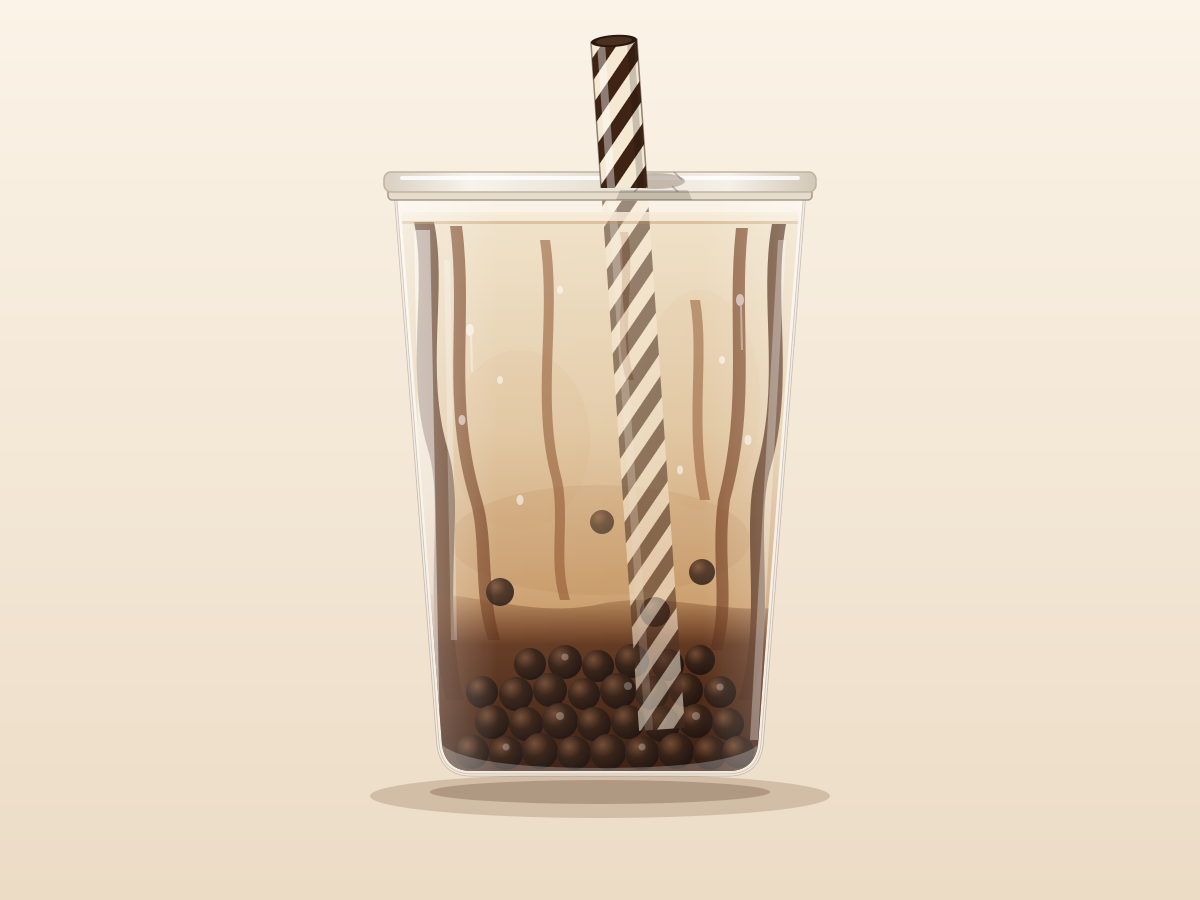
Create a single self-contained SVG illustration of a clear plastic cup of brown sugar milk tea with dark tapioca pearls at the bottom, a sealed top and a wide striped straw. Use viewBox="0 0 1200 900" with width="1200" height="900". No external assets, no raster images, no external fonts (generic font families such as sans-serif are fine), no scripts. Output ONLY the complete SVG code, starting with <svg and ending with </svg>, with no explanation or markdown fences.
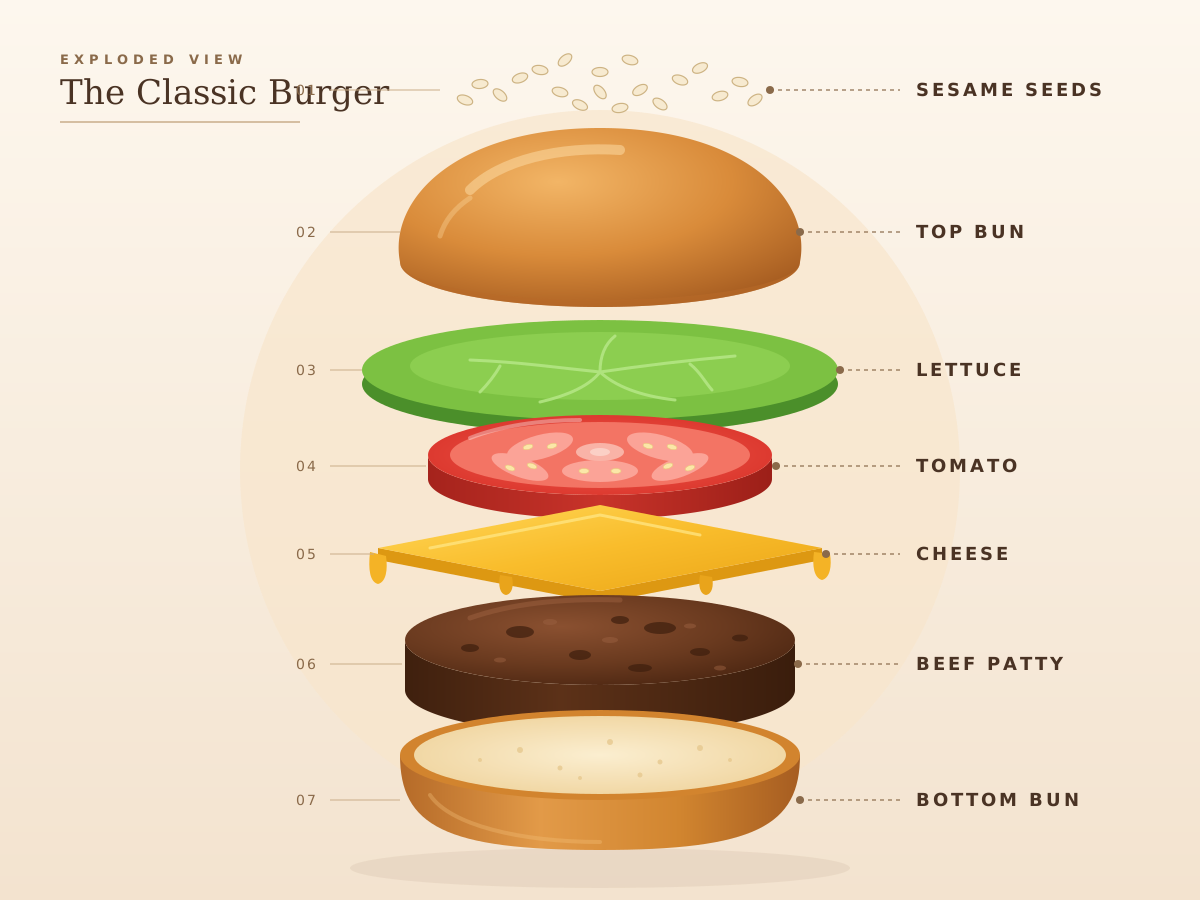
Exploded Burger
Create a single self-contained SVG illustration of an exploded vertical view of a burger with each layer floating apart: bun top, sesame seeds, lettuce, tomato, cheese, patty and bottom bun. Use viewBox="0 0 1200 900" with width="1200" height="900". No external assets, no raster images, no external fonts (generic font families such as sans-serif are fine), no scripts. Output ONLY the complete SVG code, starting with <svg and ending with </svg>, with no explanation or markdown fences.
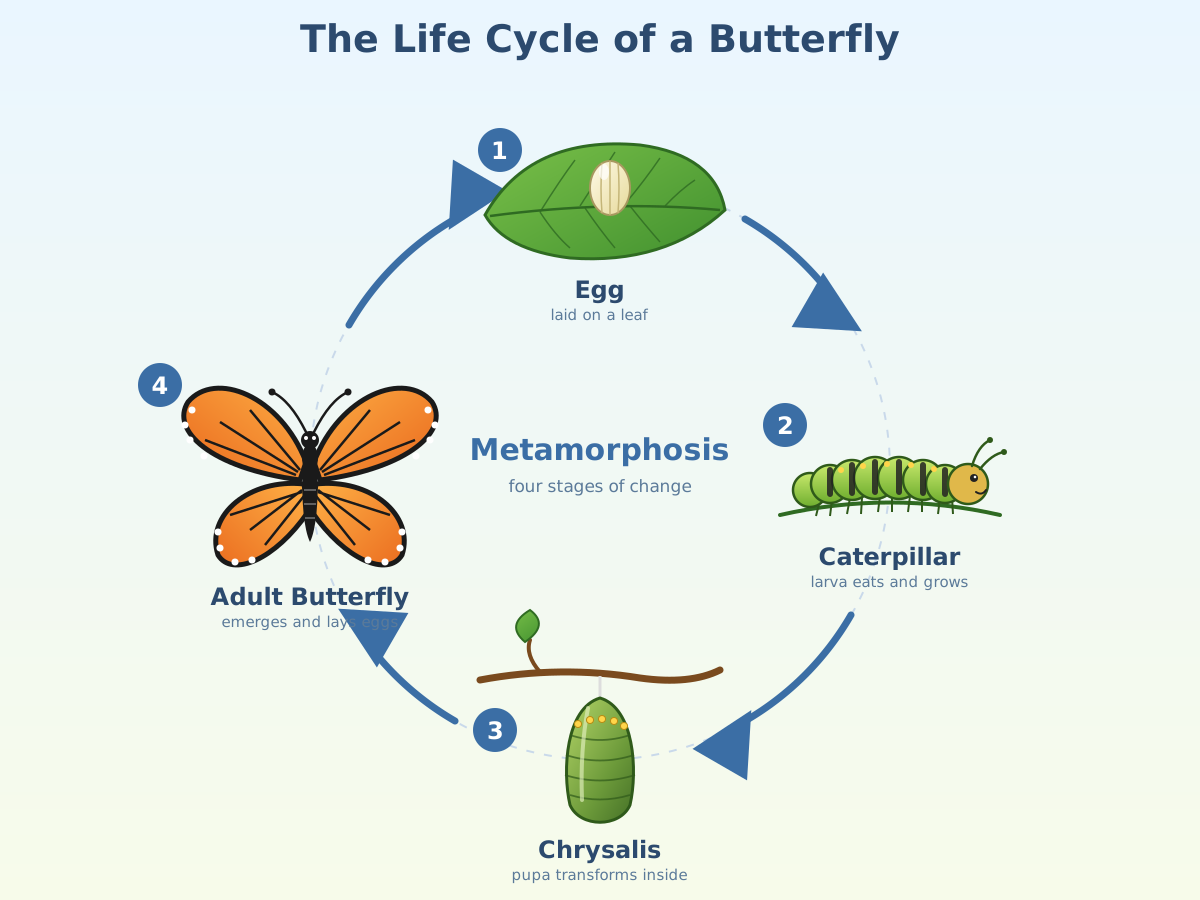
Butterfly Life Cycle
Create a single self-contained SVG illustration of a circular diagram of a butterfly's life cycle: egg on a leaf, caterpillar, chrysalis and adult butterfly, with arrows between the stages. Use viewBox="0 0 1200 900" with width="1200" height="900". No external assets, no raster images, no external fonts (generic font families such as sans-serif are fine), no scripts. Output ONLY the complete SVG code, starting with <svg and ending with </svg>, with no explanation or markdown fences.
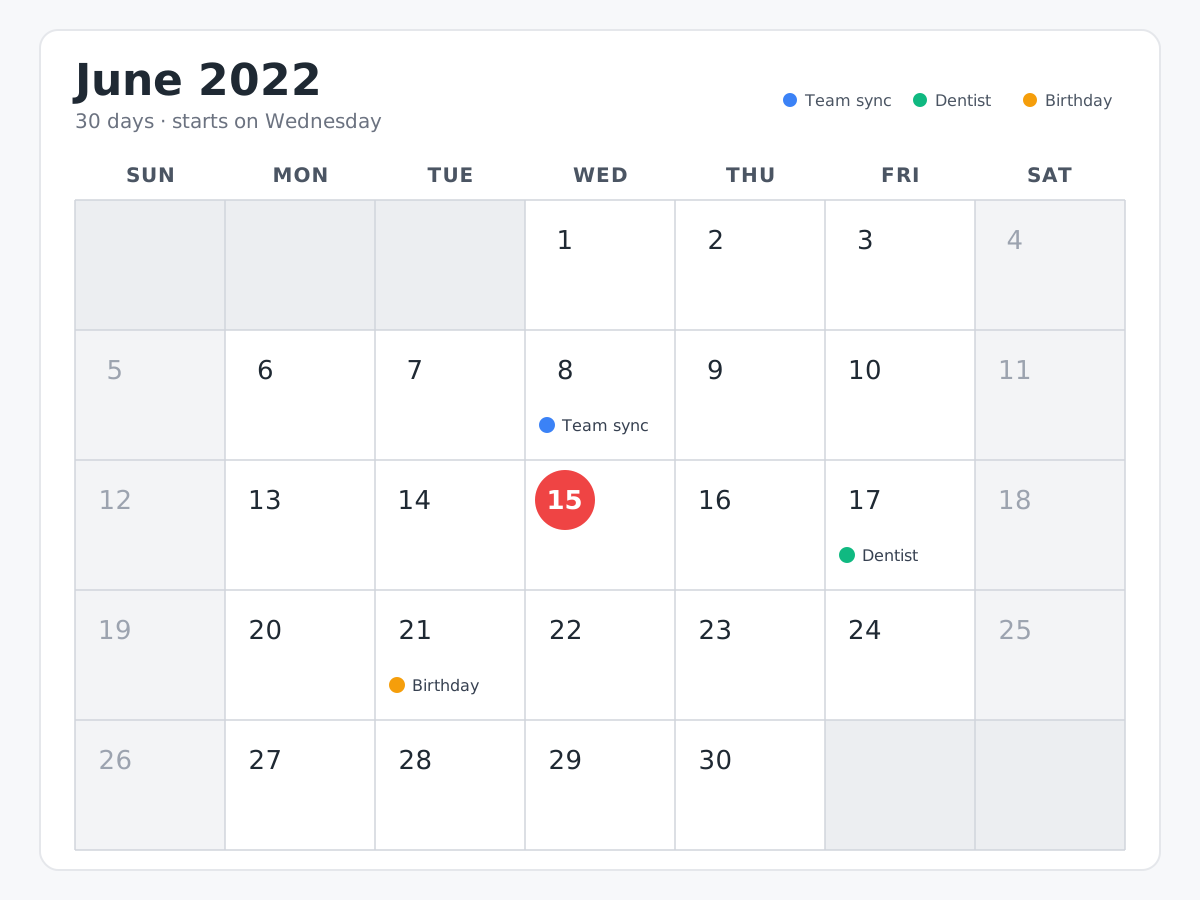
Calendar Month View
Create a single self-contained SVG illustration of a calendar month view for a 30-day month starting on a Wednesday, with today highlighted in a circle and three coloured event dots. Use viewBox="0 0 1200 900" with width="1200" height="900". No external assets, no raster images, no external fonts (generic font families such as sans-serif are fine), no scripts. Output ONLY the complete SVG code, starting with <svg and ending with </svg>, with no explanation or markdown fences.
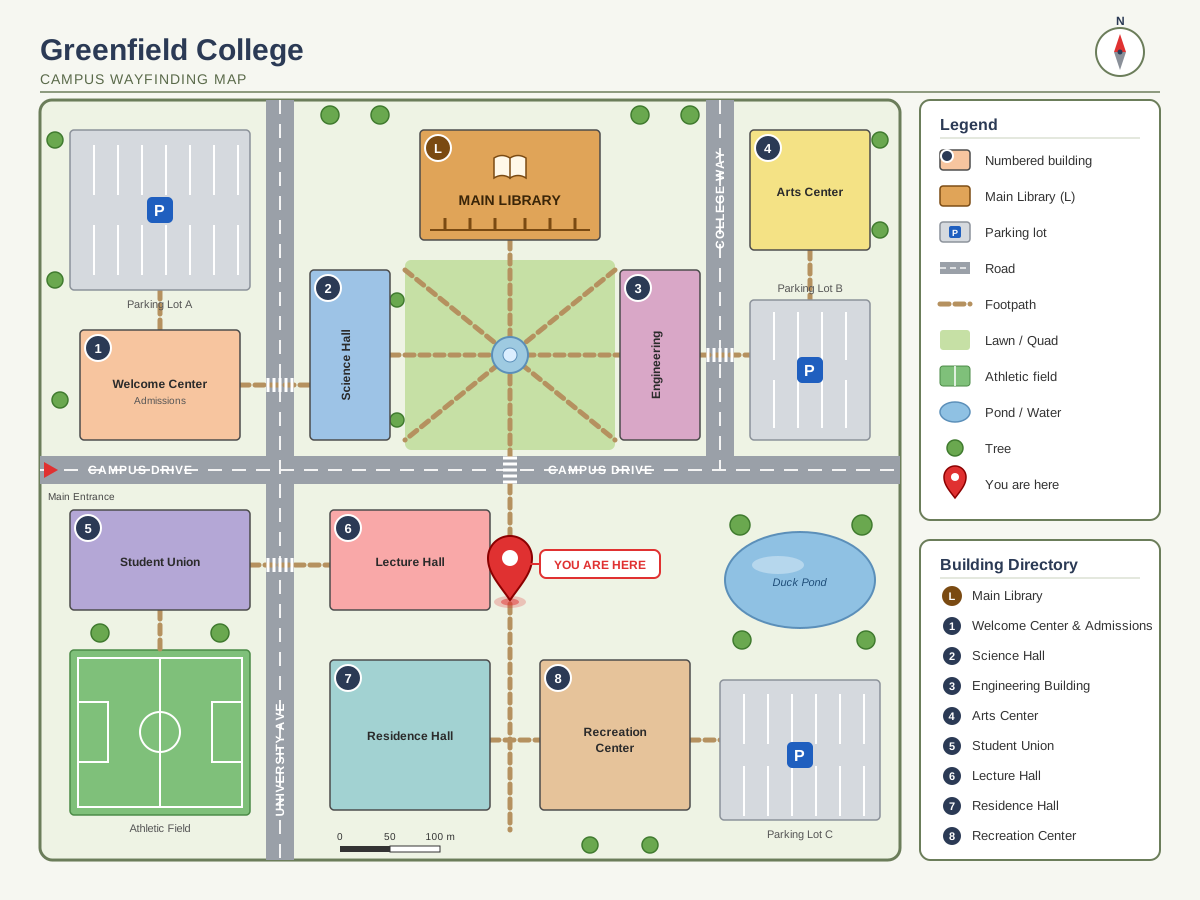
Campus Map
Create a single self-contained SVG illustration of a simple campus wayfinding map with numbered buildings, a library, parking lots, footpaths, a legend and a you-are-here pin. Use viewBox="0 0 1200 900" with width="1200" height="900". No external assets, no raster images, no external fonts (generic font families such as sans-serif are fine), no scripts. Output ONLY the complete SVG code, starting with <svg and ending with </svg>, with no explanation or markdown fences.
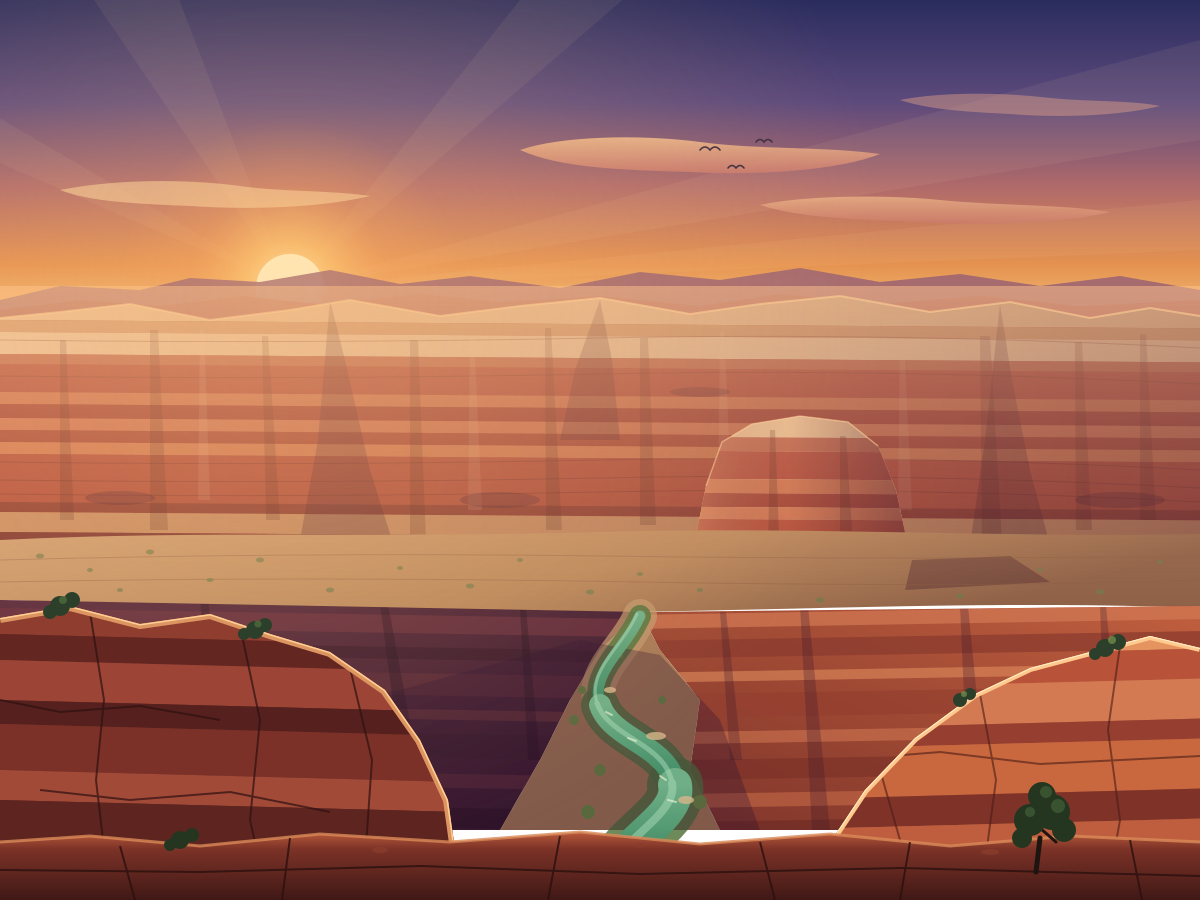
Canyon River
Create a single self-contained SVG illustration of a deep red-rock canyon with layered striped walls and a winding green river at the bottom, seen from the rim at golden hour. Use viewBox="0 0 1200 900" with width="1200" height="900". No external assets, no raster images, no external fonts (generic font families such as sans-serif are fine), no scripts. Output ONLY the complete SVG code, starting with <svg and ending with </svg>, with no explanation or markdown fences.
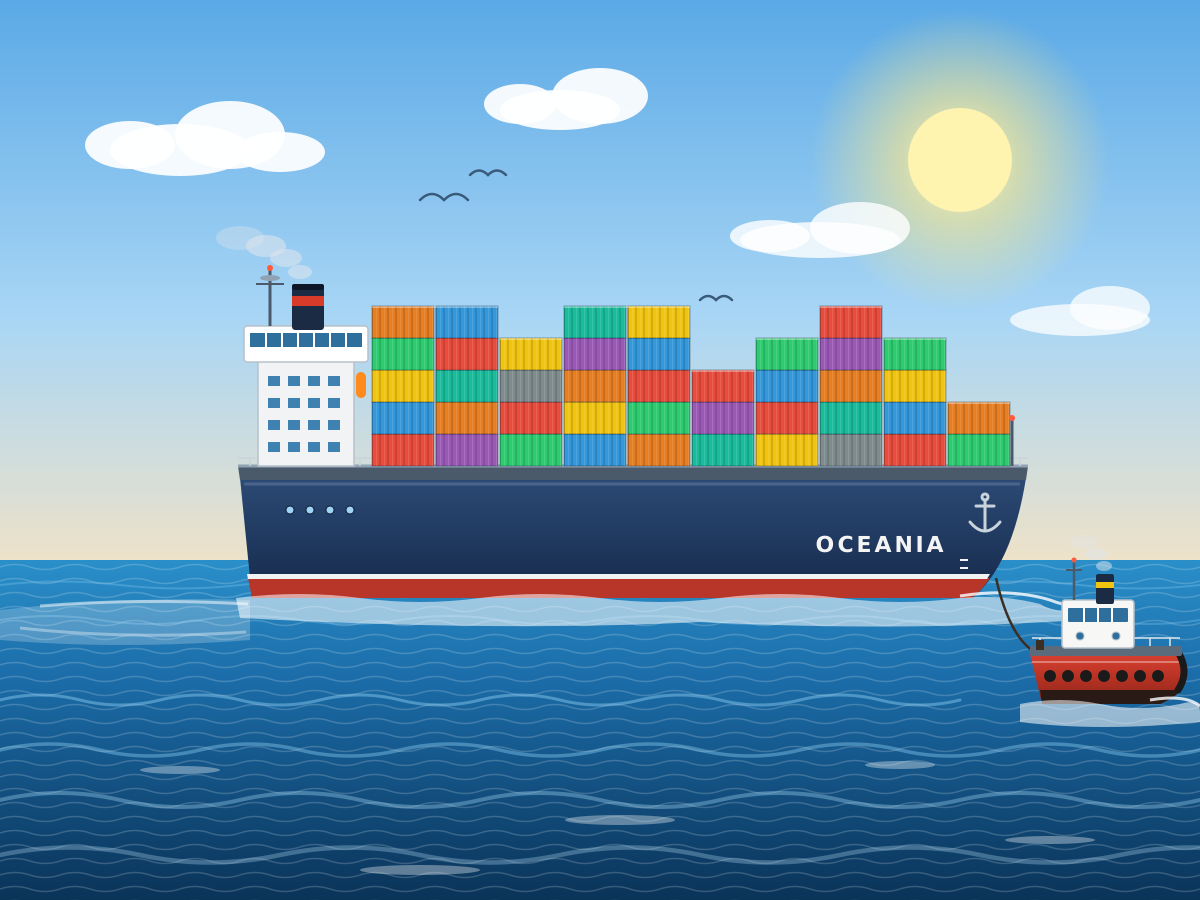
Container Ship
Create a single self-contained SVG illustration of a large cargo ship stacked with colourful shipping containers sailing across the ocean, with a tugboat guiding it. Use viewBox="0 0 1200 900" with width="1200" height="900". No external assets, no raster images, no external fonts (generic font families such as sans-serif are fine), no scripts. Output ONLY the complete SVG code, starting with <svg and ending with </svg>, with no explanation or markdown fences.
Chameleon on a Branch
Create a single self-contained SVG illustration of a chameleon gripping a twisted branch with its curled tail, one eye swivelled forward and its long tongue shooting out to catch a fly. Use viewBox="0 0 1200 900" with width="1200" height="900". No external assets, no raster images, no external fonts (generic font families such as sans-serif are fine), no scripts. Output ONLY the complete SVG code, starting with <svg and ending with </svg>, with no explanation or markdown fences.

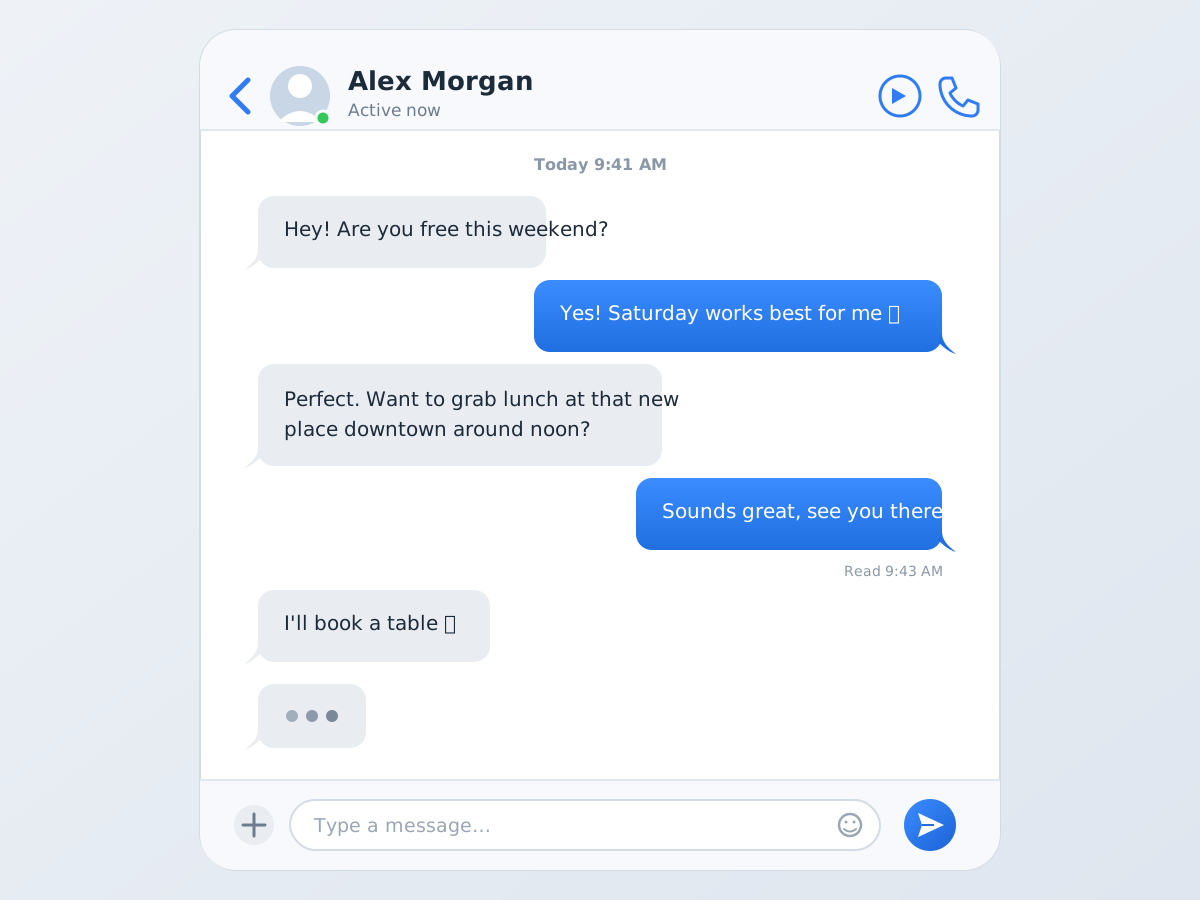
Chat Conversation UI
Create a single self-contained SVG illustration of a messaging app screen with alternating grey and blue speech bubbles, a timestamp, a typing indicator and a text input bar with a send button. Use viewBox="0 0 1200 900" with width="1200" height="900". No external assets, no raster images, no external fonts (generic font families such as sans-serif are fine), no scripts. Output ONLY the complete SVG code, starting with <svg and ending with </svg>, with no explanation or markdown fences.
Chef Flipping a Pan
Create a single self-contained SVG illustration of a stylised chef in a tall white hat flipping vegetables in a flaming wok, mid-air ingredients and a busy kitchen behind. Use viewBox="0 0 1200 900" with width="1200" height="900". No external assets, no raster images, no external fonts (generic font families such as sans-serif are fine), no scripts. Output ONLY the complete SVG code, starting with <svg and ending with </svg>, with no explanation or markdown fences.

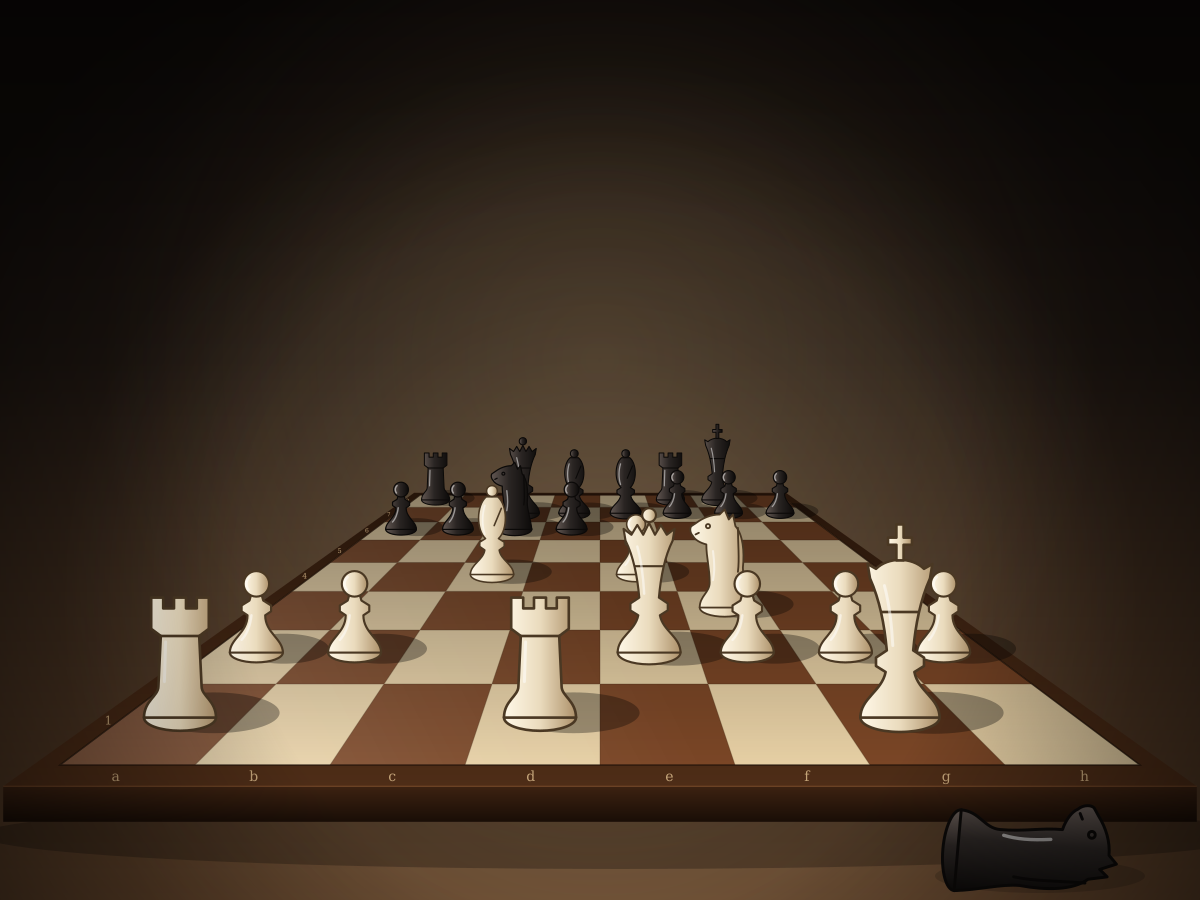
Chessboard Mid-Game
Create a single self-contained SVG illustration of a chessboard seen from a low angle in the middle of a game, with at least ten different pieces placed on correct squares and one captured piece beside. Use viewBox="0 0 1200 900" with width="1200" height="900". No external assets, no raster images, no external fonts (generic font families such as sans-serif are fine), no scripts. Output ONLY the complete SVG code, starting with <svg and ending with </svg>, with no explanation or markdown fences.
Circuit Board Close-Up
Create a single self-contained SVG illustration of a close-up of a green printed circuit board with a central chip, resistors, capacitors, copper traces and solder points. Use viewBox="0 0 1200 900" with width="1200" height="900". No external assets, no raster images, no external fonts (generic font families such as sans-serif are fine), no scripts. Output ONLY the complete SVG code, starting with <svg and ending with </svg>, with no explanation or markdown fences.

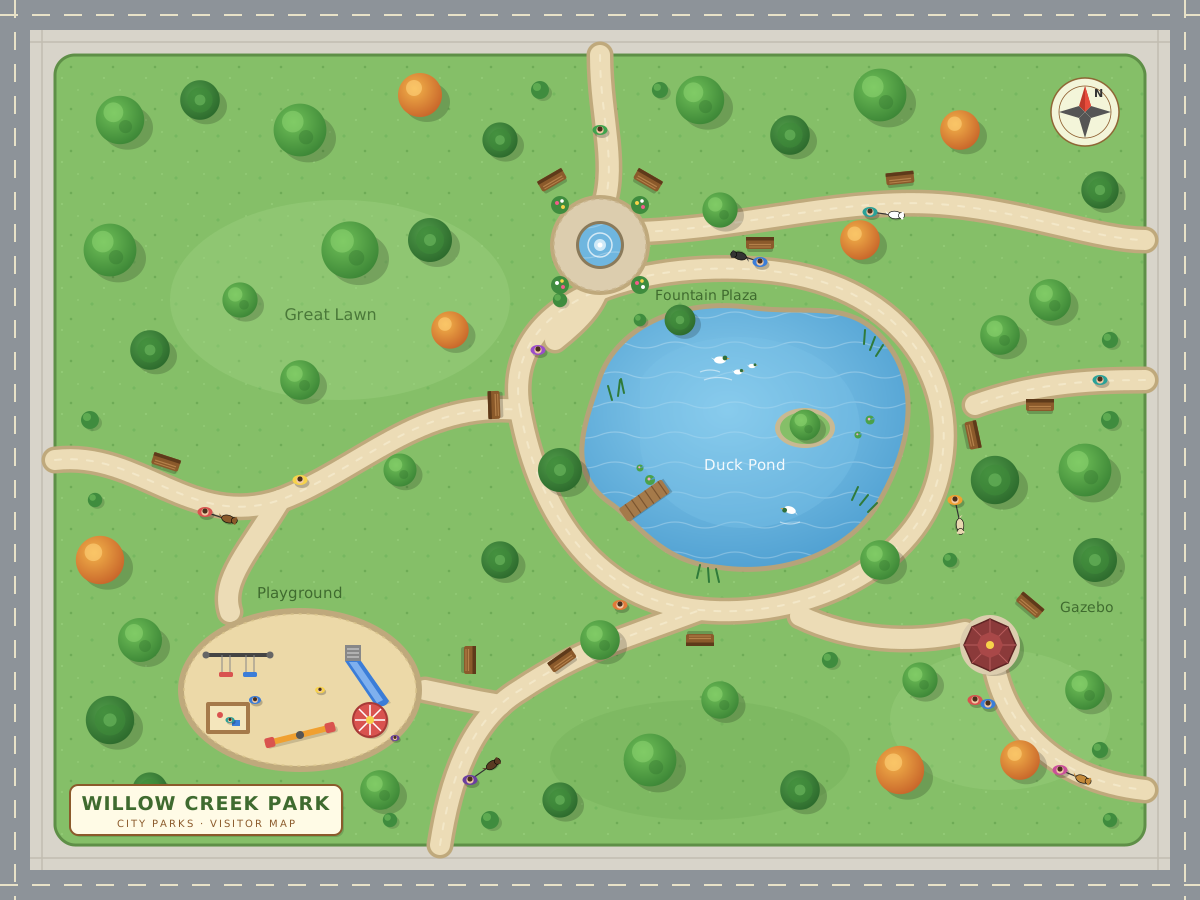
Top-Down City Park
Create a single self-contained SVG illustration of a top-down map-style illustration of a city park with a pond, winding paths, a playground, trees, benches and people walking dogs. Use viewBox="0 0 1200 900" with width="1200" height="900". No external assets, no raster images, no external fonts (generic font families such as sans-serif are fine), no scripts. Output ONLY the complete SVG code, starting with <svg and ending with </svg>, with no explanation or markdown fences.
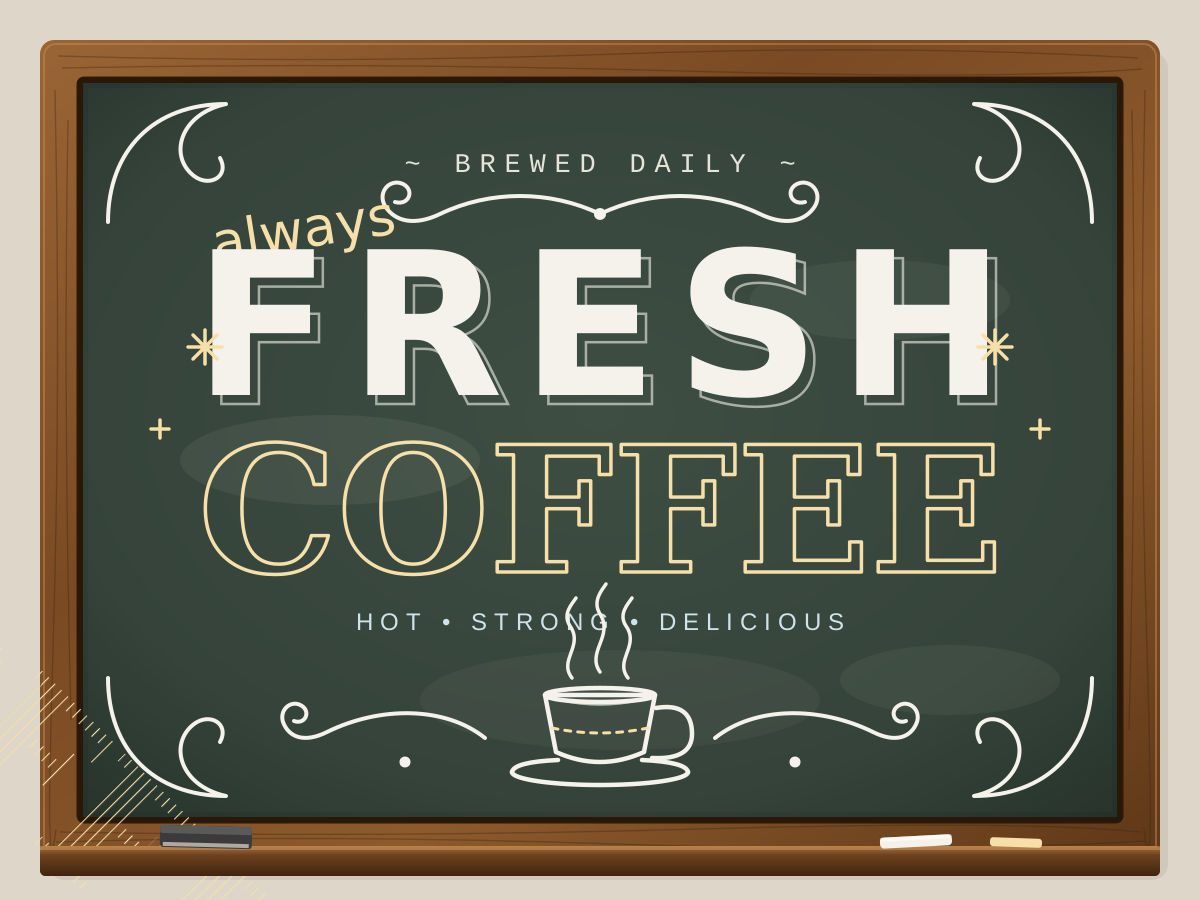
Chalkboard Coffee Lettering
Create a single self-contained SVG illustration of a chalkboard sign reading FRESH COFFEE with mixed hand-lettered styles, decorative flourishes, a small coffee cup doodle and chalk texture. Use viewBox="0 0 1200 900" with width="1200" height="900". No external assets, no raster images, no external fonts (generic font families such as sans-serif are fine), no scripts. Output ONLY the complete SVG code, starting with <svg and ending with </svg>, with no explanation or markdown fences.
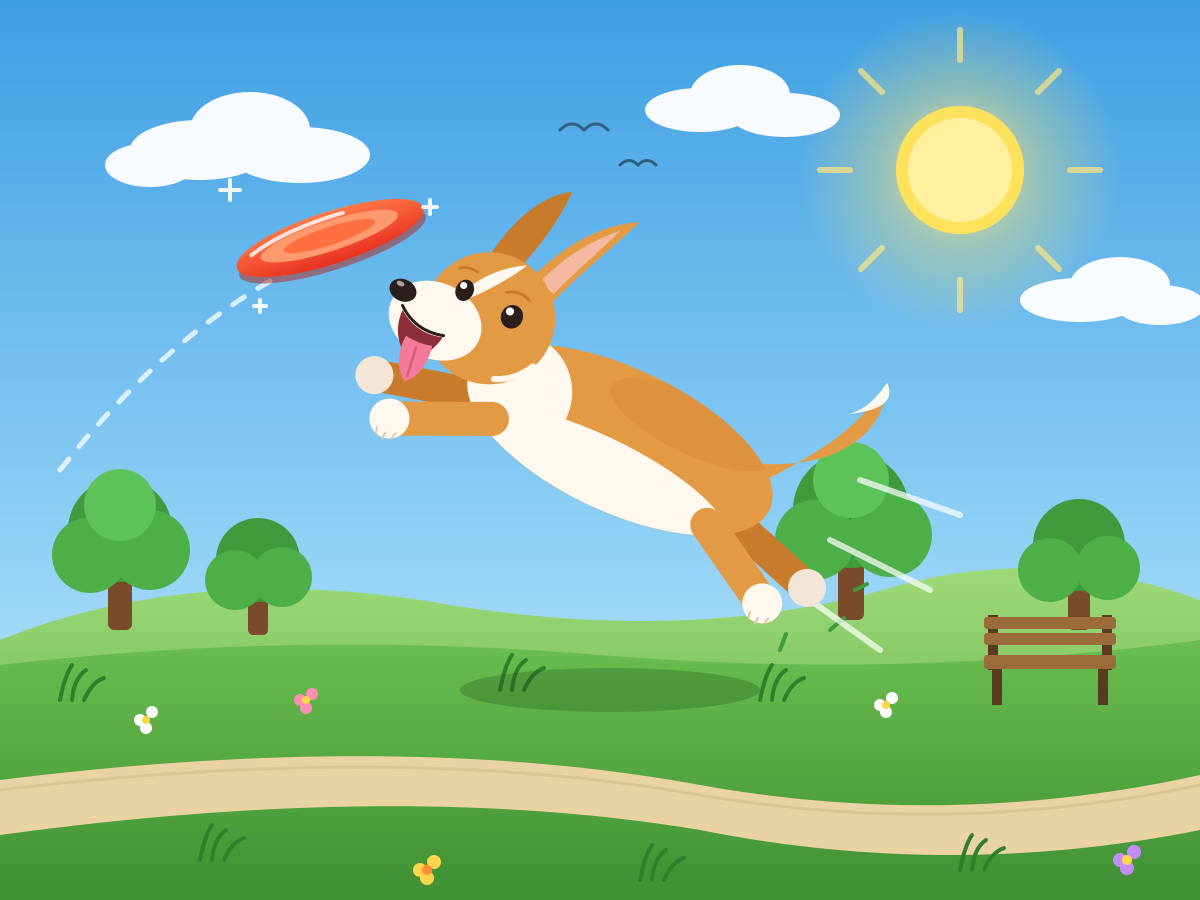
Corgi Catching a Frisbee
Create a single self-contained SVG illustration of a short-legged corgi leaping in mid-air to catch a bright frisbee in a sunny park, ears flopping and tongue out. Use viewBox="0 0 1200 900" with width="1200" height="900". No external assets, no raster images, no external fonts (generic font families such as sans-serif are fine), no scripts. Output ONLY the complete SVG code, starting with <svg and ending with </svg>, with no explanation or markdown fences.
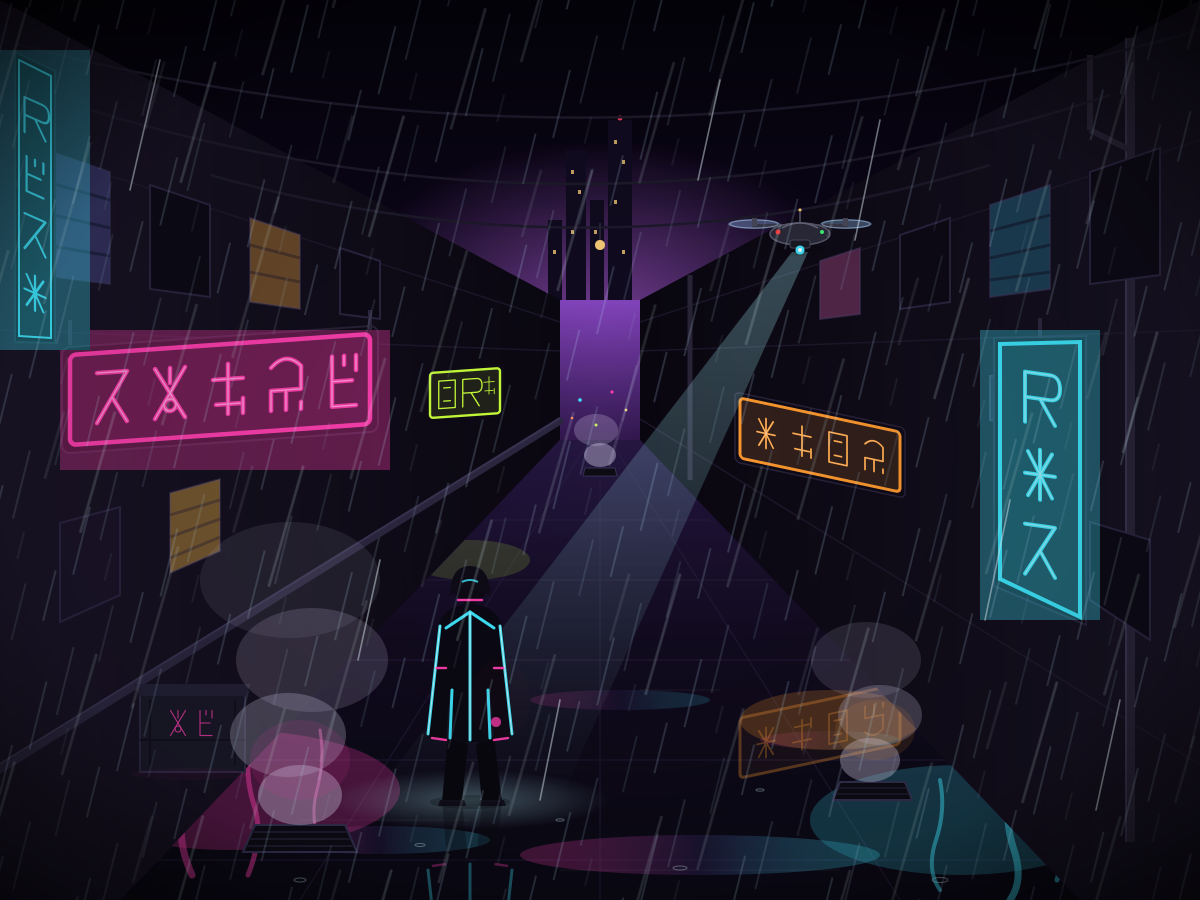
Cyberpunk Alley
Create a single self-contained SVG illustration of a rainy cyberpunk alley with neon signs in invented glyphs, steam vents, a hovering drone and a figure in a glowing jacket. Use viewBox="0 0 1200 900" with width="1200" height="900". No external assets, no raster images, no external fonts (generic font families such as sans-serif are fine), no scripts. Output ONLY the complete SVG code, starting with <svg and ending with </svg>, with no explanation or markdown fences.
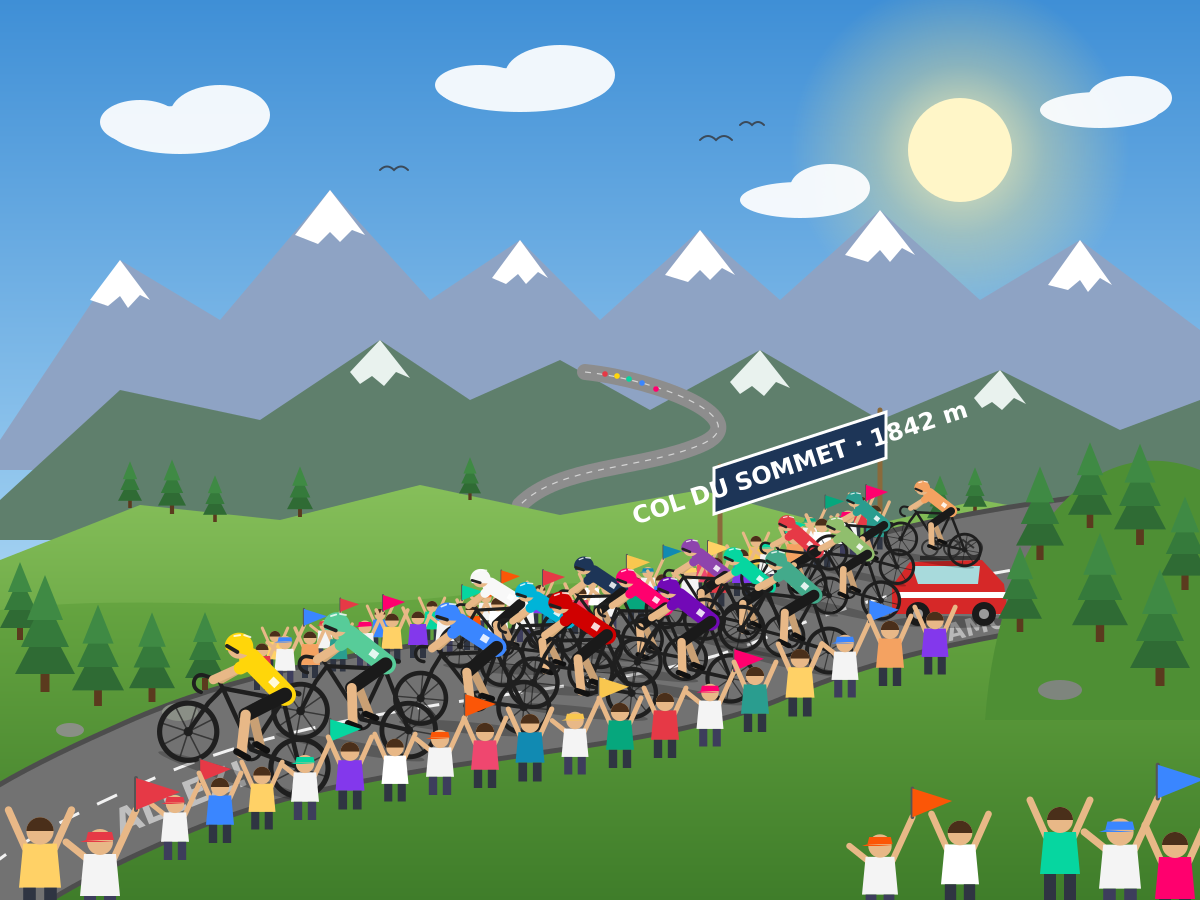
Cycling Peloton
Create a single self-contained SVG illustration of a peloton of road cyclists in colourful jerseys racing along a winding mountain road with spectators cheering. Use viewBox="0 0 1200 900" with width="1200" height="900". No external assets, no raster images, no external fonts (generic font families such as sans-serif are fine), no scripts. Output ONLY the complete SVG code, starting with <svg and ending with </svg>, with no explanation or markdown fences.
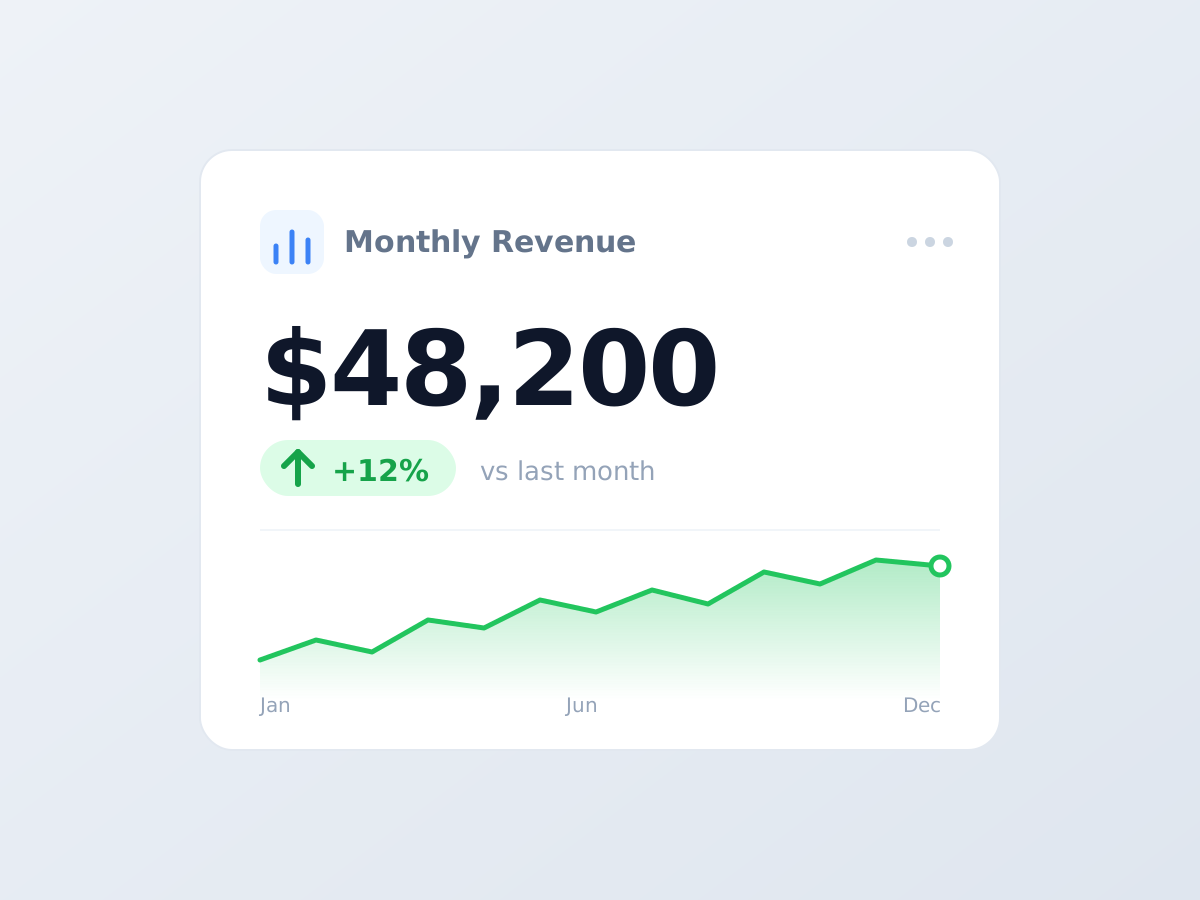
Sales Dashboard Card
Create a single self-contained SVG illustration of a dashboard card titled Monthly Revenue showing 48,200 dollars, a green up arrow with 12 percent and a small line sparkline beneath. Use viewBox="0 0 1200 900" with width="1200" height="900". No external assets, no raster images, no external fonts (generic font families such as sans-serif are fine), no scripts. Output ONLY the complete SVG code, starting with <svg and ending with </svg>, with no explanation or markdown fences.
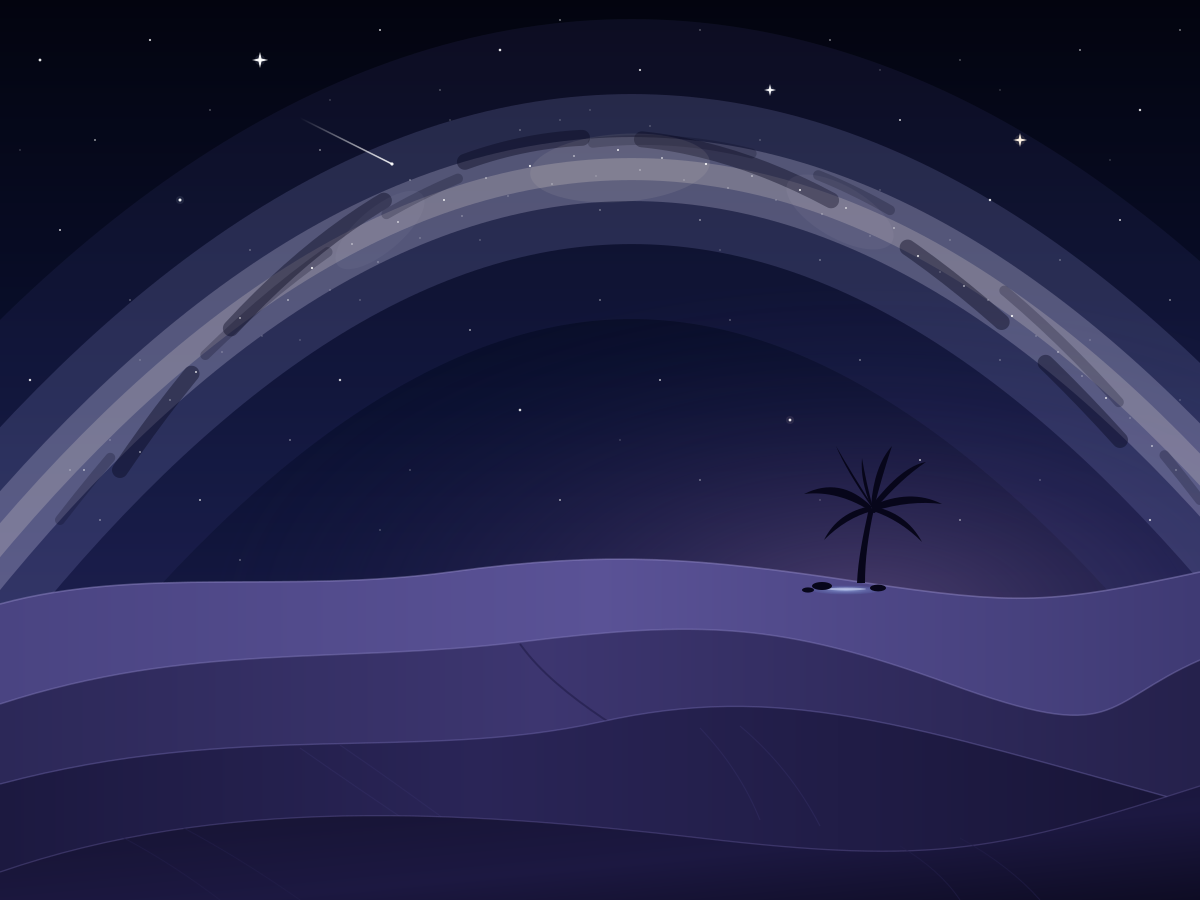
Desert Dunes at Night
Create a single self-contained SVG illustration of rolling sand dunes under a starry night sky with the Milky Way arching overhead and a lone oasis palm on the horizon. Use viewBox="0 0 1200 900" with width="1200" height="900". No external assets, no raster images, no external fonts (generic font families such as sans-serif are fine), no scripts. Output ONLY the complete SVG code, starting with <svg and ending with </svg>, with no explanation or markdown fences.
Desk Lamp and Books
Create a single self-contained SVG illustration of an articulated desk lamp casting a warm cone of light over a stack of three books, a pair of reading glasses and a steaming mug. Use viewBox="0 0 1200 900" with width="1200" height="900". No external assets, no raster images, no external fonts (generic font families such as sans-serif are fine), no scripts. Output ONLY the complete SVG code, starting with <svg and ending with </svg>, with no explanation or markdown fences.

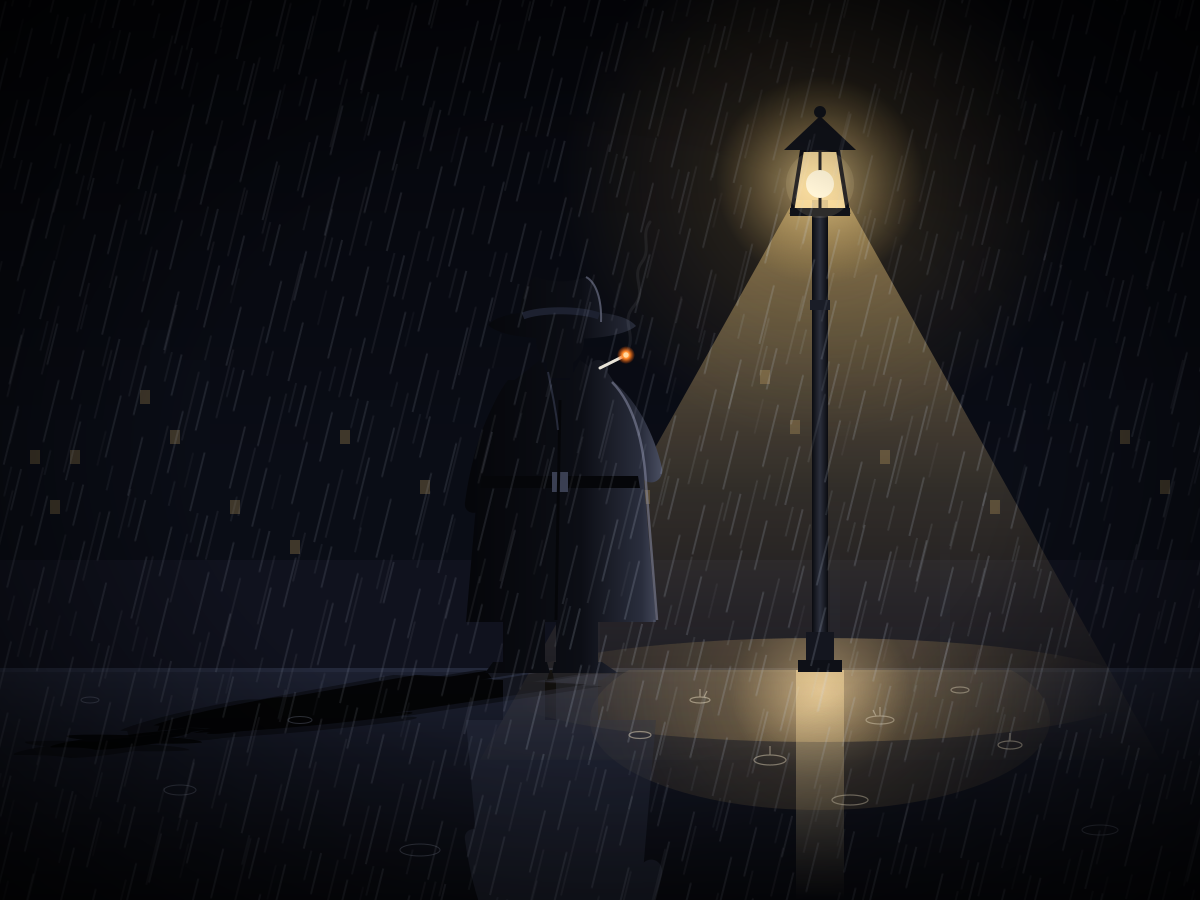
Noir Detective
Create a single self-contained SVG illustration of a stylised film-noir detective in a trench coat and fedora under a streetlamp in the rain, his long shadow on the wet pavement. Use viewBox="0 0 1200 900" with width="1200" height="900". No external assets, no raster images, no external fonts (generic font families such as sans-serif are fine), no scripts. Output ONLY the complete SVG code, starting with <svg and ending with </svg>, with no explanation or markdown fences.
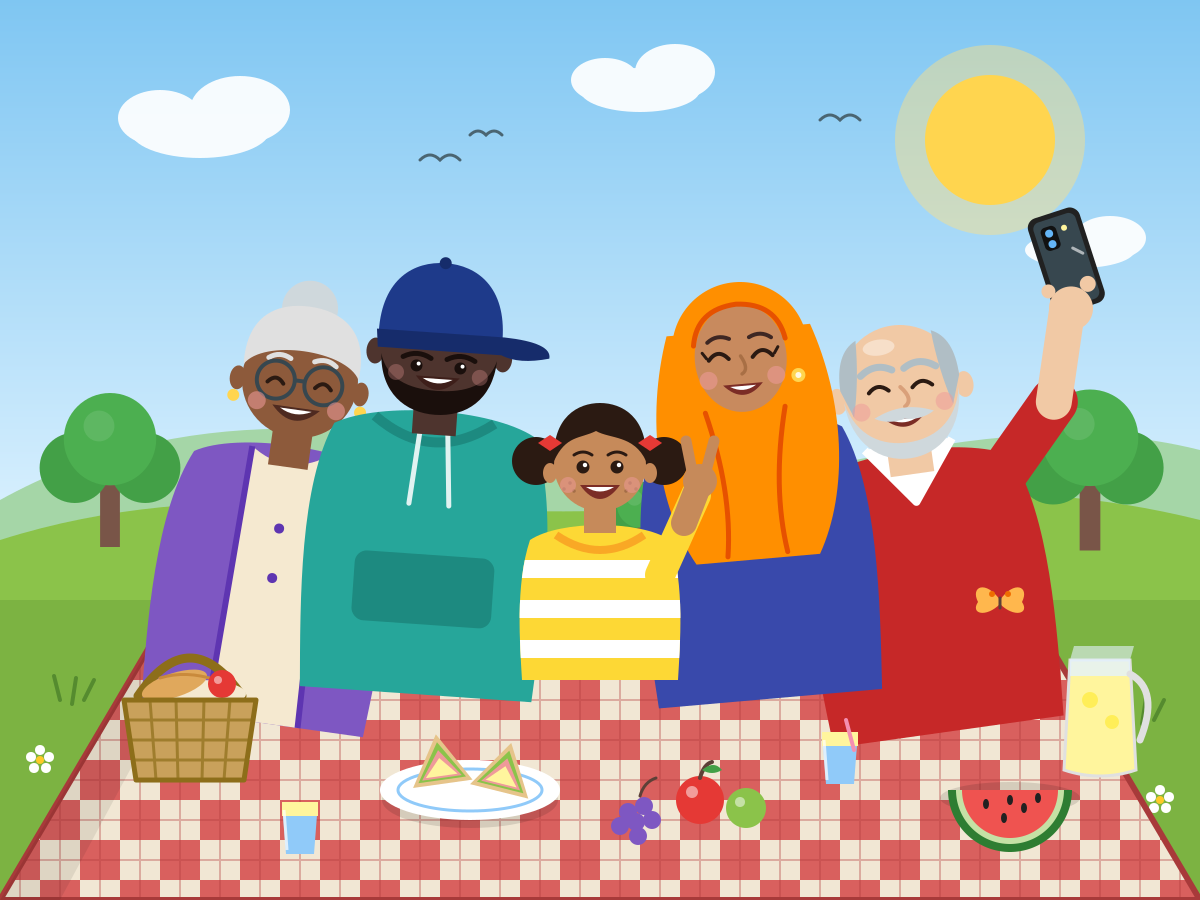
Group Selfie
Create a single self-contained SVG illustration of a stylised group of five friends of different ages and backgrounds squeezing together for a selfie at a picnic, one holding the phone. Use viewBox="0 0 1200 900" with width="1200" height="900". No external assets, no raster images, no external fonts (generic font families such as sans-serif are fine), no scripts. Output ONLY the complete SVG code, starting with <svg and ending with </svg>, with no explanation or markdown fences.
Festival Oil Lamps
Create a single self-contained SVG illustration of a row of glowing clay oil lamps on a doorstep surrounded by a colourful floor pattern of flower petals and geometric rangoli. Use viewBox="0 0 1200 900" with width="1200" height="900". No external assets, no raster images, no external fonts (generic font families such as sans-serif are fine), no scripts. Output ONLY the complete SVG code, starting with <svg and ending with </svg>, with no explanation or markdown fences.

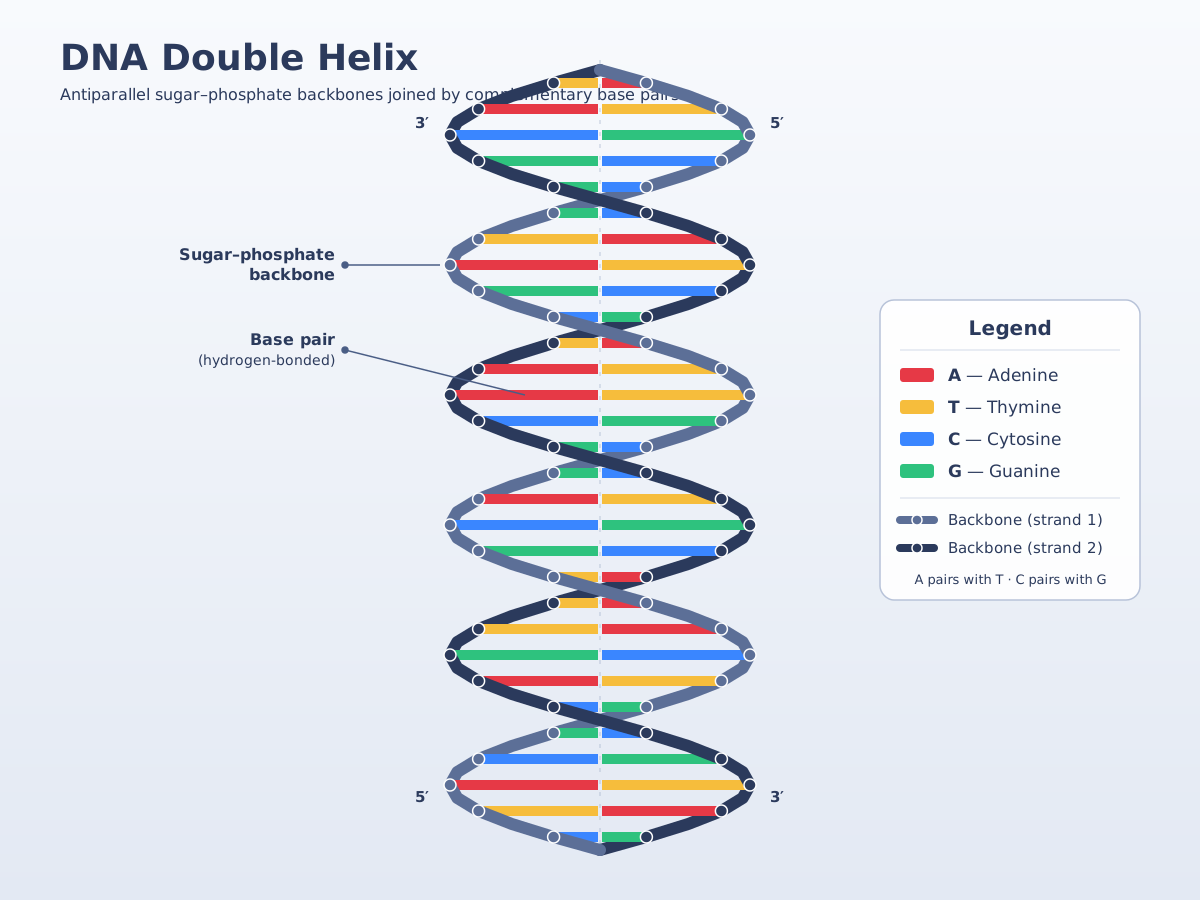
DNA Double Helix
Create a single self-contained SVG illustration of a DNA double helix twisting vertically with a sugar-phosphate backbone and colour-coded base pairs, with a small legend for A, T, C and G. Use viewBox="0 0 1200 900" with width="1200" height="900". No external assets, no raster images, no external fonts (generic font families such as sans-serif are fine), no scripts. Output ONLY the complete SVG code, starting with <svg and ending with </svg>, with no explanation or markdown fences.
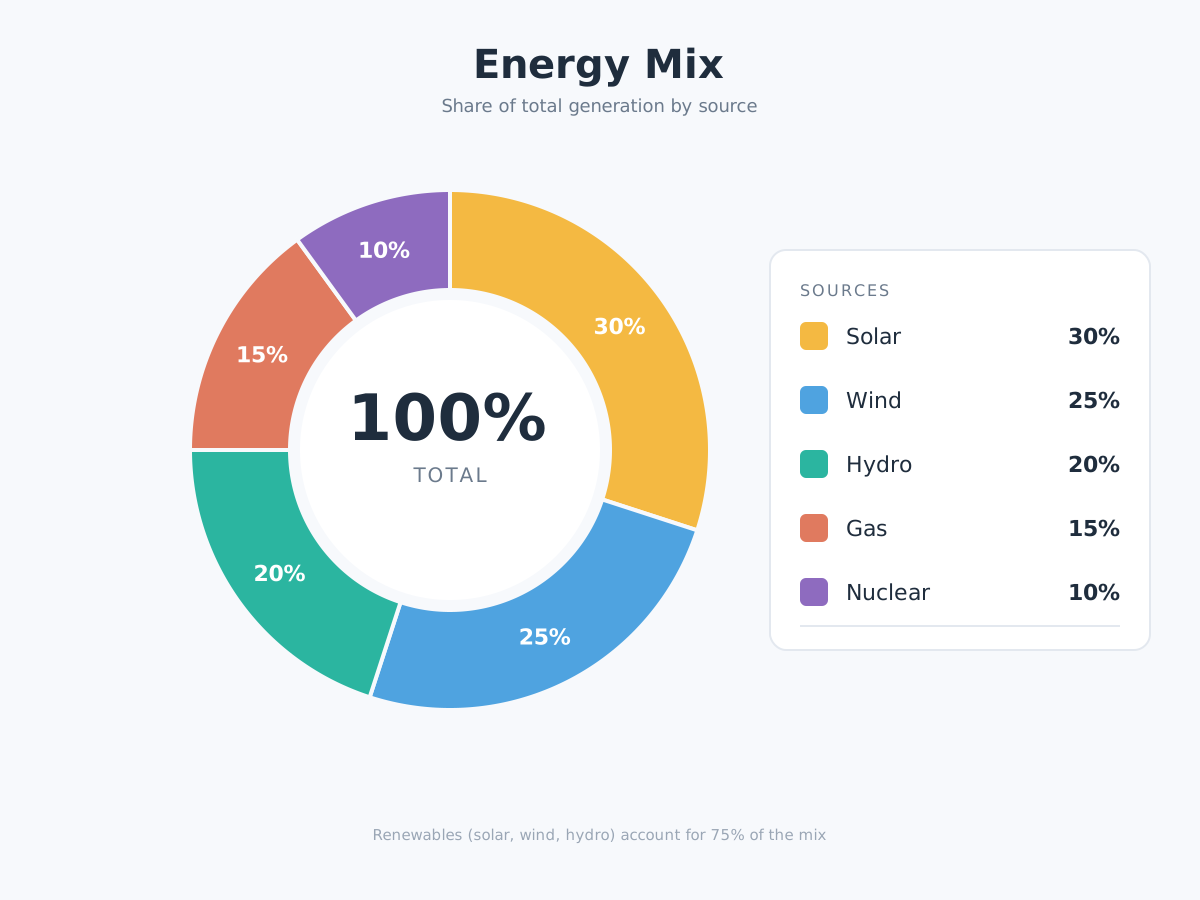
Energy Mix Donut Chart
Create a single self-contained SVG illustration of a donut chart of an energy mix: solar 30 percent, wind 25 percent, hydro 20 percent, gas 15 percent and nuclear 10 percent, with the total in the centre. Use viewBox="0 0 1200 900" with width="1200" height="900". No external assets, no raster images, no external fonts (generic font families such as sans-serif are fine), no scripts. Output ONLY the complete SVG code, starting with <svg and ending with </svg>, with no explanation or markdown fences.
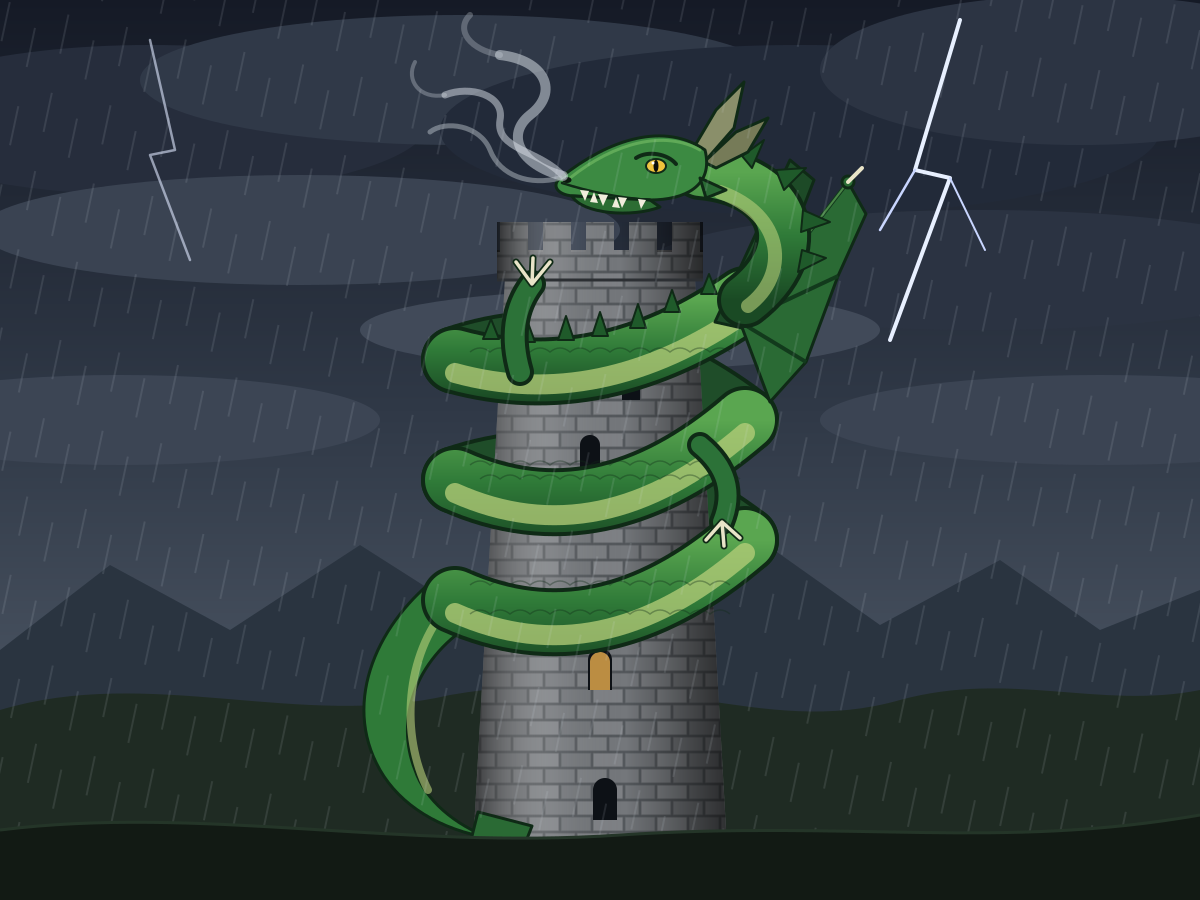
Dragon Coiled on a Tower
Create a single self-contained SVG illustration of a green dragon coiled around the top of a stone tower, wings folded and smoke curling from its nostrils, under a stormy sky. Use viewBox="0 0 1200 900" with width="1200" height="900". No external assets, no raster images, no external fonts (generic font families such as sans-serif are fine), no scripts. Output ONLY the complete SVG code, starting with <svg and ending with </svg>, with no explanation or markdown fences.
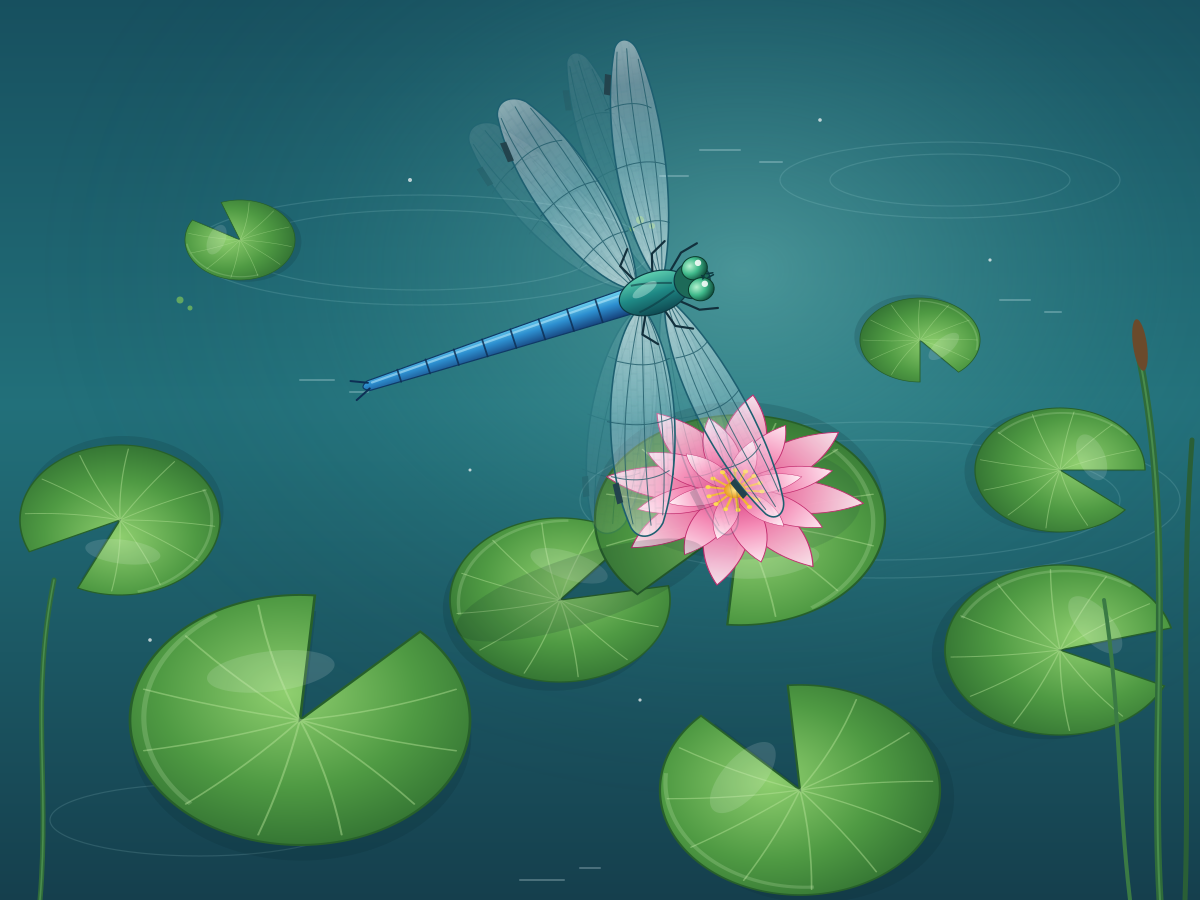
Dragonfly Over Pond
Create a single self-contained SVG illustration of a dragonfly with four transparent veined wings hovering above lily pads on a pond, a pink water lily open beside it. Use viewBox="0 0 1200 900" with width="1200" height="900". No external assets, no raster images, no external fonts (generic font families such as sans-serif are fine), no scripts. Output ONLY the complete SVG code, starting with <svg and ending with </svg>, with no explanation or markdown fences.
3D Block Letters
Create a single self-contained SVG illustration of the words DREAM BIG as chunky extruded 3D block letters in teal with long diagonal shadows on a cream background. Use viewBox="0 0 1200 900" with width="1200" height="900". No external assets, no raster images, no external fonts (generic font families such as sans-serif are fine), no scripts. Output ONLY the complete SVG code, starting with <svg and ending with </svg>, with no explanation or markdown fences.

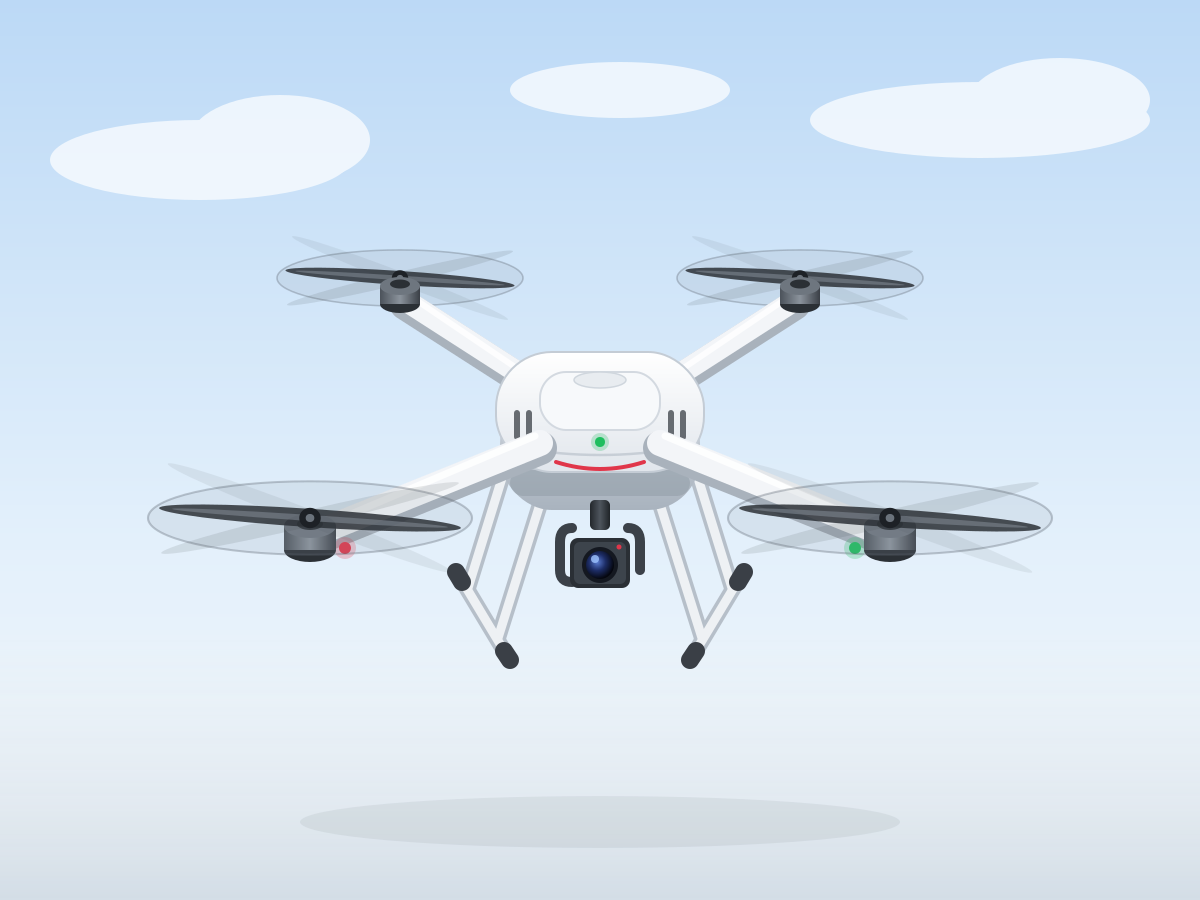
Quadcopter Drone
Create a single self-contained SVG illustration of a white quadcopter drone hovering with four propellers, landing legs and a camera gimbal underneath, seen from a slight top angle. Use viewBox="0 0 1200 900" with width="1200" height="900". No external assets, no raster images, no external fonts (generic font families such as sans-serif are fine), no scripts. Output ONLY the complete SVG code, starting with <svg and ending with </svg>, with no explanation or markdown fences.
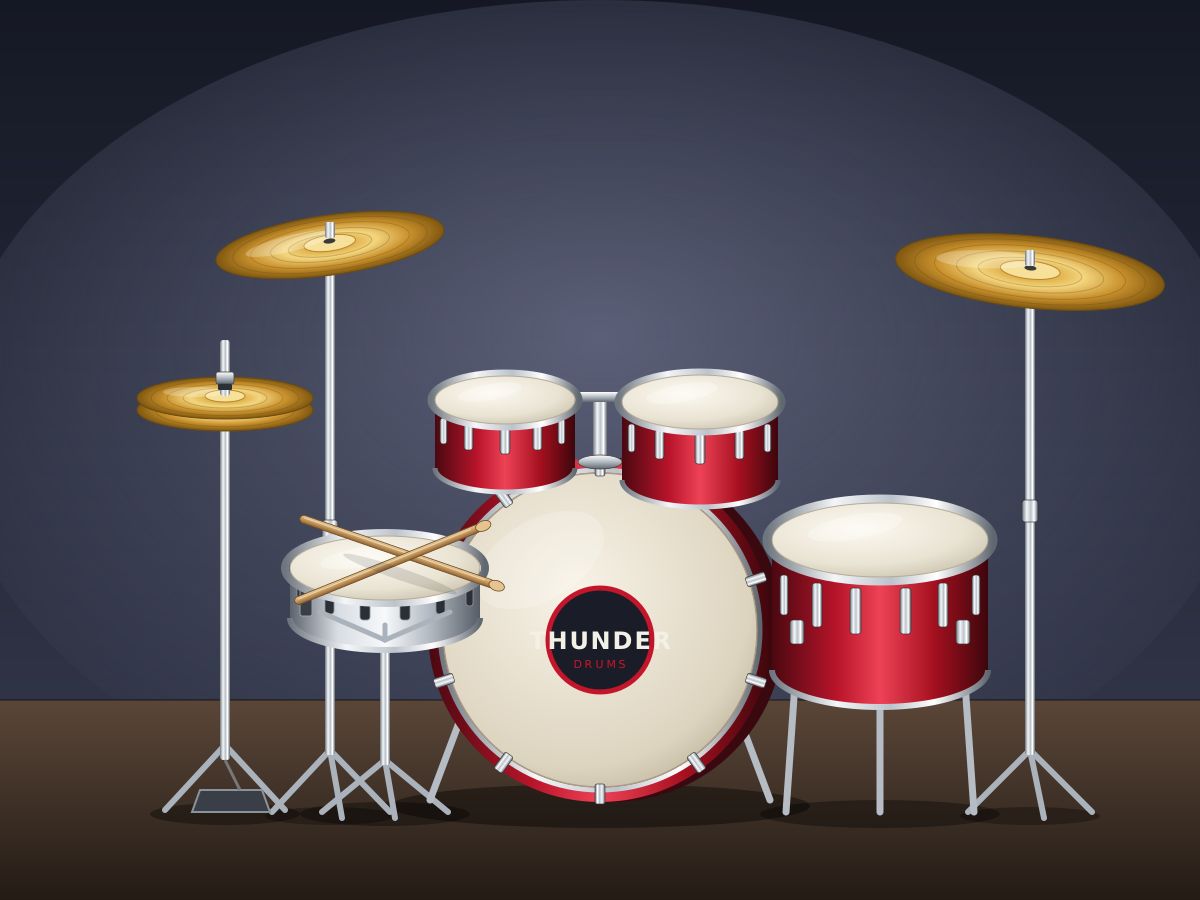
Drum Kit
Create a single self-contained SVG illustration of a full drum kit with a bass drum, snare, two toms, floor tom, hi-hat and two cymbals, with drumsticks resting on the snare. Use viewBox="0 0 1200 900" with width="1200" height="900". No external assets, no raster images, no external fonts (generic font families such as sans-serif are fine), no scripts. Output ONLY the complete SVG code, starting with <svg and ending with </svg>, with no explanation or markdown fences.
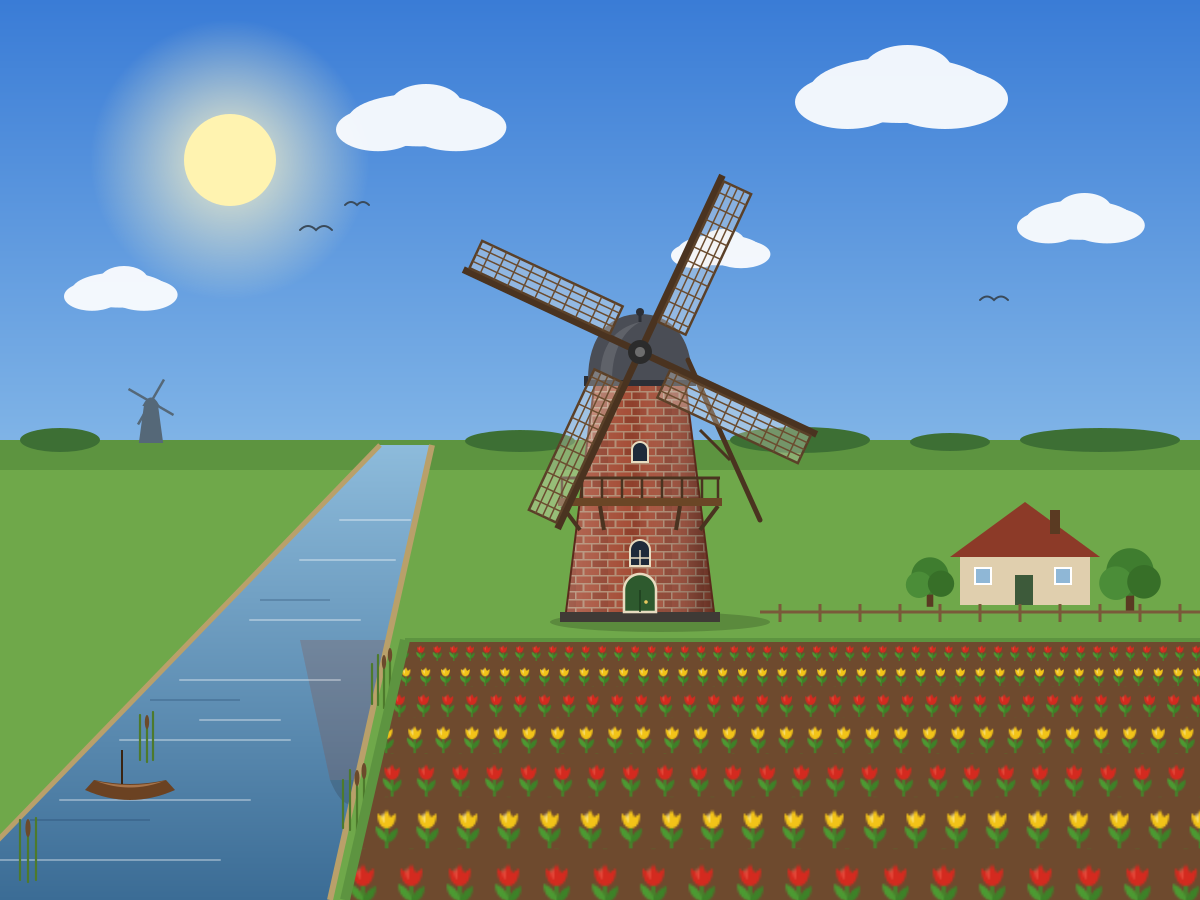
Windmill by a Canal
Create a single self-contained SVG illustration of a traditional brick windmill with four lattice sails beside a canal, tulip fields in rows of red and yellow in front. Use viewBox="0 0 1200 900" with width="1200" height="900". No external assets, no raster images, no external fonts (generic font families such as sans-serif are fine), no scripts. Output ONLY the complete SVG code, starting with <svg and ending with </svg>, with no explanation or markdown fences.
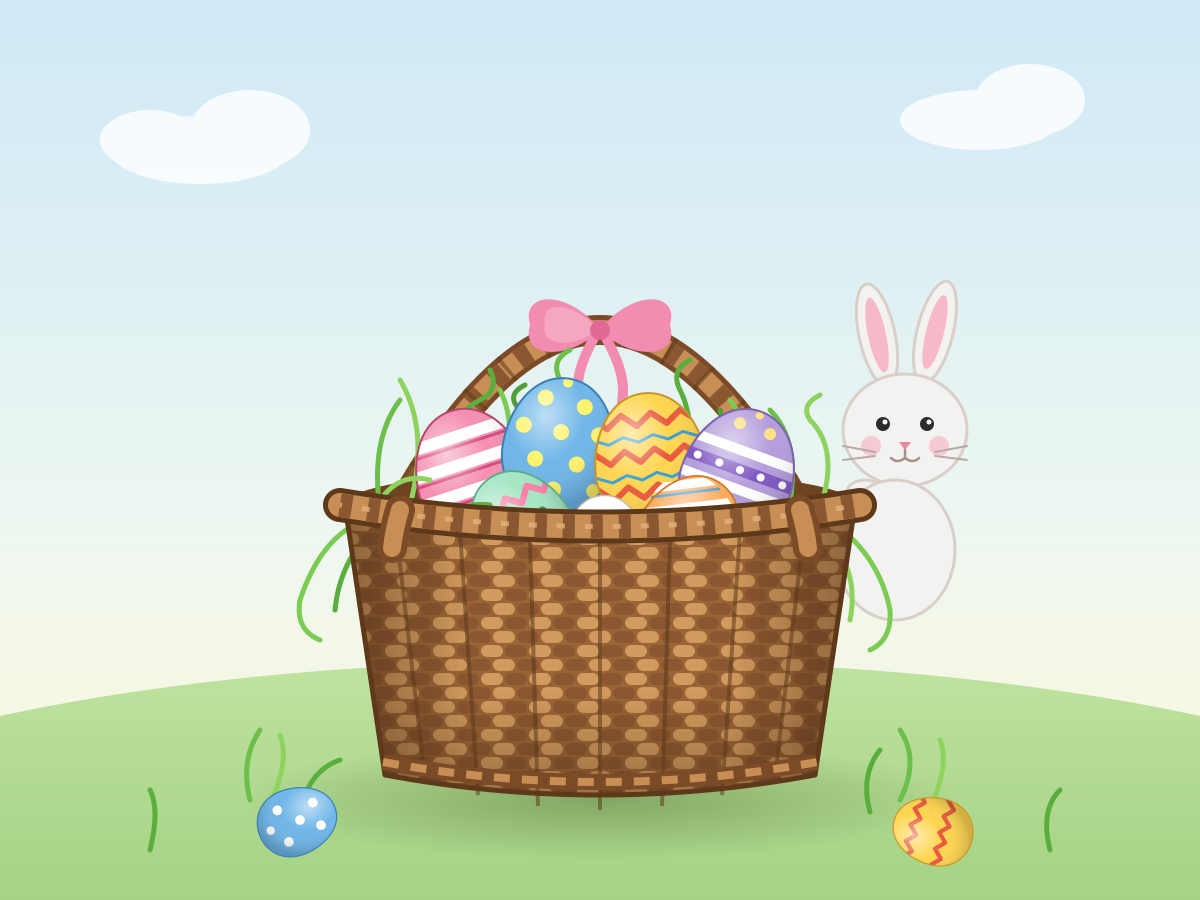
Basket of Painted Eggs
Create a single self-contained SVG illustration of a wicker basket of painted eggs with stripes, dots and zigzags nestled in green paper grass, with a small bunny peeking from behind. Use viewBox="0 0 1200 900" with width="1200" height="900". No external assets, no raster images, no external fonts (generic font families such as sans-serif are fine), no scripts. Output ONLY the complete SVG code, starting with <svg and ending with </svg>, with no explanation or markdown fences.
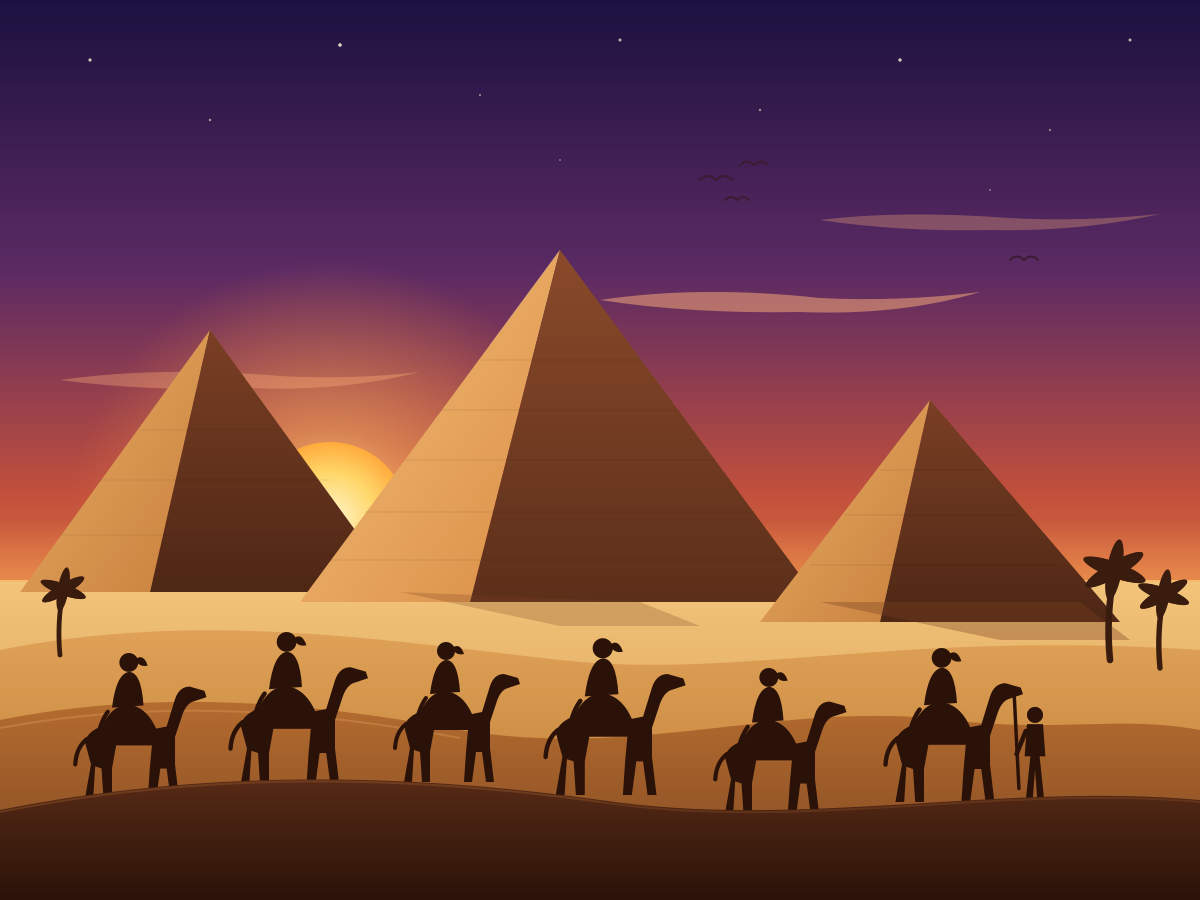
Pyramids at Sunset
Create a single self-contained SVG illustration of three ancient Egyptian pyramids in the desert at sunset, with a camel caravan silhouetted in the foreground. Use viewBox="0 0 1200 900" with width="1200" height="900". No external assets, no raster images, no external fonts (generic font families such as sans-serif are fine), no scripts. Output ONLY the complete SVG code, starting with <svg and ending with </svg>, with no explanation or markdown fences.
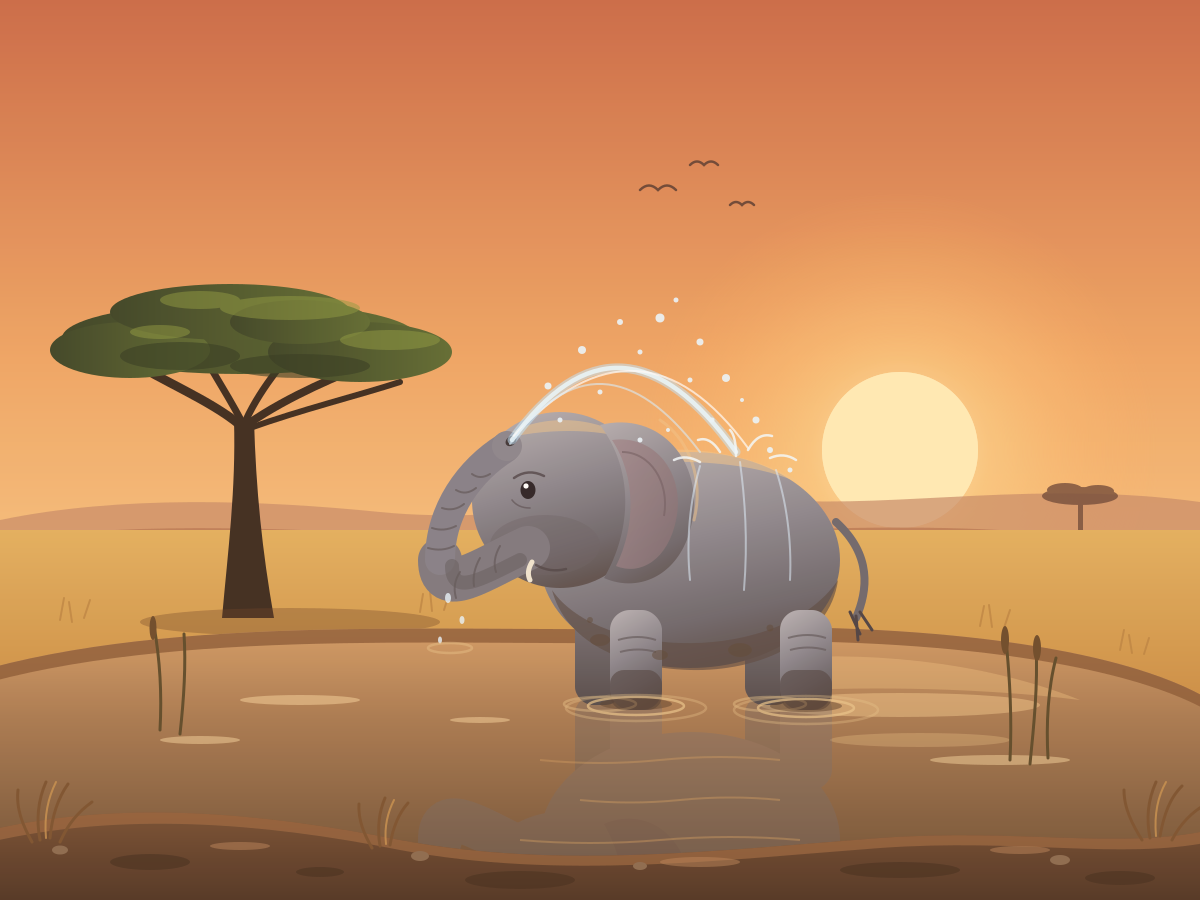
Elephant Calf Mud Bath
Create a single self-contained SVG illustration of a baby elephant spraying water from its trunk over its back in a muddy watering hole, with a savanna acacia tree and warm late-afternoon light. Use viewBox="0 0 1200 900" with width="1200" height="900". No external assets, no raster images, no external fonts (generic font families such as sans-serif are fine), no scripts. Output ONLY the complete SVG code, starting with <svg and ending with </svg>, with no explanation or markdown fences.
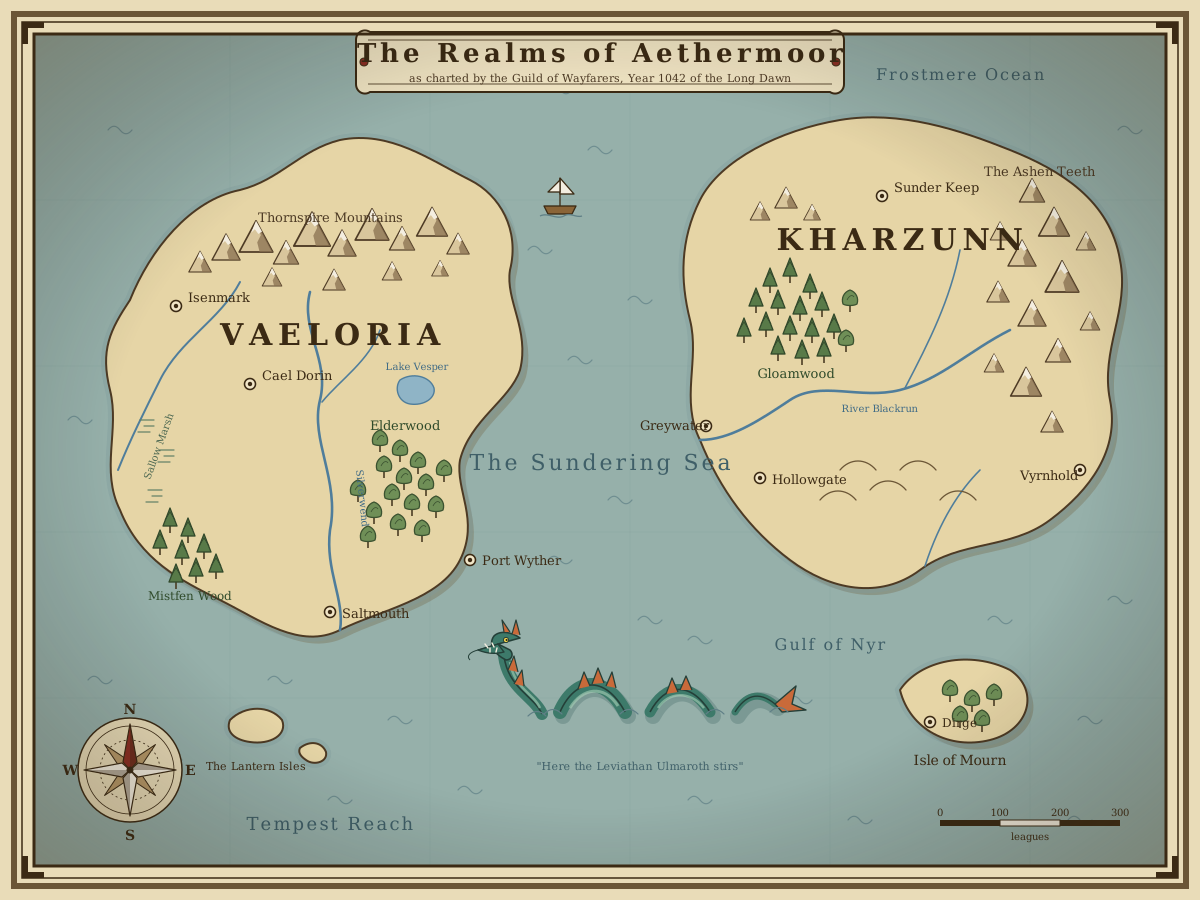
Fantasy World Map
Create a single self-contained SVG illustration of a hand-drawn fantasy world map with two continents, mountain ranges, forests, rivers, a sea serpent in the ocean and invented place names. Use viewBox="0 0 1200 900" with width="1200" height="900". No external assets, no raster images, no external fonts (generic font families such as sans-serif are fine), no scripts. Output ONLY the complete SVG code, starting with <svg and ending with </svg>, with no explanation or markdown fences.
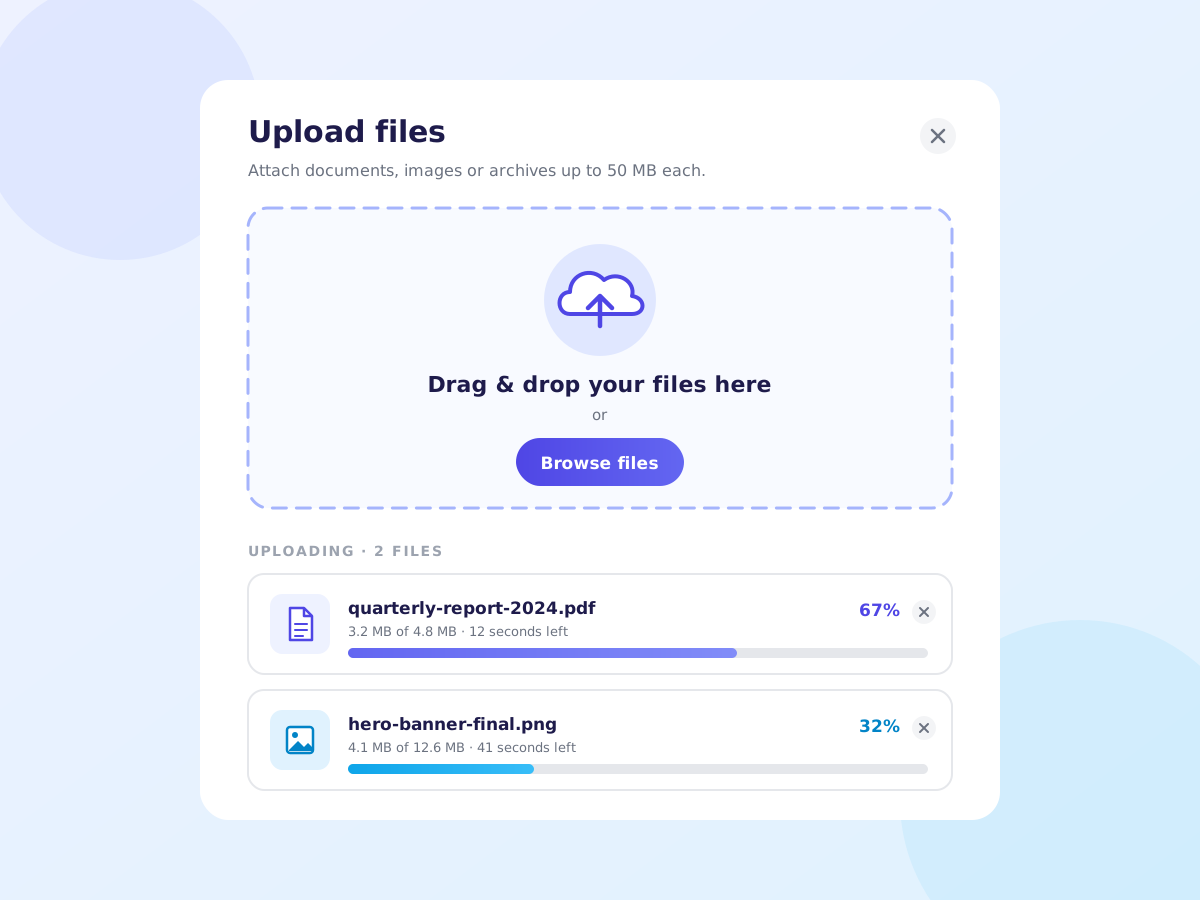
File Upload Dropzone
Create a single self-contained SVG illustration of a file upload card with a dashed-border drop zone, a cloud-upload icon, a browse button and two files in progress with percentage bars. Use viewBox="0 0 1200 900" with width="1200" height="900". No external assets, no raster images, no external fonts (generic font families such as sans-serif are fine), no scripts. Output ONLY the complete SVG code, starting with <svg and ending with </svg>, with no explanation or markdown fences.
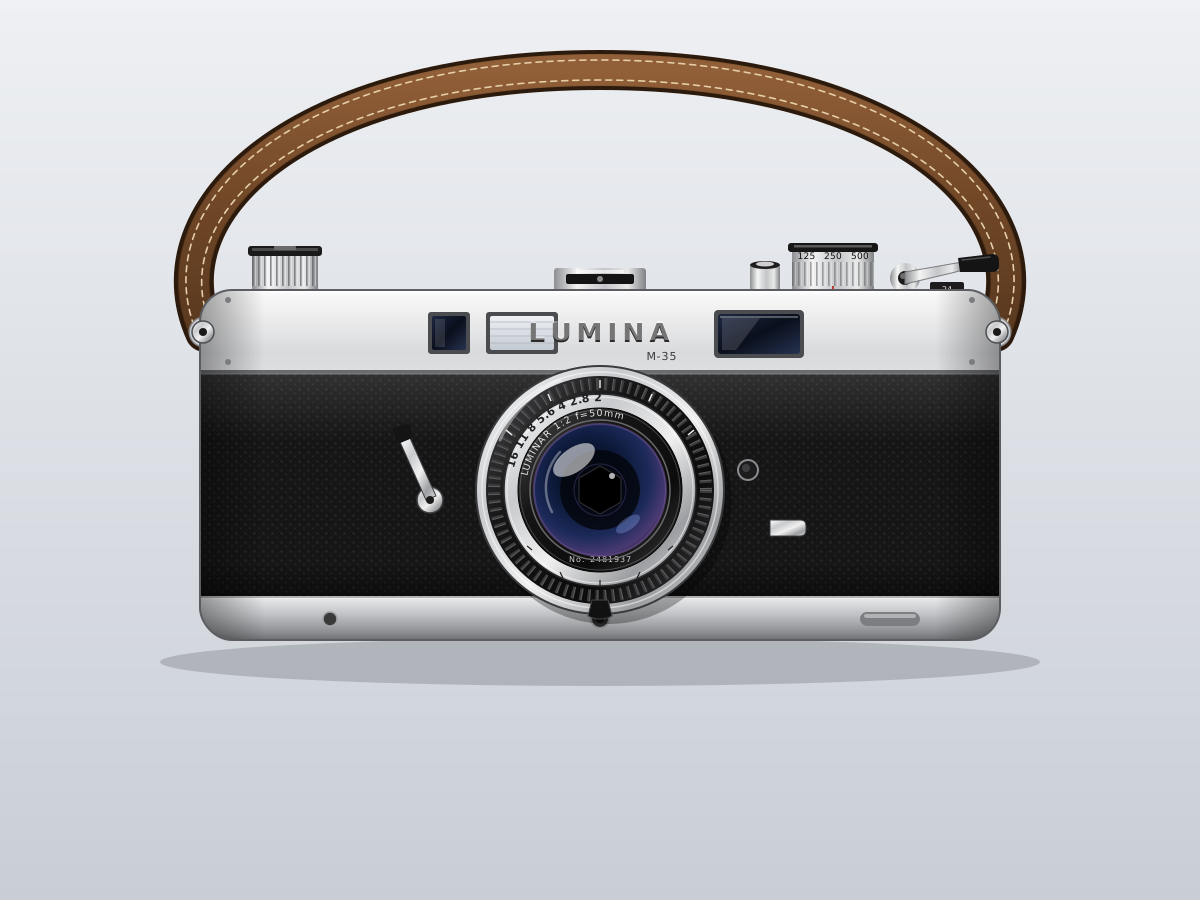
35mm Film Camera
Create a single self-contained SVG illustration of a silver and black 35mm rangefinder film camera in front view with a lens, shutter dial, film advance lever and leather strap. Use viewBox="0 0 1200 900" with width="1200" height="900". No external assets, no raster images, no external fonts (generic font families such as sans-serif are fine), no scripts. Output ONLY the complete SVG code, starting with <svg and ending with </svg>, with no explanation or markdown fences.
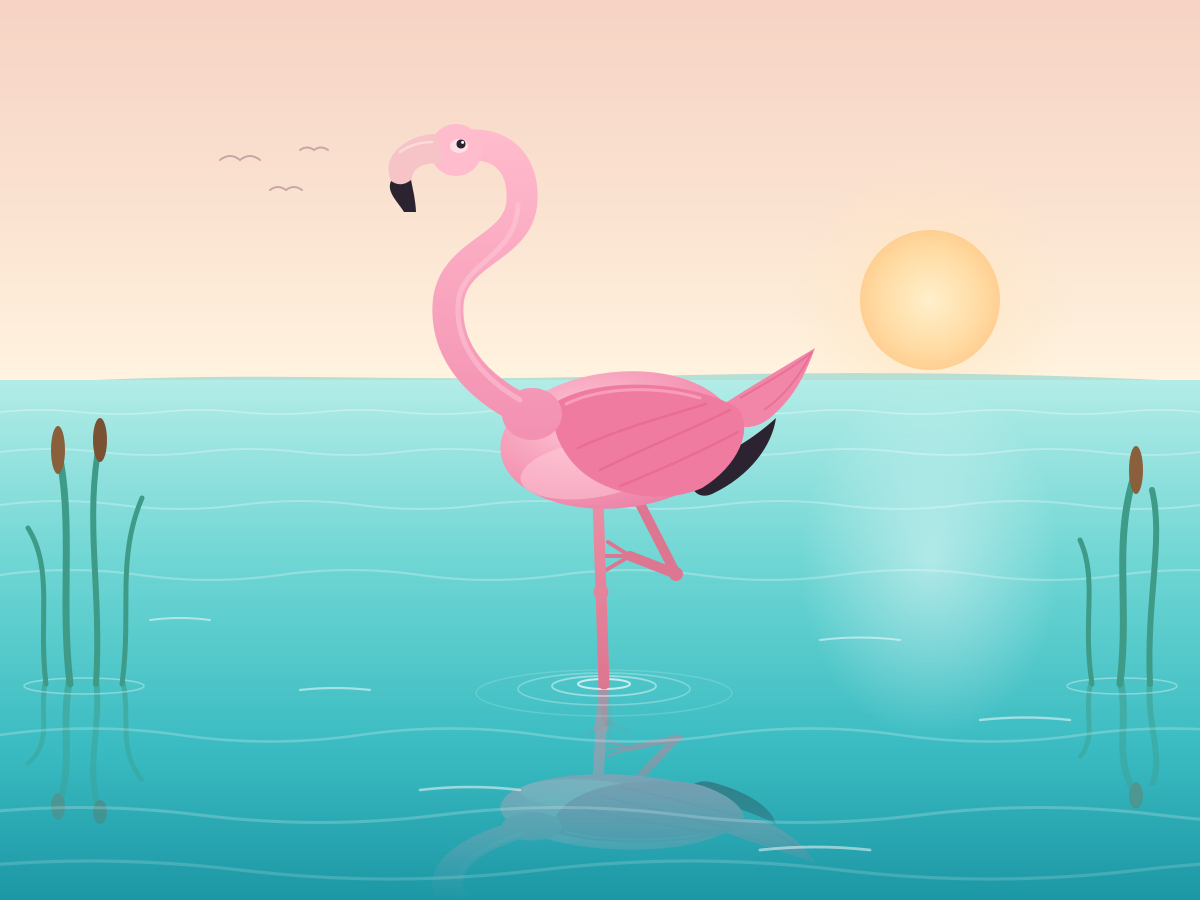
Flamingo on One Leg
Create a single self-contained SVG illustration of a pink flamingo standing on one leg in shallow turquoise water, its reflection rippling beneath it and its neck in an S-curve. Use viewBox="0 0 1200 900" with width="1200" height="900". No external assets, no raster images, no external fonts (generic font families such as sans-serif are fine), no scripts. Output ONLY the complete SVG code, starting with <svg and ending with </svg>, with no explanation or markdown fences.
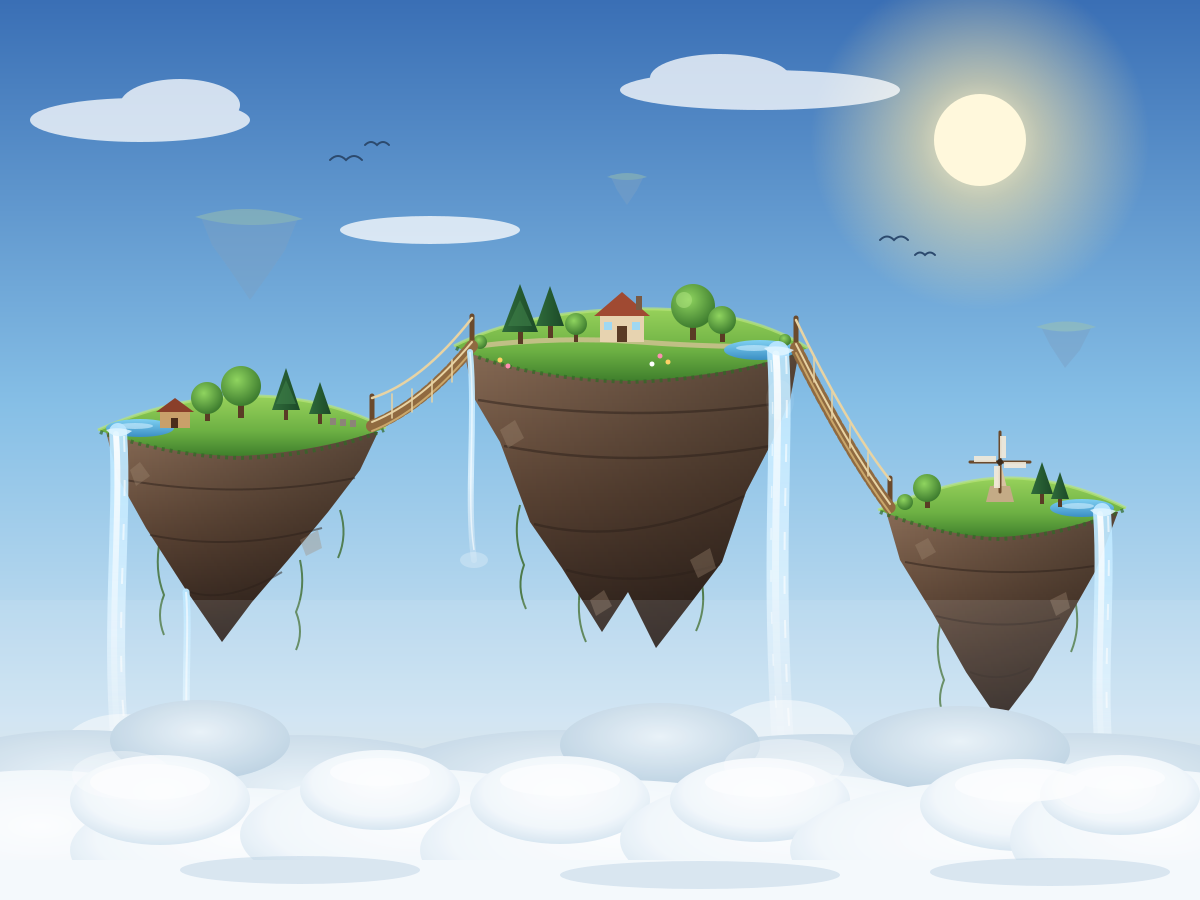
Floating Islands
Create a single self-contained SVG illustration of a cluster of floating islands in the sky connected by rope bridges, waterfalls pouring off their edges into the clouds below. Use viewBox="0 0 1200 900" with width="1200" height="900". No external assets, no raster images, no external fonts (generic font families such as sans-serif are fine), no scripts. Output ONLY the complete SVG code, starting with <svg and ending with </svg>, with no explanation or markdown fences.
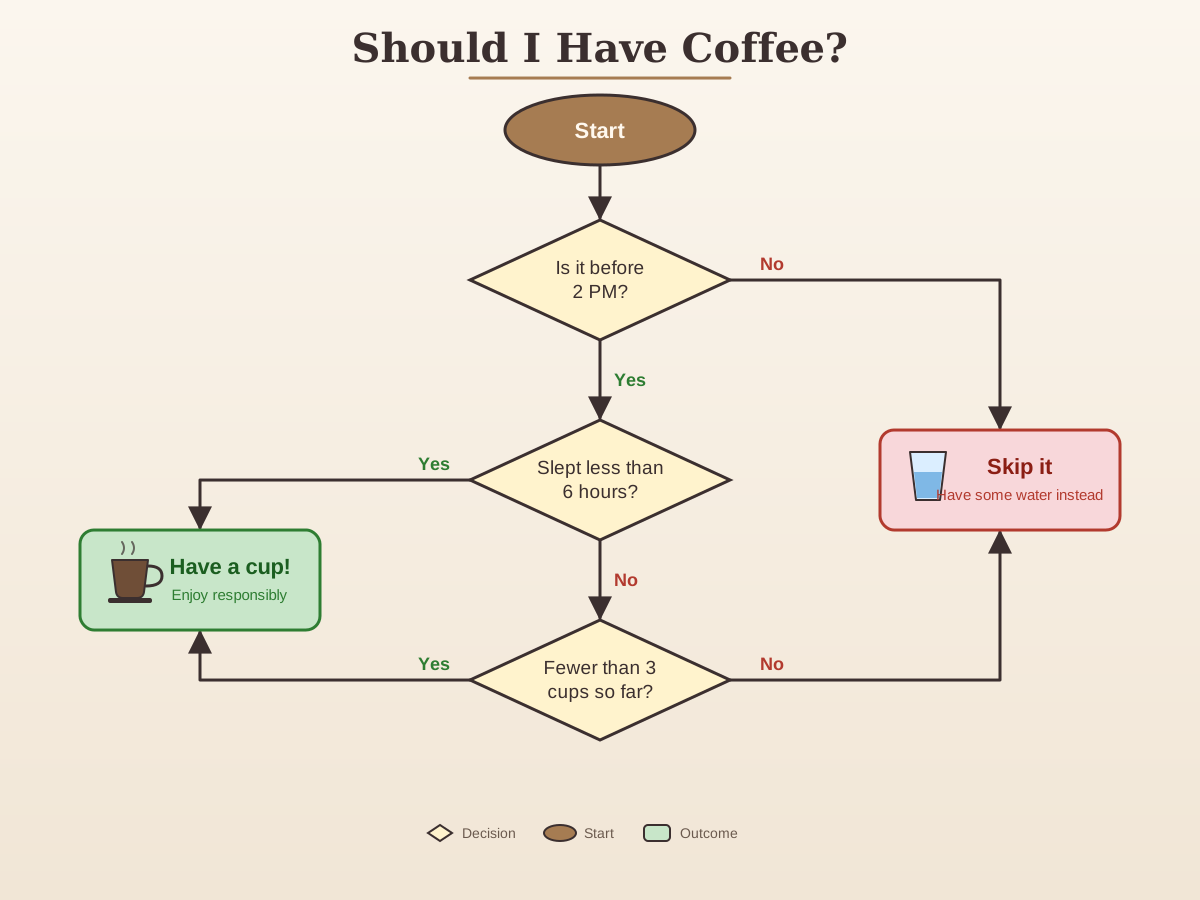
Coffee Decision Flowchart
Create a single self-contained SVG illustration of a flowchart titled Should I Have Coffee with a start oval, three yes/no decision diamonds about time, sleep and cups so far, and two outcome boxes. Use viewBox="0 0 1200 900" with width="1200" height="900". No external assets, no raster images, no external fonts (generic font families such as sans-serif are fine), no scripts. Output ONLY the complete SVG code, starting with <svg and ending with </svg>, with no explanation or markdown fences.
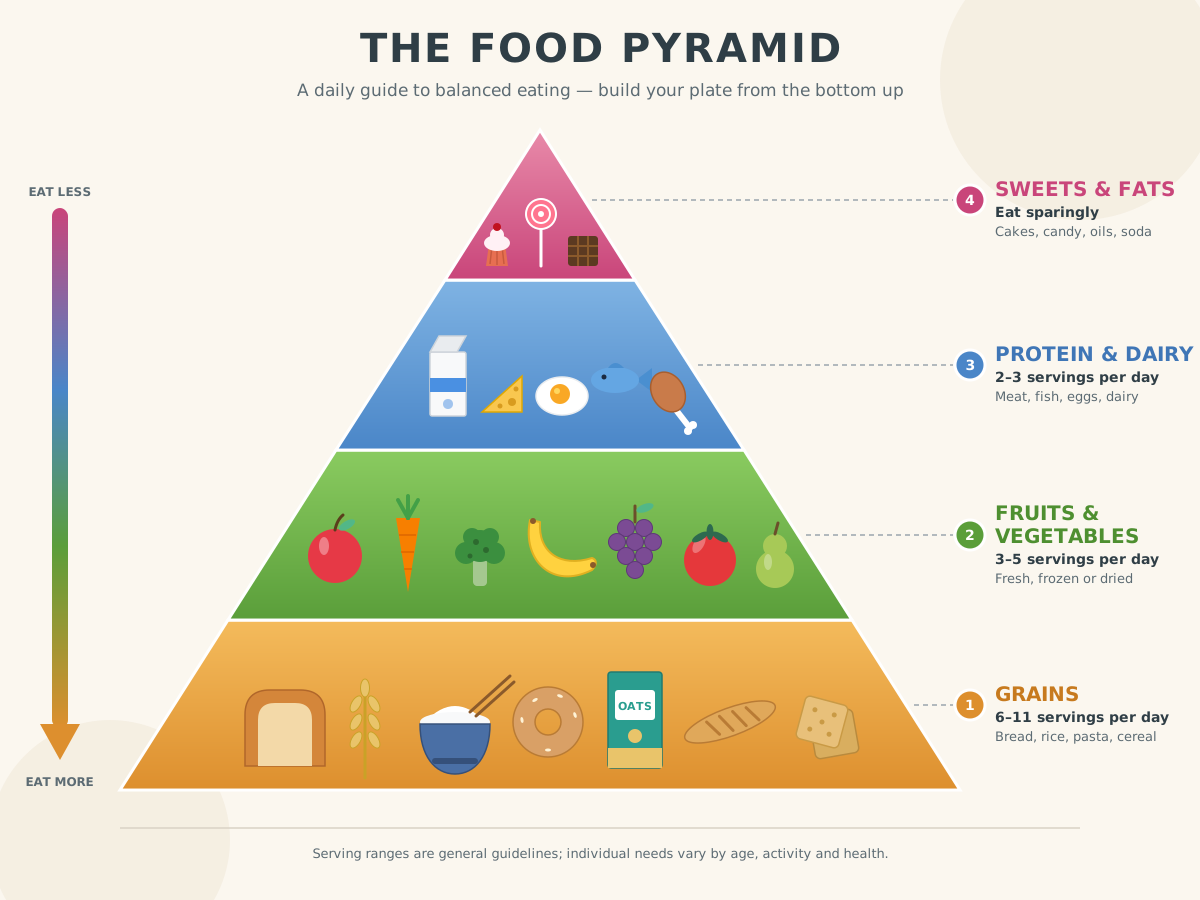
Food Pyramid
Create a single self-contained SVG illustration of a four-tier food pyramid infographic with grains at the base, then fruits and vegetables, then proteins and dairy, then sweets at the top, each tier illustrated. Use viewBox="0 0 1200 900" with width="1200" height="900". No external assets, no raster images, no external fonts (generic font families such as sans-serif are fine), no scripts. Output ONLY the complete SVG code, starting with <svg and ending with </svg>, with no explanation or markdown fences.
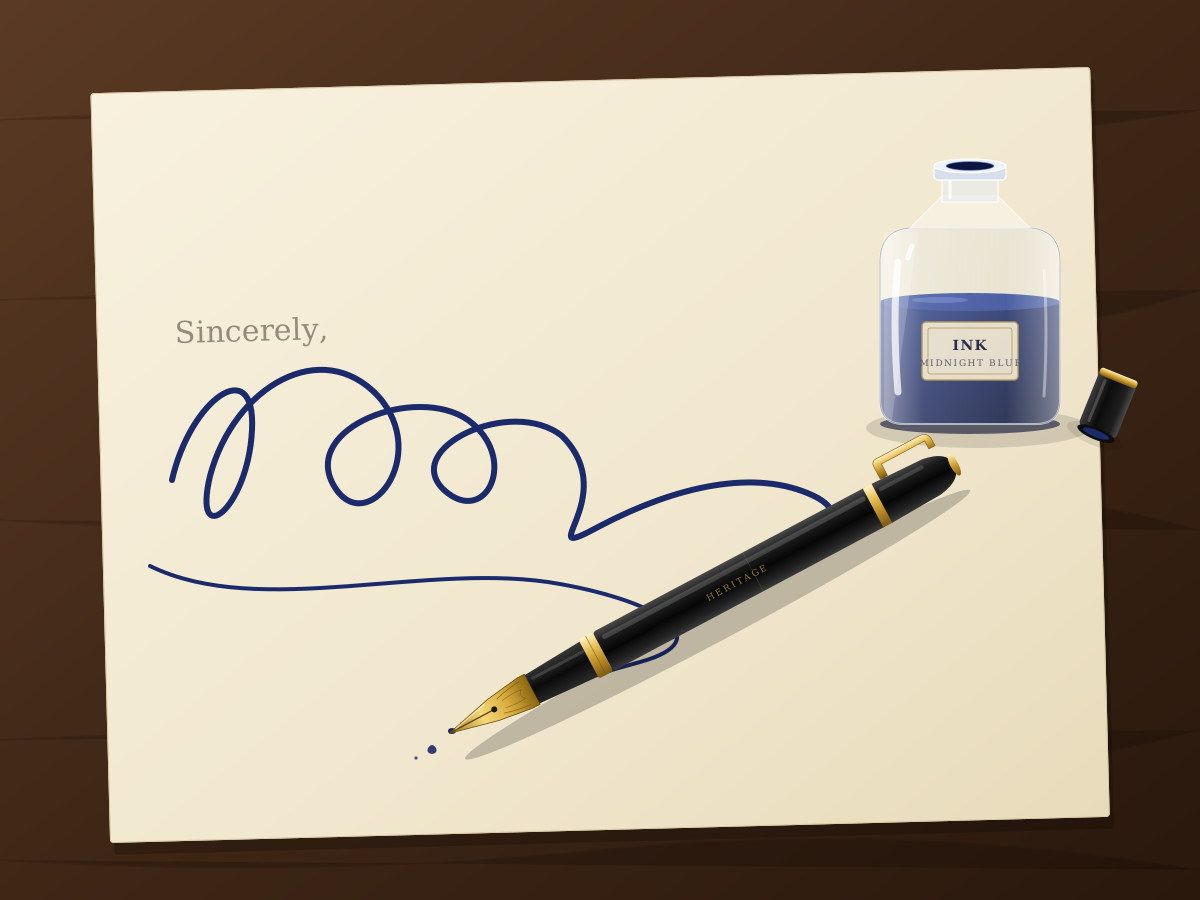
Fountain Pen and Ink
Create a single self-contained SVG illustration of a fountain pen with a gold nib resting beside an open glass ink bottle, a curling signature-style ink line on cream paper. Use viewBox="0 0 1200 900" with width="1200" height="900". No external assets, no raster images, no external fonts (generic font families such as sans-serif are fine), no scripts. Output ONLY the complete SVG code, starting with <svg and ending with </svg>, with no explanation or markdown fences.
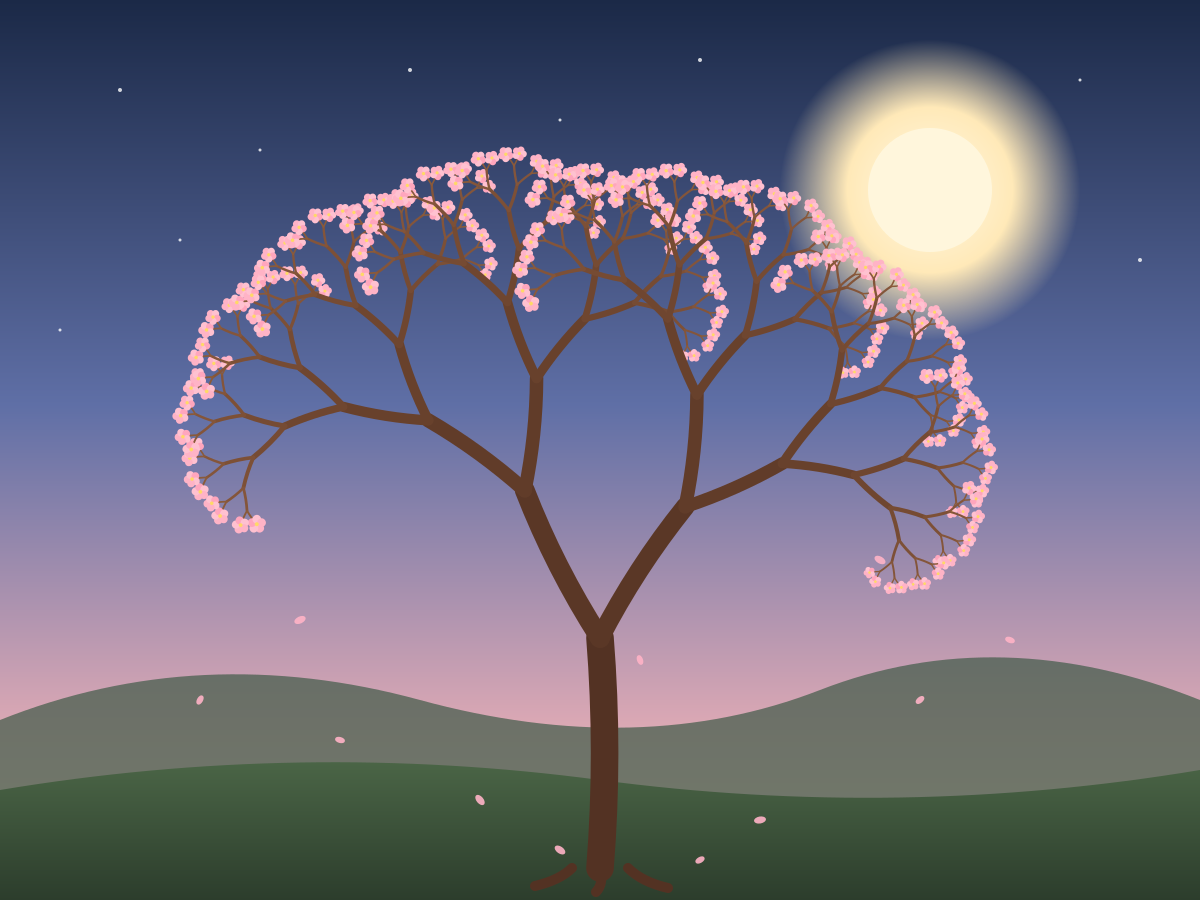
Fractal Tree
Create a single self-contained SVG illustration of a recursive fractal tree where each branch splits into two smaller branches at an angle, at least eight levels deep, with blossoms at the tips. Use viewBox="0 0 1200 900" with width="1200" height="900". No external assets, no raster images, no external fonts (generic font families such as sans-serif are fine), no scripts. Output ONLY the complete SVG code, starting with <svg and ending with </svg>, with no explanation or markdown fences.
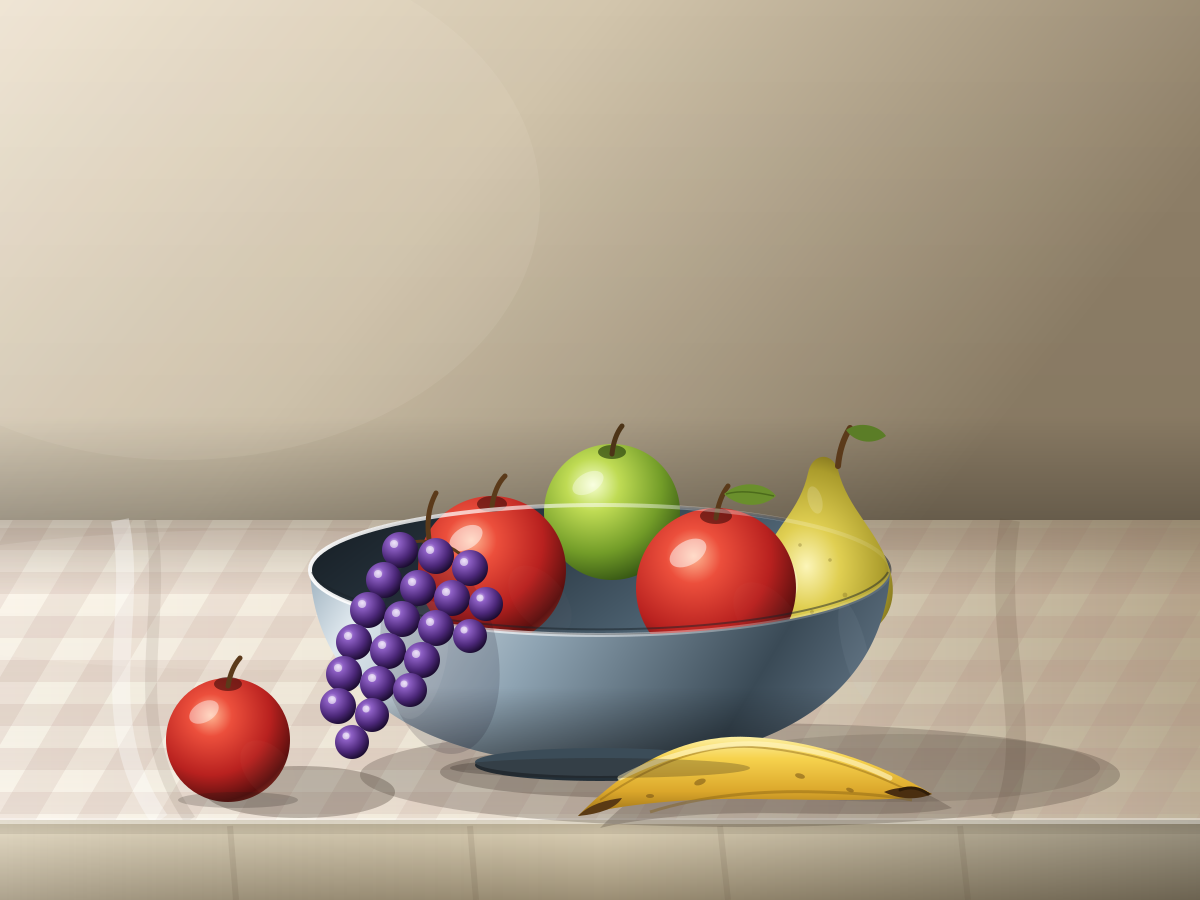
Fruit Bowl Still Life
Create a single self-contained SVG illustration of a still-life fruit bowl with apples, a bunch of grapes, a banana and a pear, lit from the side with soft shadows on a tablecloth. Use viewBox="0 0 1200 900" with width="1200" height="900". No external assets, no raster images, no external fonts (generic font families such as sans-serif are fine), no scripts. Output ONLY the complete SVG code, starting with <svg and ending with </svg>, with no explanation or markdown fences.
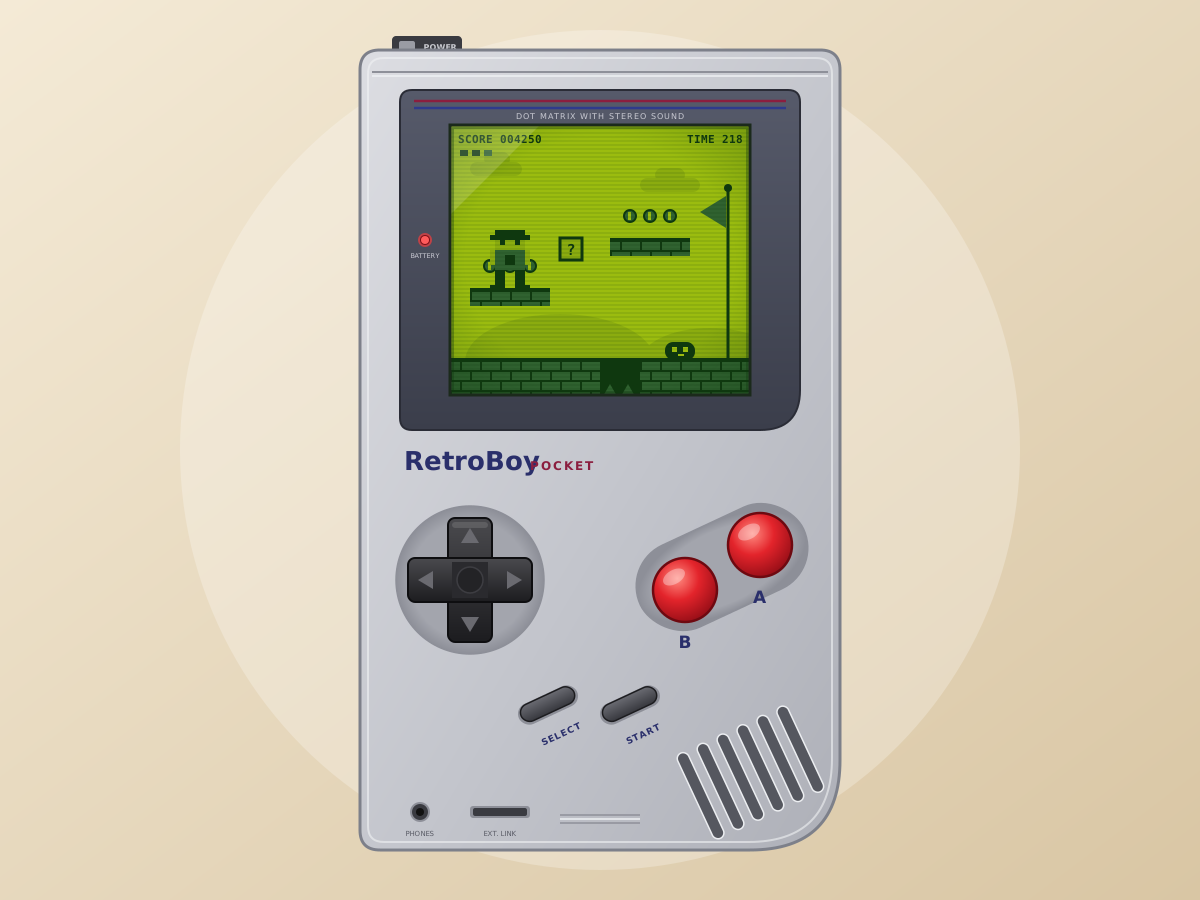
Retro Handheld Console
Create a single self-contained SVG illustration of a chunky grey retro handheld game console with a green monochrome screen showing a platform game, a D-pad and two red buttons. Use viewBox="0 0 1200 900" with width="1200" height="900". No external assets, no raster images, no external fonts (generic font families such as sans-serif are fine), no scripts. Output ONLY the complete SVG code, starting with <svg and ending with </svg>, with no explanation or markdown fences.
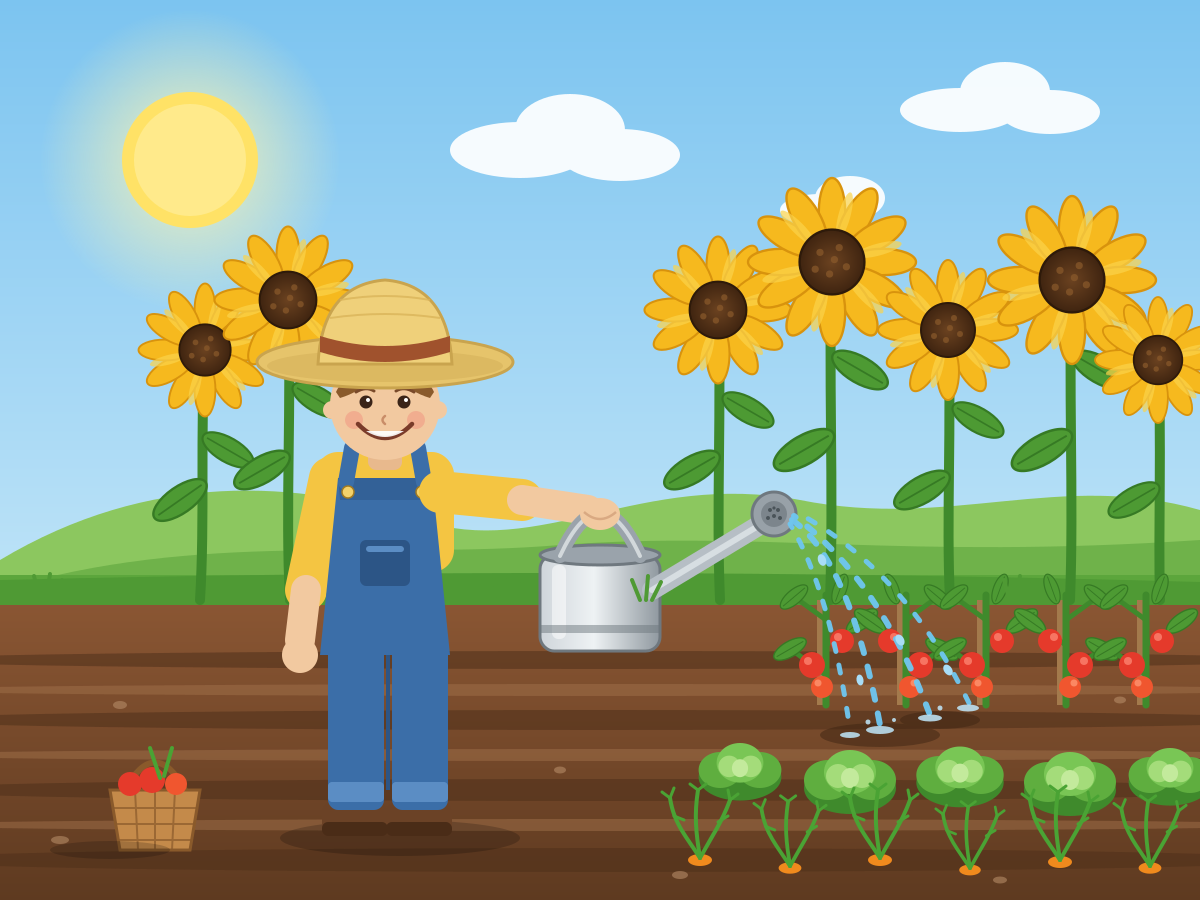
Gardener Watering Plants
Create a single self-contained SVG illustration of a smiling gardener in overalls and a straw hat watering a vegetable patch with a metal watering can, sunflowers behind. Use viewBox="0 0 1200 900" with width="1200" height="900". No external assets, no raster images, no external fonts (generic font families such as sans-serif are fine), no scripts. Output ONLY the complete SVG code, starting with <svg and ending with </svg>, with no explanation or markdown fences.
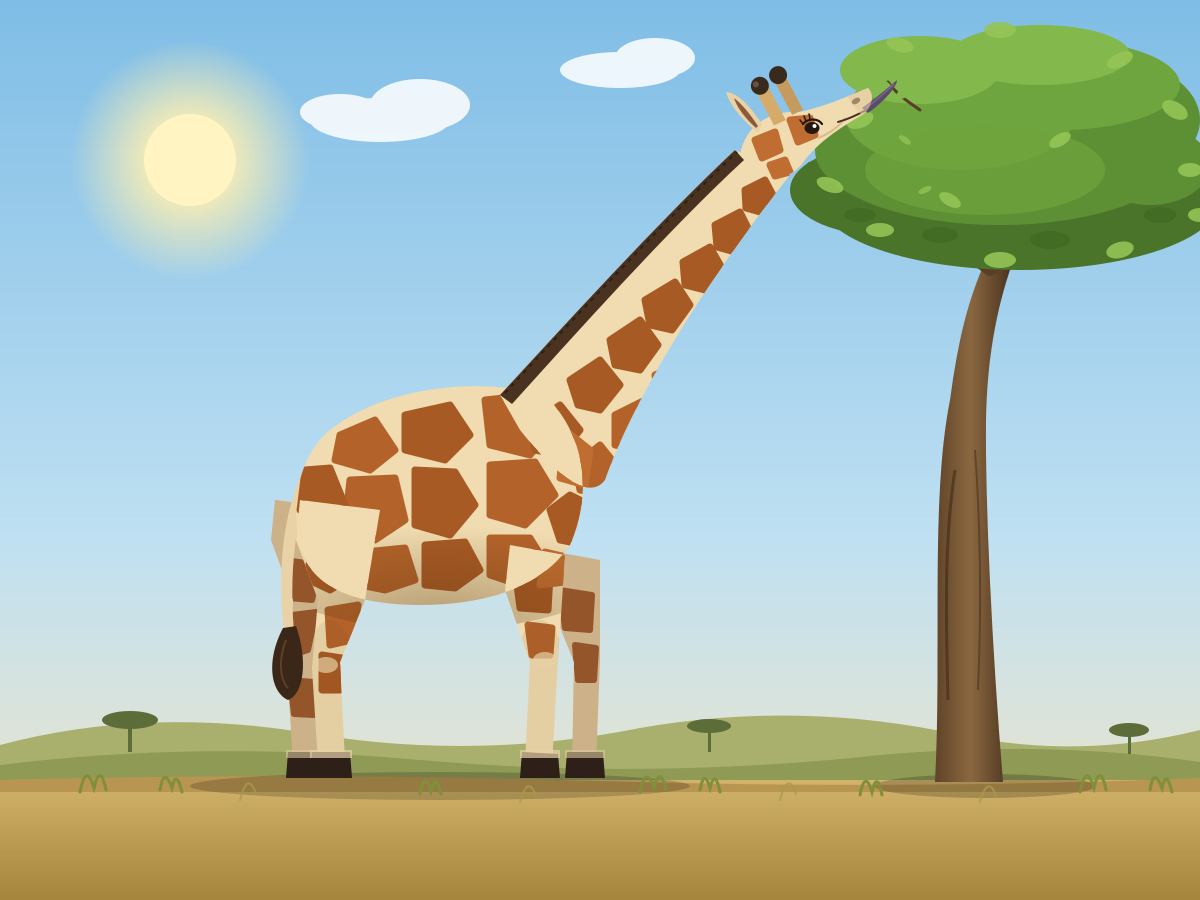
Giraffe Side Profile
Create a single self-contained SVG illustration of a full-body side view of a giraffe reaching up to eat leaves from a tall tree, with accurate patchwork coat pattern and ossicones. Use viewBox="0 0 1200 900" with width="1200" height="900". No external assets, no raster images, no external fonts (generic font families such as sans-serif are fine), no scripts. Output ONLY the complete SVG code, starting with <svg and ending with </svg>, with no explanation or markdown fences.
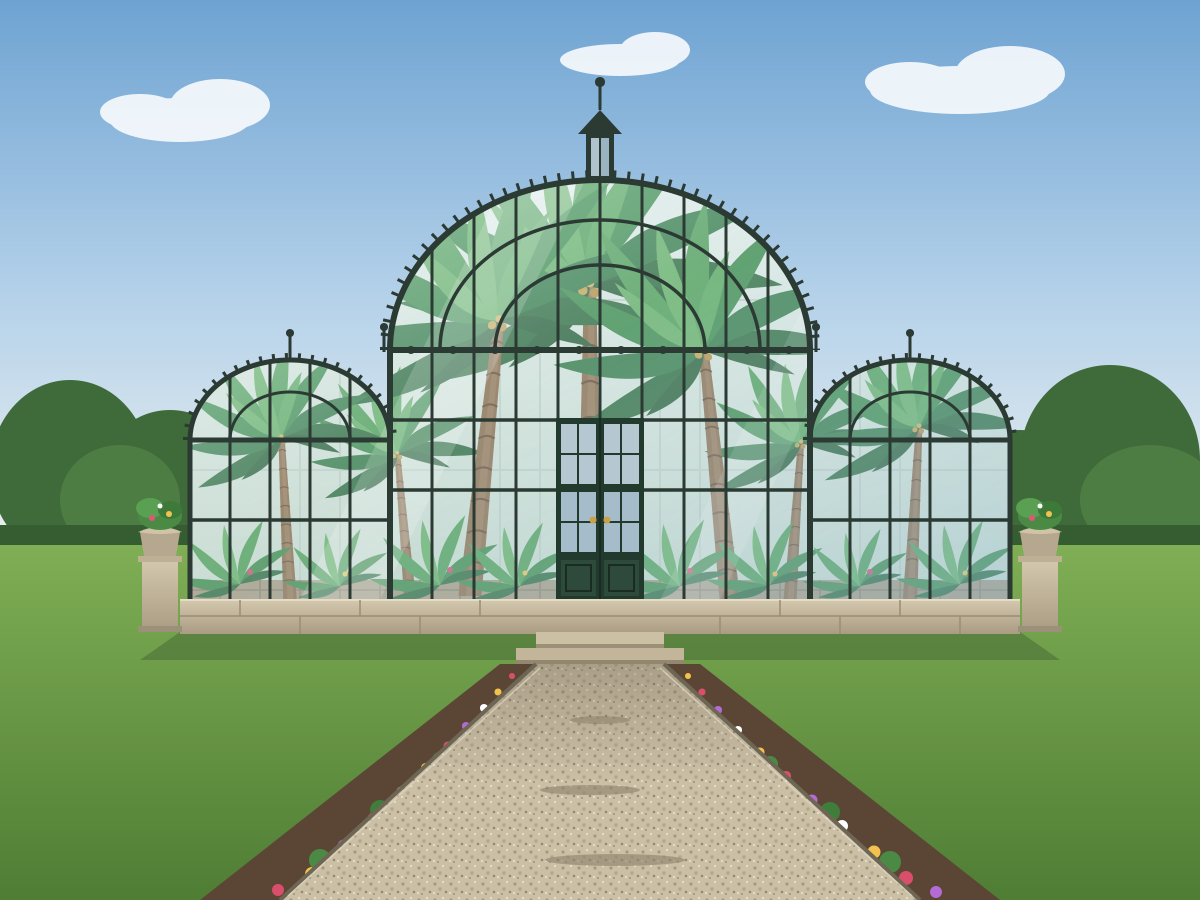
Victorian Glasshouse
Create a single self-contained SVG illustration of a Victorian glass and iron conservatory with an arched roof, tall palm trees visible inside and a gravel path leading to its doors. Use viewBox="0 0 1200 900" with width="1200" height="900". No external assets, no raster images, no external fonts (generic font families such as sans-serif are fine), no scripts. Output ONLY the complete SVG code, starting with <svg and ending with </svg>, with no explanation or markdown fences.
Straw in a Glass
Create a single self-contained SVG illustration of a clear glass of water with a striped straw that appears bent at the waterline due to refraction, ice cubes and a lemon slice. Use viewBox="0 0 1200 900" with width="1200" height="900". No external assets, no raster images, no external fonts (generic font families such as sans-serif are fine), no scripts. Output ONLY the complete SVG code, starting with <svg and ending with </svg>, with no explanation or markdown fences.

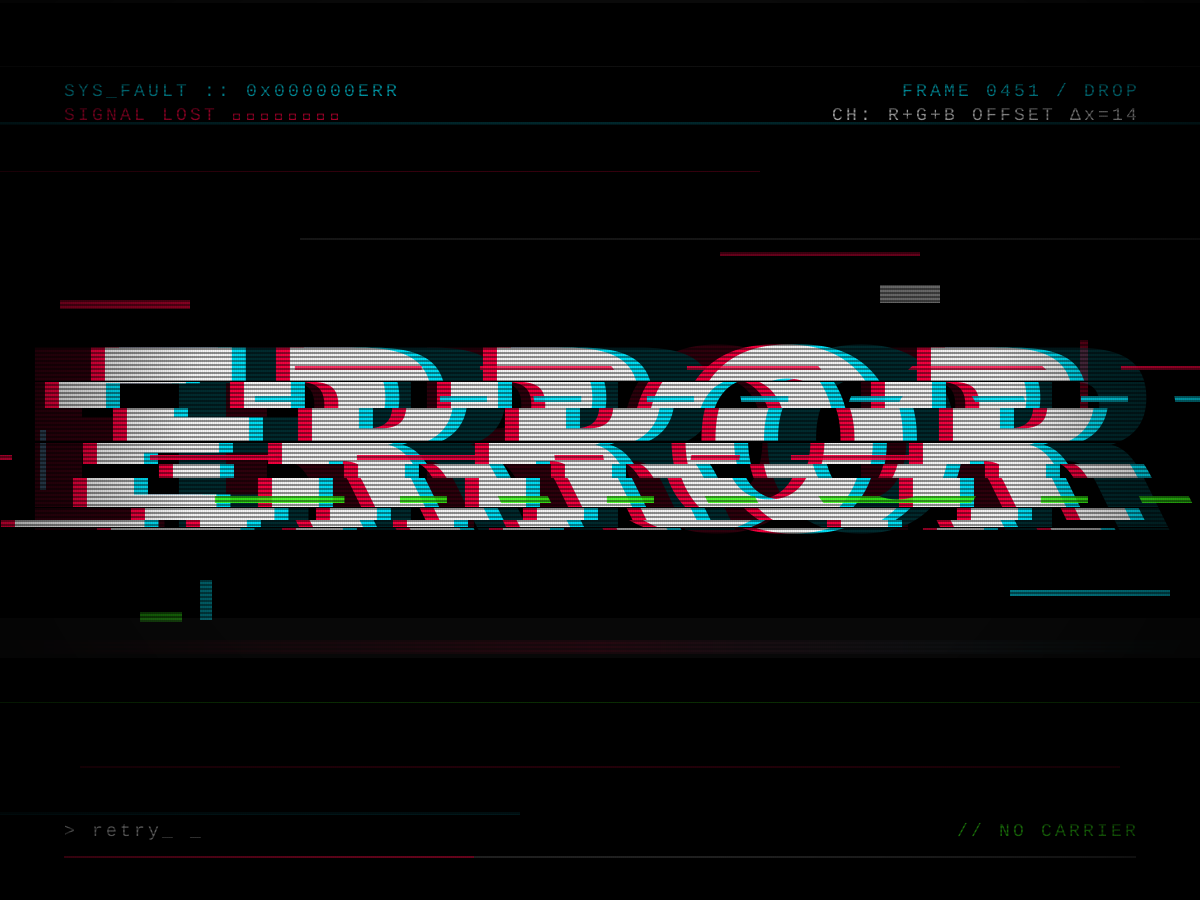
Glitch Text
Create a single self-contained SVG illustration of the word ERROR in a glitch art style with RGB channel offsets, horizontal slice displacement and scanlines on black. Use viewBox="0 0 1200 900" with width="1200" height="900". No external assets, no raster images, no external fonts (generic font families such as sans-serif are fine), no scripts. Output ONLY the complete SVG code, starting with <svg and ending with </svg>, with no explanation or markdown fences.
Good Vibes Retro Type
Create a single self-contained SVG illustration of the phrase GOOD VIBES in bold 1970s rounded lettering with stacked orange, yellow and brown offset outlines and a sunset stripe behind. Use viewBox="0 0 1200 900" with width="1200" height="900". No external assets, no raster images, no external fonts (generic font families such as sans-serif are fine), no scripts. Output ONLY the complete SVG code, starting with <svg and ending with </svg>, with no explanation or markdown fences.

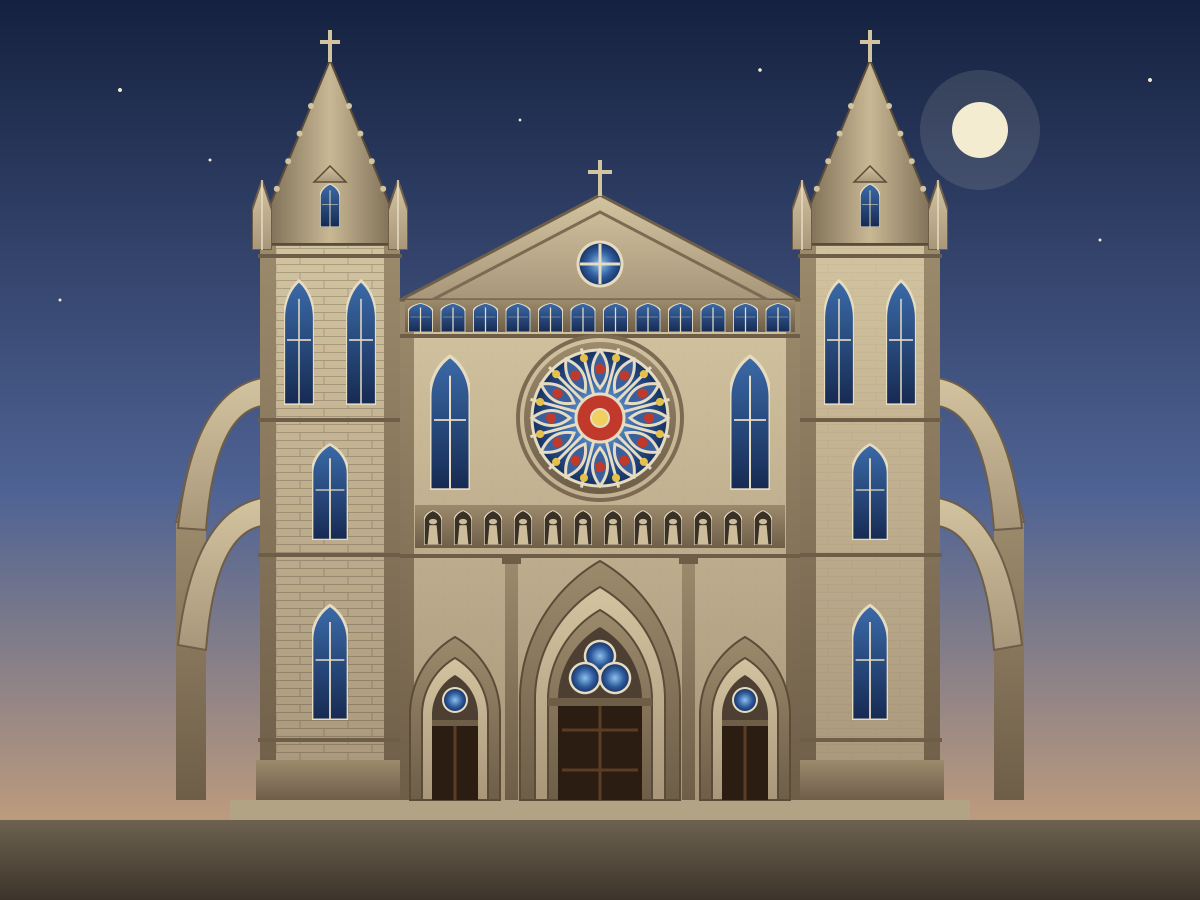
Gothic Cathedral Facade
Create a single self-contained SVG illustration of the front facade of a gothic cathedral with twin spired towers, a large rose window, pointed arches and flying buttresses. Use viewBox="0 0 1200 900" with width="1200" height="900". No external assets, no raster images, no external fonts (generic font families such as sans-serif are fine), no scripts. Output ONLY the complete SVG code, starting with <svg and ending with </svg>, with no explanation or markdown fences.
Greek Temple
Create a single self-contained SVG illustration of a classical Greek temple with a row of Doric columns, a triangular pediment and marble steps on a hilltop. Use viewBox="0 0 1200 900" with width="1200" height="900". No external assets, no raster images, no external fonts (generic font families such as sans-serif are fine), no scripts. Output ONLY the complete SVG code, starting with <svg and ending with </svg>, with no explanation or markdown fences.

Octopus Juggling Teacups
Create a single self-contained SVG illustration of a purple octopus on the seafloor juggling four porcelain teacups with different tentacles, small bubbles rising and seaweed swaying behind it. Use viewBox="0 0 1200 900" with width="1200" height="900". No external assets, no raster images, no external fonts (generic font families such as sans-serif are fine), no scripts. Output ONLY the complete SVG code, starting with <svg and ending with </svg>, with no explanation or markdown fences.

Panda Eating Bamboo
Create a single self-contained SVG illustration of a giant panda sitting upright chewing a bamboo stalk held in both paws, surrounded by a bamboo grove in flat vector style. Use viewBox="0 0 1200 900" with width="1200" height="900". No external assets, no raster images, no external fonts (generic font families such as sans-serif are fine), no scripts. Output ONLY the complete SVG code, starting with <svg and ending with </svg>, with no explanation or markdown fences.

Red Fox in Snow
Create a single self-contained SVG illustration of a red fox mid-pounce diving headfirst into a snowbank, tail streaming behind, with pine trees and falling snowflakes in a muted winter palette. Use viewBox="0 0 1200 900" with width="1200" height="900". No external assets, no raster images, no external fonts (generic font families such as sans-serif are fine), no scripts. Output ONLY the complete SVG code, starting with <svg and ending with </svg>, with no explanation or markdown fences.

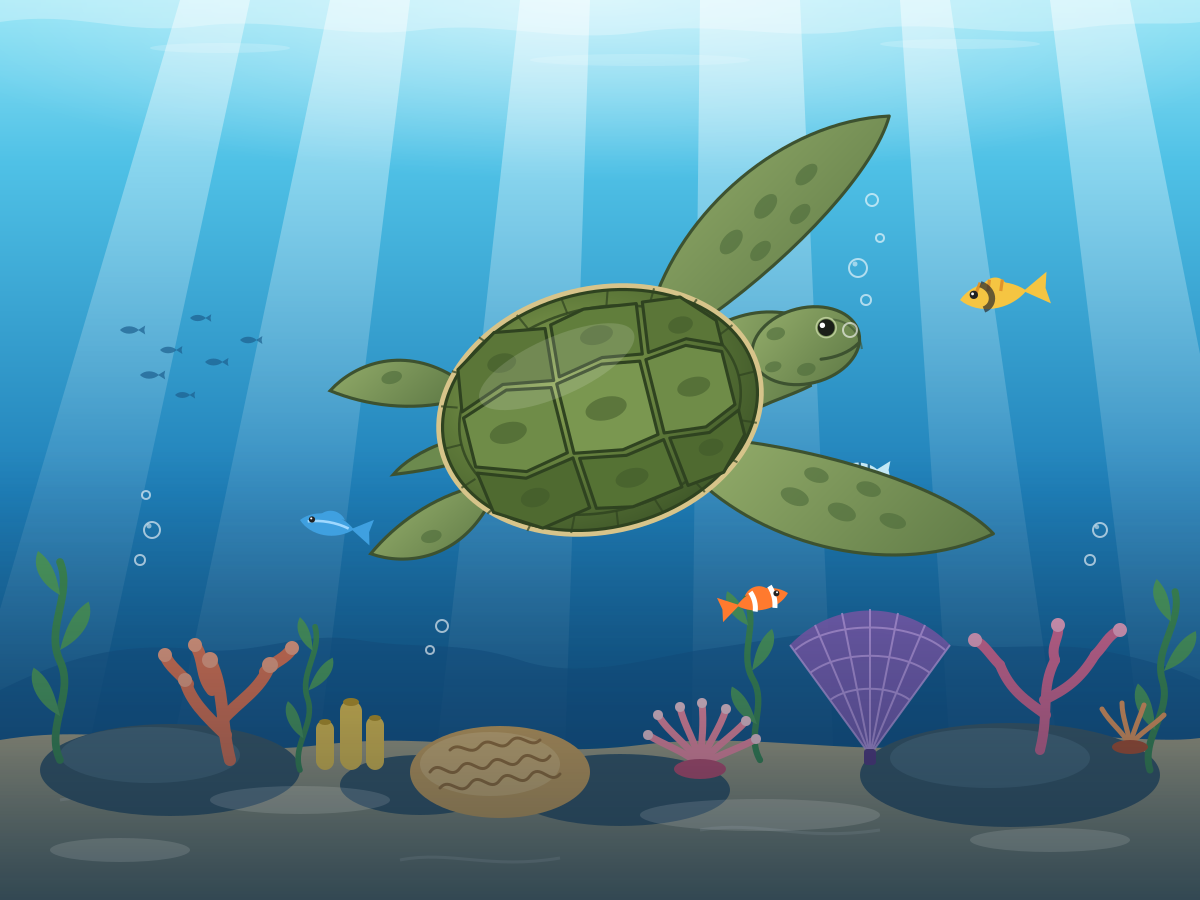
Swimming Sea Turtle
Create a single self-contained SVG illustration of a green sea turtle gliding through clear blue water above a coral reef, sunlight rays filtering from the surface and a few small fish nearby. Use viewBox="0 0 1200 900" with width="1200" height="900". No external assets, no raster images, no external fonts (generic font families such as sans-serif are fine), no scripts. Output ONLY the complete SVG code, starting with <svg and ending with </svg>, with no explanation or markdown fences.
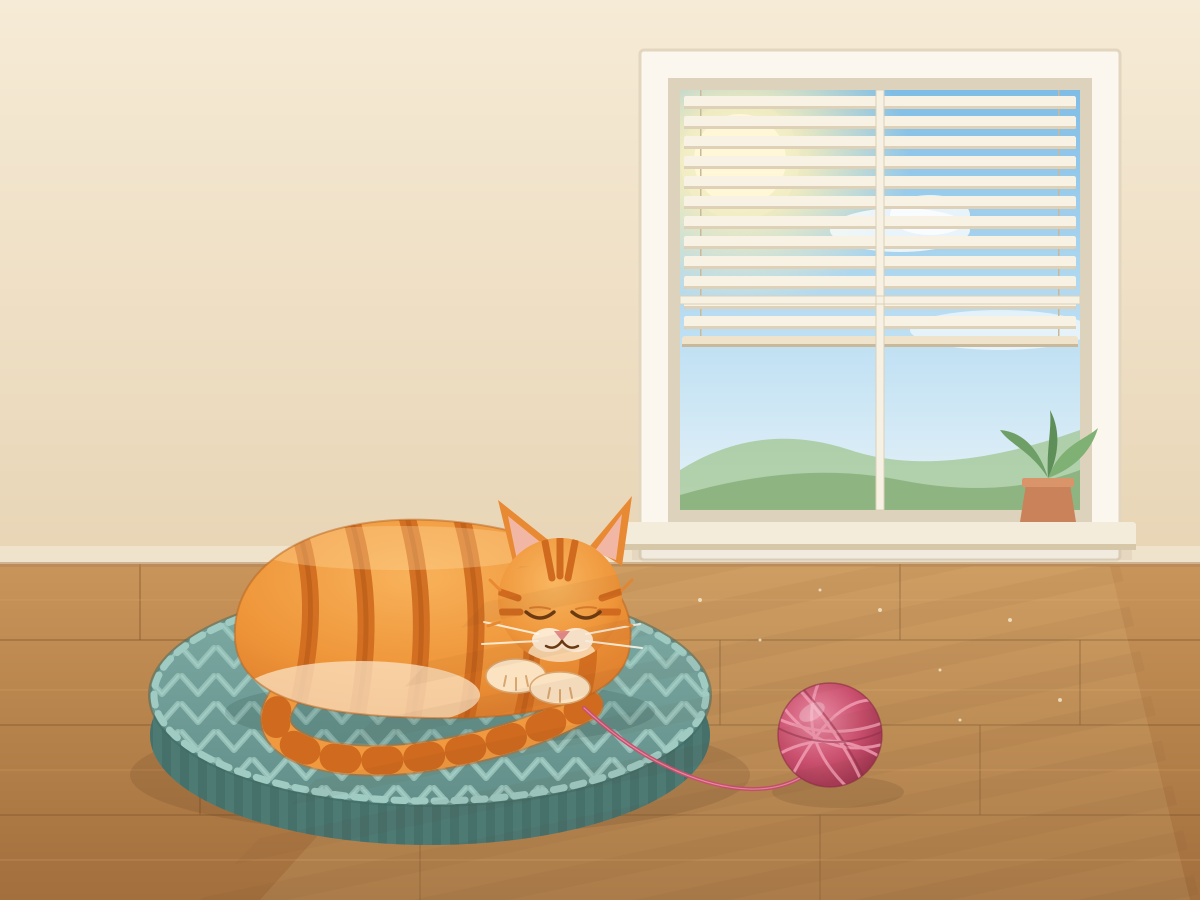
Sleeping Curled Cat
Create a single self-contained SVG illustration of an orange striped cat curled asleep on a round knitted cushion beside a sunny window, with a ball of yarn and soft shadow stripes from the blinds. Use viewBox="0 0 1200 900" with width="1200" height="900". No external assets, no raster images, no external fonts (generic font families such as sans-serif are fine), no scripts. Output ONLY the complete SVG code, starting with <svg and ending with </svg>, with no explanation or markdown fences.
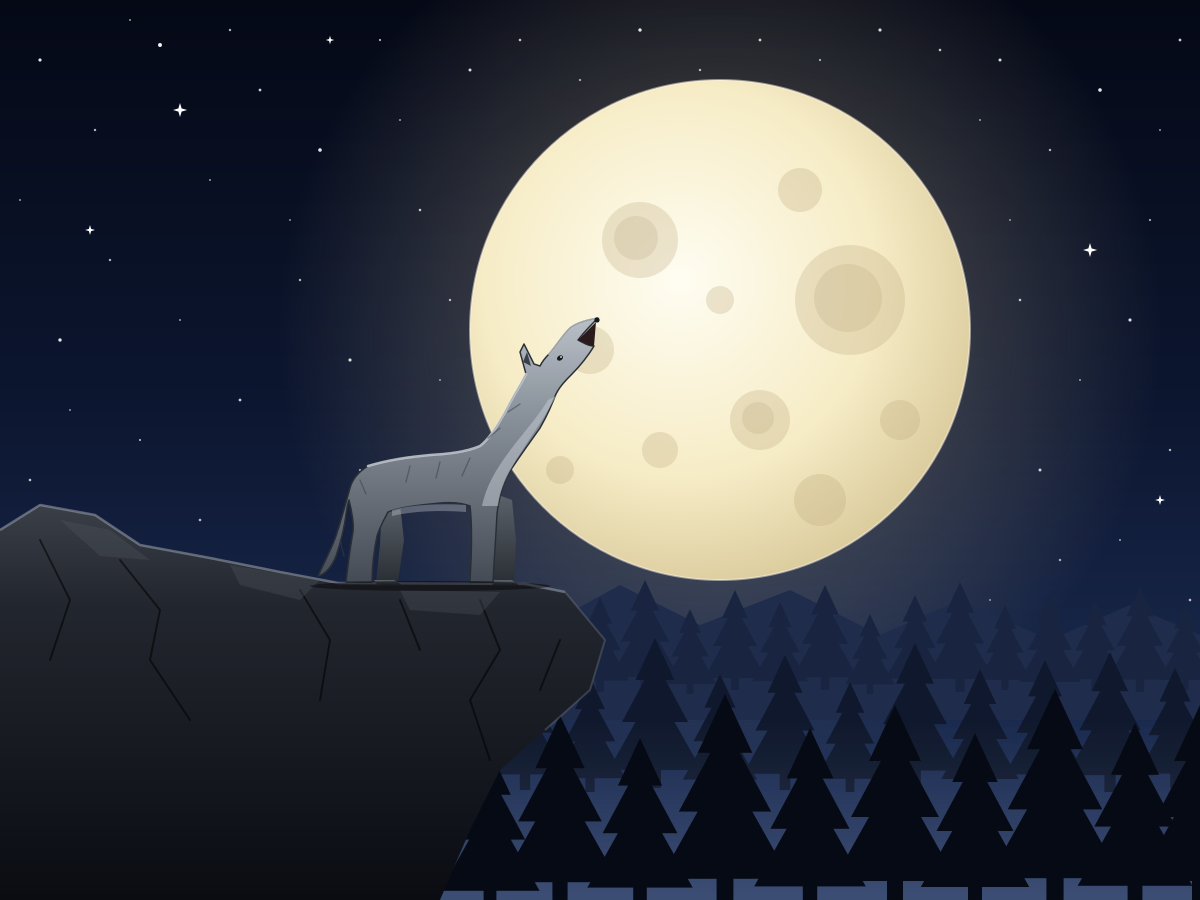
Wolf Howling at Moon
Create a single self-contained SVG illustration of a grey wolf standing on a rocky ledge howling at a huge full moon, silhouetted pine forest below and a starry sky. Use viewBox="0 0 1200 900" with width="1200" height="900". No external assets, no raster images, no external fonts (generic font families such as sans-serif are fine), no scripts. Output ONLY the complete SVG code, starting with <svg and ending with </svg>, with no explanation or markdown fences.
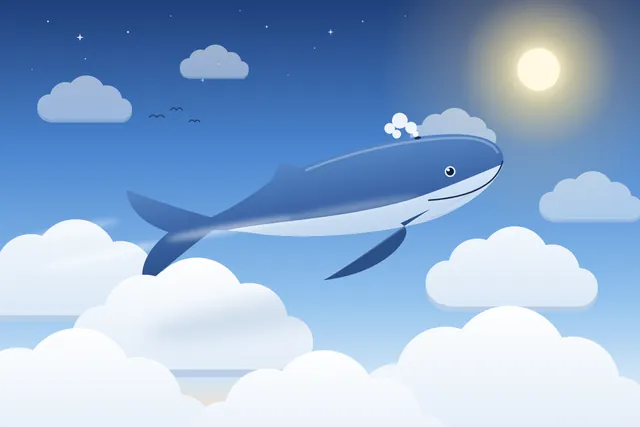
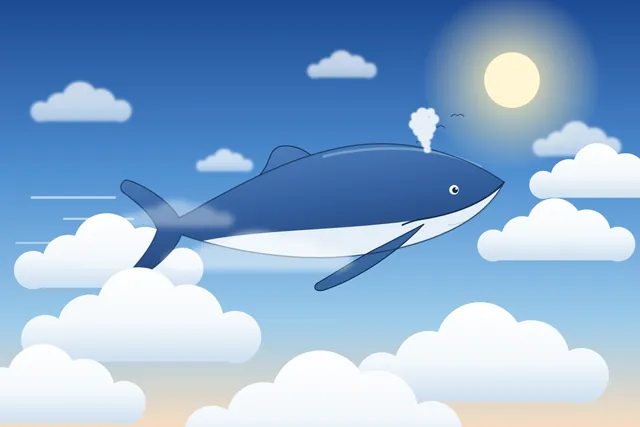
Whale clouds
Create code for an SVG of a whale flying through the clouds. Save it as whale.svg in the current directory. You may render and inspect your own output (headless chromium is available at /usr/bin/chromium) and iterate on your own before finishing.
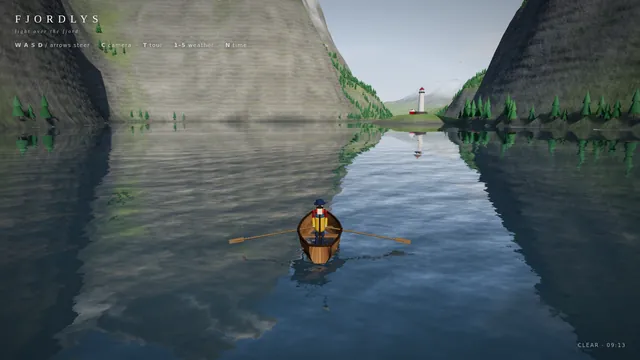
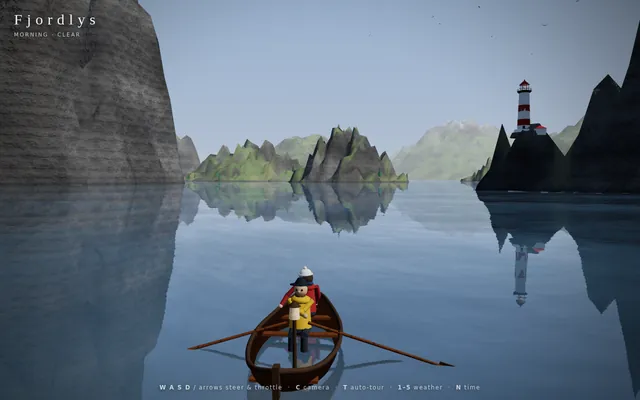
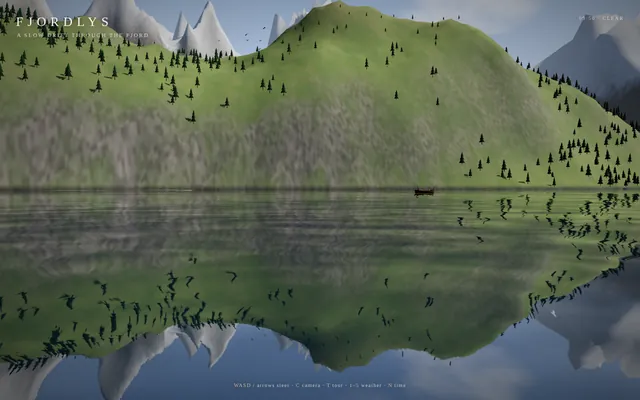
Cinematic fjord boat scene (Three.js)
Build a playable, cinematic single-page Three.js experience: a small boat drifting through a Norwegian-style fjord / coastal mountain landscape.

Requirements:
- ONE self-contained index.html file (HTML + CSS + JS inline). No external assets of any kind (no textures, models, fonts, audio files) EXCEPT Three.js itself, loaded via an import map from this exact pinned CDN:
  "three": "https://cdn.jsdelivr.net/npm/three@0.160.0/build/three.module.js",
  "three/addons/": "https://cdn.jsdelivr.net/npm/three@0.160.0/examples/jsm/"
  All textures (water normals, rock, snow, bark, clouds, etc.) must be generated procedurally in code (canvas / DataTexture / shaders).
- Scene content: steep procedural fjord walls and mountains with snow caps, rock and grass coloring by height/slope; procedural conifer forests (instanced); a water surface with animated waves and sky/landscape reflections; a lighthouse on a rocky point with a rotating beam that matters at night; a small wooden boat with 2 simple stylized 3D characters on it (one rowing/steering, one looking around, with small idle animations); distant islands; birds or other small life if cheap.
- Dynamic weather cycling clear -> fog -> rain -> storm -> clearing, with smooth transitions: fog density, cloud cover, rain particles, lightning flashes + wind and bigger waves in the storm.
- A full day/night cycle: sunrise, day, golden hour, sunset, night with stars and moon, lit lighthouse and boat lantern. Sky color, sun/moon lights, and fog color must track time of day.
- Controls: keyboard (WASD/arrows to steer and throttle the boat, C to switch camera, T toggles auto-tour, 1-5 to force weather, N to jump time) and touch (on-screen joystick/buttons on phones). Camera follows the boat in play mode.
- An "auto-tour" cinematic camera mode: slow, smooth, film-like camera moves (orbits, low water-level glides, high establishing shots, close-ups of the characters) while the boat drifts along a path through the fjord and the weather and time of day progress.
- Minimal, elegant UI: small title "Fjordlys" (or a better name of your choice), a tiny hint line for controls, fading out in tour mode.
- Must run smoothly on desktop and phone browsers: keep geometry/particle counts moderate, cap devicePixelRatio at 2, handle resize/orientation.
- IMPORTANT for automated video capture, support these URL parameters:
  ?tour=1        start directly in auto-tour mode
  ?capture=1     hide ALL UI overlays (title, hints, touch controls)
  ?cycle=40      when present, compress one complete showcase into that many seconds: the time of day goes from morning through golden hour, sunset and night, and the weather passes clear -> fog -> rain -> storm -> clearing within that span (so a 40-second recording shows everything). Without it, use a relaxed pace suited to live play.
  Drive all animation from the requestAnimationFrame timestamp / performance.now() (not from wall-clock-independent accumulators that ignore time), so that overriding those functions steps the scene deterministically. Set window.__sceneReady = true once the first frame has rendered.
- No console errors or warnings in a current Chrome. Use modern Three.js r160 APIs only (no deprecated/removed ones).

Output ONLY the complete index.html, starting with <!DOCTYPE html> and ending with </html>, with no explanation and no markdown fences. Build it as index.html (plus any local asset files you create) in the current directory. Three.js may load from a pinned CDN. You may serve it locally and open it in headless chromium (/usr/bin/chromium, software WebGL, no GPU) to screenshot and inspect your own output, and iterate on your own until it looks genuinely cinematic before finishing. Close any browser you open as soon as you've taken your screenshot.
Folding road threejs
ok here it is - my first Opus 5.5 vibecoded threejs 3D experience

my God!! Opus is creative!!

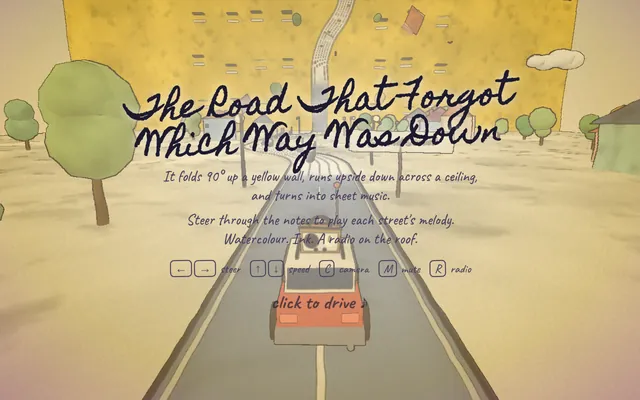
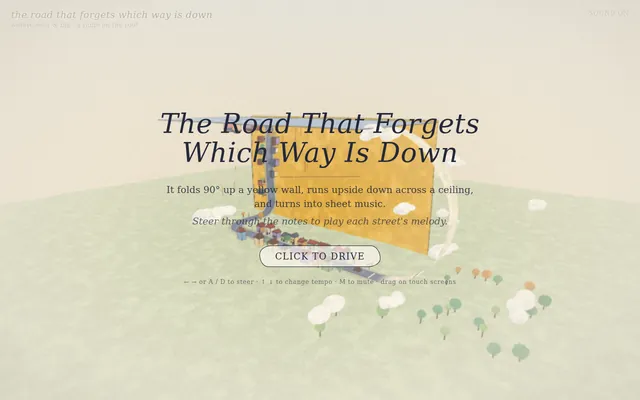
I made a road that forgets which way is down.

It folds 90° up a yellow wall, runs upside down across a ceiling, and turns into sheet music: steer through the notes to play each street's melody.

Watercolour. Ink. A radio on the roof.

#vibejam Build it as index.html (plus any local asset files you create) in the current directory. Three.js may load from a pinned CDN. You may serve it locally and open it in headless chromium (/usr/bin/chromium, software WebGL, no GPU) to screenshot and inspect your own output, and iterate on your own before finishing. Close any browser you open as soon as you've taken your screenshot.
Gpu fluid sim
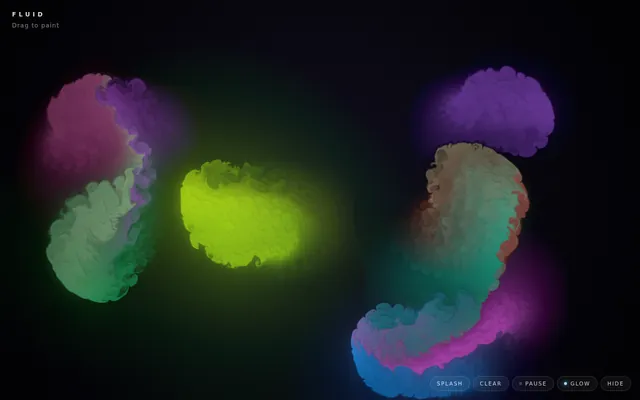
Build a GPU-accelerated fluid simulation in a single HTML file using WebGL, no external libraries. Dragging the mouse or a finger should push colorful dye through the fluid, with a soft glow. Make it look stunning and run smoothly.

Build it as a self-contained index.html in the current directory, with WebGL/WebGL2 shaders you write yourself; no libraries and no CDNs; interactive with mouse or touch input. You may serve it locally and open it in headless chromium (/usr/bin/chromium, software WebGL, no GPU) to screenshot and inspect your own output, and iterate on your own before finishing. Close any browser you open as soon as you've taken your screenshot.
Threejs ant vs gardener
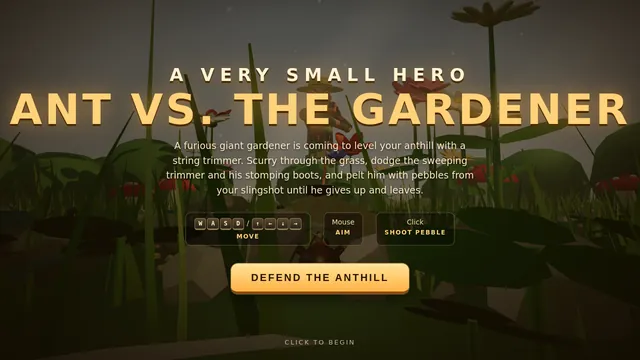
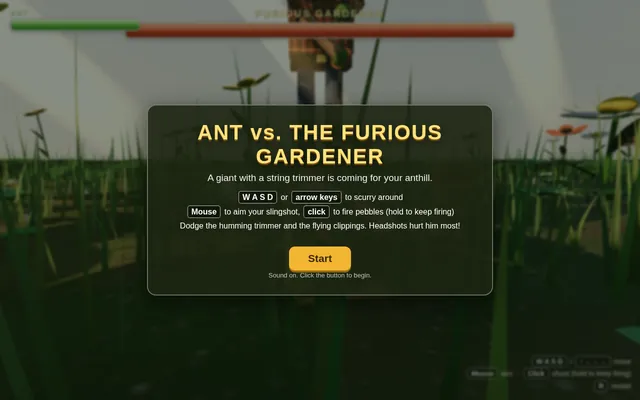
Build a small playable 3D game in Three.js: an ant defends its home from a furious giant gardener. The player controls the ant on the ground of a lush garden, seen from a low third-person camera that makes the grass blades, pebbles and flowers feel huge. The gardener towers over the scene and sweeps a humming string trimmer back and forth, chasing the ant and throwing up clippings. The ant fights back with a tiny slingshot: aim with the mouse, fire pebbles at the gardener and dodge the trimmer's swings. Show a health bar for the ant and a large health bar for the gardener at the top of the screen, with hit flashes, a clear win or lose message and a restart. Warm afternoon sunlight falls through the leaves overhead, casting moving dappled light and soft shadows, with dust drifting in the light beams. Keep the controls simple (WASD or arrow keys to move, click to shoot) and show them on screen. Everything is built in code from Three.js geometry and materials; no external models or textures. Build it as index.html (plus any local asset files you create) in the current directory. Three.js may load from a pinned CDN. You may serve it locally and open it in headless chromium (/usr/bin/chromium, software WebGL, no GPU) to screenshot and inspect your own output, and iterate on your own before finishing. Close any browser you open as soon as you've taken your screenshot.
Threejs artwork style pass
# Test: threejs_artwork_style_pass

Build a real-time 3D scene in three.js: a **caped flying hero** flies through a row of **large framed artworks**, and each time he passes through a frame **his rendering style changes to match that artwork's style**.

- The hero is an original, generic caped flyer (your own design, not any existing or trademarked character): a stylised humanoid in a flying pose, fists forward, with a cape that flutters and ripples in the wind as he flies.
- A row of at least **five big picture frames** stands along his flight path, spaced out, each with a gilded frame and a procedurally generated canvas in a different style, for example: **oil painting** (thick brush strokes), **ukiyo-e woodblock** (flat colours, bold outlines, wave pattern), **pixel art**, **comic book / halftone** (dots, ink outlines), **watercolour** (soft bleeding washes). More styles are welcome.
- As he flies **through** each frame, the hero's look switches to that artwork's style (custom shaders / materials / post-processing, e.g. toon shading + outlines, halftone dots, pixelation, painterly noise, paper texture), ideally with a short visible transition at the moment he crosses the frame plane. Optionally the world around him can also take on the style.
- Motion must be **smooth and continuous** (no teleporting or snapping): he flies along a gentle curved path through all frames, and the whole sequence loops seamlessly.
- The **camera follows** him smoothly (chase camera with slight lag), keeping both the hero and the next frame in view.
- Good lighting, sky/background and atmosphere; aim for a polished, showcase-quality look.


Deliverable: reply with exactly one complete, self-contained `index.html` file in a single ```html code block. Requirements:
- Use three.js (r160 or newer) loaded from a CDN through an `<script type="importmap">` (e.g. jsDelivr or unpkg); addons such as OrbitControls may be imported from the same CDN via the import map.
- No other files: no external textures, models, fonts or images. Generate any textures procedurally in code.
- It must run by simply opening index.html in a modern desktop browser, fill the window, and handle resize.
- Animate with requestAnimationFrame and a clock, so it looks right at any frame rate.
- No explanation is needed outside the code block.
Retro arcade claw machine with pastel plush prizes (Three.js)
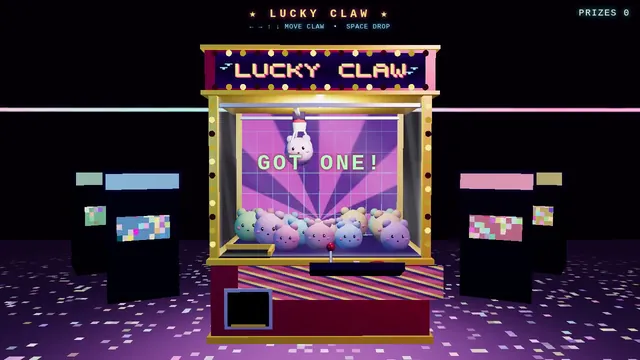
Build a Three.js scene: A retro arcade claw machine with a glass cabinet, chasing marquee lights and a pile of round pastel plush creatures stands in a dim arcade. Use the arrow keys to move the three-pronged claw over the pile and Space to drop it; the claw descends, closes, and may grip a plush that sometimes slips during the lift. A successful grab drops the plush down the prize chute with a burst of confetti; the camera is front-facing with slight mouse parallax. Everything is built in code from Three.js geometry, materials and shaders; no external models, textures or fonts. The scene must visibly animate from the moment it loads and run in a browser with software WebGL (no GPU). Deliver ONE self-contained HTML file; load Three.js only through an import map from https://cdn.jsdelivr.net/npm/three@0.170.0/build/three.module.js (addons from https://cdn.jsdelivr.net/npm/three@0.170.0/examples/jsm/), with no other external requests. Output ONLY the complete HTML file, starting with <!DOCTYPE html> and ending with </html>, with no explanation or markdown fences.
Threejs dragon ship
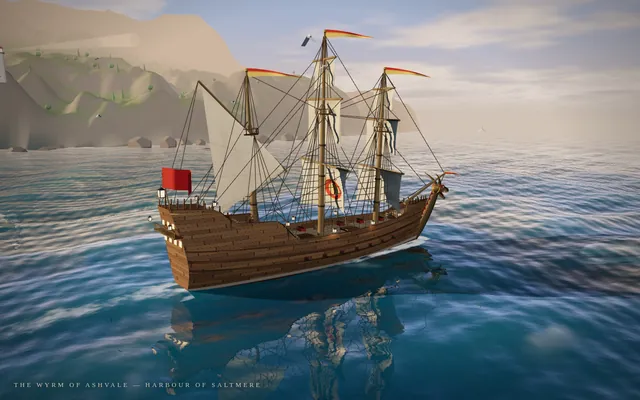
Build a single self-contained Three.js scene of a fantasy sailing ship at sea, seen from a cinematic three-quarter view. The ship has a carved dragon figurehead at the bow with an open jaw and horns, a wooden hull with visible planking and a raised stern castle, three masts with full canvas sails that billow and a few pennants, rigging lines, and lanterns along the rail. It sails on animated water with rolling waves, foam at the bow, reflections and a sun path on the surface. Behind it a rocky coast with a small harbour town: stone houses with tiled roofs, a lighthouse, a pier and scattered trees on green hills. Warm late-afternoon lighting with a low sun, long shadows, light haze in the distance and a sky with a few clouds. The camera slowly orbits the ship. Everything is built in code from Three.js geometry and materials; no external models or textures.

Output ONLY the complete index.html, starting with <!DOCTYPE html> and ending with </html>, with no explanation and no markdown fences. Build it as index.html (plus any local asset files you create) in the current directory. Three.js may load from a pinned CDN. You may serve it locally and open it in headless chromium (/usr/bin/chromium, software WebGL, no GPU) to screenshot and inspect your own output, and iterate on your own until it looks genuinely cinematic before finishing. Close any browser you open as soon as you've taken your screenshot.
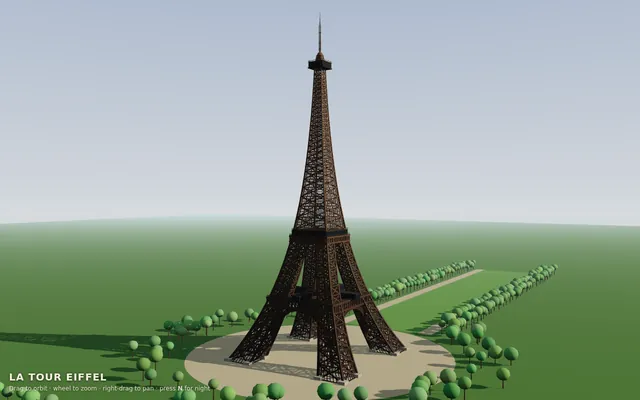
Threejs eiffel
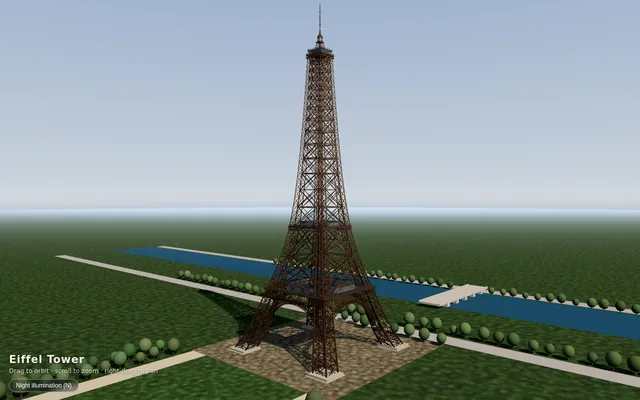
Build the Eiffel Tower in Three.js. Build it as index.html (plus any local asset files you create) in the current directory. Three.js may load from a pinned CDN. You may serve it locally and open it in headless chromium (/usr/bin/chromium, software WebGL, no GPU) to screenshot and inspect your own output, and iterate on your own before finishing. Close any browser you open as soon as you've taken your screenshot.
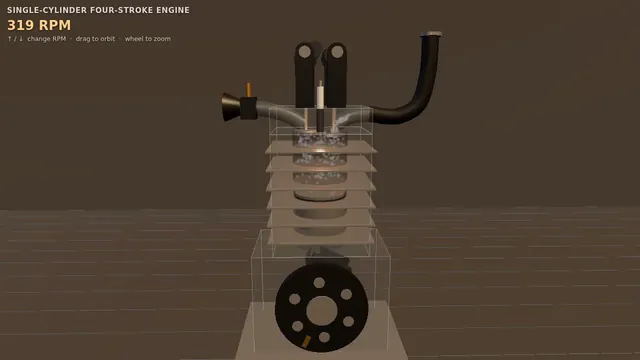
Four-stroke engine cutaway: crank, piston and cam-driven valves (Three.js)
Build a Three.js scene: A single-cylinder engine is shown in a half-transparent steel block, with crankshaft, connecting rod, piston and two cam-driven poppet valves animating in sync through intake, compression, power and exhaust. Fuel-air mix is shown as blue particles, the spark as a white flash, and exhaust as grey smoke particles. The up and down arrow keys change RPM, and a floating label names the current stroke. The camera orbits on drag with a workshop-grey backdrop and warm key light. Everything is built in code from Three.js geometry, materials and shaders; no external models, textures or fonts. The scene must visibly animate from the moment it loads and run in a browser with software WebGL (no GPU). Deliver ONE self-contained HTML file; load Three.js only through an import map from https://cdn.jsdelivr.net/npm/three@0.170.0/build/three.module.js (addons from https://cdn.jsdelivr.net/npm/three@0.170.0/examples/jsm/), with no other external requests. Output ONLY the complete HTML file, starting with <!DOCTYPE html> and ending with </html>, with no explanation or markdown fences.
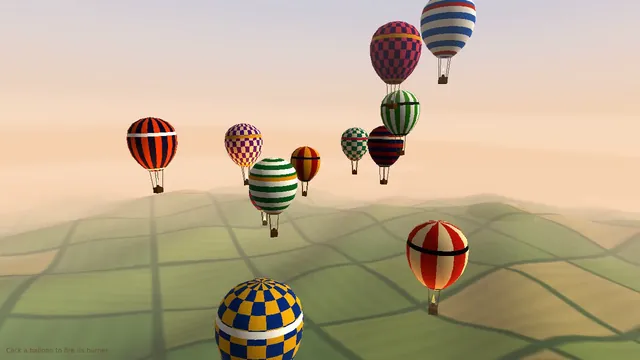
Hot air balloon festival over rolling fields (Three.js)
Build a Three.js scene: A dozen hot air balloons with striped procedural envelopes rise at different rates over rolling green fields, their burners flaring orange and lifting them in pulses. Clicking a balloon fires its burner, so it visibly glows and climbs faster. Balloons drift with a gentle wind field and the camera slowly rises with the fleet. The sky is a pale dawn gradient with soft volumetric-looking haze bands. Everything is built in code from Three.js geometry, materials and shaders; no external models, textures or fonts. The scene must visibly animate from the moment it loads and run in a browser with software WebGL (no GPU). Deliver ONE self-contained HTML file; load Three.js only through an import map from https://cdn.jsdelivr.net/npm/three@0.170.0/build/three.module.js (addons from https://cdn.jsdelivr.net/npm/three@0.170.0/examples/jsm/), with no other external requests. Output ONLY the complete HTML file, starting with <!DOCTYPE html> and ending with </html>, with no explanation or markdown fences.
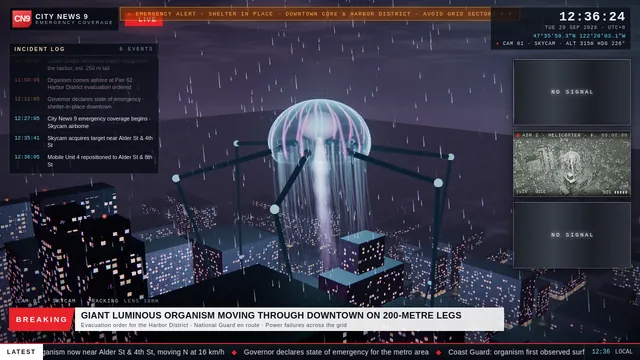
Threejs jellyfish
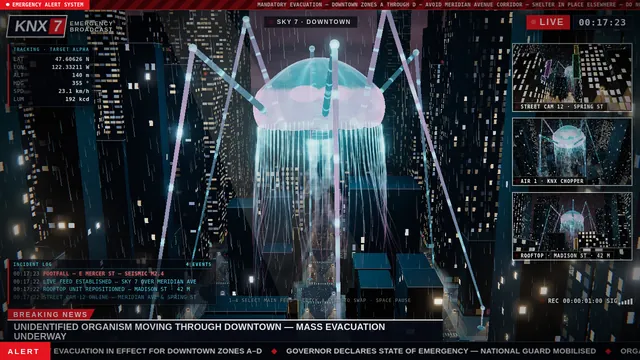
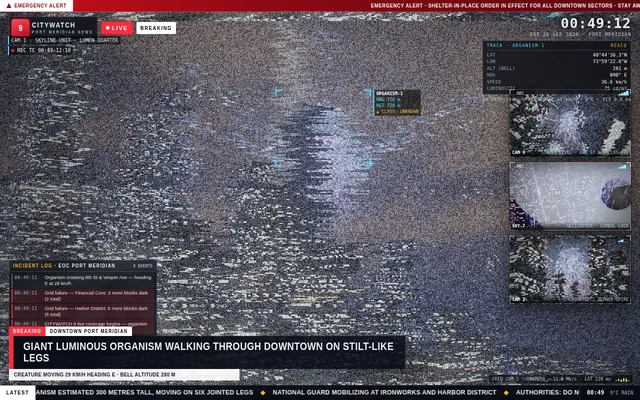
Build a Three.js scene of a huge glowing jellyfish walking through a rainy city at night on very tall, thin, jointed legs, presented as a live disaster news broadcast. The jellyfish's translucent bell pulses with soft bioluminescent light, its tentacles sway beneath it, and each slow stride steps between the towers while rain streaks through the light and wet streets reflect neon signs and headlights. Frame it like a TV emergency broadcast: a main camera feed plus several smaller feeds from other angles (street level, a helicopter, a rooftop) that update as the creature moves; a HUD with a channel logo, a red LIVE badge, a scrolling news ticker, a clock and coordinates; and an event log panel that adds timestamped entries as the jellyfish crosses the city. Keep the mood tense and cinematic, with fog, flickering streetlights and flashing red and blue emergency lights. Everything is built in code from Three.js geometry, shaders and materials; no external models or textures. Build it as index.html (plus any local asset files you create) in the current directory. Three.js may load from a pinned CDN. You may serve it locally and open it in headless chromium (/usr/bin/chromium, software WebGL, no GPU) to screenshot and inspect your own output, and iterate on your own before finishing. Close any browser you open as soon as you've taken your screenshot.
Threejs mechanical bee
# Test: threejs_mechanical_bee

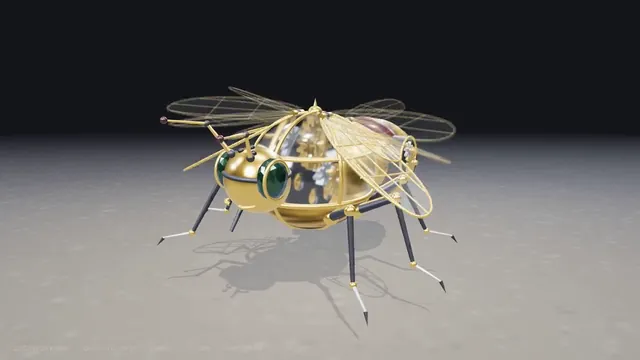
Build a real-time 3D scene in three.js of an animated **mechanical (clockwork) bee**.

- The bee is built from many distinct parts: a segmented abdomen, thorax, head with compound-eye lenses, antennae, six jointed legs and two pairs of wings.
- Materials are physically based (MeshStandardMaterial or MeshPhysicalMaterial): polished and aged **brass**, brushed **steel**, a little dark enamel or glass, with believable metalness/roughness. Use an environment map (e.g. RoomEnvironment with PMREMGenerator) so the metal reflects.
- The **wings beat fast** (a visible blur-like flutter, thin translucent panels with a metal frame/veins).
- Several visible **gears turn** inside the body (meshing gears turn in opposite directions at speeds consistent with their tooth counts).
- The whole bee **hovers with a gentle bob and slight sway loop** in mid-air; legs and antennae move a little.
- **OrbitControls** let the viewer orbit, zoom and pan around the bee, with damping.
- **Nice lighting**: a key light with soft shadows, a fill and a rim light, tone mapping (ACES or AgX) and sRGB output; a tasteful backdrop or ground so the shadow reads.
- Aim for a polished, showcase-quality look.


Deliverable: reply with exactly one complete, self-contained `index.html` file in a single ```html code block. Requirements:
- Use three.js (r160 or newer) loaded from a CDN through an `<script type="importmap">` (e.g. jsDelivr or unpkg); addons such as OrbitControls may be imported from the same CDN via the import map.
- No other files: no external textures, models, fonts or images. Generate any textures procedurally in code.
- It must run by simply opening index.html in a modern desktop browser, fill the window, and handle resize.
- Animate with requestAnimationFrame and a clock, so it looks right at any frame rate.
- No explanation is needed outside the code block.
Threejs momijigari
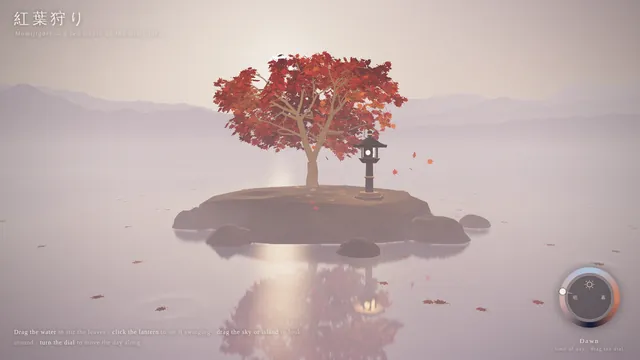
Build an interactive Three.js scene of a single red Japanese maple (momiji) standing on a small rocky island in a still, misty lake. Its leaves are deep autumn red and orange; some drift down onto the water, where they float and leave gentle ripples. Low mist hangs over the lake and soft mountain silhouettes fade into the haze behind. A stone lantern stands beside the tree with a warm flame inside. Let the viewer interact: dragging across the water stirs the floating leaves and sends ripples through them, clicking the lantern makes it swing so its light sways across the water, and a dial turns the time of day from dawn through day and dusk to moonlight, changing the sky, the colour of the mist, the lighting and the reflections, with the moon and its reflection at night. Keep the mood calm and painterly, with a light wind moving the branches. Everything is built in code from Three.js geometry, shaders and materials; no external models or textures. Build it as index.html (plus any local asset files you create) in the current directory. Three.js may load from a pinned CDN. You may serve it locally and open it in headless chromium (/usr/bin/chromium, software WebGL, no GPU) to screenshot and inspect your own output, and iterate on your own before finishing. Close any browser you open as soon as you've taken your screenshot.
Synthwave hover-bike racer on a neon grid highway (Three.js)
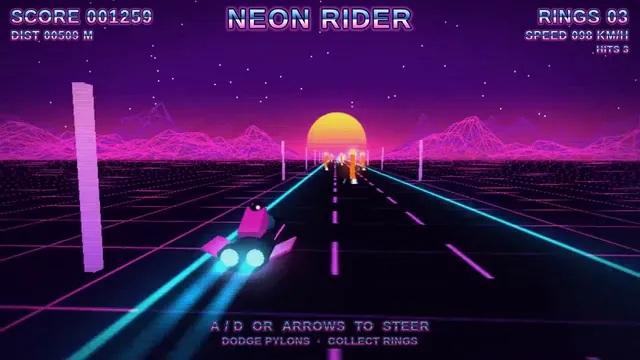
Build a Three.js scene: A synthwave hover-bike race down an infinite grid highway beneath a striped magenta sunset sun and wireframe mountains. Steer between three lanes with A and D to dodge glowing pylons and collect cyan energy rings while speed slowly increases. The chase camera tilts into turns with a bloom-like glow, and a distance score is shown in retro chrome lettering. Everything is built in code from Three.js geometry, materials and shaders; no external models, textures or fonts. The scene must visibly animate from the moment it loads and run in a browser with software WebGL (no GPU). Deliver ONE self-contained HTML file; load Three.js only through an import map from https://cdn.jsdelivr.net/npm/three@0.170.0/build/three.module.js (addons from https://cdn.jsdelivr.net/npm/three@0.170.0/examples/jsm/), with no other external requests. Output ONLY the complete HTML file, starting with <!DOCTYPE html> and ending with </html>, with no explanation or markdown fences.
Floating pirate island diorama with a cliff cross-section (Three.js)
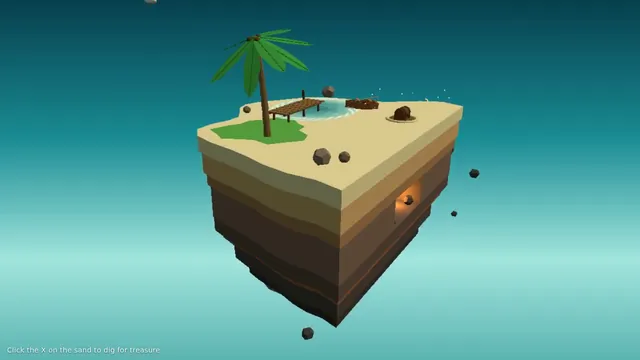
Build a Three.js scene: A small floating diorama chunk of island with a cliff cross-section shows layered rock, a palm tree, a wooden pier, a beached rowboat and a hidden treasure cave lit by a lantern. Waves lap the shore via a shader, gulls circle, and the palm sways. Click the X-marked sand to dig: sand particles fly and a chest rises and opens with a golden glow; the camera slowly orbits the floating base against a teal sky gradient. Everything is built in code from Three.js geometry, materials and shaders; no external models, textures or fonts. The scene must visibly animate from the moment it loads and run in a browser with software WebGL (no GPU). Deliver ONE self-contained HTML file; load Three.js only through an import map from https://cdn.jsdelivr.net/npm/three@0.170.0/build/three.module.js (addons from https://cdn.jsdelivr.net/npm/three@0.170.0/examples/jsm/), with no other external requests. Output ONLY the complete HTML file, starting with <!DOCTYPE html> and ending with </html>, with no explanation or markdown fences.
Threejs space bunny
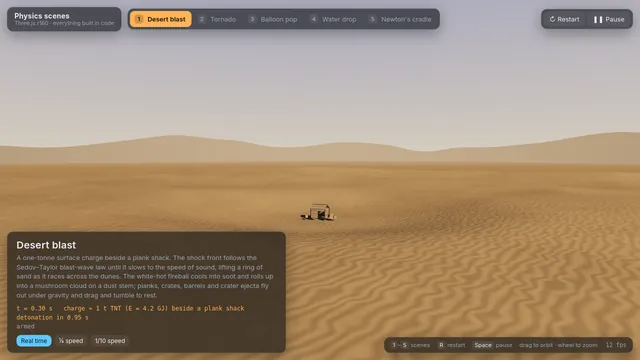
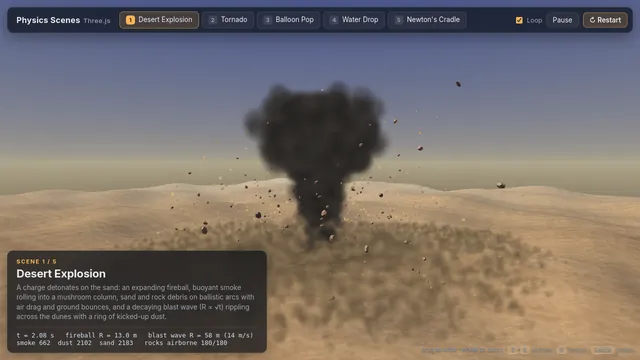
Build a single Three.js page with five physics scenes and a scene switcher (buttons or tabs) to move between them; each scene can be restarted. 1) An explosion in a desert: a blast with a fireball, smoke, sand and debris thrown outward and falling back under gravity, and a shockwave rippling across the dunes. 2) A tornado: a funnel of swirling dust and debris over flat land that picks up small objects and spins them upward. 3) A balloon pop: a rubber balloon inflates, stretches and bursts, its fragments flying off and settling. 4) A water drop fall: a drop falls into still water, making a splash crown, a rebound jet, droplets and spreading ripples. 5) A Newton's cradle: five steel balls on strings where the end ball swings in and its momentum passes through the row, with believable collisions and slowly damped swinging. Make the motion physically believable (gravity, momentum, collisions, damping), light each scene well and label it. Everything is built in code from Three.js geometry, shaders and materials; no external models or textures. Build it as index.html (plus any local asset files you create) in the current directory. Three.js may load from a pinned CDN. You may serve it locally and open it in headless chromium (/usr/bin/chromium, software WebGL, no GPU) to screenshot and inspect your own output, and iterate on your own before finishing. Close any browser you open as soon as you've taken your screenshot.
Threejs stillwater pond
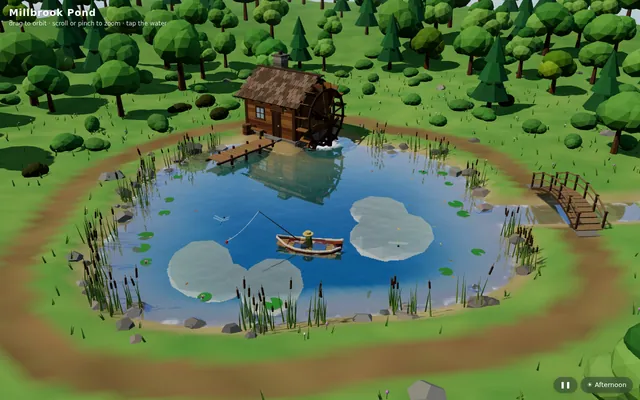
Build "Millbrook Pond", a calm countryside pond diorama in Three.js, seen from above at a three-quarter angle. An irregular pond with soft grassy banks, rocks and reeds sits in a clearing ringed by trees and bushes, with a dirt path running around it. On one shore stands a small timber watermill cabin with a shingled roof and a stone chimney, and on its side a large wooden waterwheel turns continuously, its paddles dipping into the water and churning it. A plank dock juts out from the mill, a small arched wooden footbridge crosses an inlet, and a rowboat floats on the pond with a seated figure fishing, rod and line out; the boat bobs and drifts gently and the line's float makes small rings. The water is the star: a real-time reflective and refractive surface (a planar or render-target reflection of the mill, trees and sky; refraction of the shallow pond bed near the banks; depth-based tint from clear shallows to a dark centre) blended with a Fresnel term, soft normal-mapped wind ripples, and dynamic ripple rings from the waterwheel, the boat, the fishing float and the occasional rising fish, which spread and fade. Add gentle ambient life: swaying foliage, a few lily pads or drifting leaves, dragonflies or birds, and soft afternoon sun with shadows. The camera slowly orbits the pond on its own; the user can drag to orbit, pinch or scroll to zoom, and tap the water to make ripples, and a small unobtrusive control pauses the orbit and switches the time of day (for example afternoon and golden hour). The look is stylized and cohesive (low-poly or soft-shaded), and everything is built in code; no external models, textures or HDRIs. Also add a capture mode: opening index.html?capture=1 hides all UI and plays a scripted 12-second camera move around the pond that ends where it started, so it can be recorded as a seamless clip. Build it as index.html (plus any local asset files you create) in the current directory, with no build step; three.js and any addons may load from a pinned CDN. Aim for 60 fps on a laptop and at least 30 fps on a mid-range phone, with touch working. You may serve it locally and open it in headless chromium (/usr/bin/chromium, software WebGL, no GPU) to screenshot and inspect your own output, and iterate on your own before finishing. Close any browser you open as soon as you've taken your screenshot. Finish with a short README.md describing the controls and the capture mode.
Threejs tidewater
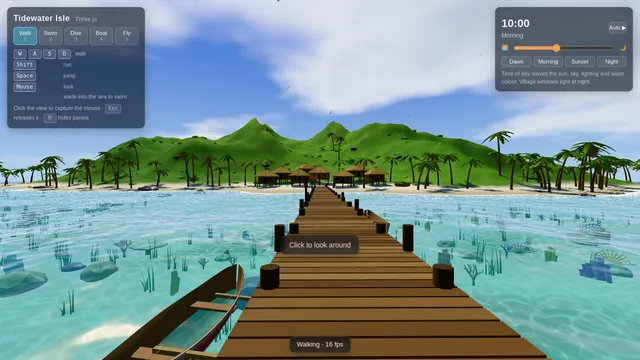
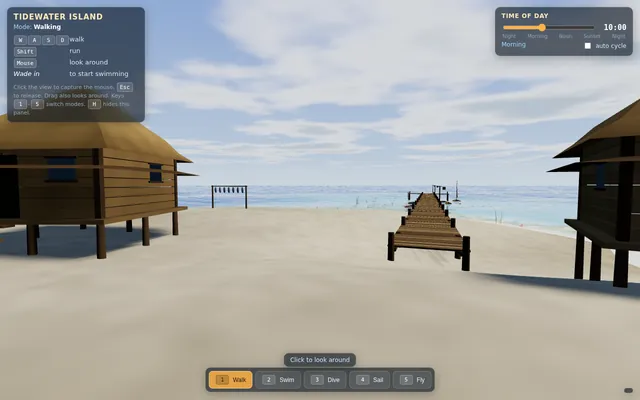
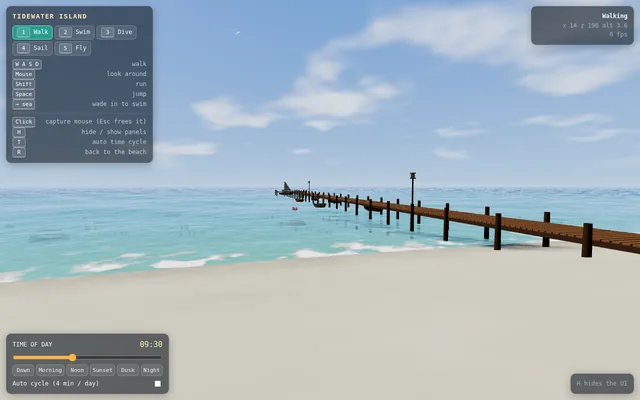
Build an explorable tropical island in Three.js. The island has white sand beaches, palm trees, a green hilly interior and a small fishing village of wooden huts with thatched roofs, joined to the sea by a long wooden pier with boats moored alongside. The ocean around it is animated, with waves, foam along the shore and clear shallow water over a reef where fish swim among corals and sea plants, fading to deep blue further out. Let the player switch between modes: walk on the island, swim at the surface, dive underwater (with underwater fog and caustic light), sail a small boat around the island, and fly a free camera. Add a time-of-day panel with a slider that moves the sun from morning through sunset to night, changing the sky, lighting and water colours, with stars and lit windows in the village at night. Show the controls on screen. Everything is built in code from Three.js geometry, shaders and materials; no external models or textures. Build it as index.html (plus any local asset files you create) in the current directory. Three.js may load from a pinned CDN. You may serve it locally and open it in headless chromium (/usr/bin/chromium, software WebGL, no GPU) to screenshot and inspect your own output, and iterate on your own before finishing. Close any browser you open as soon as you've taken your screenshot.
X16 engine
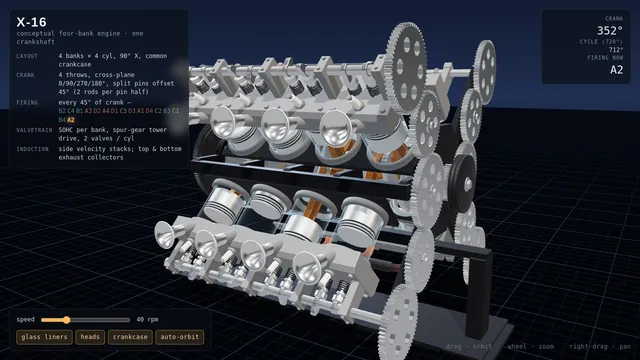
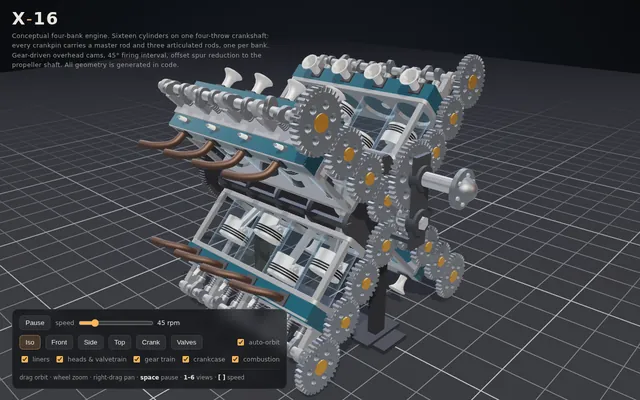
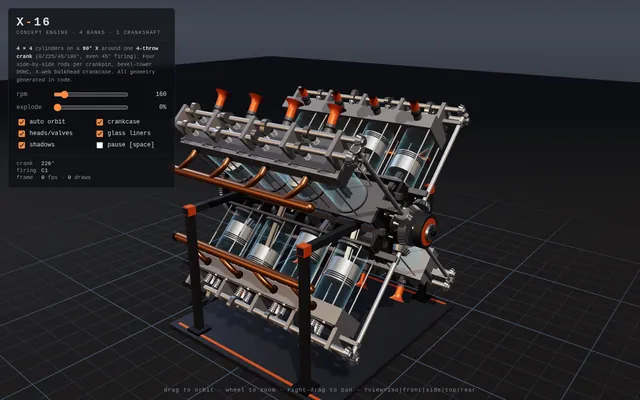
Build a conceptual X-16 engine in 3D with Three.js: four cylinder banks, one crankshaft and exposed mechanics inspired by experimental multi-bank engine architectures. Make it animate (pistons, rods and crank moving in sync) with orbit controls. Everything is built in code from Three.js geometry, shaders and materials; no external models or textures. Build it as a single self-contained index.html in the current directory. Three.js may load from a CDN or be vendored. You may serve it locally and open it in headless chromium (/usr/bin/chromium, software WebGL, no GPU) to screenshot and inspect your own output, and iterate on your own before finishing. Close any browser you open as soon as you've taken your screenshot.
Animated short film drawn in code (HTML/JS)
Write a single self-contained HTML file that plays an original animated short film, about 50 seconds long, drawn entirely in code.

Hard technical rules:
- One file: HTML + inline <script> (+ optional inline <style>). No external images, fonts, libraries, audio files or network requests of any kind. Every frame is drawn procedurally with Canvas 2D (or WebGL if you prefer).
- The canvas renders at a fixed internal resolution of 1920x1080 and is scaled with CSS to fit the window (letterboxed, black background).
- The animation starts automatically on page load and is driven ONLY by requestAnimationFrame and the timestamp from performance.now() (measure elapsed time from the first frame). Everything on screen must be a pure function of elapsed time t, so the film is deterministic and can be captured frame by frame. No Math.random() at draw time — use a seeded PRNG / hash noise so frames are identical run to run. No setTimeout/setInterval for animation.
- Define window.FILM_DURATION (seconds). After the film ends, hold the final frame.
- Soundtrack: write an original WebAudio score (melody, chords, a little percussion or ambience, and sound cues that match story moments) synced to the same timeline. Put ALL audio scheduling in a function window.buildSoundtrack(ctx, startTime) that schedules every note/effect on any BaseAudioContext (so it also works on an OfflineAudioContext). Also expose window.renderSoundtrack = () => an OfflineAudioContext(2, 44100*FILM_DURATION, 44100) render of it returning a Promise<AudioBuffer>. For live viewing, start the soundtrack on the first click/tap/keypress (browsers block autoplay) aligned to the current film time; show a small unobtrusive "tap for sound" hint until then. Use only oscillators, noise buffers you generate, filters, gain envelopes — no samples.
- No console errors.

The film (this is a showcase of what you can animate — make it genuinely beautiful and moving):
- An ORIGINAL story with a small emotional arc (setup, a problem or longing, a turn, a warm resolution). A single consistent main character — any character you like — who appears in every scene and is recognisably the same design throughout.
- At least 4 distinct scenes, with real transitions between them (e.g. wipes, iris, match cuts, cross-dissolves, camera moves through space).
- Expressive character animation: a proper walk cycle (legs, arms, body bob), blinking, and facial emotion changes (e.g. curious, sad, surprised, joyful) that follow the story.
- A virtual camera that pans, zooms and tracks, with parallax layers for depth.
- Lighting and time-of-day changes across the film (e.g. dawn → day → dusk → night, or a storm clearing), with colour grading, glows, and shadows.
- Particles and weather (rain, snow, fireflies, leaves, dust, stars — your choice, at least two kinds).
- On-screen story text / subtitles in a tasteful storybook style that tell the story in a few short lines.
- A cohesive art direction: a warm, hand-made "paper cut-out / storybook" look is welcome (textured paper, soft edges, slight wobble), but choose what serves your story.
- End with a title of your film and a gentle closing frame.

Output ONLY the complete HTML file, starting with <!DOCTYPE html> and ending with </html>. No explanation, no markdown fences. Save it as index.html in the current directory. You may open it in headless chromium to check it and iterate.
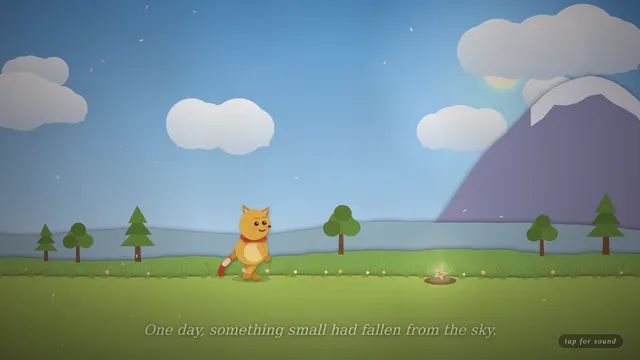
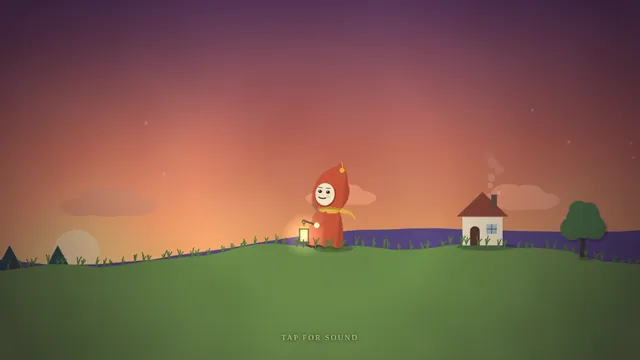
Codrops-style scroll story: the life of a raindrop
Build a one-page scroll-driven WebGL story in the style of an award-winning Codrops demo: 'The life of a raindrop', in 5 scroll chapters (cloud, fall, river, ocean, evaporation). Each chapter has a distinct shader-driven scene (Three.js, WebGPU renderer with WebGL fallback), with smooth transitions tied to scroll position (no scroll hijack jank), crisp typography overlays, and a progress indicator. Must hold 60 fps on a mid-range laptop and degrade gracefully on phones. Procedural visuals only, no external images or video. One self-contained index.html plus inline JS/CSS.
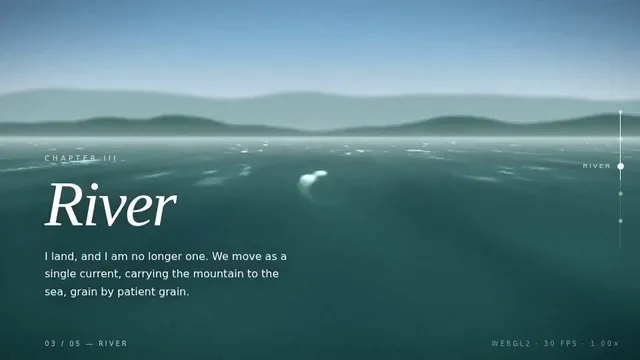
001 Ink Bloom Garden
Ink Bloom Garden: A dark canvas where every click plants an ink-drop flower that grows outward in branching, feathered petals over three seconds using layered translucent strokes. Petal colour drifts with the mouse's horizontal position. Space clears the canvas with a slow fade; S saves the current canvas as a PNG.

Build it as ONE self-contained HTML file: inline CSS and JavaScript only, no libraries or frameworks, and no external requests of any kind (no CDNs, web fonts, images or audio files); anything visual or audible is made in code (HTML/CSS, SVG, Canvas, WebGL or WebAudio). It must work when opened directly from disk, fit the browser window responsively, and run without console errors. Output ONLY the complete HTML file, starting with <!DOCTYPE html> and ending with </html>, with no explanation or markdown fences.
002 Pendulum Wave
Pendulum Wave: Fifteen pendulums hung side by side, each with a slightly different period so that together they form travelling waves, snakes and brief alignments that repeat every 60 seconds. Show a slider for playback speed, a reset button, and draw a faint trail behind each bob.

Build it as ONE self-contained HTML file: inline CSS and JavaScript only, no libraries or frameworks, and no external requests of any kind (no CDNs, web fonts, images or audio files); anything visual or audible is made in code (HTML/CSS, SVG, Canvas, WebGL or WebAudio). It must work when opened directly from disk, fit the browser window responsively, and run without console errors. Output ONLY the complete HTML file, starting with <!DOCTYPE html> and ending with </html>, with no explanation or markdown fences.
003 Orbital Coffee Landing
Orbital Coffee Landing: A landing page for an invented specialty coffee roaster: a full-height hero with a CSS-drawn steaming cup, three origin cards that tilt in 3D toward the cursor, a scroll-triggered brew timeline, and a sticky header that shrinks after 80px of scrolling. Fully responsive down to 360px.

Build it as ONE self-contained HTML file: inline CSS and JavaScript only, no libraries or frameworks, and no external requests of any kind (no CDNs, web fonts, images or audio files); anything visual or audible is made in code (HTML/CSS, SVG, Canvas, WebGL or WebAudio). It must work when opened directly from disk, fit the browser window responsively, and run without console errors. Output ONLY the complete HTML file, starting with <!DOCTYPE html> and ending with </html>, with no explanation or markdown fences.
004 Brick Breaker Neon
Brick Breaker Neon: A neon brick-breaker: a paddle follows the mouse or arrow keys, the ball bounces off six rows of glowing bricks, and destroyed bricks burst into particles. Include three lives, a score, a level-two layout after clearing, a pause on P, and a game-over screen with restart.

Build it as ONE self-contained HTML file: inline CSS and JavaScript only, no libraries or frameworks, and no external requests of any kind (no CDNs, web fonts, images or audio files); anything visual or audible is made in code (HTML/CSS, SVG, Canvas, WebGL or WebAudio). It must work when opened directly from disk, fit the browser window responsively, and run without console errors. Output ONLY the complete HTML file, starting with <!DOCTYPE html> and ending with </html>, with no explanation or markdown fences.
005 Focus Timer Orbit
Focus Timer Orbit: A focus-session timer drawn as a planet orbiting a sun: a full orbit equals the session length. It supports 25/5 work/break cycles with editable durations, start/pause/reset, a counter of completed sessions, and a soft synthesised chime at each transition generated with WebAudio.

Build it as ONE self-contained HTML file: inline CSS and JavaScript only, no libraries or frameworks, and no external requests of any kind (no CDNs, web fonts, images or audio files); anything visual or audible is made in code (HTML/CSS, SVG, Canvas, WebGL or WebAudio). It must work when opened directly from disk, fit the browser window responsively, and run without console errors. Output ONLY the complete HTML file, starting with <!DOCTYPE html> and ending with </html>, with no explanation or markdown fences.
006 Rainfall Bars
Rainfall Bars: An animated bar chart of monthly rainfall for an invented city (Jan 78mm, Feb 64, Mar 55, Apr 40, May 22, Jun 10, Jul 8, Aug 12, Sep 30, Oct 52, Nov 70, Dec 85). Bars fill like rain gauges, hovering shows a tooltip, and a toggle switches between millimetres and inches.

Build it as ONE self-contained HTML file: inline CSS and JavaScript only, no libraries or frameworks, and no external requests of any kind (no CDNs, web fonts, images or audio files); anything visual or audible is made in code (HTML/CSS, SVG, Canvas, WebGL or WebAudio). It must work when opened directly from disk, fit the browser window responsively, and run without console errors. Output ONLY the complete HTML file, starting with <!DOCTYPE html> and ending with </html>, with no explanation or markdown fences.
007 Kinetic Headline
Kinetic Headline: The phrase MAKE SOMETHING WEIRD in huge letters, where each letter is an independent element that scatters away from the cursor on a spring and eases back home. Clicking cycles through three typefaces from generic font families; letters wobble slightly while idle.

Build it as ONE self-contained HTML file: inline CSS and JavaScript only, no libraries or frameworks, and no external requests of any kind (no CDNs, web fonts, images or audio files); anything visual or audible is made in code (HTML/CSS, SVG, Canvas, WebGL or WebAudio). It must work when opened directly from disk, fit the browser window responsively, and run without console errors. Output ONLY the complete HTML file, starting with <!DOCTYPE html> and ending with </html>, with no explanation or markdown fences.
008 Pocket Theremin
Pocket Theremin: A full-screen theremin: horizontal mouse position sets pitch across two octaves on a pentatonic scale, vertical position sets volume and vibrato depth. Holding the mouse down plays a WebAudio oscillator; a glowing trail and a live waveform display follow the pointer. Keys 1-4 switch waveform.

Build it as ONE self-contained HTML file: inline CSS and JavaScript only, no libraries or frameworks, and no external requests of any kind (no CDNs, web fonts, images or audio files); anything visual or audible is made in code (HTML/CSS, SVG, Canvas, WebGL or WebAudio). It must work when opened directly from disk, fit the browser window responsively, and run without console errors. Output ONLY the complete HTML file, starting with <!DOCTYPE html> and ending with </html>, with no explanation or markdown fences.
009 Forest Fire Automaton
Forest Fire Automaton: A cellular-automaton forest on a 150x100 grid: trees regrow with probability p, lightning strikes with probability f, and fire spreads to neighbours. Sliders adjust p and f live, a counter shows live trees, burning cells glow orange to red, and a click drops a spark.

Build it as ONE self-contained HTML file: inline CSS and JavaScript only, no libraries or frameworks, and no external requests of any kind (no CDNs, web fonts, images or audio files); anything visual or audible is made in code (HTML/CSS, SVG, Canvas, WebGL or WebAudio). It must work when opened directly from disk, fit the browser window responsively, and run without console errors. Output ONLY the complete HTML file, starting with <!DOCTYPE html> and ending with </html>, with no explanation or markdown fences.
010 Toggle Switch Gallery
Toggle Switch Gallery: A gallery of eight distinct toggle switch designs on a neutral grid: day/night, liquid blob, rocker, pill with icon, 3D push, checkbox morph, skeuomorphic lever and minimalist line. Each animates smoothly between states, is keyboard accessible, and shows its current state label underneath.

Build it as ONE self-contained HTML file: inline CSS and JavaScript only, no libraries or frameworks, and no external requests of any kind (no CDNs, web fonts, images or audio files); anything visual or audible is made in code (HTML/CSS, SVG, Canvas, WebGL or WebAudio). It must work when opened directly from disk, fit the browser window responsively, and run without console errors. Output ONLY the complete HTML file, starting with <!DOCTYPE html> and ending with </html>, with no explanation or markdown fences.
011 Pure CSS Sunset
Pure CSS Sunset: A layered sunset over rolling hills built entirely with CSS gradients, shapes and keyframe animation, with no canvas or script: the sun sinks over 20 seconds, the sky shifts from gold to violet, stars fade in, and a small silhouetted windmill turns on a hill.

Build it as ONE self-contained HTML file: inline CSS and JavaScript only, no libraries or frameworks, and no external requests of any kind (no CDNs, web fonts, images or audio files); anything visual or audible is made in code (HTML/CSS, SVG, Canvas, WebGL or WebAudio). It must work when opened directly from disk, fit the browser window responsively, and run without console errors. Output ONLY the complete HTML file, starting with <!DOCTYPE html> and ending with </html>, with no explanation or markdown fences.
012 Magnetic Filings
Magnetic Filings: Thousands of short iron-filing strokes on a pale background align to the field of two draggable magnets, one red north and one blue south. Strokes recompute live as magnets are dragged; a double click adds a third magnet and a button flips each polarity.

Build it as ONE self-contained HTML file: inline CSS and JavaScript only, no libraries or frameworks, and no external requests of any kind (no CDNs, web fonts, images or audio files); anything visual or audible is made in code (HTML/CSS, SVG, Canvas, WebGL or WebAudio). It must work when opened directly from disk, fit the browser window responsively, and run without console errors. Output ONLY the complete HTML file, starting with <!DOCTYPE html> and ending with </html>, with no explanation or markdown fences.
013 Soft Body Blobs
Soft Body Blobs: Five jelly-like blobs made of spring-connected points fall into a box, squish on impact and jostle each other. The user can grab and fling any blob with the mouse. A gravity slider and a button that tilts the box left or right are included.

Build it as ONE self-contained HTML file: inline CSS and JavaScript only, no libraries or frameworks, and no external requests of any kind (no CDNs, web fonts, images or audio files); anything visual or audible is made in code (HTML/CSS, SVG, Canvas, WebGL or WebAudio). It must work when opened directly from disk, fit the browser window responsively, and run without console errors. Output ONLY the complete HTML file, starting with <!DOCTYPE html> and ending with </html>, with no explanation or markdown fences.
014 Snake Reimagined
Snake Reimagined: A modern snake game on a 24x24 grid with smooth interpolated movement, a gradient body that tapers to the tail, food that pulses, and walls that wrap. Speed increases every five apples. Show score and best score (saved in localStorage) and support arrows, WASD and swipe.

Build it as ONE self-contained HTML file: inline CSS and JavaScript only, no libraries or frameworks, and no external requests of any kind (no CDNs, web fonts, images or audio files); anything visual or audible is made in code (HTML/CSS, SVG, Canvas, WebGL or WebAudio). It must work when opened directly from disk, fit the browser window responsively, and run without console errors. Output ONLY the complete HTML file, starting with <!DOCTYPE html> and ending with </html>, with no explanation or markdown fences.
015 Color Palette Studio
Color Palette Studio: A palette generator: press space to generate five harmonious colours (choose analogous, complementary, triadic or monochrome), click a swatch to lock it, and show each colour's HEX, RGB and a WCAG contrast rating against white and black. Clicking a code copies it with a toast.

Build it as ONE self-contained HTML file: inline CSS and JavaScript only, no libraries or frameworks, and no external requests of any kind (no CDNs, web fonts, images or audio files); anything visual or audible is made in code (HTML/CSS, SVG, Canvas, WebGL or WebAudio). It must work when opened directly from disk, fit the browser window responsively, and run without console errors. Output ONLY the complete HTML file, starting with <!DOCTYPE html> and ending with </html>, with no explanation or markdown fences.
016 Heartbeat Line
Heartbeat Line: A live ECG-style monitor that scrolls a heartbeat trace across a dark grid, with a BPM readout, a slider from 40 to 180 BPM that changes the rhythm in real time, a red flash on each beat, and an optional synthesised beep per beat.

Build it as ONE self-contained HTML file: inline CSS and JavaScript only, no libraries or frameworks, and no external requests of any kind (no CDNs, web fonts, images or audio files); anything visual or audible is made in code (HTML/CSS, SVG, Canvas, WebGL or WebAudio). It must work when opened directly from disk, fit the browser window responsively, and run without console errors. Output ONLY the complete HTML file, starting with <!DOCTYPE html> and ending with </html>, with no explanation or markdown fences.
017 Typewriter Poem
Typewriter Poem: A vintage typewriter page that types out a short original eight-line poem character by character with slight timing randomness, ink density variation and occasional struck-through corrections. Each keystroke plays a synthesised click, a bell rings at each line end, and a replay button restarts it.

Build it as ONE self-contained HTML file: inline CSS and JavaScript only, no libraries or frameworks, and no external requests of any kind (no CDNs, web fonts, images or audio files); anything visual or audible is made in code (HTML/CSS, SVG, Canvas, WebGL or WebAudio). It must work when opened directly from disk, fit the browser window responsively, and run without console errors. Output ONLY the complete HTML file, starting with <!DOCTYPE html> and ending with </html>, with no explanation or markdown fences.
018 Step Sequencer Grid
Step Sequencer Grid: A 16-step, 8-row drum and synth sequencer with a lit grid. Kick, snare, hat and clap are synthesised with WebAudio, plus four pentatonic notes. Includes a tempo slider (60-180 BPM), a moving playhead, clear and randomise buttons, and swing control.

Build it as ONE self-contained HTML file: inline CSS and JavaScript only, no libraries or frameworks, and no external requests of any kind (no CDNs, web fonts, images or audio files); anything visual or audible is made in code (HTML/CSS, SVG, Canvas, WebGL or WebAudio). It must work when opened directly from disk, fit the browser window responsively, and run without console errors. Output ONLY the complete HTML file, starting with <!DOCTYPE html> and ending with </html>, with no explanation or markdown fences.
019 Boids Lagoon
Boids Lagoon: A school of 200 fish following boids rules (separation, alignment, cohesion) in a teal lagoon, drawn as small tapered shapes that flex as they turn. Moving the mouse introduces a predator they flee from; sliders tune the three weights and a counter shows the FPS.

Build it as ONE self-contained HTML file: inline CSS and JavaScript only, no libraries or frameworks, and no external requests of any kind (no CDNs, web fonts, images or audio files); anything visual or audible is made in code (HTML/CSS, SVG, Canvas, WebGL or WebAudio). It must work when opened directly from disk, fit the browser window responsively, and run without console errors. Output ONLY the complete HTML file, starting with <!DOCTYPE html> and ending with </html>, with no explanation or markdown fences.
Koi Pond Garden
Koi Pond Garden: A calm, interactive Japanese garden seen from above at a gentle three-quarter angle, centred on a koi pond. The water must read as clear and refractive: you can see the pebbled pond floor and the koi through it, distorted by soft ripples, with caustic light patterns moving across the bottom and a subtle surface reflection and sheen. At least seven koi with detailed, varied patterned skin (kohaku, showa, ogon, tancho and similar), flowing fins and tails, swim naturally in smooth, unhurried curves, avoid each other and the pond edge, and occasionally rise near the surface. Surround the pond with natural stones and mossy rocks of varied shapes and textures, grasses, a few plants and flowers, floating lily pads (some with blossoms), and at least one small stone lantern or similar garden detail. Lighting should be warm and soft, with believable shadows.

Interaction: clicking or tapping the water drops a few food pellets that splash, float and slowly sink; nearby koi notice them, swarm toward them and visibly eat them (each pellet disappears when a fish reaches it), then disperse. At least two frogs sit on lily pads; clicking or tapping a frog makes it leap in an arc to another pad or into the water with a splash and rings of ripples. Clicking the water anywhere also sends out ripples. The camera can be orbited gently with a drag and zoomed within limits, but must not flip under the ground.

Build it as ONE self-contained HTML file with inline CSS and JavaScript. You may load three.js (and its addons) from a public CDN via an import map or script tag; no other external requests (no image, texture, model or audio files): make every texture and shape in code (procedural canvas textures, shaders or geometry). It must work when opened directly from disk in a current desktop or mobile browser, support both mouse and touch, fit the window responsively, keep a smooth frame rate, and run without console errors. Output ONLY the complete HTML file, starting with <!DOCTYPE html> and ending with </html>, with no explanation or markdown fences.
Bacterium to quantum zoom
Make a 30-60 second animated video: one continuous zoom journey that starts on a single bacterium cell and keeps zooming in until it reaches the quantum fields the cell is ultimately made of.

The zoom passes through these scale levels, in this order:
1. the whole bacterium cell
2. the cell's internal structures (ribosomes, the coiled DNA of the nucleoid, the cell membrane)
3. molecules (for example the DNA double helix and proteins)
4. atoms
5. the nucleus of one atom
6. protons and neutrons
7. quarks and gluons, and finally the quantum fields they are excitations of

Requirements:
- One continuous shot: each level grows smoothly out of the previous one as the camera keeps zooming in; no hard cuts between levels.
- An on-screen label for every scale level with its name and approximate size (for example "Bacterium · ~2 µm"), shown while the journey passes through that level.
- Length between 30 and 60 seconds, 16:9 at 1920x1080.
- Sound: if you can make audio in this environment, give the video an original score or soundtrack that you create yourself (for example synthesized in code) and that follows the journey; do not use existing music. If you cannot make audio, leave the video silent and say so in your final message; a silent video is acceptable.

Remotion 4.0.527 is already installed for you in the current directory: node_modules is pre-installed and read-only, so do not run npm install or create-video, and a remotion.config.ts here already points rendering at the local Chromium. Render the final video yourself to out.mp4 in the current directory (for example npx remotion render <entry file> <composition id> out.mp4). You may render stills or frames and inspect your own output (headless chromium is available at /usr/bin/chromium) and iterate on your own before finishing.
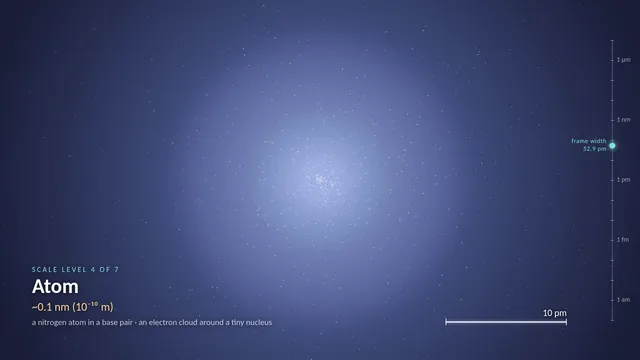
Hyperframes artemis ii
Build a HyperFrames composition titled "Artemis II: Return to the Moon" — a
cinematic 60-second explainer video (16:9, 1920x1080) visualizing NASA's
Artemis II crewed lunar flyby mission (April 1–11, 2026).
VISUAL IDENTITY
Style: "Mission Control Cinematic" — dark deep-space canvas with precision
data overlays, inspired by NASA flight dynamics consoles and cinematic
space documentaries.
- Palette: #05070D (void black), #0B1426 (deep navy), #E8EEF7 (bone white),
  #FF6B35 (ignition orange), #4FC3F7 (telemetry cyan), #FFD166 (lunar gold)
- Typography: "Space Grotesk" for titles/headings, "JetBrains Mono" for
  telemetry, coordinates, timestamps, distances
- Motion: precise, weighted easing (power3.out, expo.out). No bouncy motion.
  Data counters use tabular-nums. Subtle starfield parallax on all scenes.
SCENE BREAKDOWN (7 scenes, ~8–9s each, shader crossfade transitions)
Scene 1 — TITLE CARD (0–8s)
Hero title "ARTEMIS II" at 180px, subtitle "First Crewed Lunar Flyby in
Over 50 Years" at 36px. Mission patch silhouette fades in behind. Mono
datetime stamp bottom-left: "APR 01 2026 · 22:35 UTC · KSC LC-39B".
Scene 2 — LAUNCH & HIGH EARTH ORBIT (8–16s)
SLS rocket SVG silhouette with animated exhaust plume. Heading "PHASE 01 ·
LAUNCH + HIGH EARTH ORBIT". Ticker with live telemetry: altitude counting
up, velocity in km/s, T+ mission elapsed time. Annotation: "~24h elliptical
orbit for system checkouts".
Scene 3 — TRANS-LUNAR INJECTION (16–24s)
Animated orbital diagram: Earth (left), Moon (right), curved free-return
trajectory drawn with SVG stroke-dashoffset animation in cyan. Label
"TRANS-LUNAR INJECTION BURN · 6 MIN" with flame icon at burn point.
Stat card: "Δv: +3.05 km/s".
Scene 4 — OUTBOUND COAST (24–32s)
Orion capsule wireframe drifting across frame. Progress bar "EARTH → MOON"
filling left-to-right over 4 days. Distance counter animating from
384,000 km down to closest-approach value. Subtle earthrise reference.
Scene 5 — LUNAR FLYBY (32–42s) — HERO MOMENT
Full-frame Moon with crater texture. Trajectory arc sweeps behind the far
side. Pulsing marker labeled "CLOSEST APPROACH · APR 06 2026 · 6,545 km".
Secondary stat: "DISTANCE FROM EARTH · 406,771 KM — FARTHEST HUMANS HAVE
EVER TRAVELED". Crew name plate fades in: Wiseman · Glover · Koch · Hansen.
Scene 6 — RETURN COAST (42–50s)
Mirror of Scene 4 in reverse — trajectory arc completing the figure-8.
Heading "FREE-RETURN · GRAVITY BRINGS THEM HOME". Re-entry velocity
counter climbing toward 11 km/s.
Scene 7 — SPLASHDOWN (50–60s)
Pacific Ocean horizon at dawn, Orion under three parachutes. Final stat
block: "10 DAYS · 1 FLYBY · 4 ASTRONAUTS · ∞ AMBITION". Closing title
"APR 11 2026 · PACIFIC OCEAN · MISSION COMPLETE". Fade to black on
"NEXT: ARTEMIS III — BOOTS ON THE MOON".
TECHNICAL
- Generate a DESIGN.md before writing any HTML with the palette, typography,
  and "What NOT to Do" list (no generic blues, no Roboto, no bouncy easing,
  no full-screen linear gradients on dark backgrounds).
- Use sub-compositions for each scene (scene-1.html through scene-7.html).
- Shader crossfade transitions between scenes (~0.6s each).
- All data counters deterministic (seeded PRNG if needed, no Date.now).
- Run `npx hyperframes lint` and `npx hyperframes validate` before finalizing.

HyperFrames 0.8.70 is already installed for you in the current directory: node_modules is pre-installed and read-only, so do not run npm install or npx --yes; use the local hyperframes command (for example hyperframes init <dir> --example blank, then hyperframes render). Render the final video yourself to out.mp4 in the current directory. You may take snapshots and inspect your own output (headless chromium is available at /usr/bin/chromium) and iterate on your own before finishing.
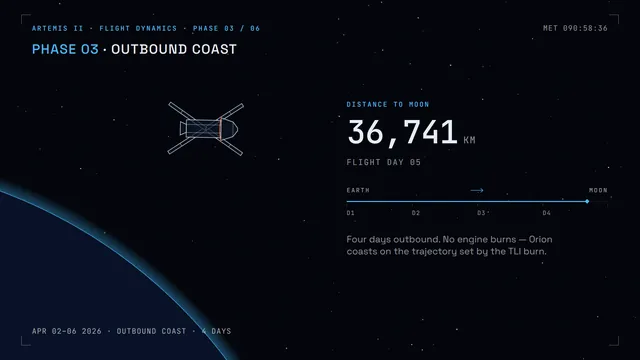
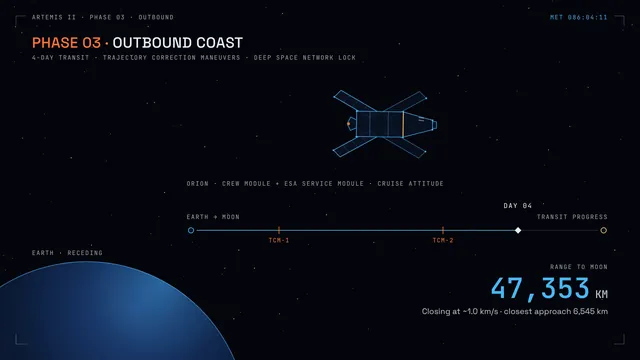
Algoviz hash table showdown
Build a hash table collision showdown: four hash tables of 31 buckets each receive the same stream of string keys (words like city names) at the same time, one insert per tick, using separate chaining, linear probing, quadratic probing and cuckoo hashing with two tables. Show each key flying in, the computed hash value as a number, every probe step as a hop between buckets, chains growing as stacks, clusters forming in linear probing (highlight primary clusters), and cuckoo evictions as keys being kicked out and flying to their alternate slot. Each panel shows live load factor, average and worst probe count, and total probes. When a table passes its load-factor limit (0.75 for open addressing, 0.9 for cuckoo, chaining never), animate a resize to the next prime size with every key re-hashed into place. Every 20 inserts, run a burst of 10 lookups (half present, half missing) and show their probe paths. Controls: key stream presets (city names, sequential numbers as strings, adversarial keys that collide under the default hash), choice of hash function (djb2, FNV-1a, a deliberately bad sum-of-chars), speed slider, play, pause, step, reset. So the page is alive without input, on load it starts streaming the city names automatically and after the stream finishes it waits 3 seconds and moves to the next preset, forever, until the user touches a control. Make it clear enough to teach and pretty enough to watch.

Save it as index.html in the current directory: one self-contained file with inline CSS and JavaScript only, no libraries or frameworks, and no external requests of any kind (no CDNs, web fonts, images or audio files). It must work when opened directly from disk, fit any window from a 390 px wide phone to a desktop, and run without console errors. You may serve it locally and open it in headless chromium (/usr/bin/chromium, software WebGL, no GPU) to screenshot and inspect your own output, and iterate on your own before finishing. Close any browser you open as soon as you've taken your screenshot.
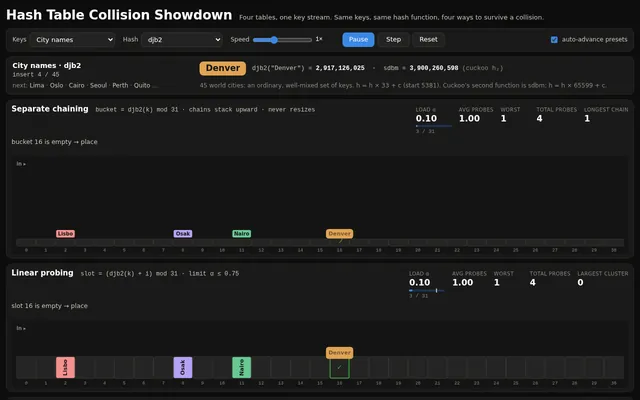
Algoviz maze generate and solve
Build a maze generation and solving show: four panels side by side (a grid on narrow screens) each carve the same-size 31 x 21 maze with a different generator at the same time: recursive backtracker (depth-first), randomized Prim's, randomized Kruskal's with union-find, and Wilson's loop-erased random walk. Show each generator's working state honestly: the backtracker's stack as a glowing trail, Prim's frontier cells, Kruskal's sets as distinct colours that merge as walls fall, Wilson's wandering walk with its loops being erased. Count steps per panel. When a maze is complete, solve it in the same panel with A* from the top-left to the bottom-right corner, drawing the open set, the closed set and the final path as a bright line, and show path length and cells explored. Then display a small comparison (generation steps, dead ends, longest corridor, solution length) so viewers see how the generators produce different textures of maze. Controls: maze size presets, speed slider, play, pause, single step, regenerate, and a toggle to solve with breadth-first search instead of A*. So the page is alive without input, on load it generates and solves automatically, then waits 3 seconds and starts a new round with a fresh seed, forever, until the user touches a control. Make it feel like a calm, hypnotic museum installation.

Save it as index.html in the current directory: one self-contained file with inline CSS and JavaScript only, no libraries or frameworks, and no external requests of any kind (no CDNs, web fonts, images or audio files). It must work when opened directly from disk, fit any window from a 390 px wide phone to a desktop, and run without console errors. You may serve it locally and open it in headless chromium (/usr/bin/chromium, software WebGL, no GPU) to screenshot and inspect your own output, and iterate on your own before finishing. Close any browser you open as soon as you've taken your screenshot.
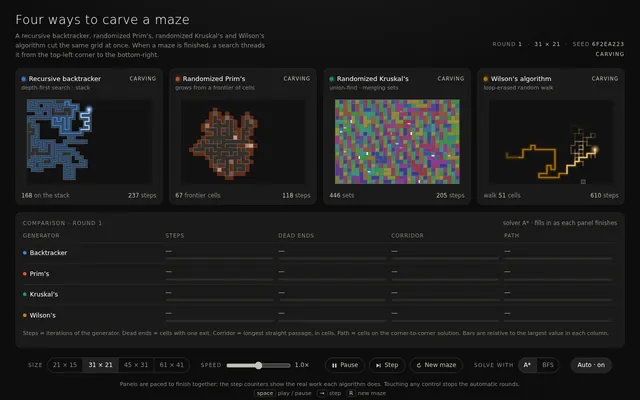
Algoviz pathfinding race
Build a pathfinding race visualizer: four copies of the same grid maze, side by side (stacked on a phone), where A*, Dijkstra, breadth-first search and greedy best-first search solve the same start-to-goal problem at the same time, step by step. Show each algorithm's frontier, visited cells and final path in distinct colours, and live counters for cells visited, path length and steps taken; when all four finish, show a small results table ranking them and say which found the shortest path and which explored the fewest cells. Controls: generate a new random maze (a perfect maze with some extra openings so paths differ), clear the grid, draw or erase walls by dragging on any grid (the edit applies to all four), move the start and goal by dragging them, a speed slider, play, pause and single step. Diagonal moves are off; every move costs 1. So the page is alive without input, on load it generates a maze and starts the race automatically, and when a race finishes it waits 3 seconds and runs a new maze, forever, until the user touches a control. Make it clear and beautiful, the kind of visual a teacher would put on a projector.

Save it as index.html in the current directory: one self-contained file with inline CSS and JavaScript only, no libraries or frameworks, and no external requests of any kind (no CDNs, web fonts, images or audio files). It must work when opened directly from disk, fit any window from a 390 px wide phone to a desktop, and run without console errors. You may serve it locally and open it in headless chromium (/usr/bin/chromium, software WebGL, no GPU) to screenshot and inspect your own output, and iterate on your own before finishing. Close any browser you open as soon as you've taken your screenshot.
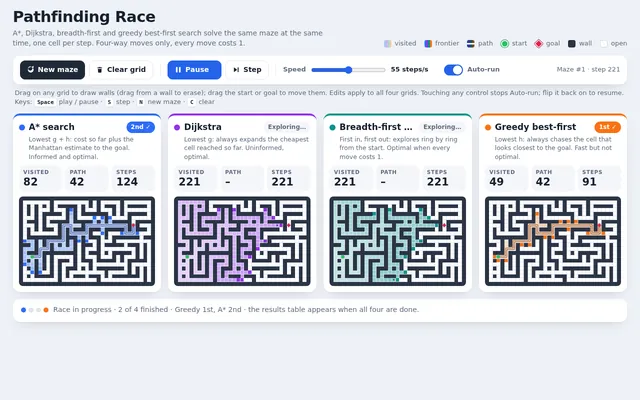
Appclone drum machine daw
Build a working browser music studio in one page, in the spirit of a classic drum machine plus a tiny DAW. It needs: an 8-track by 16-step sequencer (kick, snare, closed hat, open hat, clap, tom, bass, lead) where every sound is synthesized with the Web Audio API (no samples); per-step velocity (click or tap cycles levels) and per-track mute, solo, volume, pan and a simple filter knob; a piano-roll editor for the bass and lead tracks over two octaves; tempo (60 to 180 BPM) and swing controls; four pattern slots A to D with a song arranger row to chain them; a master section with a compressor and a visual spectrum analyser and waveform scope driven by an AnalyserNode; transport with play, stop and a playhead that lights each step in time; and export of the current pattern as JSON plus import from JSON. Audio must start only after a user gesture (show a clear Start audio button), but the visuals must not wait for it. Seed it with four good-sounding patterns that make a short song. So the page is alive without input, on load it runs the sequencer silently in demo mode with the playhead moving, steps lighting, the scope and spectrum animating from the synthesized signal (route audio to the analyser but keep the output muted until the user presses Start audio), cycling through the four patterns and occasionally toggling steps as if someone were jamming, until the user touches anything. Make it look like premium music hardware: knobs, LEDs, tactile buttons.

Save it as index.html in the current directory: one self-contained file with inline CSS and JavaScript only, no libraries or frameworks, and no external requests of any kind (no CDNs, web fonts, images or audio files). It must work when opened directly from disk, fit any window from a 390 px wide phone to a desktop, and run without console errors. You may serve it locally and open it in headless chromium (/usr/bin/chromium, software WebGL, no GPU) to screenshot and inspect your own output, and iterate on your own before finishing. Close any browser you open as soon as you've taken your screenshot.
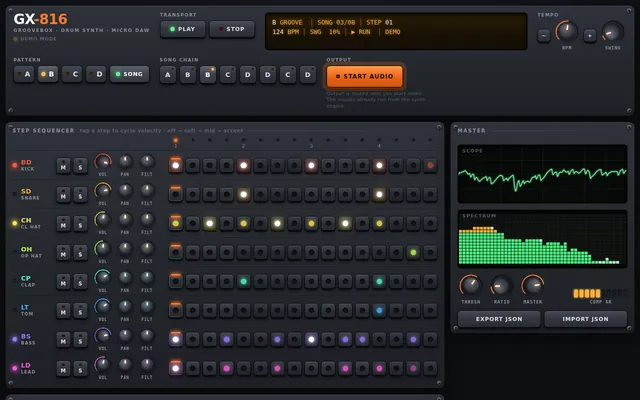
Appclone photo editor
Build a working photo editor in one page in the spirit of Lightroom. Since no image files can be loaded from the network, first render a detailed photo-like scene procedurally onto a canvas (a mountain lake at golden hour with sky gradient, clouds, layered mountains, reflections, trees and noise grain), and also let the user open their own image file from disk. It needs non-destructive editing with a full adjustment panel: exposure, contrast, highlights, shadows, whites, blacks, temperature, tint, vibrance, saturation, clarity, a tone curve editor with draggable points per channel, HSL sliders per colour band, vignette and grain; crop and straighten with rule-of-thirds overlay and aspect presets; a live RGB histogram; a before and after split view with a draggable divider; preset looks (cinematic teal-orange, faded film, black and white high contrast, moody) that can be applied and then tweaked; full undo and redo history listing each step; and export to PNG. Processing must stay responsive: work on a preview-size buffer while dragging and render full resolution on release. So the page is alive without input, on load it runs a scripted demo: slides exposure and temperature, bends the tone curve, applies two presets, drags the before and after divider back and forth, crops, then resets and repeats with different settings, until the user touches anything. Make it look like a pro tool: dark UI, precise controls.

Save it as index.html in the current directory: one self-contained file with inline CSS and JavaScript only, no libraries or frameworks, and no external requests of any kind (no CDNs, web fonts, images or audio files). It must work when opened directly from disk, fit any window from a 390 px wide phone to a desktop, and run without console errors. You may serve it locally and open it in headless chromium (/usr/bin/chromium, software WebGL, no GPU) to screenshot and inspect your own output, and iterate on your own before finishing. Close any browser you open as soon as you've taken your screenshot.
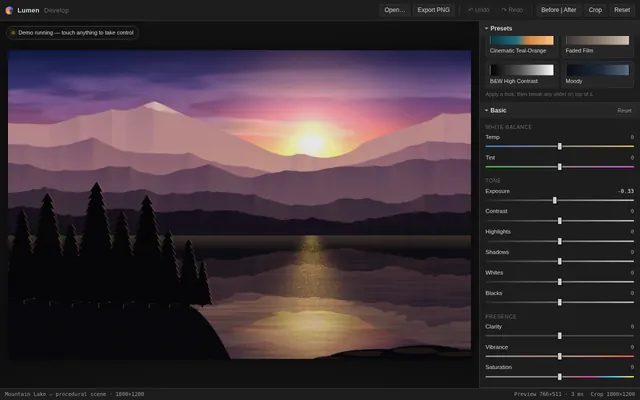
Appclone retro desktop
Build a working 1990s-style desktop operating system inside one web page. It needs a desktop with a wallpaper and icons, a taskbar with a start button, a start menu and a live clock, and real windows: each window can be dragged by its title bar, resized from its corner, minimised to the taskbar, maximised, restored and closed, and clicking a window brings it to the front. Include three working apps that open in those windows: a Notepad that edits text and saves to and reopens from localStorage under a file name; a Paint app with a pencil, brush sizes, a 16-colour palette, a flood fill and an eraser on a canvas; and a Calculator with the four operations, decimals, clear and a keyboard input path. Double-clicking a desktop icon or choosing an app from the start menu opens it. Several windows of the same app can be open at once. Everything is drawn with HTML and CSS (no images): bevelled grey buttons, a classic title-bar gradient and pixel-crisp borders. So the first view is not an empty desktop, on load the system shows a short boot screen (about 2 seconds) and then opens Notepad with a welcome note and the Calculator, cascaded. On a phone, windows open maximised and the taskbar stays usable.

Save it as index.html in the current directory: one self-contained file with inline CSS and JavaScript only, no libraries or frameworks, and no external requests of any kind (no CDNs, web fonts, images or audio files). It must work when opened directly from disk, fit any window from a 390 px wide phone to a desktop, and run without console errors. You may serve it locally and open it in headless chromium (/usr/bin/chromium, software WebGL, no GPU) to screenshot and inspect your own output, and iterate on your own before finishing. Close any browser you open as soon as you've taken your screenshot.
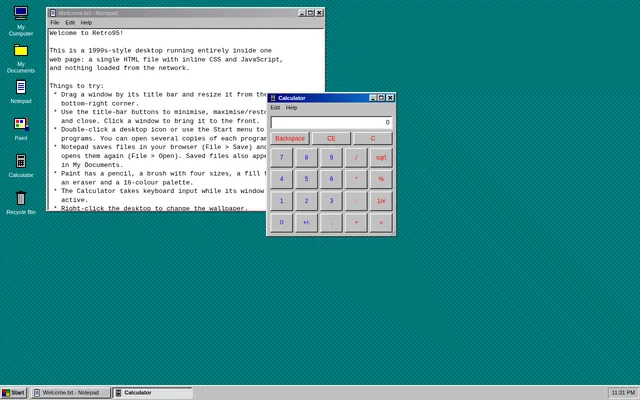
Appclone spreadsheet
Build a working mini spreadsheet app in one web page. It needs a grid with column letters A to Z and row numbers 1 to 50, a formula bar that shows the raw content of the selected cell, and editing by typing or double-clicking (Enter commits and moves down, Tab moves right, Escape cancels, arrow keys move the selection). Cells hold numbers, text or formulas starting with =. Formulas support + - * / and parentheses, cell references (A1), ranges (A1:B5) and the functions SUM, AVERAGE, MIN, MAX and COUNT; every dependent cell recalculates instantly when a referenced cell changes. Show #REF! for a bad reference, #DIV/0! for division by zero and #CIRC! for a circular reference instead of hanging. Support selecting a rectangular range by dragging or shift-clicking, with a status bar showing that range's sum, average and count; copy and paste within the grid (references in pasted formulas shift relative to the move); bold and number-format buttons (plain, 2 decimals, currency, percent); and a save to and load from localStorage. So the first view is meaningful, on load the sheet opens with a household budget already filled in: twelve expense rows with monthly amounts, a total row and an average row built with formulas, and a percent-of-total column built with formulas, all computed live. Make it look like a clean modern spreadsheet that is usable on desktop and phone.

Save it as index.html in the current directory: one self-contained file with inline CSS and JavaScript only, no libraries or frameworks, and no external requests of any kind (no CDNs, web fonts, images or audio files). It must work when opened directly from disk, fit any window from a 390 px wide phone to a desktop, and run without console errors. You may serve it locally and open it in headless chromium (/usr/bin/chromium, software WebGL, no GPU) to screenshot and inspect your own output, and iterate on your own before finishing. Close any browser you open as soon as you've taken your screenshot.
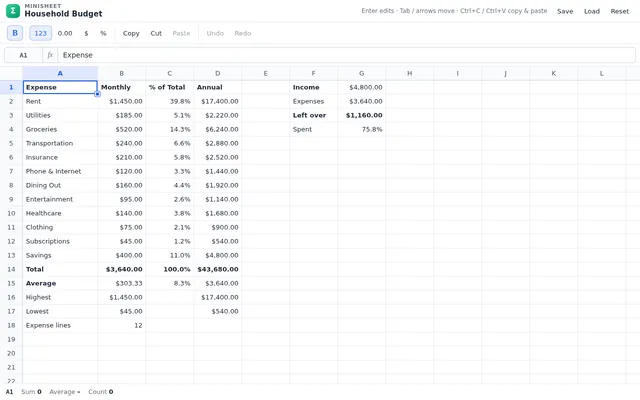
Appclone team chat
Build a working team chat app in one page in the spirit of Slack. It needs: a workspace sidebar with channels and direct messages, unread counts and bold unread channels; a message view with grouped messages by author and time, day dividers, avatars drawn as coloured initials, markdown-lite formatting (bold, italic, inline code, code blocks, links rendered as text), emoji reactions with counts that toggle on click or tap, threaded replies in a side panel, message editing and deletion, @mentions with an autocomplete popup, and a composer with Enter to send and Shift+Enter for a new line; a search box that finds messages across channels and jumps to them; typing indicators; and persistence to localStorage. Simulate four teammates as small scripted bots who reply in character after a delay when mentioned, react to messages, and occasionally start threads, so the workspace feels alive. Seed the workspace with realistic history for a small startup team (general, design, engineering, random channels). So the page is alive without input, on load it runs a scripted demo: switches channels, types and sends a message with a mention, a bot shows a typing indicator and replies, reactions appear, a thread opens and gets a reply, a search finds an older message, and the loop continues with new conversation every 30 seconds, until the user touches anything. Make it polished, friendly and fast.

Save it as index.html in the current directory: one self-contained file with inline CSS and JavaScript only, no libraries or frameworks, and no external requests of any kind (no CDNs, web fonts, images or audio files). It must work when opened directly from disk, fit any window from a 390 px wide phone to a desktop, and run without console errors. You may serve it locally and open it in headless chromium (/usr/bin/chromium, software WebGL, no GPU) to screenshot and inspect your own output, and iterate on your own before finishing. Close any browser you open as soon as you've taken your screenshot.