Claude Opus 5.5 · Harness lane
- 283 finished runs
- 229 prompts
- 1 model
- every prompt published
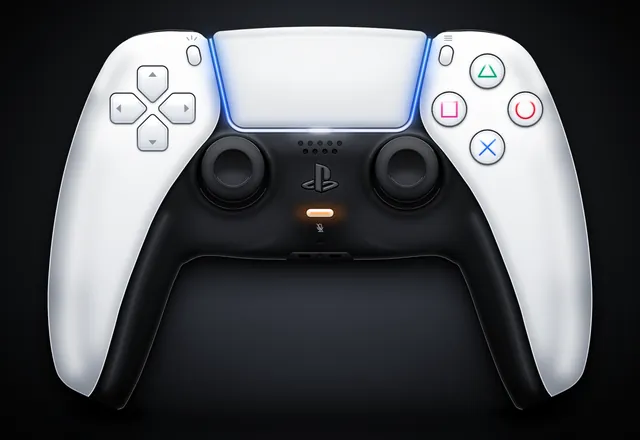
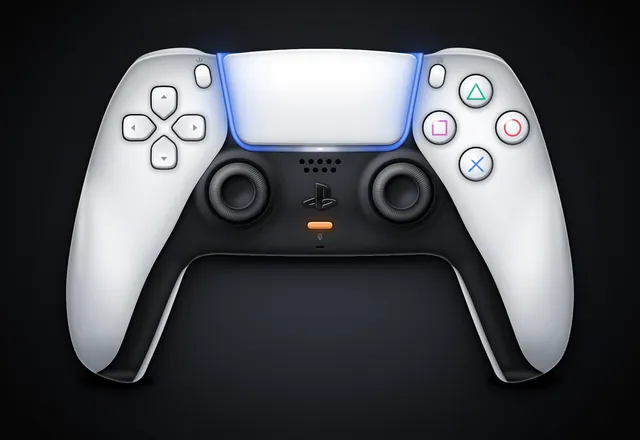
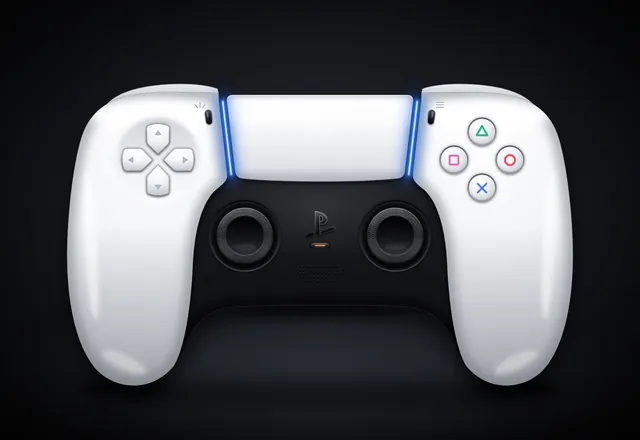
PS5 Pro DualSense controller (max-fidelity SVG)
harness
Create a single self-contained SVG illustration of the Sony PS5 Pro DualSense wireless controller at MAXIMUM fidelity. This is a showcase piece: take your time to plan the geometry carefully before writing it. Requirements: 1) Accurate DualSense silhouette and proportions: a wide body with the large, wide touchpad spanning the top centre, two flared, rounded grips sweeping down and outward, and a perfectly symmetrical left/right layout. White outer shell with the black central core section. 2) Face buttons on the right in the classic diamond: triangle (top), circle (right), cross (bottom), square (left), each drawn as clean PlayStation symbols in their real colours (green triangle, red circle, blue cross, pink square) in the modern outline style on light buttons, with subtle bevels. 3) D-pad on the left as FOUR separate arrow-shaped directional buttons (up, down, left, right), not a single cross. 4) Two black analog sticks with concave tops and a textured grip ring (fine radial or dotted texture) and shading. 5) The PlayStation logo button centred below the touchpad between the sticks, the small mic mute button with its orange-tinted indicator line just below it, the Create button (left) and Options button (right) flanking the touchpad. 6) The blue light-bar glow running along both side edges of the touchpad, with a soft bloom. Speaker grille holes on the black core. 7) Realistic product-render shading: gradients, specular highlights, soft ambient occlusion, a contact shadow beneath the controller. 8) A clean dark studio background with a subtle radial vignette. Front-on hero shot, centred and filling the frame well. Use viewBox="0 0 1600 1100" with width="1600" height="1100". No external assets, no raster images, no fonts, no scripts. Output ONLY the complete SVG code, starting with <svg and ending with </svg>, with no explanation or markdown fences. Save it as controller.svg in the current directory. You may render and inspect your own output (headless chromium is available at /usr/bin/chromium) and iterate on your own before finishing.
raw
Create a single self-contained SVG illustration of the Sony PS5 Pro DualSense wireless controller at MAXIMUM fidelity. This is a showcase piece: take your time to plan the geometry carefully before writing it. Requirements: 1) Accurate DualSense silhouette and proportions: a wide body with the large, wide touchpad spanning the top centre, two flared, rounded grips sweeping down and outward, and a perfectly symmetrical left/right layout. White outer shell with the black central core section. 2) Face buttons on the right in the classic diamond: triangle (top), circle (right), cross (bottom), square (left), each drawn as clean PlayStation symbols in their real colours (green triangle, red circle, blue cross, pink square) in the modern outline style on light buttons, with subtle bevels. 3) D-pad on the left as FOUR separate arrow-shaped directional buttons (up, down, left, right), not a single cross. 4) Two black analog sticks with concave tops and a textured grip ring (fine radial or dotted texture) and shading. 5) The PlayStation logo button centred below the touchpad between the sticks, the small mic mute button with its orange-tinted indicator line just below it, the Create button (left) and Options button (right) flanking the touchpad. 6) The blue light-bar glow running along both side edges of the touchpad, with a soft bloom. Speaker grille holes on the black core. 7) Realistic product-render shading: gradients, specular highlights, soft ambient occlusion, a contact shadow beneath the controller. 8) A clean dark studio background with a subtle radial vignette. Front-on hero shot, centred and filling the frame well. Use viewBox="0 0 1600 1100" with width="1600" height="1100". No external assets, no raster images, no fonts, no scripts. Output ONLY the complete SVG code, starting with <svg and ending with </svg>, with no explanation or markdown fences.
DNF
The model did not finish, so there is no output.
DNF
The model did not finish, so there is no output.
DNF
The model did not finish, so there is no output.
DNF
The model did not finish, so there is no output.
DNF
The model did not finish, so there is no output.
DNF
The model did not finish, so there is no output.
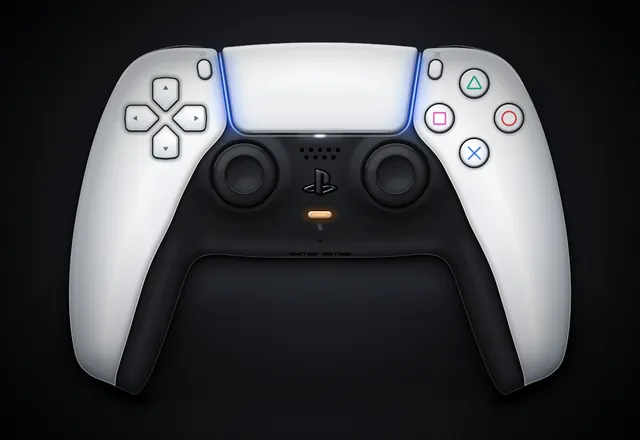
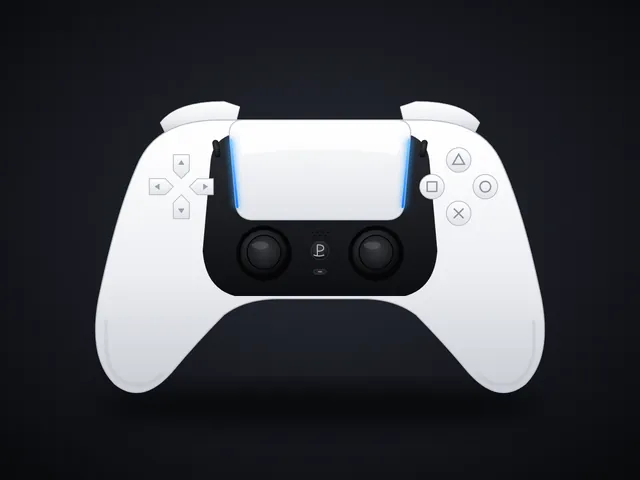
PS5 Pro DualSense controller (quick SVG)
Create a single self-contained, detailed, polished SVG illustration of the Sony PS5 Pro DualSense controller (the DualSense design used with the PS5 Pro: white main body with a black central section, the large touchpad on top with the blue light bar edges, the D-pad on the left, the four face buttons with triangle/circle/cross/square symbols on the right, two black analog sticks, the PS button and mic mute button between the sticks, create and options buttons, and the curved grips). Front-on hero product shot, centred, accurate proportions, gradients, highlights and soft shadows for realism, subtle dark studio background. Use viewBox="0 0 1200 900". No external assets, no raster images, no scripts. Output ONLY the complete SVG code, starting with <svg and ending with </svg>, with no explanation or markdown fences.
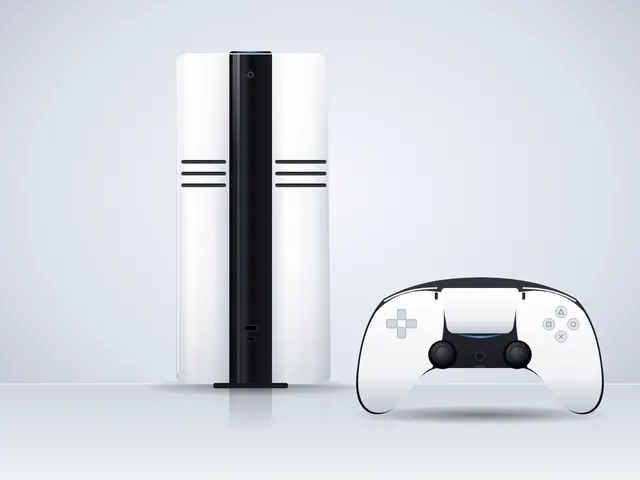
PS5 Pro console and controller product shot (SVG)
Create a single self-contained, detailed, polished SVG illustration of a Sony PS5 Pro console (the slim PS5 Pro design: white side panels with a glossy black central band, and three horizontal vent slits running across the white panels) standing upright, beside its white-and-black DualSense controller. Clean studio product-shot style: soft gradient background, subtle floor reflection and soft shadows, accurate proportions, gradients and highlights for realism. Use viewBox="0 0 1200 900". No external assets, no fonts beyond generic families, no raster images, no scripts. Output ONLY the complete SVG code, starting with <svg and ending with </svg>, with no explanation or markdown fences.
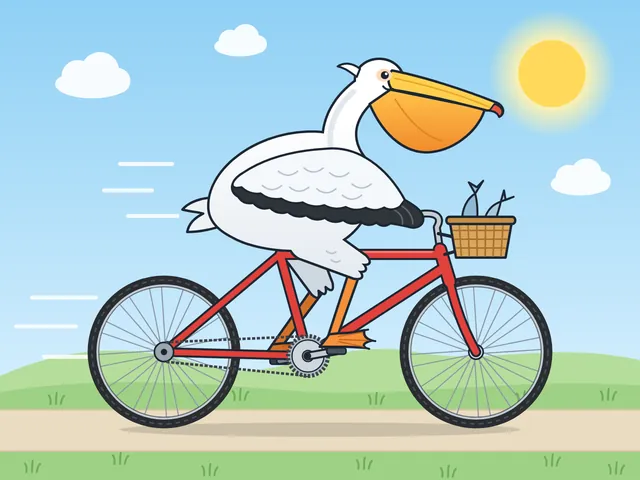
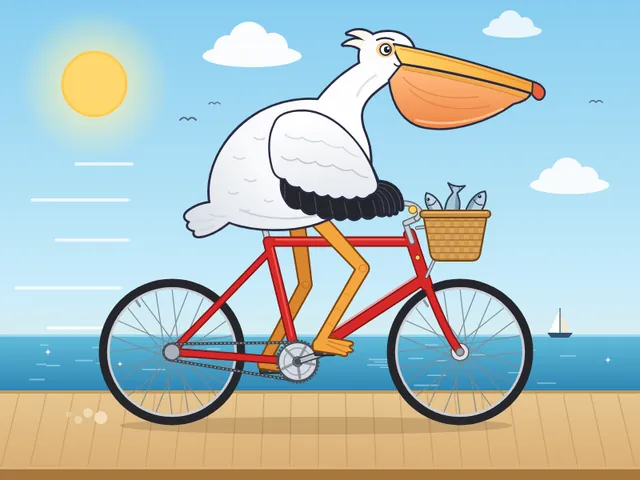
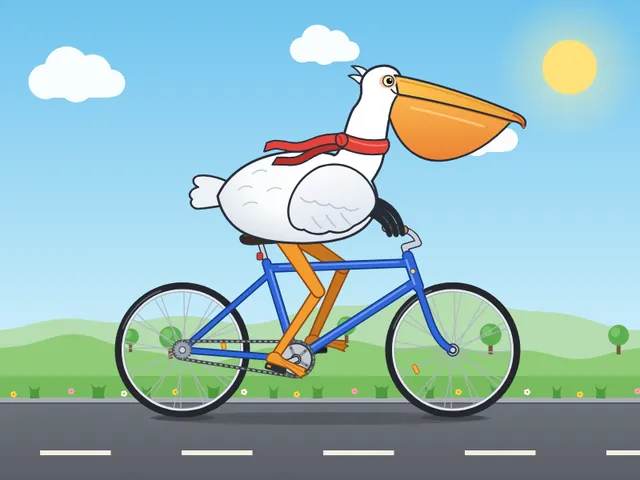
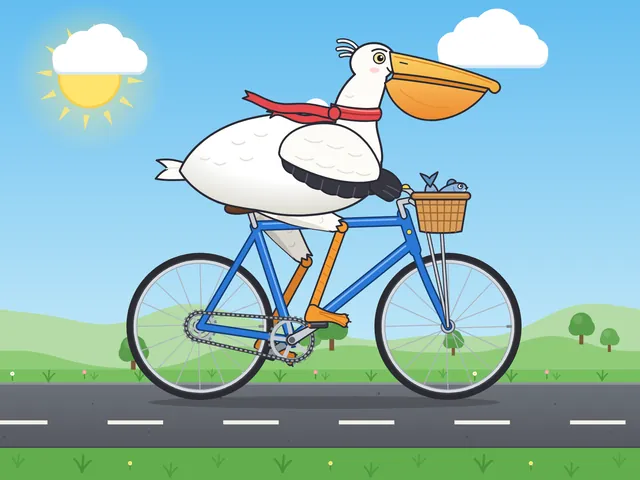
Pelican riding a bicycle (control)
Generate an SVG of a pelican riding a bicycle. Save it as pelican.svg in the current directory. You may render and inspect your own output (headless chromium is available at /usr/bin/chromium) and iterate on your own before finishing.
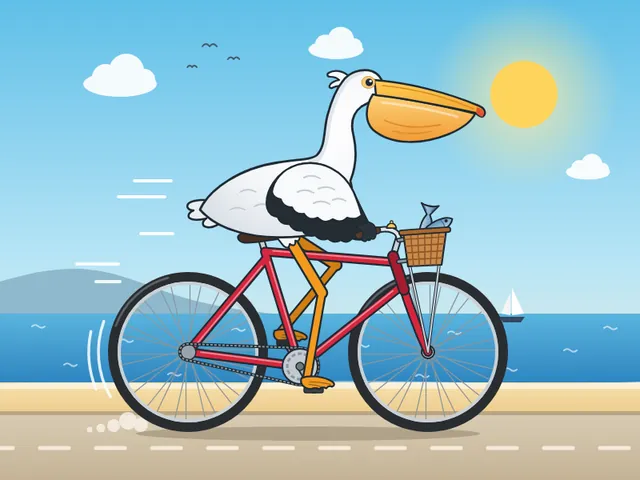

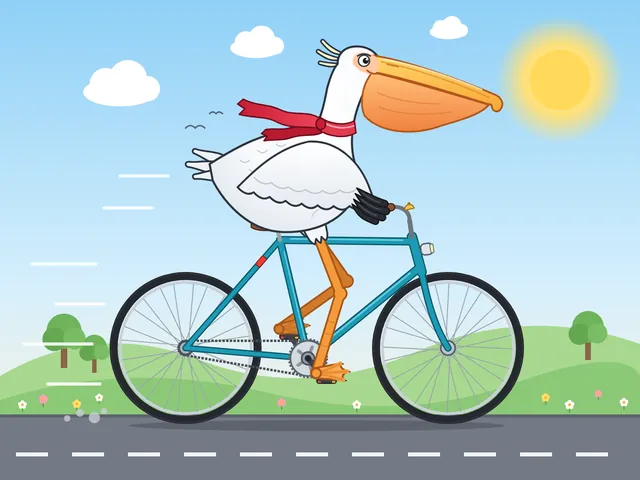
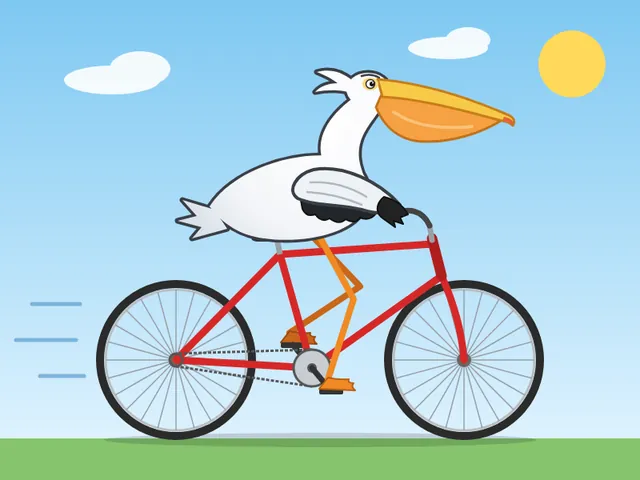
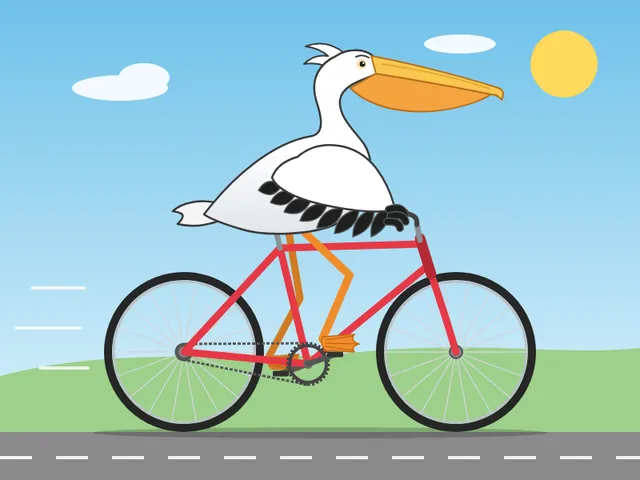
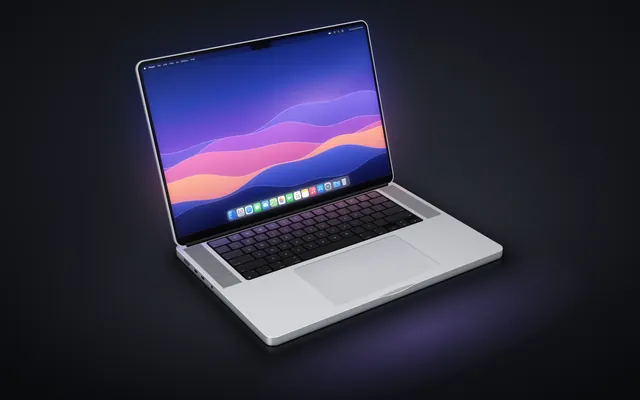
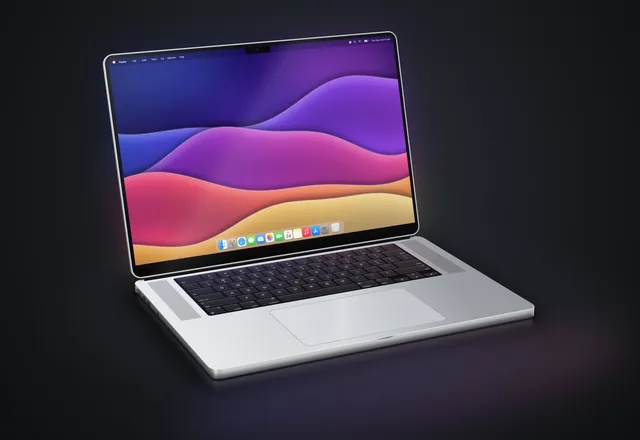
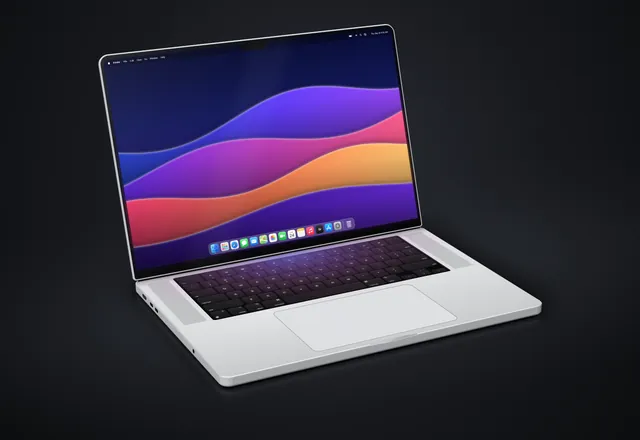
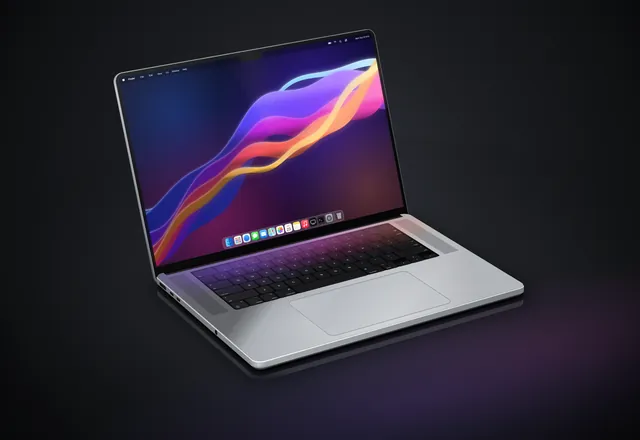
MacBook Pro 16" realistic 3D render (Playcode benchmark)
Generate an SVG that looks like a realistic 3D render of a MacBook Pro 16" (opened, slight three-quarter view, screen glow, aluminum body). Use gradients and perspective to fake the 3D. Save it as macbook.svg in the current directory. You may render and inspect your own output (headless chromium is available at /usr/bin/chromium) and iterate on your own before finishing.
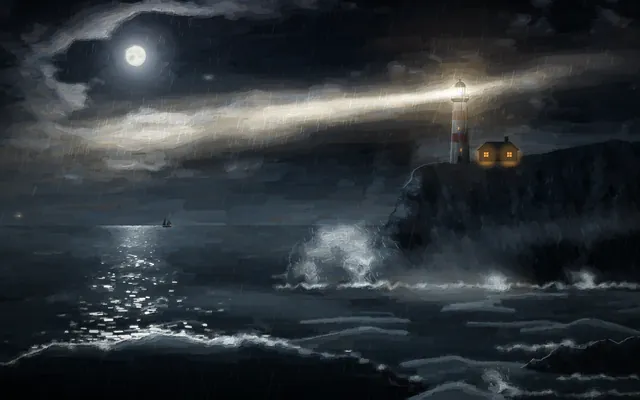
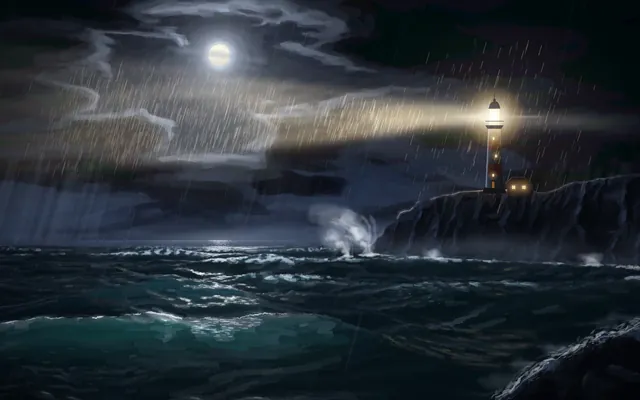
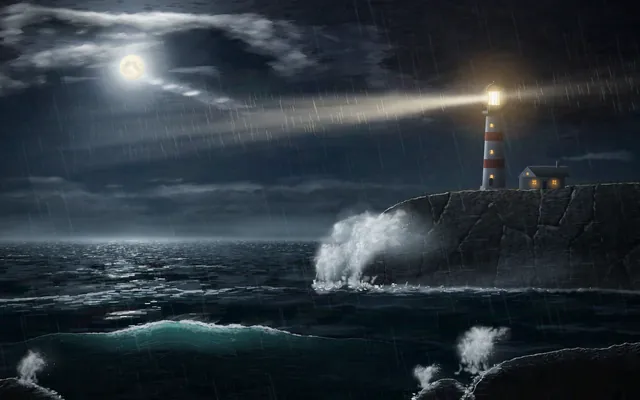
Lighthouse on a headland at night
Create an SVG of a lighthouse on a rocky headland at night: stormy sea, the lighthouse beam cutting through rain and mist, moonlight on the waves, as atmospheric and painterly as you can. Save it as lighthouse.svg in the current directory. You may render and inspect your own output (headless chromium is available at /usr/bin/chromium) and iterate on your own before finishing.
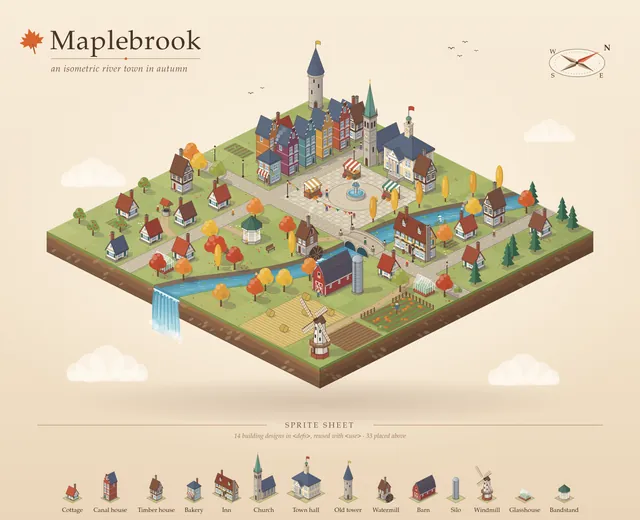
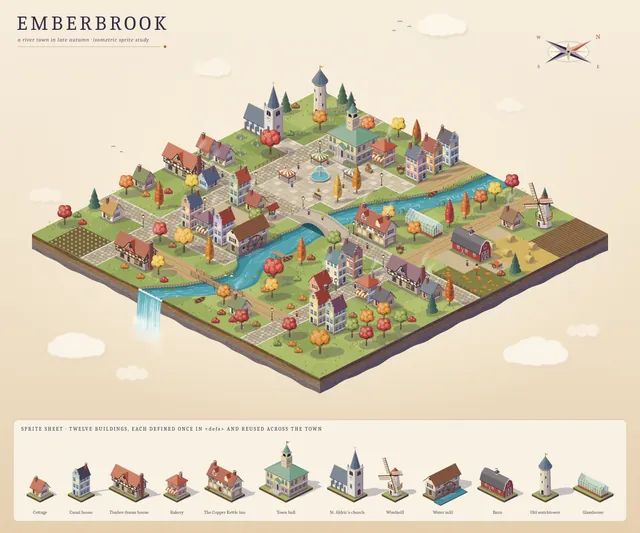
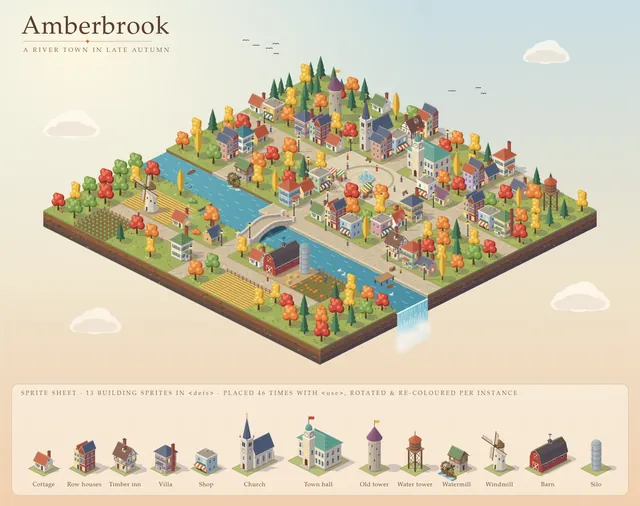
Isometric SVG town with sprite sheet
Create an isometric SVG town: first design a small sprite sheet of distinct buildings (in <defs>), then place 20+ of them on an isometric grid with roads, trees, a river and a bridge. Pick your own theme and palette. Save it as town.svg in the current directory. You may render and inspect your own output (headless chromium is available at /usr/bin/chromium) and iterate on your own before finishing.
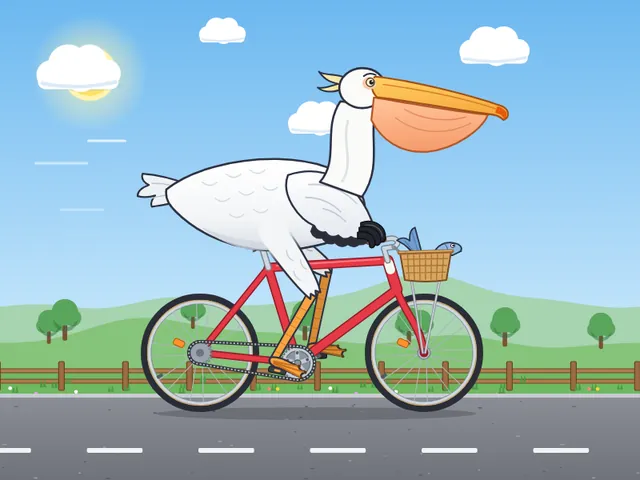
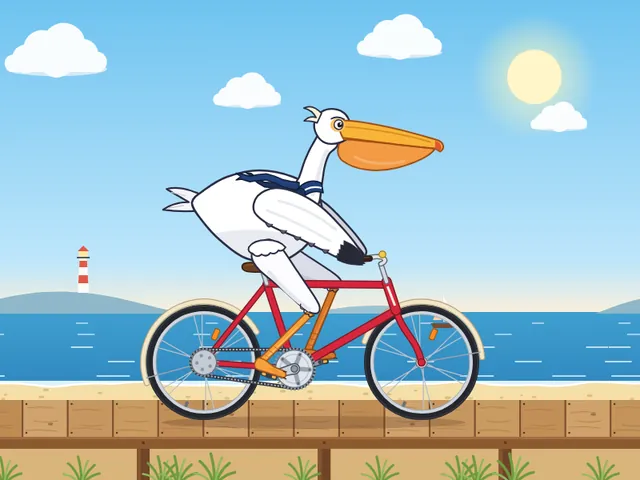
Animated pelican riding a bicycle (SMIL/CSS)
Generate an animated SVG of a pelican riding a bicycle: the wheels and pedals turn, the legs pedal in sync, and it loops seamlessly. Use only SVG/SMIL or CSS inside the SVG, no JavaScript. Save it as pelican_animated.svg in the current directory. You may render and inspect your own output (headless chromium is available at /usr/bin/chromium) and iterate on your own before finishing.



Stopped by us
We ended the run ourselves before any output. Not a model failure.
Stopped by us
We ended the run ourselves before any output. Not a model failure.
Stopped by us
We ended the run ourselves before any output. Not a model failure.
Error
The run failed before producing an output.
Error
The run failed before producing an output.
Error
The run failed before producing an output.
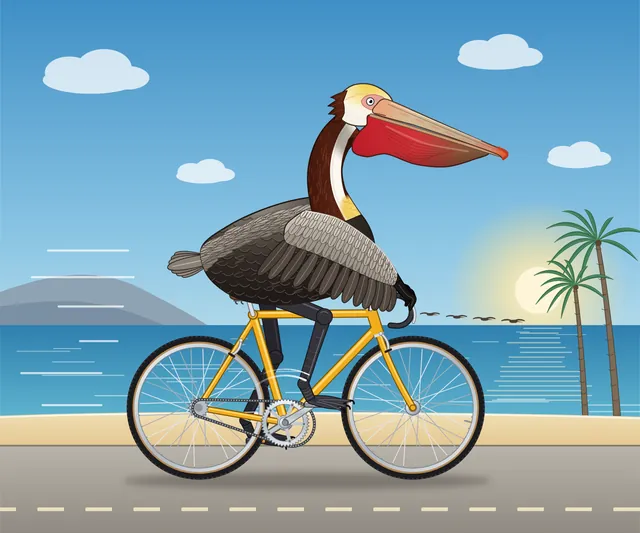
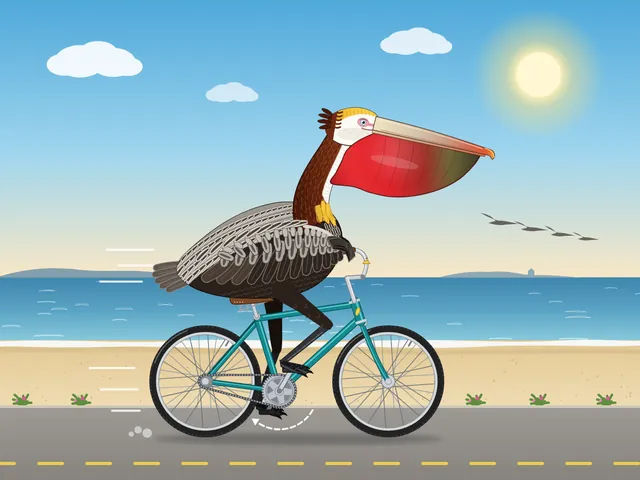
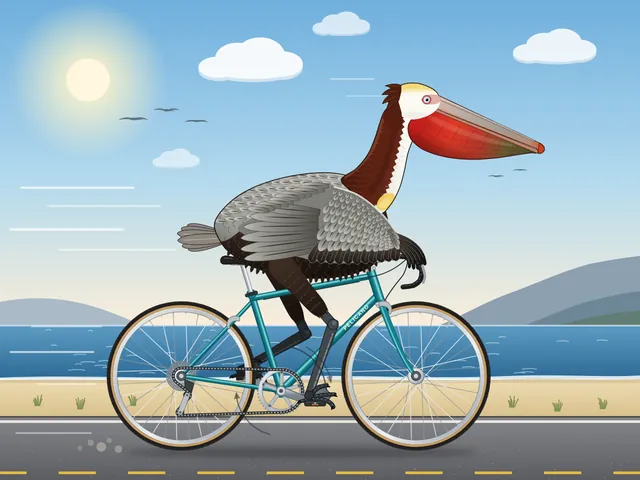
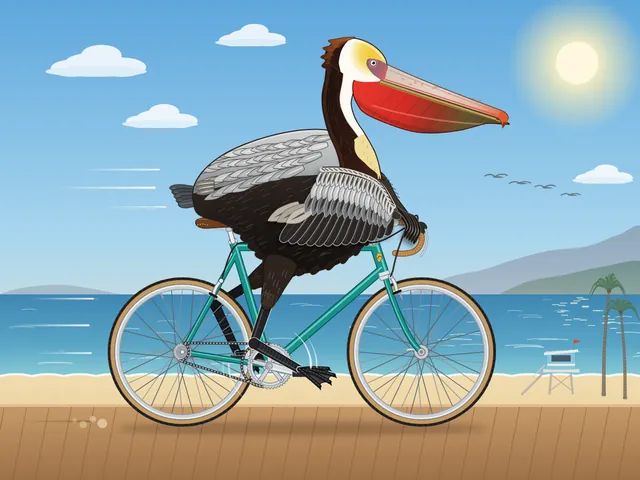
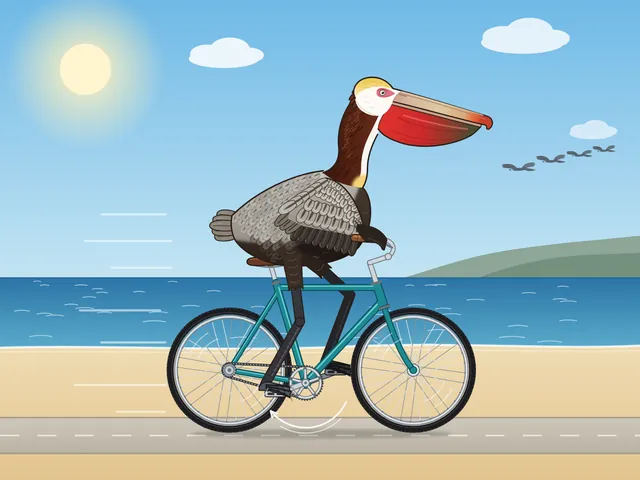
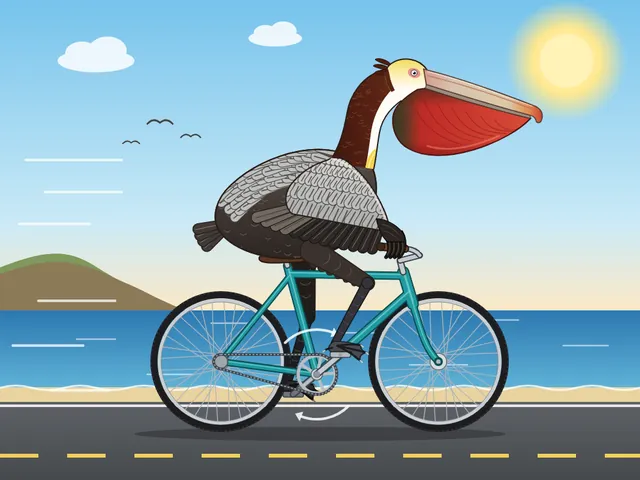
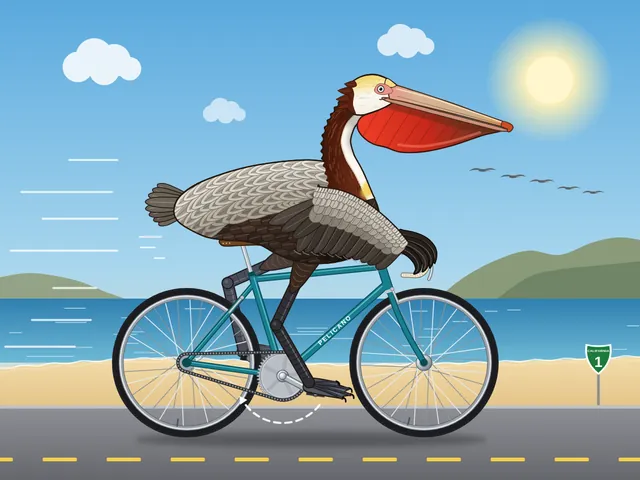
California brown pelican riding a bicycle (detailed spec)
Generate an SVG of a California brown pelican riding a bicycle. The bicycle must have spokes and a correctly shaped bicycle frame. The pelican must have its characteristic large pouch, and there should be a clear indication of feathers. The pelican must be clearly pedaling the bicycle. The image should show the full breeding plumage of the California brown pelican. Save it as brown_pelican.svg in the current directory. You may render and inspect your own output (headless chromium is available at /usr/bin/chromium) and iterate on your own before finishing.
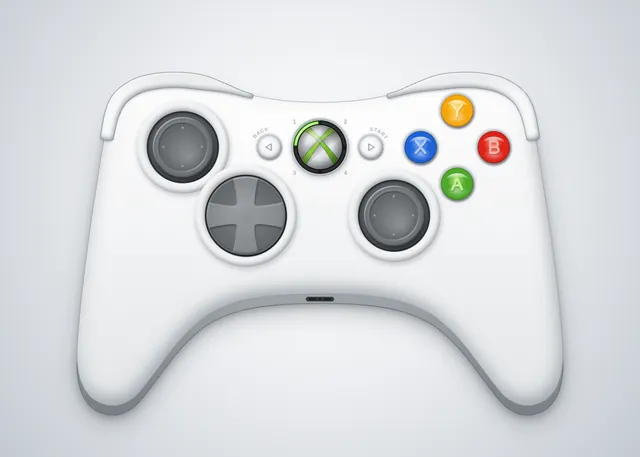
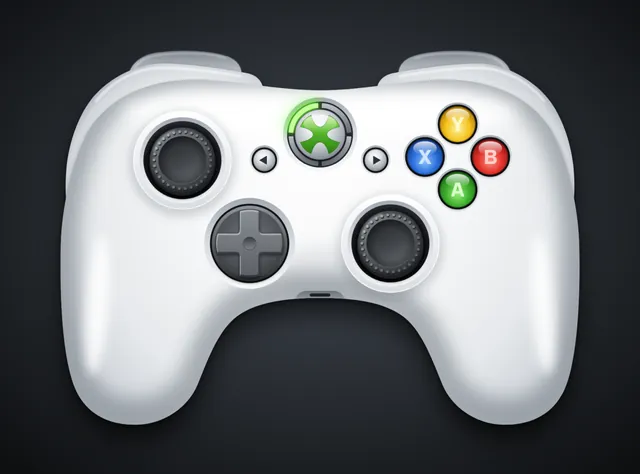
Xbox 360 controller
Create an SVG image of an Xbox 360 controller. Save it as xbox360.svg in the current directory. You may render and inspect your own output (headless chromium is available at /usr/bin/chromium) and iterate on your own before finishing.
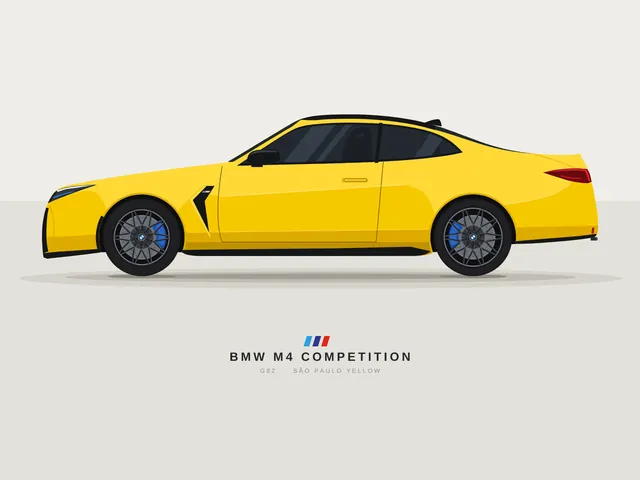
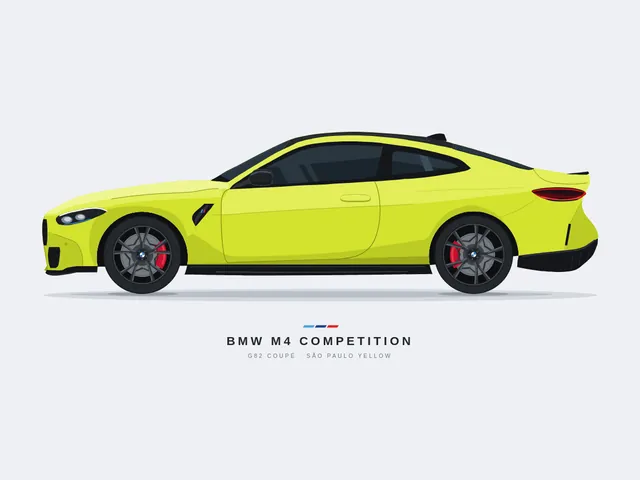
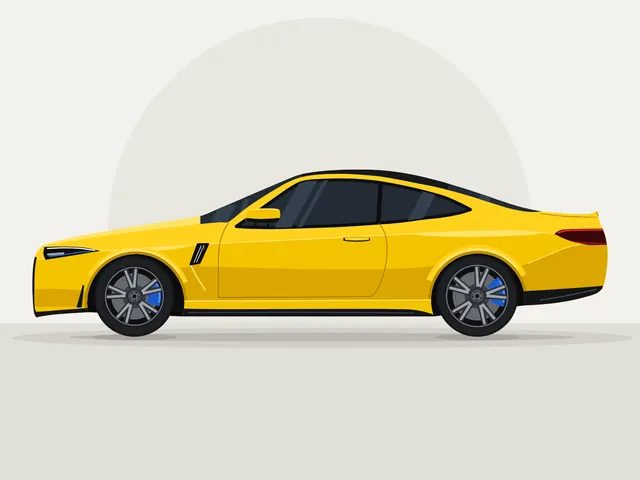
BMW M4 Competition, side view (flat vector)
Create a clean SVG illustration of a BMW M4 Competition in a side view. The image must follow a 4:3 aspect ratio. Use the original factory color of the BMW M4 Competition. Focus on coupe proportions and sporty stance. Use vector shapes without gradients. Save it as bmw_m4.svg in the current directory. You may render and inspect your own output (headless chromium is available at /usr/bin/chromium) and iterate on your own before finishing.
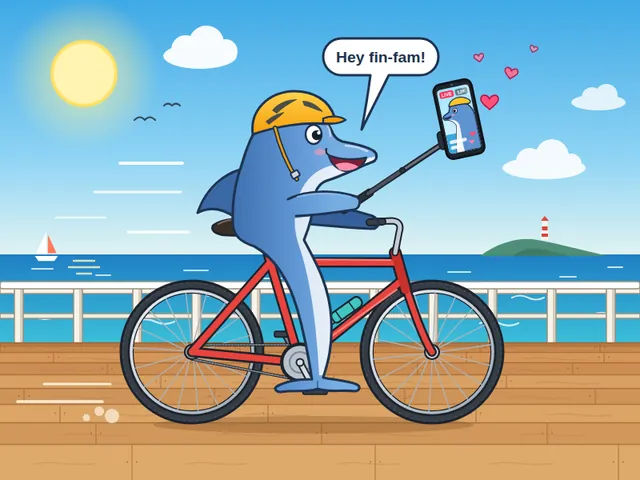
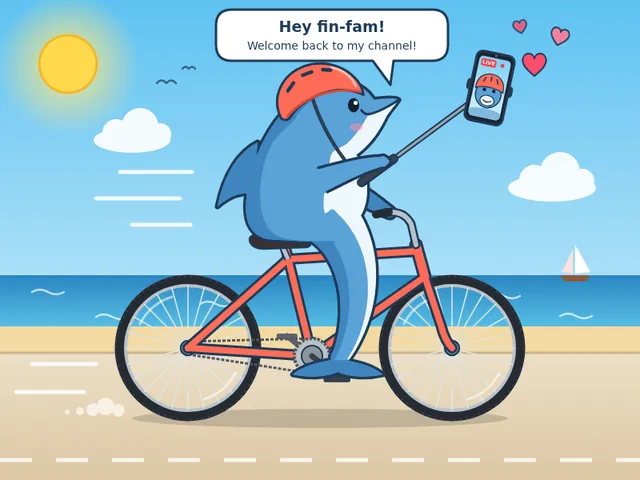
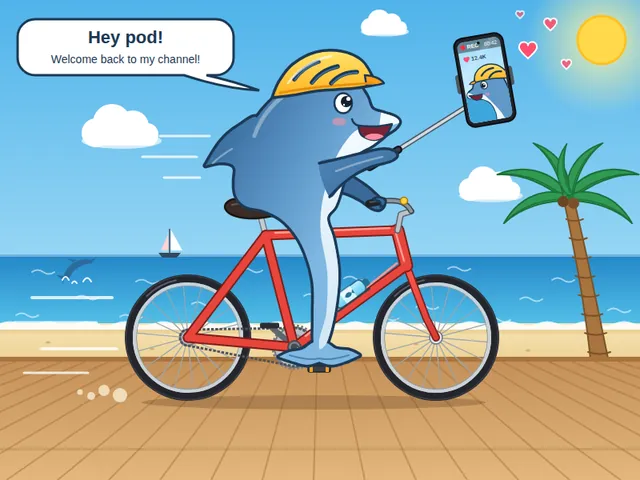
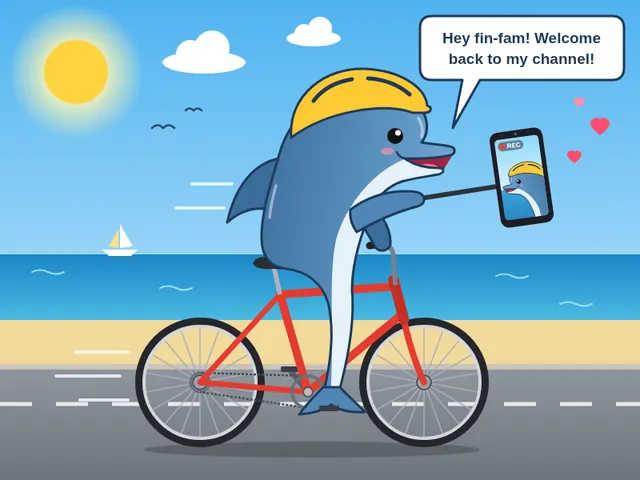
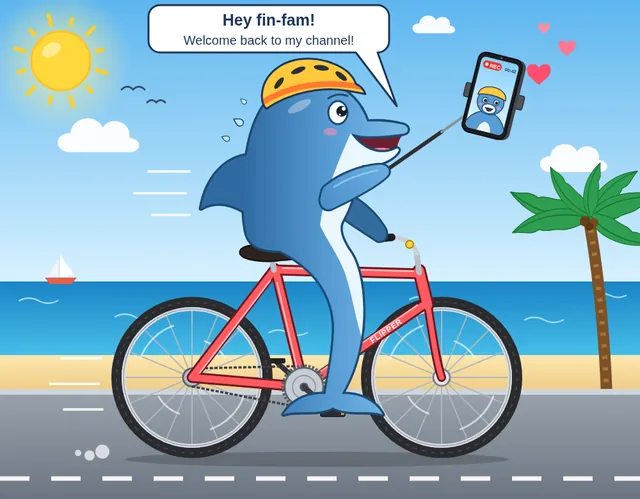
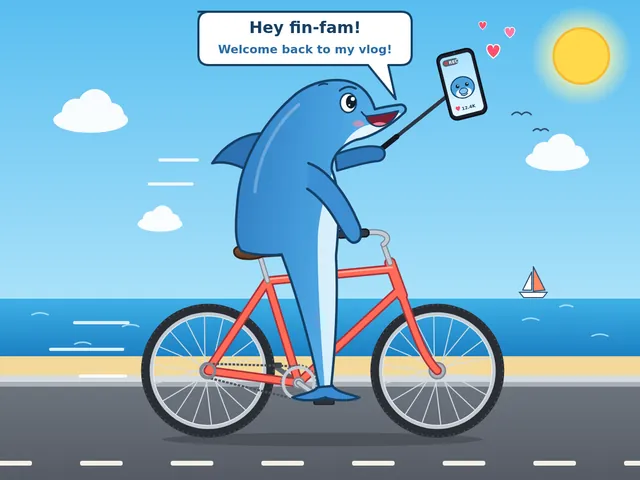
Dolphin vlog bicycle
create an svg where a dolphin is riding a bicycle while using vlogging with a phone. Save it as dolphin.svg in the current directory. You may render and inspect your own output (headless chromium is available at /usr/bin/chromium) and iterate on your own before finishing.
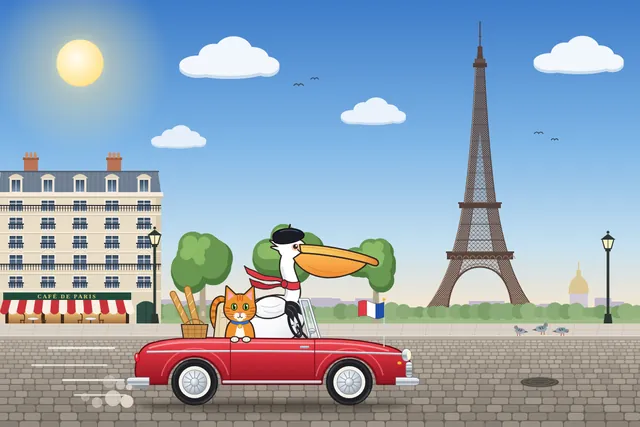
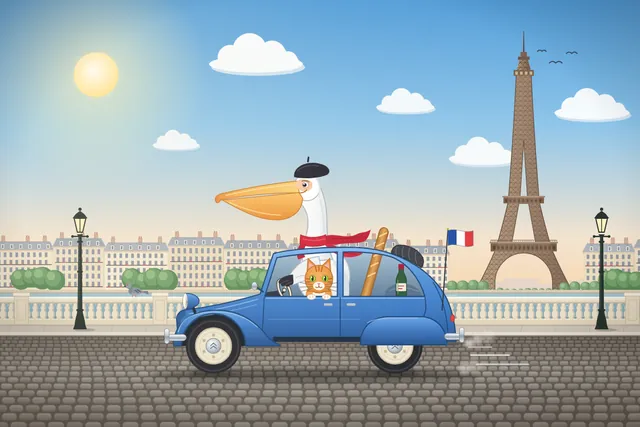
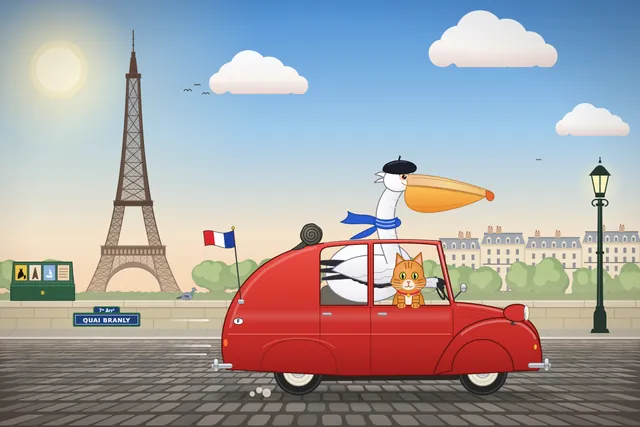
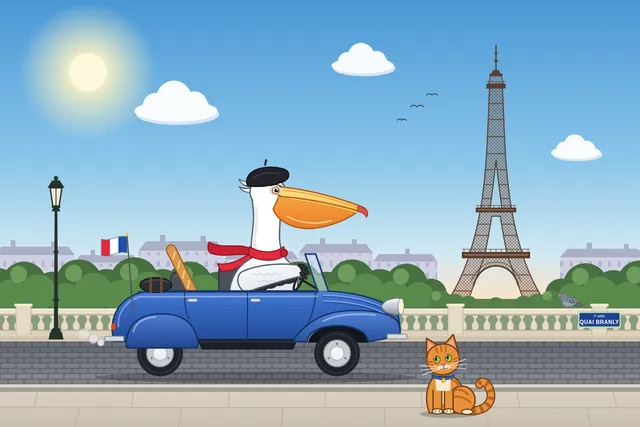
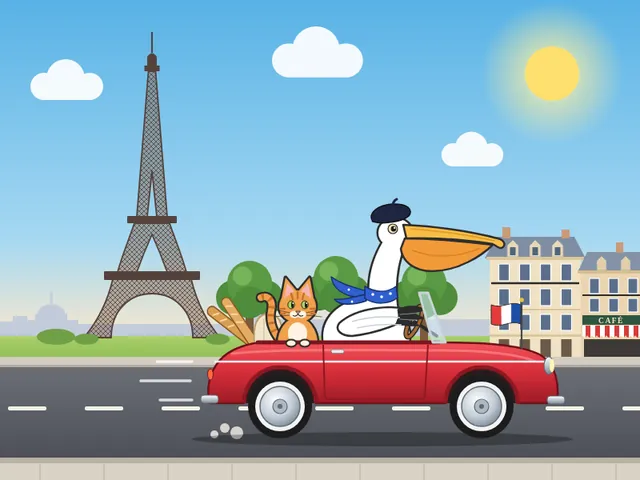
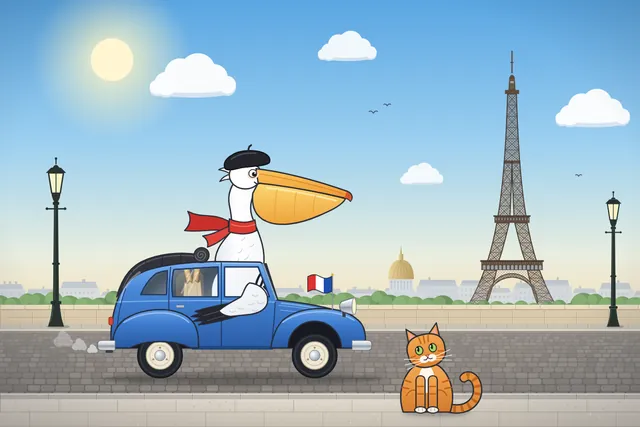
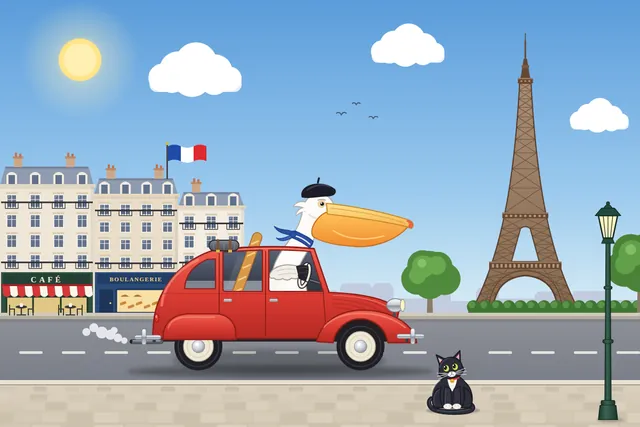
Pelican car france
Generate an SVG of a pelican riding a car in France with a cat sitting beside it. Background has Eiffel tower. Save it as pelican_car.svg in the current directory. You may render and inspect your own output (headless chromium is available at /usr/bin/chromium) and iterate on your own before finishing.

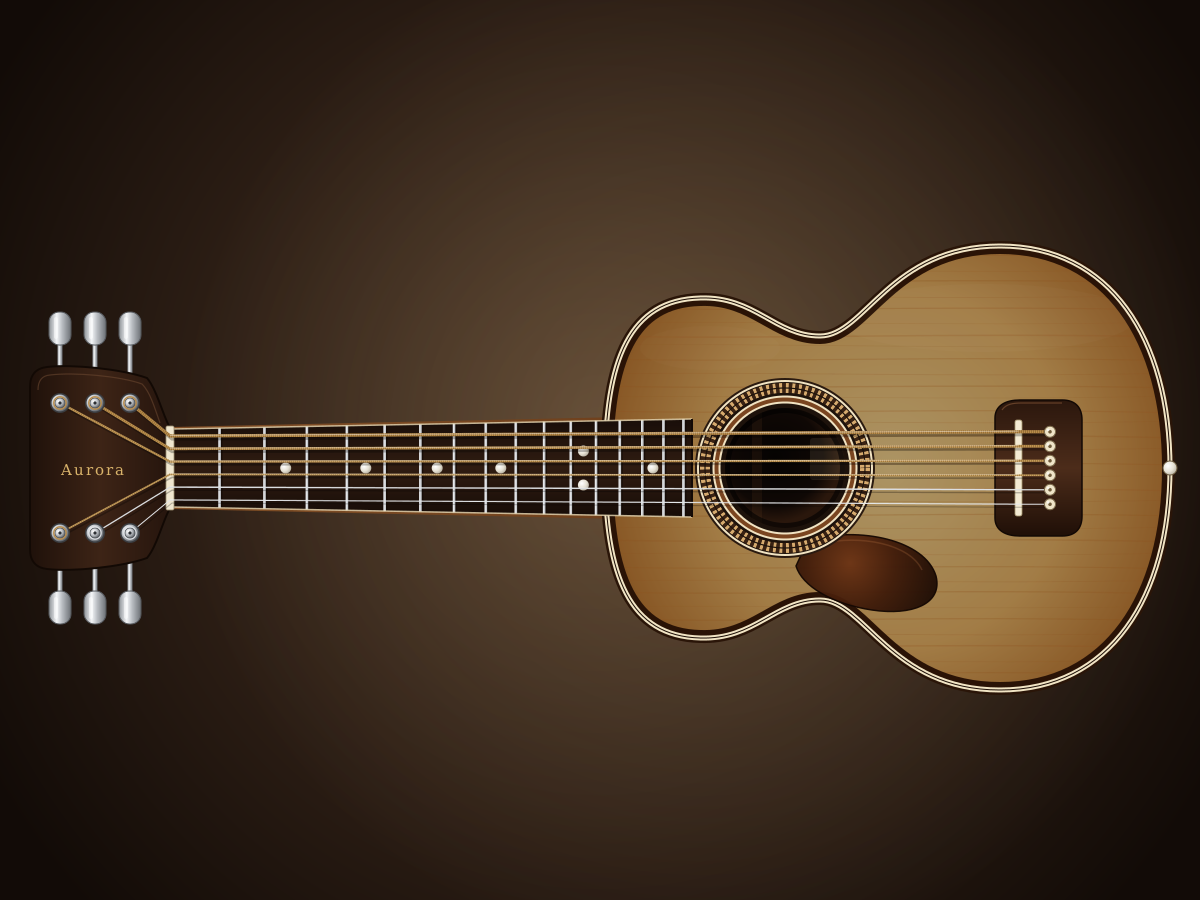
Acoustic Guitar
Create a single self-contained SVG illustration of an acoustic guitar in front view with a sound hole rosette, six strings, tuning pegs, frets and a wood grain body. Use viewBox="0 0 1200 900" with width="1200" height="900". No external assets, no raster images, no external fonts (generic font families such as sans-serif are fine), no scripts. Output ONLY the complete SVG code, starting with <svg and ending with </svg>, with no explanation or markdown fences.
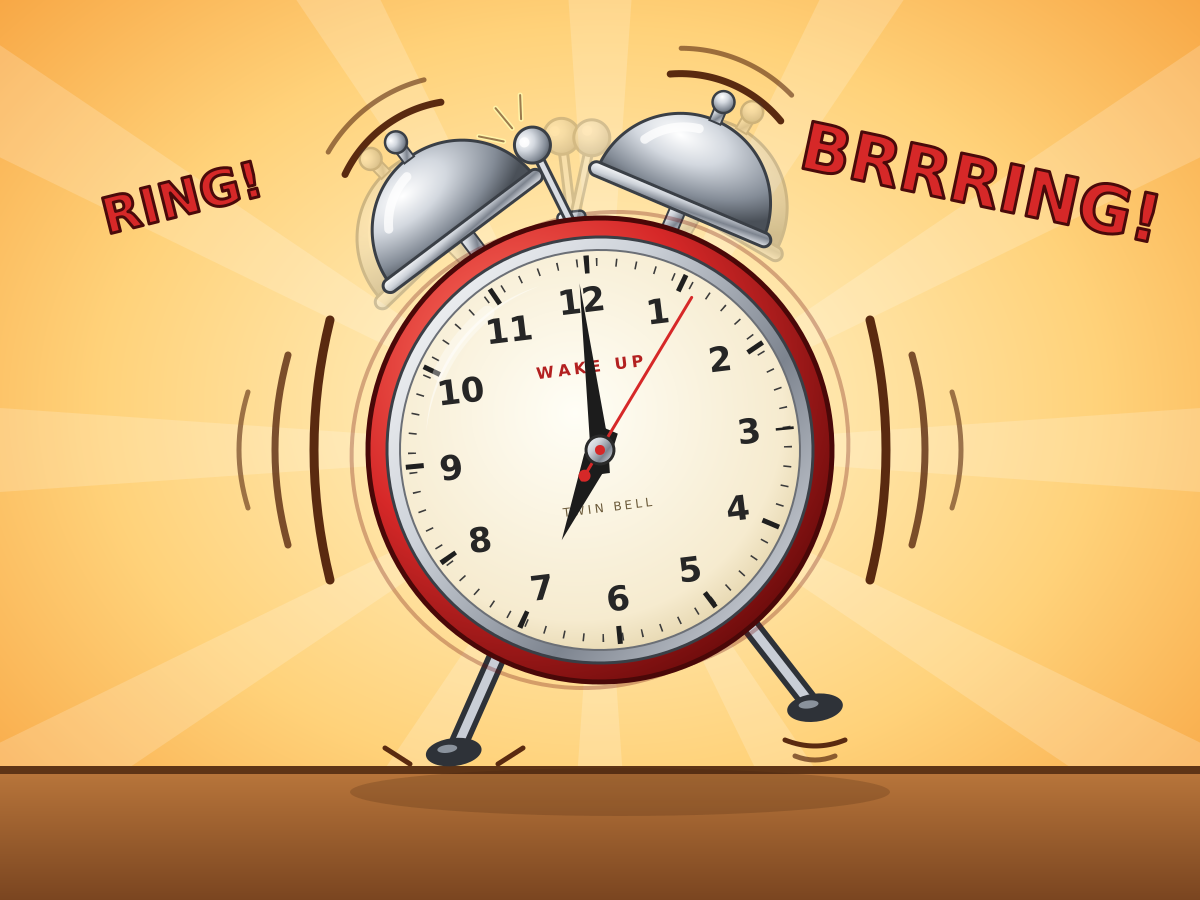
Twin-Bell Alarm Clock
Create a single self-contained SVG illustration of a retro twin-bell alarm clock ringing, shown shaking with motion lines, a hammer between the bells and the hands at seven o'clock. Use viewBox="0 0 1200 900" with width="1200" height="900". No external assets, no raster images, no external fonts (generic font families such as sans-serif are fine), no scripts. Output ONLY the complete SVG code, starting with <svg and ending with </svg>, with no explanation or markdown fences.
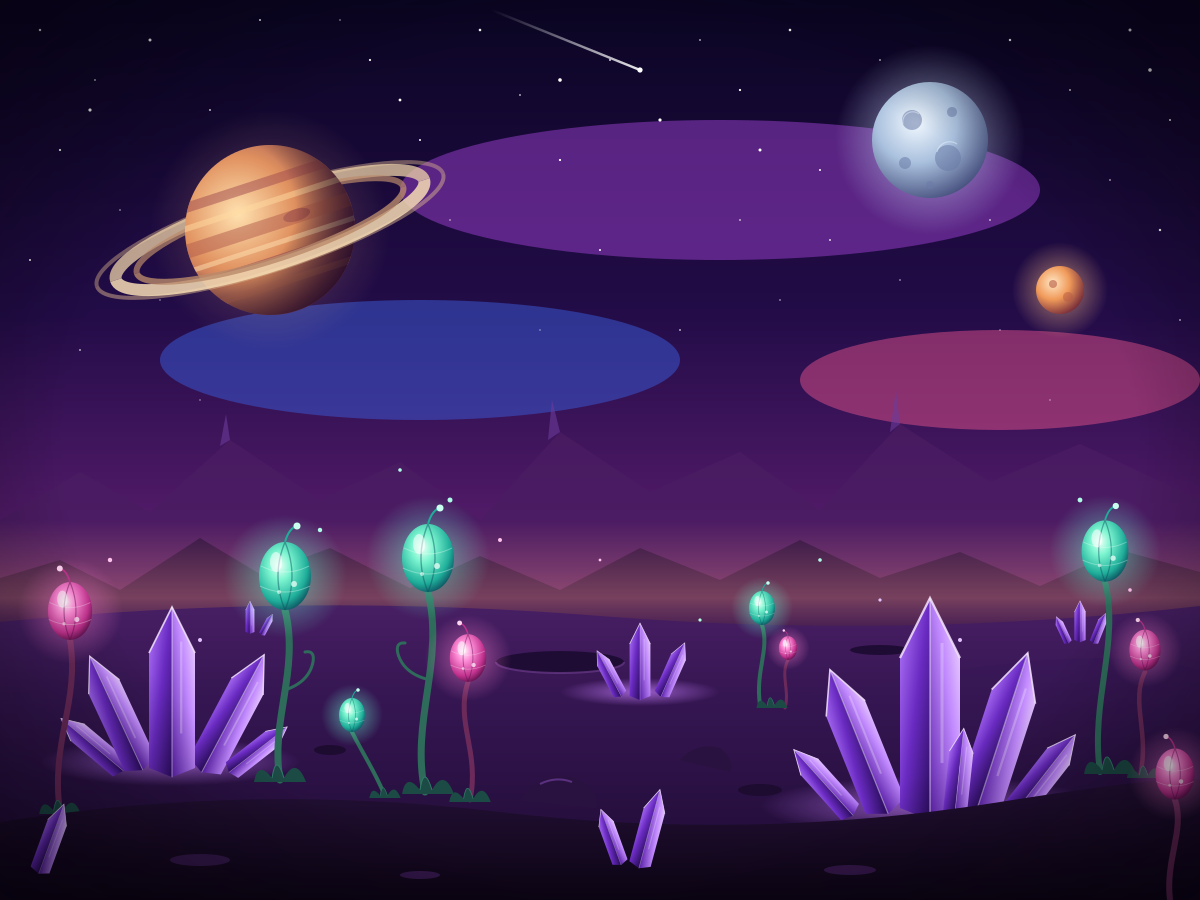
Alien Planet
Create a single self-contained SVG illustration of an alien planet surface with purple crystal formations, strange bulb-shaped plants and two moons plus a ringed planet in the sky. Use viewBox="0 0 1200 900" with width="1200" height="900". No external assets, no raster images, no external fonts (generic font families such as sans-serif are fine), no scripts. Output ONLY the complete SVG code, starting with <svg and ending with </svg>, with no explanation or markdown fences.
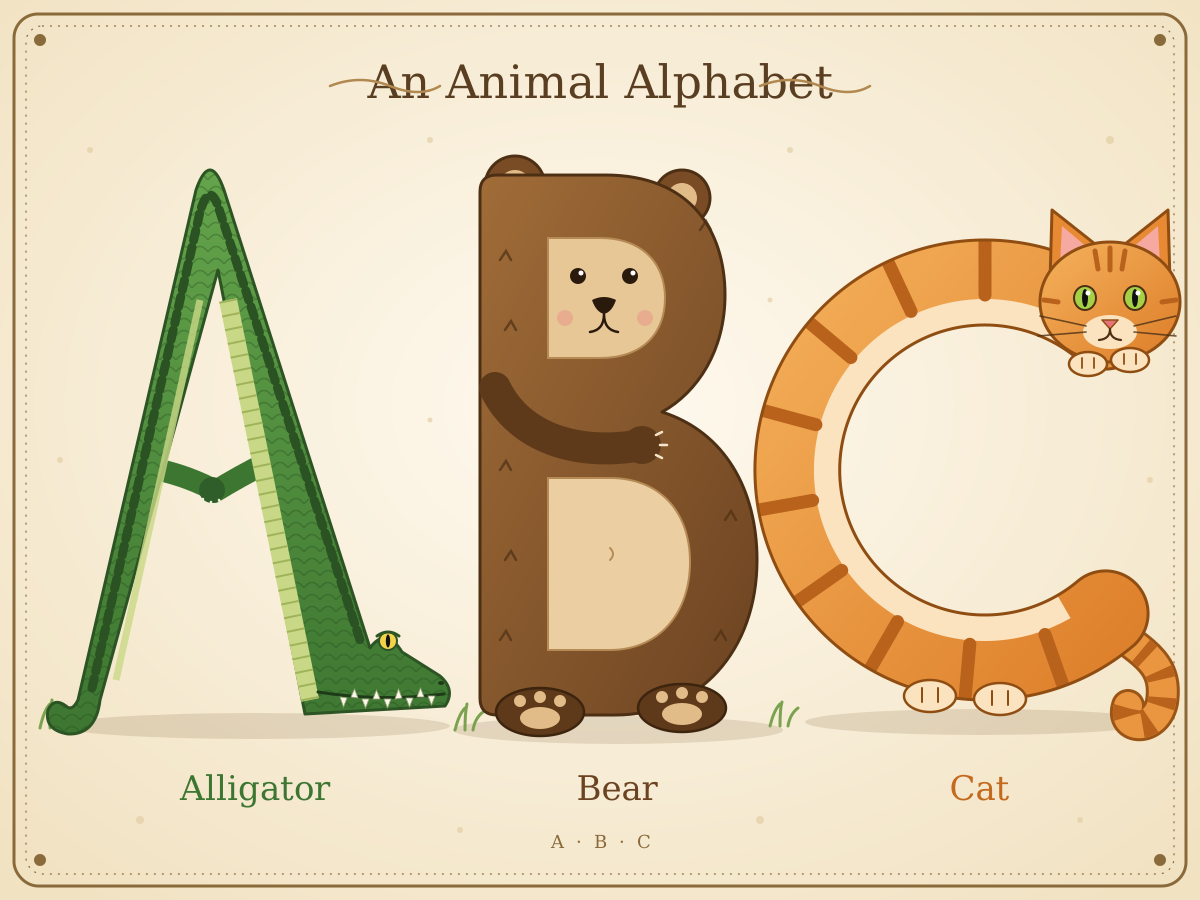
Illustrated Alphabet A B C
Create a single self-contained SVG illustration of the letters A, B and C drawn as large decorative capitals, each formed from an animal: an alligator, a bear and a cat. Use viewBox="0 0 1200 900" with width="1200" height="900". No external assets, no raster images, no external fonts (generic font families such as sans-serif are fine), no scripts. Output ONLY the complete SVG code, starting with <svg and ending with </svg>, with no explanation or markdown fences.
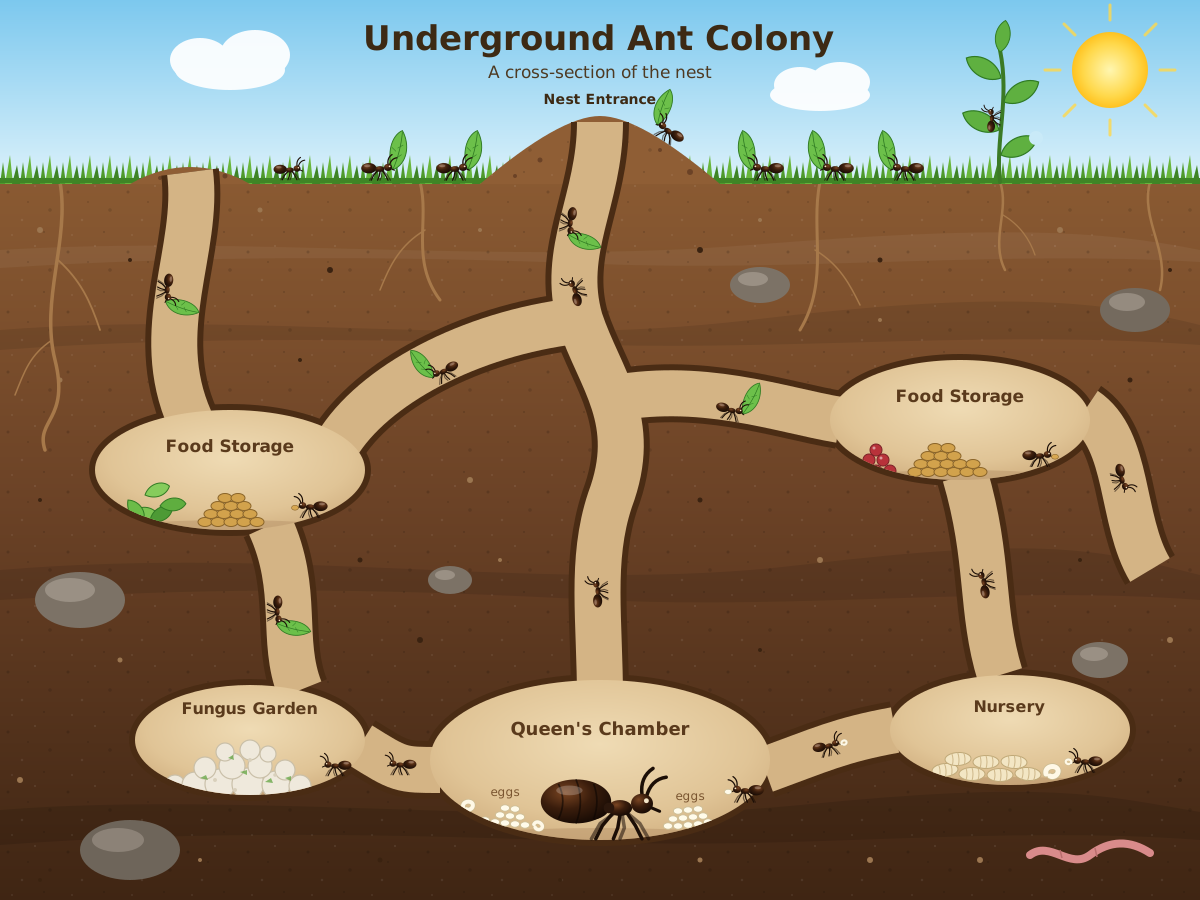
Ant Colony Cutaway
Create a single self-contained SVG illustration of a cross-section of an underground ant colony showing tunnels, a queen chamber with eggs, food storage rooms and worker ants carrying leaves. Use viewBox="0 0 1200 900" with width="1200" height="900". No external assets, no raster images, no external fonts (generic font families such as sans-serif are fine), no scripts. Output ONLY the complete SVG code, starting with <svg and ending with </svg>, with no explanation or markdown fences.
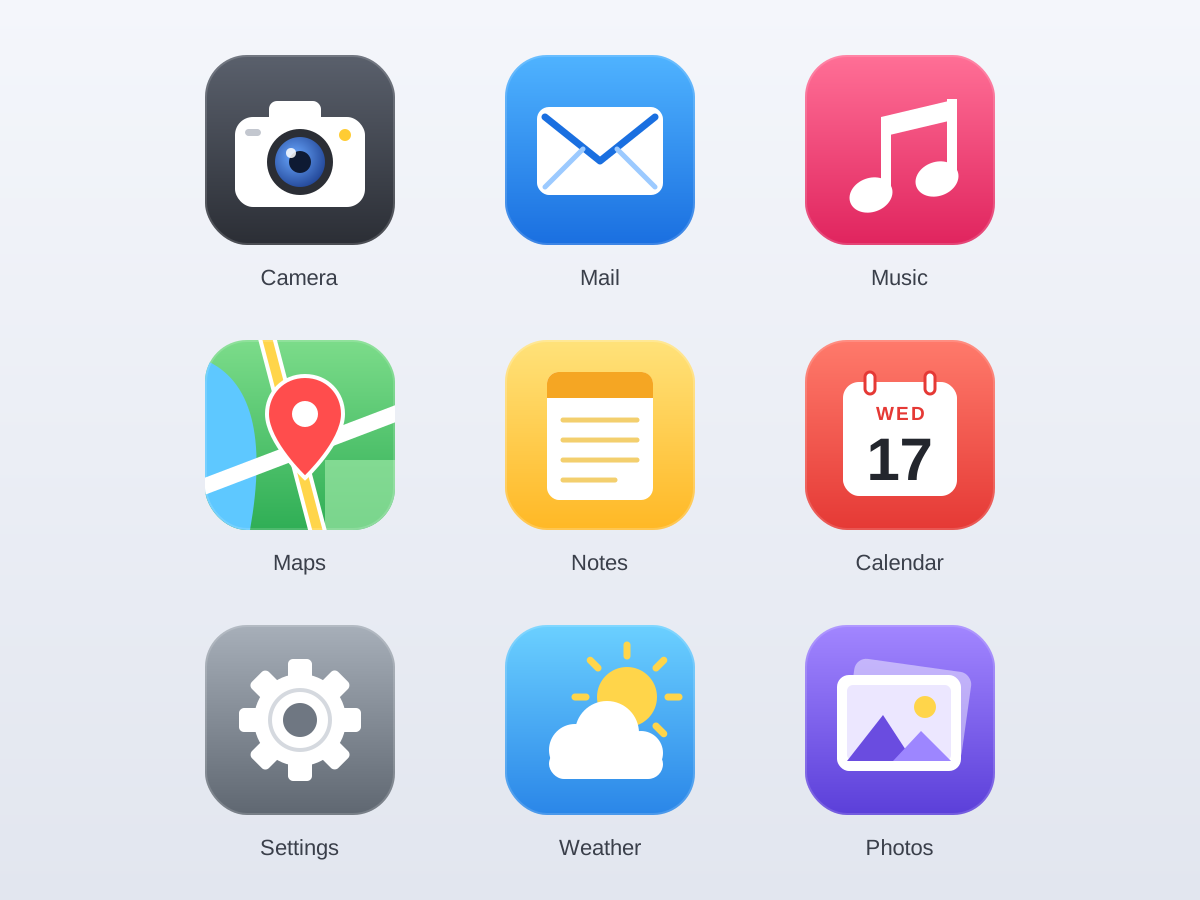
Flat App Icon Set
Create a single self-contained SVG illustration of a grid of nine flat rounded-square app icons for camera, mail, music, maps, notes, calendar, settings, weather and photos, in a consistent style. Use viewBox="0 0 1200 900" with width="1200" height="900". No external assets, no raster images, no external fonts (generic font families such as sans-serif are fine), no scripts. Output ONLY the complete SVG code, starting with <svg and ending with </svg>, with no explanation or markdown fences.
Art Deco Skyscraper
Create a single self-contained SVG illustration of a tall art deco skyscraper with a stepped crown, sunburst spire and vertical gold stripes against a night sky. Use viewBox="0 0 1200 900" with width="1200" height="900". No external assets, no raster images, no external fonts (generic font families such as sans-serif are fine), no scripts. Output ONLY the complete SVG code, starting with <svg and ending with </svg>, with no explanation or markdown fences.

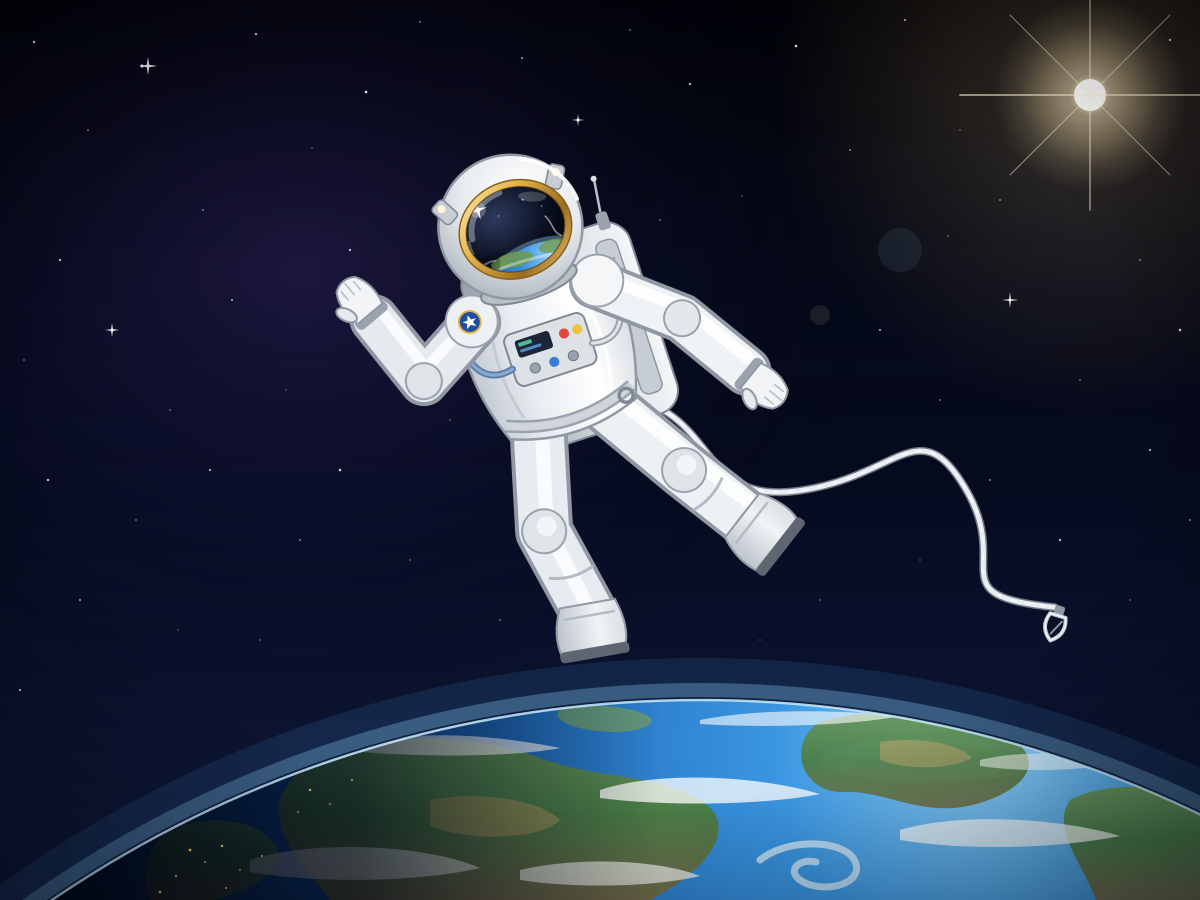
Floating Astronaut
Create a single self-contained SVG illustration of an astronaut in a white spacesuit floating untethered above Earth, the visor reflecting the planet and a tether drifting loose. Use viewBox="0 0 1200 900" with width="1200" height="900". No external assets, no raster images, no external fonts (generic font families such as sans-serif are fine), no scripts. Output ONLY the complete SVG code, starting with <svg and ending with </svg>, with no explanation or markdown fences.
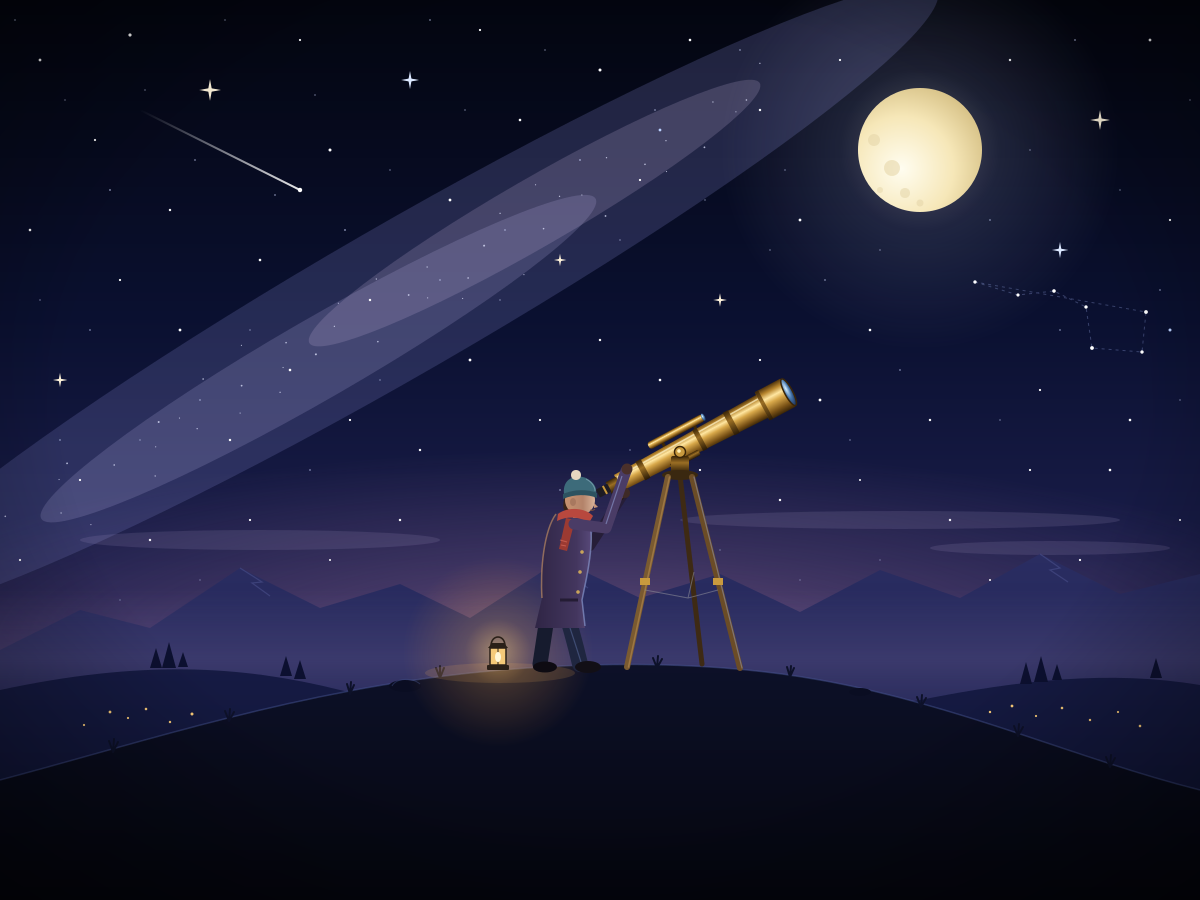
Stargazer with Telescope
Create a single self-contained SVG illustration of a person on a hilltop at night looking through a brass telescope on a tripod, surrounded by a starry sky and a crescent moon. Use viewBox="0 0 1200 900" with width="1200" height="900". No external assets, no raster images, no external fonts (generic font families such as sans-serif are fine), no scripts. Output ONLY the complete SVG code, starting with <svg and ending with </svg>, with no explanation or markdown fences.
Bohr Model of an Atom
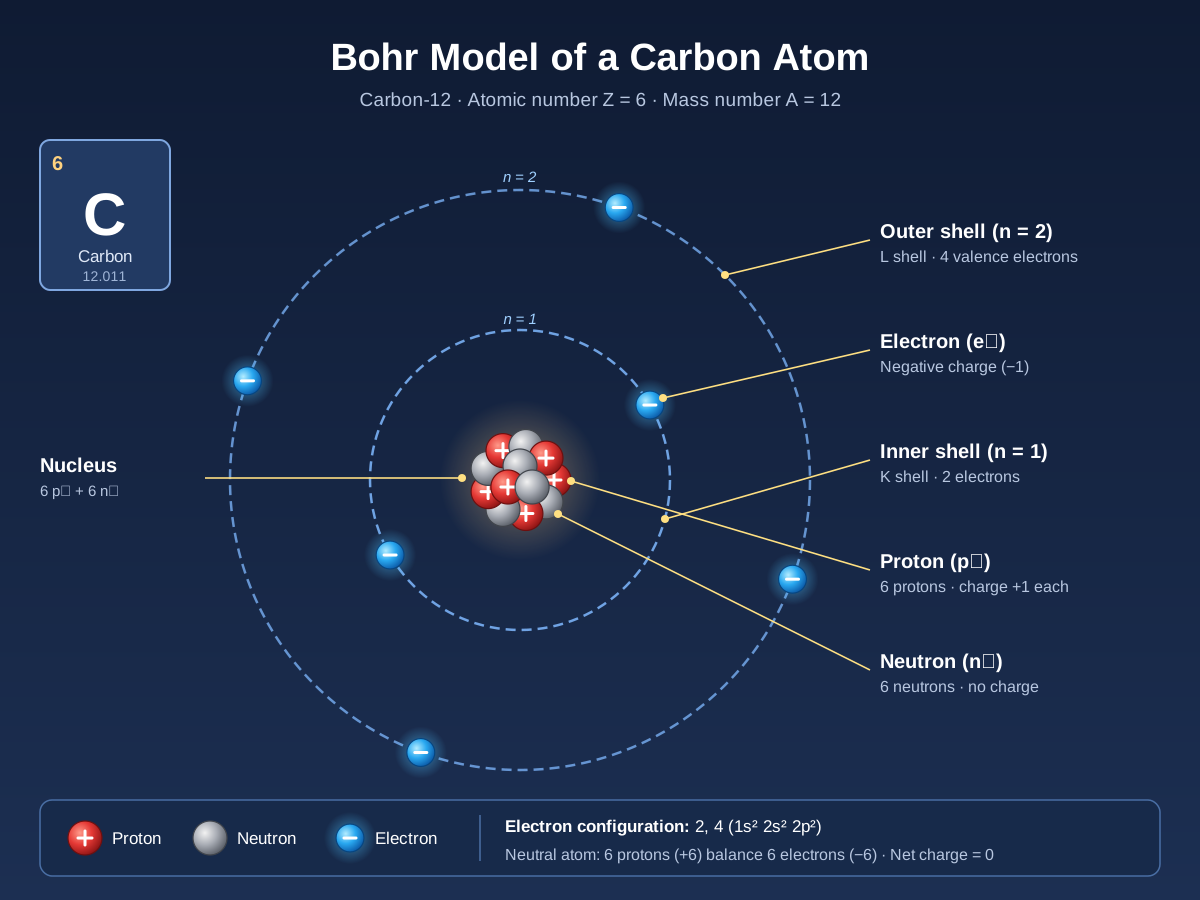
Create a single self-contained SVG illustration of a Bohr model of a carbon atom with a nucleus of six protons and six neutrons and six electrons on two orbital shells, labelled. Use viewBox="0 0 1200 900" with width="1200" height="900". No external assets, no raster images, no external fonts (generic font families such as sans-serif are fine), no scripts. Output ONLY the complete SVG code, starting with <svg and ending with </svg>, with no explanation or markdown fences.
Autumn Forest Path
Create a single self-contained SVG illustration of a winding path through a forest in peak autumn colour, with orange and red leaves falling and a wooden bench along the way. Use viewBox="0 0 1200 900" with width="1200" height="900". No external assets, no raster images, no external fonts (generic font families such as sans-serif are fine), no scripts. Output ONLY the complete SVG code, starting with <svg and ending with </svg>, with no explanation or markdown fences.

Ballet Dancer
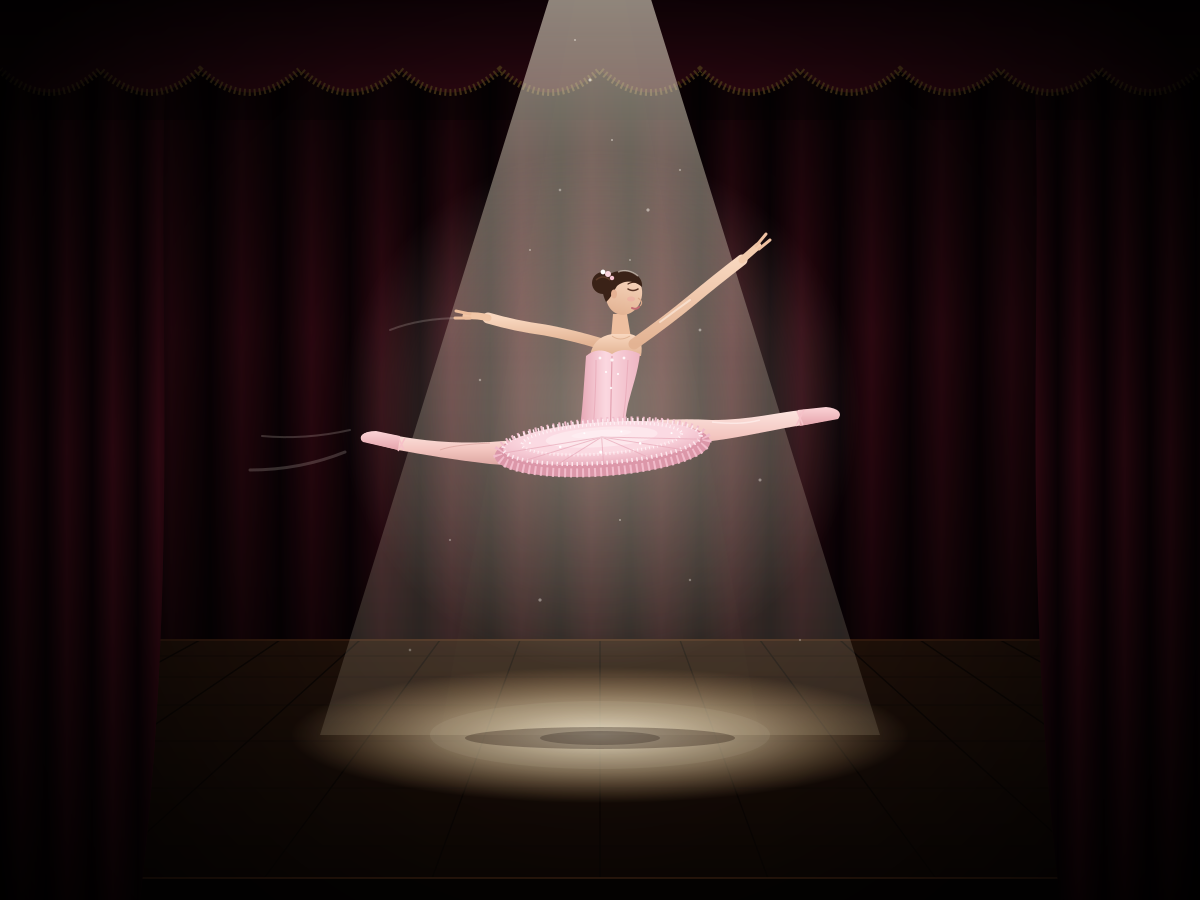
Create a single self-contained SVG illustration of a ballet dancer frozen mid-leap in a grand jeté, wearing a pale pink tutu, on a stage lit by a single spotlight. Use viewBox="0 0 1200 900" with width="1200" height="900". No external assets, no raster images, no external fonts (generic font families such as sans-serif are fine), no scripts. Output ONLY the complete SVG code, starting with <svg and ending with </svg>, with no explanation or markdown fences.
Fruit Sales Bar Chart
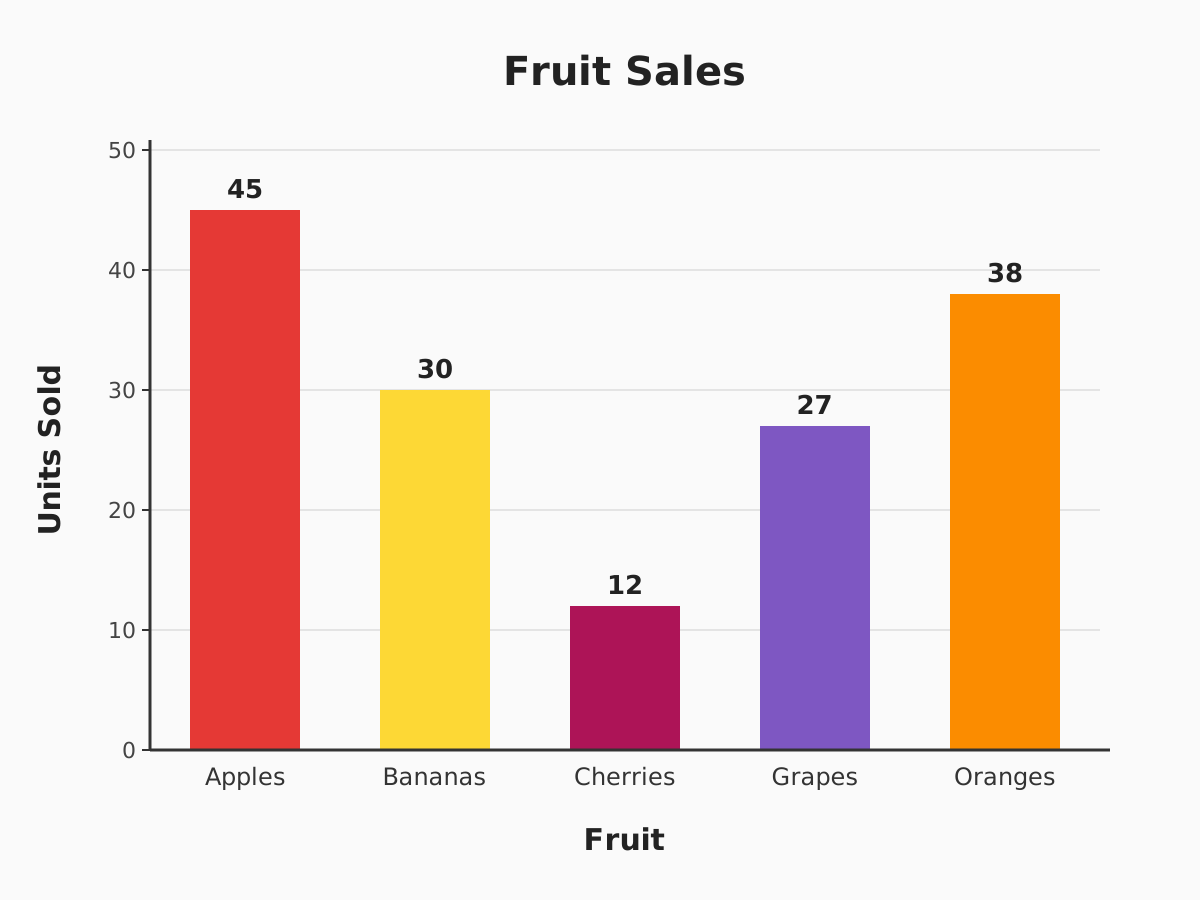
Create a single self-contained SVG illustration of a bar chart of fruit sales with labelled axes: apples 45, bananas 30, cherries 12, grapes 27 and oranges 38, each bar a different colour. Use viewBox="0 0 1200 900" with width="1200" height="900". No external assets, no raster images, no external fonts (generic font families such as sans-serif are fine), no scripts. Output ONLY the complete SVG code, starting with <svg and ending with </svg>, with no explanation or markdown fences.
Barn Owl in Flight
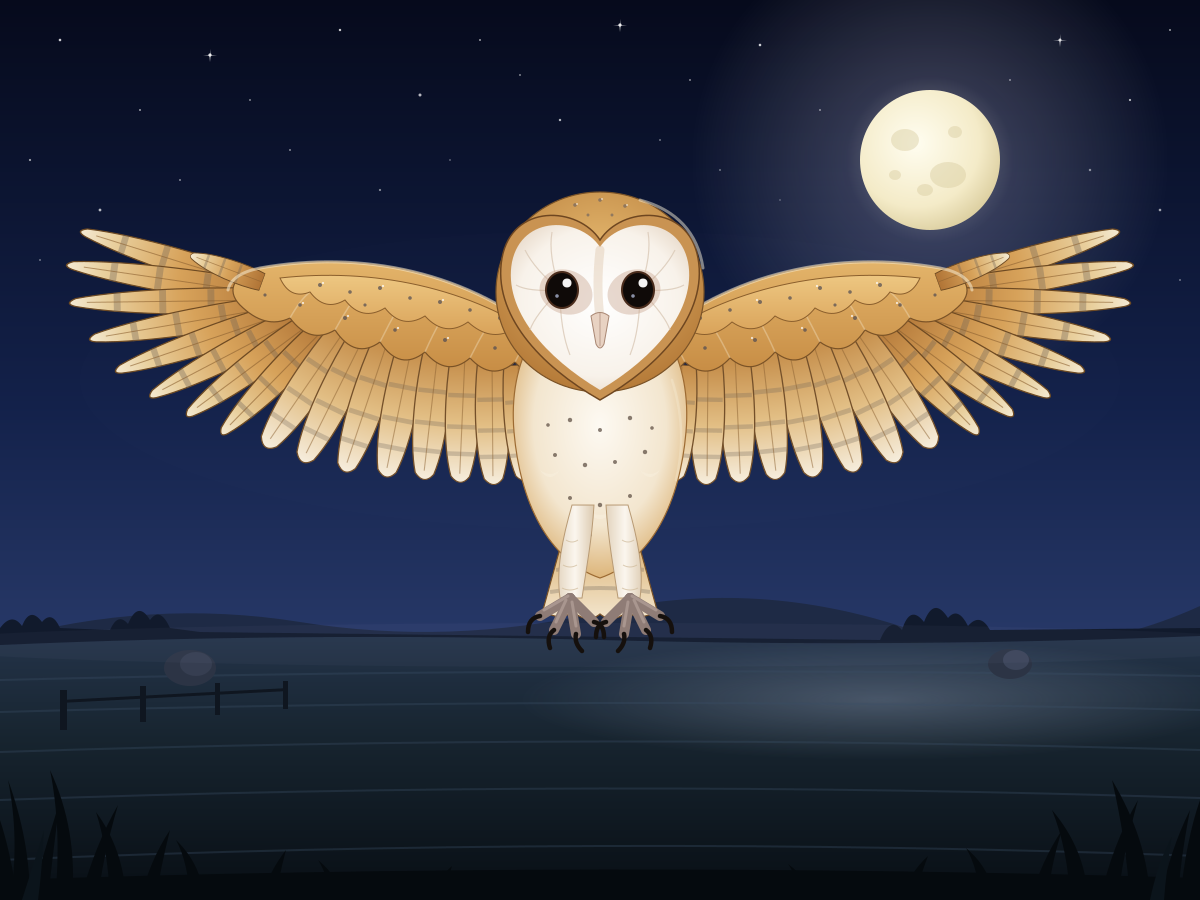
Create a single self-contained SVG illustration of a barn owl flying straight toward the viewer with wings fully spread, heart-shaped white face and talons forward over a moonlit field. Use viewBox="0 0 1200 900" with width="1200" height="900". No external assets, no raster images, no external fonts (generic font families such as sans-serif are fine), no scripts. Output ONLY the complete SVG code, starting with <svg and ending with </svg>, with no explanation or markdown fences.
Baseball Stadium
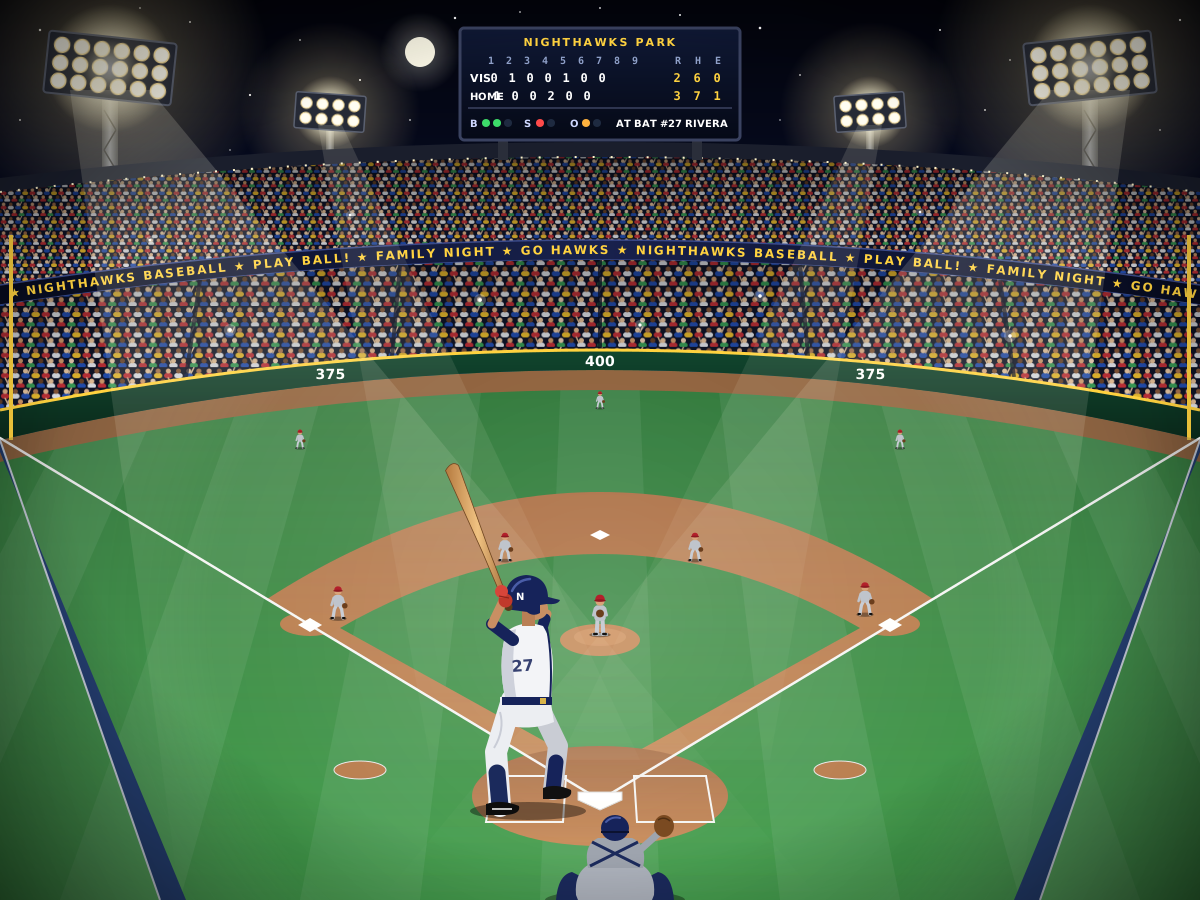
Create a single self-contained SVG illustration of a baseball stadium at night from behind home plate with a green diamond, packed stands, floodlights and a batter ready to swing. Use viewBox="0 0 1200 900" with width="1200" height="900". No external assets, no raster images, no external fonts (generic font families such as sans-serif are fine), no scripts. Output ONLY the complete SVG code, starting with <svg and ending with </svg>, with no explanation or markdown fences.
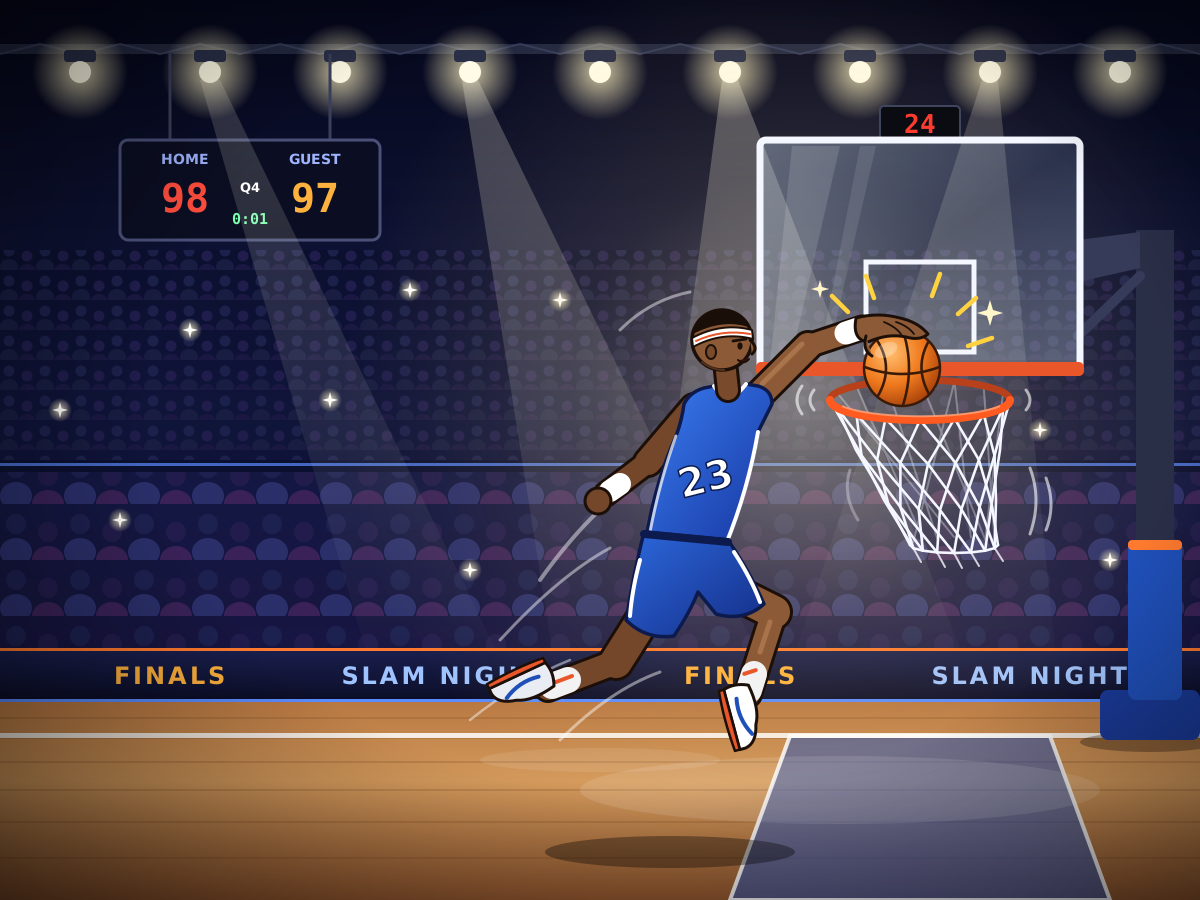
Basketball Slam Dunk
Create a single self-contained SVG illustration of a stylised basketball player mid-air dunking the ball into a hoop, the net swinging and arena lights behind. Use viewBox="0 0 1200 900" with width="1200" height="900". No external assets, no raster images, no external fonts (generic font families such as sans-serif are fine), no scripts. Output ONLY the complete SVG code, starting with <svg and ending with </svg>, with no explanation or markdown fences.
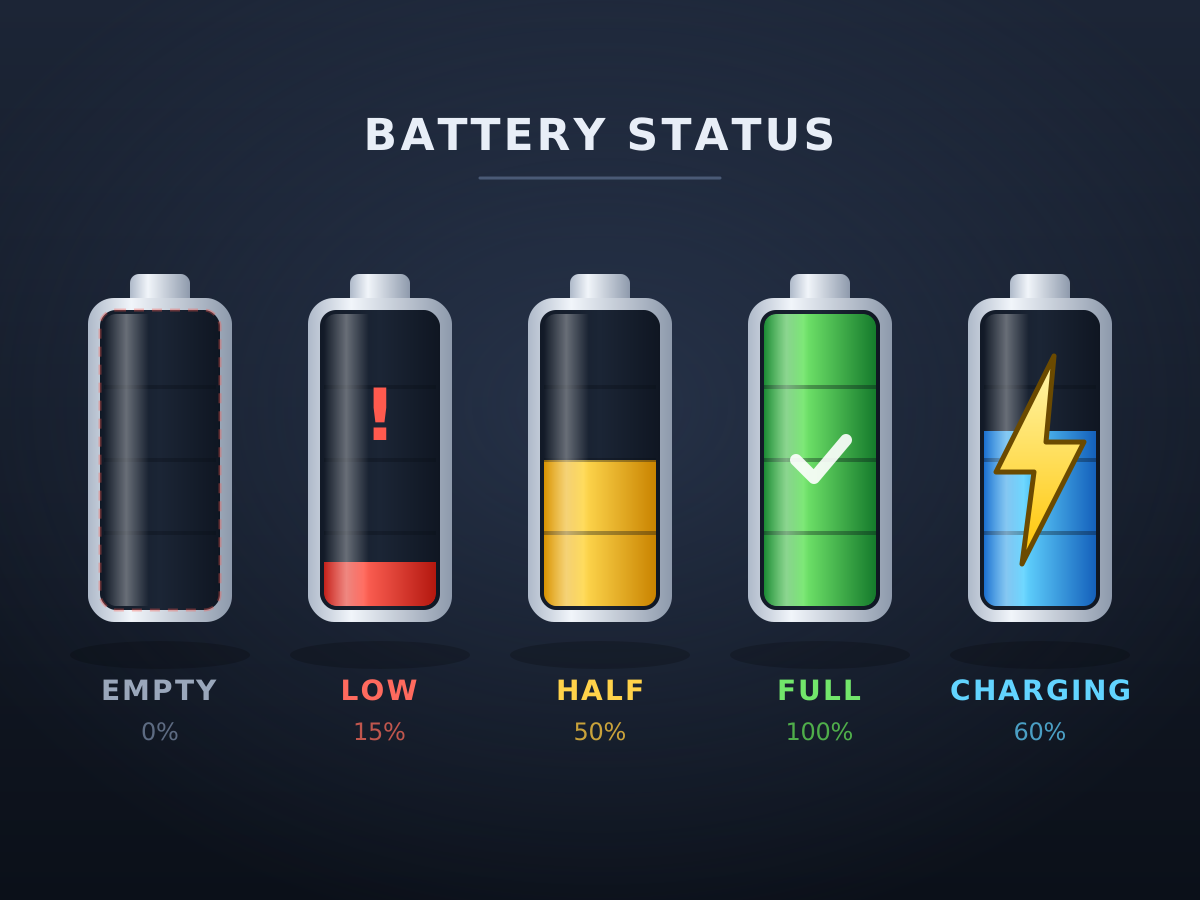
Battery Level Icons
Create a single self-contained SVG illustration of a row of five battery icons showing empty, low in red, half, full in green and charging with a lightning bolt. Use viewBox="0 0 1200 900" with width="1200" height="900". No external assets, no raster images, no external fonts (generic font families such as sans-serif are fine), no scripts. Output ONLY the complete SVG code, starting with <svg and ending with </svg>, with no explanation or markdown fences.
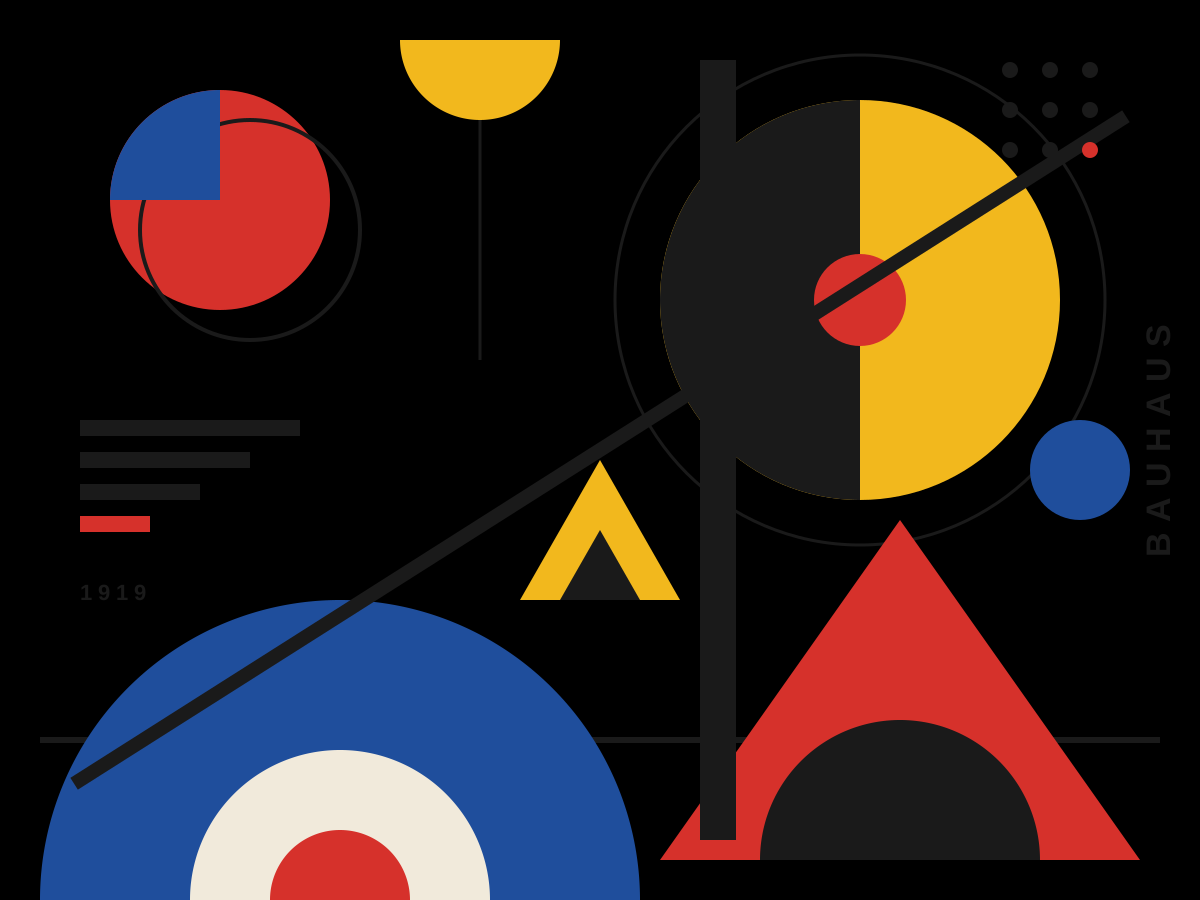
Bauhaus Composition
Create a single self-contained SVG illustration of a Bauhaus-style abstract composition of circles, half-circles, triangles and bold lines in red, yellow, blue and black on off-white. Use viewBox="0 0 1200 900" with width="1200" height="900". No external assets, no raster images, no external fonts (generic font families such as sans-serif are fine), no scripts. Output ONLY the complete SVG code, starting with <svg and ending with </svg>, with no explanation or markdown fences.
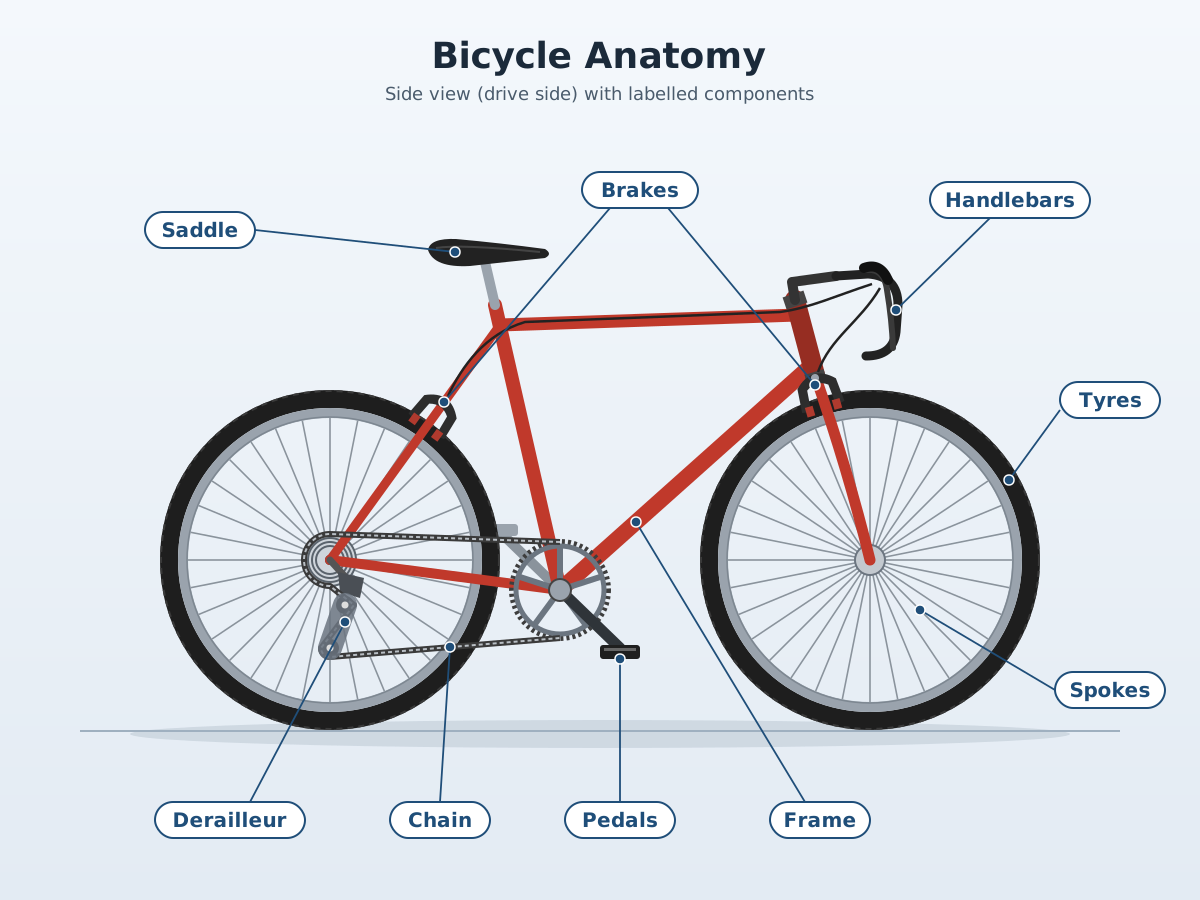
Labelled Bicycle Diagram
Create a single self-contained SVG illustration of a side-view labelled diagram of a bicycle with callout lines naming the frame, saddle, handlebars, chain, pedals, derailleur, brakes, spokes and tyres. Use viewBox="0 0 1200 900" with width="1200" height="900". No external assets, no raster images, no external fonts (generic font families such as sans-serif are fine), no scripts. Output ONLY the complete SVG code, starting with <svg and ending with </svg>, with no explanation or markdown fences.
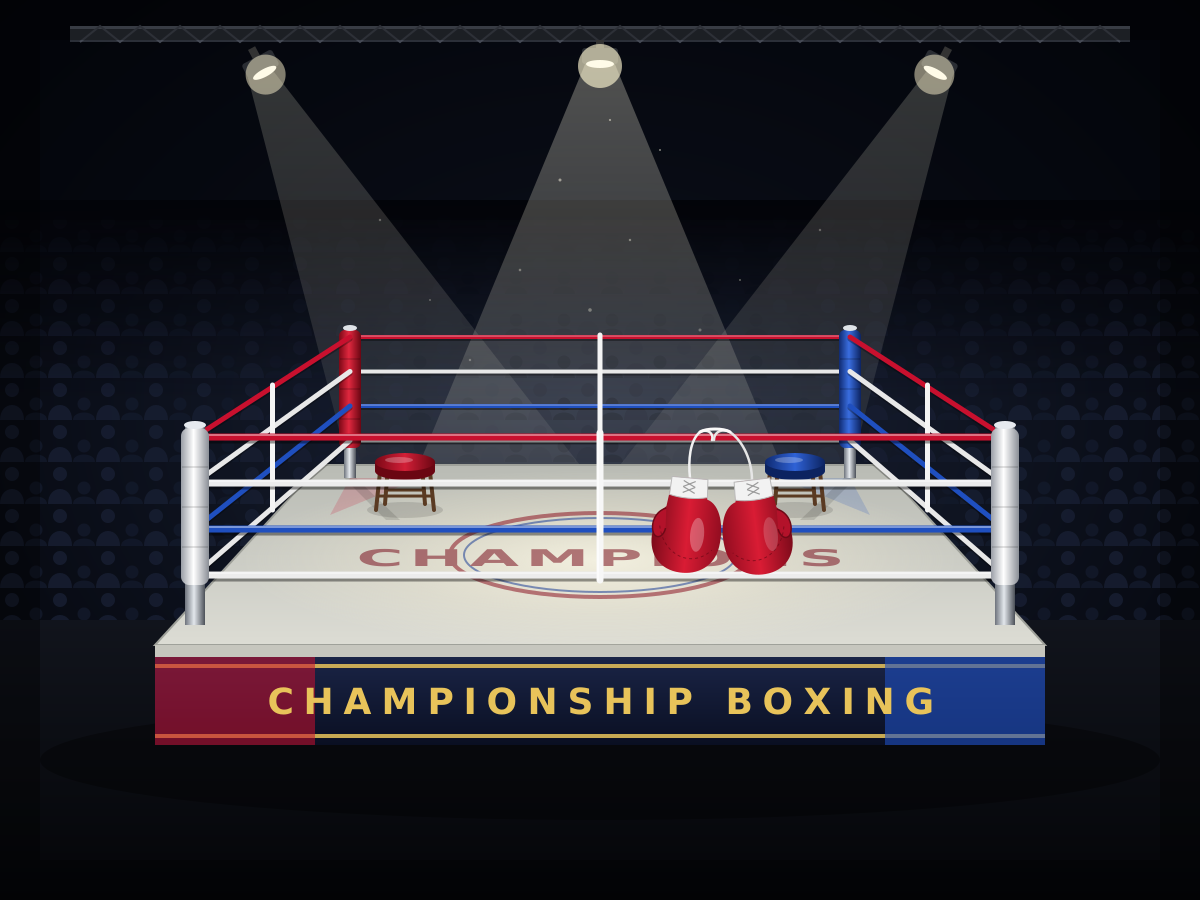
Boxing Ring
Create a single self-contained SVG illustration of an empty boxing ring under spotlights with red and blue corners, taut ropes, a stool in each corner and a pair of gloves hanging. Use viewBox="0 0 1200 900" with width="1200" height="900". No external assets, no raster images, no external fonts (generic font families such as sans-serif are fine), no scripts. Output ONLY the complete SVG code, starting with <svg and ending with </svg>, with no explanation or markdown fences.
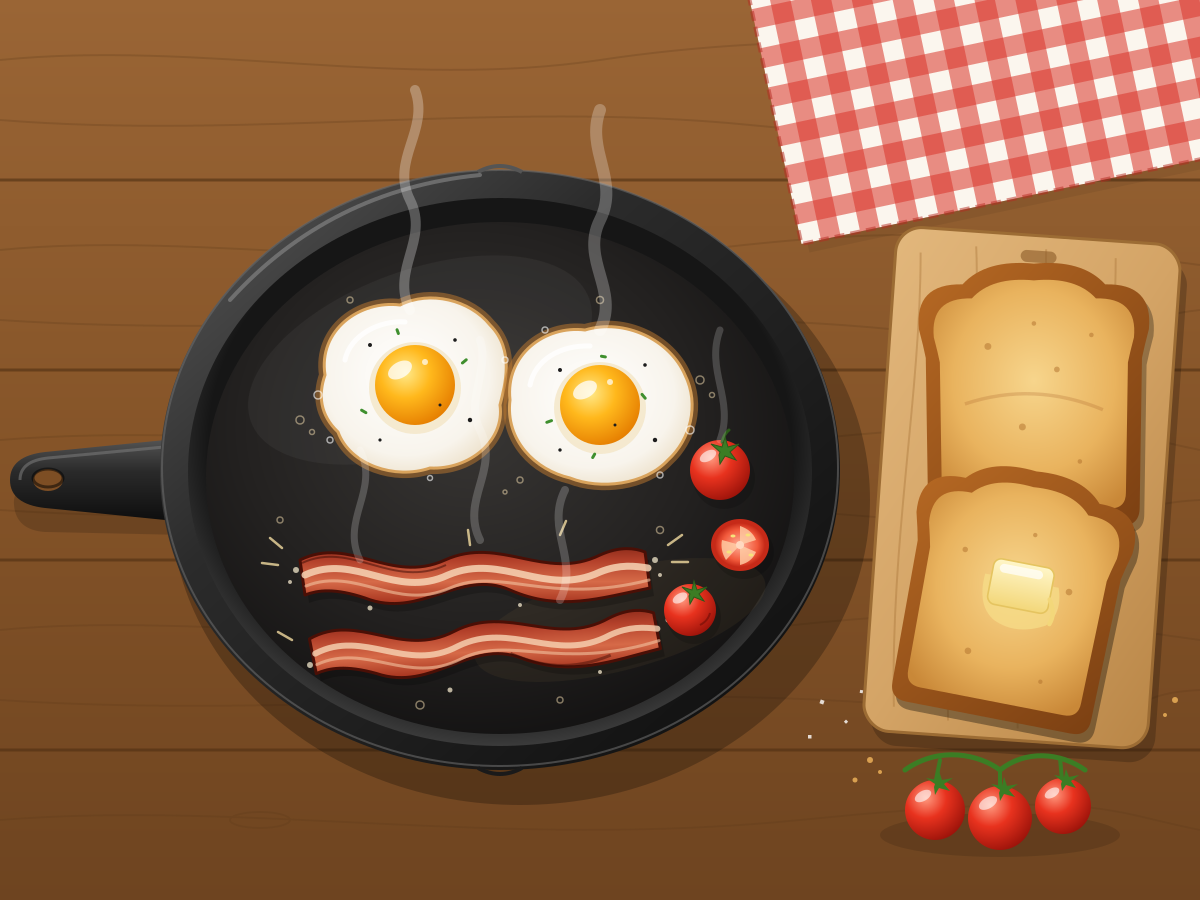
Breakfast Skillet
Create a single self-contained SVG illustration of a cast-iron skillet with two sunny-side-up eggs, sizzling bacon strips, cherry tomatoes and toast on the side. Use viewBox="0 0 1200 900" with width="1200" height="900". No external assets, no raster images, no external fonts (generic font families such as sans-serif are fine), no scripts. Output ONLY the complete SVG code, starting with <svg and ending with </svg>, with no explanation or markdown fences.
Bubble Tea
Create a single self-contained SVG illustration of a clear plastic cup of brown sugar milk tea with dark tapioca pearls at the bottom, a sealed top and a wide striped straw. Use viewBox="0 0 1200 900" with width="1200" height="900". No external assets, no raster images, no external fonts (generic font families such as sans-serif are fine), no scripts. Output ONLY the complete SVG code, starting with <svg and ending with </svg>, with no explanation or markdown fences.

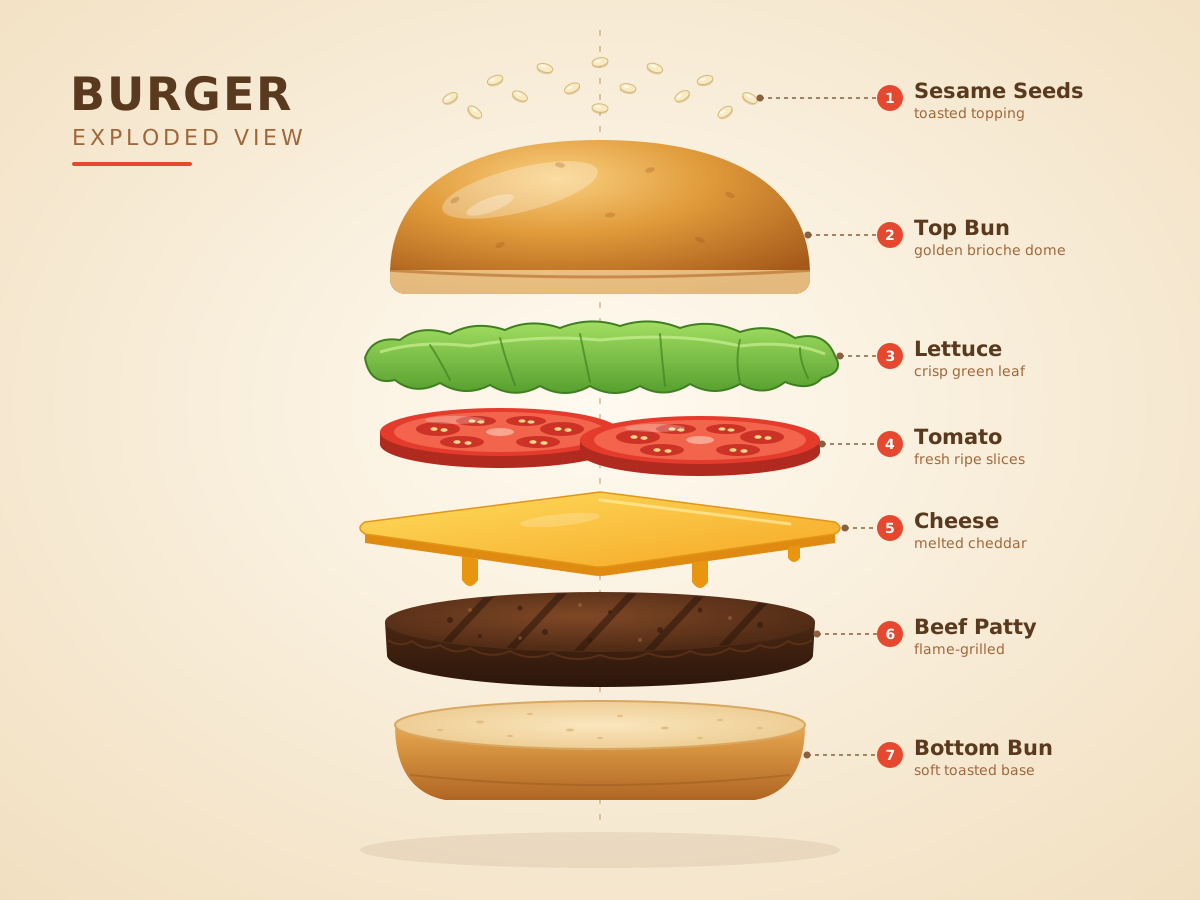
Exploded Burger
Create a single self-contained SVG illustration of an exploded vertical view of a burger with each layer floating apart: bun top, sesame seeds, lettuce, tomato, cheese, patty and bottom bun. Use viewBox="0 0 1200 900" with width="1200" height="900". No external assets, no raster images, no external fonts (generic font families such as sans-serif are fine), no scripts. Output ONLY the complete SVG code, starting with <svg and ending with </svg>, with no explanation or markdown fences.
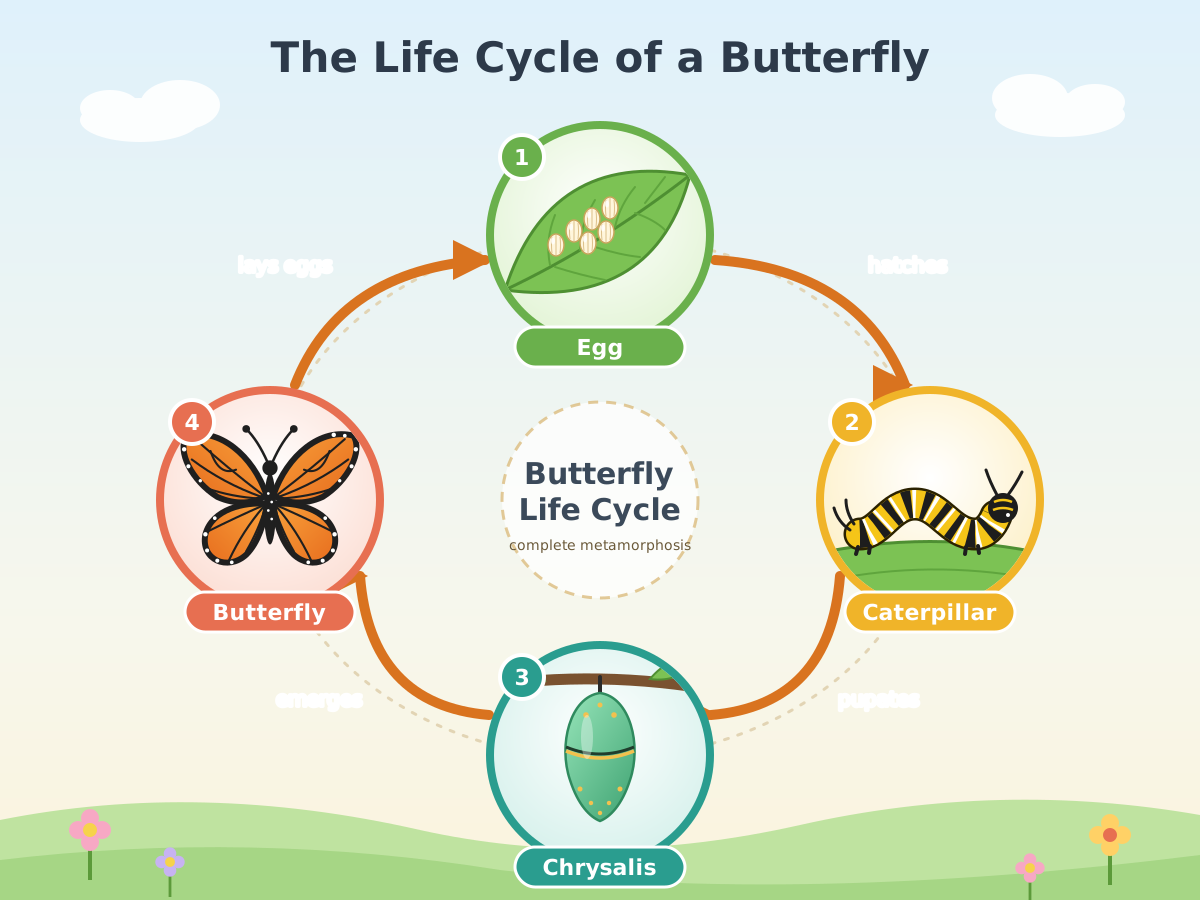
Butterfly Life Cycle
Create a single self-contained SVG illustration of a circular diagram of a butterfly's life cycle: egg on a leaf, caterpillar, chrysalis and adult butterfly, with arrows between the stages. Use viewBox="0 0 1200 900" with width="1200" height="900". No external assets, no raster images, no external fonts (generic font families such as sans-serif are fine), no scripts. Output ONLY the complete SVG code, starting with <svg and ending with </svg>, with no explanation or markdown fences.
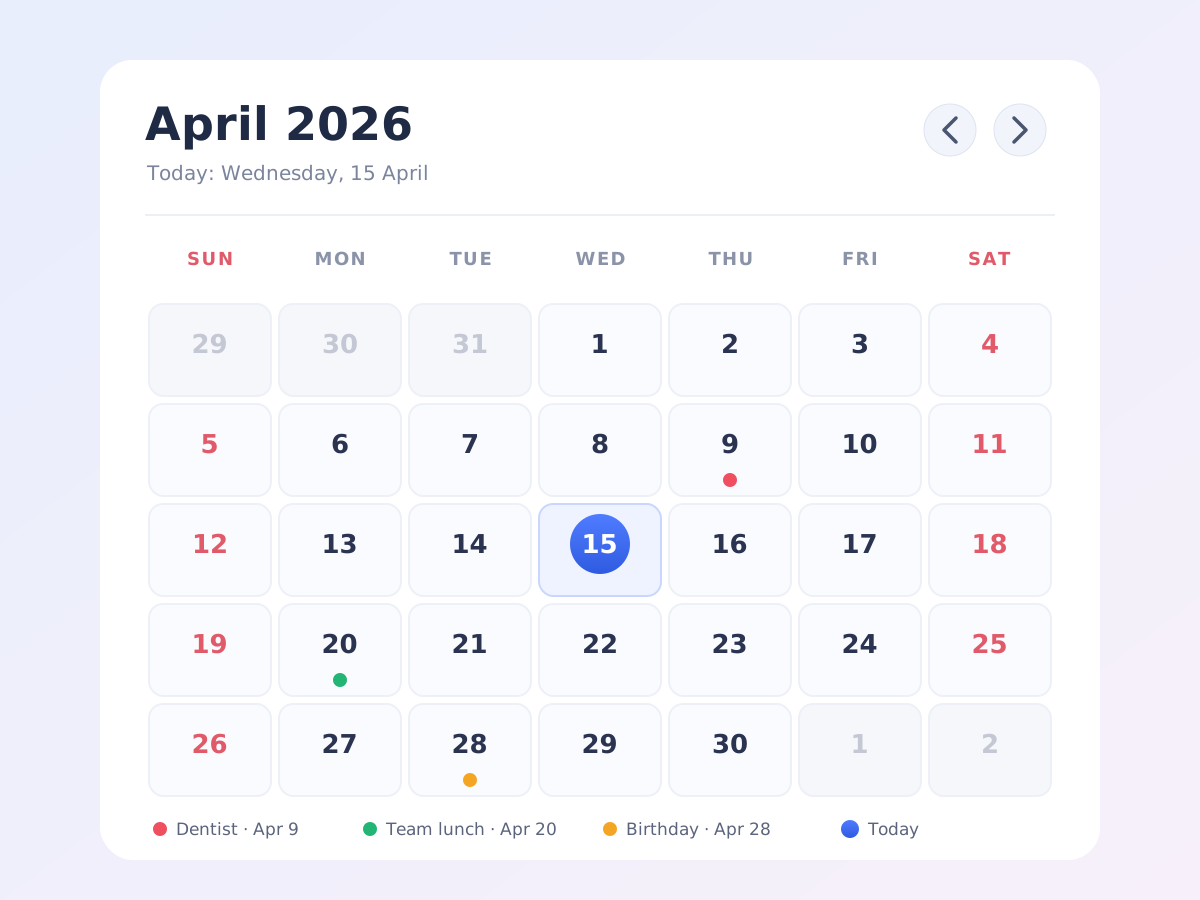
Calendar Month View
Create a single self-contained SVG illustration of a calendar month view for a 30-day month starting on a Wednesday, with today highlighted in a circle and three coloured event dots. Use viewBox="0 0 1200 900" with width="1200" height="900". No external assets, no raster images, no external fonts (generic font families such as sans-serif are fine), no scripts. Output ONLY the complete SVG code, starting with <svg and ending with </svg>, with no explanation or markdown fences.
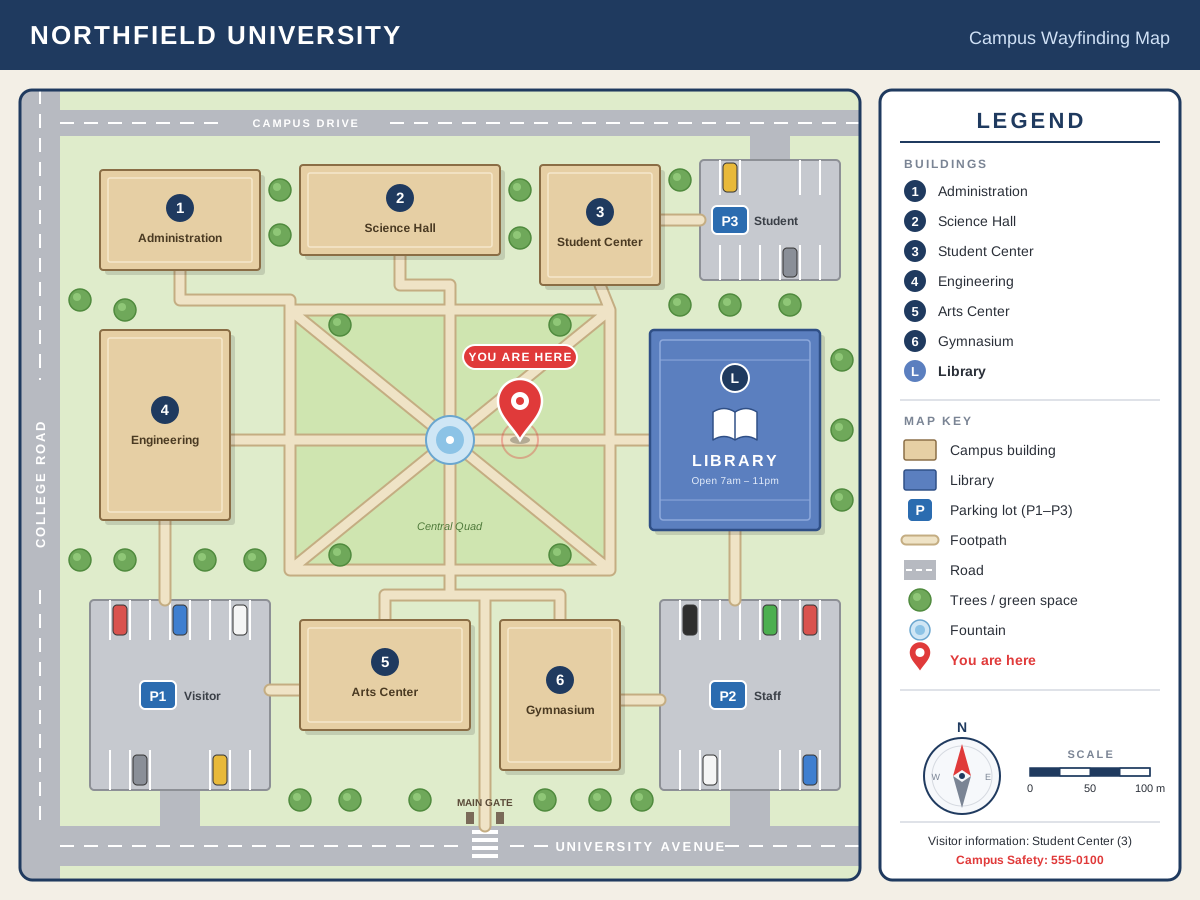
Campus Map
Create a single self-contained SVG illustration of a simple campus wayfinding map with numbered buildings, a library, parking lots, footpaths, a legend and a you-are-here pin. Use viewBox="0 0 1200 900" with width="1200" height="900". No external assets, no raster images, no external fonts (generic font families such as sans-serif are fine), no scripts. Output ONLY the complete SVG code, starting with <svg and ending with </svg>, with no explanation or markdown fences.
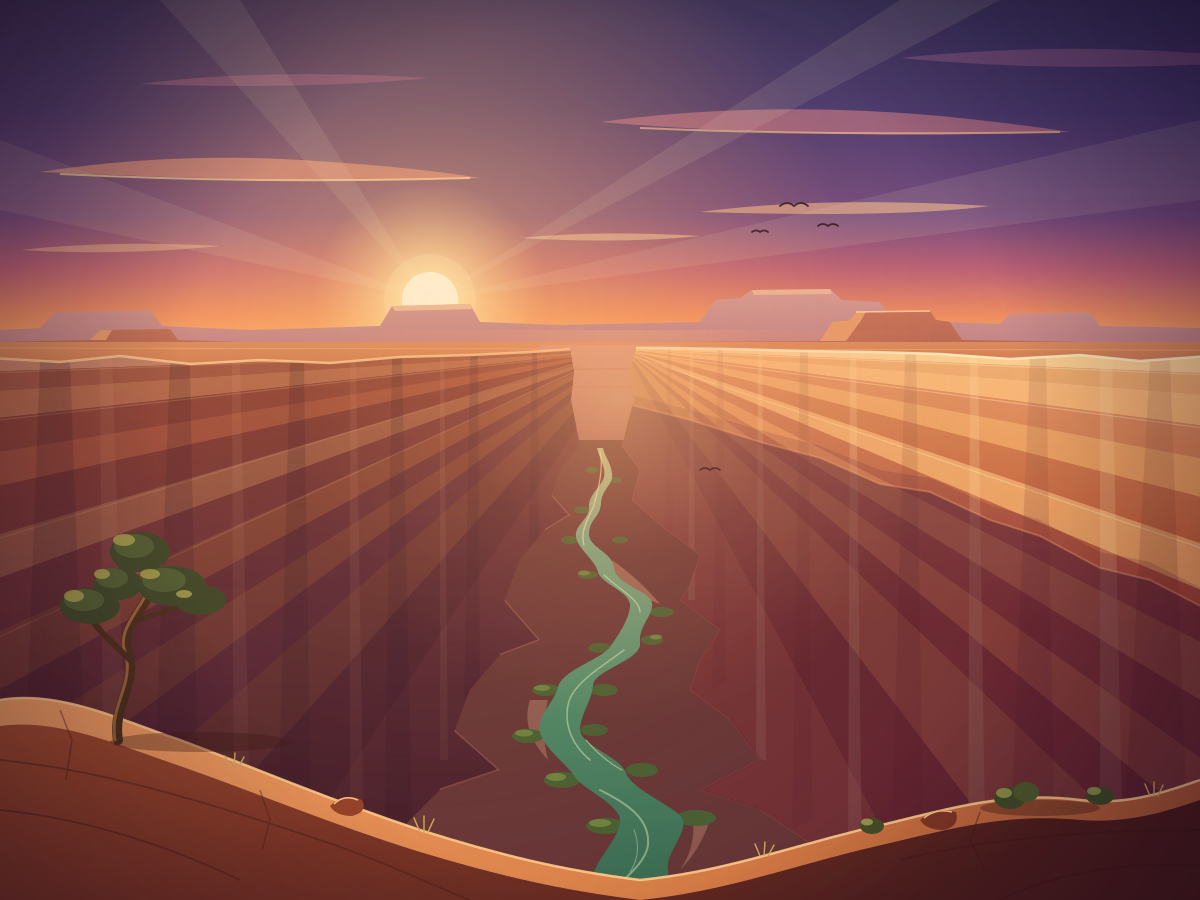
Canyon River
Create a single self-contained SVG illustration of a deep red-rock canyon with layered striped walls and a winding green river at the bottom, seen from the rim at golden hour. Use viewBox="0 0 1200 900" with width="1200" height="900". No external assets, no raster images, no external fonts (generic font families such as sans-serif are fine), no scripts. Output ONLY the complete SVG code, starting with <svg and ending with </svg>, with no explanation or markdown fences.
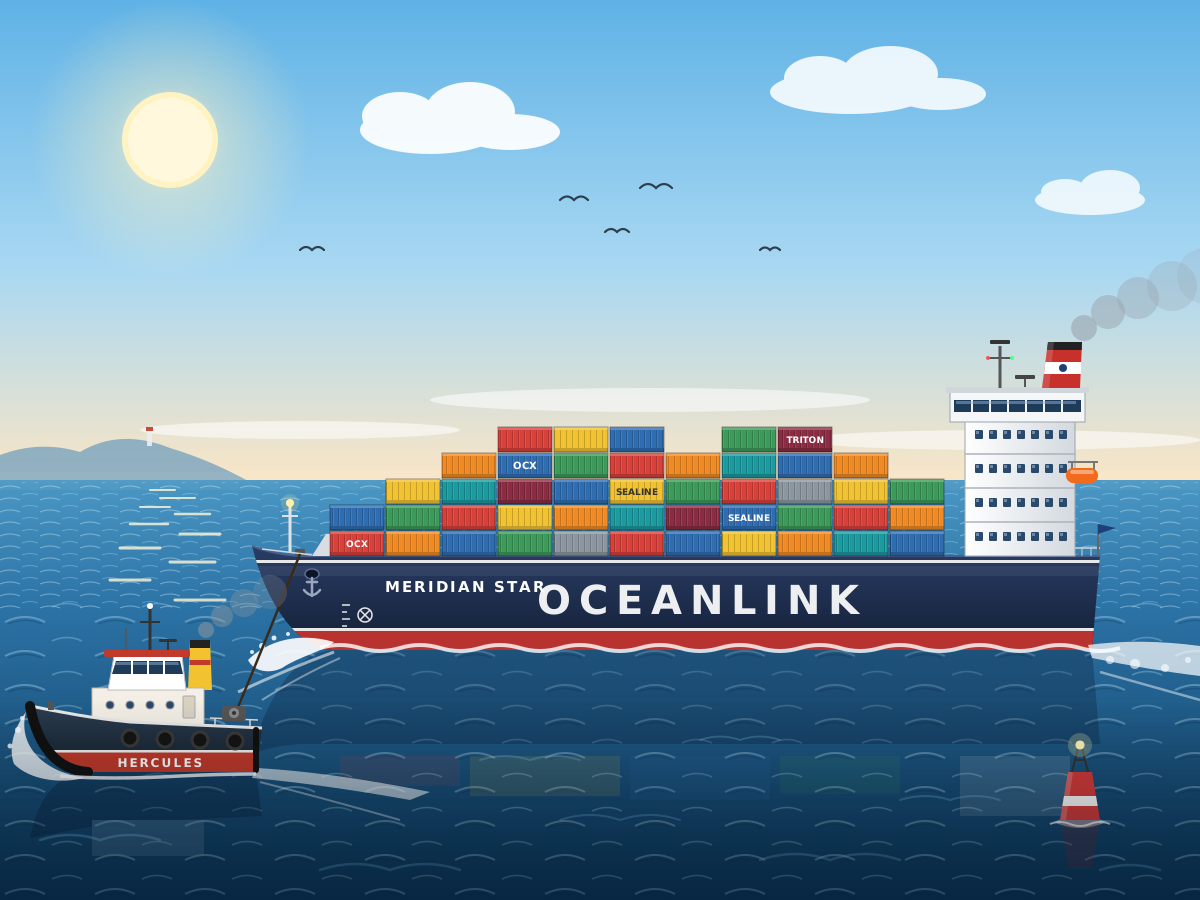
Container Ship
Create a single self-contained SVG illustration of a large cargo ship stacked with colourful shipping containers sailing across the ocean, with a tugboat guiding it. Use viewBox="0 0 1200 900" with width="1200" height="900". No external assets, no raster images, no external fonts (generic font families such as sans-serif are fine), no scripts. Output ONLY the complete SVG code, starting with <svg and ending with </svg>, with no explanation or markdown fences.
Chameleon on a Branch
Create a single self-contained SVG illustration of a chameleon gripping a twisted branch with its curled tail, one eye swivelled forward and its long tongue shooting out to catch a fly. Use viewBox="0 0 1200 900" with width="1200" height="900". No external assets, no raster images, no external fonts (generic font families such as sans-serif are fine), no scripts. Output ONLY the complete SVG code, starting with <svg and ending with </svg>, with no explanation or markdown fences.

Chat Conversation UI
Create a single self-contained SVG illustration of a messaging app screen with alternating grey and blue speech bubbles, a timestamp, a typing indicator and a text input bar with a send button. Use viewBox="0 0 1200 900" with width="1200" height="900". No external assets, no raster images, no external fonts (generic font families such as sans-serif are fine), no scripts. Output ONLY the complete SVG code, starting with <svg and ending with </svg>, with no explanation or markdown fences.

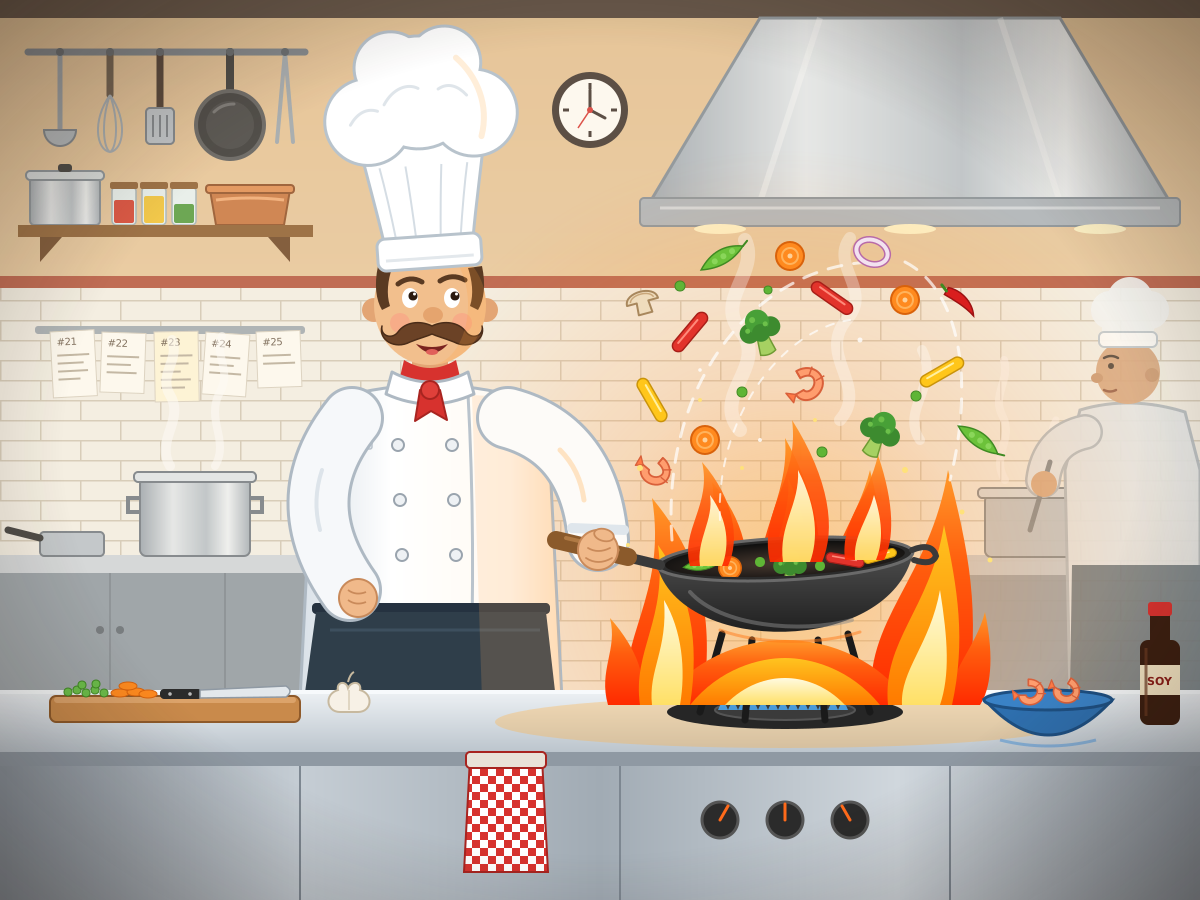
Chef Flipping a Pan
Create a single self-contained SVG illustration of a stylised chef in a tall white hat flipping vegetables in a flaming wok, mid-air ingredients and a busy kitchen behind. Use viewBox="0 0 1200 900" with width="1200" height="900". No external assets, no raster images, no external fonts (generic font families such as sans-serif are fine), no scripts. Output ONLY the complete SVG code, starting with <svg and ending with </svg>, with no explanation or markdown fences.
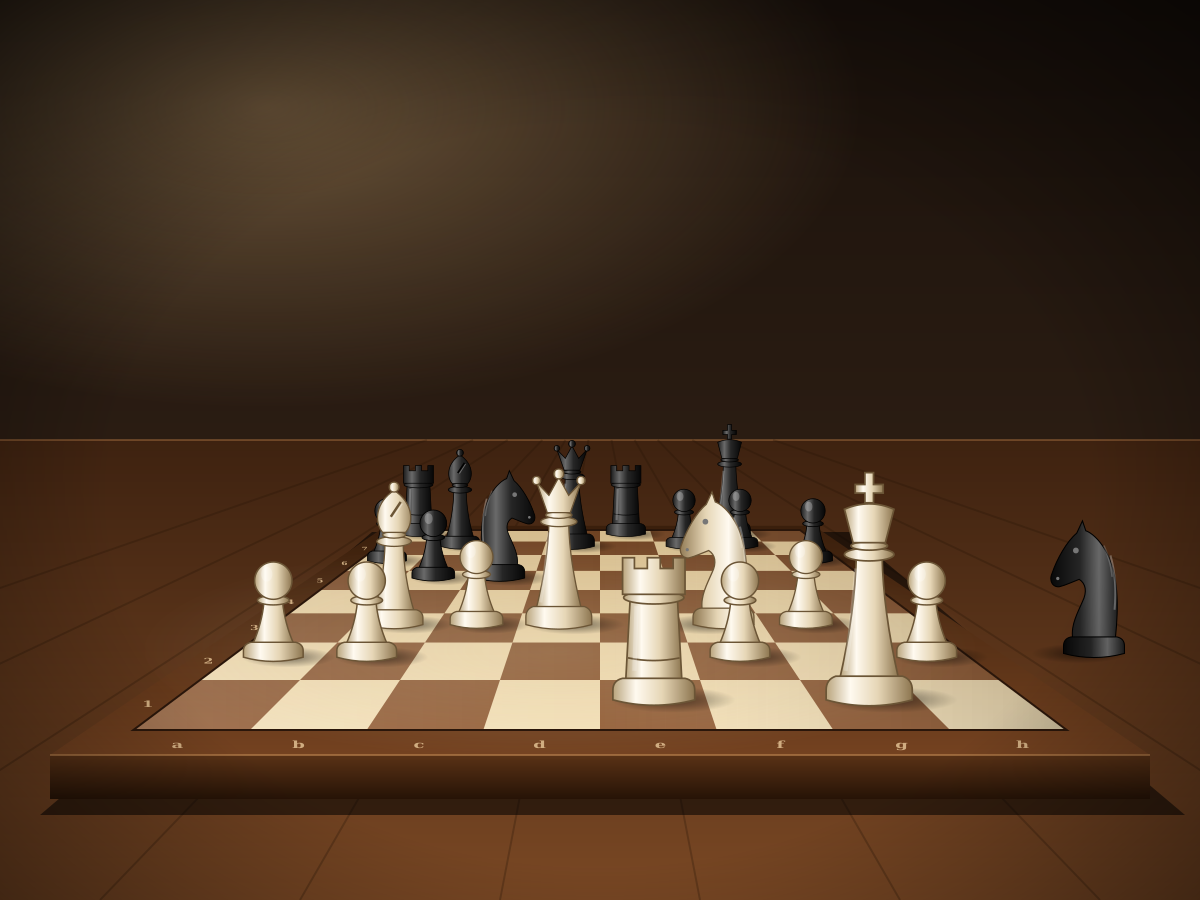
Chessboard Mid-Game
Create a single self-contained SVG illustration of a chessboard seen from a low angle in the middle of a game, with at least ten different pieces placed on correct squares and one captured piece beside. Use viewBox="0 0 1200 900" with width="1200" height="900". No external assets, no raster images, no external fonts (generic font families such as sans-serif are fine), no scripts. Output ONLY the complete SVG code, starting with <svg and ending with </svg>, with no explanation or markdown fences.
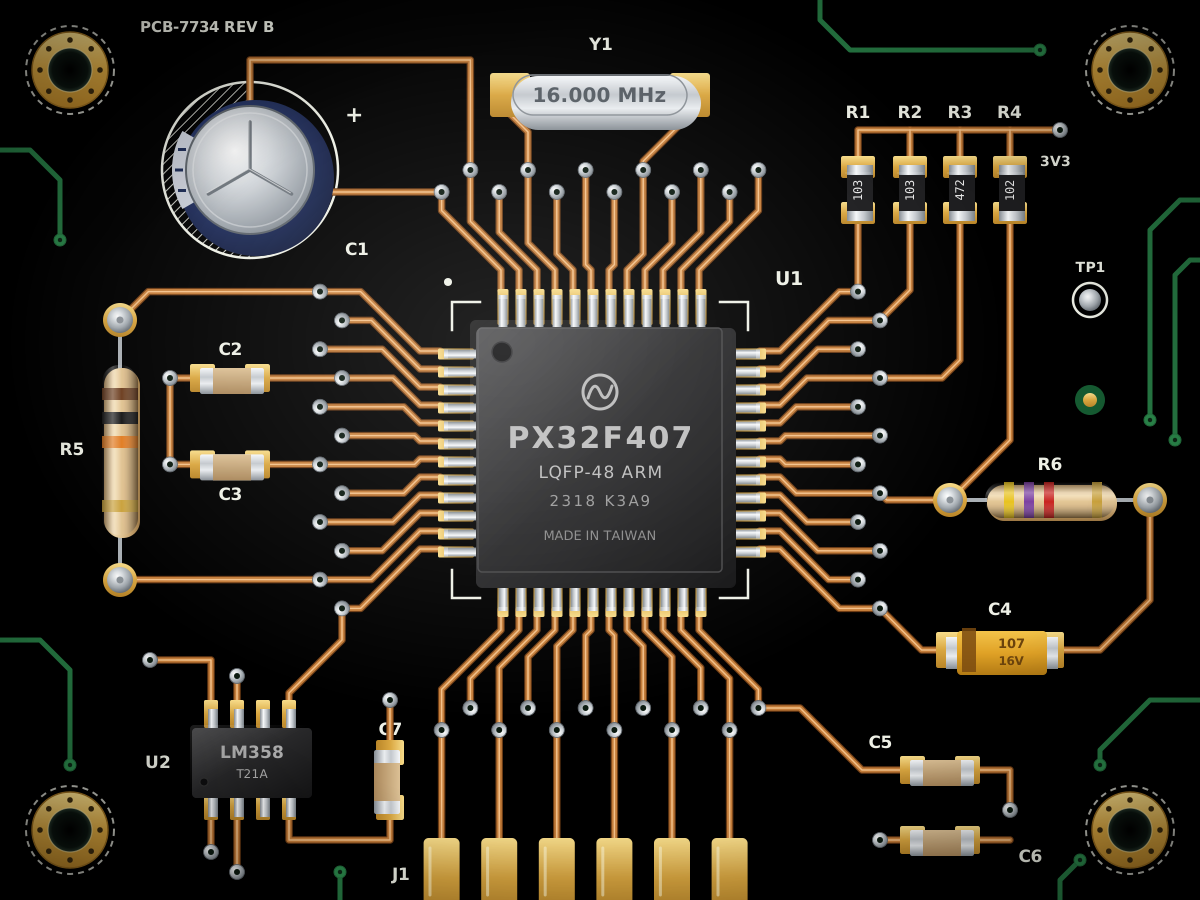
Circuit Board Close-Up
Create a single self-contained SVG illustration of a close-up of a green printed circuit board with a central chip, resistors, capacitors, copper traces and solder points. Use viewBox="0 0 1200 900" with width="1200" height="900". No external assets, no raster images, no external fonts (generic font families such as sans-serif are fine), no scripts. Output ONLY the complete SVG code, starting with <svg and ending with </svg>, with no explanation or markdown fences.
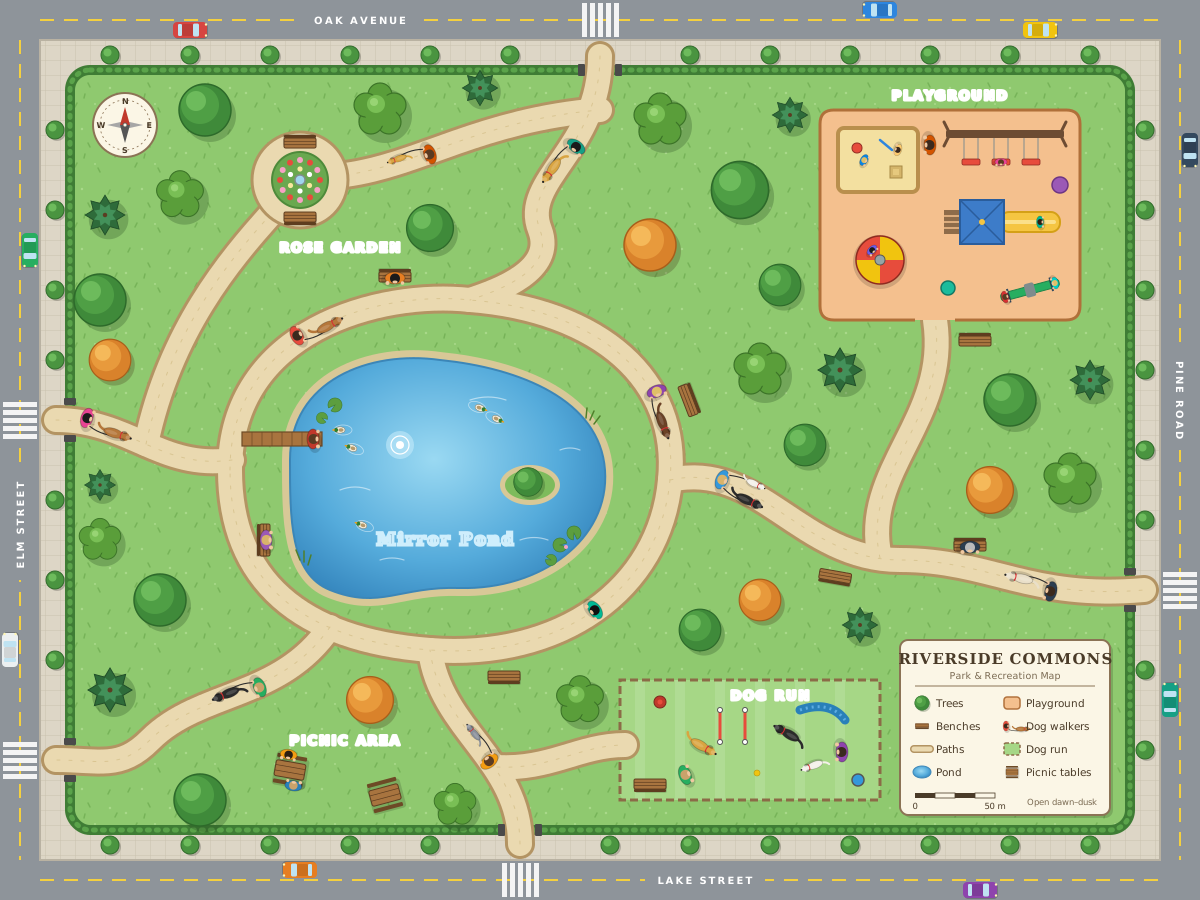
Top-Down City Park
Create a single self-contained SVG illustration of a top-down map-style illustration of a city park with a pond, winding paths, a playground, trees, benches and people walking dogs. Use viewBox="0 0 1200 900" with width="1200" height="900". No external assets, no raster images, no external fonts (generic font families such as sans-serif are fine), no scripts. Output ONLY the complete SVG code, starting with <svg and ending with </svg>, with no explanation or markdown fences.
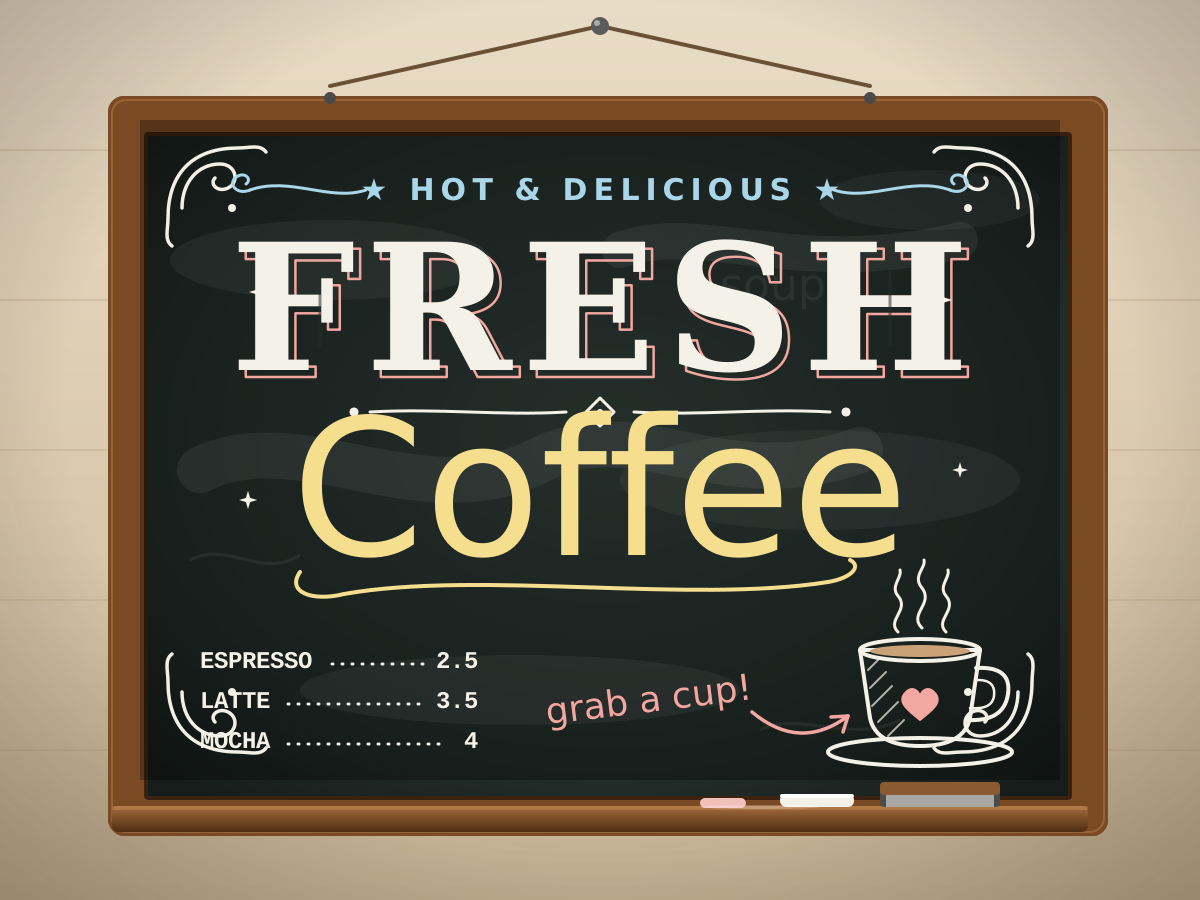
Chalkboard Coffee Lettering
Create a single self-contained SVG illustration of a chalkboard sign reading FRESH COFFEE with mixed hand-lettered styles, decorative flourishes, a small coffee cup doodle and chalk texture. Use viewBox="0 0 1200 900" with width="1200" height="900". No external assets, no raster images, no external fonts (generic font families such as sans-serif are fine), no scripts. Output ONLY the complete SVG code, starting with <svg and ending with </svg>, with no explanation or markdown fences.
Corgi Catching a Frisbee
Create a single self-contained SVG illustration of a short-legged corgi leaping in mid-air to catch a bright frisbee in a sunny park, ears flopping and tongue out. Use viewBox="0 0 1200 900" with width="1200" height="900". No external assets, no raster images, no external fonts (generic font families such as sans-serif are fine), no scripts. Output ONLY the complete SVG code, starting with <svg and ending with </svg>, with no explanation or markdown fences.

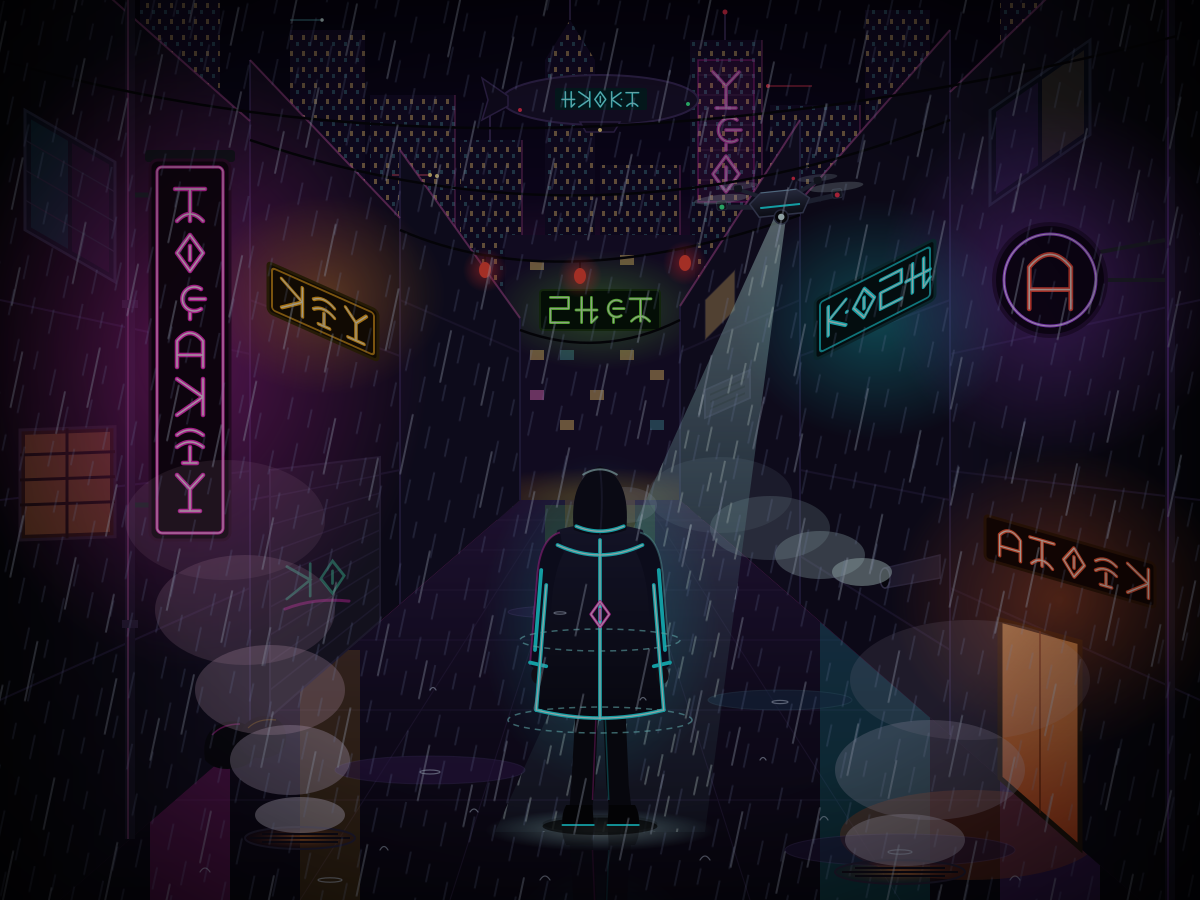
Cyberpunk Alley
Create a single self-contained SVG illustration of a rainy cyberpunk alley with neon signs in invented glyphs, steam vents, a hovering drone and a figure in a glowing jacket. Use viewBox="0 0 1200 900" with width="1200" height="900". No external assets, no raster images, no external fonts (generic font families such as sans-serif are fine), no scripts. Output ONLY the complete SVG code, starting with <svg and ending with </svg>, with no explanation or markdown fences.
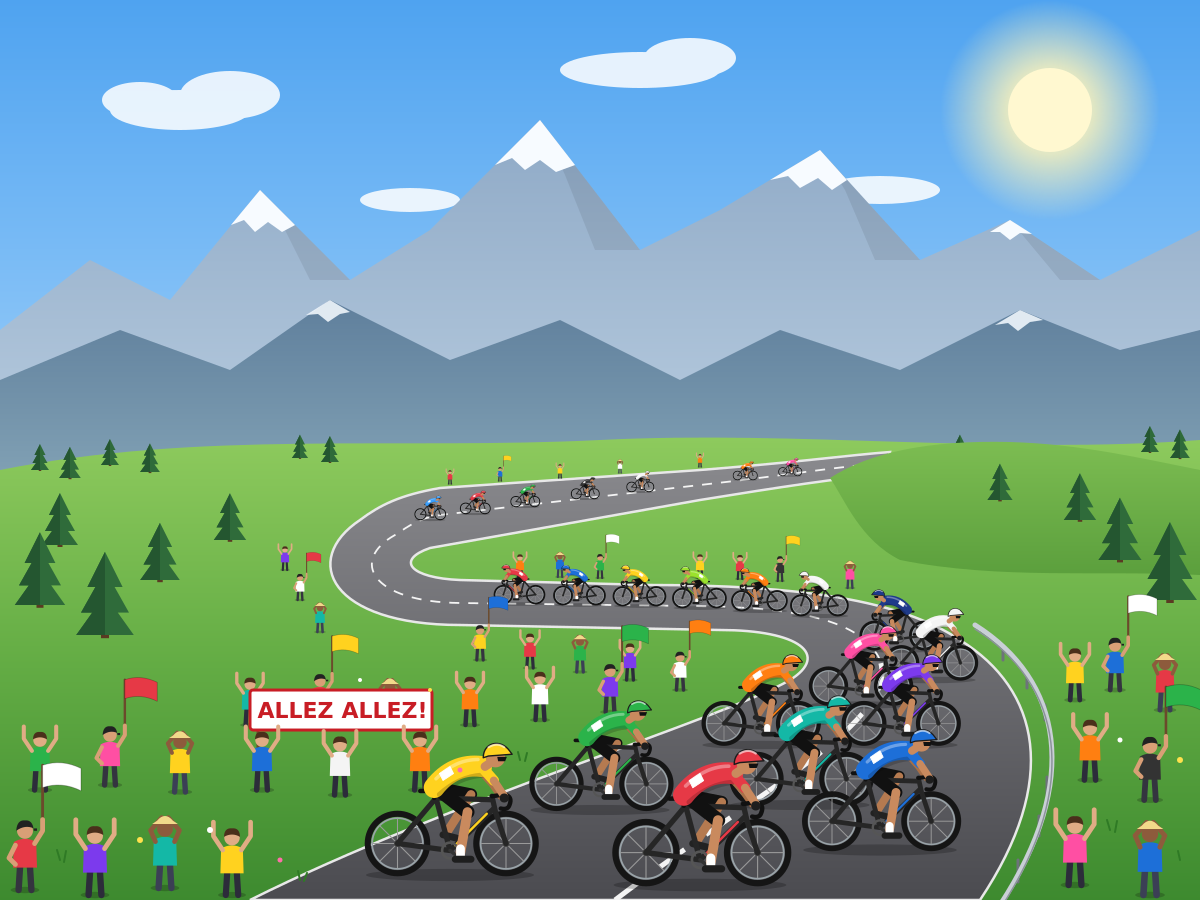
Cycling Peloton
Create a single self-contained SVG illustration of a peloton of road cyclists in colourful jerseys racing along a winding mountain road with spectators cheering. Use viewBox="0 0 1200 900" with width="1200" height="900". No external assets, no raster images, no external fonts (generic font families such as sans-serif are fine), no scripts. Output ONLY the complete SVG code, starting with <svg and ending with </svg>, with no explanation or markdown fences.
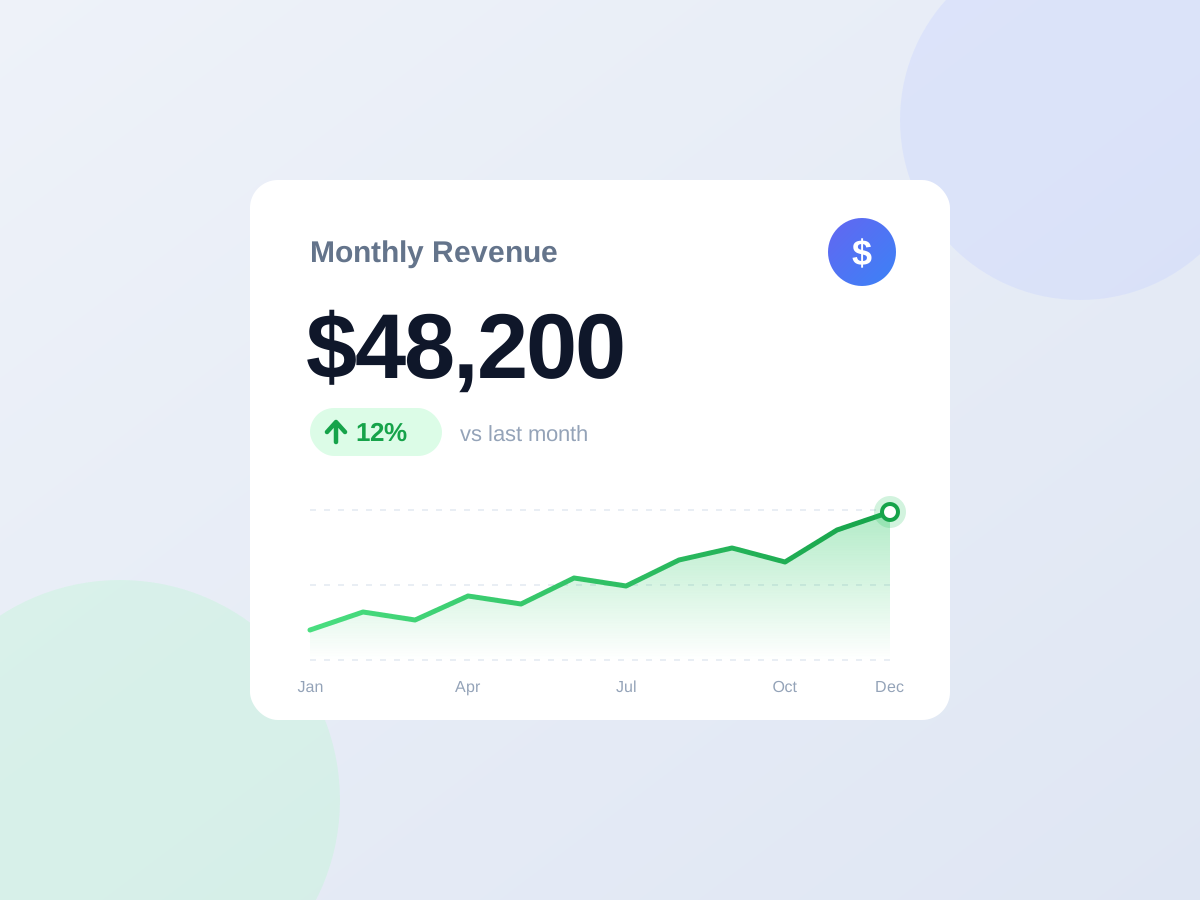
Sales Dashboard Card
Create a single self-contained SVG illustration of a dashboard card titled Monthly Revenue showing 48,200 dollars, a green up arrow with 12 percent and a small line sparkline beneath. Use viewBox="0 0 1200 900" with width="1200" height="900". No external assets, no raster images, no external fonts (generic font families such as sans-serif are fine), no scripts. Output ONLY the complete SVG code, starting with <svg and ending with </svg>, with no explanation or markdown fences.
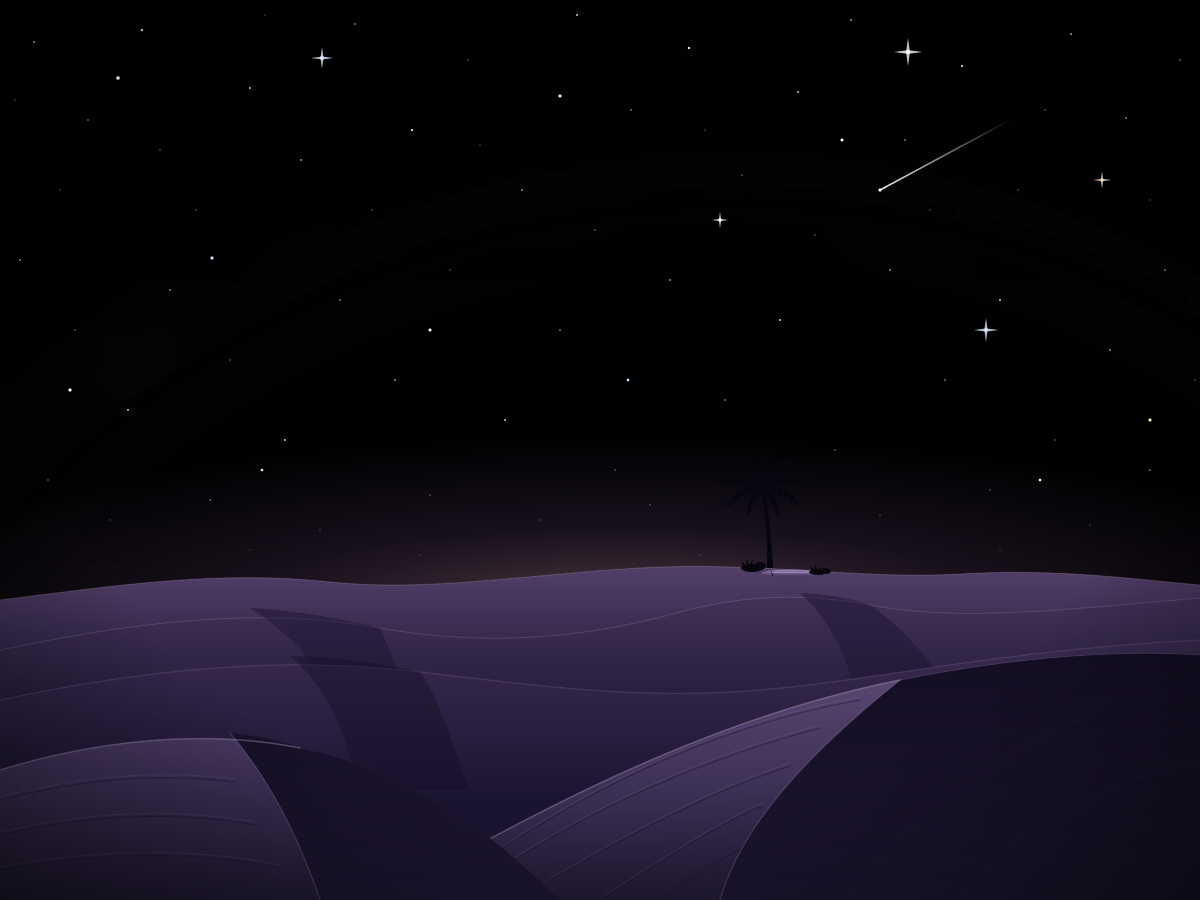
Desert Dunes at Night
Create a single self-contained SVG illustration of rolling sand dunes under a starry night sky with the Milky Way arching overhead and a lone oasis palm on the horizon. Use viewBox="0 0 1200 900" with width="1200" height="900". No external assets, no raster images, no external fonts (generic font families such as sans-serif are fine), no scripts. Output ONLY the complete SVG code, starting with <svg and ending with </svg>, with no explanation or markdown fences.
Desk Lamp and Books
Create a single self-contained SVG illustration of an articulated desk lamp casting a warm cone of light over a stack of three books, a pair of reading glasses and a steaming mug. Use viewBox="0 0 1200 900" with width="1200" height="900". No external assets, no raster images, no external fonts (generic font families such as sans-serif are fine), no scripts. Output ONLY the complete SVG code, starting with <svg and ending with </svg>, with no explanation or markdown fences.

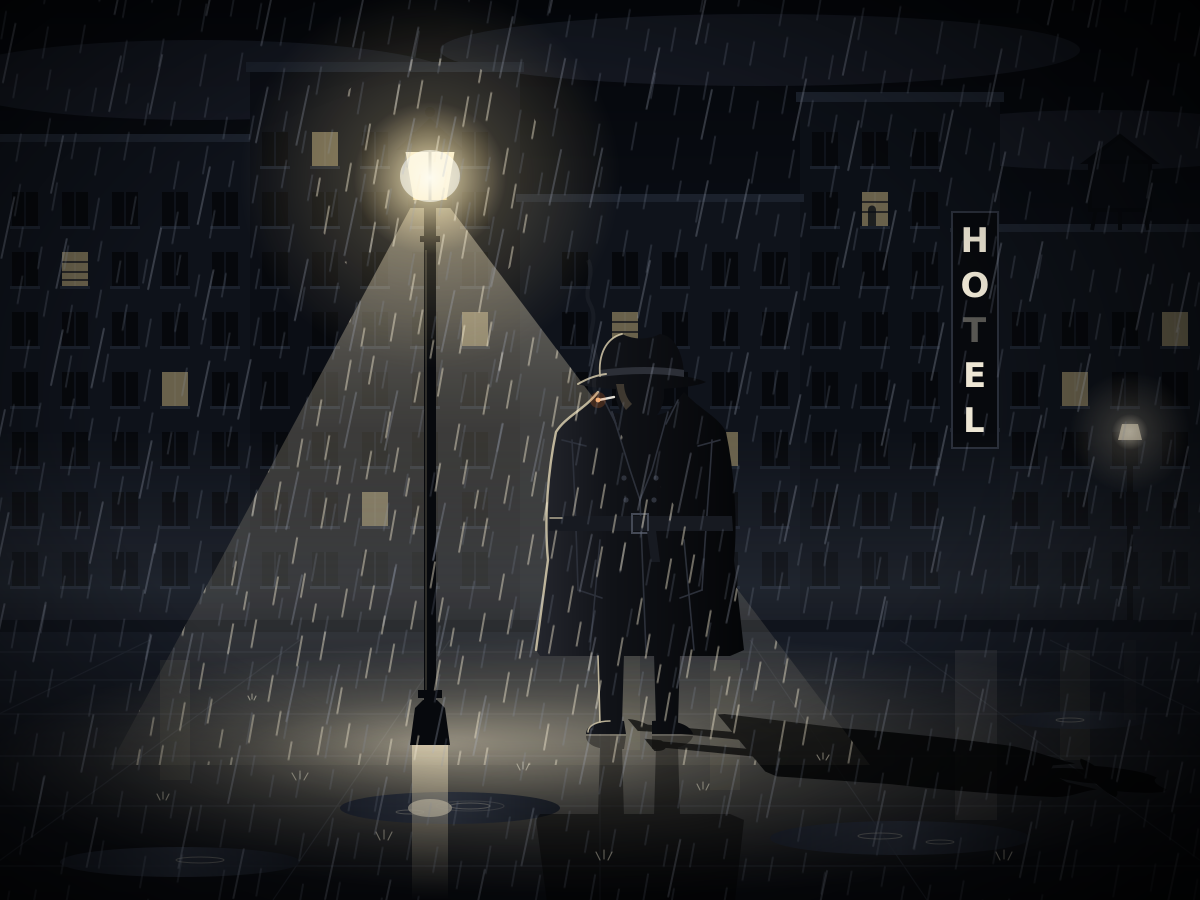
Noir Detective
Create a single self-contained SVG illustration of a stylised film-noir detective in a trench coat and fedora under a streetlamp in the rain, his long shadow on the wet pavement. Use viewBox="0 0 1200 900" with width="1200" height="900". No external assets, no raster images, no external fonts (generic font families such as sans-serif are fine), no scripts. Output ONLY the complete SVG code, starting with <svg and ending with </svg>, with no explanation or markdown fences.
Group Selfie
Create a single self-contained SVG illustration of a stylised group of five friends of different ages and backgrounds squeezing together for a selfie at a picnic, one holding the phone. Use viewBox="0 0 1200 900" with width="1200" height="900". No external assets, no raster images, no external fonts (generic font families such as sans-serif are fine), no scripts. Output ONLY the complete SVG code, starting with <svg and ending with </svg>, with no explanation or markdown fences.

Festival Oil Lamps
Create a single self-contained SVG illustration of a row of glowing clay oil lamps on a doorstep surrounded by a colourful floor pattern of flower petals and geometric rangoli. Use viewBox="0 0 1200 900" with width="1200" height="900". No external assets, no raster images, no external fonts (generic font families such as sans-serif are fine), no scripts. Output ONLY the complete SVG code, starting with <svg and ending with </svg>, with no explanation or markdown fences.

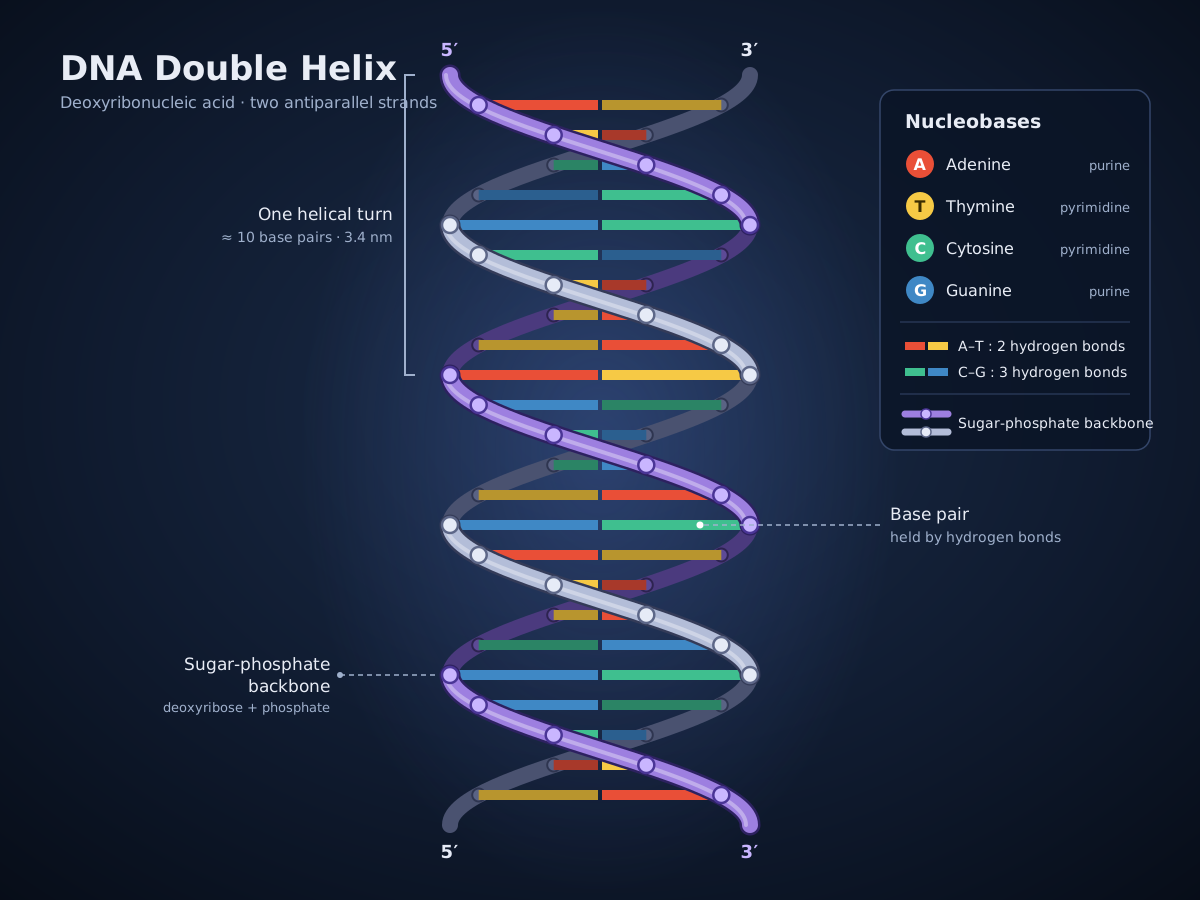
DNA Double Helix
Create a single self-contained SVG illustration of a DNA double helix twisting vertically with a sugar-phosphate backbone and colour-coded base pairs, with a small legend for A, T, C and G. Use viewBox="0 0 1200 900" with width="1200" height="900". No external assets, no raster images, no external fonts (generic font families such as sans-serif are fine), no scripts. Output ONLY the complete SVG code, starting with <svg and ending with </svg>, with no explanation or markdown fences.
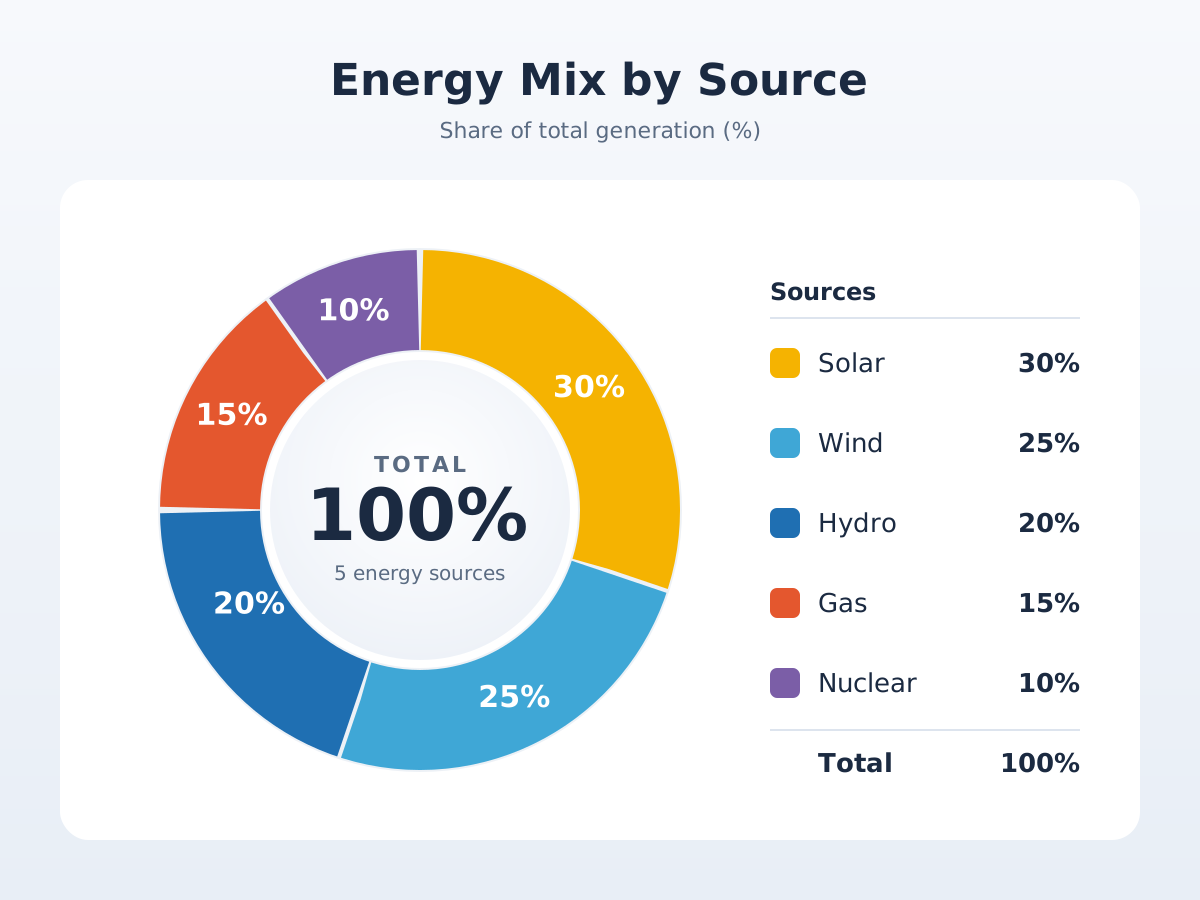
Energy Mix Donut Chart
Create a single self-contained SVG illustration of a donut chart of an energy mix: solar 30 percent, wind 25 percent, hydro 20 percent, gas 15 percent and nuclear 10 percent, with the total in the centre. Use viewBox="0 0 1200 900" with width="1200" height="900". No external assets, no raster images, no external fonts (generic font families such as sans-serif are fine), no scripts. Output ONLY the complete SVG code, starting with <svg and ending with </svg>, with no explanation or markdown fences.
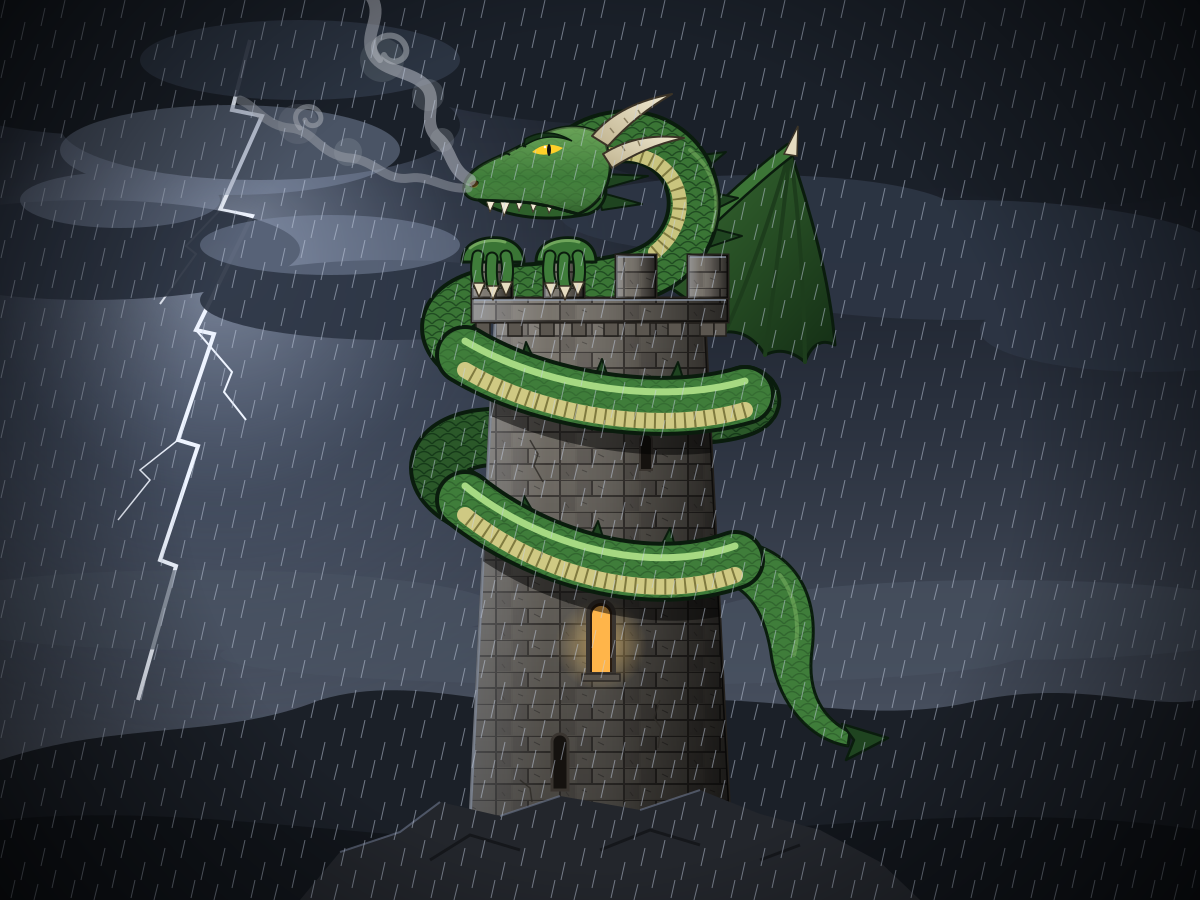
Dragon Coiled on a Tower
Create a single self-contained SVG illustration of a green dragon coiled around the top of a stone tower, wings folded and smoke curling from its nostrils, under a stormy sky. Use viewBox="0 0 1200 900" with width="1200" height="900". No external assets, no raster images, no external fonts (generic font families such as sans-serif are fine), no scripts. Output ONLY the complete SVG code, starting with <svg and ending with </svg>, with no explanation or markdown fences.
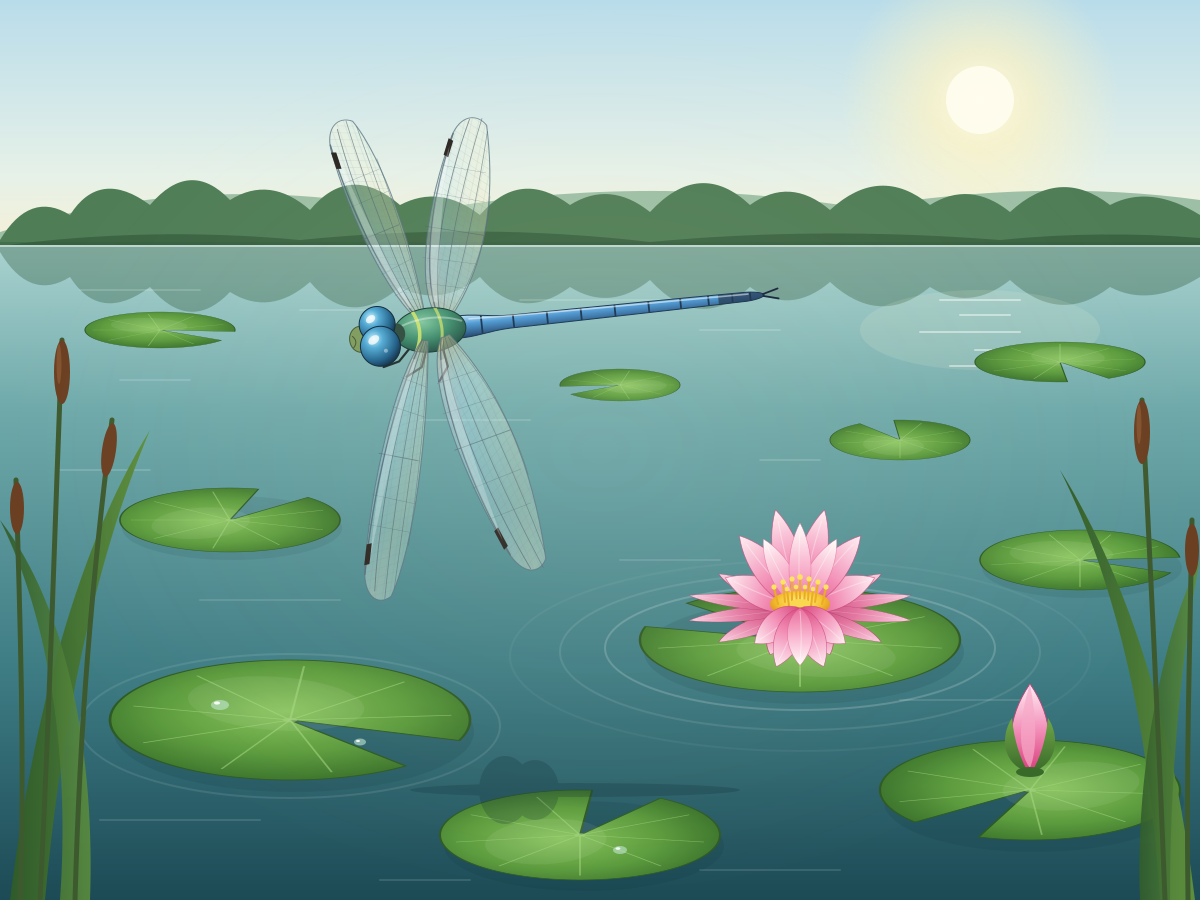
Dragonfly Over Pond
Create a single self-contained SVG illustration of a dragonfly with four transparent veined wings hovering above lily pads on a pond, a pink water lily open beside it. Use viewBox="0 0 1200 900" with width="1200" height="900". No external assets, no raster images, no external fonts (generic font families such as sans-serif are fine), no scripts. Output ONLY the complete SVG code, starting with <svg and ending with </svg>, with no explanation or markdown fences.
3D Block Letters
Create a single self-contained SVG illustration of the words DREAM BIG as chunky extruded 3D block letters in teal with long diagonal shadows on a cream background. Use viewBox="0 0 1200 900" with width="1200" height="900". No external assets, no raster images, no external fonts (generic font families such as sans-serif are fine), no scripts. Output ONLY the complete SVG code, starting with <svg and ending with </svg>, with no explanation or markdown fences.

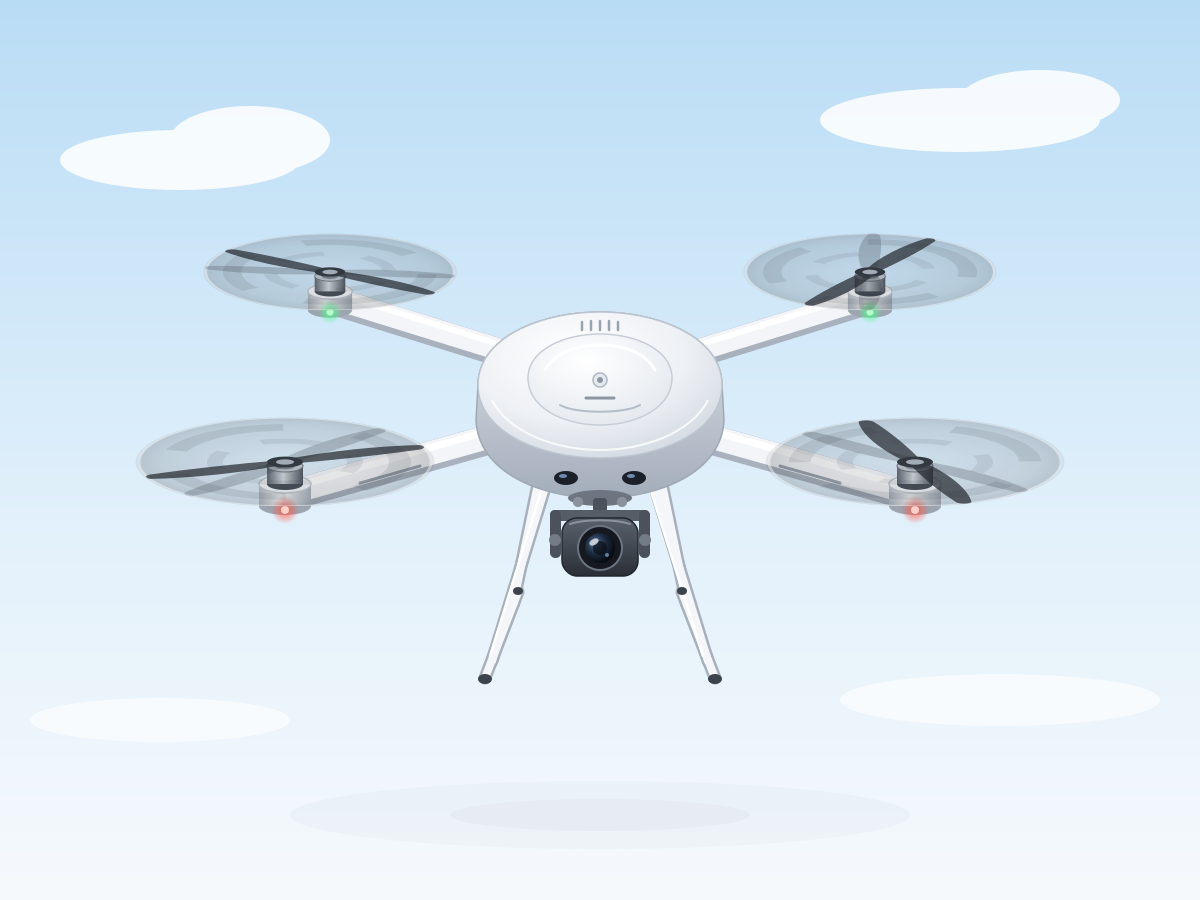
Quadcopter Drone
Create a single self-contained SVG illustration of a white quadcopter drone hovering with four propellers, landing legs and a camera gimbal underneath, seen from a slight top angle. Use viewBox="0 0 1200 900" with width="1200" height="900". No external assets, no raster images, no external fonts (generic font families such as sans-serif are fine), no scripts. Output ONLY the complete SVG code, starting with <svg and ending with </svg>, with no explanation or markdown fences.
Drum Kit
Create a single self-contained SVG illustration of a full drum kit with a bass drum, snare, two toms, floor tom, hi-hat and two cymbals, with drumsticks resting on the snare. Use viewBox="0 0 1200 900" with width="1200" height="900". No external assets, no raster images, no external fonts (generic font families such as sans-serif are fine), no scripts. Output ONLY the complete SVG code, starting with <svg and ending with </svg>, with no explanation or markdown fences.

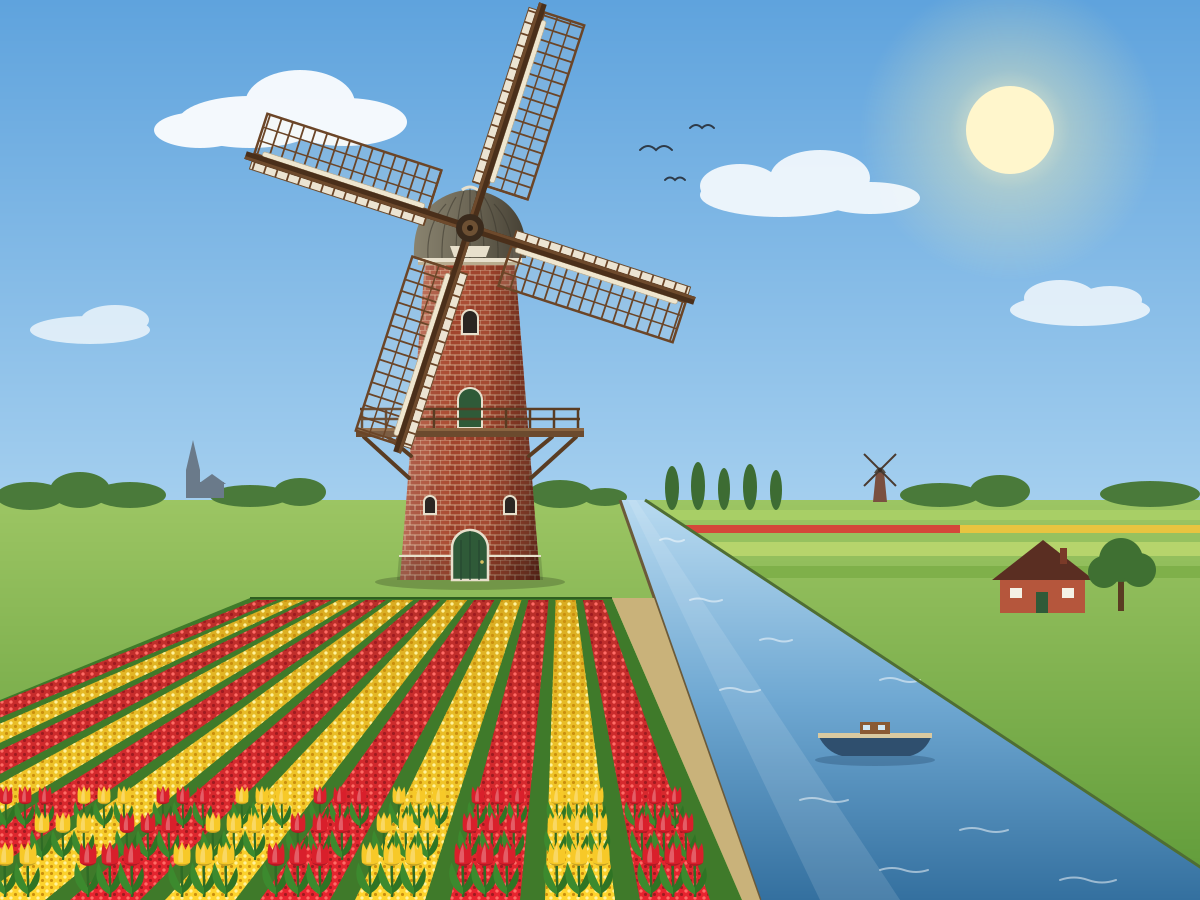
Windmill by a Canal
Create a single self-contained SVG illustration of a traditional brick windmill with four lattice sails beside a canal, tulip fields in rows of red and yellow in front. Use viewBox="0 0 1200 900" with width="1200" height="900". No external assets, no raster images, no external fonts (generic font families such as sans-serif are fine), no scripts. Output ONLY the complete SVG code, starting with <svg and ending with </svg>, with no explanation or markdown fences.
Basket of Painted Eggs
Create a single self-contained SVG illustration of a wicker basket of painted eggs with stripes, dots and zigzags nestled in green paper grass, with a small bunny peeking from behind. Use viewBox="0 0 1200 900" with width="1200" height="900". No external assets, no raster images, no external fonts (generic font families such as sans-serif are fine), no scripts. Output ONLY the complete SVG code, starting with <svg and ending with </svg>, with no explanation or markdown fences.

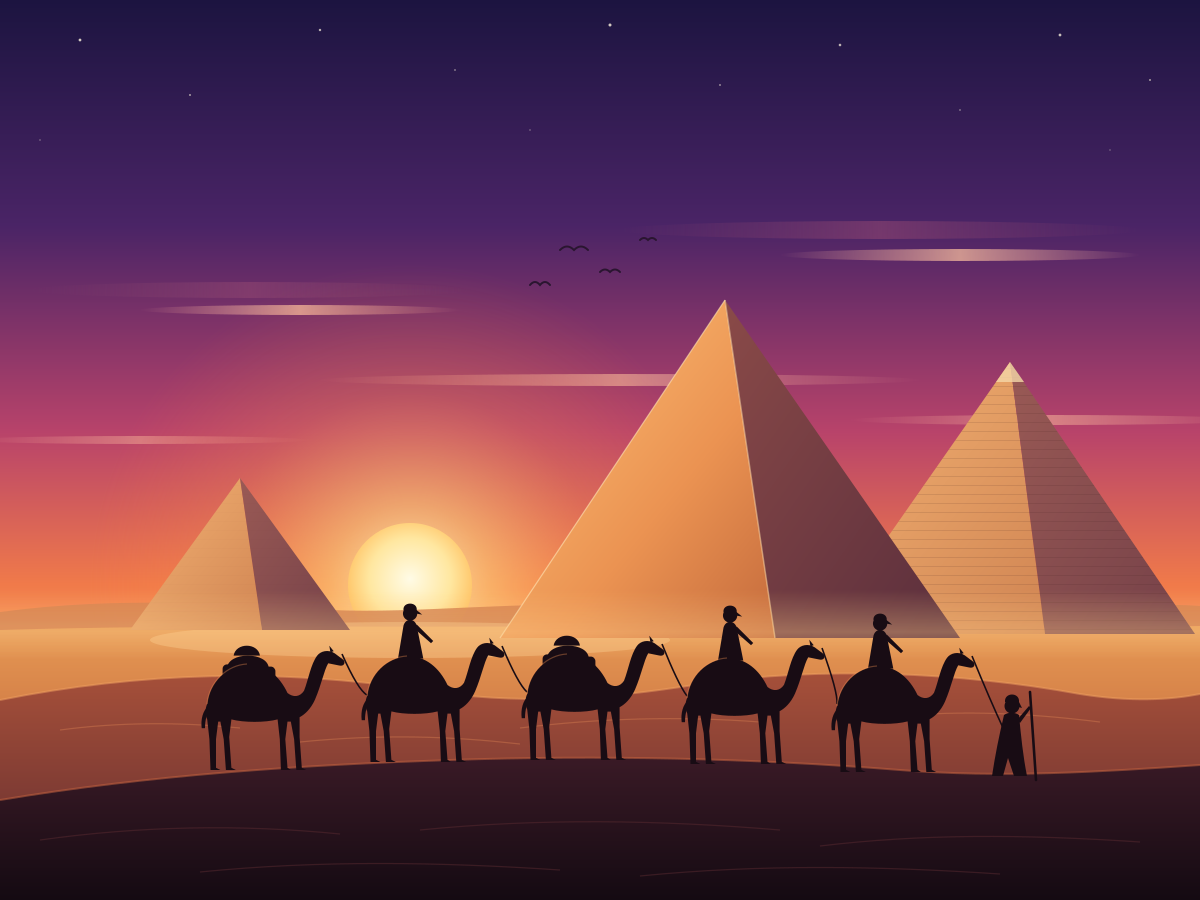
Pyramids at Sunset
Create a single self-contained SVG illustration of three ancient Egyptian pyramids in the desert at sunset, with a camel caravan silhouetted in the foreground. Use viewBox="0 0 1200 900" with width="1200" height="900". No external assets, no raster images, no external fonts (generic font families such as sans-serif are fine), no scripts. Output ONLY the complete SVG code, starting with <svg and ending with </svg>, with no explanation or markdown fences.
Elephant Calf Mud Bath
Create a single self-contained SVG illustration of a baby elephant spraying water from its trunk over its back in a muddy watering hole, with a savanna acacia tree and warm late-afternoon light. Use viewBox="0 0 1200 900" with width="1200" height="900". No external assets, no raster images, no external fonts (generic font families such as sans-serif are fine), no scripts. Output ONLY the complete SVG code, starting with <svg and ending with </svg>, with no explanation or markdown fences.

Fantasy World Map
Create a single self-contained SVG illustration of a hand-drawn fantasy world map with two continents, mountain ranges, forests, rivers, a sea serpent in the ocean and invented place names. Use viewBox="0 0 1200 900" with width="1200" height="900". No external assets, no raster images, no external fonts (generic font families such as sans-serif are fine), no scripts. Output ONLY the complete SVG code, starting with <svg and ending with </svg>, with no explanation or markdown fences.
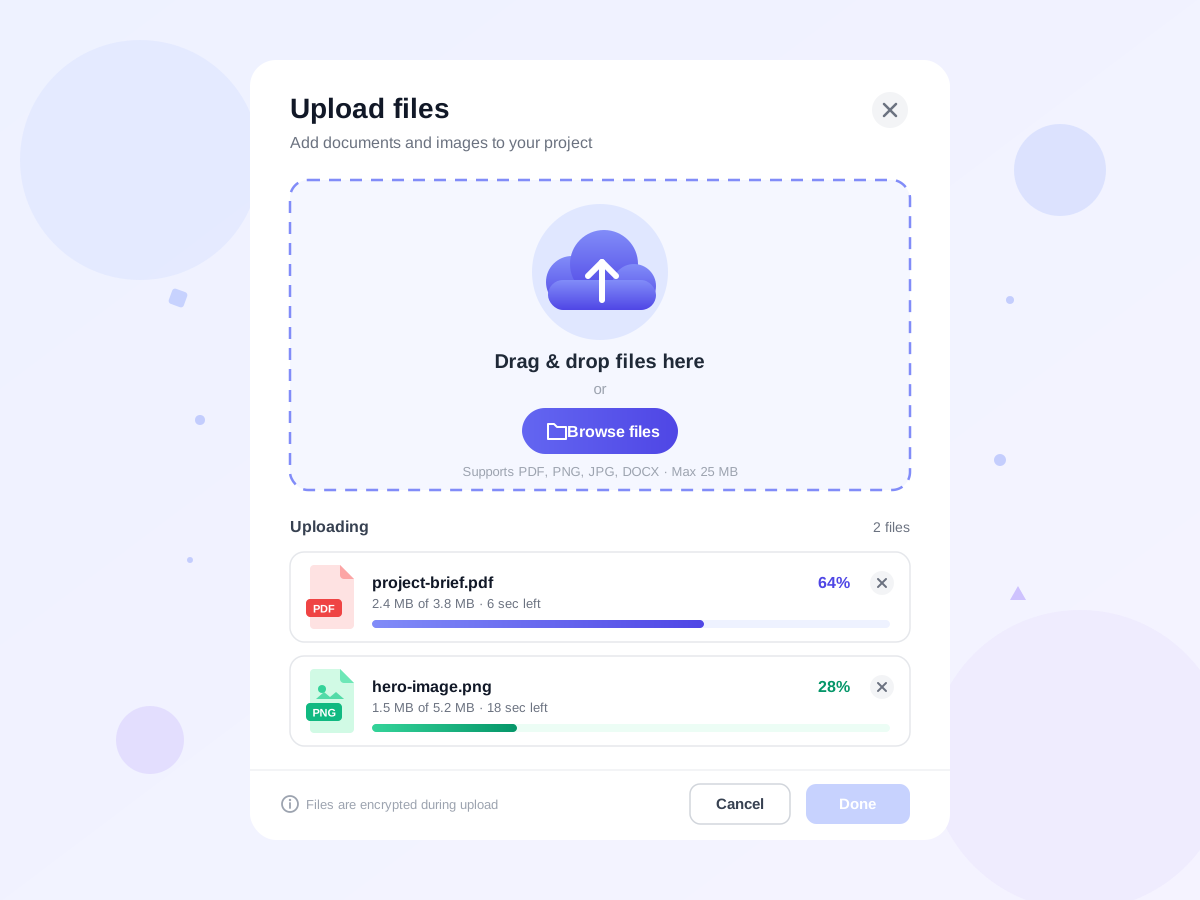
File Upload Dropzone
Create a single self-contained SVG illustration of a file upload card with a dashed-border drop zone, a cloud-upload icon, a browse button and two files in progress with percentage bars. Use viewBox="0 0 1200 900" with width="1200" height="900". No external assets, no raster images, no external fonts (generic font families such as sans-serif are fine), no scripts. Output ONLY the complete SVG code, starting with <svg and ending with </svg>, with no explanation or markdown fences.
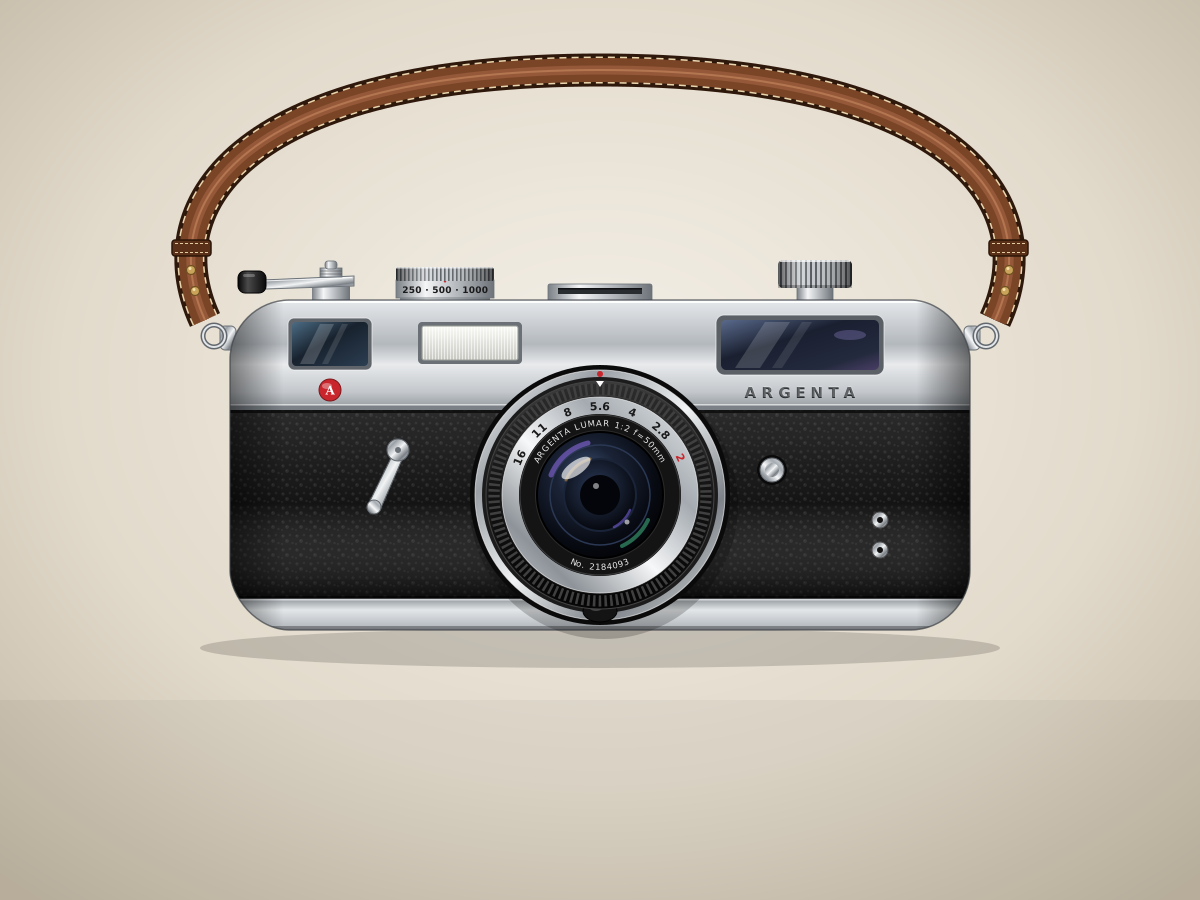
35mm Film Camera
Create a single self-contained SVG illustration of a silver and black 35mm rangefinder film camera in front view with a lens, shutter dial, film advance lever and leather strap. Use viewBox="0 0 1200 900" with width="1200" height="900". No external assets, no raster images, no external fonts (generic font families such as sans-serif are fine), no scripts. Output ONLY the complete SVG code, starting with <svg and ending with </svg>, with no explanation or markdown fences.
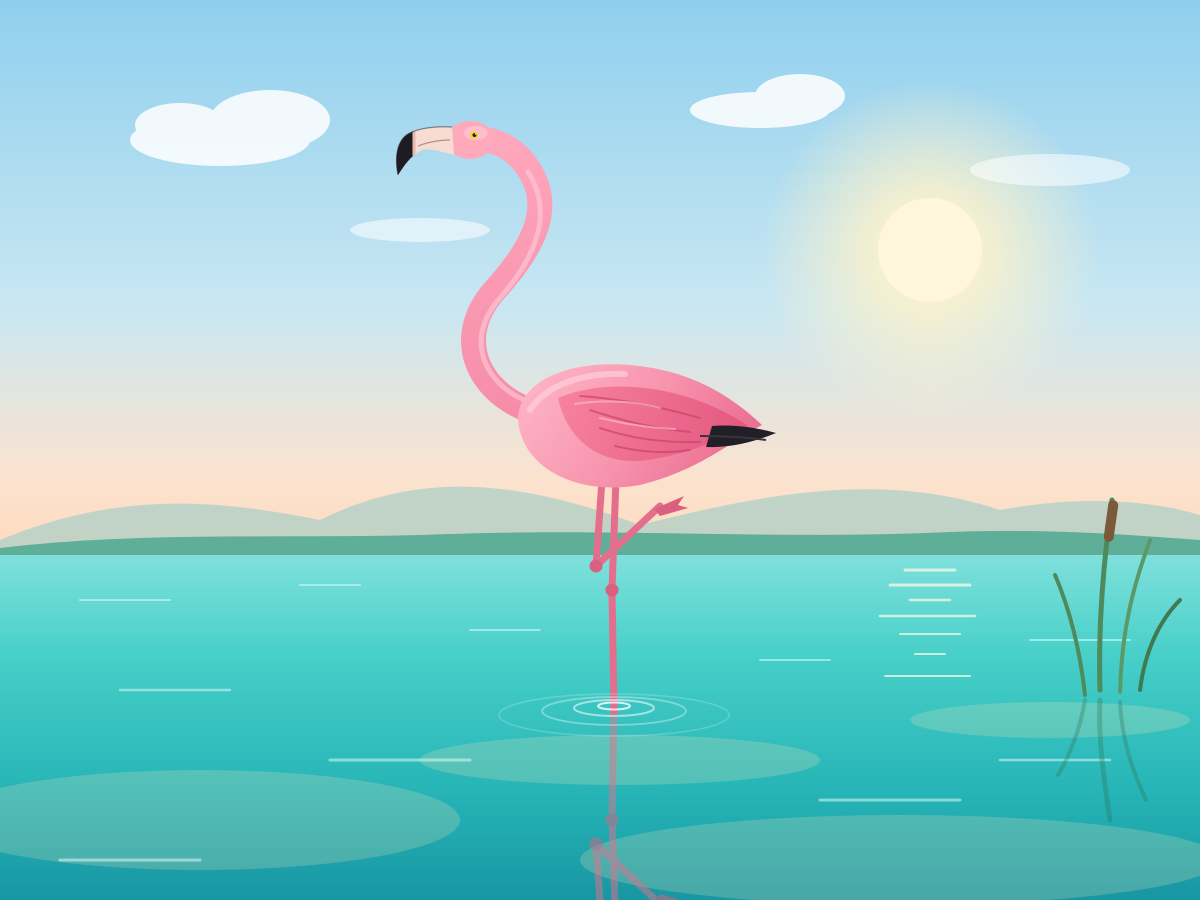
Flamingo on One Leg
Create a single self-contained SVG illustration of a pink flamingo standing on one leg in shallow turquoise water, its reflection rippling beneath it and its neck in an S-curve. Use viewBox="0 0 1200 900" with width="1200" height="900". No external assets, no raster images, no external fonts (generic font families such as sans-serif are fine), no scripts. Output ONLY the complete SVG code, starting with <svg and ending with </svg>, with no explanation or markdown fences.
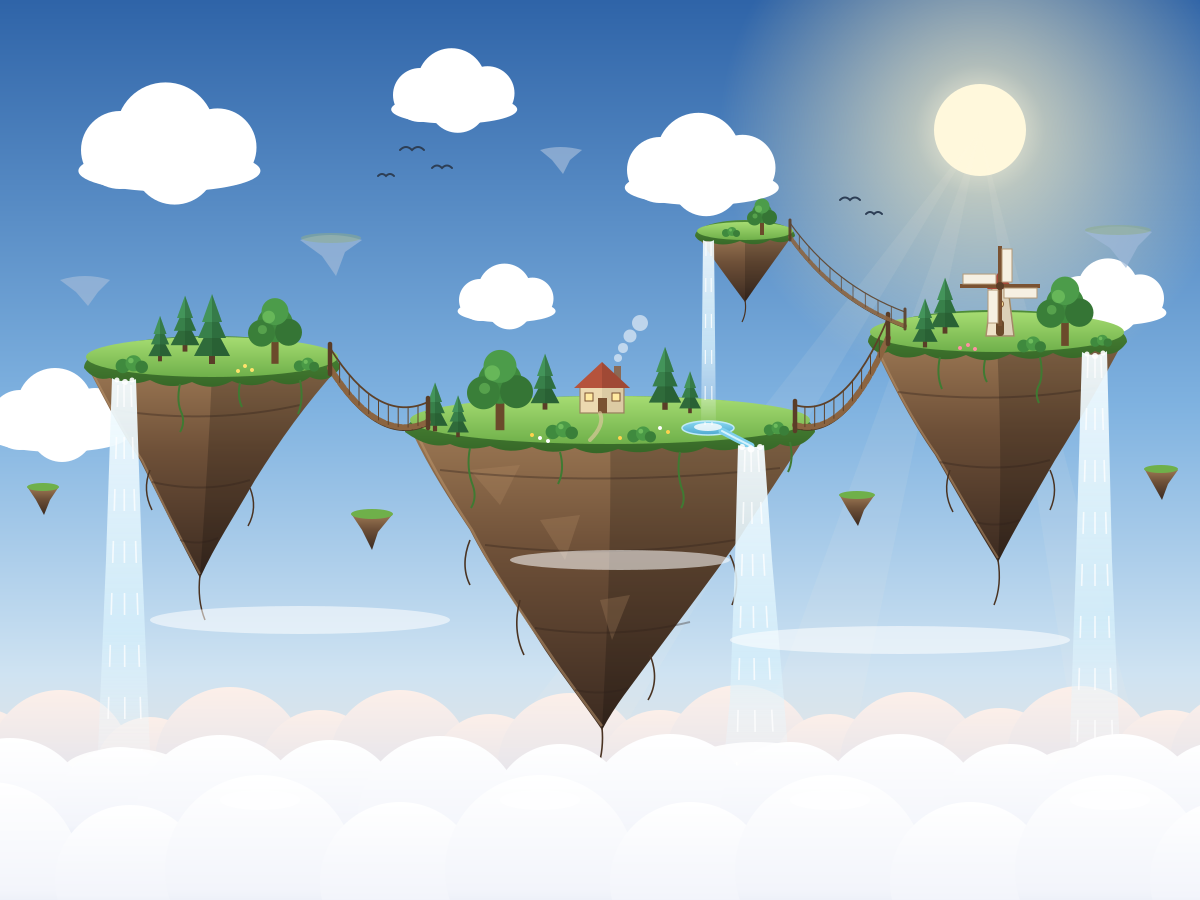
Floating Islands
Create a single self-contained SVG illustration of a cluster of floating islands in the sky connected by rope bridges, waterfalls pouring off their edges into the clouds below. Use viewBox="0 0 1200 900" with width="1200" height="900". No external assets, no raster images, no external fonts (generic font families such as sans-serif are fine), no scripts. Output ONLY the complete SVG code, starting with <svg and ending with </svg>, with no explanation or markdown fences.
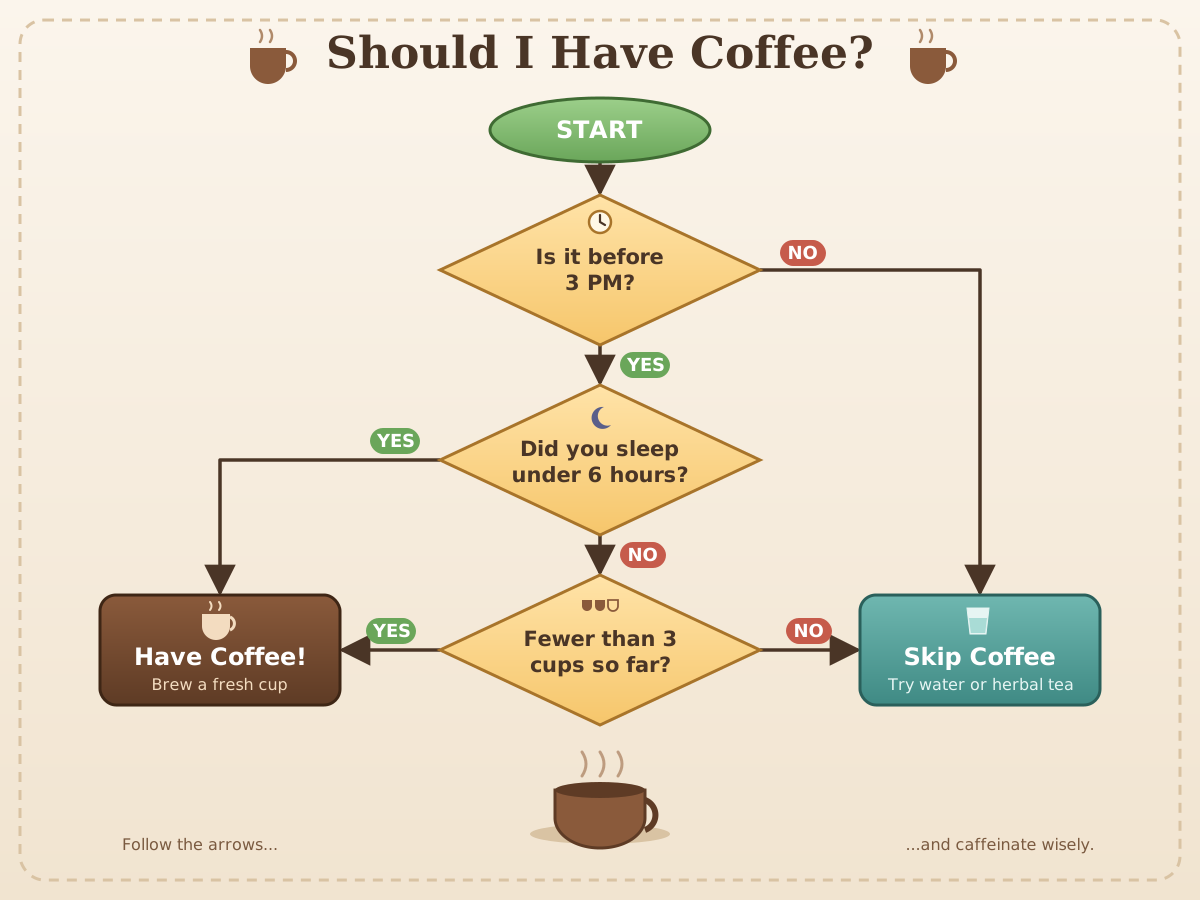
Coffee Decision Flowchart
Create a single self-contained SVG illustration of a flowchart titled Should I Have Coffee with a start oval, three yes/no decision diamonds about time, sleep and cups so far, and two outcome boxes. Use viewBox="0 0 1200 900" with width="1200" height="900". No external assets, no raster images, no external fonts (generic font families such as sans-serif are fine), no scripts. Output ONLY the complete SVG code, starting with <svg and ending with </svg>, with no explanation or markdown fences.
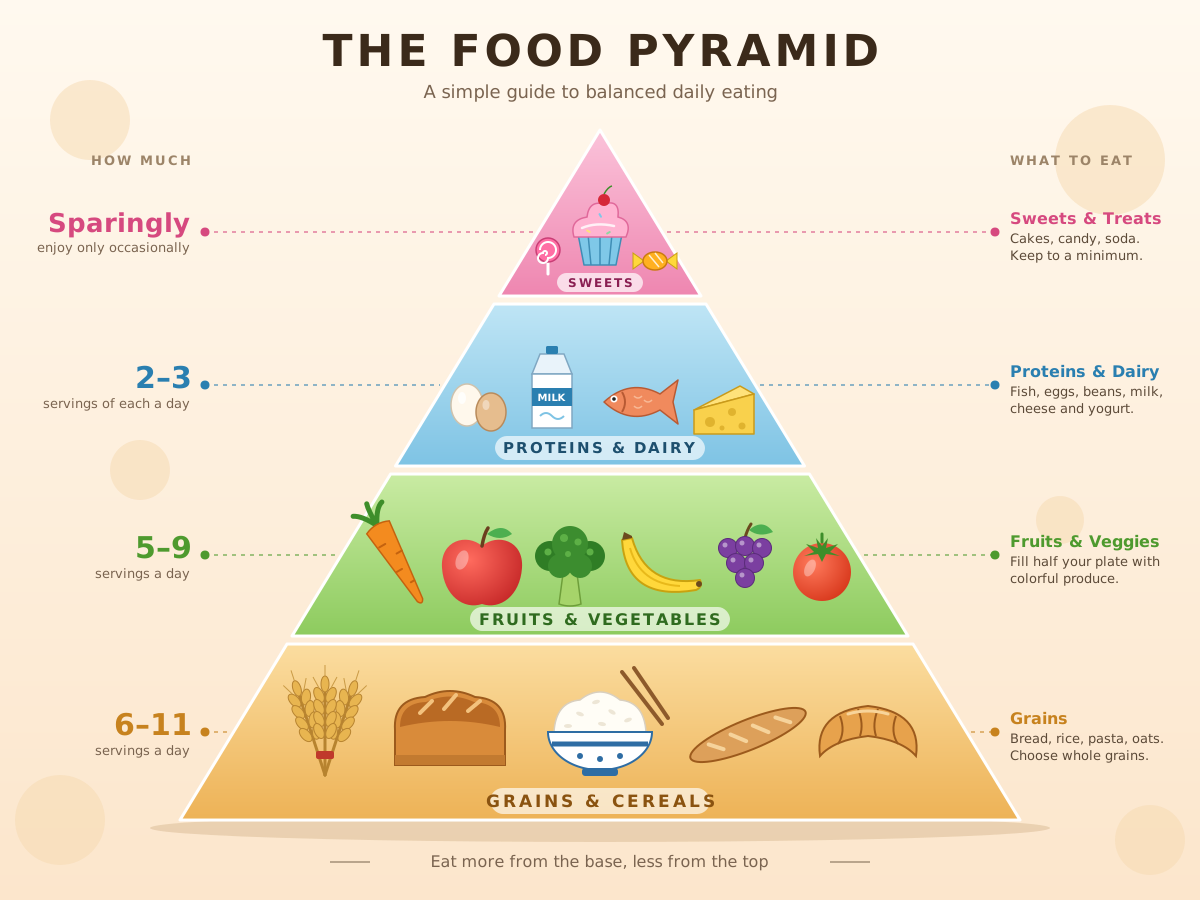
Food Pyramid
Create a single self-contained SVG illustration of a four-tier food pyramid infographic with grains at the base, then fruits and vegetables, then proteins and dairy, then sweets at the top, each tier illustrated. Use viewBox="0 0 1200 900" with width="1200" height="900". No external assets, no raster images, no external fonts (generic font families such as sans-serif are fine), no scripts. Output ONLY the complete SVG code, starting with <svg and ending with </svg>, with no explanation or markdown fences.
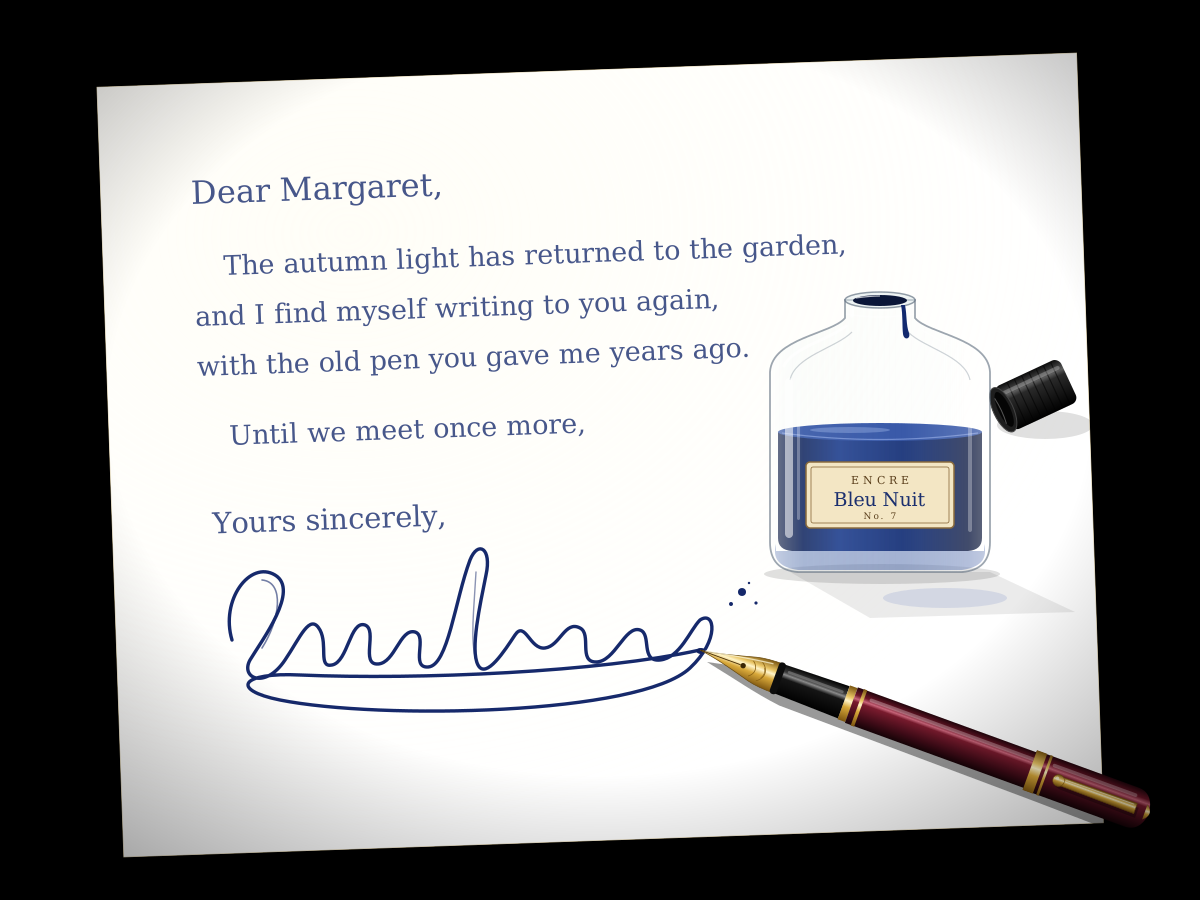
Fountain Pen and Ink
Create a single self-contained SVG illustration of a fountain pen with a gold nib resting beside an open glass ink bottle, a curling signature-style ink line on cream paper. Use viewBox="0 0 1200 900" with width="1200" height="900". No external assets, no raster images, no external fonts (generic font families such as sans-serif are fine), no scripts. Output ONLY the complete SVG code, starting with <svg and ending with </svg>, with no explanation or markdown fences.
Fractal Tree
Create a single self-contained SVG illustration of a recursive fractal tree where each branch splits into two smaller branches at an angle, at least eight levels deep, with blossoms at the tips. Use viewBox="0 0 1200 900" with width="1200" height="900". No external assets, no raster images, no external fonts (generic font families such as sans-serif are fine), no scripts. Output ONLY the complete SVG code, starting with <svg and ending with </svg>, with no explanation or markdown fences.

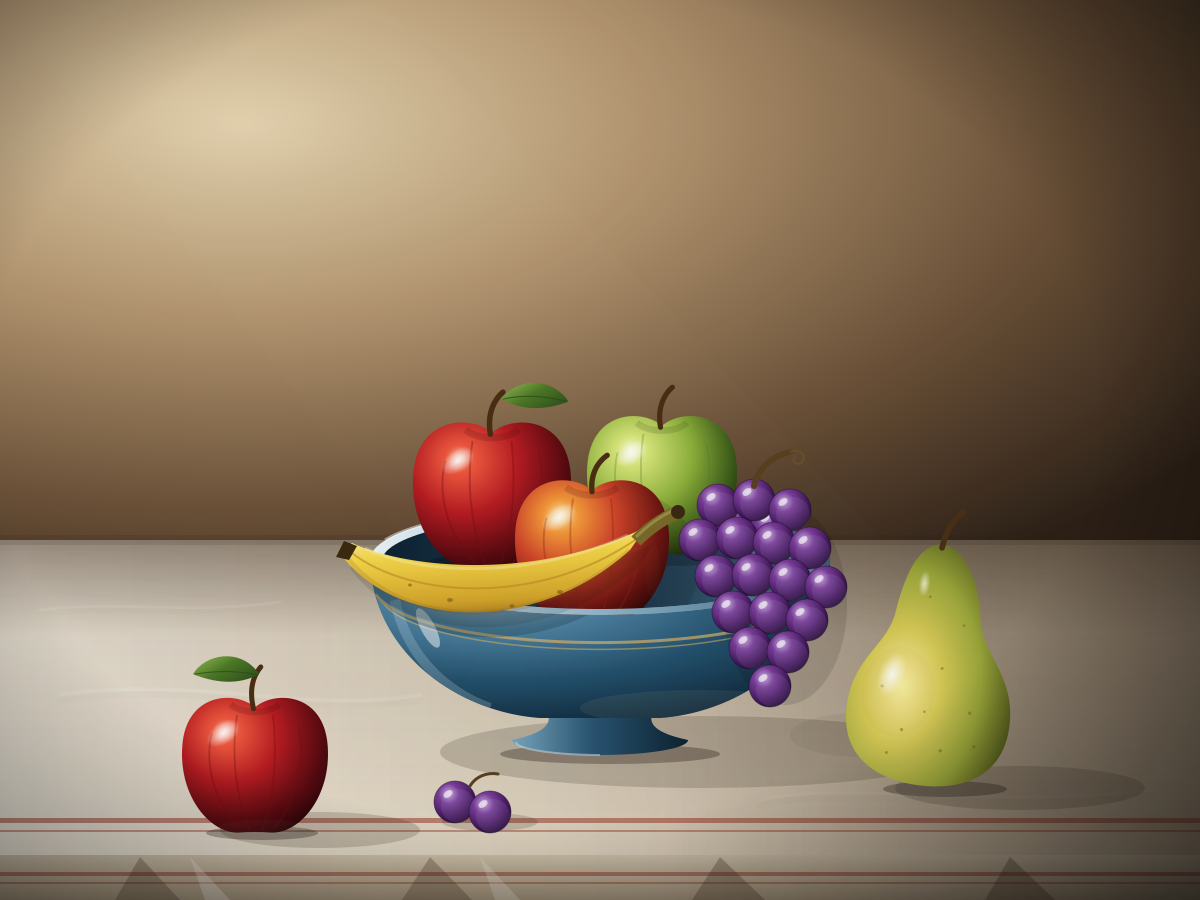
Fruit Bowl Still Life
Create a single self-contained SVG illustration of a still-life fruit bowl with apples, a bunch of grapes, a banana and a pear, lit from the side with soft shadows on a tablecloth. Use viewBox="0 0 1200 900" with width="1200" height="900". No external assets, no raster images, no external fonts (generic font families such as sans-serif are fine), no scripts. Output ONLY the complete SVG code, starting with <svg and ending with </svg>, with no explanation or markdown fences.
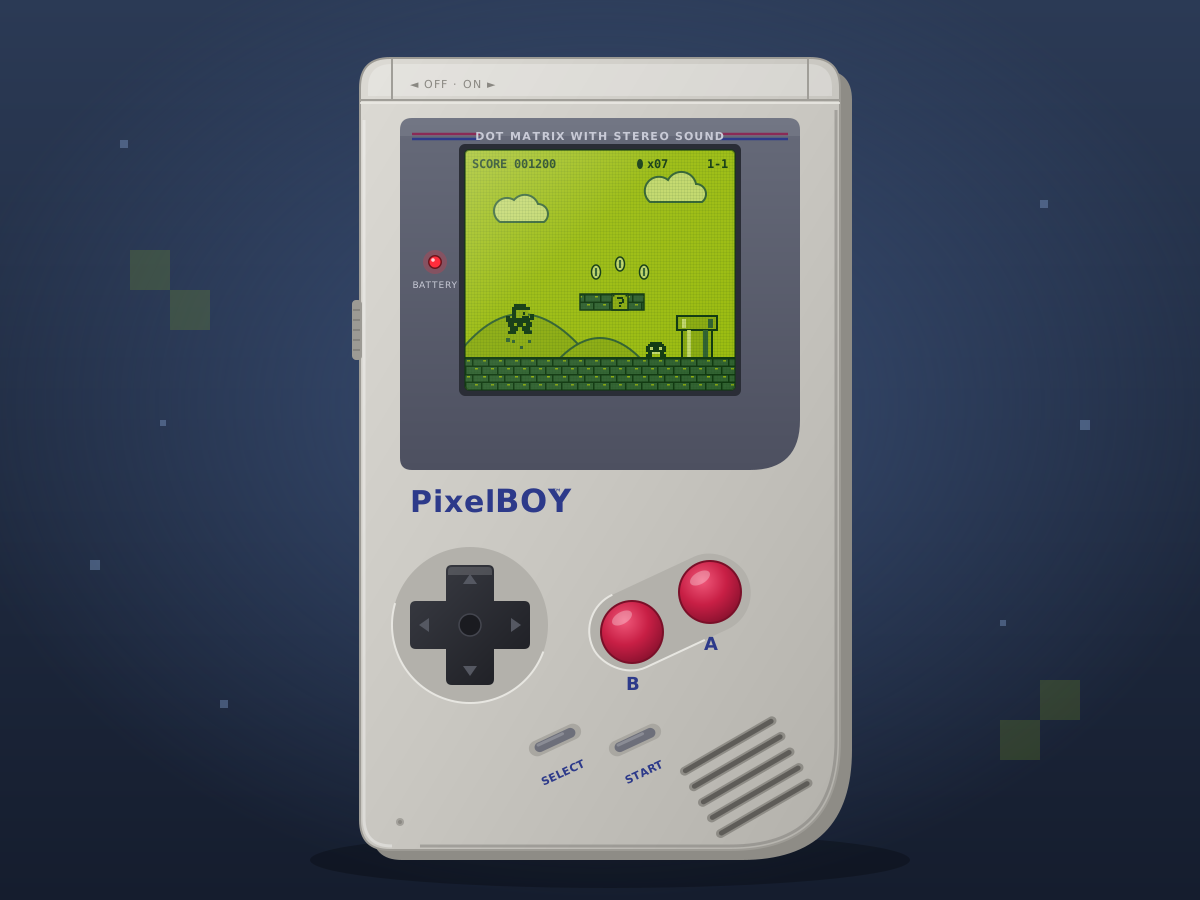
Retro Handheld Console
Create a single self-contained SVG illustration of a chunky grey retro handheld game console with a green monochrome screen showing a platform game, a D-pad and two red buttons. Use viewBox="0 0 1200 900" with width="1200" height="900". No external assets, no raster images, no external fonts (generic font families such as sans-serif are fine), no scripts. Output ONLY the complete SVG code, starting with <svg and ending with </svg>, with no explanation or markdown fences.
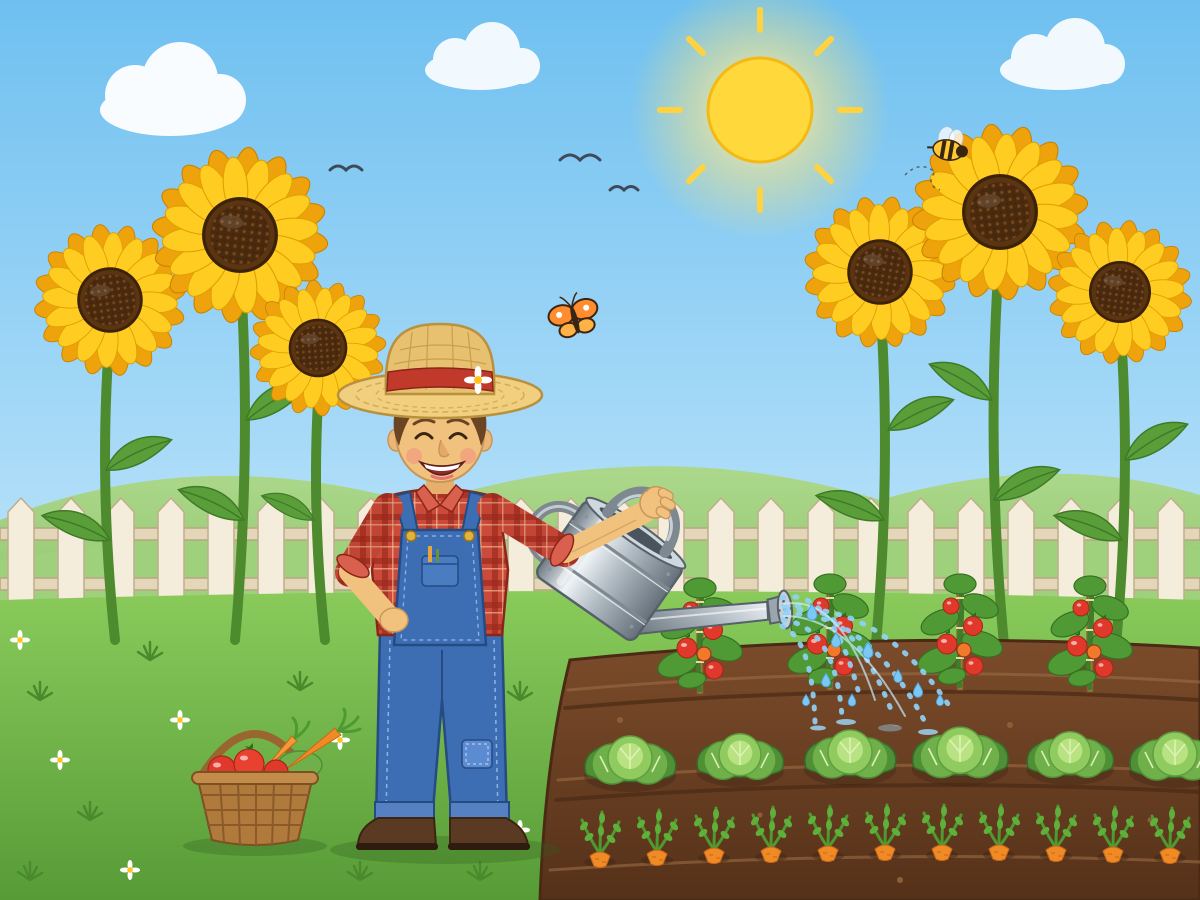
Gardener Watering Plants
Create a single self-contained SVG illustration of a smiling gardener in overalls and a straw hat watering a vegetable patch with a metal watering can, sunflowers behind. Use viewBox="0 0 1200 900" with width="1200" height="900". No external assets, no raster images, no external fonts (generic font families such as sans-serif are fine), no scripts. Output ONLY the complete SVG code, starting with <svg and ending with </svg>, with no explanation or markdown fences.
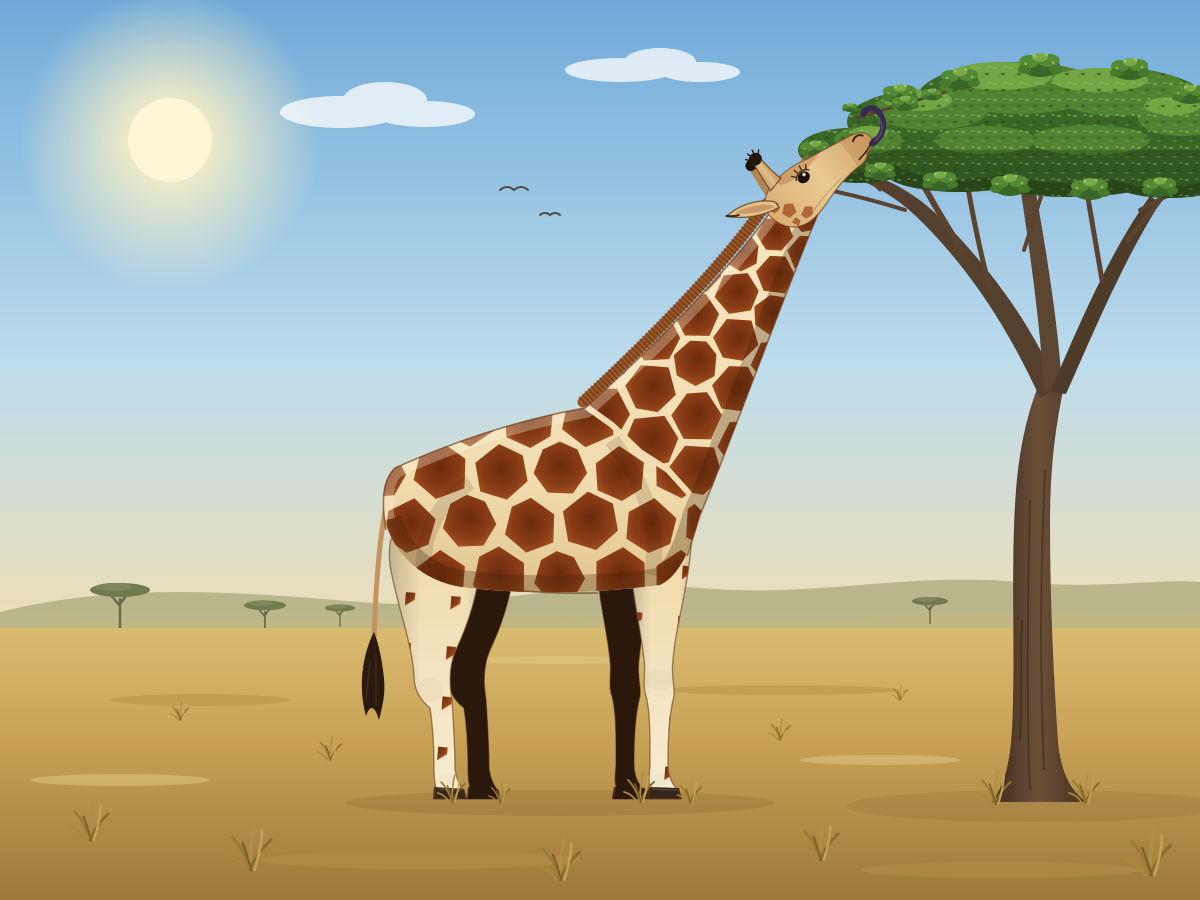
Giraffe Side Profile
Create a single self-contained SVG illustration of a full-body side view of a giraffe reaching up to eat leaves from a tall tree, with accurate patchwork coat pattern and ossicones. Use viewBox="0 0 1200 900" with width="1200" height="900". No external assets, no raster images, no external fonts (generic font families such as sans-serif are fine), no scripts. Output ONLY the complete SVG code, starting with <svg and ending with </svg>, with no explanation or markdown fences.
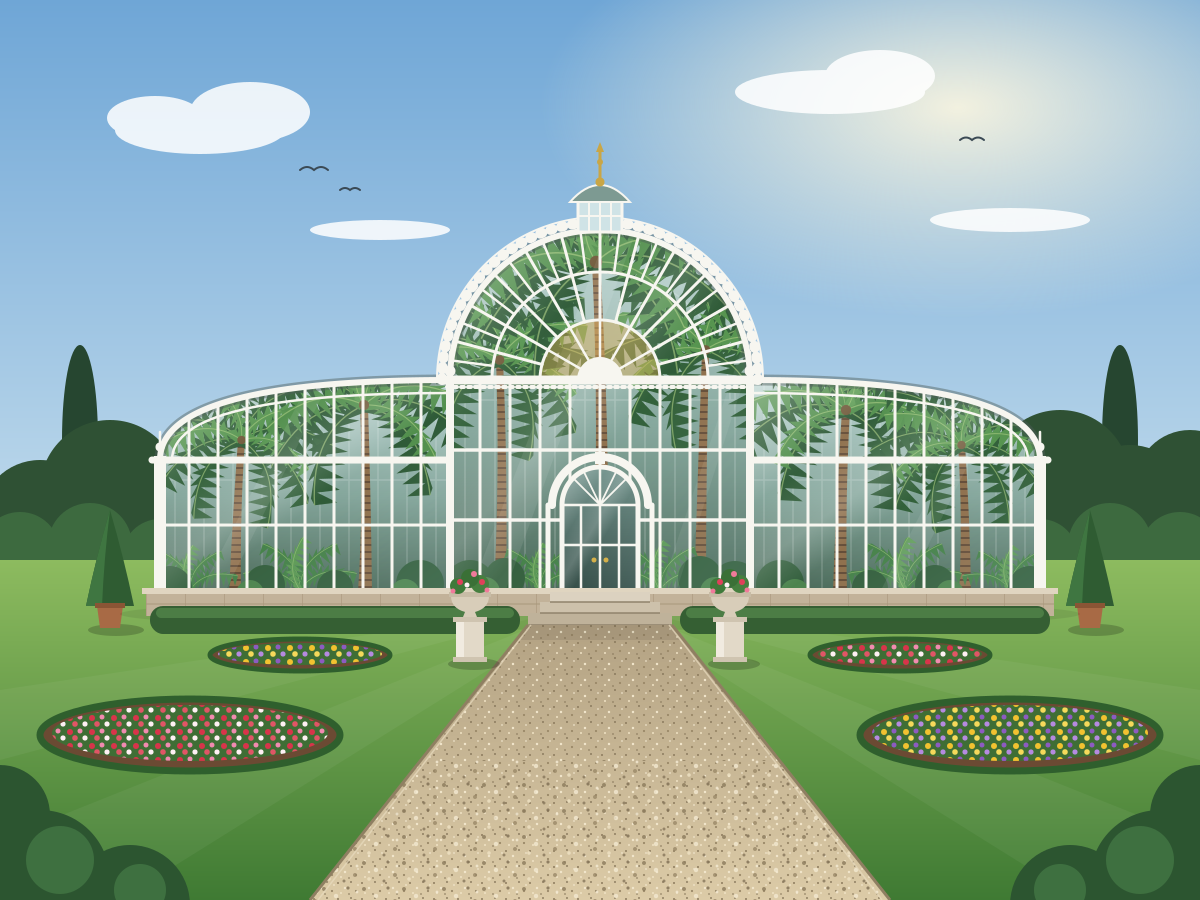
Victorian Glasshouse
Create a single self-contained SVG illustration of a Victorian glass and iron conservatory with an arched roof, tall palm trees visible inside and a gravel path leading to its doors. Use viewBox="0 0 1200 900" with width="1200" height="900". No external assets, no raster images, no external fonts (generic font families such as sans-serif are fine), no scripts. Output ONLY the complete SVG code, starting with <svg and ending with </svg>, with no explanation or markdown fences.
Straw in a Glass
Create a single self-contained SVG illustration of a clear glass of water with a striped straw that appears bent at the waterline due to refraction, ice cubes and a lemon slice. Use viewBox="0 0 1200 900" with width="1200" height="900". No external assets, no raster images, no external fonts (generic font families such as sans-serif are fine), no scripts. Output ONLY the complete SVG code, starting with <svg and ending with </svg>, with no explanation or markdown fences.

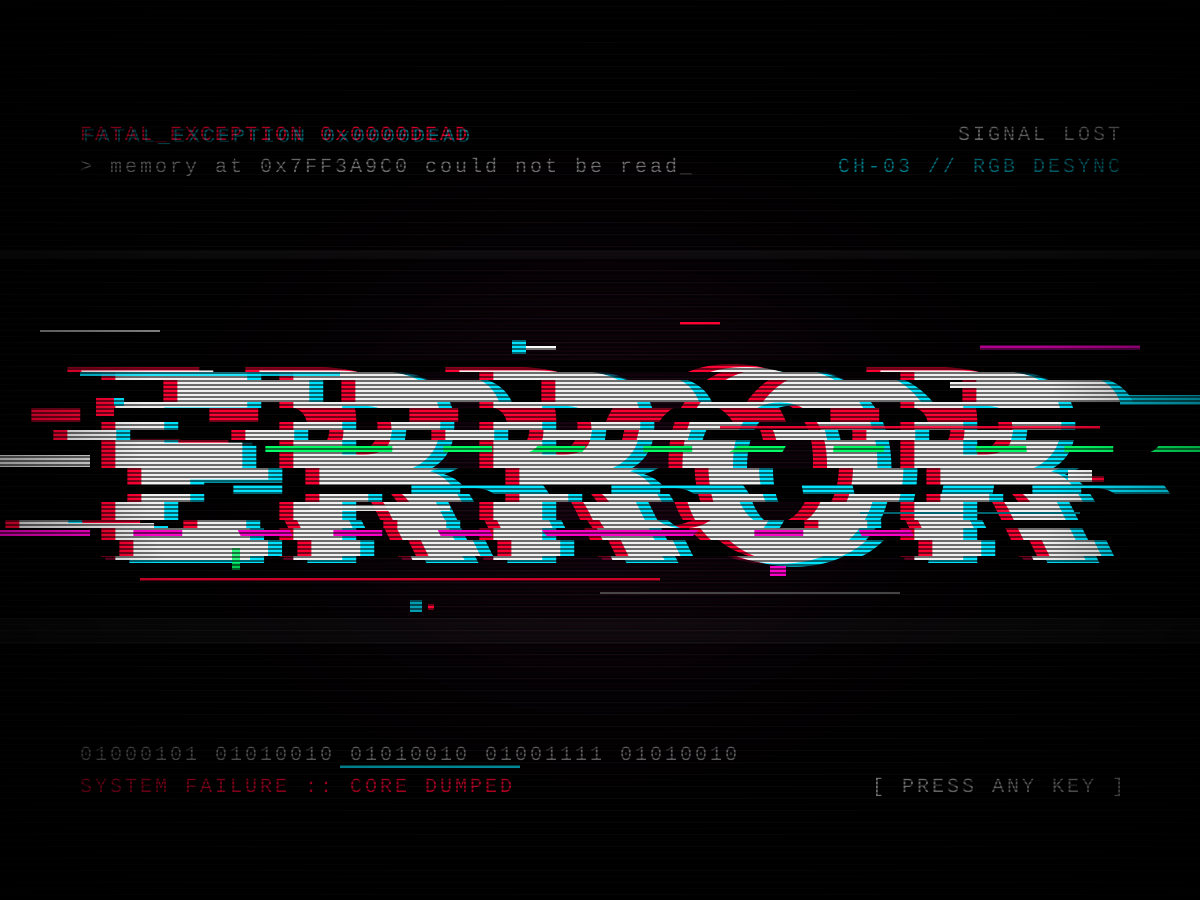
Glitch Text
Create a single self-contained SVG illustration of the word ERROR in a glitch art style with RGB channel offsets, horizontal slice displacement and scanlines on black. Use viewBox="0 0 1200 900" with width="1200" height="900". No external assets, no raster images, no external fonts (generic font families such as sans-serif are fine), no scripts. Output ONLY the complete SVG code, starting with <svg and ending with </svg>, with no explanation or markdown fences.
Good Vibes Retro Type
Create a single self-contained SVG illustration of the phrase GOOD VIBES in bold 1970s rounded lettering with stacked orange, yellow and brown offset outlines and a sunset stripe behind. Use viewBox="0 0 1200 900" with width="1200" height="900". No external assets, no raster images, no external fonts (generic font families such as sans-serif are fine), no scripts. Output ONLY the complete SVG code, starting with <svg and ending with </svg>, with no explanation or markdown fences.

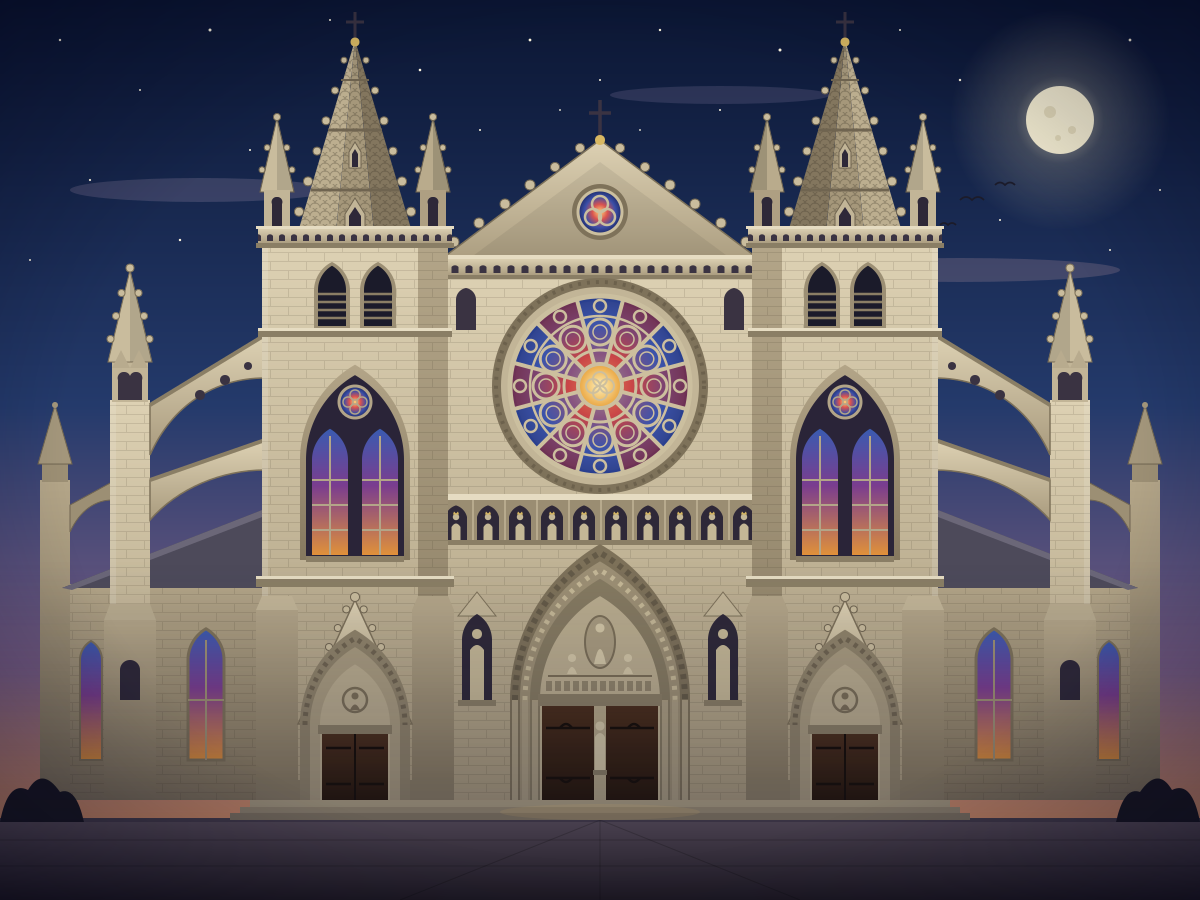
Gothic Cathedral Facade
Create a single self-contained SVG illustration of the front facade of a gothic cathedral with twin spired towers, a large rose window, pointed arches and flying buttresses. Use viewBox="0 0 1200 900" with width="1200" height="900". No external assets, no raster images, no external fonts (generic font families such as sans-serif are fine), no scripts. Output ONLY the complete SVG code, starting with <svg and ending with </svg>, with no explanation or markdown fences.
Grand Piano
Create a single self-contained SVG illustration of a black grand piano with its lid propped open showing strings and hammers, a bench, and sheet music on the stand. Use viewBox="0 0 1200 900" with width="1200" height="900". No external assets, no raster images, no external fonts (generic font families such as sans-serif are fine), no scripts. Output ONLY the complete SVG code, starting with <svg and ending with </svg>, with no explanation or markdown fences.
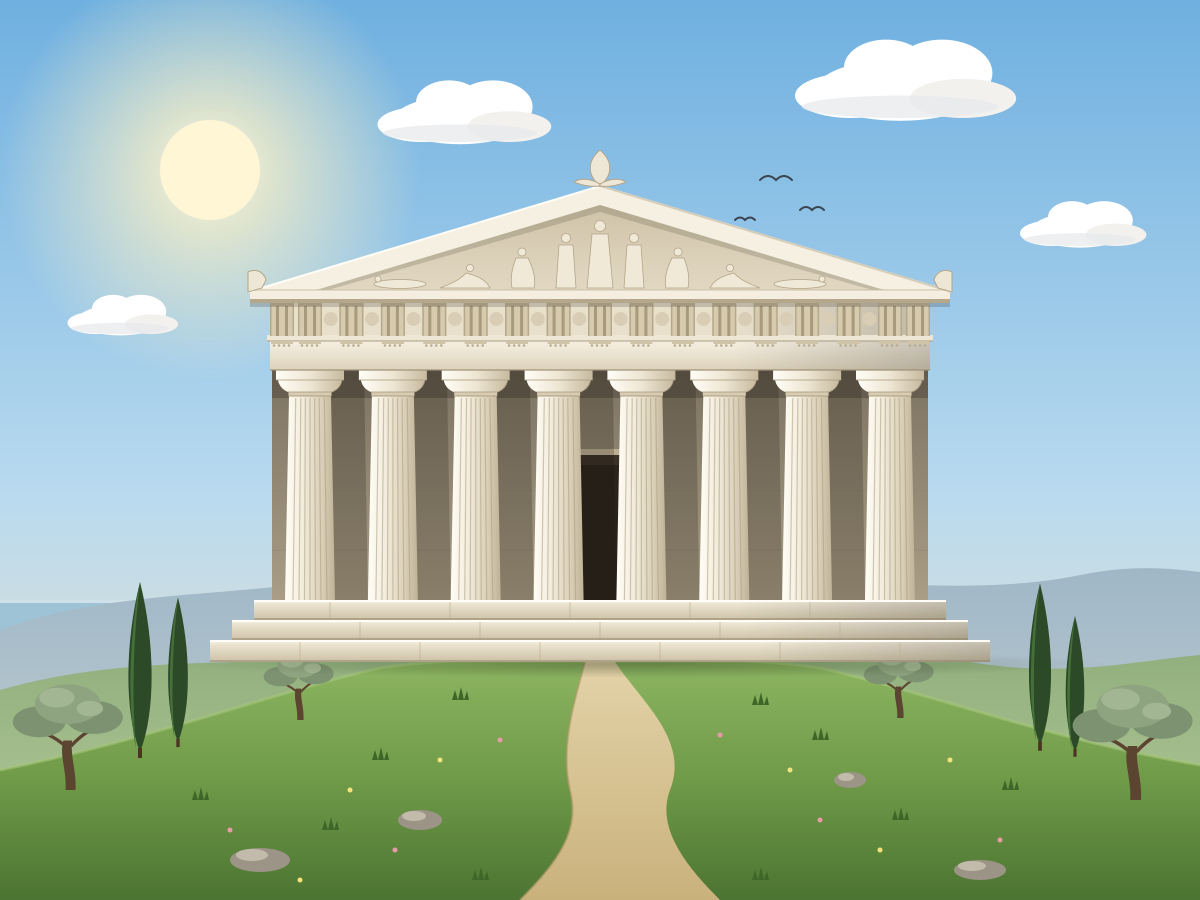
Greek Temple
Create a single self-contained SVG illustration of a classical Greek temple with a row of Doric columns, a triangular pediment and marble steps on a hilltop. Use viewBox="0 0 1200 900" with width="1200" height="900". No external assets, no raster images, no external fonts (generic font families such as sans-serif are fine), no scripts. Output ONLY the complete SVG code, starting with <svg and ending with </svg>, with no explanation or markdown fences.
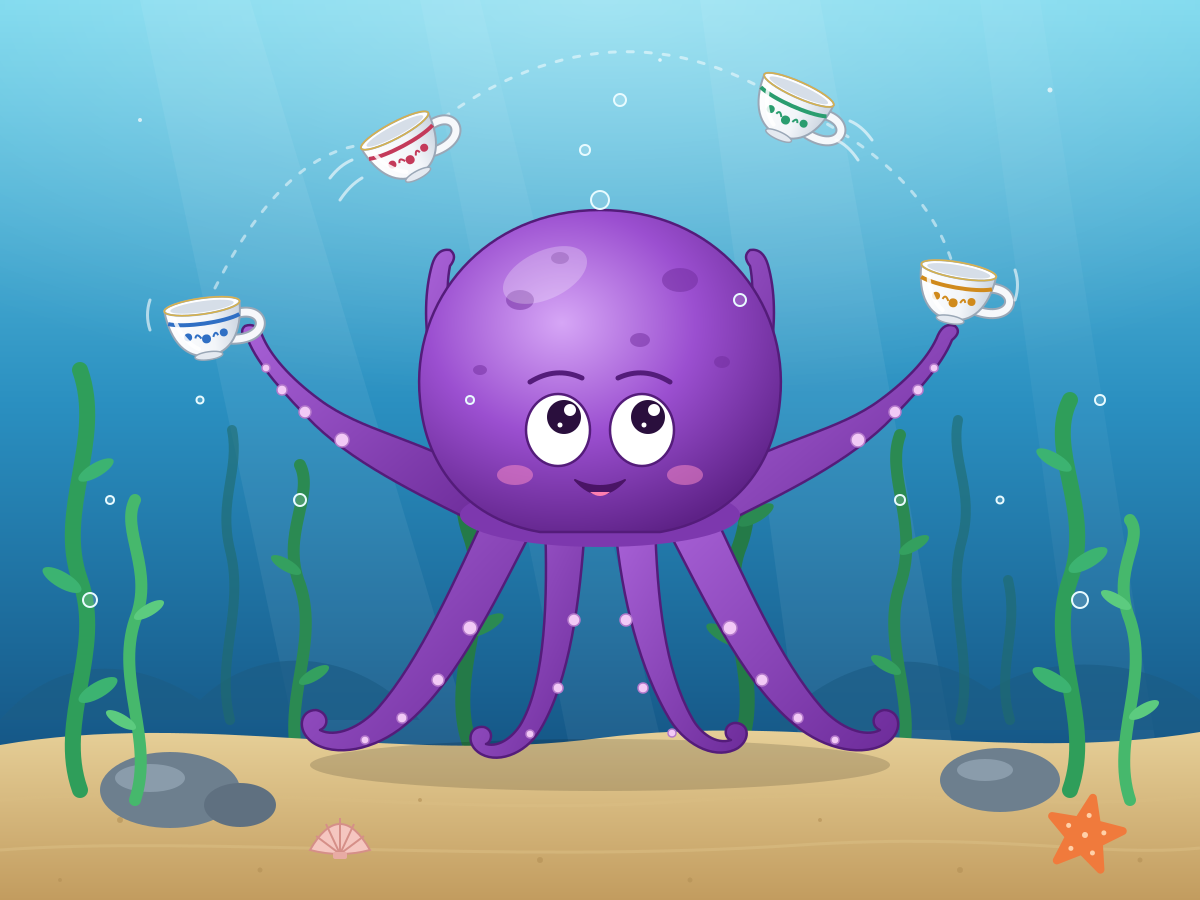
Octopus Juggling Teacups
Create a single self-contained SVG illustration of a purple octopus on the seafloor juggling four porcelain teacups with different tentacles, small bubbles rising and seaweed swaying behind it. Use viewBox="0 0 1200 900" with width="1200" height="900". No external assets, no raster images, no external fonts (generic font families such as sans-serif are fine), no scripts. Output ONLY the complete SVG code, starting with <svg and ending with </svg>, with no explanation or markdown fences.
Panda Eating Bamboo
Create a single self-contained SVG illustration of a giant panda sitting upright chewing a bamboo stalk held in both paws, surrounded by a bamboo grove in flat vector style. Use viewBox="0 0 1200 900" with width="1200" height="900". No external assets, no raster images, no external fonts (generic font families such as sans-serif are fine), no scripts. Output ONLY the complete SVG code, starting with <svg and ending with </svg>, with no explanation or markdown fences.

Red Fox in Snow
Create a single self-contained SVG illustration of a red fox mid-pounce diving headfirst into a snowbank, tail streaming behind, with pine trees and falling snowflakes in a muted winter palette. Use viewBox="0 0 1200 900" with width="1200" height="900". No external assets, no raster images, no external fonts (generic font families such as sans-serif are fine), no scripts. Output ONLY the complete SVG code, starting with <svg and ending with </svg>, with no explanation or markdown fences.

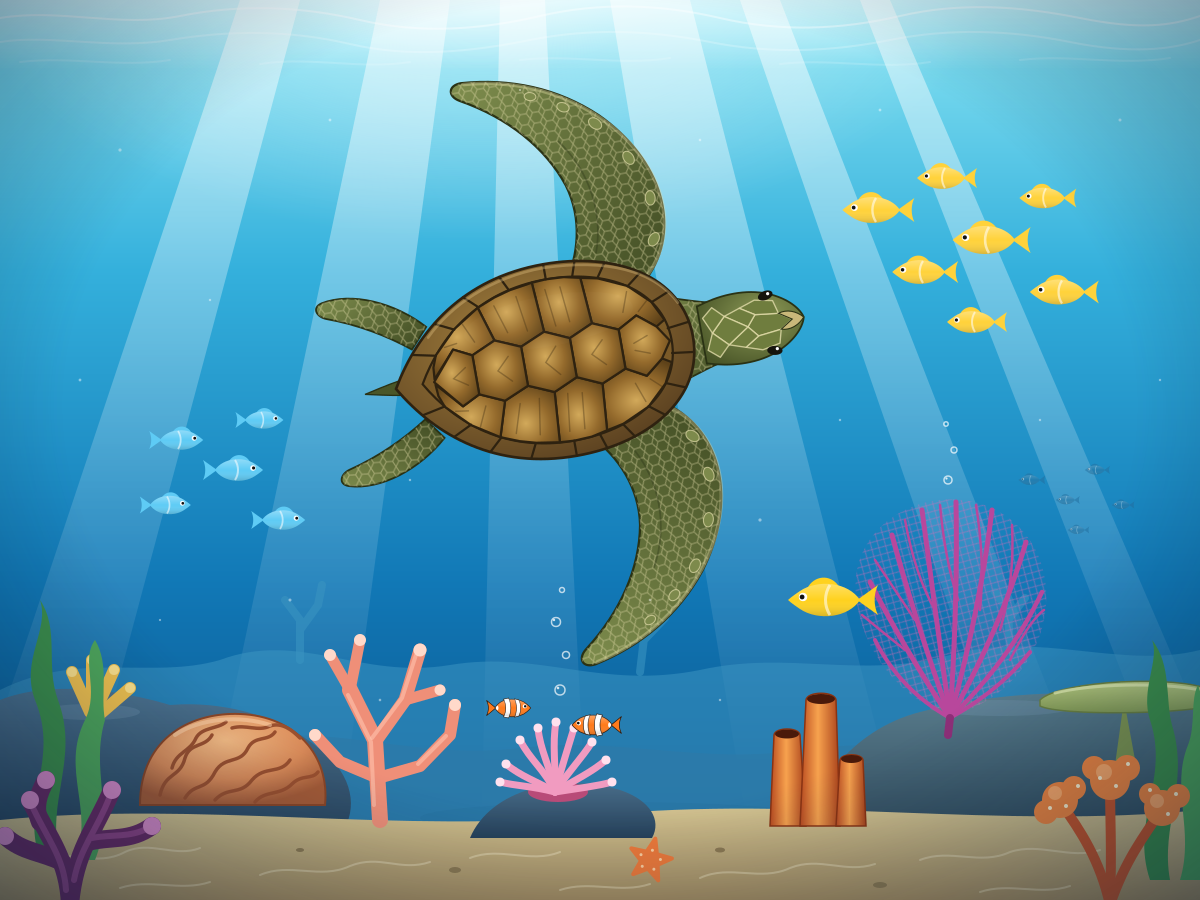
Swimming Sea Turtle
Create a single self-contained SVG illustration of a green sea turtle gliding through clear blue water above a coral reef, sunlight rays filtering from the surface and a few small fish nearby. Use viewBox="0 0 1200 900" with width="1200" height="900". No external assets, no raster images, no external fonts (generic font families such as sans-serif are fine), no scripts. Output ONLY the complete SVG code, starting with <svg and ending with </svg>, with no explanation or markdown fences.
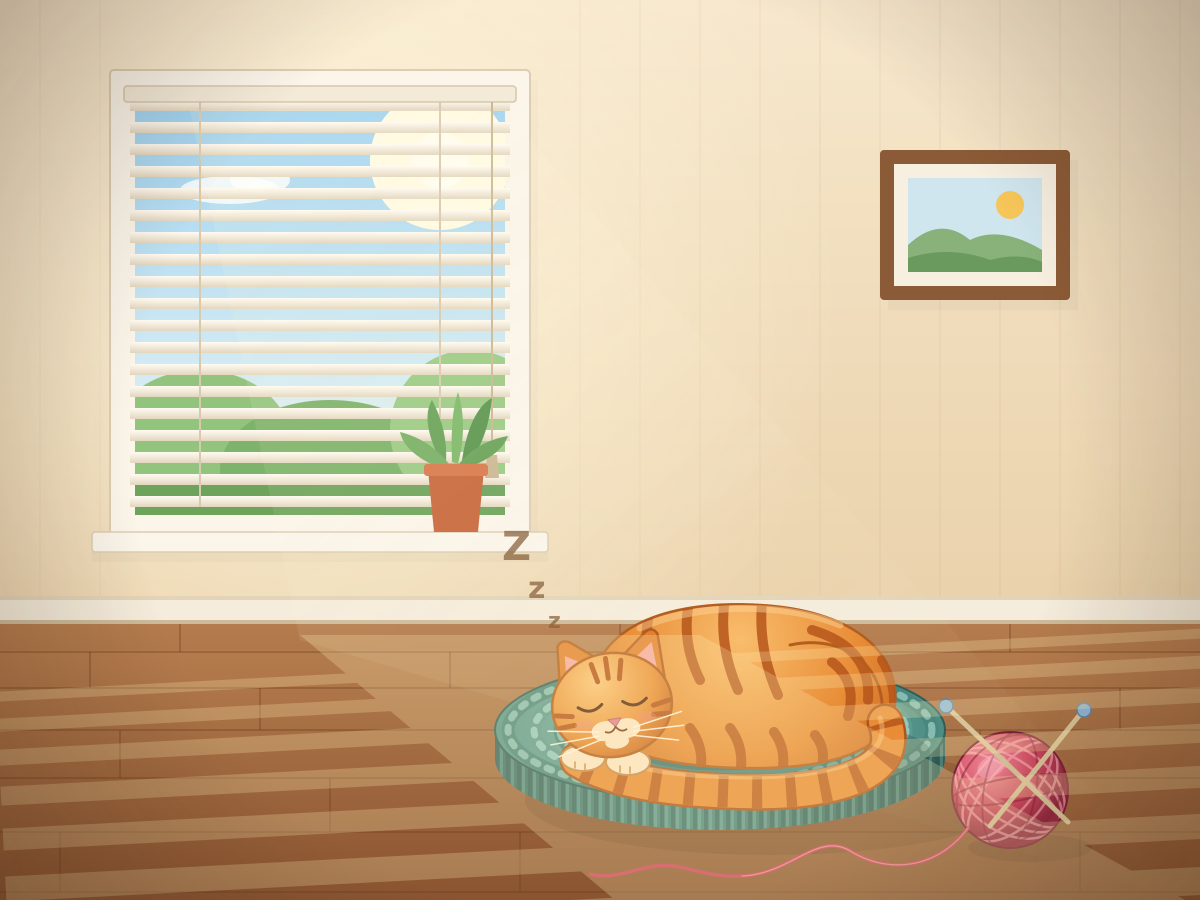
Sleeping Curled Cat
Create a single self-contained SVG illustration of an orange striped cat curled asleep on a round knitted cushion beside a sunny window, with a ball of yarn and soft shadow stripes from the blinds. Use viewBox="0 0 1200 900" with width="1200" height="900". No external assets, no raster images, no external fonts (generic font families such as sans-serif are fine), no scripts. Output ONLY the complete SVG code, starting with <svg and ending with </svg>, with no explanation or markdown fences.
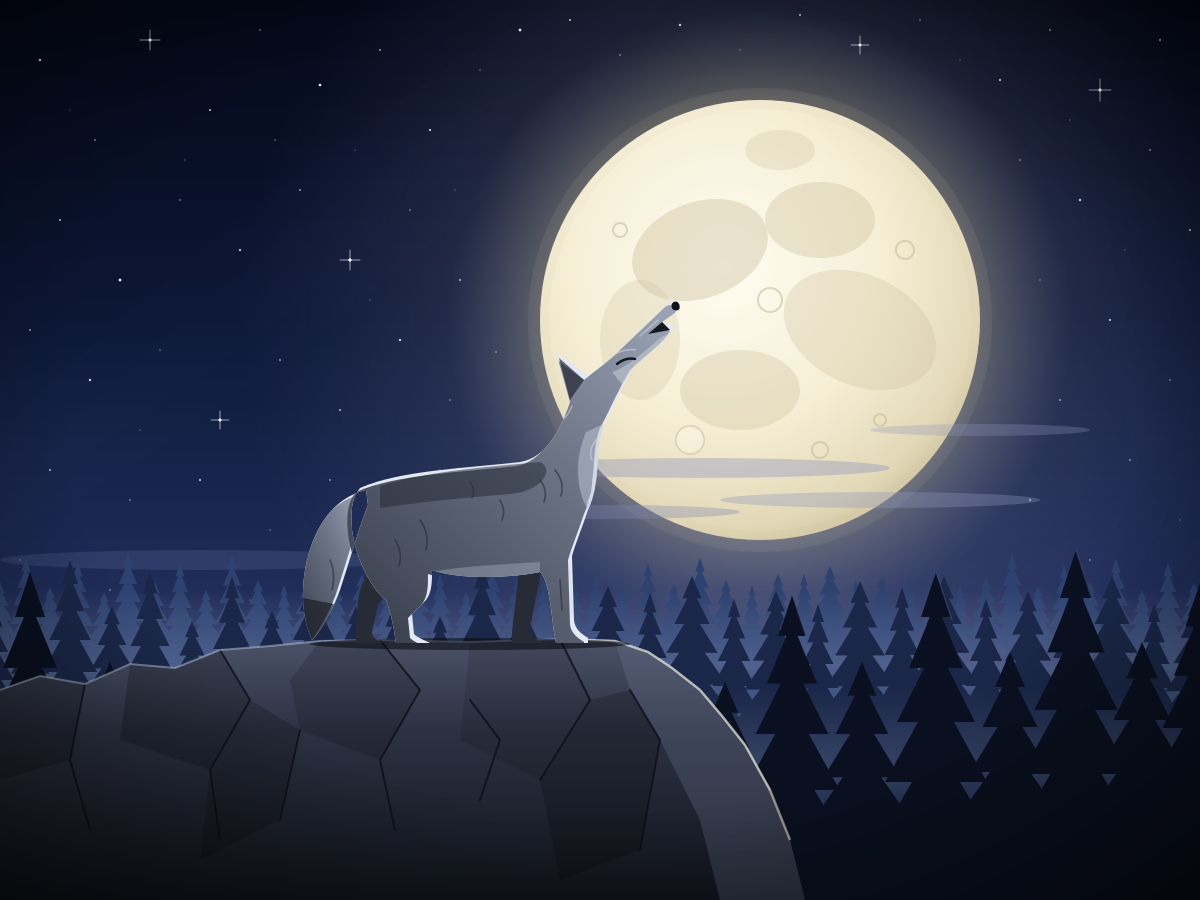
Wolf Howling at Moon
Create a single self-contained SVG illustration of a grey wolf standing on a rocky ledge howling at a huge full moon, silhouetted pine forest below and a starry sky. Use viewBox="0 0 1200 900" with width="1200" height="900". No external assets, no raster images, no external fonts (generic font families such as sans-serif are fine), no scripts. Output ONLY the complete SVG code, starting with <svg and ending with </svg>, with no explanation or markdown fences.
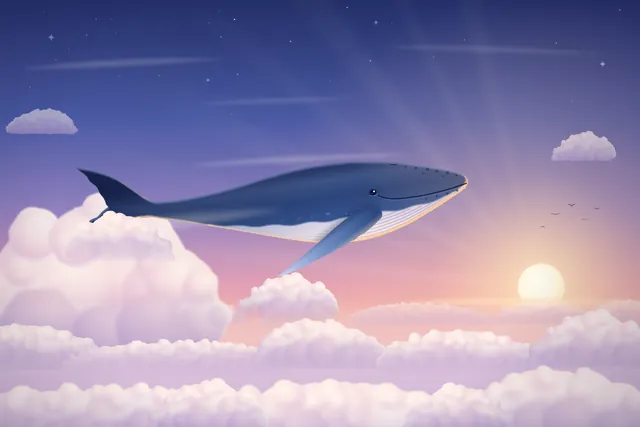
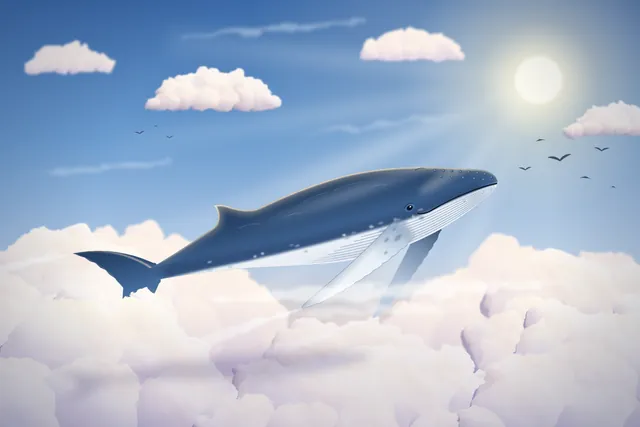
Whale clouds
Create code for an SVG of a whale flying through the clouds. Save it as whale.svg in the current directory. You may render and inspect your own output (headless chromium is available at /usr/bin/chromium) and iterate on your own before finishing.
Cinematic fjord boat scene (Three.js)
harness_selfreview
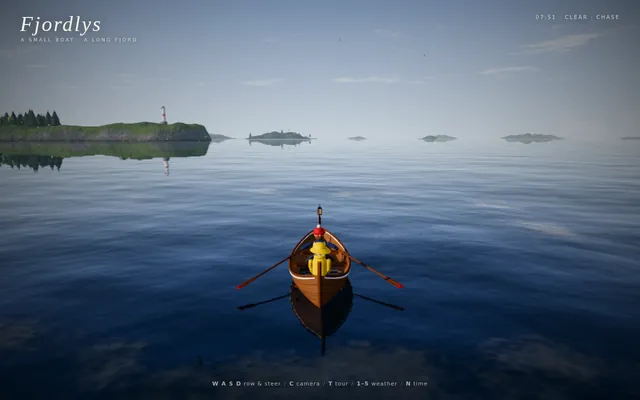
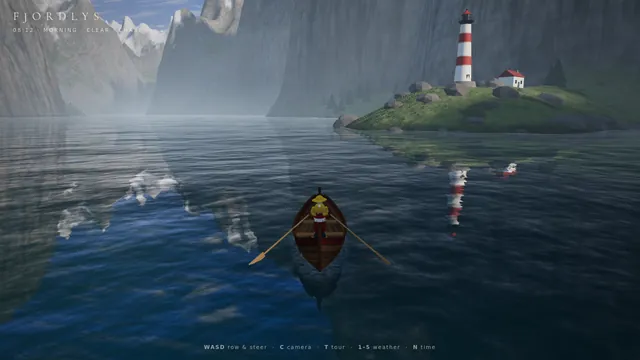
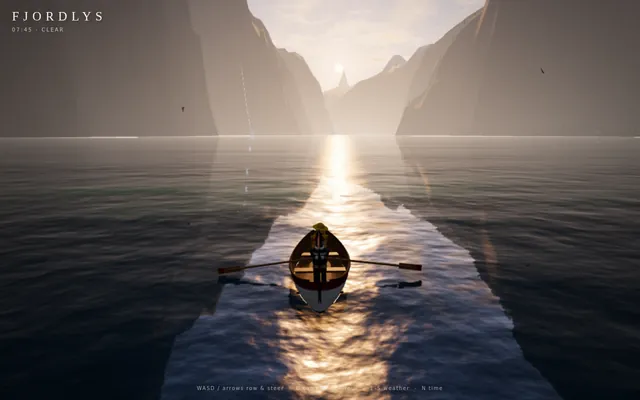
Build a playable, cinematic single-page Three.js experience: a small boat drifting through a Norwegian-style fjord / coastal mountain landscape.

Requirements:
- ONE self-contained index.html file (HTML + CSS + JS inline). No external assets of any kind (no textures, models, fonts, audio files) EXCEPT Three.js itself, loaded via an import map from this exact pinned CDN:
  "three": "https://cdn.jsdelivr.net/npm/three@0.160.0/build/three.module.js",
  "three/addons/": "https://cdn.jsdelivr.net/npm/three@0.160.0/examples/jsm/"
  All textures (water normals, rock, snow, bark, clouds, etc.) must be generated procedurally in code (canvas / DataTexture / shaders).
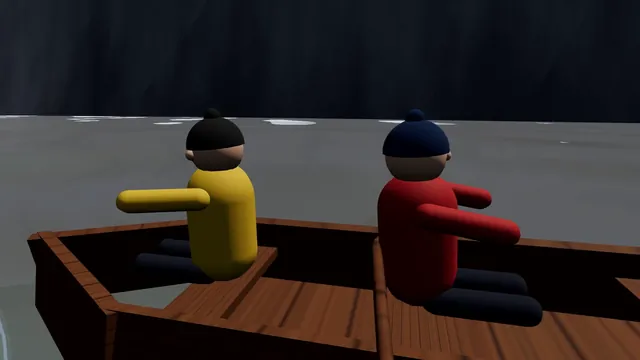
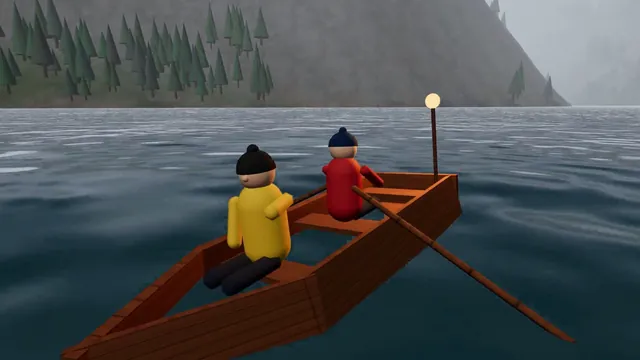
- Scene content: steep procedural fjord walls and mountains with snow caps, rock and grass coloring by height/slope; procedural conifer forests (instanced); a water surface with animated waves and sky/landscape reflections; a lighthouse on a rocky point with a rotating beam that matters at night; a small wooden boat with 2 simple stylized 3D characters on it (one rowing/steering, one looking around, with small idle animations); distant islands; birds or other small life if cheap.
- Dynamic weather cycling clear -> fog -> rain -> storm -> clearing, with smooth transitions: fog density, cloud cover, rain particles, lightning flashes + wind and bigger waves in the storm.
- A full day/night cycle: sunrise, day, golden hour, sunset, night with stars and moon, lit lighthouse and boat lantern. Sky color, sun/moon lights, and fog color must track time of day.
- Controls: keyboard (WASD/arrows to steer and throttle the boat, C to switch camera, T toggles auto-tour, 1-5 to force weather, N to jump time) and touch (on-screen joystick/buttons on phones). Camera follows the boat in play mode.
- An "auto-tour" cinematic camera mode: slow, smooth, film-like camera moves (orbits, low water-level glides, high establishing shots, close-ups of the characters) while the boat drifts along a path through the fjord and the weather and time of day progress.
- Minimal, elegant UI: small title "Fjordlys" (or a better name of your choice), a tiny hint line for controls, fading out in tour mode.
- Must run smoothly on desktop and phone browsers: keep geometry/particle counts moderate, cap devicePixelRatio at 2, handle resize/orientation.
- IMPORTANT for automated video capture, support these URL parameters:
  ?tour=1        start directly in auto-tour mode
  ?capture=1     hide ALL UI overlays (title, hints, touch controls)
  ?cycle=40      when present, compress one complete showcase into that many seconds: the time of day goes from morning through golden hour, sunset and night, and the weather passes clear -> fog -> rain -> storm -> clearing within that span (so a 40-second recording shows everything). Without it, use a relaxed pace suited to live play.
  Drive all animation from the requestAnimationFrame timestamp / performance.now() (not from wall-clock-independent accumulators that ignore time), so that overriding those functions steps the scene deterministically. Set window.__sceneReady = true once the first frame has rendered.
- No console errors or warnings in a current Chrome. Use modern Three.js r160 APIs only (no deprecated/removed ones).

Output ONLY the complete index.html, starting with <!DOCTYPE html> and ending with </html>, with no explanation and no markdown fences. Build it as index.html (plus any local asset files you create) in the current directory. Three.js may load from a pinned CDN. You may serve it locally and open it in headless chromium (/usr/bin/chromium, software WebGL, no GPU) to screenshot and inspect your own output, and iterate on your own until it looks genuinely cinematic before finishing. Close any browser you open as soon as you've taken your screenshot.
raw
Build a playable, cinematic single-page Three.js experience: a small boat drifting through a Norwegian-style fjord / coastal mountain landscape.

Requirements:
- ONE self-contained index.html file (HTML + CSS + JS inline). No external assets of any kind (no textures, models, fonts, audio files) EXCEPT Three.js itself, loaded via an import map from this exact pinned CDN:
  "three": "https://cdn.jsdelivr.net/npm/three@0.160.0/build/three.module.js",
  "three/addons/": "https://cdn.jsdelivr.net/npm/three@0.160.0/examples/jsm/"
  All textures (water normals, rock, snow, bark, clouds, etc.) must be generated procedurally in code (canvas / DataTexture / shaders).
- Scene content: steep procedural fjord walls and mountains with snow caps, rock and grass coloring by height/slope; procedural conifer forests (instanced); a water surface with animated waves and sky/landscape reflections; a lighthouse on a rocky point with a rotating beam that matters at night; a small wooden boat with 2 simple stylized 3D characters on it (one rowing/steering, one looking around, with small idle animations); distant islands; birds or other small life if cheap.
- Dynamic weather cycling clear -> fog -> rain -> storm -> clearing, with smooth transitions: fog density, cloud cover, rain particles, lightning flashes + wind and bigger waves in the storm.
- A full day/night cycle: sunrise, day, golden hour, sunset, night with stars and moon, lit lighthouse and boat lantern. Sky color, sun/moon lights, and fog color must track time of day.
- Controls: keyboard (WASD/arrows to steer and throttle the boat, C to switch camera, T toggles auto-tour, 1-5 to force weather, N to jump time) and touch (on-screen joystick/buttons on phones). Camera follows the boat in play mode.
- An "auto-tour" cinematic camera mode: slow, smooth, film-like camera moves (orbits, low water-level glides, high establishing shots, close-ups of the characters) while the boat drifts along a path through the fjord and the weather and time of day progress.
- Minimal, elegant UI: small title "Fjordlys" (or a better name of your choice), a tiny hint line for controls, fading out in tour mode.
- Must run smoothly on desktop and phone browsers: keep geometry/particle counts moderate, cap devicePixelRatio at 2, handle resize/orientation.
- IMPORTANT for automated video capture, support these URL parameters:
  ?tour=1        start directly in auto-tour mode
  ?capture=1     hide ALL UI overlays (title, hints, touch controls)
  ?cycle=40      when present, compress one complete showcase into that many seconds: the time of day goes from morning through golden hour, sunset and night, and the weather passes clear -> fog -> rain -> storm -> clearing within that span (so a 40-second recording shows everything). Without it, use a relaxed pace suited to live play.
  Drive all animation from the requestAnimationFrame timestamp / performance.now() (not from wall-clock-independent accumulators that ignore time), so that overriding those functions steps the scene deterministically. Set window.__sceneReady = true once the first frame has rendered.
- No console errors or warnings in a current Chrome. Use modern Three.js r160 APIs only (no deprecated/removed ones).

Output ONLY the complete index.html, starting with <!DOCTYPE html> and ending with </html>, with no explanation and no markdown fences.
Harness-config failure (ours)
Our harness configuration killed the run before any output. Not a model failure.
Error
The run failed before producing an output.
Stopped by us
We ended the run ourselves before any output. Not a model failure.
DNF
The model did not finish, so there is no output.
DNF
The model did not finish, so there is no output.
DNF
The model did not finish, so there is no output.
Stopped (our timeout)
Our own timeout ended the run before any output. Not a model failure.
Stopped by us
We ended the run ourselves before any output. Not a model failure.
Animated short film drawn in code (HTML/JS)
harness
Write a single self-contained HTML file that plays an original animated short film, about 50 seconds long, drawn entirely in code.

Hard technical rules:
- One file: HTML + inline <script> (+ optional inline <style>). No external images, fonts, libraries, audio files or network requests of any kind. Every frame is drawn procedurally with Canvas 2D (or WebGL if you prefer).
- The canvas renders at a fixed internal resolution of 1920x1080 and is scaled with CSS to fit the window (letterboxed, black background).
- The animation starts automatically on page load and is driven ONLY by requestAnimationFrame and the timestamp from performance.now() (measure elapsed time from the first frame). Everything on screen must be a pure function of elapsed time t, so the film is deterministic and can be captured frame by frame. No Math.random() at draw time — use a seeded PRNG / hash noise so frames are identical run to run. No setTimeout/setInterval for animation.
- Define window.FILM_DURATION (seconds). After the film ends, hold the final frame.
- Soundtrack: write an original WebAudio score (melody, chords, a little percussion or ambience, and sound cues that match story moments) synced to the same timeline. Put ALL audio scheduling in a function window.buildSoundtrack(ctx, startTime) that schedules every note/effect on any BaseAudioContext (so it also works on an OfflineAudioContext). Also expose window.renderSoundtrack = () => an OfflineAudioContext(2, 44100*FILM_DURATION, 44100) render of it returning a Promise<AudioBuffer>. For live viewing, start the soundtrack on the first click/tap/keypress (browsers block autoplay) aligned to the current film time; show a small unobtrusive "tap for sound" hint until then. Use only oscillators, noise buffers you generate, filters, gain envelopes — no samples.
- No console errors.

The film (this is a showcase of what you can animate — make it genuinely beautiful and moving):
- An ORIGINAL story with a small emotional arc (setup, a problem or longing, a turn, a warm resolution). A single consistent main character — any character you like — who appears in every scene and is recognisably the same design throughout.
- At least 4 distinct scenes, with real transitions between them (e.g. wipes, iris, match cuts, cross-dissolves, camera moves through space).
- Expressive character animation: a proper walk cycle (legs, arms, body bob), blinking, and facial emotion changes (e.g. curious, sad, surprised, joyful) that follow the story.
- A virtual camera that pans, zooms and tracks, with parallax layers for depth.
- Lighting and time-of-day changes across the film (e.g. dawn → day → dusk → night, or a storm clearing), with colour grading, glows, and shadows.
- Particles and weather (rain, snow, fireflies, leaves, dust, stars — your choice, at least two kinds).
- On-screen story text / subtitles in a tasteful storybook style that tell the story in a few short lines.
- A cohesive art direction: a warm, hand-made "paper cut-out / storybook" look is welcome (textured paper, soft edges, slight wobble), but choose what serves your story.
- End with a title of your film and a gentle closing frame.

Output ONLY the complete HTML file, starting with <!DOCTYPE html> and ending with </html>. No explanation, no markdown fences. Save it as index.html in the current directory. You may open it in headless chromium to check it and iterate.
extended
Write a single self-contained HTML file that plays an original animated short film, about 50 seconds long, drawn entirely in code.

Hard technical rules:
- One file: HTML + inline <script> (+ optional inline <style>). No external images, fonts, libraries, audio files or network requests of any kind. Every frame is drawn procedurally with Canvas 2D (or WebGL if you prefer).
- The canvas renders at a fixed internal resolution of 1920x1080 and is scaled with CSS to fit the window (letterboxed, black background).
- The animation starts automatically on page load and is driven ONLY by requestAnimationFrame and the timestamp from performance.now() (measure elapsed time from the first frame). Everything on screen must be a pure function of elapsed time t, so the film is deterministic and can be captured frame by frame. No Math.random() at draw time — use a seeded PRNG / hash noise so frames are identical run to run. No setTimeout/setInterval for animation.
- Define window.FILM_DURATION (seconds). After the film ends, hold the final frame.
- Soundtrack: write an original WebAudio score (melody, chords, a little percussion or ambience, and sound cues that match story moments) synced to the same timeline. Put ALL audio scheduling in a function window.buildSoundtrack(ctx, startTime) that schedules every note/effect on any BaseAudioContext (so it also works on an OfflineAudioContext). Also expose window.renderSoundtrack = () => an OfflineAudioContext(2, 44100*FILM_DURATION, 44100) render of it returning a Promise<AudioBuffer>. For live viewing, start the soundtrack on the first click/tap/keypress (browsers block autoplay) aligned to the current film time; show a small unobtrusive "tap for sound" hint until then. Use only oscillators, noise buffers you generate, filters, gain envelopes — no samples.
- No console errors.

The film (this is a showcase of what you can animate — make it genuinely beautiful and moving):
- An ORIGINAL story with a small emotional arc (setup, a problem or longing, a turn, a warm resolution). A single consistent main character — any character you like — who appears in every scene and is recognisably the same design throughout.
- At least 4 distinct scenes, with real transitions between them (e.g. wipes, iris, match cuts, cross-dissolves, camera moves through space).
- Expressive character animation: a proper walk cycle (legs, arms, body bob), blinking, and facial emotion changes (e.g. curious, sad, surprised, joyful) that follow the story.
- A virtual camera that pans, zooms and tracks, with parallax layers for depth.
- Lighting and time-of-day changes across the film (e.g. dawn → day → dusk → night, or a storm clearing), with colour grading, glows, and shadows.
- Particles and weather (rain, snow, fireflies, leaves, dust, stars — your choice, at least two kinds).
- On-screen story text / subtitles in a tasteful storybook style that tell the story in a few short lines.
- A cohesive art direction: a warm, hand-made "paper cut-out / storybook" look is welcome (textured paper, soft edges, slight wobble), but choose what serves your story.
- End with a title of your film and a gentle closing frame.

Output ONLY the complete HTML file, starting with <!DOCTYPE html> and ending with </html>. No explanation, no markdown fences. Save it as index.html in the current directory. You may open it in headless chromium to check it and iterate.

===== mr_engine: next user turn, sent after the previous turn has finished =====

the design looks great but i feel like we can be more creative - add animations, cool graphics that you create with svgs or whatever (they could even move etc), etc, be creative!
raw
Write a single self-contained HTML file that plays an original animated short film, about 50 seconds long, drawn entirely in code.

Hard technical rules:
- One file: HTML + inline <script> (+ optional inline <style>). No external images, fonts, libraries, audio files or network requests of any kind. Every frame is drawn procedurally with Canvas 2D (or WebGL if you prefer).
- The canvas renders at a fixed internal resolution of 1920x1080 and is scaled with CSS to fit the window (letterboxed, black background).
- The animation starts automatically on page load and is driven ONLY by requestAnimationFrame and the timestamp from performance.now() (measure elapsed time from the first frame). Everything on screen must be a pure function of elapsed time t, so the film is deterministic and can be captured frame by frame. No Math.random() at draw time — use a seeded PRNG / hash noise so frames are identical run to run. No setTimeout/setInterval for animation.
- Define window.FILM_DURATION (seconds). After the film ends, hold the final frame.
- Soundtrack: write an original WebAudio score (melody, chords, a little percussion or ambience, and sound cues that match story moments) synced to the same timeline. Put ALL audio scheduling in a function window.buildSoundtrack(ctx, startTime) that schedules every note/effect on any BaseAudioContext (so it also works on an OfflineAudioContext). Also expose window.renderSoundtrack = () => an OfflineAudioContext(2, 44100*FILM_DURATION, 44100) render of it returning a Promise<AudioBuffer>. For live viewing, start the soundtrack on the first click/tap/keypress (browsers block autoplay) aligned to the current film time; show a small unobtrusive "tap for sound" hint until then. Use only oscillators, noise buffers you generate, filters, gain envelopes — no samples.
- No console errors.

The film (this is a showcase of what you can animate — make it genuinely beautiful and moving):
- An ORIGINAL story with a small emotional arc (setup, a problem or longing, a turn, a warm resolution). A single consistent main character — any character you like — who appears in every scene and is recognisably the same design throughout.
- At least 4 distinct scenes, with real transitions between them (e.g. wipes, iris, match cuts, cross-dissolves, camera moves through space).
- Expressive character animation: a proper walk cycle (legs, arms, body bob), blinking, and facial emotion changes (e.g. curious, sad, surprised, joyful) that follow the story.
- A virtual camera that pans, zooms and tracks, with parallax layers for depth.
- Lighting and time-of-day changes across the film (e.g. dawn → day → dusk → night, or a storm clearing), with colour grading, glows, and shadows.
- Particles and weather (rain, snow, fireflies, leaves, dust, stars — your choice, at least two kinds).
- On-screen story text / subtitles in a tasteful storybook style that tell the story in a few short lines.
- A cohesive art direction: a warm, hand-made "paper cut-out / storybook" look is welcome (textured paper, soft edges, slight wobble), but choose what serves your story.
- End with a title of your film and a gentle closing frame.

Output ONLY the complete HTML file, starting with <!DOCTYPE html> and ending with </html>. No explanation, no markdown fences.
Stopped by us
We ended the run ourselves before any output. Not a model failure.
Stopped by us
We ended the run ourselves before any output. Not a model failure.
Stopped by us
We ended the run ourselves before any output. Not a model failure.
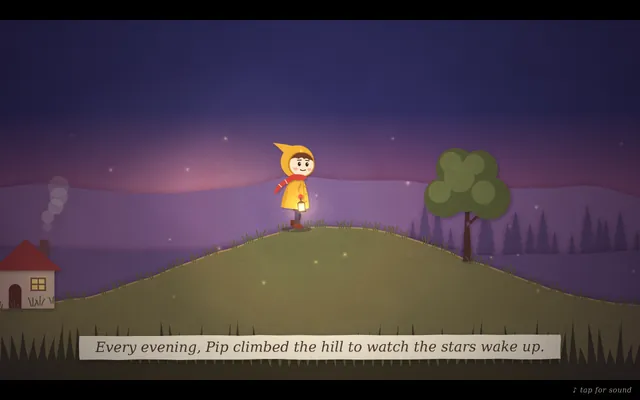
Stopped by us
We ended the run ourselves before any output. Not a model failure.
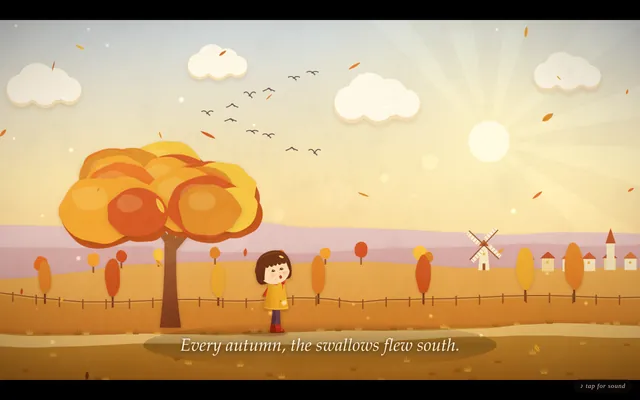
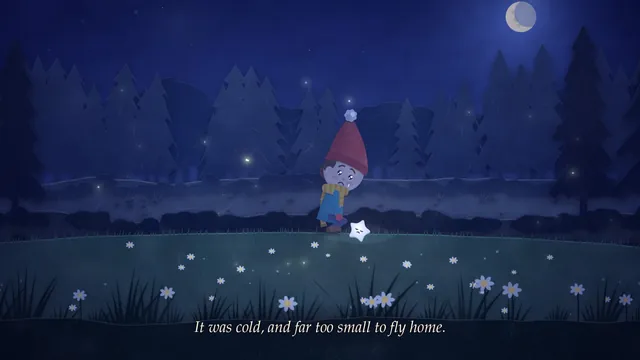
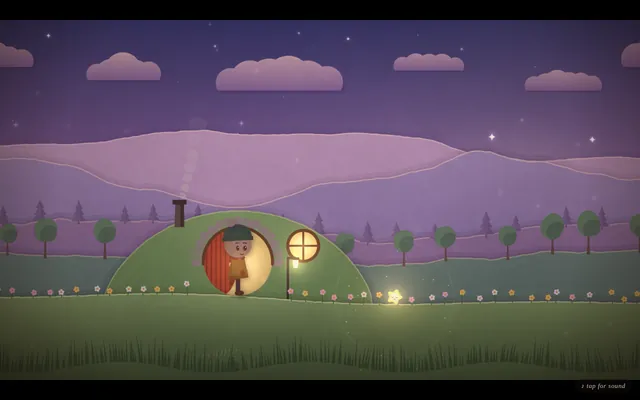
Harness-config failure (ours)
Our harness configuration killed the run before any output. Not a model failure.
DNF
The model did not finish, so there is no output.
DNF
The model did not finish, so there is no output.
DNF
The model did not finish, so there is no output.
DNF
The model did not finish, so there is no output.
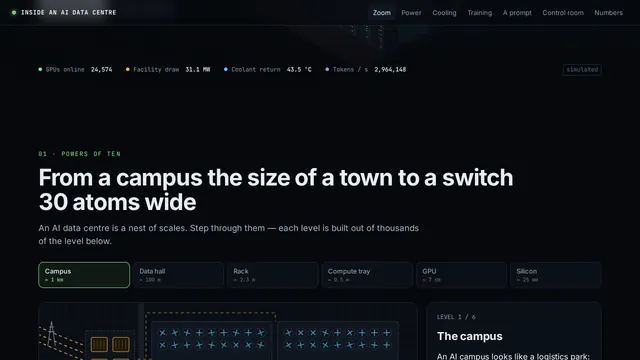
AI data centre, inside view (Opus 5.5 demo prompt)
Show me what goes on inside an AI data centre.

---
Deliverable: build this in the current folder as a self-contained web page that opens in a browser with index.html as the entry point (no build step; CDN imports are fine). Work autonomously and do not ask questions.
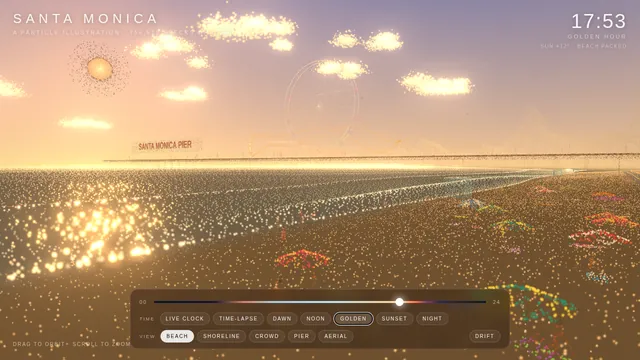
Santa Monica particle beach (Opus 5.5 demo prompt)
Create a stylistic 3D environment of a busy Santa Monica beach that adapts to the time of day. The art style must be a particle illustration, which uses thousands of tiny glowing specks rather than solid fills with flowing ribbon strokes behind figures to suggest motion.

---
Deliverable: build this in the current folder as a self-contained web page that opens in a browser with index.html as the entry point (no build step; CDN imports are fine). Work autonomously and do not ask questions.
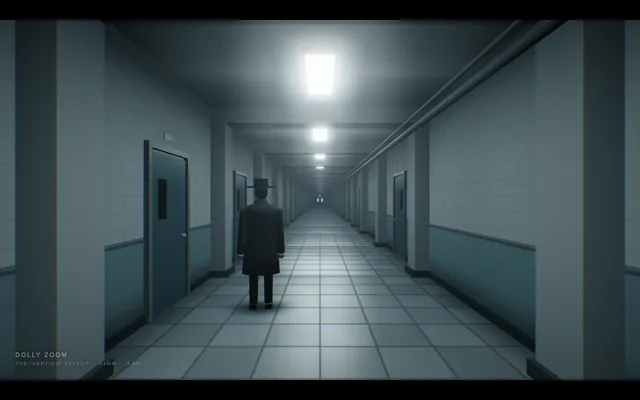
Cine dolly zoom
Build a short cinematic camera study in Three.js that demonstrates a dolly zoom, the 'vertigo' shot. A lone figure stands at the end of a long corridor lined with repeating columns, doors and ceiling lights. Over the shot the camera physically travels backward along the corridor while its field of view narrows at the matching rate, so the figure stays exactly the same size and position on screen while the corridor behind it visibly stretches away and then snaps back. Light it with cold overhead fluorescents and a faint fog. Ease the move in and out, then reverse it so the loop closes. The animation plays automatically, fills the window at 16:9, loops seamlessly every 8 seconds with no visible jump at the loop point, and shows a small unobtrusive caption in one corner naming the technique. Everything is built in code from Three.js geometry, shaders and materials; no external models or textures. Build it as a single self-contained index.html (inline CSS and JS) in the current directory. Three.js may load from a pinned CDN. You may serve it locally and open it in headless chromium (/usr/bin/chromium, software WebGL, no GPU) to screenshot and inspect your own output, and iterate on your own before finishing. Close any browser you open as soon as you've taken your screenshot.
Cine dutch angle
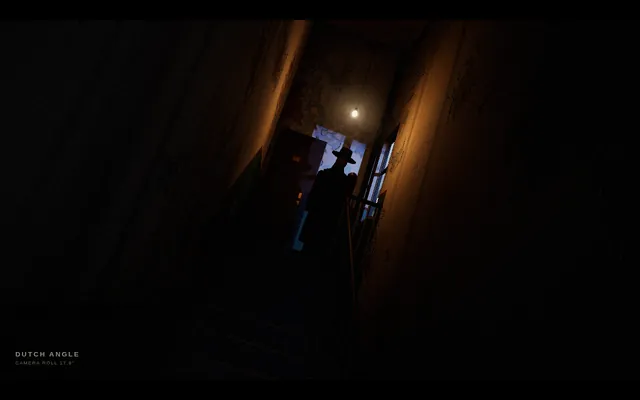
Build a short cinematic camera study in Three.js that demonstrates a Dutch angle for tension. A narrow stairwell in an old apartment block: peeling walls, a flickering bulb, a banister and a figure waiting on the landing. The shot starts level, then the camera rolls around its lens axis to a strong cant of about 15-20 degrees so the horizon and verticals tilt, and holds there uneasily with the flicker before levelling to close the loop. The animation plays automatically, fills the window at 16:9, loops seamlessly every 8 seconds with no visible jump at the loop point, and shows a small unobtrusive caption in one corner naming the technique. Everything is built in code from Three.js geometry, shaders and materials; no external models or textures. Build it as a single self-contained index.html (inline CSS and JS) in the current directory. Three.js may load from a pinned CDN. You may serve it locally and open it in headless chromium (/usr/bin/chromium, software WebGL, no GPU) to screenshot and inspect your own output, and iterate on your own before finishing. Close any browser you open as soon as you've taken your screenshot.
Cine noir low key
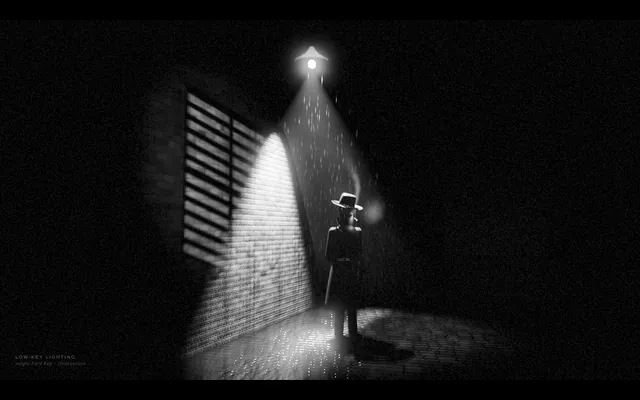
Build a short cinematic camera study in Three.js in the style of classic film noir, rendered in black and white. A detective in a hat and trench coat stands in a rain-slick alley at night under a single streetlamp; venetian-blind shadows from a window fall across a brick wall, cigarette smoke curls, and the rain glints in the lamp's cone. Use one hard key light, deep black shadows covering most of the frame and high contrast. The camera drifts in very slowly. The animation plays automatically, fills the window at 16:9, loops seamlessly every 8 seconds with no visible jump at the loop point, and shows a small unobtrusive caption in one corner naming the technique. Everything is built in code from Three.js geometry, shaders and materials; no external models or textures. Build it as a single self-contained index.html (inline CSS and JS) in the current directory. Three.js may load from a pinned CDN. You may serve it locally and open it in headless chromium (/usr/bin/chromium, software WebGL, no GPU) to screenshot and inspect your own output, and iterate on your own before finishing. Close any browser you open as soon as you've taken your screenshot.
Cine orbit 360
Build a short cinematic camera study in Three.js that demonstrates a 360-degree orbit shot. A glossy sculpted trophy stands on a pedestal in the middle of a dim gallery hall with pillars, framed paintings and spotlights. The camera circles the trophy once through a full turn at a constant radius and height, always aimed at it, so the room sweeps behind it like a ribbon while the trophy stays centred. The trophy itself does not rotate. Warm key spotlights and cool rim lights make reflections slide across its surface. The animation plays automatically, fills the window at 16:9, loops seamlessly every 8 seconds with no visible jump at the loop point, and shows a small unobtrusive caption in one corner naming the technique. Everything is built in code from Three.js geometry, shaders and materials; no external models or textures. Build it as a single self-contained index.html (inline CSS and JS) in the current directory. Three.js may load from a pinned CDN. You may serve it locally and open it in headless chromium (/usr/bin/chromium, software WebGL, no GPU) to screenshot and inspect your own output, and iterate on your own before finishing. Close any browser you open as soon as you've taken your screenshot.
Cine silhouette backlight
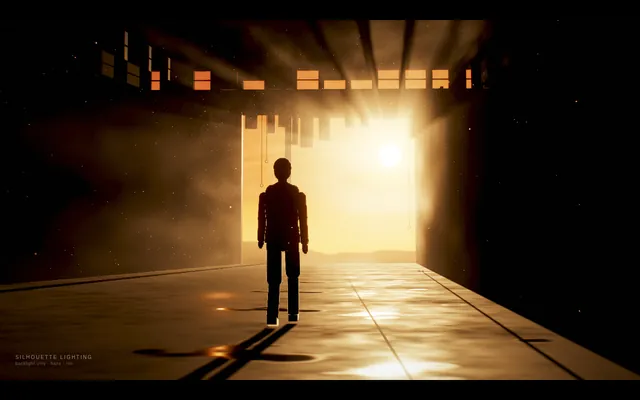
Build a short cinematic camera study in Three.js that demonstrates silhouette lighting. A figure walks slowly toward a huge bright doorway (or a window onto a blazing sunset) in a dark warehouse, with haze in the air so the light pours in as visible beams. The only strong light is behind the figure, so the figure reads as a solid near-black shape with a thin bright rim, with no detail visible on the side facing the camera. The animation plays automatically, fills the window at 16:9, loops seamlessly every 8 seconds with no visible jump at the loop point, and shows a small unobtrusive caption in one corner naming the technique. Everything is built in code from Three.js geometry, shaders and materials; no external models or textures. Build it as a single self-contained index.html (inline CSS and JS) in the current directory. Three.js may load from a pinned CDN. You may serve it locally and open it in headless chromium (/usr/bin/chromium, software WebGL, no GPU) to screenshot and inspect your own output, and iterate on your own before finishing. Close any browser you open as soon as you've taken your screenshot.
Cine tracking shot
Build a short cinematic camera study in Three.js that demonstrates a side-on tracking shot. A runner (a stylised low-poly figure with an animated running cycle) jogs along a riverside path at dawn past lamp posts, benches, trees and a railing, with a city skyline far behind. The camera travels parallel to the runner at the same speed, keeping them at the same size and in the same third of the frame, while foreground objects whip past quickly, midground objects slower, and the skyline barely moves. The animation plays automatically, fills the window at 16:9, loops seamlessly every 8 seconds with no visible jump at the loop point, and shows a small unobtrusive caption in one corner naming the technique. Everything is built in code from Three.js geometry, shaders and materials; no external models or textures. Build it as a single self-contained index.html (inline CSS and JS) in the current directory. Three.js may load from a pinned CDN. You may serve it locally and open it in headless chromium (/usr/bin/chromium, software WebGL, no GPU) to screenshot and inspect your own output, and iterate on your own before finishing. Close any browser you open as soon as you've taken your screenshot.
Creature robot blueprint
Design a giant desert sandworm re-engineered as a robot, presented as an engineering blueprint. Deliver ONE self-contained index.html (SVG and/or canvas, inline CSS and JS, no external assets, libraries or fonts). It must include: an animated robotic worm that moves through sand, with segments that articulate as it burrows and surfaces; a labelled segment-by-segment mechanical breakdown (for example head and mouth assembly, drive segments, sensor ring, power core, tail) with callouts naming each part and what it does; a cross-section diagram of the mouth showing the grinding and intake mechanism; and a terrain and operations map showing the worm's route, depth and working zones. Everything must share one cohesive blueprint style: blueprint-blue background, white and cyan line work, grid, dimension lines, title block and technical lettering. It must look good on desktop and phone. Write everything into the working directory and finish with a short README.md.
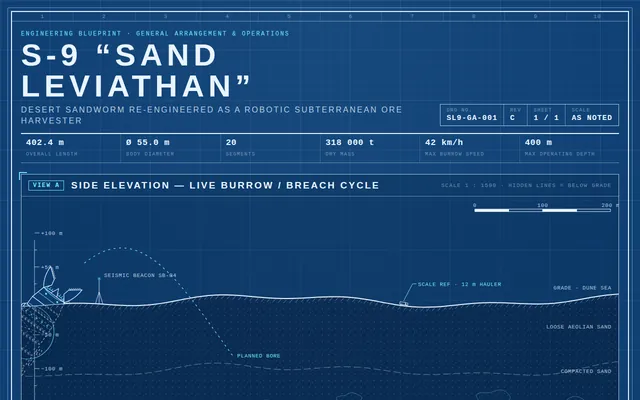
Folding road music
Make a vibecoded Three.js 3D experience: a road that forgets which way is down. It folds 90° up a yellow wall, runs upside down across a ceiling, and turns into sheet music: steer through the notes to play each street's melody. Watercolour. Ink. A radio on the roof. Single self-contained index.html; synthesize the audio in code (WebAudio); no external assets. Build it as index.html in the current directory. You may serve it locally and open it in headless chromium (/usr/bin/chromium, software WebGL, no GPU) to screenshot and inspect your own output, and iterate on your own before finishing. Close any browser you open as soon as you've taken your screenshot.
Folding road threejs
ok here it is - my first Opus 5.5 vibecoded threejs 3D experience

my God!! Opus is creative!!

I made a road that forgets which way is down.

It folds 90° up a yellow wall, runs upside down across a ceiling, and turns into sheet music: steer through the notes to play each street's melody.

Watercolour. Ink. A radio on the roof.

#vibejam Build it as index.html (plus any local asset files you create) in the current directory. Three.js may load from a pinned CDN. You may serve it locally and open it in headless chromium (/usr/bin/chromium, software WebGL, no GPU) to screenshot and inspect your own output, and iterate on your own before finishing. Close any browser you open as soon as you've taken your screenshot.
Game battleship
Build a complete, polished Battleship game playable in the browser (index.html plus any JS/CSS, no build step). Player vs computer on 10x10 grids: ship placement (drag or click, with rotate), a computer opponent with a sensible hunt/target strategy, hit/miss/sunk feedback with animation and sound, turn indicator, win/lose screen and restart. It must work with mouse and touch and look good on desktop and phone. Write everything into the working directory and finish with a short README.md.
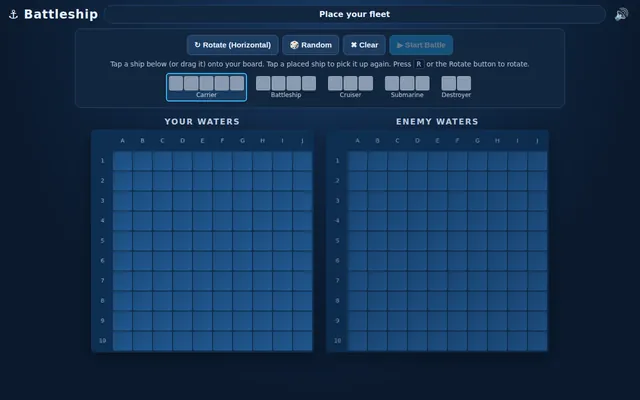
Gpu fluid sim
Build a GPU-accelerated fluid simulation in a single HTML file using WebGL, no external libraries. Dragging the mouse or a finger should push colorful dye through the fluid, with a soft glow. Make it look stunning and run smoothly.

Build it as a self-contained index.html in the current directory, with WebGL/WebGL2 shaders you write yourself; no libraries and no CDNs; interactive with mouse or touch input. You may serve it locally and open it in headless chromium (/usr/bin/chromium, software WebGL, no GPU) to screenshot and inspect your own output, and iterate on your own before finishing. Close any browser you open as soon as you've taken your screenshot.
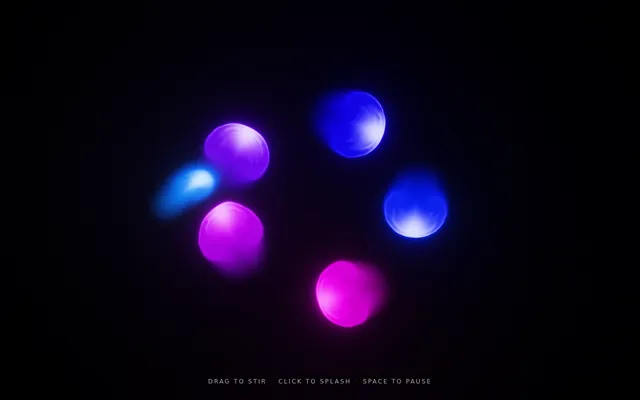
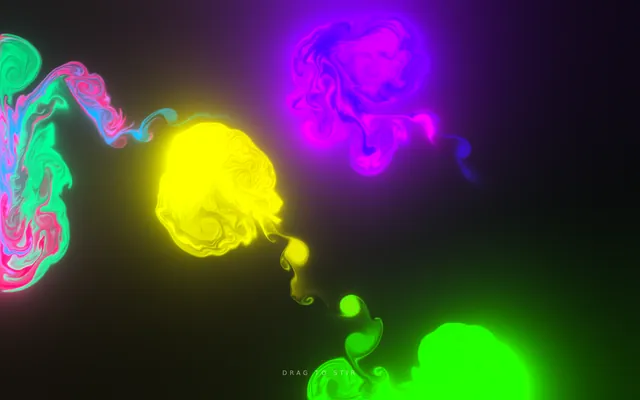
Html fox forest run
Create a seamless looping side-view animation of a red fox running through a forest at dusk. Deliver ONE self-contained index.html (inline CSS and JavaScript only, SVG and/or canvas; no external assets, libraries, fonts or network requests of any kind). The fox runs left to right, seen in profile, with an animated running gait: legs, body, head and tail all move in a believable run cycle. The scene moves past it: a dusk sky, several layers of trees scrolling at different speeds for parallax depth, and a ground strip. One loop lasts about 8 seconds and repeats forever with no visible seam or jump. Frame the scene at 16:9, scaled to fit any window, and make it look good on desktop and phone. Write everything into the working directory and finish with a short README.md.
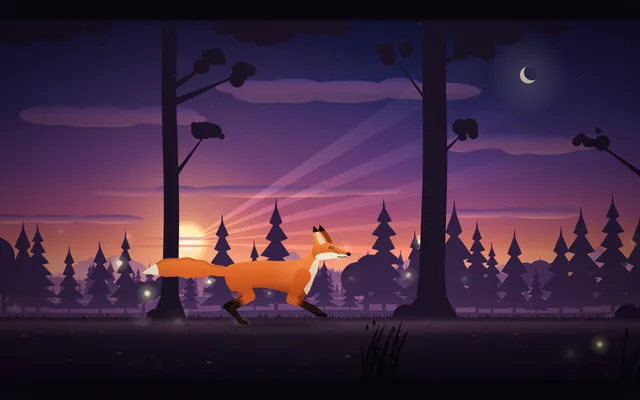
Humanoid motion cycle
Build a single-page Three.js scene (one index.html file, no build step, three.js from a pinned CDN) with a rigged humanoid character (a procedural skeleton and simple body meshes are fine) that plays walk, run and jump cycles, with on-screen buttons or keys to switch between them and blend smoothly from one to the next. The motion must look human, not spider-like: respect realistic joint limits (knees and elbows bend one way only, no joint rotates past a human range), feet plant on the ground with no sliding while in contact, the pelvis bobs and the torso stays upright with natural counter-rotation of shoulders and hips, and arms swing opposite to the legs. Include a ground grid, an orbit camera and a toggle that shows the skeleton. It must run at 60 fps in a desktop browser and work with touch. Write everything into the working directory and finish with a short README.md describing the controls.
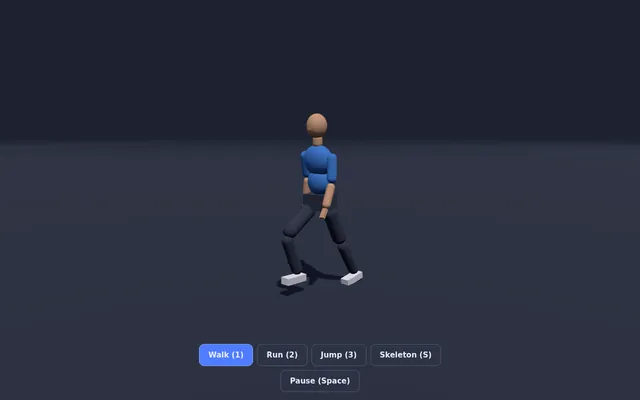
Image to procedural threejs scene
Build a single-file web app (index.html, Three.js from a CDN, no build step) that turns a reference image into a procedural Three.js scene. Include 3 built-in reference images drawn procedurally on a canvas (a teapot on a table, a lighthouse on rocks, a red sports car) so no external files are needed. For the selected reference, analyse the image's dominant colours and silhouette, then assemble the object from primitives (boxes, cylinders, lathe and extrude geometry) with matching materials, lighting and a ground plane. Show the reference image and the 3D result side by side, with a slider that morphs from a flat "pixel cloud" of the image into the finished 3D model. Add an "Export GLB" button using GLTFExporter. IDLE AUTO-PLAY: with no input, cycle through the 3 references every 8 seconds, animating the pixel-cloud-to-model morph and slowly orbiting the camera. Must render with WebGLRenderer (no WebGPU required). Save the main page as index.html in the current directory (plus any local asset files you create), with no build step. You may serve it locally and open it in headless chromium (/usr/bin/chromium, software WebGL, no GPU, no WebGPU) to screenshot and inspect your own output, and iterate on your own before finishing. Close any browser you open as soon as you've taken your screenshot. Finish with a short README.md describing the controls.
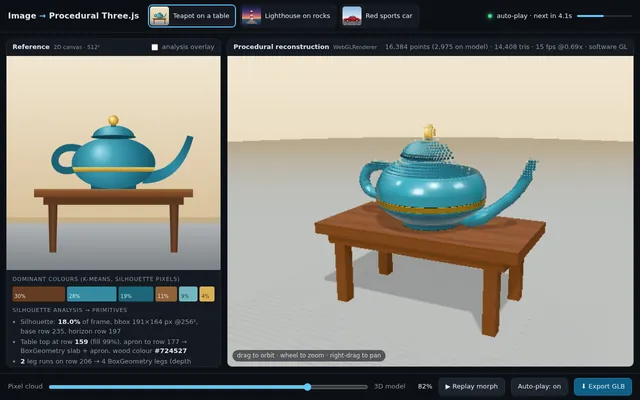
Js13k style shader game
Make a complete playable game in ONE html file under 13 KB (minified size reported in a corner): the visuals are rendered entirely by one fragment shader (raymarched or 2D SDF). Arcade loop: dodge/collect, score, increasing speed, game over + restart. Keyboard and touch controls. No libraries, no assets. IDLE AUTO-PLAY: with no input, the page starts animating immediately and runs an automatic demo (camera motion, preset or seed cycling, or an AI player) so a headless capture shows constant motion. Must render on WebGL/WebGL2 with no WebGPU required. Save the main page as index.html in the current directory (plus any local asset files you create), with no build step. You may serve it locally and open it in headless chromium (/usr/bin/chromium, software WebGL, no GPU, no WebGPU) to screenshot and inspect your own output, and iterate on your own before finishing. Close any browser you open as soon as you've taken your screenshot. Finish with a short README.md describing the controls.
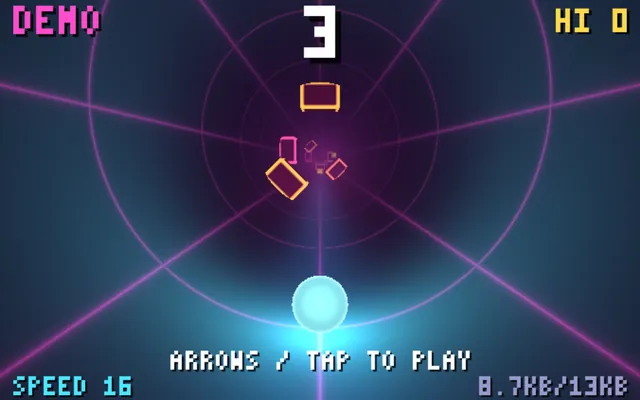
One key rhythm runner
Build a complete single-file browser game (index.html, plain JavaScript and Canvas or Three.js from a CDN, no build step) controlled by ONE key only (Space, or tap on touch). One mechanic, deep execution: a neon runner on a looping track where pressing jumps, holding glides, and releasing on the beat gives a perfect-timing bonus. Procedurally generated levels that ramp difficulty, a synthesized WebAudio soundtrack whose beat the obstacles follow, particle effects on perfect hits, combo counter, score, best score in localStorage, and a game-over screen with instant restart. IDLE AUTO-PLAY: if no key is pressed for 3 seconds on the title screen, an AI demo player plays the game with near-perfect timing (and an occasional miss) so a headless capture shows real gameplay. Must render with Canvas 2D or WebGL (no WebGPU). Save the main page as index.html in the current directory (plus any local asset files you create), with no build step. You may serve it locally and open it in headless chromium (/usr/bin/chromium, software WebGL, no GPU, no WebGPU) to screenshot and inspect your own output, and iterate on your own before finishing. Close any browser you open as soon as you've taken your screenshot. Finish with a short README.md describing the controls.
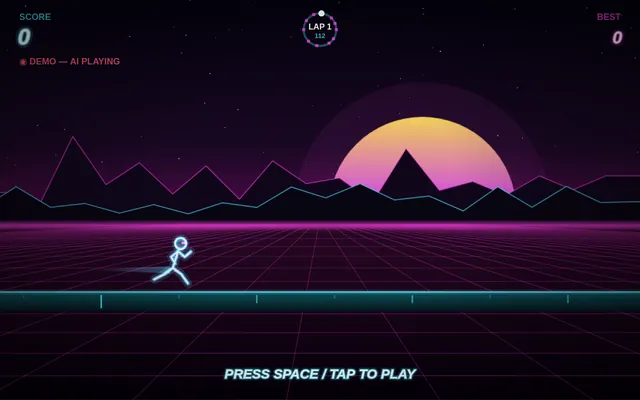
One prompt 3d kart racer
In one prompt, build a playable 3D kart racer in the browser with Three.js: one closed track with banked turns, 3 AI opponents, lap counter, 3 laps, finish screen with time. Keyboard controls. All assets procedural (no external files). Single index.html plus JS. Save the main page as index.html in the current directory (plus any local asset files you create), with no build step. You may serve it locally and open it in headless chromium (/usr/bin/chromium, software WebGL, no GPU, no WebGPU) to screenshot and inspect your own output, and iterate on your own before finishing. Close any browser you open as soon as you've taken your screenshot. Finish with a short README.md describing the controls.
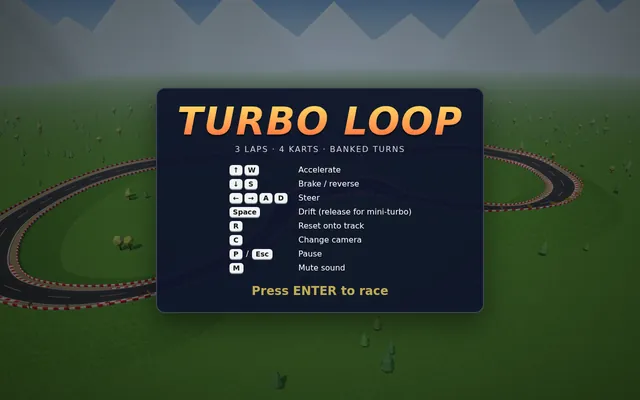
Pixel lofi loop
Fais-moi un diorama pixel-art animé de Paris la nuit, pour servir de fond en boucle à une vidéo lofi de 10 heures sur YouTube. Tout dans un seul fichier HTML (canvas + JavaScript, sans librairie).

AMBIANCE ET COULEURS
Joue à fond sur le contraste chaud / froid : une nuit pluvieuse bleu nuit et violette, avec des coins de lumière chaude. La tour Eiffel dorée, les fenêtres éclairées, les réverbères, un café.

LA SCÈNE (de l'arrière vers l'avant)
- Un ciel en dégradé tramé (dithering façon pixel art), une lune avec un halo, et plusieurs couches de nuages qui défilent lentement, éclairées par la lune au-dessus et par la ville en dessous.
- La tour Eiffel au centre, dorée, avec sa structure en treillis, ses 3 plateformes et son antenne. Son phare tourne et balaie le ciel. Elle scintille régulièrement (des points blancs qui clignotent partout), et une lumière rouge clignote tout en haut.
- Au fond, une ligne de toits parisiens avec des fenêtres qui s'allument et s'éteignent, le dôme doré des Invalides et le Sacré-Cœur blanc sur sa colline.
- Un quai avec des platanes et des réverbères.
- La Seine, avec les reflets de la tour et des lampadaires qui ondulent, de longues traînées de lumière dorée, des ronds de pluie sur l'eau, et un bateau-mouche éclairé qui traverse de temps en temps.
- À gauche, au premier plan, un immeuble haussmannien : toit en zinc mouillé, cheminée qui fume et crache des étincelles, un chat dans une lucarne qui bouge la queue, une fenêtre à la bougie qui vacille, une télé qui clignote en bleu, un balcon en fer forgé, un café avec un store rayé rouge et un néon « CAFÉ » qui grésille de temps en temps.
- À droite, un réverbère parisien avec un halo chaud, qui vacille parfois.
- Tout en bas, une balustrade en fer forgé avec des jardinières.

EFFETS
- De la pluie sur 3 profondeurs. Les gouttes deviennent orange quand elles passent dans une lumière, et elles éclaboussent sur les rebords, le store et la balustrade.
- DES BILLETS QUI TOMBENT DU CIEL : des billets de 100 €, 50 € et 20 €, sur plusieurs profondeurs. Ils virevoltent comme des feuilles (ils se balancent, pivotent, se retournent et brillent quand ils font face).
- De la fumée qui dérive avec le vent, des étincelles, des lumières qui vacillent, et 2 éclairs discrets dans les nuages par boucle.

TECHNIQUE (important)
- Le rendu interne est en 480×270, agrandi ×4 sans lissage (plus proche voisin), pour obtenir un 1920×1080 parfaitement net en plein écran.
- La boucle est PARFAITE et dure 4 minutes : chaque animation est une fonction du temps modulo 240 s (fréquences entières, particules déterministes), donc aucun saut au moment où ça reboucle.
- Touche R : enregistre exactement une boucle en 1920×1080, 60 fps, et télécharge le fichier vidéo (mp4 si possible, sinon webm).
- Touche S : capture PNG en 1080p. Touche F ou double-clic : plein écran. Le curseur se cache quand on ne bouge pas la souris.
- Optimise pour tenir 60 fps : sprites pré-rendus, halos en cache, et un canvas avec l'option willReadFrequently.

Fixed inputs (do not ask for anything):
- Deliverable: index.html in the current directory, one self-contained file (canvas + JavaScript, no libraries, no CDNs, no external image, font or audio files); code only.
- The harness makes the video itself, headlessly: it opens index.html in headless Chromium (software rendering, no GPU) with a 1920x1080 viewport and records exactly one full loop, t = 0 to 240 s, to a 1920x1080 MP4 at 30 fps. During that capture the page's clock is stepped exactly 1/30 s per frame (requestAnimationFrame timestamps, performance.now(), Date.now() and timers), no key is pressed and nothing is clicked: the scene must start animating as soon as the page loads; the R-key recording is not used.
- Audio is optional; a silent page is fine.

Playwright 1.63.0 (playwright-core) is already installed for you in the current directory: node_modules is pre-installed and read-only, so do not run npm install there or npx playwright install (if you want another npm package, install it in a subdirectory); it has no bundled browser, so launch the local Chromium with chromium.launch({ executablePath: "/usr/bin/chromium" }). ffmpeg and python3 (with numpy) are on PATH. You may open your page in headless Chromium, take screenshots or render frames, inspect your own output and iterate on your own before finishing. Close any browser you open as soon as you are done with it.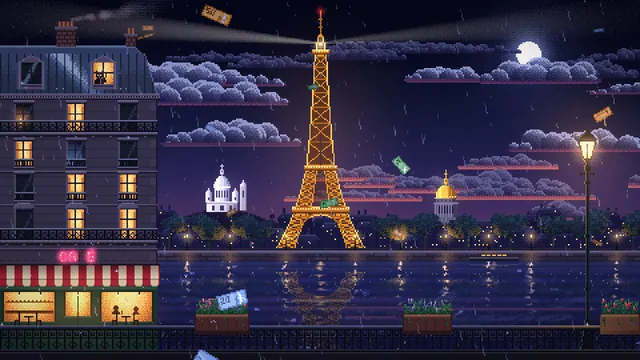
Shader hero background studio
Build a single-file web page (index.html, no frameworks, plain WebGL2 or WebGPU) that serves as a landing-page hero background studio. It shows 5 animated full-screen shader backgrounds: mesh gradient, liquid metal, grainy aurora, dithered dots, and flowing noise lines. A left sidebar switches presets and exposes 4-6 live sliders per preset (speed, scale, colours, grain). Over the background sits a sample hero headline and CTA button so the result looks like a real product site. Include an 'Export' button that copies a self-contained HTML/GLSL snippet of the current preset with its settings. It must run smoothly at 60 fps and auto-cycle through the presets every 4 seconds when idle, so a screen recording shows all five. Save the main page as index.html in the current directory (plus any local asset files you create), with no build step. You may serve it locally and open it in headless chromium (/usr/bin/chromium, software WebGL, no GPU, no WebGPU) to screenshot and inspect your own output, and iterate on your own before finishing. Close any browser you open as soon as you've taken your screenshot. Finish with a short README.md describing the controls.
Threejs ant vs gardener
Build a small playable 3D game in Three.js: an ant defends its home from a furious giant gardener. The player controls the ant on the ground of a lush garden, seen from a low third-person camera that makes the grass blades, pebbles and flowers feel huge. The gardener towers over the scene and sweeps a humming string trimmer back and forth, chasing the ant and throwing up clippings. The ant fights back with a tiny slingshot: aim with the mouse, fire pebbles at the gardener and dodge the trimmer's swings. Show a health bar for the ant and a large health bar for the gardener at the top of the screen, with hit flashes, a clear win or lose message and a restart. Warm afternoon sunlight falls through the leaves overhead, casting moving dappled light and soft shadows, with dust drifting in the light beams. Keep the controls simple (WASD or arrow keys to move, click to shoot) and show them on screen. Everything is built in code from Three.js geometry and materials; no external models or textures. Build it as index.html (plus any local asset files you create) in the current directory. Three.js may load from a pinned CDN. You may serve it locally and open it in headless chromium (/usr/bin/chromium, software WebGL, no GPU) to screenshot and inspect your own output, and iterate on your own before finishing. Close any browser you open as soon as you've taken your screenshot.
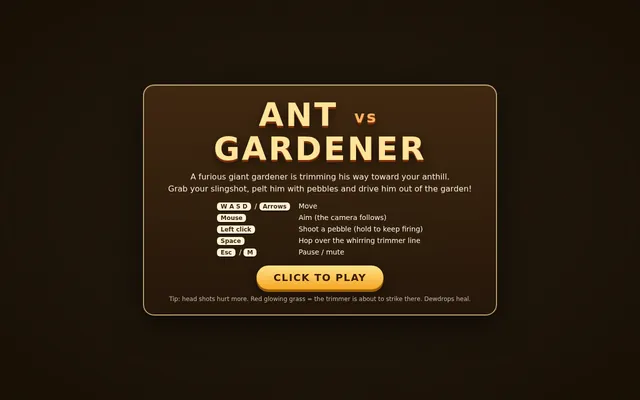
Threejs artwork style pass
# Test: threejs_artwork_style_pass

Build a real-time 3D scene in three.js: a **caped flying hero** flies through a row of **large framed artworks**, and each time he passes through a frame **his rendering style changes to match that artwork's style**.

- The hero is an original, generic caped flyer (your own design, not any existing or trademarked character): a stylised humanoid in a flying pose, fists forward, with a cape that flutters and ripples in the wind as he flies.
- A row of at least **five big picture frames** stands along his flight path, spaced out, each with a gilded frame and a procedurally generated canvas in a different style, for example: **oil painting** (thick brush strokes), **ukiyo-e woodblock** (flat colours, bold outlines, wave pattern), **pixel art**, **comic book / halftone** (dots, ink outlines), **watercolour** (soft bleeding washes). More styles are welcome.
- As he flies **through** each frame, the hero's look switches to that artwork's style (custom shaders / materials / post-processing, e.g. toon shading + outlines, halftone dots, pixelation, painterly noise, paper texture), ideally with a short visible transition at the moment he crosses the frame plane. Optionally the world around him can also take on the style.
- Motion must be **smooth and continuous** (no teleporting or snapping): he flies along a gentle curved path through all frames, and the whole sequence loops seamlessly.
- The **camera follows** him smoothly (chase camera with slight lag), keeping both the hero and the next frame in view.
- Good lighting, sky/background and atmosphere; aim for a polished, showcase-quality look.


Deliverable: reply with exactly one complete, self-contained `index.html` file in a single ```html code block. Requirements:
- Use three.js (r160 or newer) loaded from a CDN through an `<script type="importmap">` (e.g. jsDelivr or unpkg); addons such as OrbitControls may be imported from the same CDN via the import map.
- No other files: no external textures, models, fonts or images. Generate any textures procedurally in code.
- It must run by simply opening index.html in a modern desktop browser, fill the window, and handle resize.
- Animate with requestAnimationFrame and a clock, so it looks right at any frame rate.
- No explanation is needed outside the code block.
Vintage biplane aerobatics over a grass airfield (Three.js)
Build a Three.js scene: A red and cream vintage biplane performs loops, barrel rolls and a hammerhead over a grassy airfield, trailing white smoke ribbons that persist and slowly fade. Its propeller spins as a motion-blurred disc and the ailerons visibly deflect during rolls. Pressing keys 1-3 selects the next manoeuvre, and the camera tracks the plane from the ground like a spectator. Use a bright blue summer sky with puffy instanced clouds. Everything is built in code from Three.js geometry, materials and shaders; no external models, textures or fonts. The scene must visibly animate from the moment it loads and run in a browser with software WebGL (no GPU). Deliver ONE self-contained HTML file; load Three.js only through an import map from https://cdn.jsdelivr.net/npm/three@0.170.0/build/three.module.js (addons from https://cdn.jsdelivr.net/npm/three@0.170.0/examples/jsm/), with no other external requests. Output ONLY the complete HTML file, starting with <!DOCTYPE html> and ending with </html>, with no explanation or markdown fences.
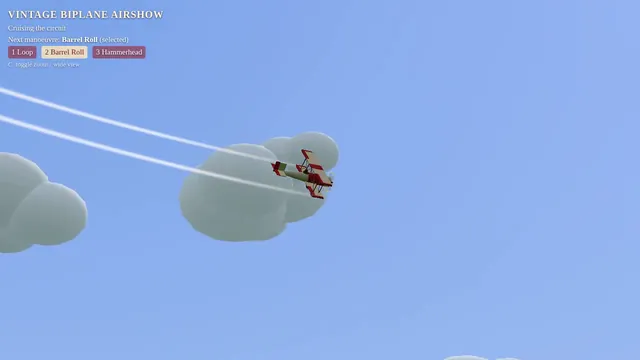
Retro arcade claw machine with pastel plush prizes (Three.js)
Build a Three.js scene: A retro arcade claw machine with a glass cabinet, chasing marquee lights and a pile of round pastel plush creatures stands in a dim arcade. Use the arrow keys to move the three-pronged claw over the pile and Space to drop it; the claw descends, closes, and may grip a plush that sometimes slips during the lift. A successful grab drops the plush down the prize chute with a burst of confetti; the camera is front-facing with slight mouse parallax. Everything is built in code from Three.js geometry, materials and shaders; no external models, textures or fonts. The scene must visibly animate from the moment it loads and run in a browser with software WebGL (no GPU). Deliver ONE self-contained HTML file; load Three.js only through an import map from https://cdn.jsdelivr.net/npm/three@0.170.0/build/three.module.js (addons from https://cdn.jsdelivr.net/npm/three@0.170.0/examples/jsm/), with no other external requests. Output ONLY the complete HTML file, starting with <!DOCTYPE html> and ending with </html>, with no explanation or markdown fences.
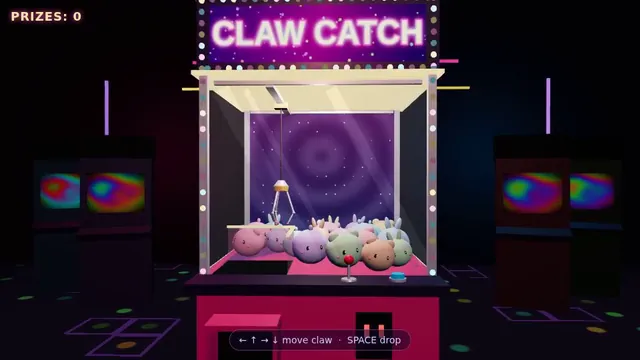
Threejs dragon ship
Build a single self-contained Three.js scene of a fantasy sailing ship at sea, seen from a cinematic three-quarter view. The ship has a carved dragon figurehead at the bow with an open jaw and horns, a wooden hull with visible planking and a raised stern castle, three masts with full canvas sails that billow and a few pennants, rigging lines, and lanterns along the rail. It sails on animated water with rolling waves, foam at the bow, reflections and a sun path on the surface. Behind it a rocky coast with a small harbour town: stone houses with tiled roofs, a lighthouse, a pier and scattered trees on green hills. Warm late-afternoon lighting with a low sun, long shadows, light haze in the distance and a sky with a few clouds. The camera slowly orbits the ship. Everything is built in code from Three.js geometry and materials; no external models or textures.

Output ONLY the complete index.html, starting with <!DOCTYPE html> and ending with </html>, with no explanation and no markdown fences. Build it as index.html (plus any local asset files you create) in the current directory. Three.js may load from a pinned CDN. You may serve it locally and open it in headless chromium (/usr/bin/chromium, software WebGL, no GPU) to screenshot and inspect your own output, and iterate on your own until it looks genuinely cinematic before finishing. Close any browser you open as soon as you've taken your screenshot.
Threejs eiffel
Build the Eiffel Tower in Three.js. Build it as index.html (plus any local asset files you create) in the current directory. Three.js may load from a pinned CDN. You may serve it locally and open it in headless chromium (/usr/bin/chromium, software WebGL, no GPU) to screenshot and inspect your own output, and iterate on your own before finishing. Close any browser you open as soon as you've taken your screenshot.
Threejs evolving art garden
Build a single-file Three.js generative-art garden where procedural plant-sculptures evolve: each sculpture has a genome (branching L-system params, colour palette, shader noise), the user clicks favourites to breed them (crossover + mutation) and the next generation grows in with an animation. Show a family-tree panel for the selected sculpture and an export-PNG button. Include an IDLE AUTO-PLAY mode that auto-selects and breeds every 8 seconds. Output one index.html, no external assets. Save the main page as index.html in the current directory (plus any local asset files you create), with no build step. You may serve it locally and open it in headless chromium (/usr/bin/chromium, software WebGL, no GPU, no WebGPU) to screenshot and inspect your own output, and iterate on your own before finishing. Close any browser you open as soon as you've taken your screenshot. Finish with a short README.md describing the controls.
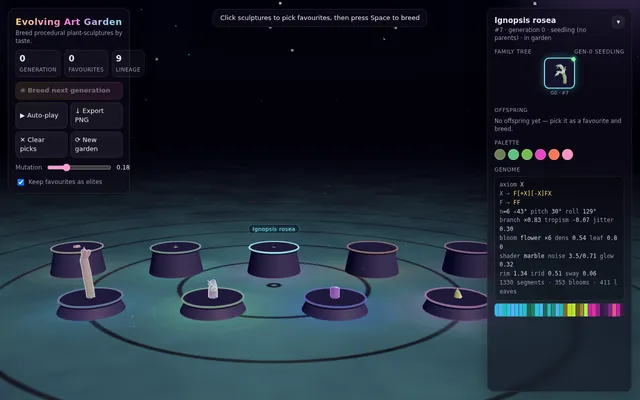
Four-stroke engine cutaway: crank, piston and cam-driven valves (Three.js)
Build a Three.js scene: A single-cylinder engine is shown in a half-transparent steel block, with crankshaft, connecting rod, piston and two cam-driven poppet valves animating in sync through intake, compression, power and exhaust. Fuel-air mix is shown as blue particles, the spark as a white flash, and exhaust as grey smoke particles. The up and down arrow keys change RPM, and a floating label names the current stroke. The camera orbits on drag with a workshop-grey backdrop and warm key light. Everything is built in code from Three.js geometry, materials and shaders; no external models, textures or fonts. The scene must visibly animate from the moment it loads and run in a browser with software WebGL (no GPU). Deliver ONE self-contained HTML file; load Three.js only through an import map from https://cdn.jsdelivr.net/npm/three@0.170.0/build/three.module.js (addons from https://cdn.jsdelivr.net/npm/three@0.170.0/examples/jsm/), with no other external requests. Output ONLY the complete HTML file, starting with <!DOCTYPE html> and ending with </html>, with no explanation or markdown fences.
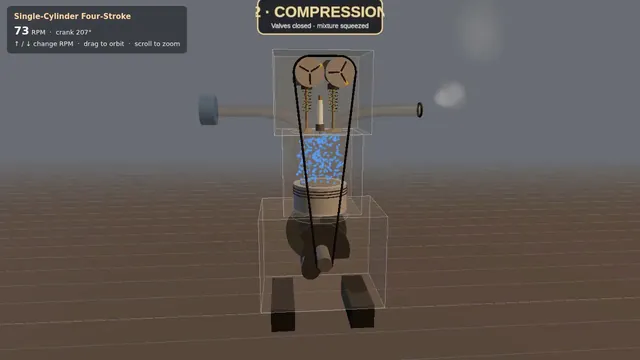
Hot air balloon festival over rolling fields (Three.js)
Build a Three.js scene: A dozen hot air balloons with striped procedural envelopes rise at different rates over rolling green fields, their burners flaring orange and lifting them in pulses. Clicking a balloon fires its burner, so it visibly glows and climbs faster. Balloons drift with a gentle wind field and the camera slowly rises with the fleet. The sky is a pale dawn gradient with soft volumetric-looking haze bands. Everything is built in code from Three.js geometry, materials and shaders; no external models, textures or fonts. The scene must visibly animate from the moment it loads and run in a browser with software WebGL (no GPU). Deliver ONE self-contained HTML file; load Three.js only through an import map from https://cdn.jsdelivr.net/npm/three@0.170.0/build/three.module.js (addons from https://cdn.jsdelivr.net/npm/three@0.170.0/examples/jsm/), with no other external requests. Output ONLY the complete HTML file, starting with <!DOCTYPE html> and ending with </html>, with no explanation or markdown fences.
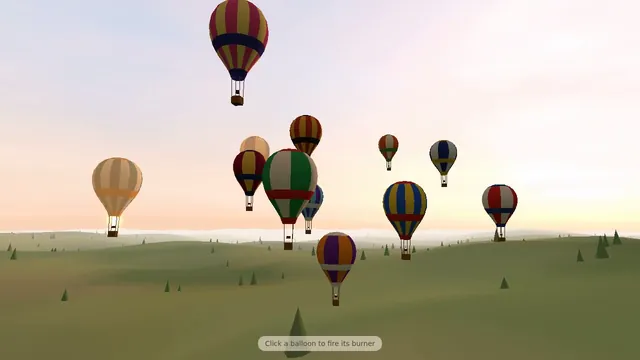
Threejs jellyfish
Build a Three.js scene of a huge glowing jellyfish walking through a rainy city at night on very tall, thin, jointed legs, presented as a live disaster news broadcast. The jellyfish's translucent bell pulses with soft bioluminescent light, its tentacles sway beneath it, and each slow stride steps between the towers while rain streaks through the light and wet streets reflect neon signs and headlights. Frame it like a TV emergency broadcast: a main camera feed plus several smaller feeds from other angles (street level, a helicopter, a rooftop) that update as the creature moves; a HUD with a channel logo, a red LIVE badge, a scrolling news ticker, a clock and coordinates; and an event log panel that adds timestamped entries as the jellyfish crosses the city. Keep the mood tense and cinematic, with fog, flickering streetlights and flashing red and blue emergency lights. Everything is built in code from Three.js geometry, shaders and materials; no external models or textures. Build it as index.html (plus any local asset files you create) in the current directory. Three.js may load from a pinned CDN. You may serve it locally and open it in headless chromium (/usr/bin/chromium, software WebGL, no GPU) to screenshot and inspect your own output, and iterate on your own before finishing. Close any browser you open as soon as you've taken your screenshot.
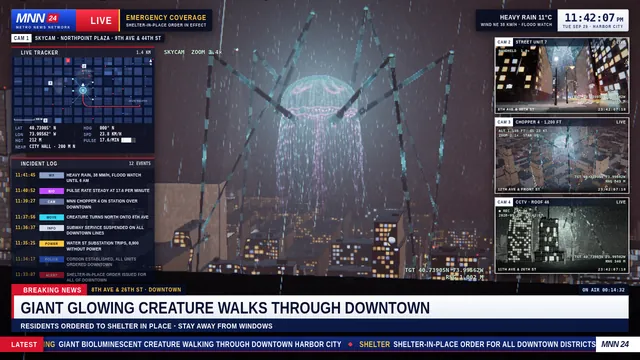
Threejs mechanical bee
# Test: threejs_mechanical_bee

Build a real-time 3D scene in three.js of an animated **mechanical (clockwork) bee**.

- The bee is built from many distinct parts: a segmented abdomen, thorax, head with compound-eye lenses, antennae, six jointed legs and two pairs of wings.
- Materials are physically based (MeshStandardMaterial or MeshPhysicalMaterial): polished and aged **brass**, brushed **steel**, a little dark enamel or glass, with believable metalness/roughness. Use an environment map (e.g. RoomEnvironment with PMREMGenerator) so the metal reflects.
- The **wings beat fast** (a visible blur-like flutter, thin translucent panels with a metal frame/veins).
- Several visible **gears turn** inside the body (meshing gears turn in opposite directions at speeds consistent with their tooth counts).
- The whole bee **hovers with a gentle bob and slight sway loop** in mid-air; legs and antennae move a little.
- **OrbitControls** let the viewer orbit, zoom and pan around the bee, with damping.
- **Nice lighting**: a key light with soft shadows, a fill and a rim light, tone mapping (ACES or AgX) and sRGB output; a tasteful backdrop or ground so the shadow reads.
- Aim for a polished, showcase-quality look.


Deliverable: reply with exactly one complete, self-contained `index.html` file in a single ```html code block. Requirements:
- Use three.js (r160 or newer) loaded from a CDN through an `<script type="importmap">` (e.g. jsDelivr or unpkg); addons such as OrbitControls may be imported from the same CDN via the import map.
- No other files: no external textures, models, fonts or images. Generate any textures procedurally in code.
- It must run by simply opening index.html in a modern desktop browser, fill the window, and handle resize.
- Animate with requestAnimationFrame and a clock, so it looks right at any frame rate.
- No explanation is needed outside the code block.
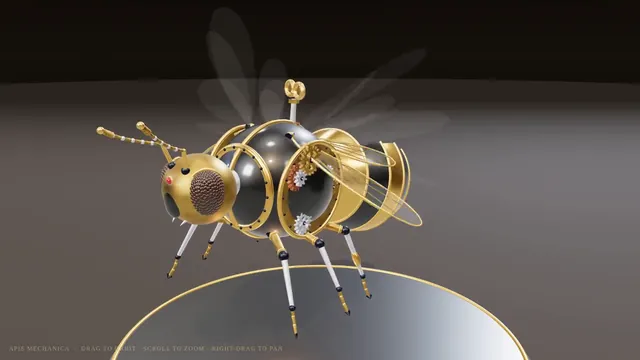
Threejs mobile touch arcade game
Build a complete, polished mobile-first 3D arcade game in Three.js as one self-contained index.html (no external assets; all geometry, textures and sound procedural). Portrait orientation, touch controls (swipe/drag and tap) with keyboard fallback for desktop. Include a title screen, at least 3 increasing difficulty phases, score and best-score persistence in localStorage, juicy feedback (screen shake, particles, procedural Web Audio sfx), pause/resume when the tab is hidden, and a game-over screen with restart. Must hold 60 fps on a mid-range phone; keep draw calls low with instancing.
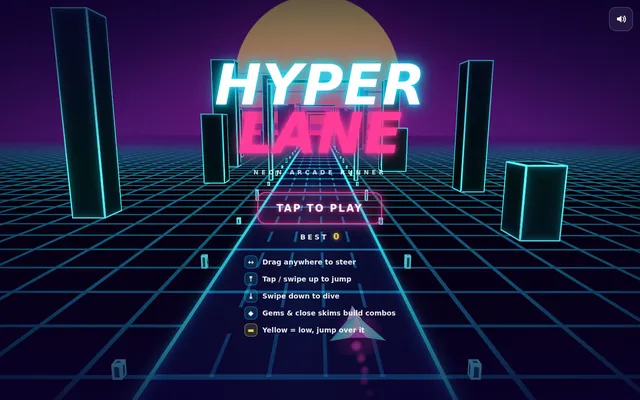
Threejs momijigari
Build an interactive Three.js scene of a single red Japanese maple (momiji) standing on a small rocky island in a still, misty lake. Its leaves are deep autumn red and orange; some drift down onto the water, where they float and leave gentle ripples. Low mist hangs over the lake and soft mountain silhouettes fade into the haze behind. A stone lantern stands beside the tree with a warm flame inside. Let the viewer interact: dragging across the water stirs the floating leaves and sends ripples through them, clicking the lantern makes it swing so its light sways across the water, and a dial turns the time of day from dawn through day and dusk to moonlight, changing the sky, the colour of the mist, the lighting and the reflections, with the moon and its reflection at night. Keep the mood calm and painterly, with a light wind moving the branches. Everything is built in code from Three.js geometry, shaders and materials; no external models or textures. Build it as index.html (plus any local asset files you create) in the current directory. Three.js may load from a pinned CDN. You may serve it locally and open it in headless chromium (/usr/bin/chromium, software WebGL, no GPU) to screenshot and inspect your own output, and iterate on your own before finishing. Close any browser you open as soon as you've taken your screenshot.
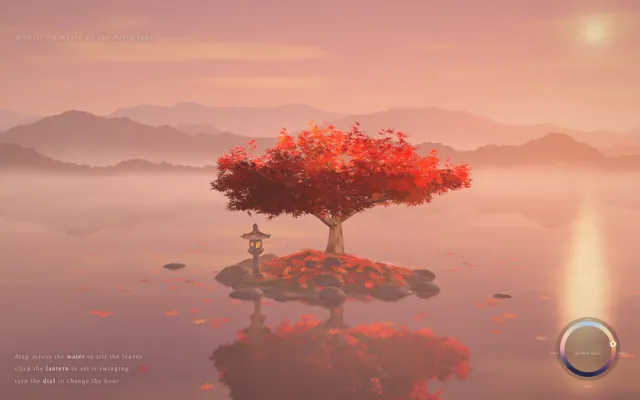
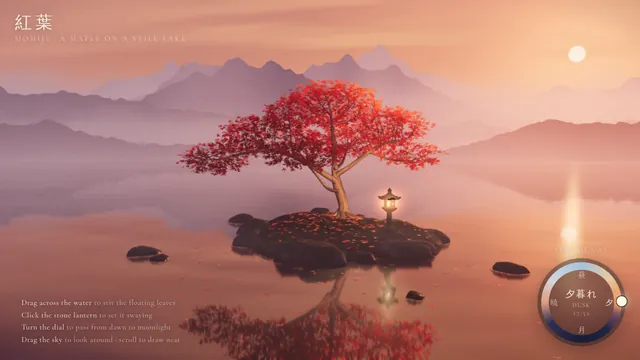

Synthwave hover-bike racer on a neon grid highway (Three.js)
Build a Three.js scene: A synthwave hover-bike race down an infinite grid highway beneath a striped magenta sunset sun and wireframe mountains. Steer between three lanes with A and D to dodge glowing pylons and collect cyan energy rings while speed slowly increases. The chase camera tilts into turns with a bloom-like glow, and a distance score is shown in retro chrome lettering. Everything is built in code from Three.js geometry, materials and shaders; no external models, textures or fonts. The scene must visibly animate from the moment it loads and run in a browser with software WebGL (no GPU). Deliver ONE self-contained HTML file; load Three.js only through an import map from https://cdn.jsdelivr.net/npm/three@0.170.0/build/three.module.js (addons from https://cdn.jsdelivr.net/npm/three@0.170.0/examples/jsm/), with no other external requests. Output ONLY the complete HTML file, starting with <!DOCTYPE html> and ending with </html>, with no explanation or markdown fences.
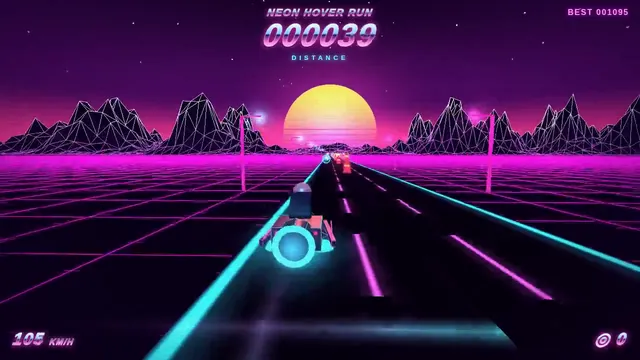
Threejs pathtraced product shot
Build a Three.js "studio product shot" page: a sneaker-like or headphone-like product modelled procedurally (no downloaded models), on a turntable in a soft-box studio with an HDR-style gradient environment, contact shadows, and physically based materials (leather, rubber, brushed metal). Progressive quality: a fast rasterised preview that refines over time (accumulated soft shadows / AO, or a path-tracing-style accumulation fallback that works on WebGL2). UI: three colourways, a material toggle, and an exposure slider. IDLE AUTO-PLAY: the turntable rotates slowly and the colourway changes every 6 seconds with no input. Must render on WebGLRenderer (no WebGPU-only features). Save the main page as index.html in the current directory (plus any local asset files you create), with no build step. You may serve it locally and open it in headless chromium (/usr/bin/chromium, software WebGL, no GPU, no WebGPU) to screenshot and inspect your own output, and iterate on your own before finishing. Close any browser you open as soon as you've taken your screenshot. Finish with a short README.md describing the controls.
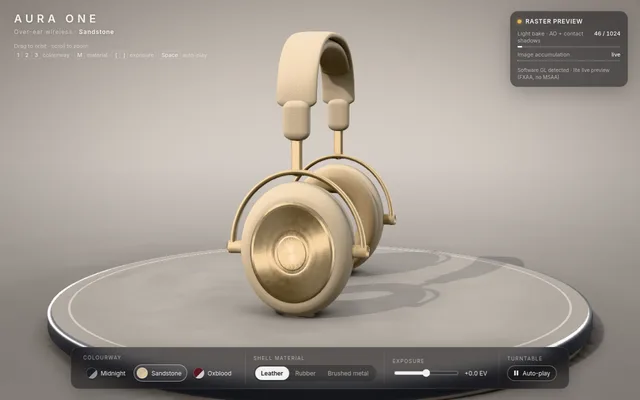
Floating pirate island diorama with a cliff cross-section (Three.js)
Build a Three.js scene: A small floating diorama chunk of island with a cliff cross-section shows layered rock, a palm tree, a wooden pier, a beached rowboat and a hidden treasure cave lit by a lantern. Waves lap the shore via a shader, gulls circle, and the palm sways. Click the X-marked sand to dig: sand particles fly and a chest rises and opens with a golden glow; the camera slowly orbits the floating base against a teal sky gradient. Everything is built in code from Three.js geometry, materials and shaders; no external models, textures or fonts. The scene must visibly animate from the moment it loads and run in a browser with software WebGL (no GPU). Deliver ONE self-contained HTML file; load Three.js only through an import map from https://cdn.jsdelivr.net/npm/three@0.170.0/build/three.module.js (addons from https://cdn.jsdelivr.net/npm/three@0.170.0/examples/jsm/), with no other external requests. Output ONLY the complete HTML file, starting with <!DOCTYPE html> and ending with </html>, with no explanation or markdown fences.
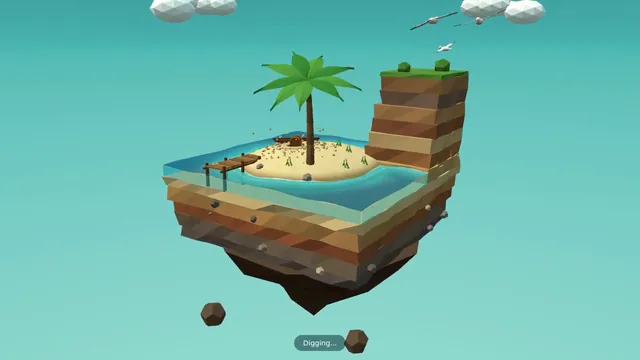
Threejs procedural armor suit
Build a single self-contained index.html using Three.js (imported from a pinned CDN; no external models, textures or other assets) that shows a full humanoid powered-armour suit built only from code: primitives, extruded shapes, lathes and generated geometry. Aim for 500 or more distinct mesh parts (plates, joints, pistons, vents, bolts, cables, lights) with a coherent, detailed design and good materials and lighting. Include an assemble / explode animation (parts fly in and lock into place, and can be exploded back out), a sci-fi HUD overlay (targeting reticle, part labels that track parts on screen, a system status panel), orbit controls, and buttons to trigger assemble and explode. It must run smoothly and work with touch on mobile. When the suit is built, log the total number of distinct mesh parts to the console as: PART_COUNT <n>. Write everything into the working directory and finish with a short README.md.
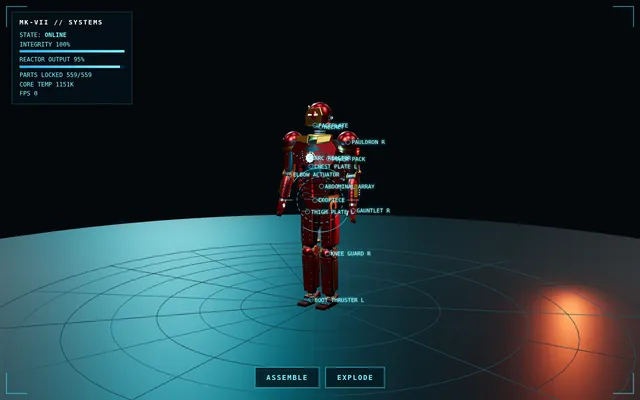
Threejs ps1 horror kitchen
Build a single-file Three.js scene of a low-poly PS1-era survival-horror kitchen at night: vertex-snapping jitter, affine texture warping, 320x240 render target upscaled with dithering, fog, a flickering fluorescent tube, a humming fridge whose door creaks open, and a flashlight cone. First-person WASD + mouse look with a slight head bob. Include an IDLE AUTO-PLAY mode where the camera walks a slow scripted path through the room and something shifts when it looks away. All geometry and textures procedural; output one index.html, no external assets. Save the main page as index.html in the current directory (plus any local asset files you create), with no build step. You may serve it locally and open it in headless chromium (/usr/bin/chromium, software WebGL, no GPU, no WebGPU) to screenshot and inspect your own output, and iterate on your own before finishing. Close any browser you open as soon as you've taken your screenshot. Finish with a short README.md describing the controls.
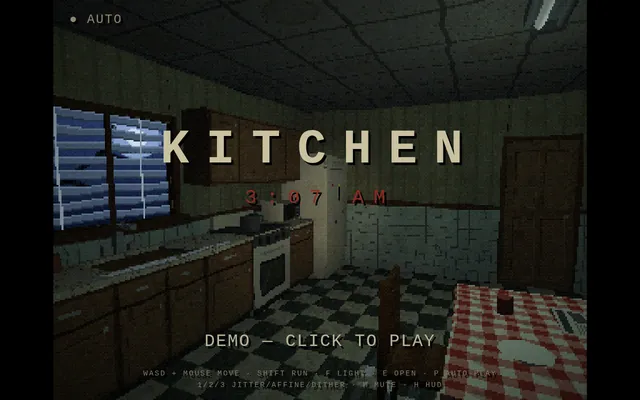
Threejs rocket car arena
Build a small Three.js "rocket car soccer" arena game in the browser: an enclosed stadium with ramped walls, a big physics ball, two goals, and a player car that can drive, jump and boost (boost leaves a particle trail). Simple arcade physics written by hand (no external physics engine download needed, but a CDN physics lib is allowed). Score UI, a 2-minute match timer, a goal replay flash. Controls: WASD/arrows, Space jump, Shift boost, with touch buttons on mobile. IDLE AUTO-PLAY: with no input, an AI drives the car toward the ball, scores, and the chase camera follows, so a headless capture shows gameplay. Must render on WebGLRenderer. Save the main page as index.html in the current directory (plus any local asset files you create), with no build step. You may serve it locally and open it in headless chromium (/usr/bin/chromium, software WebGL, no GPU, no WebGPU) to screenshot and inspect your own output, and iterate on your own before finishing. Close any browser you open as soon as you've taken your screenshot. Finish with a short README.md describing the controls.
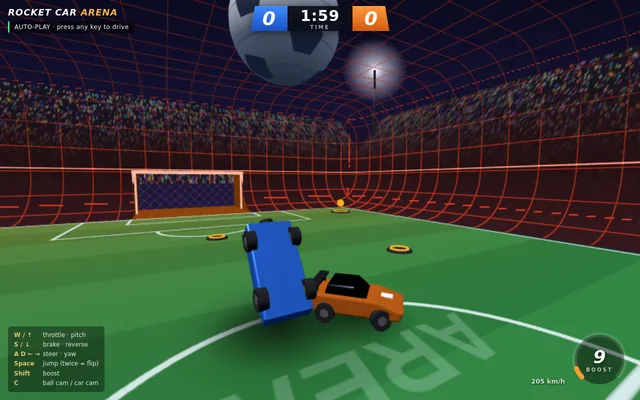
Threejs slime softbody
Build a single-page Three.js scene (index.html, no build step, three.js from a pinned CDN or vendored) showing a glossy translucent slime/jelly blob resting on a floor. It must behave as a soft body: clicking or dragging pokes and squishes it, it wobbles and settles with visible jiggle and damping, and it casts a soft contact shadow on the floor. Include subsurface-like translucency, specular highlights, and a small UI to reset and to drop the blob from height. Target 60 fps on a mid-range phone; mobile touch must work. Write everything into the working directory and finish with a short README.md describing controls.
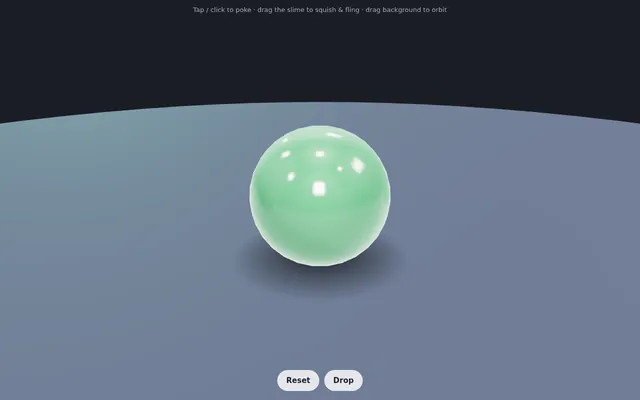
Threejs solar sail orrery
Build a Three.js interactive orrery of the inner solar system in one index.html: Sun with animated corona shader, Mercury-Mars on scaled Keplerian orbits with correct relative periods, Moon, orbit trails, and a solar-sail spacecraft that spirals outward using a simple radiation-pressure model with a visible sail mesh tilting toward the Sun. UI: time-warp slider, planet focus buttons, toggle labels/trails, sail tilt angle control. IDLE AUTO-PLAY: time warp runs at 20 days/s and the camera tours each planet then follows the sail, so a headless capture shows motion. WebGL only, CDN imports, no build step. Save the main page as index.html in the current directory (plus any local asset files you create), with no build step. You may serve it locally and open it in headless chromium (/usr/bin/chromium, software WebGL, no GPU, no WebGPU) to screenshot and inspect your own output, and iterate on your own before finishing. Close any browser you open as soon as you've taken your screenshot. Finish with a short README.md describing the controls.
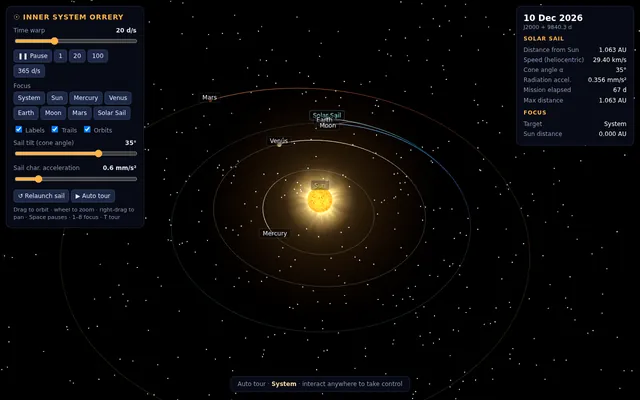
Threejs space bunny
Build a single Three.js page with five physics scenes and a scene switcher (buttons or tabs) to move between them; each scene can be restarted. 1) An explosion in a desert: a blast with a fireball, smoke, sand and debris thrown outward and falling back under gravity, and a shockwave rippling across the dunes. 2) A tornado: a funnel of swirling dust and debris over flat land that picks up small objects and spins them upward. 3) A balloon pop: a rubber balloon inflates, stretches and bursts, its fragments flying off and settling. 4) A water drop fall: a drop falls into still water, making a splash crown, a rebound jet, droplets and spreading ripples. 5) A Newton's cradle: five steel balls on strings where the end ball swings in and its momentum passes through the row, with believable collisions and slowly damped swinging. Make the motion physically believable (gravity, momentum, collisions, damping), light each scene well and label it. Everything is built in code from Three.js geometry, shaders and materials; no external models or textures. Build it as index.html (plus any local asset files you create) in the current directory. Three.js may load from a pinned CDN. You may serve it locally and open it in headless chromium (/usr/bin/chromium, software WebGL, no GPU) to screenshot and inspect your own output, and iterate on your own before finishing. Close any browser you open as soon as you've taken your screenshot.
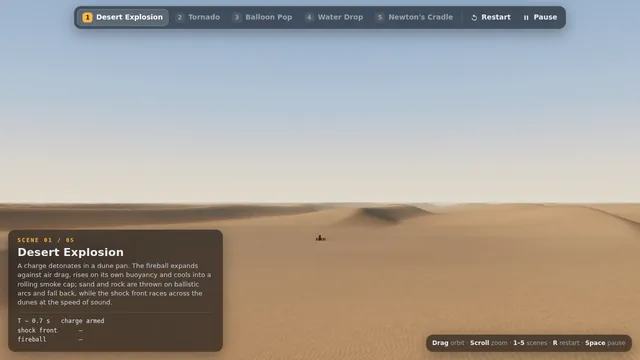
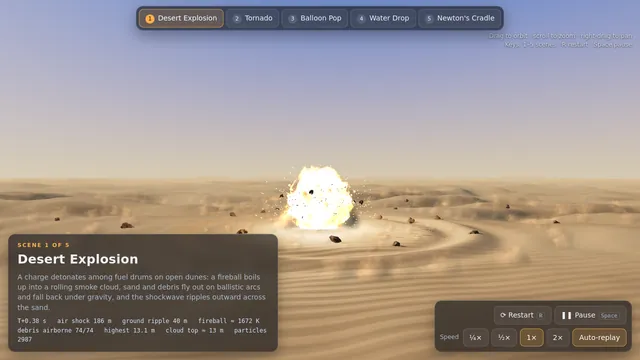
Threejs stillwater pond
Build "Millbrook Pond", a calm countryside pond diorama in Three.js, seen from above at a three-quarter angle. An irregular pond with soft grassy banks, rocks and reeds sits in a clearing ringed by trees and bushes, with a dirt path running around it. On one shore stands a small timber watermill cabin with a shingled roof and a stone chimney, and on its side a large wooden waterwheel turns continuously, its paddles dipping into the water and churning it. A plank dock juts out from the mill, a small arched wooden footbridge crosses an inlet, and a rowboat floats on the pond with a seated figure fishing, rod and line out; the boat bobs and drifts gently and the line's float makes small rings. The water is the star: a real-time reflective and refractive surface (a planar or render-target reflection of the mill, trees and sky; refraction of the shallow pond bed near the banks; depth-based tint from clear shallows to a dark centre) blended with a Fresnel term, soft normal-mapped wind ripples, and dynamic ripple rings from the waterwheel, the boat, the fishing float and the occasional rising fish, which spread and fade. Add gentle ambient life: swaying foliage, a few lily pads or drifting leaves, dragonflies or birds, and soft afternoon sun with shadows. The camera slowly orbits the pond on its own; the user can drag to orbit, pinch or scroll to zoom, and tap the water to make ripples, and a small unobtrusive control pauses the orbit and switches the time of day (for example afternoon and golden hour). The look is stylized and cohesive (low-poly or soft-shaded), and everything is built in code; no external models, textures or HDRIs. Also add a capture mode: opening index.html?capture=1 hides all UI and plays a scripted 12-second camera move around the pond that ends where it started, so it can be recorded as a seamless clip. Build it as index.html (plus any local asset files you create) in the current directory, with no build step; three.js and any addons may load from a pinned CDN. Aim for 60 fps on a laptop and at least 30 fps on a mid-range phone, with touch working. You may serve it locally and open it in headless chromium (/usr/bin/chromium, software WebGL, no GPU) to screenshot and inspect your own output, and iterate on your own before finishing. Close any browser you open as soon as you've taken your screenshot. Finish with a short README.md describing the controls and the capture mode.
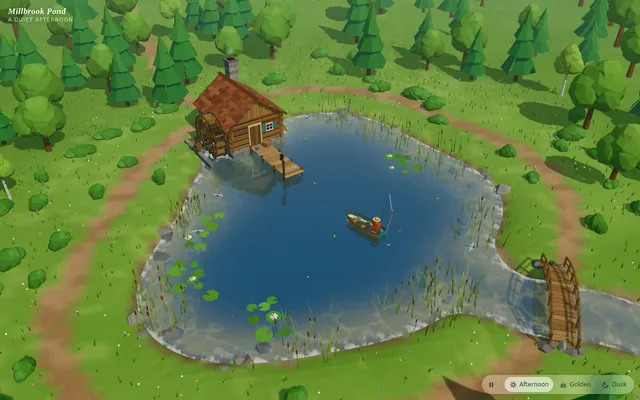
Threejs tidewater
Build an explorable tropical island in Three.js. The island has white sand beaches, palm trees, a green hilly interior and a small fishing village of wooden huts with thatched roofs, joined to the sea by a long wooden pier with boats moored alongside. The ocean around it is animated, with waves, foam along the shore and clear shallow water over a reef where fish swim among corals and sea plants, fading to deep blue further out. Let the player switch between modes: walk on the island, swim at the surface, dive underwater (with underwater fog and caustic light), sail a small boat around the island, and fly a free camera. Add a time-of-day panel with a slider that moves the sun from morning through sunset to night, changing the sky, lighting and water colours, with stars and lit windows in the village at night. Show the controls on screen. Everything is built in code from Three.js geometry, shaders and materials; no external models or textures. Build it as index.html (plus any local asset files you create) in the current directory. Three.js may load from a pinned CDN. You may serve it locally and open it in headless chromium (/usr/bin/chromium, software WebGL, no GPU) to screenshot and inspect your own output, and iterate on your own before finishing. Close any browser you open as soon as you've taken your screenshot.
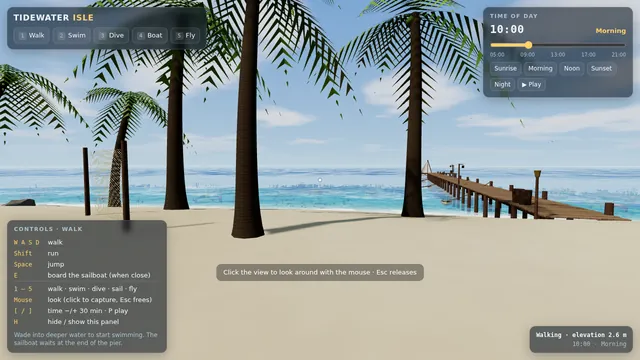
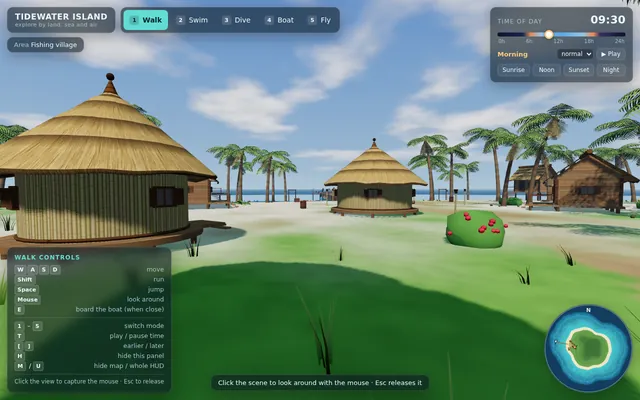
Threejs tiny anime world
Build a single-page Three.js scene: a tiny, cozy anime-style diorama under dappled sunlight filtering through tree leaves (komorebi). In it: a girl character standing next to a glowing vending machine, surrounded by flowers, on a quiet afternoon. Stylized toon/cel shading, soft warm lighting with light shafts, gentle idle animation (breeze in leaves and flowers, subtle character idle, vending-machine light flicker), slow orbiting camera with mouse orbit controls. No external model files: build everything procedurally from primitives. One index.html, runs offline, 60 fps on a laptop. Save the main page as index.html in the current directory (plus any local asset files you create), with no build step. You may serve it locally and open it in headless chromium (/usr/bin/chromium, software WebGL, no GPU, no WebGPU) to screenshot and inspect your own output, and iterate on your own before finishing. Close any browser you open as soon as you've taken your screenshot. Finish with a short README.md describing the controls.
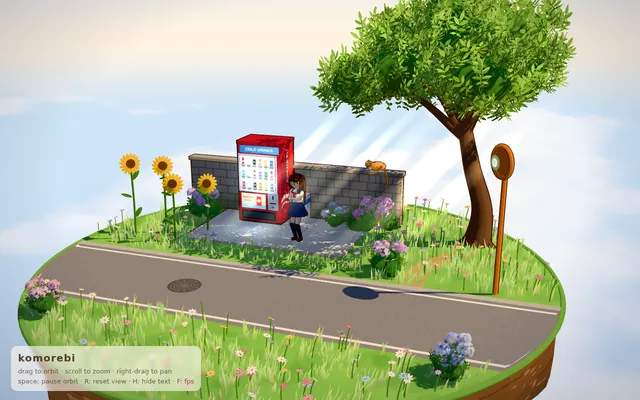
Threelab breed generative art
Build a single standalone index.html using Three.js: a generative-art 'breeding' gallery. Show a 3x3 grid of live 3D sculptures, each defined by a small parameter genome (shape primitive, noise frequency, colour palette, twist, particle count). The user clicks two parents; the app breeds 9 children by crossover + mutation and animates the new generation in. Include a 'genome' readout per tile and an export-PNG button. Smooth 60fps, no external assets. Save the main page as index.html in the current directory (plus any local asset files you create), with no build step. You may serve it locally and open it in headless chromium (/usr/bin/chromium, software WebGL, no GPU, no WebGPU) to screenshot and inspect your own output, and iterate on your own before finishing. Close any browser you open as soon as you've taken your screenshot. Finish with a short README.md describing the controls.
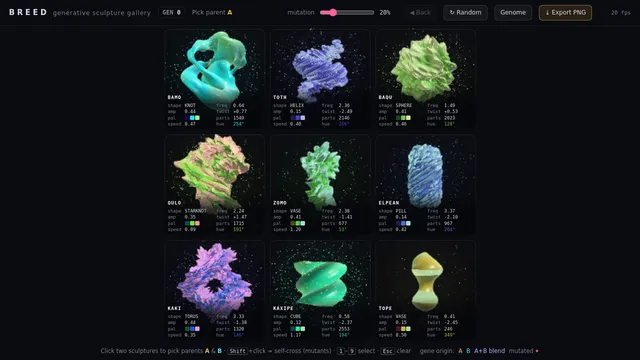
Volumetric raymarched sun
Build a single index.html real-time procedural sun using volumetric raymarching in a fragment shader (Three.js or raw WebGL2). Include animated plasma granulation from 3D noise, limb darkening, a glowing corona with flares and prominences, and bloom. Add a UI for temperature (colour shift), turbulence and flare intensity. Orbit camera. No external assets. IDLE AUTO-PLAY: with no input, the page starts animating immediately and runs an automatic demo (camera motion, preset or seed cycling, or an AI player) so a headless capture shows constant motion. Must render on WebGL/WebGL2 with no WebGPU required. Save the main page as index.html in the current directory (plus any local asset files you create), with no build step. You may serve it locally and open it in headless chromium (/usr/bin/chromium, software WebGL, no GPU, no WebGPU) to screenshot and inspect your own output, and iterate on your own before finishing. Close any browser you open as soon as you've taken your screenshot. Finish with a short README.md describing the controls.
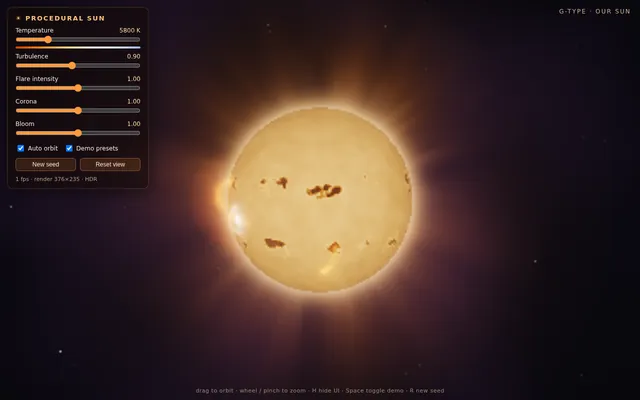
Webgl particle life sim
Build a single-page "particle life" simulation that runs in the browser on WebGL2 (WebGPU optional with an automatic WebGL2 fallback). 6 colour species, 8,000+ particles, an attraction/repulsion matrix between species that produces emergent cells, worms and orbits. UI: a small panel to randomise the matrix, pick from 5 named presets, change particle count and friction, and a live FPS readout. IDLE AUTO-PLAY: with no input, the sim starts immediately and cycles to a new preset every 8 seconds with a smooth crossfade, so a headless capture shows constant motion. Must render on plain WebGL2 with no GPU-only features required. No external accounts or API keys. Save the main page as index.html in the current directory (plus any local asset files you create), with no build step. You may serve it locally and open it in headless chromium (/usr/bin/chromium, software WebGL, no GPU, no WebGPU) to screenshot and inspect your own output, and iterate on your own before finishing. Close any browser you open as soon as you've taken your screenshot. Finish with a short README.md describing the controls.
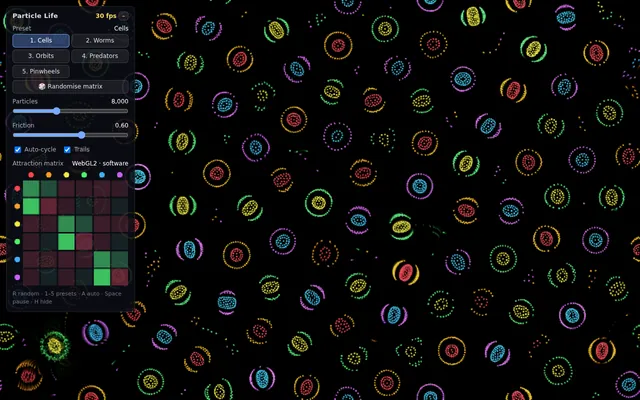
Webgl reaction diffusion coral
Build a single-page WebGL2 (no WebGPU) reaction-diffusion simulator (Gray-Scott) that grows coral/brain-like patterns on a 512x512 ping-pong framebuffer, rendered with a lit, height-shaded material and a slow orbiting camera over a 3D displaced plane (Three.js allowed). Include presets (coral, mitosis, worms, spots), a brush to seed chemicals, feed/kill sliders, and pause/reset. IDLE AUTO-PLAY: with no input it starts from a random seed, cycles presets every 12 s, and keeps the camera orbiting so a headless capture shows continuous growth. Single index.html, no build step, CDN imports only, 60 fps target. Save the main page as index.html in the current directory (plus any local asset files you create), with no build step. You may serve it locally and open it in headless chromium (/usr/bin/chromium, software WebGL, no GPU, no WebGPU) to screenshot and inspect your own output, and iterate on your own before finishing. Close any browser you open as soon as you've taken your screenshot. Finish with a short README.md describing the controls.
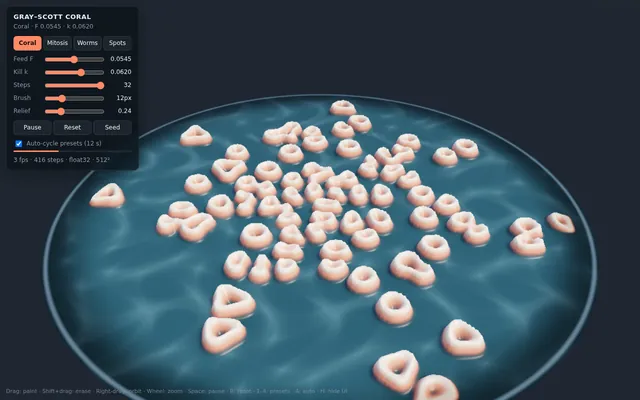
Webgpu ascii shader scene
Build a single-file web page (index.html, no build step, Three.js r17x+ via CDN with WebGPURenderer and a WebGL2 fallback) that renders a slowly rotating 3D scene (a torus knot, a low-poly terrain and a few floating cubes, lit with a moving point light) through a full-screen ASCII post-process shader. The shader samples scene luminance per cell and maps it to a configurable character ramp. Add an on-screen panel to change cell size, character set (classic, blocks, binary, katakana), foreground and background colour, and a toggle for colour-preserving mode. It must hold 60 fps at 1080p on a laptop GPU. Include a 10-second auto camera move so a screen recording shows off the effect without input. Save the main page as index.html in the current directory (plus any local asset files you create), with no build step. You may serve it locally and open it in headless chromium (/usr/bin/chromium, software WebGL, no GPU, no WebGPU) to screenshot and inspect your own output, and iterate on your own before finishing. Close any browser you open as soon as you've taken your screenshot. Finish with a short README.md describing the controls.
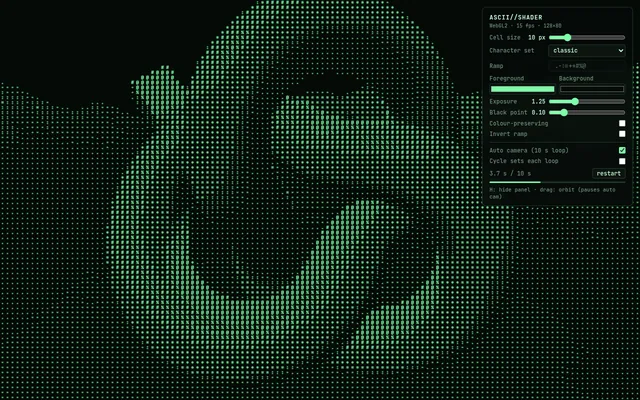
Webgpu ocean wave physics
Build a single standalone index.html (no build step, CDN imports only) with Three.js WebGPURenderer and TSL: an open-ocean scene with Gerstner/FFT-style wave displacement computed on the GPU, foam on crests, sky reflection and a floating buoy that bobs physically on the surface. Add an on-screen slider panel for wind speed, wave height and choppiness that updates live. Camera slowly orbits; mouse drag overrides. Fall back to WebGL if WebGPU is unavailable. Must run at 60fps on a laptop. Save the main page as index.html in the current directory (plus any local asset files you create), with no build step. You may serve it locally and open it in headless chromium (/usr/bin/chromium, software WebGL, no GPU, no WebGPU) to screenshot and inspect your own output, and iterate on your own before finishing. Close any browser you open as soon as you've taken your screenshot. Finish with a short README.md describing the controls.
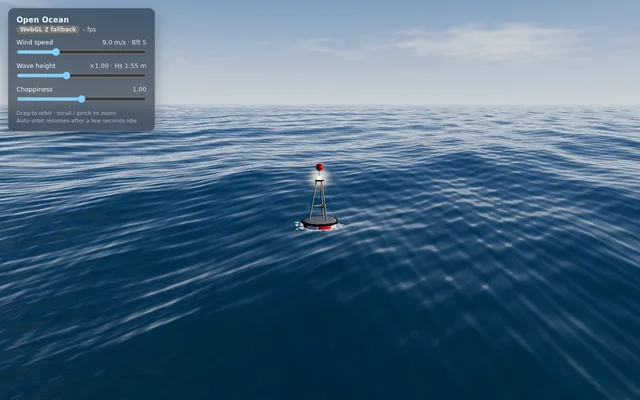
X16 engine
Build a conceptual X-16 engine in 3D with Three.js: four cylinder banks, one crankshaft and exposed mechanics inspired by experimental multi-bank engine architectures. Make it animate (pistons, rods and crank moving in sync) with orbit controls. Everything is built in code from Three.js geometry, shaders and materials; no external models or textures. Build it as a single self-contained index.html in the current directory. Three.js may load from a CDN or be vendored. You may serve it locally and open it in headless chromium (/usr/bin/chromium, software WebGL, no GPU) to screenshot and inspect your own output, and iterate on your own before finishing. Close any browser you open as soon as you've taken your screenshot.
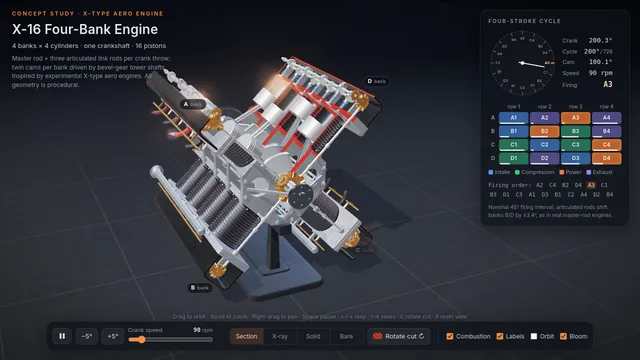
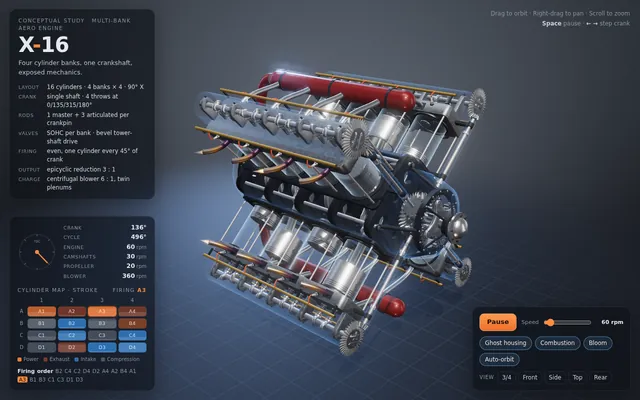
Van Gogh cat-spotting game (Opus 5.5 demo prompt)
can you make a 3d game where you walk around and spot cats inside of a van gogh painting? we can start with stary night and its town

---
Deliverable: build this in the current folder as a self-contained web page that opens in a browser with index.html as the entry point (no build step; CDN imports are fine). Work autonomously and do not ask questions.
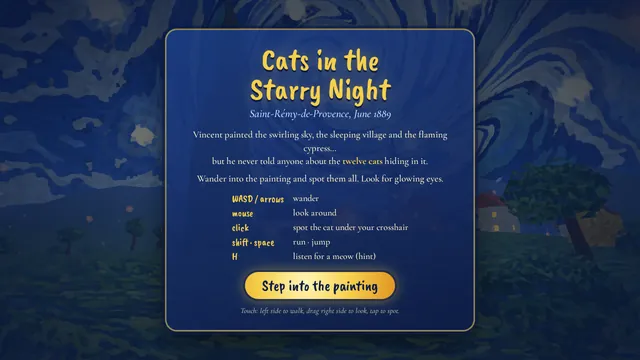
16-bit pixel wizard sprite loop (Opus 5.5 demo prompt)
Create a single self-contained HTML file that renders an animated pixel art wizard casting a spell, using vanilla JavaScript and Canvas 2D. No external assets, libraries, or network requests.

RENDERING
- Draw everything to an offscreen canvas at a fixed logical resolution of 128x96, then blit to a fullscreen display canvas scaled by the largest integer factor that fits the window, centered, with imageSmoothingEnabled = false and CSS image-rendering: pixelated.
- All drawing snaps to integer coordinates on the logical canvas. No sub-pixel positions, anti-aliasing, gradients, or shadowBlur.
- Fixed palette of ~24 hex colors: deep blues/purples for night sky, warm robe tones, 3-4 bright magic colors. Every pixel comes from this palette.

CHARACTER
- Build the wizard procedurally from filled rects and pixel runs, ~24x32 logical pixels: pointed hat with a bend, long beard, two-shade robe with darker outline, staff with a gem at the tip.
- Parameterize the pose (staff angle, arm raise, head tilt, robe sway). Animate parameters smoothly, then quantize to the pixel grid each frame so motion reads at an 8-12 fps pixel animation feel even though the loop runs at 60fps.

ANIMATION
- Looping state machine: IDLE (2-frame bob, beard sway) -> CHARGE (staff raises, gem flickers, sparks spiral inward) -> CAST (bright burst, projectile fires across the scene, 1-2 pixel screen shake) -> RECOVER (settle back). Ease pose parameters between keyframes.
- Pooled allocation-free particle system: preallocate and reuse. Sparks orbit the gem during CHARGE, explode outward on CAST, each particle stepping its palette index from white to magic color to dark before despawn. Snap particle positions to the grid when drawing.
- Fixed 60hz timestep update with rAF rendering. Zero object allocation inside the loop.

SCENE
- Minimal background: dark sky, a few twinkling 1px stars, moon, stone floor line. Character silhouette must read clearly.
- Subtle 1px rim light on the wizard from the gem, brightening during CHARGE and CAST.

QUALITY BAR
- Crisp pixels at any window size, seamless loop, stable 60fps, readable silhouette. Should look like a polished 16-bit sprite animation, not vector shapes scaled down.

---
Deliverable: build this in the current folder as a self-contained web page that opens in a browser with index.html as the entry point (no build step; CDN imports are fine). Work autonomously and do not ask questions.
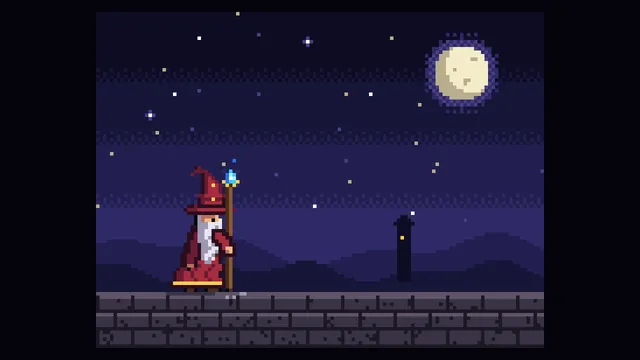
"Make a Tron game" (Opus 5.5 demo prompt)
make a Tron game.

---
Deliverable: build this in the current folder as a self-contained web page that opens in a browser with index.html as the entry point (no build step; CDN imports are fine). Work autonomously and do not ask questions.
001 Ink Bloom Garden
Ink Bloom Garden: A dark canvas where every click plants an ink-drop flower that grows outward in branching, feathered petals over three seconds using layered translucent strokes. Petal colour drifts with the mouse's horizontal position. Space clears the canvas with a slow fade; S saves the current canvas as a PNG.

Build it as ONE self-contained HTML file: inline CSS and JavaScript only, no libraries or frameworks, and no external requests of any kind (no CDNs, web fonts, images or audio files); anything visual or audible is made in code (HTML/CSS, SVG, Canvas, WebGL or WebAudio). It must work when opened directly from disk, fit the browser window responsively, and run without console errors. Output ONLY the complete HTML file, starting with <!DOCTYPE html> and ending with </html>, with no explanation or markdown fences.
002 Pendulum Wave
Pendulum Wave: Fifteen pendulums hung side by side, each with a slightly different period so that together they form travelling waves, snakes and brief alignments that repeat every 60 seconds. Show a slider for playback speed, a reset button, and draw a faint trail behind each bob.

Build it as ONE self-contained HTML file: inline CSS and JavaScript only, no libraries or frameworks, and no external requests of any kind (no CDNs, web fonts, images or audio files); anything visual or audible is made in code (HTML/CSS, SVG, Canvas, WebGL or WebAudio). It must work when opened directly from disk, fit the browser window responsively, and run without console errors. Output ONLY the complete HTML file, starting with <!DOCTYPE html> and ending with </html>, with no explanation or markdown fences.
003 Orbital Coffee Landing
Orbital Coffee Landing: A landing page for an invented specialty coffee roaster: a full-height hero with a CSS-drawn steaming cup, three origin cards that tilt in 3D toward the cursor, a scroll-triggered brew timeline, and a sticky header that shrinks after 80px of scrolling. Fully responsive down to 360px.

Build it as ONE self-contained HTML file: inline CSS and JavaScript only, no libraries or frameworks, and no external requests of any kind (no CDNs, web fonts, images or audio files); anything visual or audible is made in code (HTML/CSS, SVG, Canvas, WebGL or WebAudio). It must work when opened directly from disk, fit the browser window responsively, and run without console errors. Output ONLY the complete HTML file, starting with <!DOCTYPE html> and ending with </html>, with no explanation or markdown fences.
004 Brick Breaker Neon
Brick Breaker Neon: A neon brick-breaker: a paddle follows the mouse or arrow keys, the ball bounces off six rows of glowing bricks, and destroyed bricks burst into particles. Include three lives, a score, a level-two layout after clearing, a pause on P, and a game-over screen with restart.

Build it as ONE self-contained HTML file: inline CSS and JavaScript only, no libraries or frameworks, and no external requests of any kind (no CDNs, web fonts, images or audio files); anything visual or audible is made in code (HTML/CSS, SVG, Canvas, WebGL or WebAudio). It must work when opened directly from disk, fit the browser window responsively, and run without console errors. Output ONLY the complete HTML file, starting with <!DOCTYPE html> and ending with </html>, with no explanation or markdown fences.
005 Focus Timer Orbit
Focus Timer Orbit: A focus-session timer drawn as a planet orbiting a sun: a full orbit equals the session length. It supports 25/5 work/break cycles with editable durations, start/pause/reset, a counter of completed sessions, and a soft synthesised chime at each transition generated with WebAudio.

Build it as ONE self-contained HTML file: inline CSS and JavaScript only, no libraries or frameworks, and no external requests of any kind (no CDNs, web fonts, images or audio files); anything visual or audible is made in code (HTML/CSS, SVG, Canvas, WebGL or WebAudio). It must work when opened directly from disk, fit the browser window responsively, and run without console errors. Output ONLY the complete HTML file, starting with <!DOCTYPE html> and ending with </html>, with no explanation or markdown fences.
006 Rainfall Bars
Rainfall Bars: An animated bar chart of monthly rainfall for an invented city (Jan 78mm, Feb 64, Mar 55, Apr 40, May 22, Jun 10, Jul 8, Aug 12, Sep 30, Oct 52, Nov 70, Dec 85). Bars fill like rain gauges, hovering shows a tooltip, and a toggle switches between millimetres and inches.

Build it as ONE self-contained HTML file: inline CSS and JavaScript only, no libraries or frameworks, and no external requests of any kind (no CDNs, web fonts, images or audio files); anything visual or audible is made in code (HTML/CSS, SVG, Canvas, WebGL or WebAudio). It must work when opened directly from disk, fit the browser window responsively, and run without console errors. Output ONLY the complete HTML file, starting with <!DOCTYPE html> and ending with </html>, with no explanation or markdown fences.
007 Kinetic Headline
Kinetic Headline: The phrase MAKE SOMETHING WEIRD in huge letters, where each letter is an independent element that scatters away from the cursor on a spring and eases back home. Clicking cycles through three typefaces from generic font families; letters wobble slightly while idle.

Build it as ONE self-contained HTML file: inline CSS and JavaScript only, no libraries or frameworks, and no external requests of any kind (no CDNs, web fonts, images or audio files); anything visual or audible is made in code (HTML/CSS, SVG, Canvas, WebGL or WebAudio). It must work when opened directly from disk, fit the browser window responsively, and run without console errors. Output ONLY the complete HTML file, starting with <!DOCTYPE html> and ending with </html>, with no explanation or markdown fences.
008 Pocket Theremin
Pocket Theremin: A full-screen theremin: horizontal mouse position sets pitch across two octaves on a pentatonic scale, vertical position sets volume and vibrato depth. Holding the mouse down plays a WebAudio oscillator; a glowing trail and a live waveform display follow the pointer. Keys 1-4 switch waveform.

Build it as ONE self-contained HTML file: inline CSS and JavaScript only, no libraries or frameworks, and no external requests of any kind (no CDNs, web fonts, images or audio files); anything visual or audible is made in code (HTML/CSS, SVG, Canvas, WebGL or WebAudio). It must work when opened directly from disk, fit the browser window responsively, and run without console errors. Output ONLY the complete HTML file, starting with <!DOCTYPE html> and ending with </html>, with no explanation or markdown fences.
009 Forest Fire Automaton
Forest Fire Automaton: A cellular-automaton forest on a 150x100 grid: trees regrow with probability p, lightning strikes with probability f, and fire spreads to neighbours. Sliders adjust p and f live, a counter shows live trees, burning cells glow orange to red, and a click drops a spark.

Build it as ONE self-contained HTML file: inline CSS and JavaScript only, no libraries or frameworks, and no external requests of any kind (no CDNs, web fonts, images or audio files); anything visual or audible is made in code (HTML/CSS, SVG, Canvas, WebGL or WebAudio). It must work when opened directly from disk, fit the browser window responsively, and run without console errors. Output ONLY the complete HTML file, starting with <!DOCTYPE html> and ending with </html>, with no explanation or markdown fences.
010 Toggle Switch Gallery
Toggle Switch Gallery: A gallery of eight distinct toggle switch designs on a neutral grid: day/night, liquid blob, rocker, pill with icon, 3D push, checkbox morph, skeuomorphic lever and minimalist line. Each animates smoothly between states, is keyboard accessible, and shows its current state label underneath.

Build it as ONE self-contained HTML file: inline CSS and JavaScript only, no libraries or frameworks, and no external requests of any kind (no CDNs, web fonts, images or audio files); anything visual or audible is made in code (HTML/CSS, SVG, Canvas, WebGL or WebAudio). It must work when opened directly from disk, fit the browser window responsively, and run without console errors. Output ONLY the complete HTML file, starting with <!DOCTYPE html> and ending with </html>, with no explanation or markdown fences.
011 Pure CSS Sunset
Pure CSS Sunset: A layered sunset over rolling hills built entirely with CSS gradients, shapes and keyframe animation, with no canvas or script: the sun sinks over 20 seconds, the sky shifts from gold to violet, stars fade in, and a small silhouetted windmill turns on a hill.

Build it as ONE self-contained HTML file: inline CSS and JavaScript only, no libraries or frameworks, and no external requests of any kind (no CDNs, web fonts, images or audio files); anything visual or audible is made in code (HTML/CSS, SVG, Canvas, WebGL or WebAudio). It must work when opened directly from disk, fit the browser window responsively, and run without console errors. Output ONLY the complete HTML file, starting with <!DOCTYPE html> and ending with </html>, with no explanation or markdown fences.
012 Magnetic Filings
Magnetic Filings: Thousands of short iron-filing strokes on a pale background align to the field of two draggable magnets, one red north and one blue south. Strokes recompute live as magnets are dragged; a double click adds a third magnet and a button flips each polarity.

Build it as ONE self-contained HTML file: inline CSS and JavaScript only, no libraries or frameworks, and no external requests of any kind (no CDNs, web fonts, images or audio files); anything visual or audible is made in code (HTML/CSS, SVG, Canvas, WebGL or WebAudio). It must work when opened directly from disk, fit the browser window responsively, and run without console errors. Output ONLY the complete HTML file, starting with <!DOCTYPE html> and ending with </html>, with no explanation or markdown fences.
013 Soft Body Blobs
Soft Body Blobs: Five jelly-like blobs made of spring-connected points fall into a box, squish on impact and jostle each other. The user can grab and fling any blob with the mouse. A gravity slider and a button that tilts the box left or right are included.

Build it as ONE self-contained HTML file: inline CSS and JavaScript only, no libraries or frameworks, and no external requests of any kind (no CDNs, web fonts, images or audio files); anything visual or audible is made in code (HTML/CSS, SVG, Canvas, WebGL or WebAudio). It must work when opened directly from disk, fit the browser window responsively, and run without console errors. Output ONLY the complete HTML file, starting with <!DOCTYPE html> and ending with </html>, with no explanation or markdown fences.
014 Snake Reimagined
Snake Reimagined: A modern snake game on a 24x24 grid with smooth interpolated movement, a gradient body that tapers to the tail, food that pulses, and walls that wrap. Speed increases every five apples. Show score and best score (saved in localStorage) and support arrows, WASD and swipe.

Build it as ONE self-contained HTML file: inline CSS and JavaScript only, no libraries or frameworks, and no external requests of any kind (no CDNs, web fonts, images or audio files); anything visual or audible is made in code (HTML/CSS, SVG, Canvas, WebGL or WebAudio). It must work when opened directly from disk, fit the browser window responsively, and run without console errors. Output ONLY the complete HTML file, starting with <!DOCTYPE html> and ending with </html>, with no explanation or markdown fences.
015 Color Palette Studio
Color Palette Studio: A palette generator: press space to generate five harmonious colours (choose analogous, complementary, triadic or monochrome), click a swatch to lock it, and show each colour's HEX, RGB and a WCAG contrast rating against white and black. Clicking a code copies it with a toast.

Build it as ONE self-contained HTML file: inline CSS and JavaScript only, no libraries or frameworks, and no external requests of any kind (no CDNs, web fonts, images or audio files); anything visual or audible is made in code (HTML/CSS, SVG, Canvas, WebGL or WebAudio). It must work when opened directly from disk, fit the browser window responsively, and run without console errors. Output ONLY the complete HTML file, starting with <!DOCTYPE html> and ending with </html>, with no explanation or markdown fences.
016 Heartbeat Line
Heartbeat Line: A live ECG-style monitor that scrolls a heartbeat trace across a dark grid, with a BPM readout, a slider from 40 to 180 BPM that changes the rhythm in real time, a red flash on each beat, and an optional synthesised beep per beat.

Build it as ONE self-contained HTML file: inline CSS and JavaScript only, no libraries or frameworks, and no external requests of any kind (no CDNs, web fonts, images or audio files); anything visual or audible is made in code (HTML/CSS, SVG, Canvas, WebGL or WebAudio). It must work when opened directly from disk, fit the browser window responsively, and run without console errors. Output ONLY the complete HTML file, starting with <!DOCTYPE html> and ending with </html>, with no explanation or markdown fences.
017 Typewriter Poem
Typewriter Poem: A vintage typewriter page that types out a short original eight-line poem character by character with slight timing randomness, ink density variation and occasional struck-through corrections. Each keystroke plays a synthesised click, a bell rings at each line end, and a replay button restarts it.

Build it as ONE self-contained HTML file: inline CSS and JavaScript only, no libraries or frameworks, and no external requests of any kind (no CDNs, web fonts, images or audio files); anything visual or audible is made in code (HTML/CSS, SVG, Canvas, WebGL or WebAudio). It must work when opened directly from disk, fit the browser window responsively, and run without console errors. Output ONLY the complete HTML file, starting with <!DOCTYPE html> and ending with </html>, with no explanation or markdown fences.
018 Step Sequencer Grid
Step Sequencer Grid: A 16-step, 8-row drum and synth sequencer with a lit grid. Kick, snare, hat and clap are synthesised with WebAudio, plus four pentatonic notes. Includes a tempo slider (60-180 BPM), a moving playhead, clear and randomise buttons, and swing control.

Build it as ONE self-contained HTML file: inline CSS and JavaScript only, no libraries or frameworks, and no external requests of any kind (no CDNs, web fonts, images or audio files); anything visual or audible is made in code (HTML/CSS, SVG, Canvas, WebGL or WebAudio). It must work when opened directly from disk, fit the browser window responsively, and run without console errors. Output ONLY the complete HTML file, starting with <!DOCTYPE html> and ending with </html>, with no explanation or markdown fences.
019 Boids Lagoon
Boids Lagoon: A school of 200 fish following boids rules (separation, alignment, cohesion) in a teal lagoon, drawn as small tapered shapes that flex as they turn. Moving the mouse introduces a predator they flee from; sliders tune the three weights and a counter shows the FPS.

Build it as ONE self-contained HTML file: inline CSS and JavaScript only, no libraries or frameworks, and no external requests of any kind (no CDNs, web fonts, images or audio files); anything visual or audible is made in code (HTML/CSS, SVG, Canvas, WebGL or WebAudio). It must work when opened directly from disk, fit the browser window responsively, and run without console errors. Output ONLY the complete HTML file, starting with <!DOCTYPE html> and ending with </html>, with no explanation or markdown fences.
020 Pricing Table Trio
Pricing Table Trio: A three-tier pricing section for an invented design app: monthly/annual toggle that animates the prices with a 20% discount, a highlighted middle plan with a ribbon, feature lists with check and cross icons, and hover states that lift cards. Responsive stacking on mobile.

Build it as ONE self-contained HTML file: inline CSS and JavaScript only, no libraries or frameworks, and no external requests of any kind (no CDNs, web fonts, images or audio files); anything visual or audible is made in code (HTML/CSS, SVG, Canvas, WebGL or WebAudio). It must work when opened directly from disk, fit the browser window responsively, and run without console errors. Output ONLY the complete HTML file, starting with <!DOCTYPE html> and ending with </html>, with no explanation or markdown fences.
Koi Pond Garden
Koi Pond Garden: A calm, interactive Japanese garden seen from above at a gentle three-quarter angle, centred on a koi pond. The water must read as clear and refractive: you can see the pebbled pond floor and the koi through it, distorted by soft ripples, with caustic light patterns moving across the bottom and a subtle surface reflection and sheen. At least seven koi with detailed, varied patterned skin (kohaku, showa, ogon, tancho and similar), flowing fins and tails, swim naturally in smooth, unhurried curves, avoid each other and the pond edge, and occasionally rise near the surface. Surround the pond with natural stones and mossy rocks of varied shapes and textures, grasses, a few plants and flowers, floating lily pads (some with blossoms), and at least one small stone lantern or similar garden detail. Lighting should be warm and soft, with believable shadows.

Interaction: clicking or tapping the water drops a few food pellets that splash, float and slowly sink; nearby koi notice them, swarm toward them and visibly eat them (each pellet disappears when a fish reaches it), then disperse. At least two frogs sit on lily pads; clicking or tapping a frog makes it leap in an arc to another pad or into the water with a splash and rings of ripples. Clicking the water anywhere also sends out ripples. The camera can be orbited gently with a drag and zoomed within limits, but must not flip under the ground.

Build it as ONE self-contained HTML file with inline CSS and JavaScript. You may load three.js (and its addons) from a public CDN via an import map or script tag; no other external requests (no image, texture, model or audio files): make every texture and shape in code (procedural canvas textures, shaders or geometry). It must work when opened directly from disk in a current desktop or mobile browser, support both mouse and touch, fit the window responsively, keep a smooth frame rate, and run without console errors. Output ONLY the complete HTML file, starting with <!DOCTYPE html> and ending with </html>, with no explanation or markdown fences.
Blender donut
Make me a donut in Blender. Blender 5.2 is already running on this machine with the MCP for Blender add-on connected: build the scene in that Blender through the blender MCP tools (its window is on a virtual screen and there is no GPU, so render on the CPU). When you are finished, set up a camera and render the final image at 1920x1080, saving it as render.png in the current directory (Blender's working directory is this same folder), and save the Blender file as scene.blend here too. You may take viewport screenshots and look at your own renders to check your work, and iterate on your own before finishing.
Blender humanoid walk cycle
Using Blender's Python API only (a script run headless with blender -b -P), build a humanoid character with an armature (hips, spine, neck, head, arms with elbows and hands, legs with knees and feet) skinned to a simple stylised body mesh, and animate a seamless looping walk cycle of 32 frames at 24 fps. The walk must look human: knees and elbows bend one way only within realistic joint limits, feet plant with no sliding during contact, the pelvis bobs and the torso stays upright, and arms swing opposite to the legs. Add a three-point light and a camera. Render a 1280x720 PNG still of a mid-stride frame to render.png, render a turntable video to turntable.mp4 (the character walking in place while the camera orbits once around it, 1280x720, 24 fps, at least 4 seconds), save scene.blend, and export walk.glb with the armature and the walk animation (no cameras or lights). Write everything into the working directory.
Blender spongebob
Using Blender's Python API only (a script run headless with blender -b -P), model SpongeBob SquarePants as a stylised 3D character: porous yellow sponge body, white shirt, red tie, brown square pants, big eyes with blue irises, buck teeth, thin arms and legs with white socks and black shoes. Use real material colours (Principled BSDF base colours, not procedural-only) so the model keeps its colours when exported. Add a simple three-point light and camera, render a 1280x720 PNG to render.png, save scene.blend, and export model.glb (apply modifiers, no cameras or lights). Write everything into the working directory.
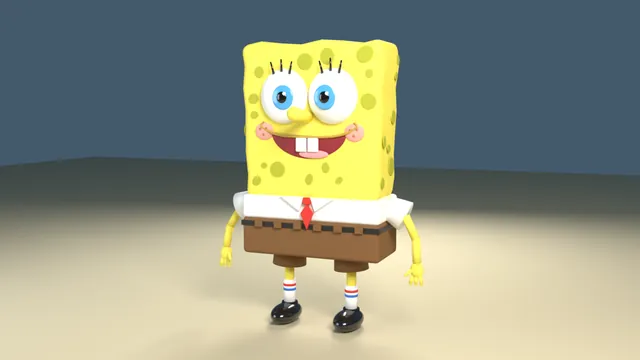
Bacterium to quantum zoom
Make a 30-60 second animated video: one continuous zoom journey that starts on a single bacterium cell and keeps zooming in until it reaches the quantum fields the cell is ultimately made of.

The zoom passes through these scale levels, in this order:
1. the whole bacterium cell
2. the cell's internal structures (ribosomes, the coiled DNA of the nucleoid, the cell membrane)
3. molecules (for example the DNA double helix and proteins)
4. atoms
5. the nucleus of one atom
6. protons and neutrons
7. quarks and gluons, and finally the quantum fields they are excitations of

Requirements:
- One continuous shot: each level grows smoothly out of the previous one as the camera keeps zooming in; no hard cuts between levels.
- An on-screen label for every scale level with its name and approximate size (for example "Bacterium · ~2 µm"), shown while the journey passes through that level.
- Length between 30 and 60 seconds, 16:9 at 1920x1080.
- Sound: if you can make audio in this environment, give the video an original score or soundtrack that you create yourself (for example synthesized in code) and that follows the journey; do not use existing music. If you cannot make audio, leave the video silent and say so in your final message; a silent video is acceptable.

Remotion 4.0.527 is already installed for you in the current directory: node_modules is pre-installed and read-only, so do not run npm install or create-video, and a remotion.config.ts here already points rendering at the local Chromium. Render the final video yourself to out.mp4 in the current directory (for example npx remotion render <entry file> <composition id> out.mp4). You may render stills or frames and inspect your own output (headless chromium is available at /usr/bin/chromium) and iterate on your own before finishing.
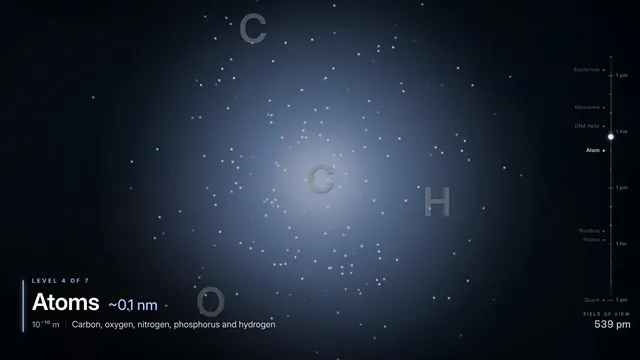
Remotion ai dungeon
animate an ai dungeon story. Remotion 4.0.527 is already installed for you in the current directory: node_modules is pre-installed and read-only, so do not run npm install or create-video, and a remotion.config.ts here already points rendering at the local Chromium. Render the final video yourself to out.mp4 in the current directory (for example npx remotion render <entry file> <composition id> out.mp4). You may render stills or frames and inspect your own output (headless chromium is available at /usr/bin/chromium) and iterate on your own before finishing.
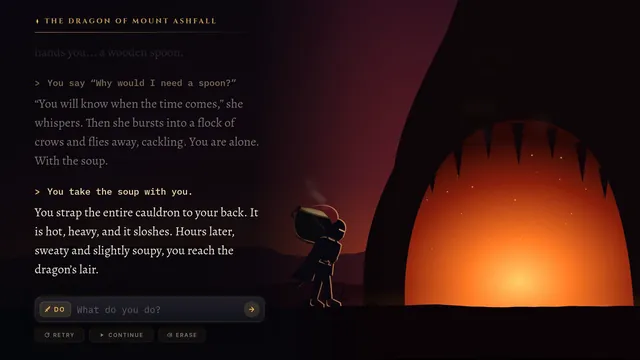
Remotion energy mix sankey
[Task]
Create a 24-second, 1920x1080, 30 fps data film showing the fictional Republic of Valtoria's energy flows as an animated Sankey diagram from sources to uses, morphing between 2000, 2015 and 2030.

[Scenes]
1. 0-3 s: Darkness, then thin light filaments drift in from the left. The title VALTORIA: WHERE THE ENERGY GOES assembles letter by letter, then dissolves into the source nodes.
2. 3-9 s: Year 2000. Seven source bars rise on the left with labels and TWh values. Ribbons pour rightward like liquid with a moving shimmer, splitting into the four use nodes on the right. A large 2000 sits in the background.
3. 9-15 s: The year numeral rolls to 2015. Every ribbon width and node height morphs smoothly and nodes re-sort by size with springy reflow. Value labels count to their new totals. Wind and Solar ribbons pulse once.
4. 15-21 s: Rolls to 2030. Coal thins to a thread and greys out, while Wind and Solar swell and brighten. The camera dollies slightly toward the right side, where Losses shrinks.
5. 21-24 s: Ribbons freeze into a glowing still. A ring gauge morphs out of the renewable ribbons and shows the renewable share climbing 5.3% to 12.7% to 45.4%. Closing caption: A DECADE-BY-DECADE REWIRING.

[Style]
Palette: #0A0F1E night navy, #5A5F6E coal, #E8A33D oil/gas amber, #9B7BFF nuclear, #2FD3C4 hydro/wind, #FFE066 solar. Elegant wide sans for titles, tabular figures for values. Ribbons are semi-translucent with additive glow where they overlap, and there is fine film grain. Motion: long ease-in-out sine for the morphs, a slight spring on node reflow, and a 50 ms stagger per ribbon.

[Data]
Source totals in TWh (2000 / 2015 / 2030):
Coal 420 / 300 / 60
Oil 380 / 360 / 220
Gas 260 / 330 / 240
Nuclear 120 / 110 / 130
Hydro 60 / 65 / 70
Wind 5 / 70 / 260
Solar 1 / 25 / 210
Totals: 1246 / 1260 / 1190. Renewables (Hydro, Wind, Solar): 66, 160, 540.
Each source splits to uses in fixed percentages (Industry / Transport / Homes / Losses):
Coal 55/0/15/30, Oil 15/75/5/5, Gas 35/5/45/15, Nuclear 40/5/35/20, Hydro 40/5/45/10, Wind 40/10/40/10, Solar 30/10/50/10.
Use node values are the sums of the flows.

[Wow]
- Ribbons have flowing internal particle streams whose speed scales with flow size, using seeded particles.
- Morphs interpolate ribbon geometry with no popping. A ribbon that drops to zero fades to a hairline.
- The background year numerals roll like an odometer with motion blur.
- Gentle parallax separates three depth layers: background numerals, ribbons and labels.

[Rules]
- Every frame is drawn in code (SVG, canvas, CSS or WebGL). No image files, no image generation, no external assets beyond fonts.
- Deterministic: no unseeded randomness at render time.
- Text must be crisp, spelled correctly and readable at 1080p.
- No hard cuts between scenes: every change is a designed transition.
- Ribbon widths must be proportional to the computed flows in every year.

[Harness notes] Render the final video to out.mp4 (1920x1080, 24 s). Write everything into the working directory. Remotion 4.0.527 is already installed for you in the current directory: node_modules is pre-installed and read-only, so do not run npm install or create-video, and a remotion.config.ts here already points rendering at the local Chromium. Render the final video yourself to out.mp4 in the current directory (for example npx remotion render <entry file> <composition id> out.mp4). You may render stills or frames and inspect your own output (headless chromium is available at /usr/bin/chromium) and iterate on your own before finishing.
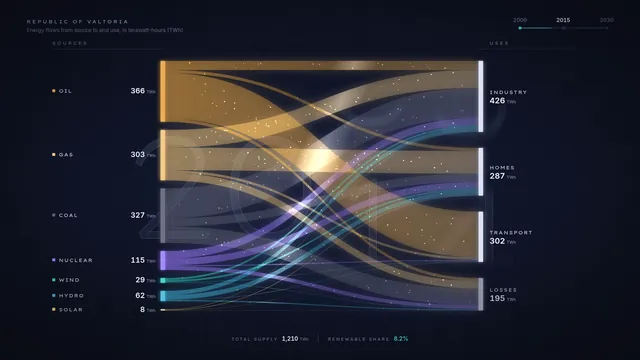
Remotion f1 lap telemetry
[Task]
Create a 30-second telemetry visualisation, 1920x1080 at 30 fps, of one qualifying lap by car #27 (driver R. Lindqvist, team Halvard Racing) at the fictional Valtero Park circuit. A track map and live traces run in sync, ending in a delta reveal.

[Scenes]
1. 0-3 s: Darkness. A racing line draws the circuit outline in one stroke, and corner labels T1-T8 pop in. The title "Q3 // Valtero Park" slides in, and three empty trace lanes (Speed, Throttle, Brake) unfold beneath.
2. 3-11 s: Sector 1. The car dot launches, leaving a speed-coloured trail. All three traces draw left to right in lockstep with the dot. A digital speedometer counts live. At T1 the brake lane spikes red and the camera punches in on the corner.
3. 11-19 s: Sector 2. The camera drifts across the map. The trace view auto-scrolls, and the T3 and T5 hairpin minima get annotated callouts. The sector time locks in with a purple flash, marking a personal best.
4. 19-26 s: Sector 3. The car flows through T7 and T8, and the trail completes the loop. The S3 time locks in.
5. 26-30 s: The map zooms out. The three sector tiles assemble into a lap time of 1:20.453, a ghost trace of the previous pole overlays the data, and the delta counts to -0.158 in green. Final text: "Provisional Pole".

[Style]
Palette: #07090D (carbon black), #E10600 (brake red), #00E676 (throttle green), #B388FF (purple best), #F5F7FA (white). Type is a condensed technical sans with tabular figures. Lighting uses glowing strokes, faint carbon-weave texture and scanline sheen. Motion is snappy, with quick ease-out expo, tight springs on tiles and a hard-edged 4-frame stagger.

[Data]
Samples every 200 m (lap 4,800 m), listed as distance m: speed km/h / throttle % / brake %.
0:298/100/0, 200:312/100/0, 400:318/100/0, 600:142/0/95, 800:96/30/0, 1000:168/85/0, 1200:224/100/0, 1400:262/100/0, 1600:281/100/0, 1800:118/0/90, 2000:134/45/0, 2200:201/95/0, 2400:248/100/0, 2600:276/100/0, 2800:291/100/0, 3000:84/0/100, 3200:122/40/0, 3400:188/90/0, 3600:236/100/0, 3800:264/100/0, 4000:172/20/60, 4200:158/60/0, 4400:241/100/0, 4600:289/100/0.
Sectors: S1 26.412 (green), S2 31.087 (purple), S3 22.954 (green). Previous pole: 1:20.611.

[Wow]
- The dot, traces and speedometer are frame-locked to the same distance variable.
- The trail colour is mapped continuously to speed via a gradient.
- Corner punch-in camera moves with motion-blurred trails.
- Odometer-style rolling digits for all timing values.

[Rules]
- Every frame is drawn in code (SVG, canvas, CSS or WebGL). No image files, no image generation, no external assets beyond fonts.
- Deterministic: no unseeded randomness at render time.
- Text must be crisp, spelled correctly and readable at 1080p.
- No hard cuts between scenes: every change is a designed transition.
- Use the dataset exactly. Interpolate smoothly between samples.

[Harness notes] Render the final video to out.mp4 (1920x1080, 30 s). Write everything into the working directory. Remotion 4.0.527 is already installed for you in the current directory: node_modules is pre-installed and read-only, so do not run npm install or create-video, and a remotion.config.ts here already points rendering at the local Chromium. Render the final video yourself to out.mp4 in the current directory (for example npx remotion render <entry file> <composition id> out.mp4). You may render stills or frames and inspect your own output (headless chromium is available at /usr/bin/chromium) and iterate on your own before finishing.
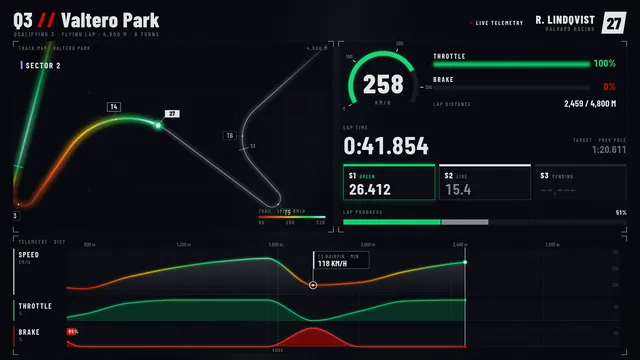
Remotion galaxy collision
[Task]
Create a 25-second, 1920x1080, 30 fps cinematic simulation of two spiral galaxies colliding over 1.2 billion years. It ends with the merged elliptical galaxy and runs a time counter throughout.

[Scenes]
1. 0-4 s: Deep black field with faint background stars. Two spiral galaxies rotate as they approach on a curved path: Aurel, large and blue-white, and Nym, smaller and amber. The camera slowly pushes in, and the counter reads "0 Myr".
2. 4-9 s: First pass. The disks interpenetrate and a luminous tidal bridge forms. The camera orbits 30 degrees around the pair to show depth.
3. 9-14 s: The galaxies separate to maximum distance. Two long tidal tails sweep out in arcs, and pink starburst knots ignite along them. The camera tracks one tail.
4. 14-19 s: Second infall. The cores spiral together and dust lanes twist. A brief bright flare marks core coalescence.
5. 19-25 s: The stars relax into a smooth, glowing elliptical galaxy with faint shells. The camera pulls back to a wide frame. Title: "AUREL-NYM, 1.2 BILLION YEARS".

[Style]
Palette: void #05060B, young stars #9CC8FF, old stars #FFC27A, starburst #FF5FA2, dust #3B2A24, label #E8ECF5. Use a thin, wide-tracked sans for labels and tabular numerals for the counter. Stars are additive points with bloom, and dust is dark absorbing wisps. The camera moves on slow ease-in-out curves, and labels fade and slide 12 px.

[Data]
Aurel: 18,000 particles, mass 2.0.
Nym: 9,000 particles, mass 1.0.
Orbit: prograde.
Milestones (time, label):
- 0 Myr: Approach
- 250 Myr: First pass
- 520 Myr: Maximum separation
- 780 Myr: Second infall
- 1,000 Myr: Core coalescence
- 1,200 Myr: Relaxed elliptical

[Wow]
- Star motion comes from a seeded, precomputed restricted N-body integration, so the tails emerge physically rather than being keyframed.
- The 3D particle field supports parallax during the camera orbit, with depth-sorted dust that occludes stars.
- Particle colour shifts from blue to amber as the population ages, and starburst knots flash at the bridge.
- The time counter accelerates nonlinearly, and a thin timeline at the bottom pops each milestone label on.
- A soft lens bloom pulses at core coalescence.

[Rules]
- Every frame is drawn in code (SVG, canvas, CSS or WebGL). No image files, no image generation, no external assets beyond fonts.
- Deterministic: no unseeded randomness at render time.
- Text must be crisp, spelled correctly and readable at 1080p.
- No hard cuts between scenes: every change is a designed transition.
- The time counter only moves forward and matches the milestone times.

[Harness notes] Render the final video to out.mp4 (1920x1080, 25 s). Write everything into the working directory. Remotion 4.0.527 is already installed for you in the current directory: node_modules is pre-installed and read-only, so do not run npm install or create-video, and a remotion.config.ts here already points rendering at the local Chromium. Render the final video yourself to out.mp4 in the current directory (for example npx remotion render <entry file> <composition id> out.mp4). You may render stills or frames and inspect your own output (headless chromium is available at /usr/bin/chromium) and iterate on your own before finishing.
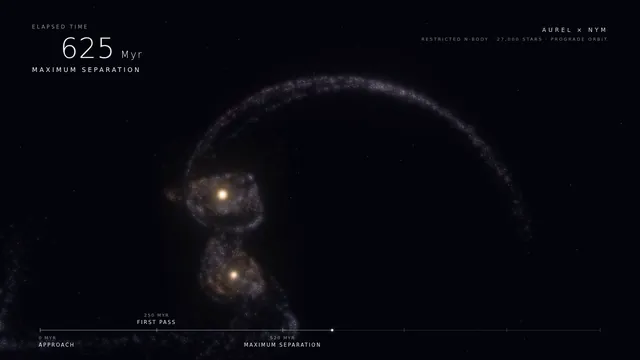
Remotion how internet works
create infographic style video for how internet works using remotion. Remotion 4.0.527 is already installed for you in the current directory: node_modules is pre-installed and read-only, so do not run npm install or create-video, and a remotion.config.ts here already points rendering at the local Chromium. Render the final video yourself to out.mp4 in the current directory (for example npx remotion render <entry file> <composition id> out.mp4). You may render stills or frames and inspect your own output (headless chromium is available at /usr/bin/chromium) and iterate on your own before finishing.
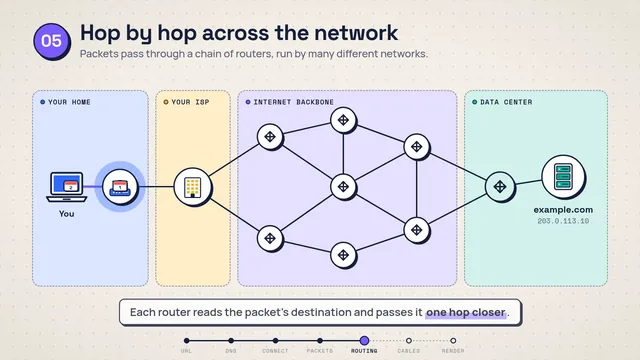
Remotion music visualizer synthwave
[Task]
Create a 24-second synthwave music visualiser at 1920x1080, 30 fps. It plays an original 120 BPM soundtrack synthesised entirely in code, and every visual is locked to the same beat grid: one beat = 0.5 s = 15 frames, and one bar = 4 beats.

[Scenes]
1. 0-4 s: Black screen. A single scanline sweeps down, then a magenta horizon line ignites from the centre outward. A filtered pad swells in, and the camera starts a slow dolly forward over a neon perspective grid that emerges from the dark.
2. 4-8 s: The kick enters on every beat. A striped sun rises behind the horizon, its horizontal gaps widening toward the bottom. On each kick the camera bumps forward and down by 8 px with a fast spring settle, and the grid lines flash brighter.
3. 8-14 s: Bass and hi-hats join. 32 equaliser bars rise along the horizon and are mirrored as blurred reflections on the grid floor. The title "NIGHTDRIVE 88" types in one letter per beat, in chrome gradient with a cyan outline.
4. 14-20 s: A lead arpeggio enters. The camera banks into a slow 6-degree roll and drifts left past two parallax layers of wireframe mountains. Snares on beats 2 and 4 trigger a brief chromatic-aberration split on the title.
5. 20-24 s: Breakdown. The kick drops out, the bars collapse in a staggered right-to-left cascade and the sun sinks. The grid fades back to the lone magenta horizon line while the audio decays to the opening pad, so the video loops.

[Style]
Palette: #0B0221 night, #FF2A6D magenta, #05D9E8 cyan, #FFB86C sun orange, #D1F7FF pale glow. Type is a wide geometric display face with italic chrome treatment. Add strong bloom, CRT scanlines, a soft vignette and seeded film grain. Motion is quantised to the 15-frame beat: springs for bumps, ease-out cubic for reveals and one-beat staggers.

[Wow]
- The soundtrack has kick, sub bass, closed hats, snare on 2 and 4, a detuned pad and an arpeggio in A minor (Am, F, C, G, one chord per bar). It is built from oscillators, noise and envelopes, then rendered to an audio track muxed with the video.
- Visuals react to the real generated signal. Bar heights come from per-band energy, and the sun glow follows bass energy. Nothing is hand-keyed.
- The grid scrolls exactly one row per beat, and the camera bump peaks on the kick frame.
- 300 seeded stars sit in three depth layers with parallax during the camera roll.
- Sun stripes drift downward continuously and shimmer in the floor reflection.

[Rules]
- Every frame is drawn in code (SVG, canvas, CSS or WebGL). No image files, no image generation, no external assets beyond fonts.
- Deterministic: no unseeded randomness at render time.
- Text must be crisp, spelled correctly and readable at 1080p.
- No hard cuts between scenes: every change is a designed transition.
- All audio is generated in code; no samples or audio files.
- Audio and picture stay frame-accurate on the 120 BPM grid for the full 24 s.

[Harness notes] Render the final video to out.mp4 (1920x1080, 24 s). Write everything into the working directory. Remotion 4.0.527 is already installed for you in the current directory: node_modules is pre-installed and read-only, so do not run npm install or create-video, and a remotion.config.ts here already points rendering at the local Chromium. Render the final video yourself to out.mp4 in the current directory (for example npx remotion render <entry file> <composition id> out.mp4). You may render stills or frames and inspect your own output (headless chromium is available at /usr/bin/chromium) and iterate on your own before finishing.
Remotion sales chart
Create a 1920x1080 dark-themed (#1A1A2E) composition called 'BarLineChart' with a combination chart showing monthly sales data — bars for revenue ($8K, $12K, $15K, $11K, $18K, $22K for Jan-Jun) that grow upward from the baseline, overlaid with a blue (#0B84F3) line tracking conversion rate (2.1%, 2.8%, 3.2%, 2.9%, 3.8%, 4.2%) that draws progressively with a glowing effect, bars animate sequentially with slight overlap while the line follows behind, include axis labels and a pulsing dot marker at the line tip, smooth spring-based timing over 120 frames at 30fps. Remotion 4.0.527 is already installed for you in the current directory: node_modules is pre-installed and read-only, so do not run npm install or create-video, and a remotion.config.ts here already points rendering at the local Chromium. Render the final video yourself to out.mp4 in the current directory (for example npx remotion render <entry file> <composition id> out.mp4). You may render stills or frames and inspect your own output (headless chromium is available at /usr/bin/chromium) and iterate on your own before finishing.
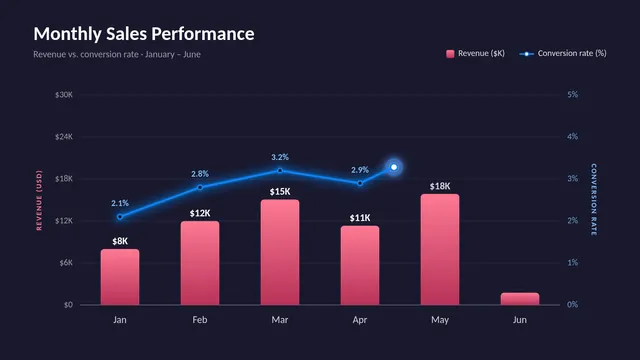
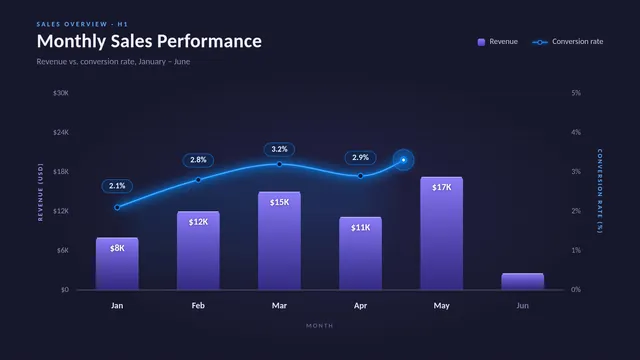
Remotion satellite constellation
[Task]
Create a 24-second cinematic motion-graphics video, 1920x1080 at 30 fps, showing a fictional satellite constellation called HALCYON-6 deploying around Earth plane by plane until global coverage locks in.

[Scenes]
1. 0-4 s: Black space with faint stars. A night-side Earth rotates slowly into frame, with city-light dots, a glowing atmosphere rim and a sharp day-night terminator. The title HALCYON-6 assembles letter by letter, then slides into a top-left HUD.
2. 4-9 s: Plane 1 draws itself as a thin luminous ellipse, tilted 53 degrees. Eight satellites pop onto it in a staggered sequence and begin orbiting. Each satellite projects a soft circular footprint onto the surface. Plane 2 follows at a 60-degree offset. The coverage counter in the bottom-right counts up to 31%.
3. 9-15 s: The camera orbits 40 degrees around Earth. Planes 3, 4 and 5 deploy in quick succession. Their footprints overlap, and where two overlap the colour brightens additively. The counter climbs to 82%.
4. 15-20 s: Plane 6 completes the shell. The camera pulls back to show all 48 satellites. Thin cyan inter-satellite laser links flicker on between neighbours, forming a moving mesh.
5. 20-24 s: The remaining dark gaps on the globe fill in. The counter lands on 97.4% with a gentle overshoot and settle. The rings fade to a single pulse, and the end card reads COVERAGE ACHIEVED.

[Style]
Palette: #05070F space, #0E2A47 ocean, #F2B544 city lights, #3EE6FF orbits and links, #FF5E7A footprint highlights, #E8EEF5 type. Use a clean monospaced HUD font for the numbers and a wide geometric sans for the titles. Add soft bloom on the orbits, subtle film grain and a rim light from an off-screen sun at the right. Motion is calm and orbital: ease-in-out cubic camera moves, spring overshoot on counters and stagger on satellite spawns.

[Data]
Constellation: 6 planes, 8 satellites per plane, altitude 1,150 km, inclination 53 degrees.
Coverage after each plane: 1: 14%, 2: 31%, 3: 49%, 4: 66%, 5: 82%, 6: 97.4%.
HUD labels: PLANE n/6, SATS n/48, ALT 1,150 km.

[Wow]
- A true 3D orbital camera move with depth: satellites behind Earth are occluded, and the rings pass correctly in front of and behind the globe.
- Footprints are projected onto the sphere's curvature, not drawn as flat circles.
- Laser links shimmer along their length with travelling light packets.
- The HUD has a parallax layer: grid lines and readouts drift slightly opposite to the camera move.
- The counter digits roll like an odometer rather than swapping.

[Rules]
- Every frame is drawn in code (SVG, canvas, CSS or WebGL). No image files, no image generation, no external assets beyond fonts.
- Deterministic: no unseeded randomness at render time.
- Text must be crisp, spelled correctly and readable at 1080p.
- No hard cuts between scenes: every change is a designed transition.
- The coverage counter must match the dataset value at the moment each plane completes.

[Harness notes] Render the final video to out.mp4 (1920x1080, 24 s). Write everything into the working directory. Remotion 4.0.527 is already installed for you in the current directory: node_modules is pre-installed and read-only, so do not run npm install or create-video, and a remotion.config.ts here already points rendering at the local Chromium. Render the final video yourself to out.mp4 in the current directory (for example npx remotion render <entry file> <composition id> out.mp4). You may render stills or frames and inspect your own output (headless chromium is available at /usr/bin/chromium) and iterate on your own before finishing.
Video printing press collage remotion
[Task]
Create a 60-second motion-graphic explainer video on the history of the printing press, from its origins to the present day.

[Roles]
- Higgsfield: creates every image in the video (still images only).
- You: create all motion graphics and animation.

[Style]
Newspaper cutouts with mixed-media collage, highly polished: layered paper cutouts, torn edges, halftone textures, soft shadows, and bold editorial typography.

[Rules]
- Keep every fact and date accurate.
- No text inside the Higgsfield images. Add all text yourself as animated typography.
- Keep the look consistent across every scene.
- End on the opening frame so the video loops. Never end on a hard cut.

[Harness notes] Images come from the image-generation tool available to you (still images only). Render the final video to out.mp4 (1920x1080, 60 s). Write everything into the working directory. Remotion 4.0.527 is already installed for you in the current directory: node_modules is pre-installed and read-only, so do not run npm install or create-video, and a remotion.config.ts here already points rendering at the local Chromium. Render the final video yourself to out.mp4 in the current directory (for example npx remotion render <entry file> <composition id> out.mp4). You may render stills or frames and inspect your own output (headless chromium is available at /usr/bin/chromium) and iterate on your own before finishing.
Hyperframes artemis ii
Build a HyperFrames composition titled "Artemis II: Return to the Moon" — a
cinematic 60-second explainer video (16:9, 1920x1080) visualizing NASA's
Artemis II crewed lunar flyby mission (April 1–11, 2026).
VISUAL IDENTITY
Style: "Mission Control Cinematic" — dark deep-space canvas with precision
data overlays, inspired by NASA flight dynamics consoles and cinematic
space documentaries.
- Palette: #05070D (void black), #0B1426 (deep navy), #E8EEF7 (bone white),
  #FF6B35 (ignition orange), #4FC3F7 (telemetry cyan), #FFD166 (lunar gold)
- Typography: "Space Grotesk" for titles/headings, "JetBrains Mono" for
  telemetry, coordinates, timestamps, distances
- Motion: precise, weighted easing (power3.out, expo.out). No bouncy motion.
  Data counters use tabular-nums. Subtle starfield parallax on all scenes.
SCENE BREAKDOWN (7 scenes, ~8–9s each, shader crossfade transitions)
Scene 1 — TITLE CARD (0–8s)
Hero title "ARTEMIS II" at 180px, subtitle "First Crewed Lunar Flyby in
Over 50 Years" at 36px. Mission patch silhouette fades in behind. Mono
datetime stamp bottom-left: "APR 01 2026 · 22:35 UTC · KSC LC-39B".
Scene 2 — LAUNCH & HIGH EARTH ORBIT (8–16s)
SLS rocket SVG silhouette with animated exhaust plume. Heading "PHASE 01 ·
LAUNCH + HIGH EARTH ORBIT". Ticker with live telemetry: altitude counting
up, velocity in km/s, T+ mission elapsed time. Annotation: "~24h elliptical
orbit for system checkouts".
Scene 3 — TRANS-LUNAR INJECTION (16–24s)
Animated orbital diagram: Earth (left), Moon (right), curved free-return
trajectory drawn with SVG stroke-dashoffset animation in cyan. Label
"TRANS-LUNAR INJECTION BURN · 6 MIN" with flame icon at burn point.
Stat card: "Δv: +3.05 km/s".
Scene 4 — OUTBOUND COAST (24–32s)
Orion capsule wireframe drifting across frame. Progress bar "EARTH → MOON"
filling left-to-right over 4 days. Distance counter animating from
384,000 km down to closest-approach value. Subtle earthrise reference.
Scene 5 — LUNAR FLYBY (32–42s) — HERO MOMENT
Full-frame Moon with crater texture. Trajectory arc sweeps behind the far
side. Pulsing marker labeled "CLOSEST APPROACH · APR 06 2026 · 6,545 km".
Secondary stat: "DISTANCE FROM EARTH · 406,771 KM — FARTHEST HUMANS HAVE
EVER TRAVELED". Crew name plate fades in: Wiseman · Glover · Koch · Hansen.
Scene 6 — RETURN COAST (42–50s)
Mirror of Scene 4 in reverse — trajectory arc completing the figure-8.
Heading "FREE-RETURN · GRAVITY BRINGS THEM HOME". Re-entry velocity
counter climbing toward 11 km/s.
Scene 7 — SPLASHDOWN (50–60s)
Pacific Ocean horizon at dawn, Orion under three parachutes. Final stat
block: "10 DAYS · 1 FLYBY · 4 ASTRONAUTS · ∞ AMBITION". Closing title
"APR 11 2026 · PACIFIC OCEAN · MISSION COMPLETE". Fade to black on
"NEXT: ARTEMIS III — BOOTS ON THE MOON".
TECHNICAL
- Generate a DESIGN.md before writing any HTML with the palette, typography,
  and "What NOT to Do" list (no generic blues, no Roboto, no bouncy easing,
  no full-screen linear gradients on dark backgrounds).
- Use sub-compositions for each scene (scene-1.html through scene-7.html).
- Shader crossfade transitions between scenes (~0.6s each).
- All data counters deterministic (seeded PRNG if needed, no Date.now).
- Run `npx hyperframes lint` and `npx hyperframes validate` before finalizing.

HyperFrames 0.8.70 is already installed for you in the current directory: node_modules is pre-installed and read-only, so do not run npm install or npx --yes; use the local hyperframes command (for example hyperframes init <dir> --example blank, then hyperframes render). Render the final video yourself to out.mp4 in the current directory. You may take snapshots and inspect your own output (headless chromium is available at /usr/bin/chromium) and iterate on your own before finishing.
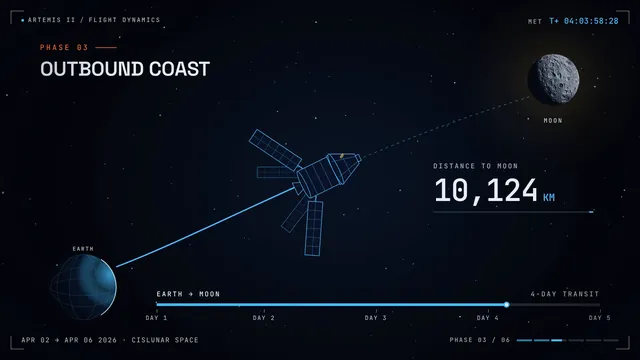
Hyperframes brutalist event promo
[Task]
Create an 18-second brutalist, web-style promo at 1920x1080, 30 fps, for a fictional design festival called GRID/LOCK 26, held in the fictional city of Port Vessel. Everything is cut to a 120 BPM grid, which gives one beat every 0.5 s (15 frames) and 36 beats in total.

[Scenes]
1. 0-3 s: A raw white screen with a visible 12-column grid in hairline black. On each beat a heavy black block snaps into a grid cell. On beat 6 the word "GRID" slams in at 400 px, cropped by the frame edge.
2. 3-6 s: "/LOCK" crashes in beside it, pushing "GRID" left. Two marquee tickers start running in opposite directions, one reading "DESIGN FESTIVAL ✶ 3 DAYS ✶ 40 SPEAKERS ✶" and one reading "NO TEMPLATES ✶ NO MERCY ✶".
3. 6-9 s: Glitch layout shifts land on every beat. The columns jump to new widths, text blocks reflow, and an RGB-split offset hits for 2 frames on each downbeat. The dates "14—16 OCT" stamp in, rotated 90°.
4. 9-13 s: A rapid lineup. Speaker names pop into cells, one per beat, in alternating black-on-acid and acid-on-black: "MAREN OKAFOR-LUND", "TEO BRASK", "YUNA HALVERSEN", "DESMOND QUILL", "ADA PRZYBYL", "RUI CASTANHEDA", "NOOR ELLINGTON", "KASPER VOSS".
5. 13-16 s: The camera lurches. The whole page scrolls upward fast, like a browser flicked by a thumb, and overshoots. Tickers stack in four rows at different speeds, and a cursor clicks a crude "BUY TICKET →" button that inverts.
6. 16-18 s: Everything collapses into the grid, leaving "GRID/LOCK 26 — PORT VESSEL — GRIDLOCK.FEST" on acid yellow. The final beat freezes it with a single scanline flash.

[Style]
Palette: #FFFFFF paper white, #0A0A0A black, #D7FF1F acid yellow, #FF2E2E alarm red, #3A3AFF hyperlink blue. Oversized grotesk type in condensed and extended widths, paired with a raw monospace for metadata. The look is flat, with no gradients: pixel-hard edges, default-browser underlines and visible borders. Motion uses hard steps, linear tickers and snaps that land exactly on beat frames, with occasional 1-frame overshoots.

[Wow]
- Every major hit lands precisely on a multiple of 15 frames, and the downbeats (every 4th beat) get bigger moves.
- Real layout reflow: text wraps differently each time the column widths change.
- Layered marquees at four speeds create depth, with parallax on the scroll lurch.
- Controlled glitch work: RGB split, slice displacement and scanline tears, all seeded.

[Rules]
- Every frame is drawn in code (SVG, canvas, CSS or WebGL). No image files, no image generation, no external assets beyond fonts.
- Deterministic: no unseeded randomness at render time.
- Text must be crisp, spelled correctly and readable at 1080p.
- No hard cuts between scenes: every change is a designed transition.
- Glitch effects never last longer than 3 frames and never obscure the festival name, dates or URL.

[Harness notes] Render the final video to out.mp4 (1920x1080, 18 s). Write everything into the working directory. HyperFrames 0.8.70 is already installed for you in the current directory: node_modules is pre-installed and read-only, so do not run npm install or npx --yes; use the local hyperframes command (for example hyperframes init <dir> --example blank, then hyperframes render). Render the final video yourself to out.mp4 in the current directory. You may take snapshots and inspect your own output (headless chromium is available at /usr/bin/chromium) and iterate on your own before finishing.
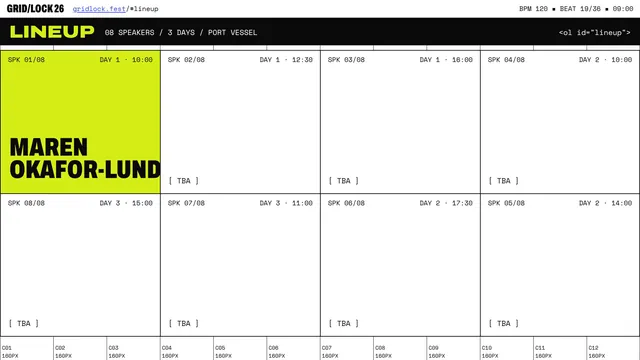
Hyperframes glass dashboard launch
[Task]
Create a 24-second product-launch video for a fictional analytics app called Lumora, at 1920x1080, 30 fps. A frosted-glass dashboard assembles panel by panel, comes alive with data and ends on a logo lockup.

[Scenes]
1. 0-3 s: Darkness. Three soft colour orbs drift into place and bloom. A thin glass sheet slides up from below, catching a moving specular highlight. The text "Your numbers, finally clear." fades in word by word.
2. 3-8 s: The camera pulls back and tilts slightly as the dashboard builds. A sidebar, a header, four KPI cards and two large chart panels drop in with staggered springs, each with a blurred backdrop and a 1 px light border.
3. 8-13 s: The charts animate. The revenue line draws left to right with a gradient fill rising under it, the channel donut sweeps into segments, and the KPI numbers count up from zero.
4. 13-18 s: A cursor glides in on a curved path. It hovers over the September point and a tooltip springs out, then it clicks the "Region" tab. The bar chart morphs bars into their new heights, and a toggle flips to dark-glass mode.
5. 18-21 s: The camera dollies in on the retention card, where the circular progress ring fills to 92%. All the panels then fan apart in 3D depth.
6. 21-24 s: The panels fold into a single glass tile that becomes the Lumora logomark (a stylised lens of three overlapping arcs). The wordmark and the tagline "Analytics you can see through" settle in.

[Style]
Palette: #0B0F1F night, #7C5CFF violet, #22D3EE cyan, #F472B6 rose, #F8FAFC frost white. Clean geometric sans with tabular figures for every number. Glass panels use backdrop blur, a subtle noise layer, inner highlights and soft coloured shadows. Motion uses spring entries with a light overshoot, a 60 ms stagger between siblings and ease-in-out camera moves.

[Data]
Monthly revenue ($k), Apr-Sep: 42, 51, 48, 63, 71, 88.
KPIs: Active users 18,420 · MRR $88.2k · Churn 1.8% · NPS 64.
Channels: Organic 41%, Referral 27%, Paid 19%, Partners 13%.
Regions (signups): North 3,120 · South 2,480 · East 4,050 · West 2,760.
Retention: 92%.

[Wow]
- Real parallax depth: the background orbs, the panels and the cursor move at three distinct depths during camera moves.
- A specular light sweep travels across every glass edge in sync with each panel landing.
- The bar chart morph interpolates both height and colour, with no pop or jump.
- The panel-to-logo fold is one continuous, shape-preserving transformation.

[Rules]
- Every frame is drawn in code (SVG, canvas, CSS or WebGL). No image files, no image generation, no external assets beyond fonts.
- Deterministic: no unseeded randomness at render time.
- Text must be crisp, spelled correctly and readable at 1080p.
- No hard cuts between scenes: every change is a designed transition.
- All charts must use the exact values given in the Data section.

[Harness notes] Render the final video to out.mp4 (1920x1080, 24 s). Write everything into the working directory. HyperFrames 0.8.70 is already installed for you in the current directory: node_modules is pre-installed and read-only, so do not run npm install or npx --yes; use the local hyperframes command (for example hyperframes init <dir> --example blank, then hyperframes render). Render the final video yourself to out.mp4 in the current directory. You may take snapshots and inspect your own output (headless chromium is available at /usr/bin/chromium) and iterate on your own before finishing.
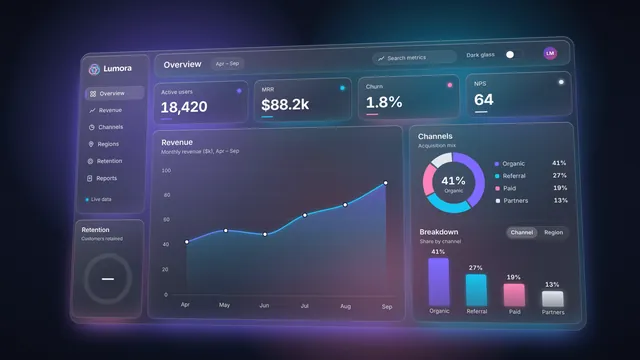
Hyperframes glass launch ui
Create a looping launch-announcement UI animation with HyperFrames, about 12 seconds long at 1920x1080 and 30 fps, that loops seamlessly (the last frame flows back into the first). Style: glassmorphism, with frosted translucent glass panels over blurred backgrounds, soft inner highlights, thin light borders and subtle shadows, floating above a slowly moving gradient of deep blue, violet and teal light. Sequence: a glass app window slides in and settles; the headline "Introducing HyperFrames" fades in from a soft blur; three glass feature cards stagger in, each with a small icon and a short label; a glowing call-to-action button pulses; a cursor glides in, hovers and clicks it, sending a ripple through the glass; then the panels drift apart and dissolve back into the opening layout. Use smooth easing, parallax depth between layers and light reflections sweeping across the glass. Keep the text crisp and readable and all motion deterministic (no random values at render time). HyperFrames 0.8.70 is already installed for you in the current directory: node_modules is pre-installed and read-only, so do not run npm install or npx --yes; use the local hyperframes command (for example hyperframes init <dir> --example blank, then hyperframes render). Render the final video yourself to out.mp4 in the current directory. You may take snapshots and inspect your own output (headless chromium is available at /usr/bin/chromium) and iterate on your own before finishing.
Hyperframes ink brush dragon
[Task]
Create a 20-second motion piece at 1920x1080, 30 fps, in Chinese ink-wash style, where a dragon is painted stroke by stroke as it coils through clouds and ends on a calligraphy title and red seal.

[Scenes]
1. 0-3 s: Blank warm rice paper with visible fibres. A single ink drop falls from the top of the frame, strikes the paper and blooms outward with feathered edges, and the bloom dissolves into the first misty wash.
2. 3-7 s: Clouds are brushed in from left to right as layered spiral strokes in pale grey wash. Distant mountain silhouettes bleed in at the lowest opacity, and the camera drifts slowly upward.
3. 7-12 s: The dragon's body is painted as one long serpentine brush stroke that coils through and behind the clouds, with dry-brush scales flicking along its back. The camera tracks the brush tip along the curve.
4. 12-16 s: The head forms with whiskers, horns and mane in quick tapered flicks. In a pause, a final dot paints the eye. The dragon then surges diagonally upward, and clouds part in its wake.
5. 16-20 s: The camera settles on a vertical composition. The characters 雲龍 are written stroke by stroke down the right side, a small English line reads CLOUD DRAGON, and a red square seal presses in with a slight bounce and an uneven ink print.

[Style]
Palette: #F2EAD8 rice paper, #111111 sumi ink, #6B6B6B wash, #B9B4A6 mist, #B22222 seal red. Use a brush-script CJK font for the title and a refined thin serif for the English line. The texture is paper grain and fibre with ink pooling at stroke ends. Motion has a calligraphic rhythm: fast attack, slow taper, eased pauses between strokes and gentle spring on the stamp.

[Wow]
- Strokes have variable width driven by simulated brush pressure, with dry-brush streaks where speed is high.
- Ink bleeds outward over time along stroke edges, using a feathered, noise-driven mask.
- At least three parallax cloud layers move at different rates as the camera tracks the dragon.
- The eye-dot moment triggers a subtle ink shockwave ripple through the surrounding wash.
- The seal has carved-looking characters and an imperfect print with speckled gaps.

[Rules]
- Every frame is drawn in code (SVG, canvas, CSS or WebGL). No image files, no image generation, no external assets beyond fonts.
- Deterministic: no unseeded randomness at render time.
- Text must be crisp, spelled correctly and readable at 1080p.
- No hard cuts between scenes: every change is a designed transition.
- The dragon and all calligraphy are built from layered, tapered brush-stroke paths, never uniform-width outlines.

[Harness notes] Render the final video to out.mp4 (1920x1080, 20 s). Write everything into the working directory. HyperFrames 0.8.70 is already installed for you in the current directory: node_modules is pre-installed and read-only, so do not run npm install or npx --yes; use the local hyperframes command (for example hyperframes init <dir> --example blank, then hyperframes render). Render the final video yourself to out.mp4 in the current directory. You may take snapshots and inspect your own output (headless chromium is available at /usr/bin/chromium) and iterate on your own before finishing.

Hyperframes isometric server room
[Task]
Create a 26-second, 1920x1080, 30 fps isometric motion-graphics video of a data hall coming online, suffering a rack failure and failing over to a standby rack, all tracked by a live wall status board.

[Scenes]
1. 0-4 s: An empty isometric floor grid draws itself tile by tile from the centre outward. Four rows of racks (A-D, four per row) extrude upward with a staggered spring. Overhead cable trays draw in as glowing lines. The camera drifts slowly along the diagonal.
2. 4-9 s: Power on. LEDs cascade down each rack front in a wave, and fan grilles spin. Packets (small glowing capsules) begin streaming along the trays between the racks and a core switch. The wall status board flickers on and shows OPERATIONAL.
3. 9-14 s: Traffic peaks. The packet density rises with the throughput figure. The camera tracks a single packet along a cable, zooming into rack B3 as its LEDs blink.
4. 14-18 s: Failure. B3's LEDs stutter and turn red, and seeded smoke wisps rise from its vent. A red alarm ring pulses across the floor. Packets heading for B3 stall and bunch up on the cable. The board flips to DEGRADED with a shake and a red header.
5. 18-22 s: Failover. The core switch flashes and cable routes re-light, first amber, then green, toward standby rack D4. D4's lid lifts slightly and its LEDs spin up. Queued packets release in a burst along the new route.
6. 22-26 s: Recovery. The board returns to OPERATIONAL and the latency sparkline settles. The camera cranes up to a near top-down overview as "Halvard DC-3 · Failover drill complete" assembles letter by letter.

[Style]
Palette: #0E1420 deep slate, #1F2B3D rack grey-blue, #3DF5C8 healthy teal, #FFB020 warning amber, #FF4D5E fault red, #E6EDF7 label white. Monospaced UI type on the board and condensed sans for labels. Flat isometric faces with three-tone shading, emissive LED bloom and a faint floor reflection. Motion is mechanical: linear packet travel, snappy back-out springs on extrusion and a 40 ms LED stagger.

[Data]
The status board changes by phase (throughput / p95 latency / active nodes / uptime):
Boot: 0.0 Gb/s / -- / 0 of 15 / 0.000%
Running: 38.6 Gb/s / 12 ms / 15 of 15 / 99.998%
Peak: 71.2 Gb/s / 18 ms / 15 of 15 / 99.998%
Fault: 52.4 Gb/s / 214 ms / 14 of 15 / 99.981%
Failover: 66.0 Gb/s / 31 ms / 15 of 16 / 99.981%
Recovered: 69.8 Gb/s / 14 ms / 15 of 16 / 99.983%
Event log lines: 14:02:11 B3 thermal fault; 14:02:12 reroute via CORE-1; 14:02:15 D4 standby online.

[Wow]
- True isometric depth sorting, with packets passing correctly behind and in front of racks.
- Packets follow the actual cable paths and queue physically at the fault.
- Emissive light: red and green LED glow spills onto the floor and neighbouring rack faces.
- The event log types onto the board in sync with the on-floor action.
- A continuous camera with no cuts: drift, track, crane.

[Rules]
- Every frame is drawn in code (SVG, canvas, CSS or WebGL). No image files, no image generation, no external assets beyond fonts.
- Deterministic: no unseeded randomness at render time.
- Text must be crisp, spelled correctly and readable at 1080p.
- No hard cuts between scenes: every change is a designed transition.
- Isometric projection must stay consistent (one fixed 2:1 axis) throughout.

[Harness notes] Render the final video to out.mp4 (1920x1080, 26 s). Write everything into the working directory. HyperFrames 0.8.70 is already installed for you in the current directory: node_modules is pre-installed and read-only, so do not run npm install or npx --yes; use the local hyperframes command (for example hyperframes init <dir> --example blank, then hyperframes render). Render the final video yourself to out.mp4 in the current directory. You may take snapshots and inspect your own output (headless chromium is available at /usr/bin/chromium) and iterate on your own before finishing.
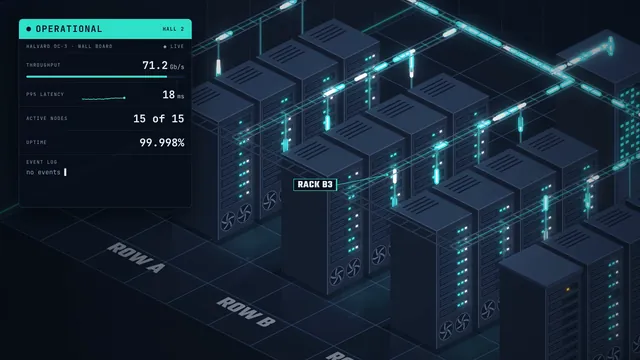
Hyperframes lighthouse storm
[Task]
Create a cinematic 20-second motion-graphics video at 1920x1080, 30 fps, of a lighthouse on a rocky point in a violent night storm. Its rotating beam guides a small cargo ship safely past the rocks.

[Scenes]
1. 0-4 s: Total darkness and rain. A lightning flash reveals the silhouette of a tall striped lighthouse on jagged rocks, then darkness returns. The camera slowly pushes in from far out at sea.
2. 4-8 s: The lamp ignites with a warm bloom. The beam begins sweeping, a long cone with volumetric falloff. Rain streaks glitter wherever they cross it. The camera drifts left in a slow arc around the tower.
3. 8-13 s: The camera drops low to the waterline. Five parallax layers of waves roll, crest and break against the rocks, throwing seeded spray particles. Far out, the running lights of the cargo ship "Marrow Gull" appear, red and green, pitching in the swell.
4. 13-17 s: The beam sweeps across the ship. For a moment the hull is lit and the ship turns away from the rocks. A double lightning strike lights the entire seascape and the clouds glow from inside. The camera rises.
5. 17-20 s: The ship slides past into calmer distant water. The rain thins and the beam keeps turning. The title "Safe Passage" fades in, lit by the beam as it passes over the letters.

[Style]
Palette: #05080F night black, #1C2B3A storm slate, #2F4F5F sea teal, #FFD27A lamp amber, #E9F1FF lightning white, #C23B3B tower red. Use a serif display face with wide tracking, set small and elegant. Lighting is high-contrast chiaroscuro with bloom on the lamp, mist haze and grainy texture. Motion is heavy and weighty: waves on long sine cycles, a slow-eased camera and abrupt but brief lightning.

[Wow]
- A volumetric beam that brightens where rain and mist pass through it and fades with distance.
- At least five depth layers of waves with parallax, with foam lines along the crests.
- Lightning casts momentary hard shadows of the tower and the ship across the water and clouds.
- 1,500+ angled rain streaks, wind-blown with seeded variation, plus splash particles on the rocks.
- The beam rotation is constant: one full revolution every 4 s.

[Rules]
- Every frame is drawn in code (SVG, canvas, CSS or WebGL). No image files, no image generation, no external assets beyond fonts.
- Deterministic: no unseeded randomness at render time.
- Text must be crisp, spelled correctly and readable at 1080p.
- No hard cuts between scenes: every change is a designed transition.
- Lightning flashes must stay under 6 frames each and never fill the full frame with pure white.

[Harness notes] Render the final video to out.mp4 (1920x1080, 20 s). Write everything into the working directory. HyperFrames 0.8.70 is already installed for you in the current directory: node_modules is pre-installed and read-only, so do not run npm install or npx --yes; use the local hyperframes command (for example hyperframes init <dir> --example blank, then hyperframes render). Render the final video yourself to out.mp4 in the current directory. You may take snapshots and inspect your own output (headless chromium is available at /usr/bin/chromium) and iterate on your own before finishing.
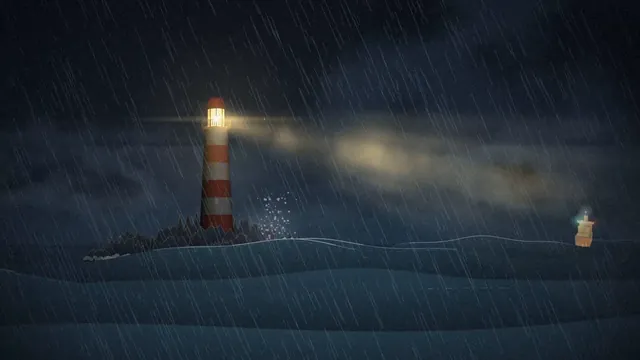
Hyperframes terminal hacker boot
[Task]
Create a 25-second motion-graphics video at 1920x1080, 30 fps, of a retro CRT terminal that cold-boots a fictional operating system and transforms into a live system-monitoring dashboard.

[Scenes]
1. 0-4 s: Black screen. The CRT powers on: a bright horizontal line expands vertically into a phosphor glow. Firmware text appears: "HALCYON FIRMWARE v3.1", then a memory counter ticks up to 65536K OK.
2. 4-9 s: A cursor types commands at a human pace with small timing variations: "> mount /core", "> init --profile=night", "> net up eth0". Each command is followed by status lines that end in green [ OK ], plus one yellow [ WARN ] ("fan2: rpm low").
3. 9-13 s: A large ASCII-art "HALCYON" logo assembles character by character from scattered glyphs that fall into place. Three progress bars, drawn with block characters, fill underneath it.
4. 13-18 s: The log scroll accelerates into a blur of lines. The screen splits along box-drawing borders into panels while the camera eases back slightly, revealing the curved bezel.
5. 18-25 s: A live dashboard runs with sparklines for CPU, service tables, gauges and a scrolling event log. A final prompt with a blinking cursor holds for the last 2 s.

[Style]
Palette: CRT black #050806, phosphor green #39FF7A, amber #FFB000, warning red #FF4D4D, dim green #1C5E35. Type: a monospaced font only, with box-drawing characters for all chrome. Lighting: bloom on bright glyphs, scanlines, slight barrel distortion, vignette and faint phosphor persistence trails. Motion: typed text runs on a character clock, panels slide with snappy expo easing, and nothing bounces.

[Data]
Services (name / CPU % / memory MB / status): auth 12 / 210 / UP; relay 47 / 880 / UP; archive 8 / 1420 / UP; scheduler 23 / 340 / UP; mailer 71 / 512 / DEGRADED.
CPU history (12 samples): 18, 22, 35, 31, 44, 58, 52, 61, 49, 55, 63, 57.
Network: in 482 KB/s, out 131 KB/s. Uptime: 00:00:21. Load: 0.82 1.04 0.97.
Log lines: "relay: handshake 10.4.0.12 accepted", "archive: index rebuilt (3,204 files)", "mailer: queue depth 41", "auth: token refresh ok".

[Wow]
- Authentic CRT rendering: chromatic fringe, rolling refresh band and glow that intensifies with text density.
- The ASCII logo forms from a deterministic glyph-particle simulation.
- The terminal splits into panels as a choreographed reflow, not a cut.
- The dashboard values animate continuously, and the mailer row pulses amber.

[Rules]
- Every frame is drawn in code (SVG, canvas, CSS or WebGL). No image files, no image generation, no external assets beyond fonts.
- Deterministic: no unseeded randomness at render time.
- Text must be crisp, spelled correctly and readable at 1080p.
- No hard cuts between scenes: every change is a designed transition.
- All text, including the dashboard, uses a single monospaced font aligned to a character grid.

[Harness notes] Render the final video to out.mp4 (1920x1080, 25 s). Write everything into the working directory. HyperFrames 0.8.70 is already installed for you in the current directory: node_modules is pre-installed and read-only, so do not run npm install or npx --yes; use the local hyperframes command (for example hyperframes init <dir> --example blank, then hyperframes render). Render the final video yourself to out.mp4 in the current directory. You may take snapshots and inspect your own output (headless chromium is available at /usr/bin/chromium) and iterate on your own before finishing.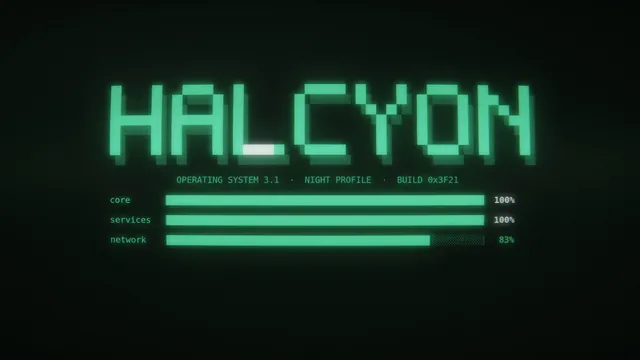
Video printing press collage hyperframes
[Task]
Create a 60-second motion-graphic explainer video on the history of the printing press, from its origins to the present day.

[Roles]
- Higgsfield: creates every image in the video (still images only).
- You: create all motion graphics and animation.

[Style]
Newspaper cutouts with mixed-media collage, highly polished: layered paper cutouts, torn edges, halftone textures, soft shadows, and bold editorial typography.

[Rules]
- Keep every fact and date accurate.
- No text inside the Higgsfield images. Add all text yourself as animated typography.
- Keep the look consistent across every scene.
- End on the opening frame so the video loops. Never end on a hard cut.

[Harness notes] Images come from the image-generation tool available to you (still images only). Render the final video to out.mp4 (1920x1080, 60 s). Write everything into the working directory. HyperFrames 0.8.70 is already installed for you in the current directory: node_modules is pre-installed and read-only, so do not run npm install or npx --yes; use the local hyperframes command (for example hyperframes init <dir> --example blank, then hyperframes render). Render the final video yourself to out.mp4 in the current directory. You may take snapshots and inspect your own output (headless chromium is available at /usr/bin/chromium) and iterate on your own before finishing.
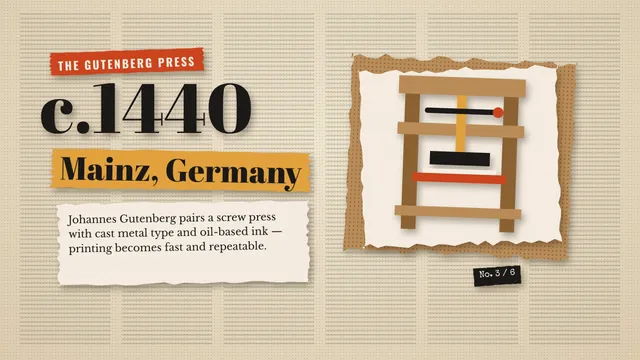
How an AI model race works: 35-second animated explainer (HTML)
Create a single self-contained HTML file (inline CSS and JavaScript only; SVG and/or canvas; no external libraries, fonts, images or network requests) that plays a polished 35-second animated explainer video in the browser, like a studio motion-design piece. It plays once from start to finish and then holds on the final frame.

Topic: "How an AI model race works" — how one prompt is sent to four AI models and their results are compared fairly.

Scenes and timing (total 35 s):
1. 0-5 s: Hook. Big kinetic headline "One prompt. Four AIs." builds letter by letter; a glowing prompt card slides in.
2. 5-11 s: The prompt card splits into four copies that fly into four lanes labelled Model A, Model B, Model C, Model D.
3. 11-18 s: Each lane builds something: blocks of code stream in, a small preview window fills with a different mini artwork per lane (a wave, a chart, a planet, a city skyline), and a stopwatch per lane ticks at a different speed.
4. 18-25 s: A camera icon records each preview; the four previews line up side by side like a film strip, and one lane stalls with a friendly "error" wobble before recovering.
5. 25-31 s: Judging: score bars grow under each preview, a checklist ticks ("same prompt", "no edits", "timed", "saved"), and a folder icon swallows the four results labelled "receipts".
6. 31-35 s: Outro: all elements collapse into a single line: "Same prompt. Real receipts." and hold.

Style:
- Brand colours: deep navy background #0B1020, electric teal #19E3B1 as the main accent, warm amber #FFB547 as the secondary accent, white text.
- Clean geometric shapes, expressive easing (overshoot, staggered delays), smooth transitions between scenes (no hard blank frames), large readable text for a phone screen.
- Portrait 4:5 layout, scaled to fit the browser window and centred.
- Drive all animation from one timeline using requestAnimationFrame and performance.now; the first motion is visible within the first half second; no user interaction needed.

Reply with only the complete HTML file.Chart morph: bars to line to donut (motion graphic)
Create a single self-contained HTML file (inline CSS and JavaScript only; SVG for all graphics; no canvas, no external libraries, fonts or network requests) that plays a polished motion graphic, like a studio-made data animation.

The motion: one dataset of 6 values (Mon-Sat: 42, 68, 55, 90, 74, 61) morphs through three chart states in a continuous loop:
1. Bar chart: 6 bars grow up from the baseline, with axis, gridlines and value labels.
2. The bars smoothly morph into a line chart: each bar collapses into a point at its top, the points connect with a line that draws itself, and an area fill fades in beneath it.
3. The line chart morphs into a donut chart: the 6 values become 6 coloured arcs that sweep around a ring, with the total counting up in the centre.
4. The donut morphs back into the bar chart and the loop repeats.
Each state holds for about 2 seconds and each transition takes about 1.5 seconds, so one loop is about 14 seconds. Every element must visibly travel from one state to the next (true morphing, not a crossfade). Each state shows a small label naming it ("Bars", "Line", "Donut"), and labels animate in and out.

Requirements:
- Use expressive easing (ease-in-out, overshoot, staggered delays between the 6 elements).
- Dark, modern design with a cohesive colour palette; portrait 4:5 layout, scaled to fit the browser window and centred.
- Motion starts immediately at page load: something is already moving in the first half second.
- Drive all animation with requestAnimationFrame and performance.now; no user interaction needed.
- No other text, titles, buttons or UI beyond the chart labels, values and state labels.

Reply with only the complete HTML file.KPI cards with odometer digits (motion graphic)
Create a studio-quality motion graphic: a KPI dashboard card set. Three cards slide in; each shows a metric (Revenue $1.24M, Users 84,210, Uptime 99.98%) whose digits roll up like a mechanical odometer, each with a progress ring that sweeps to its value and a small sparkline that draws itself. The cards then reshuffle positions with a spring motion, values reset and roll up again.

Requirements:
- A single self-contained HTML file: inline CSS and JavaScript only, SVG for all graphics, no canvas, no external libraries, fonts, images or network requests.
- Expressive easing (ease-in-out, overshoot, staggered delays) and true morphing: elements visibly travel between states, never a plain crossfade.
- Dark, modern design with a cohesive colour palette; portrait 4:5 layout, scaled to fit the browser window and centred.
- Motion starts immediately at page load (something is already moving in the first half second) and loops seamlessly, about 12-16 seconds per loop.
- Drive all animation with requestAnimationFrame and performance.now; no user interaction needed.
- No text beyond what the graphic itself needs (labels, values). No titles, buttons or UI.

Reply with only the complete HTML file.
Planets: from orbits to a size line-up (motion graphic)
Create a studio-quality motion graphic: the eight planets orbit a glowing sun on elliptical paths with labels. Then they leave their orbits and line up in a row sorted by size, with their relative sizes to scale-ish and a diameter label under each; then they rise back into their orbits and the loop repeats.

Requirements:
- A single self-contained HTML file: inline CSS and JavaScript only, SVG for all graphics, no canvas, no external libraries, fonts, images or network requests.
- Expressive easing (ease-in-out, overshoot, staggered delays) and true morphing: elements visibly travel between states, never a plain crossfade.
- Dark, modern design with a cohesive colour palette; portrait 4:5 layout, scaled to fit the browser window and centred.
- Motion starts immediately at page load (something is already moving in the first half second) and loops seamlessly, about 12-16 seconds per loop.
- Drive all animation with requestAnimationFrame and performance.now; no user interaction needed.
- No text beyond what the graphic itself needs (labels, values). No titles, buttons or UI.

Reply with only the complete HTML file.
Dotted world map with flight arcs (motion graphic)
Create a studio-quality motion graphic: an abstract dotted world map (dots only, no real map data needed, an approximate stylised grid of dots is fine). Five city pins drop in with a bounce and pulse; curved flight arcs draw from city to city in sequence with a small plane-like marker travelling along each arc; a distance counter ticks up; then the arcs fade out along their length and the loop repeats.

Requirements:
- A single self-contained HTML file: inline CSS and JavaScript only, SVG for all graphics, no canvas, no external libraries, fonts, images or network requests.
- Expressive easing (ease-in-out, overshoot, staggered delays) and true morphing: elements visibly travel between states, never a plain crossfade.
- Dark, modern design with a cohesive colour palette; portrait 4:5 layout, scaled to fit the browser window and centred.
- Motion starts immediately at page load (something is already moving in the first half second) and loops seamlessly, about 12-16 seconds per loop.
- Drive all animation with requestAnimationFrame and performance.now; no user interaction needed.
- No text beyond what the graphic itself needs (labels, values). No titles, buttons or UI.

Reply with only the complete HTML file.
Shape-morph logo reveal (motion graphic)
Create a studio-quality motion graphic: a logo reveal. A square morphs into a circle, the circle splits into three smaller circles that orbit each other, they merge into a triangle, and the triangle unfolds into an abstract geometric logo mark with a wordmark 'NOVA' whose letters rise in one by one with a stagger. Then everything folds back into the square and loops.

Requirements:
- A single self-contained HTML file: inline CSS and JavaScript only, SVG for all graphics, no canvas, no external libraries, fonts, images or network requests.
- Expressive easing (ease-in-out, overshoot, staggered delays) and true morphing: elements visibly travel between states, never a plain crossfade.
- Dark, modern design with a cohesive colour palette; portrait 4:5 layout, scaled to fit the browser window and centred.
- Motion starts immediately at page load (something is already moving in the first half second) and loops seamlessly, about 12-16 seconds per loop.
- Drive all animation with requestAnimationFrame and performance.now; no user interaction needed.
- No text beyond what the graphic itself needs (labels, values). No titles, buttons or UI.

Reply with only the complete HTML file.
Stock chart: line to candlesticks (motion graphic)
Create a studio-quality motion graphic: a stock price chart for 30 days. A line draws itself left to right with a glowing moving dot and a floating price tooltip that follows it; then each point of the line expands into an OHLC candlestick (green up, red down) in a staggered wave; then the candles collapse back into the line and the loop repeats.

Requirements:
- A single self-contained HTML file: inline CSS and JavaScript only, SVG for all graphics, no canvas, no external libraries, fonts, images or network requests.
- Expressive easing (ease-in-out, overshoot, staggered delays) and true morphing: elements visibly travel between states, never a plain crossfade.
- Dark, modern design with a cohesive colour palette; portrait 4:5 layout, scaled to fit the browser window and centred.
- Motion starts immediately at page load (something is already moving in the first half second) and loops seamlessly, about 12-16 seconds per loop.
- Drive all animation with requestAnimationFrame and performance.now; no user interaction needed.
- No text beyond what the graphic itself needs (labels, values). No titles, buttons or UI.

Reply with only the complete HTML file.
Scatter to waffle to histogram (motion graphic)
Create a studio-quality motion graphic: 100 small dots start scattered like a scatter plot with axes, then fly into a 10x10 waffle chart where 3 colour groups (48, 31, 21) fill in order with their percentages, then regroup into a 3-bar histogram of the same groups, then scatter back and repeat.

Requirements:
- A single self-contained HTML file: inline CSS and JavaScript only, SVG for all graphics, no canvas, no external libraries, fonts, images or network requests.
- Expressive easing (ease-in-out, overshoot, staggered delays) and true morphing: elements visibly travel between states, never a plain crossfade.
- Dark, modern design with a cohesive colour palette; portrait 4:5 layout, scaled to fit the browser window and centred.
- Motion starts immediately at page load (something is already moving in the first half second) and loops seamlessly, about 12-16 seconds per loop.
- Drive all animation with requestAnimationFrame and performance.now; no user interaction needed.
- No text beyond what the graphic itself needs (labels, values). No titles, buttons or UI.

Reply with only the complete HTML file.
Venetian canal watercolour, painted live (HTML)
Create a single self-contained HTML file (inline CSS and JavaScript only; no external libraries, fonts, images or network requests) that paints a detailed watercolour painting live, step by step, the way a real artist works.

Scene: a Venetian canal at golden hour. A gondola with a gondolier in the foreground, an arched stone bridge in the middle distance, tall old buildings with balconies, shutters, flower boxes and hanging laundry on both sides, a church dome and bell tower against a warm sky, soft reflections rippling in the water.

The painting builds itself on a canvas and/or SVG over about 25 seconds, in four visible stages:
1. Pencil sketch (about 0-6 s): light grey graphite construction lines and contours drawn stroke by stroke, slightly wobbly and hand-made.
2. Ink lines (about 6-11 s): confident dark brown/sepia pen lines trace over the key contours, stroke by stroke.
3. Layered washes (about 11-21 s): transparent watercolour washes bloom in, from light to dark: sky first, then buildings, water, shadows. Soft bleeding edges, pigment pooling at the edges of each wash, granulation, visible paper texture showing through.
4. Details (about 21-25 s): final darker accents, window details, highlights on the water, a few loose splatters.
Then hold the finished painting on screen (do not loop or restart).

Requirements:
- Start drawing immediately at page load; the first strokes must be visible within the first half second.
- Portrait 4:5 composition on warm off-white textured paper, scaled to fit the browser window and centred; the page background around it is a neutral colour.
- Drive all animation with requestAnimationFrame and performance.now (no setTimeout-only timing, no user interaction needed).
- No text, titles, labels, captions, buttons or UI of any kind on the page. Only the painting.
- Make it as beautiful and detailed as you can: it should look like a real watercolour, not flat vector shapes.

Reply with only the complete HTML file.
Recursion explainer (Opus 5.5 demo prompt)
A video explaining recursion, where every explanation about recursion has a radically different video style, make this self-referential & clever & fast moving.

---
Deliverable: build this in the current folder as a self-contained web page that opens in a browser with index.html as the entry point (no build step; CDN imports are fine). Work autonomously and do not ask questions.
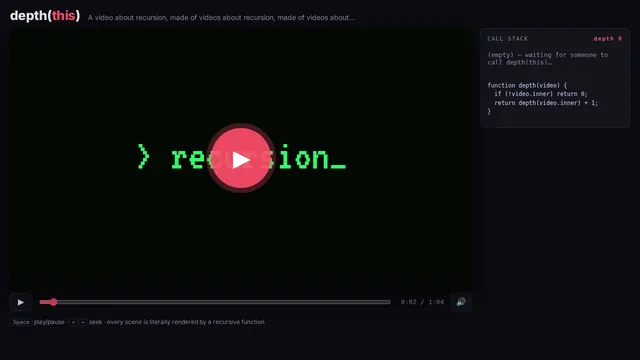
Token bucket explainer (Opus 5.5 demo prompt)
explain a token bucket rate limiter, canvas only, no libraries, every frame a pure function of time so my renderer can screenshot it.

---
Deliverable: build this in the current folder as a self-contained web page that opens in a browser with index.html as the entry point (no build step; CDN imports are fine). Work autonomously and do not ask questions.
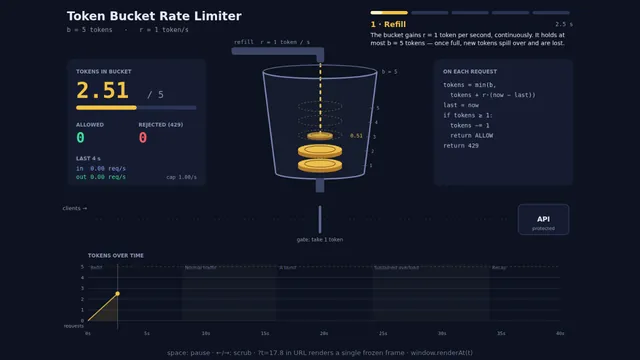
Train window through four seasons (Opus 5.5 demo prompt)
4 seasons passing outside a train window, a cozy carriage, a cup of coffee on the table, Grand Budapest Hotel style

---
Deliverable: build this in the current folder as a self-contained web page that opens in a browser with index.html as the entry point (no build step; CDN imports are fine). Work autonomously and do not ask questions.
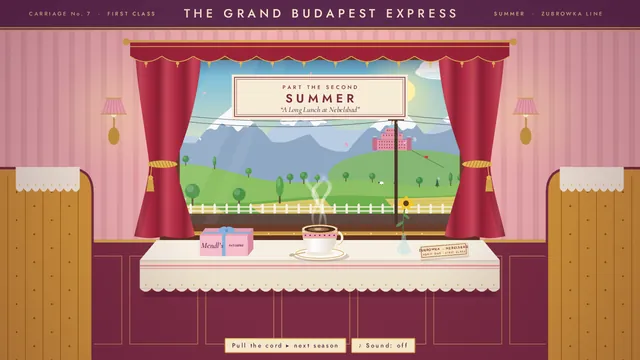
Collision music machine (Opus 5.5 demo prompt)
Build a 45-second machine that plays an original piece of music, where every note comes from a visible collision.

---
Deliverable: build this in the current folder as a self-contained web page that opens in a browser with index.html as the entry point (no build step; CDN imports are fine). Work autonomously and do not ask questions.
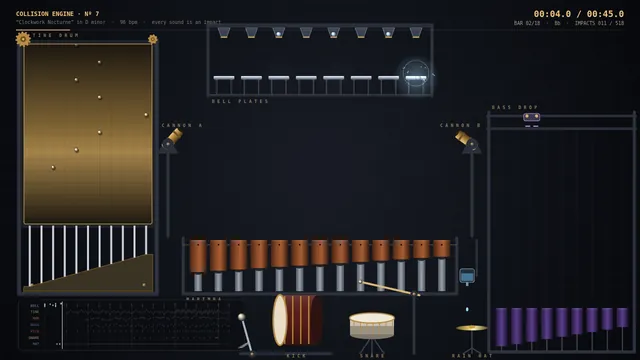
15-second motion showreel (Opus 5.5 demo prompt)
make a dynamic 15-second motion graphics video that shows what an incredible motion designer you are, like it's your showreel for a résumé. go all out.

---
Deliverable: build this in the current folder as a self-contained web page that opens in a browser with index.html as the entry point (no build step; CDN imports are fine). Work autonomously and do not ask questions.
Dash bikeshare week
Build an interactive dashboard for one week of a city bike-share scheme from the exact dataset below (CSV: trips started per hour, one row per day, columns h00 to h23). Embed the data in the page verbatim and compute every number from it; do not invent or alter any value.

day,h00,h01,h02,h03,h04,h05,h06,h07,h08,h09,h10,h11,h12,h13,h14,h15,h16,h17,h18,h19,h20,h21,h22,h23
Mon,26,24,24,26,23,25,49,311,627,313,67,119,199,231,107,70,205,546,492,197,45,27,25,24
Tue,24,23,24,25,25,26,45,322,716,319,69,119,201,214,106,69,206,485,513,212,48,25,27,23
Wed,26,27,26,27,25,24,48,317,694,301,72,104,215,200,111,32,86,251,248,94,45,26,26,23
Thu,24,23,26,27,27,26,49,284,663,320,69,104,199,201,121,62,201,516,550,191,46,27,23,24
Fri,23,27,24,25,25,27,50,310,664,295,70,105,220,208,109,66,218,589,540,210,51,27,30,28
Sat,41,42,38,43,40,42,47,62,94,142,255,357,458,582,583,505,352,265,179,147,125,101,64,49
Sun,42,40,40,39,43,41,49,61,93,144,226,371,450,538,575,443,386,252,173,141,111,86,66,47

The dashboard needs: a 7 x 24 heatmap (days by hours) with a clear colour legend; a line chart of the average hourly profile for weekdays versus the weekend; a bar chart of total trips per day; KPI cards for total trips, the busiest day, and the single busiest hour of the week (day and hour); and an automatic callout that spots the anomaly in the data (one weekday evening that is far below the other weekdays at the same hours) and names it. Clicking a day highlights that day's row in the heatmap and draws its hourly line over the profile chart; hovering any heatmap cell shows its exact count. Draw the charts yourself with SVG or Canvas. So the page is alive without input, on load the heatmap fills in hour by hour like a clock sweeping across the week (about 5 seconds), then the anomaly callout appears. Make it look like a polished product, readable on desktop and phone.

Save it as index.html in the current directory: one self-contained file with inline CSS and JavaScript only, no libraries or frameworks, and no external requests of any kind (no CDNs, web fonts, images or audio files). It must work when opened directly from disk, fit any window from a 390 px wide phone to a desktop, and run without console errors. You may serve it locally and open it in headless chromium (/usr/bin/chromium, software WebGL, no GPU) to screenshot and inspect your own output, and iterate on your own before finishing. Close any browser you open as soon as you've taken your screenshot.
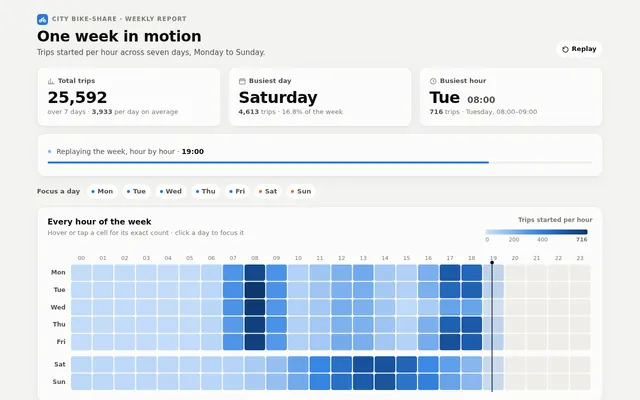
Dash coffee chain sales
Build an interactive sales dashboard for a small coffee chain from the exact dataset below (CSV, 48 rows: 4 stores x 12 months of 2025). Embed the data in the page verbatim and compute every number from it; do not invent, round away or alter any value.

month,store,cups,revenue_usd,new_members
2025-01,Harbour St,8620,48001.40,219
2025-01,Uni Quad,4670,22784.08,136
2025-01,Airport T2,9980,72817.87,285
2025-01,Old Mill,5140,26339.15,156
2025-02,Harbour St,8660,48132.70,179
2025-02,Uni Quad,7510,36583.14,176
2025-02,Airport T2,10710,78626.32,196
2025-02,Old Mill,5120,26783.20,145
2025-03,Harbour St,9600,53507.52,224
2025-03,Uni Quad,8140,40574.60,197
2025-03,Airport T2,11420,85142.33,222
2025-03,Old Mill,5980,31337.13,191
2025-04,Harbour St,9950,55661.36,280
2025-04,Uni Quad,8080,40043.67,147
2025-04,Airport T2,12350,92727.38,298
2025-04,Old Mill,6240,33325.28,151
2025-05,Harbour St,10520,61004.42,275
2025-05,Uni Quad,8460,41597.39,177
2025-05,Airport T2,12500,94954.01,301
2025-05,Old Mill,6130,32148.65,176
2025-06,Harbour St,10620,61721.59,313
2025-06,Uni Quad,9200,45959.02,213
2025-06,Airport T2,12750,96839.34,255
2025-06,Old Mill,6940,37380.48,168
2025-07,Harbour St,10960,63515.58,232
2025-07,Uni Quad,5610,28440.56,130
2025-07,Airport T2,13010,97534.46,267
2025-07,Old Mill,7310,39219.21,204
2025-08,Harbour St,11000,62556.63,252
2025-08,Uni Quad,9900,49592.99,265
2025-08,Airport T2,13860,104199.02,279
2025-08,Old Mill,6750,35505.26,164
2025-09,Harbour St,9960,56831.50,271
2025-09,Uni Quad,8750,44825.12,174
2025-09,Airport T2,12770,99211.32,301
2025-09,Old Mill,6520,35173.20,204
2025-10,Harbour St,9800,57724.32,231
2025-10,Uni Quad,8510,43550.50,222
2025-10,Airport T2,11410,88144.32,282
2025-10,Old Mill,5920,31946.68,180
2025-11,Harbour St,10260,59774.09,229
2025-11,Uni Quad,8660,44209.58,203
2025-11,Airport T2,12430,96807.87,266
2025-11,Old Mill,6160,33615.60,188
2025-12,Harbour St,12660,75310.44,360
2025-12,Uni Quad,6550,32992.14,188
2025-12,Airport T2,14490,110341.47,368
2025-12,Old Mill,7280,39635.82,218

The dashboard needs: KPI cards for total revenue, total cups, average ticket (revenue / cups) and total new members; a monthly revenue line chart with one line per store; a stacked bar chart of cups per quarter split by store; a ranking of stores by revenue; and a table of the raw rows that can be sorted by clicking any column header. Store filter toggles must update every KPI, chart and the table together. Hovering any chart point or bar shows a tooltip with its exact values. Format money as US dollars with thousands separators. Draw the charts yourself with SVG or Canvas. So the page is alive without input, it plays a short guided tour on load: it highlights each store in turn for about 2 seconds (dimming the others in every chart), then returns to all stores; any click or key press stops the tour. Make it look like a polished product, readable on desktop and phone.

Save it as index.html in the current directory: one self-contained file with inline CSS and JavaScript only, no libraries or frameworks, and no external requests of any kind (no CDNs, web fonts, images or audio files). It must work when opened directly from disk, fit any window from a 390 px wide phone to a desktop, and run without console errors. You may serve it locally and open it in headless chromium (/usr/bin/chromium, software WebGL, no GPU) to screenshot and inspect your own output, and iterate on your own before finishing. Close any browser you open as soon as you've taken your screenshot.
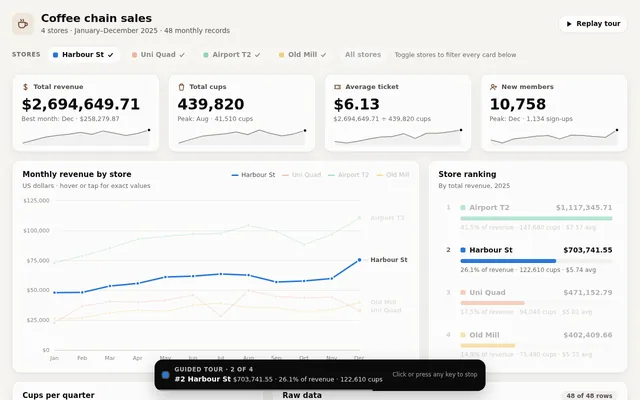
Dash power grid day
Build an interactive electricity grid dashboard for one day on a regional power grid from the exact dataset below (CSV: hourly average generation by source in megawatts, battery output where negative values mean the batteries are charging, total demand, and the wholesale price in US dollars per megawatt-hour). Embed the data in the page verbatim and compute every number from it; do not invent or alter any value.

hour,solar_mw,wind_mw,hydro_mw,gas_mw,coal_mw,battery_mw,demand_mw,price_usd_mwh
00:00,0,908,477,2389,1134,0,4908,66.39
01:00,0,1029,489,1949,1187,0,4654,56.87
02:00,0,1314,469,1408,1216,0,4407,45.61
03:00,0,1416,389,1348,1155,0,4308,48.33
04:00,0,1444,389,1400,1217,0,4450,50.12
05:00,0,1420,472,1781,1150,0,4823,53.61
06:00,0,1364,425,2478,1100,0,5367,70.84
07:00,574,1275,457,2517,1149,0,5972,72.42
08:00,1115,1114,449,2543,1186,0,6407,69.67
09:00,1591,1034,421,2210,1181,0,6437,65.77
10:00,1975,737,428,1798,1154,0,6092,57.38
11:00,2244,644,520,1345,1161,-256,5658,43.57
12:00,2383,422,503,1220,1150,-309,5369,-5.25
13:00,2383,407,517,1047,1182,-287,5249,-6.24
14:00,2244,313,465,1324,1239,-345,5240,48.61
15:00,1975,459,430,1334,1158,0,5356,44.95
16:00,1591,448,380,2092,1205,0,5716,60.08
17:00,1115,697,510,2375,1220,431,6348,65.74
18:00,574,809,515,3503,1199,312,6912,133.18
19:00,0,1027,408,3908,1164,405,6912,139.23
20:00,0,1161,491,3178,1124,394,6348,82.08
21:00,0,1326,487,2768,1135,0,5716,74.8
22:00,0,1226,477,2481,1171,0,5355,71.86
23:00,0,1411,501,2088,1231,0,5231,64.7

The dashboard needs: a stacked area chart of the generation mix over the 24 hours with demand drawn as a line on top and battery charging shown below the zero axis; KPI cards for total energy in MWh, renewable share of generation, peak demand and its hour, and the daily average and minimum price; a price line chart with negative-price hours shaded and labelled; a donut of the daily energy mix by source; a live 'grid now' panel driven by an hour scrubber that shows each source as an animated flow into the demand bar; source toggles that update every chart; hover or tap tooltips with exact values; and a short auto-written insights panel computed from the data (for example when solar exceeded half of demand, when batteries charged and discharged). Style it like a control-room display: dark, precise, glowing. So the page is alive without input, on load the charts draw in and the hour scrubber plays through the day on a loop with the flow panel animating, tooltips following the playhead and the insights highlighting as their hours pass, forever, until the user touches a control.

Save it as index.html in the current directory: one self-contained file with inline CSS and JavaScript only, no libraries or frameworks, and no external requests of any kind (no CDNs, web fonts, images or audio files). It must work when opened directly from disk, fit any window from a 390 px wide phone to a desktop, and run without console errors. You may serve it locally and open it in headless chromium (/usr/bin/chromium, software WebGL, no GPU) to screenshot and inspect your own output, and iterate on your own before finishing. Close any browser you open as soon as you've taken your screenshot.
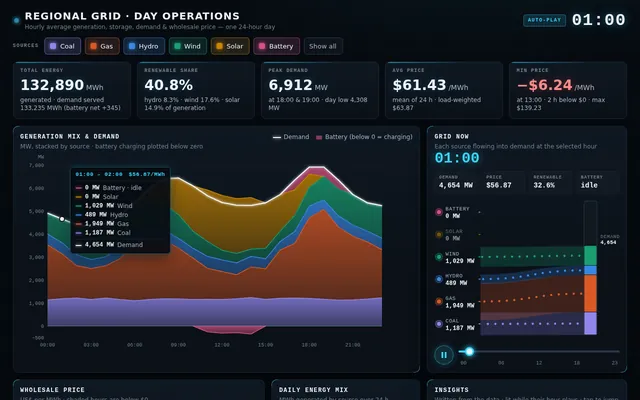
Dash saas growth metrics
Build an interactive SaaS growth dashboard from the exact dataset below (CSV: one row per month and plan with customers at the start of the month, new and churned customers during it, and the monthly list price per customer in US dollars). Embed the data in the page verbatim and compute every number from it; do not invent or alter any value. Ending customers = customers_start + new_customers - churned_customers, and MRR = ending customers x price_usd.

month,plan,customers_start,new_customers,churned_customers,price_usd
2025-05,Starter,220,36,15,19
2025-05,Team,90,10,3,79
2025-05,Enterprise,12,3,0,499
2025-06,Starter,241,39,15,19
2025-06,Team,97,12,3,79
2025-06,Enterprise,15,1,1,499
2025-07,Starter,265,46,16,19
2025-07,Team,106,9,4,79
2025-07,Enterprise,15,1,0,499
2025-08,Starter,295,33,24,19
2025-08,Team,111,18,3,79
2025-08,Enterprise,16,2,0,499
2025-09,Starter,304,29,18,19
2025-09,Team,126,13,4,79
2025-09,Enterprise,18,3,0,499
2025-10,Starter,315,47,23,19
2025-10,Team,135,16,6,79
2025-10,Enterprise,21,2,1,499
2025-11,Starter,339,36,20,19
2025-11,Team,145,13,4,79
2025-11,Enterprise,22,3,0,499
2025-12,Starter,355,45,25,19
2025-12,Team,154,17,6,79
2025-12,Enterprise,25,0,0,499
2026-01,Starter,375,38,26,19
2026-01,Team,165,16,4,79
2026-01,Enterprise,25,2,0,499
2026-02,Starter,387,28,31,19
2026-02,Team,177,15,25,79
2026-02,Enterprise,27,1,0,499
2026-03,Starter,384,31,25,19
2026-03,Team,167,17,5,79
2026-03,Enterprise,28,2,1,499
2026-04,Starter,390,29,20,19
2026-04,Team,179,9,6,89
2026-04,Enterprise,29,1,0,549
2026-05,Starter,399,32,34,19
2026-05,Team,182,16,6,89
2026-05,Enterprise,30,2,0,549
2026-06,Starter,397,30,33,19
2026-06,Team,192,12,8,89
2026-06,Enterprise,32,0,1,549
2026-07,Starter,394,43,27,19
2026-07,Team,196,15,8,89
2026-07,Enterprise,31,0,1,549
2026-08,Starter,410,41,28,19
2026-08,Team,203,17,7,89
2026-08,Enterprise,30,0,0,549
2026-09,Starter,423,43,35,19
2026-09,Team,213,15,5,89
2026-09,Enterprise,30,2,0,549
2026-10,Starter,431,28,25,19
2026-10,Team,223,19,7,89
2026-10,Enterprise,32,3,1,549

The dashboard needs: KPI cards for current MRR, MRR growth over the period, current customers, average monthly logo churn rate and net revenue retention estimate; a stacked area chart of MRR by plan over time; a waterfall chart that decomposes the most recent month's MRR change into new, churned and price-change effects; a churn-rate line per plan with any month above twice its plan's average flagged and explained in an annotation; a cohort-style table of customers by plan and month with heat colouring; plan and date-range filters that update every chart; hover or tap tooltips with exact values; and a short auto-written insights panel (three sentences) computed from the data, such as which plan drives growth and when prices changed. Use a refined, modern product-analytics look. So the page is alive without input, on load the charts animate in and then a guided tour cycles forever: it highlights each KPI, steps a cursor through the months on the area chart with live tooltips, rebuilds the waterfall, applies and clears a plan filter, and points out the churn anomaly, until the user touches a control.

Save it as index.html in the current directory: one self-contained file with inline CSS and JavaScript only, no libraries or frameworks, and no external requests of any kind (no CDNs, web fonts, images or audio files). It must work when opened directly from disk, fit any window from a 390 px wide phone to a desktop, and run without console errors. You may serve it locally and open it in headless chromium (/usr/bin/chromium, software WebGL, no GPU) to screenshot and inspect your own output, and iterate on your own before finishing. Close any browser you open as soon as you've taken your screenshot.
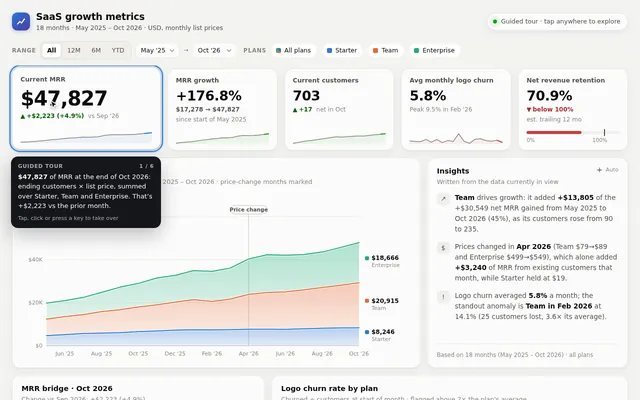
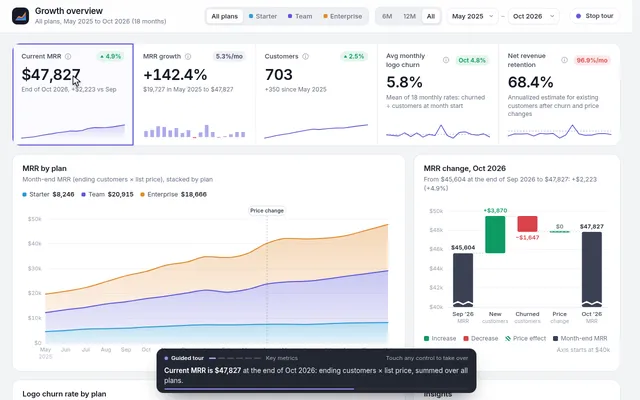
Dash world weather stations
Build an interactive climate dashboard comparing six weather stations from the exact dataset below (CSV: one row per city and month with the average daily high temperature in Celsius, total rainfall in millimetres and sunshine hours). Embed the data in the page verbatim and compute every number from it; do not invent or alter any value.

city,month,avg_high_c,rain_mm,sun_hours
Reykjavik,Jan,0.4,77,54
Reykjavik,Feb,0.9,76,81
Reykjavik,Mar,3.8,67,116
Reykjavik,Apr,6.3,48,147
Reykjavik,May,10.1,32,221
Reykjavik,Jun,12.9,24,247
Reykjavik,Jul,13.2,24,274
Reykjavik,Aug,12.2,29,233
Reykjavik,Sep,9.9,37,214
Reykjavik,Oct,6.2,51,160
Reykjavik,Nov,3.1,59,103
Reykjavik,Dec,2.6,74,77
Lisbon,Jan,13.3,100,52
Lisbon,Feb,14.1,99,77
Lisbon,Mar,18.5,69,113
Lisbon,Apr,20.3,47,168
Lisbon,May,25.3,31,222
Lisbon,Jun,27.9,15,245
Lisbon,Jul,28.5,1,259
Lisbon,Aug,27.6,5,259
Lisbon,Sep,24.3,21,212
Lisbon,Oct,21.1,51,146
Lisbon,Nov,18.0,83,100
Lisbon,Dec,15.4,89,84
Singapore,Jan,29.6,254,152
Singapore,Feb,30.6,249,136
Singapore,Mar,30.4,223,151
Singapore,Apr,31.4,201,174
Singapore,May,31.6,183,132
Singapore,Jun,30.9,158,155
Singapore,Jul,31.8,164,167
Singapore,Aug,31.0,163,160
Singapore,Sep,30.8,182,130
Singapore,Oct,31.9,203,172
Singapore,Nov,30.7,235,129
Singapore,Dec,29.9,237,146
Denver,Jan,5.9,47,63
Denver,Feb,7.5,42,76
Denver,Mar,11.6,41,101
Denver,Apr,18.0,40,160
Denver,May,24.9,27,219
Denver,Jun,30.0,23,251
Denver,Jul,30.7,22,253
Denver,Aug,29.4,25,241
Denver,Sep,24.9,38,201
Denver,Oct,17.6,29,153
Denver,Nov,12.2,33,106
Denver,Dec,7.4,35,64
Cape Town,Jan,27.6,9,269
Cape Town,Feb,25.9,16,279
Cape Town,Mar,24.9,30,236
Cape Town,Apr,23.3,60,192
Cape Town,May,21.0,68,142
Cape Town,Jun,18.1,87,111
Cape Town,Jul,17.8,94,111
Cape Town,Aug,18.8,79,131
Cape Town,Sep,20.3,69,163
Cape Town,Oct,22.7,46,187
Cape Town,Nov,24.4,35,227
Cape Town,Dec,25.9,16,280
Mumbai,Jan,30.2,7,62
Mumbai,Feb,30.0,6,68
Mumbai,Mar,29.9,11,121
Mumbai,Apr,32.1,79,166
Mumbai,May,33.0,247,205
Mumbai,Jun,33.0,481,245
Mumbai,Jul,33.2,601,273
Mumbai,Aug,32.3,494,241
Mumbai,Sep,32.5,252,225
Mumbai,Oct,31.5,67,166
Mumbai,Nov,29.8,3,115
Mumbai,Dec,30.1,7,81

The dashboard needs: small-multiple climate charts, one per city, each with monthly temperature as a line over rainfall as bars and the two axes clearly labelled; a radial (polar) chart of the selected city's year with temperature as radius and rainfall as colour; a heatmap of temperature by city and month; KPI cards per city for annual rainfall, hottest and coldest month, temperature range and total sunshine; a 'best month to visit' calculator with sliders for preferred temperature range, maximum rain and minimum sunshine that scores every city-month and lists the top five; a Celsius and Fahrenheit toggle; hover or tap tooltips with exact values; and a short auto-written comparison panel computed from the data. Make it beautiful, editorial and calm, like a data feature in a great magazine. So the page is alive without input, on load the charts draw in and a tour cycles forever: it rotates the radial chart through each city, sweeps a highlight across the heatmap month by month, adjusts the visit calculator sliders to show the ranking change, and toggles units once per loop, until the user touches a control.

Save it as index.html in the current directory: one self-contained file with inline CSS and JavaScript only, no libraries or frameworks, and no external requests of any kind (no CDNs, web fonts, images or audio files). It must work when opened directly from disk, fit any window from a 390 px wide phone to a desktop, and run without console errors. You may serve it locally and open it in headless chromium (/usr/bin/chromium, software WebGL, no GPU) to screenshot and inspect your own output, and iterate on your own before finishing. Close any browser you open as soon as you've taken your screenshot.
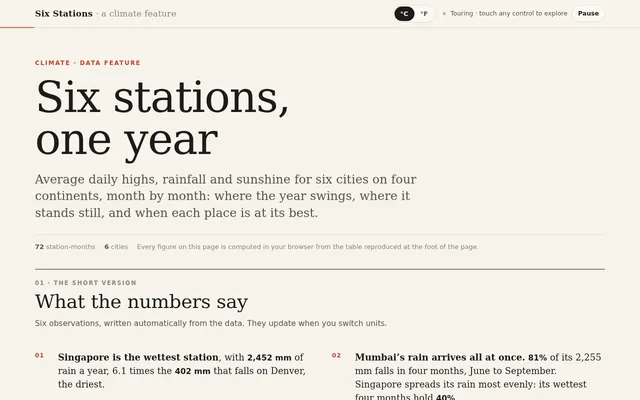
Algoviz convex hull race
Build a convex hull algorithm race: four panels (a 2 x 2 grid, stacked on narrow screens) each run a different algorithm on its own copy of the same cloud of 120 random points: Graham scan, Jarvis march (gift wrapping), Quickhull and Andrew's monotone chain. Advance every panel one primitive step per tick (one orientation test, one push or one pop) so the speeds are honestly comparable. Draw the candidate hull growing as glowing edges, flash the point being tested, show rejected points dimming, animate stack pops as edges snapping away, and keep a live counter of orientation tests and stack operations per panel. When a panel finishes, fill its hull with a soft gradient, sweep a highlight around the perimeter and stamp its finishing place. Controls: point-set presets (uniform random, circle with noise, clustered blobs, points on a parabola, nearly collinear), a point-count slider (20 to 400), click or tap to add points, speed slider, play, pause, single step and reset. After each race show a small results table (steps, orientation tests, hull size). So the page is alive without input, on load it starts racing the uniform preset automatically, and after each finish it waits 3 seconds and races the next preset in turn, forever, until the user touches a control. Make it precise and beautiful, like a figure from a great algorithms textbook brought to life.

Save it as index.html in the current directory: one self-contained file with inline CSS and JavaScript only, no libraries or frameworks, and no external requests of any kind (no CDNs, web fonts, images or audio files). It must work when opened directly from disk, fit any window from a 390 px wide phone to a desktop, and run without console errors. You may serve it locally and open it in headless chromium (/usr/bin/chromium, software WebGL, no GPU) to screenshot and inspect your own output, and iterate on your own before finishing. Close any browser you open as soon as you've taken your screenshot.
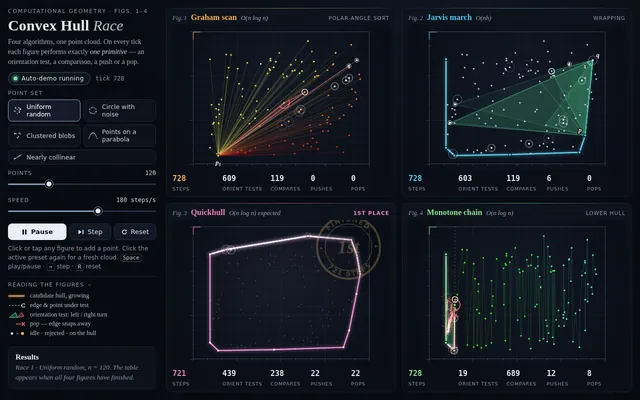
Algoviz gpu boids 50k
Build a single-page WebGPU compute-shader boids visualizer that runs 50,000 boids at 60fps, with a CPU (JS) mode capped at 2,000 for side-by-side comparison. Show separation/alignment/cohesion sliders, a predator that follows the mouse, spatial hashing grid overlay toggle, and an FPS + ms-per-step readout for each mode so the speedup is visible. Include a short in-page explanation panel of the algorithm and the spatial hash. One HTML file, no external assets. The GPU mode must use a WebGPU compute shader when navigator.gpu is available and otherwise fall back to a WebGL2 GPU path (for example float-texture ping-pong) so it still runs 50,000 boids where WebGPU is missing; label which GPU path is active. Make the page start a demo on load with no input (the predator follows a scripted path until the mouse moves) so a headless capture shows constant motion.

Save it as index.html in the current directory: one self-contained file with inline CSS and JavaScript only, no libraries or frameworks, and no external requests of any kind (no CDNs, web fonts, images or audio files). It must work when opened directly from disk, fit any window from a 390 px wide phone to a desktop, and run without console errors. You may serve it locally and open it in headless chromium (/usr/bin/chromium, software WebGL, no GPU, no WebGPU) to screenshot and inspect your own output, and iterate on your own before finishing. Close any browser you open as soon as you've taken your screenshot.
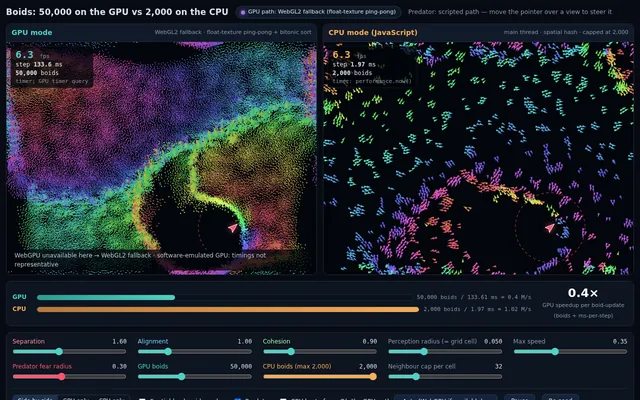
Algoviz maze generate and solve
Build a maze generation and solving show: four panels side by side (a grid on narrow screens) each carve the same-size 31 x 21 maze with a different generator at the same time: recursive backtracker (depth-first), randomized Prim's, randomized Kruskal's with union-find, and Wilson's loop-erased random walk. Show each generator's working state honestly: the backtracker's stack as a glowing trail, Prim's frontier cells, Kruskal's sets as distinct colours that merge as walls fall, Wilson's wandering walk with its loops being erased. Count steps per panel. When a maze is complete, solve it in the same panel with A* from the top-left to the bottom-right corner, drawing the open set, the closed set and the final path as a bright line, and show path length and cells explored. Then display a small comparison (generation steps, dead ends, longest corridor, solution length) so viewers see how the generators produce different textures of maze. Controls: maze size presets, speed slider, play, pause, single step, regenerate, and a toggle to solve with breadth-first search instead of A*. So the page is alive without input, on load it generates and solves automatically, then waits 3 seconds and starts a new round with a fresh seed, forever, until the user touches a control. Make it feel like a calm, hypnotic museum installation.

Save it as index.html in the current directory: one self-contained file with inline CSS and JavaScript only, no libraries or frameworks, and no external requests of any kind (no CDNs, web fonts, images or audio files). It must work when opened directly from disk, fit any window from a 390 px wide phone to a desktop, and run without console errors. You may serve it locally and open it in headless chromium (/usr/bin/chromium, software WebGL, no GPU) to screenshot and inspect your own output, and iterate on your own before finishing. Close any browser you open as soon as you've taken your screenshot.
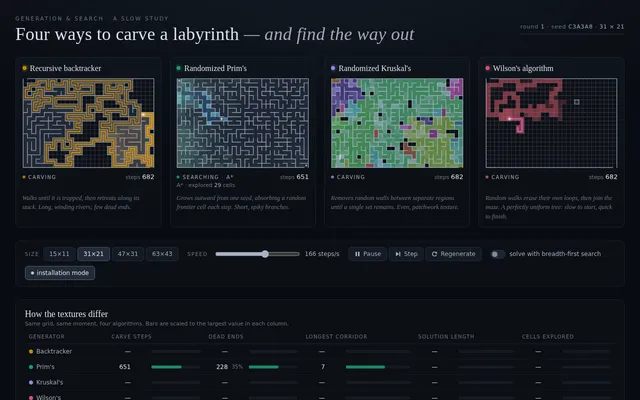
Algoviz mst kruskal prim
Build a minimum spanning tree race on a map of 40 towns: the towns are random points connected by a Delaunay-style or k-nearest-neighbour road network with weights equal to road length. Two panels side by side (stacked on narrow screens) run Kruskal's and Prim's algorithms at the same time on the same graph, one primitive step per tick. Kruskal's panel shows the edge list sorted by weight on the side with a cursor moving down it, each considered edge flashing, accepted edges turning bright, rejected edges (that would make a cycle) crossing out red, and the union-find forest drawn as coloured town groups that merge as edges are added. Prim's panel shows the growing tree from a starting town, the priority queue of frontier edges as a small sorted list, and the cheapest frontier edge being chosen each step. Count edges considered and total weight so far in each panel; when both finish, overlay them to show they found the same total weight, and highlight any edges where ties made them differ. Controls: town-count slider (10 to 120), layout presets (uniform, clustered, ring, grid with jitter), start town for Prim (click or tap a town), speed slider, play, pause, step, reset. So the page is alive without input, on load it races automatically and then starts a new random map after a 3 second pause, forever, until the user touches a control. Make it look like a beautiful glowing night map.

Save it as index.html in the current directory: one self-contained file with inline CSS and JavaScript only, no libraries or frameworks, and no external requests of any kind (no CDNs, web fonts, images or audio files). It must work when opened directly from disk, fit any window from a 390 px wide phone to a desktop, and run without console errors. You may serve it locally and open it in headless chromium (/usr/bin/chromium, software WebGL, no GPU) to screenshot and inspect your own output, and iterate on your own before finishing. Close any browser you open as soon as you've taken your screenshot.
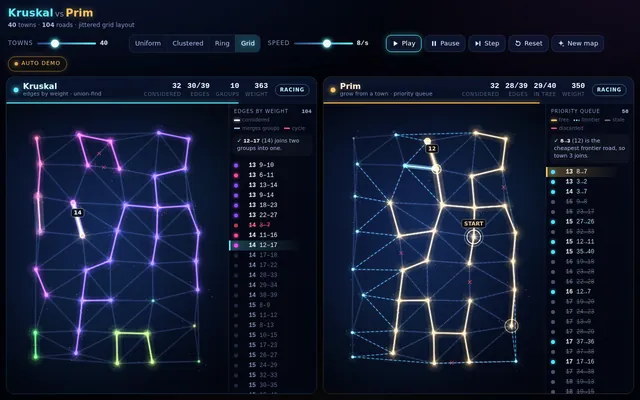
Algoviz pathfinding race
Build a pathfinding race visualizer: four copies of the same grid maze, side by side (stacked on a phone), where A*, Dijkstra, breadth-first search and greedy best-first search solve the same start-to-goal problem at the same time, step by step. Show each algorithm's frontier, visited cells and final path in distinct colours, and live counters for cells visited, path length and steps taken; when all four finish, show a small results table ranking them and say which found the shortest path and which explored the fewest cells. Controls: generate a new random maze (a perfect maze with some extra openings so paths differ), clear the grid, draw or erase walls by dragging on any grid (the edit applies to all four), move the start and goal by dragging them, a speed slider, play, pause and single step. Diagonal moves are off; every move costs 1. So the page is alive without input, on load it generates a maze and starts the race automatically, and when a race finishes it waits 3 seconds and runs a new maze, forever, until the user touches a control. Make it clear and beautiful, the kind of visual a teacher would put on a projector.

Save it as index.html in the current directory: one self-contained file with inline CSS and JavaScript only, no libraries or frameworks, and no external requests of any kind (no CDNs, web fonts, images or audio files). It must work when opened directly from disk, fit any window from a 390 px wide phone to a desktop, and run without console errors. You may serve it locally and open it in headless chromium (/usr/bin/chromium, software WebGL, no GPU) to screenshot and inspect your own output, and iterate on your own before finishing. Close any browser you open as soon as you've taken your screenshot.
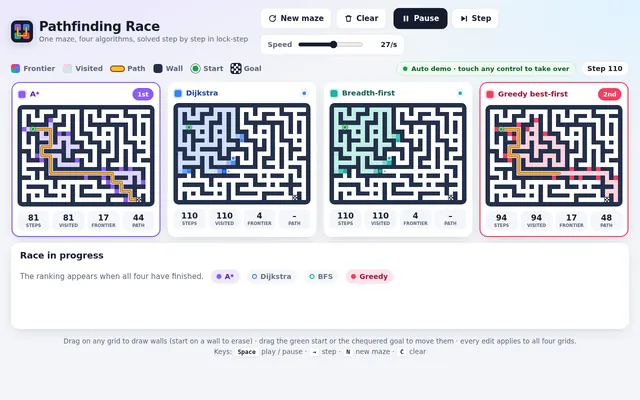
Algoviz sorting race
Build a sorting algorithm race: six panels side by side (a grid on narrow screens), each sorting its own copy of the same 60-element array drawn as vertical bars, with bubble sort, insertion sort, selection sort, merge sort, quicksort and heapsort running at the same time, one comparison or write per tick. Highlight the bars being compared and the bars being written in each step, and show live counters for comparisons and array writes in every panel. When a panel finishes, play a quick sweep across its bars and stamp its finishing place (1st to 6th). Controls: input presets (random, nearly sorted, reversed, few unique values), a speed slider, play, pause, single step and reset; an optional soft tone per comparison through WebAudio that is off by default, with a mute toggle. After every race, show a small table of comparisons and writes per algorithm for that input. So the page is alive without input, on load it shuffles and starts a race on the random preset automatically, and after each finish it waits 3 seconds and races the next preset in turn, forever, until the user touches a control. Make it clear and beautiful, the kind of visual a teacher would put on a projector.

Save it as index.html in the current directory: one self-contained file with inline CSS and JavaScript only, no libraries or frameworks, and no external requests of any kind (no CDNs, web fonts, images or audio files). It must work when opened directly from disk, fit any window from a 390 px wide phone to a desktop, and run without console errors. You may serve it locally and open it in headless chromium (/usr/bin/chromium, software WebGL, no GPU) to screenshot and inspect your own output, and iterate on your own before finishing. Close any browser you open as soon as you've taken your screenshot.
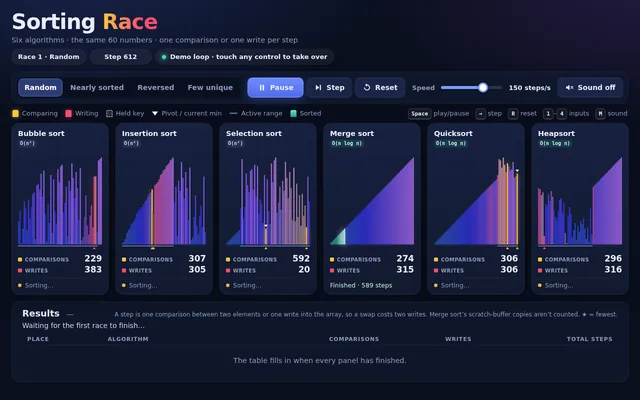
Appclone calendar planner
Build a working calendar app in one page in the spirit of Google Calendar. It needs: day, week, month and agenda views with smooth transitions; a mini month picker; events created by dragging across time slots in day and week views, moved by dragging, resized by their bottom edge, and edited in a popover (title, time, colour, location, notes); correct side-by-side layout of overlapping events; all-day events in a top strip; recurring events (daily, weekly on chosen weekdays, monthly) with edit-this-or-all choices; a current-time line that moves; keyboard navigation (t today, d/w/m/a views, arrows for previous and next); multiple calendars with colour toggles in a sidebar; search across events; and persistence to localStorage with a reset-to-sample button. Seed two realistic weeks of events for a busy product manager around today's date. Compute dates correctly across month boundaries and leap years. So the page is alive without input, on load it runs a scripted demo: switches views, drags out a new meeting, resizes it, drags it to another day, creates a weekly recurring event, toggles a calendar off and on and searches for an event, then resets and repeats, until the user touches anything. Make it calm, clean and genuinely usable.

Save it as index.html in the current directory: one self-contained file with inline CSS and JavaScript only, no libraries or frameworks, and no external requests of any kind (no CDNs, web fonts, images or audio files). It must work when opened directly from disk, fit any window from a 390 px wide phone to a desktop, and run without console errors. You may serve it locally and open it in headless chromium (/usr/bin/chromium, software WebGL, no GPU) to screenshot and inspect your own output, and iterate on your own before finishing. Close any browser you open as soon as you've taken your screenshot.
Appclone city maps navigator
Build a working maps app in one page in the spirit of a navigation app. Generate a fictional city procedurally from a fixed seed: a coastline and river, parks, a road network with highways, main roads and side streets (each with a speed), named streets, and about 60 named places (cafes, museums, stations, parks, hospitals) with category icons drawn in code. Render it as a crisp vector map on canvas with smooth pan and zoom (mouse wheel, drag, pinch), level-of-detail labels that appear as you zoom, and a compass and scale bar. It needs: a search box with fuzzy matching over place names and categories; tapping a place opens a card; directions between any two places computed with A* on the road graph with a choice of fastest versus shortest route, the route drawn as a bold line with estimated time and distance and a step list of turn-by-turn instructions (turn left onto River Road, and so on) derived from the geometry; a simulated drive mode where a car marker follows the route and the map rotates and follows it; and a traffic toggle that slows some roads and recomputes the route. So the page is alive without input, on load it runs a scripted demo: searches for a museum, opens its card, requests directions from the central station, shows the step list, starts drive mode, turns traffic on mid-drive so the route reroutes, then picks a new pair of places and repeats, until the user touches anything. Make it look like a premium, modern map style.

Save it as index.html in the current directory: one self-contained file with inline CSS and JavaScript only, no libraries or frameworks, and no external requests of any kind (no CDNs, web fonts, images or audio files). It must work when opened directly from disk, fit any window from a 390 px wide phone to a desktop, and run without console errors. You may serve it locally and open it in headless chromium (/usr/bin/chromium, software WebGL, no GPU) to screenshot and inspect your own output, and iterate on your own before finishing. Close any browser you open as soon as you've taken your screenshot.
Appclone code editor
Build a working code editor in one page in the spirit of a lightweight VS Code. It needs: a file explorer sidebar with a small seeded project (index.html, style.css, app.js, utils.js, README.md) where files can be created, renamed and deleted; tabs for open files with unsaved-change dots; an editor component you write yourself (no libraries) with line numbers, syntax highlighting for JavaScript, CSS, HTML and Markdown, auto-indent, bracket matching and auto-closing, multi-line indent and outdent of selected lines from the keyboard, current-line highlight, and a minimap; find and replace with match count and regex toggle; a command palette (Ctrl+Shift+P) with fuzzy search over commands and files; a run button that executes app.js in a sandboxed iframe with the project's HTML and CSS and shows its output plus console logs and errors in a bottom panel; light and dark themes; and persistence of the whole project to localStorage. So the page is alive without input, on load it runs a scripted demo: the cursor opens app.js, types a small function character by character with realistic pauses, autocloses brackets, uses find and replace to rename a variable, opens the command palette, runs the project so a little animation appears in the preview and a log line in the console, then reverts and repeats with a different snippet, until the user touches anything. Make it feel fast and professional.

Save it as index.html in the current directory: one self-contained file with inline CSS and JavaScript only, no libraries or frameworks, and no external requests of any kind (no CDNs, web fonts, images or audio files). It must work when opened directly from disk, fit any window from a 390 px wide phone to a desktop, and run without console errors. You may serve it locally and open it in headless chromium (/usr/bin/chromium, software WebGL, no GPU) to screenshot and inspect your own output, and iterate on your own before finishing. Close any browser you open as soon as you've taken your screenshot.
Appclone paint studio
Build a working digital painting app in one page, a compact cross between MS Paint and Procreate. It needs: a large canvas with pressure-friendly smooth strokes using pointer events (mouse, touch and pen) with stroke smoothing; brushes (round, soft airbrush, marker, calligraphy nib whose width depends on direction, pixel pencil, eraser, smudge); a colour wheel with hue ring and saturation-value square, hex input and a palette of recent colours; flood fill with tolerance; shapes (line, rectangle, ellipse) with shift to constrain; layers panel with add, delete, reorder by drag, opacity, visibility, blend modes (normal, multiply, screen, overlay) and live thumbnails; unlimited undo and redo; pinch and wheel zoom plus pan with the space bar; and export of the flattened image as a PNG download. So the page is alive without input, on load it plays a scripted painting demo with a visible cursor: it paints a small landscape at dusk on several layers (sky gradient, mountains, a moon, trees with the calligraphy brush, smudged fog), changes blend modes, zooms in and out, undoes a stroke and redoes it, then clears and paints a different scene, looping until the user touches the canvas or any control. Make the interface sleek and dark, with the painting as the hero.

Save it as index.html in the current directory: one self-contained file with inline CSS and JavaScript only, no libraries or frameworks, and no external requests of any kind (no CDNs, web fonts, images or audio files). It must work when opened directly from disk, fit any window from a 390 px wide phone to a desktop, and run without console errors. You may serve it locally and open it in headless chromium (/usr/bin/chromium, software WebGL, no GPU) to screenshot and inspect your own output, and iterate on your own before finishing. Close any browser you open as soon as you've taken your screenshot.
Appclone photo editor
Build a working photo editor in one page in the spirit of Lightroom. Since no image files can be loaded from the network, first render a detailed photo-like scene procedurally onto a canvas (a mountain lake at golden hour with sky gradient, clouds, layered mountains, reflections, trees and noise grain), and also let the user open their own image file from disk. It needs non-destructive editing with a full adjustment panel: exposure, contrast, highlights, shadows, whites, blacks, temperature, tint, vibrance, saturation, clarity, a tone curve editor with draggable points per channel, HSL sliders per colour band, vignette and grain; crop and straighten with rule-of-thirds overlay and aspect presets; a live RGB histogram; a before and after split view with a draggable divider; preset looks (cinematic teal-orange, faded film, black and white high contrast, moody) that can be applied and then tweaked; full undo and redo history listing each step; and export to PNG. Processing must stay responsive: work on a preview-size buffer while dragging and render full resolution on release. So the page is alive without input, on load it runs a scripted demo: slides exposure and temperature, bends the tone curve, applies two presets, drags the before and after divider back and forth, crops, then resets and repeats with different settings, until the user touches anything. Make it look like a pro tool: dark UI, precise controls.

Save it as index.html in the current directory: one self-contained file with inline CSS and JavaScript only, no libraries or frameworks, and no external requests of any kind (no CDNs, web fonts, images or audio files). It must work when opened directly from disk, fit any window from a 390 px wide phone to a desktop, and run without console errors. You may serve it locally and open it in headless chromium (/usr/bin/chromium, software WebGL, no GPU) to screenshot and inspect your own output, and iterate on your own before finishing. Close any browser you open as soon as you've taken your screenshot.
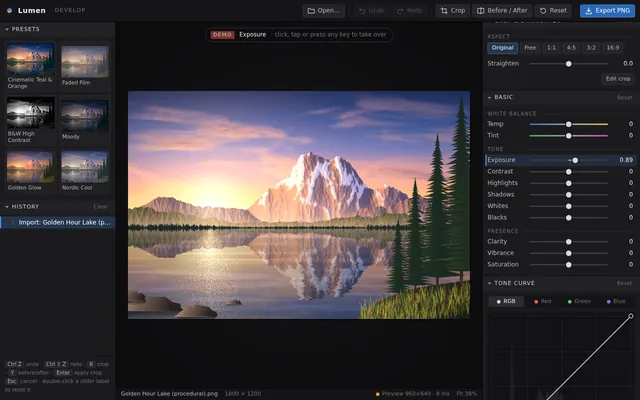
Appclone retro desktop
Build a working 1990s-style desktop operating system inside one web page. It needs a desktop with a wallpaper and icons, a taskbar with a start button, a start menu and a live clock, and real windows: each window can be dragged by its title bar, resized from its corner, minimised to the taskbar, maximised, restored and closed, and clicking a window brings it to the front. Include three working apps that open in those windows: a Notepad that edits text and saves to and reopens from localStorage under a file name; a Paint app with a pencil, brush sizes, a 16-colour palette, a flood fill and an eraser on a canvas; and a Calculator with the four operations, decimals, clear and a keyboard input path. Double-clicking a desktop icon or choosing an app from the start menu opens it. Several windows of the same app can be open at once. Everything is drawn with HTML and CSS (no images): bevelled grey buttons, a classic title-bar gradient and pixel-crisp borders. So the first view is not an empty desktop, on load the system shows a short boot screen (about 2 seconds) and then opens Notepad with a welcome note and the Calculator, cascaded. On a phone, windows open maximised and the taskbar stays usable.

Save it as index.html in the current directory: one self-contained file with inline CSS and JavaScript only, no libraries or frameworks, and no external requests of any kind (no CDNs, web fonts, images or audio files). It must work when opened directly from disk, fit any window from a 390 px wide phone to a desktop, and run without console errors. You may serve it locally and open it in headless chromium (/usr/bin/chromium, software WebGL, no GPU) to screenshot and inspect your own output, and iterate on your own before finishing. Close any browser you open as soon as you've taken your screenshot.
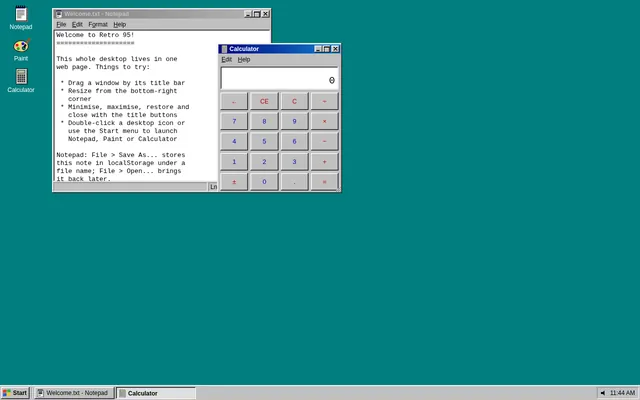
Appclone spreadsheet
Build a working mini spreadsheet app in one web page. It needs a grid with column letters A to Z and row numbers 1 to 50, a formula bar that shows the raw content of the selected cell, and editing by typing or double-clicking. Cells hold numbers, text or formulas starting with =. Formulas support + - * / and parentheses, cell references (A1), ranges (A1:B5) and the functions SUM, AVERAGE, MIN, MAX and COUNT; every dependent cell recalculates instantly when a referenced cell changes. Show #REF! for a bad reference, #DIV/0! for division by zero and #CIRC! for a circular reference instead of hanging. Support selecting a rectangular range by dragging or shift-clicking, with a status bar showing that range's sum, average and count; copy and paste within the grid (references in pasted formulas shift relative to the move); bold and number-format buttons (plain, 2 decimals, currency, percent); and a save to and load from localStorage. So the first view is meaningful, on load the sheet opens with a household budget already filled in: twelve expense rows with monthly amounts, a total row and an average row built with formulas, and a percent-of-total column built with formulas, all computed live. Make it look like a clean modern spreadsheet that is usable on desktop and phone.

Save it as index.html in the current directory: one self-contained file with inline CSS and JavaScript only, no libraries or frameworks, and no external requests of any kind (no CDNs, web fonts, images or audio files). It must work when opened directly from disk, fit any window from a 390 px wide phone to a desktop, and run without console errors. You may serve it locally and open it in headless chromium (/usr/bin/chromium, software WebGL, no GPU) to screenshot and inspect your own output, and iterate on your own before finishing. Close any browser you open as soon as you've taken your screenshot.
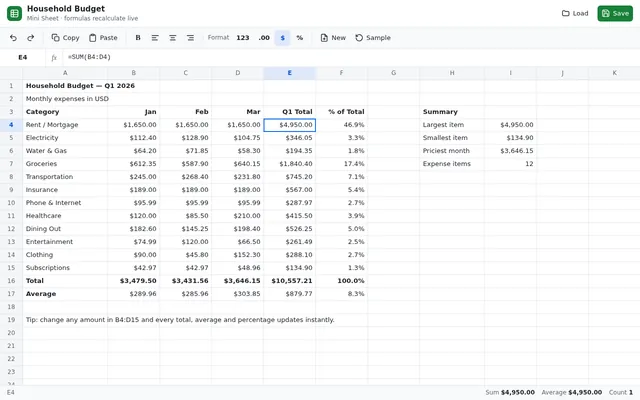
Appclone team chat
Build a working team chat app in one page in the spirit of Slack. It needs: a workspace sidebar with channels and direct messages, unread counts and bold unread channels; a message view with grouped messages by author and time, day dividers, avatars drawn as coloured initials, markdown-lite formatting (bold, italic, inline code, code blocks, links rendered as text), emoji reactions with counts that toggle on click or tap, threaded replies in a side panel, message editing and deletion, @mentions with an autocomplete popup, and a composer with Enter to send and Shift+Enter for a new line; a search box that finds messages across channels and jumps to them; typing indicators; and persistence to localStorage. Simulate four teammates as small scripted bots who reply in character after a delay when mentioned, react to messages, and occasionally start threads, so the workspace feels alive. Seed the workspace with realistic history for a small startup team (general, design, engineering, random channels). So the page is alive without input, on load it runs a scripted demo: switches channels, types and sends a message with a mention, a bot shows a typing indicator and replies, reactions appear, a thread opens and gets a reply, a search finds an older message, and the loop continues with new conversation every 30 seconds, until the user touches anything. Make it polished, friendly and fast.

Save it as index.html in the current directory: one self-contained file with inline CSS and JavaScript only, no libraries or frameworks, and no external requests of any kind (no CDNs, web fonts, images or audio files). It must work when opened directly from disk, fit any window from a 390 px wide phone to a desktop, and run without console errors. You may serve it locally and open it in headless chromium (/usr/bin/chromium, software WebGL, no GPU) to screenshot and inspect your own output, and iterate on your own before finishing. Close any browser you open as soon as you've taken your screenshot.